· deepdives · 7 min read
When Background Sync Goes Wrong: Common Pitfalls and Controversies
A practical guide to the challenges and controversies of the Periodic Background Sync API - common developer mistakes, why they matter, and actionable fixes to keep your PWA performant and respectful of users' devices.

What you’ll get from this article
You’ll learn why Periodic Background Sync can silently fail, how those failures impact users and devices, and exactly what to change in your code and architecture to minimize surprises while maximizing performance. Read on to avoid wasted cycles, broken UX, and privacy headaches.
Quick refresher: what Periodic Background Sync actually does
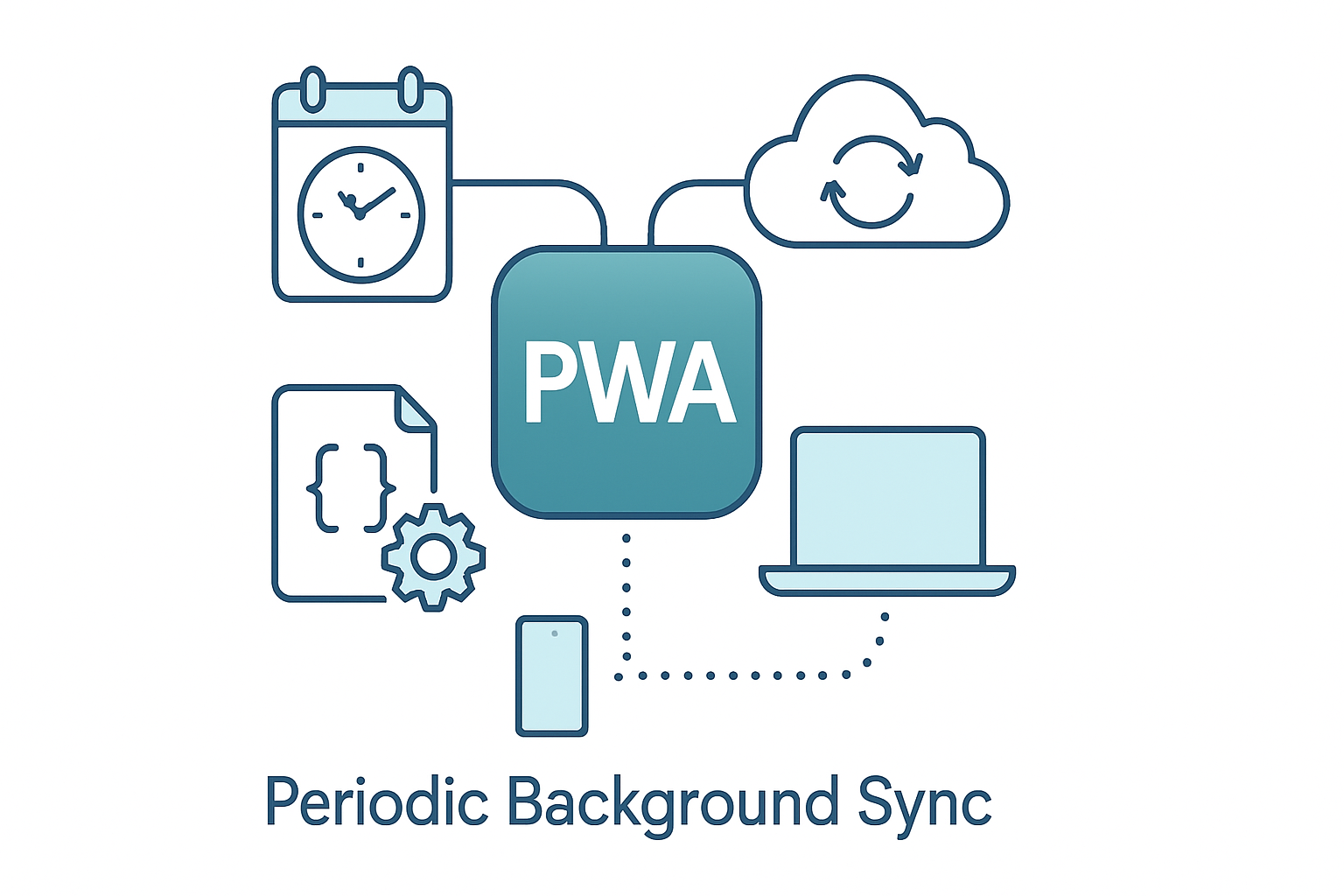
Periodic Background Sync (PBS) lets a service worker run a task on a regular cadence, even when the site isn’t open. Developers can register a named periodic sync with a minInterval and implement a handler in the service worker to fetch or process updates.
But PBS is not a precise scheduler. It is a best-effort facility subject to device power policies, browser quotas, and user permissions. Treat it like a polite request to run work, not a cron job you control.
References: web.dev guide to Periodic Background Sync, MDN: Periodic Background Sync.
Where things go wrong - and how to fix them
Below are the most common pitfalls developers encounter, why they happen, and practical fixes you can implement today.
1) Expecting precise timing
Problem: Code assumes PBS will run exactly every N milliseconds. Reality: Browsers and OSes coalesce tasks, throttle background jobs during battery saver / Doze, and respect device heuristics. Your job may run late or less frequently.
Fixes:
- Design for eventual consistency, not immediacy. Show users cached content with a clear “last updated” timestamp.
- Use sensible
minIntervalvalues. Don’t request minute-level intervals unless you truly need them. - If you need near-real-time updates, use Web Push or a foreground-only mechanism instead.
2) Ignoring the permission and engagement model
Problem: PBS requires a permission and typically only becomes available to sites with sufficient engagement or installation. Blindly registering will fail silently.
Fixes:
- Feature-detect the API before calling it:
if ('periodicSync' in registration) {
  // safe to proceed
}- Check permission explicitly:
const p = await navigator.permissions.query({
  name: 'periodic-background-sync',
});
if (p.state === 'granted') {
  await registration.periodicSync.register('sync-tag', {
    minInterval: 24 * 60 * 60 * 1000,
  });
}- Request permission only after a clear user intent (e.g., user toggles “Enable background updates”). Browsers may also gate the permission by engagement; educate users.
References: Permissions API.
3) Not using event.waitUntil, causing abrupt termination
Problem: Service worker gets stopped before async work completes, leading to unfinished network requests or broken state.
Fixes:
- Always wrap async work in
event.waitUntil(...)inside the periodic sync handler:
self.addEventListener('periodicsync', event => {
  if (event.tag === 'sync-tag') {
    event.waitUntil(doSyncWork());
  }
});- Ensure
doSyncWork()returns a Promise that resolves only when all necessary work (fetching, storing, cleanup) is finished.
4) Over-fetching and battery drain
Problem: High-frequency or heavy downloads in PBS drain battery and data; the browser will throttle you or users will uninstall.
Fixes:
- Batch requests and limit payload sizes. Use range queries or delta endpoints (return only changed items).
- Use ETags / conditional requests to avoid downloading unchanged data.
- Respect the user’s connection state (e.g., avoid large downloads on cellular if the user cares).
5) Failing to handle offline and flaky networks
Problem: Sync handler assumes network success; failed fetches are retried poorly or not at all.
Fixes:
- Detect offline state and gracefully exit or schedule retries with exponential backoff.
- Persist minimal queue state (e.g., local IndexedDB entries) and compact them after successful sync.
- Use idempotent server endpoints so retries are safe.
6) Confusing Periodic Background Sync with one-off Background Sync or other APIs
Problem: Using PBS when a one-off retry (Background Sync) or Web Push is the right tool.
How to choose:
- One-off Background Sync: Use when you need to retry a failed request (e.g., send a queued form) as soon as network is available.
- Periodic Background Sync: Use for regular maintenance tasks (e.g., fetching daily summaries) when immediacy isn’t required.
- Web Push / Background Fetch: Use for immediate notifications or large downloads.
References: web.dev background sync primer.
7) Not cleaning up registrations
Problem: Abandoned or duplicate periodic registrations pile up across versions, creating confusion or extra work.
Fixes:
- Keep your sync tag names consistent. Update or unregister old tags on service worker activation.
- Provide a user-facing toggle to disable background sync and call
registration.periodicSync.unregister(tag)when people opt out.
await registration.periodicSync.unregister('sync-tag');8) Relying on PBS for sensitive or private surveillance tasks
Problem: Background tasks can be abused to track users or consume resources. Browsers intentionally limit capabilities, but developers sometimes try to circumvent those limits.
Fixes:
- Respect privacy - only poll what you need and explain why you’re doing it.
- Use server-side push to reduce client polling.
The controversies you should be aware of
Periodic Background Sync sits at the junction of capability and control. That creates friction between developers, browser vendors, and users.
Privacy and transparency: PBS enables background work that users may not see. Critics argue this can be used for covert tracking or fingerprinting. Browsers mitigate this with permission gates and engagement heuristics, but transparency is still limited.
Power and device health: Background tasks can reduce battery lifetime. OS-level policies (Doze on Android, battery-saver modes) aggressively limit background activity - sometimes without a developer’s visibility.
Permissions UX and fairness: Browsers often require a high-engagement threshold or an installed PWA to grant PBS. That improves safety but creates a pay-to-play feel for smaller sites.
Fragmentation and support: PBS is not equally available across all browsers and devices. That leads to fragile code paths and different behaviors that are hard to test.
References & discussion: WICG Periodic Background Sync repo, web.dev exploration.
Best practices to maximize performance and minimize risk
Follow these practical rules to get the most value from PBS without annoying users or OSes.
- Feature-detect and degrade gracefully. Don’t break core functionality if PBS is unavailable.
- Request permission only after clear intent. Tie permission prompts to explicit user choices.
- Use conservative minInterval values and server-side efficiencies (patches/deltas, conditional GETs).
- Always wrap async work in
event.waitUntil. - Keep sync handlers quick. Offload heavy CPU work to server-side or perform it incrementally.
- Implement exponential backoff and max retry caps for network errors.
- Provide an in-app setting to opt out and respect that choice immediately.
- Monitor and log failures on the server (e.g., via a small beacon POST) so you can spot widespread throttling or OS interference.
Example backoff pseudocode inside the worker:
async function doSyncWork() {
  let attempts = 0;
  const maxAttempts = 5;
  while (attempts < maxAttempts) {
    try {
      const res = await fetch('/sync-endpoint');
      if (!res.ok) throw new Error('Server error');
      await res.json(); // process and store
      return;
    } catch (err) {
      attempts++;
      const delay = Math.pow(2, attempts) * 1000; // exponential backoff
      await new Promise(r => setTimeout(r, delay));
    }
  }
}
Alternatives - when not to use Periodic Background Sync
Consider these options depending on your needs:
- Web Push: For near-instant notifications and to drive a foreground fetch.
- Background Fetch / Background Upload: For large transfers that need OS-level guarantees.
- One-off Background Sync: For retrying specific queued tasks.
- Native apps: If background reliability is a strict requirement and you have the option to ship native code.
Debugging and testing checklist
- Feature detect the API and log fallback behavior.
- Test under battery saver / low-power modes and with real devices - emulators often miss OS-level restrictions.
- Use browser devtools and service worker logs to verify registration, permission state, and handler invocation.
- Monitor production metrics: success rate, average duration, number of retries, and user opt-outs.
- Provide a metrics endpoint to capture real-world failures (only minimal, privacy-preserving telemetry!).
Minimal, robust example: register, check permission, handle in worker
Main thread:
navigator.serviceWorker.ready.then(async registration => {
  if (!('periodicSync' in registration)) return; // not supported

  // Ask permission only after user opt-in
  const p = await navigator.permissions.query({
    name: 'periodic-background-sync',
  });
  if (p.state !== 'granted') return; // bail or ask user

  try {
    await registration.periodicSync.register('daily-update', {
      minInterval: 24 * 60 * 60 * 1000,
    });
    console.log('Periodic sync registered');
  } catch (err) {
    console.warn('Periodic sync registration failed', err);
  }
});
Service worker:
self.addEventListener('periodicsync', event => {
  if (event.tag !== 'daily-update') return;
  event.waitUntil(
    (async () => {
      try {
        const res = await fetch('/api/delta');
        if (!res.ok) return; // handle gracefully
        const data = await res.json();
        // persist data to IndexedDB and notify clients if needed
      } catch (err) {
        // Handle network errors; rely on PBS to try again later
      }
    })()
  );
});
Final thoughts
Periodic Background Sync is powerful when used for reasonable, user-aligned background maintenance: small deltas, user-approved updates, and efficient server APIs. But it is not magic - expect OS and browser-level interference, user privacy concerns, and differences across platforms. Think in terms of graceful degradation and least surprise: if your feature breaks when PBS is unavailable, it’s the wrong tool for the job.
For deeper technical reading and spec-level details, see the links cited above.