· deepdives · 7 min read
The Controversial Side of Background Sync: Privacy vs. User Experience
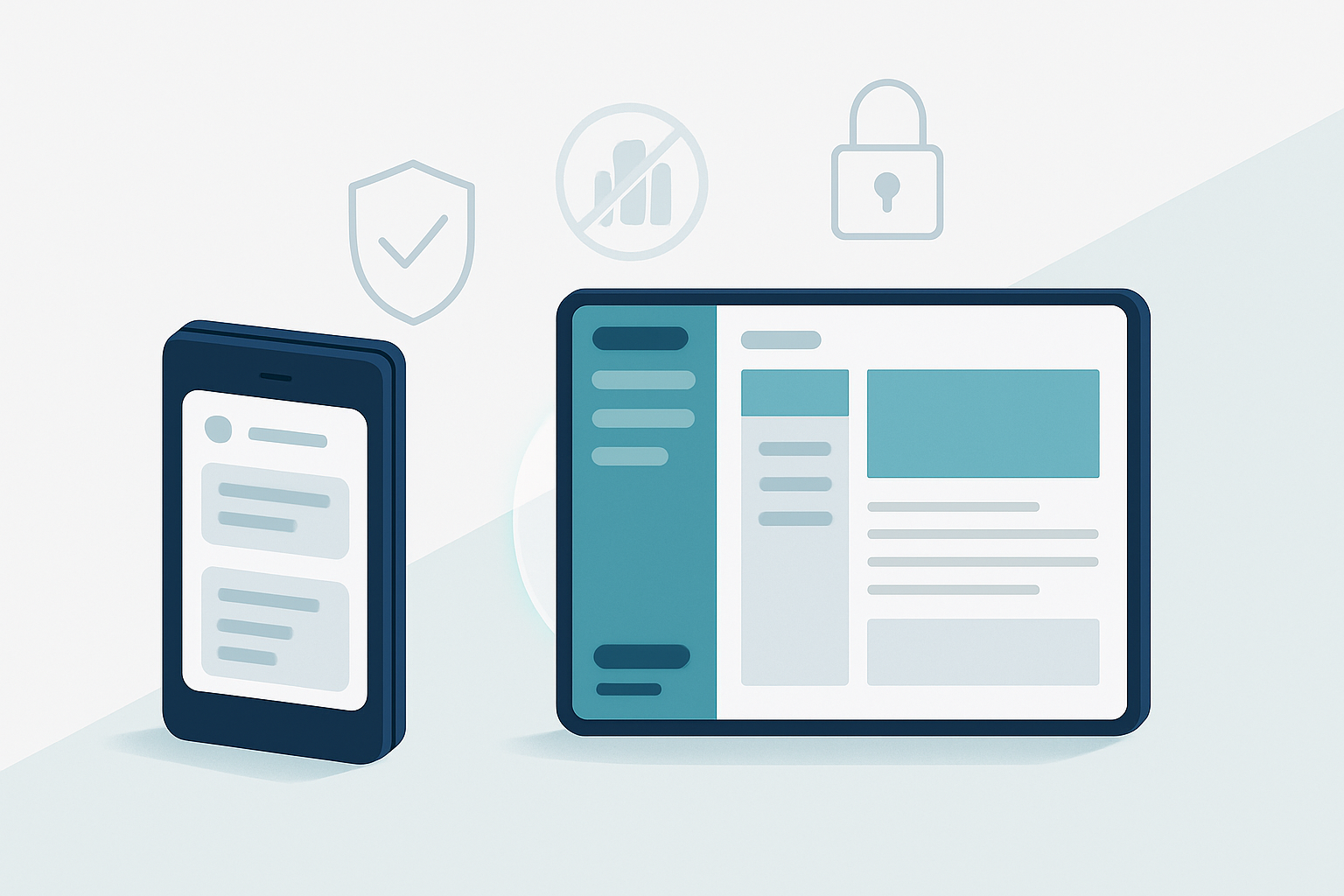
Explore the ethical trade-offs of Background Sync: how to keep apps fast and reliable without eroding user privacy. Practical consent models, technical mitigations, and a clear checklist for developers included.

What you’ll get from this article
By the end of this piece you’ll know how to design background sync so it improves reliability without quietly eroding user autonomy. You’ll get practical consent models, technical mitigations, and a checklist you can apply to mobile apps and web service workers right away. Read on and keep users in control - not just online, but while your app works behind the scenes.
Quick primer: what is Background Sync?
Background Sync (and its periodic cousin) lets a web app or mobile client schedule network activity to occur later - even when the app is not in the foreground. It improves reliability: messages go out, analytics are delivered, and offline actions are reconciled when connectivity or battery conditions improve. On the web this is typically implemented with Service Workers and the Background Sync APIs; on native platforms similar functionality exists in background tasks and platform-specific sync frameworks.
See the MDN docs for the web APIs: Background Sync API and Service Worker API.
Why it’s controversial - the core tension
Background sync improves user experience by hiding complexity: actions ‘just happen’ and data flows seamlessly. It also raises privacy and autonomy concerns because it lets apps act when users are not actively watching. The tension is simple:
- Favor UX: sync automatically, reduce friction, increase perceived reliability.
- Favor privacy: limit what happens without explicit, context-aware user consent.
The two goals often collide. Syncing silently can lead to surveillance-style data collection, surprise network usage, increased battery drain, and regulatory risk. Your job as a designer or engineer is to resolve that conflict responsibly.
Key privacy and ethical risks
- Data collection without meaningful consent. Background operations can capture location, activity logs, metadata, and usage patterns outside the user’s awareness.
- Profiling and aggregation. Incremental sync events accumulate into rich behavioral profiles even if each event seems harmless.
- Overreach via third parties. Background uploads may leak data to analytics or ad networks.
- Covert resource consumption. Hidden network or CPU use can affect battery and data caps.
- False expectations. Users may think “offline” means no data is sent; implicit sync violates that expectation.
These risks have legal and ethical ramifications under frameworks like GDPR and, in the U.S., laws such as the CCPA.
Legal and ethical guardrails to consider
- Law > design. Follow applicable privacy laws (e.g., GDPR’s lawful basis and data minimization principles). When in doubt, default to protecting user rights.
- Purpose limitation. Only sync data required for the declared purpose. Do not broaden use over time without new consent.
- Data minimization. Send the least-detailed data that still achieves the outcome. Aggregate and anonymize where possible.
- Transparency and accountability. Tell users what you sync, why, and when. Keep logs and be able to justify collection decisions.
- Security by default. Encrypt data in transit and at rest, limit retention, and restrict third-party recipients.
For privacy-by-design principles, see the 7 Principles of Privacy by Design.
Practical consent and settings models
Consent is not binary. Build flexible, respectful models:
- Explicit opt-in for sensitive background syncs. For instance: location, contacts, or continuous telemetry should be off by default.
- Granular preferences. Let users choose categories (e.g., critical syncs, personalization syncs, telemetry).
- Just-in-time prompts. Ask when the user performs a relevant action, not at first-run. Context matters.
- Time-limited consent. Let users grant temporary permission (e.g., “sync for the next 24 hours”).
- Easy revocation. Make opt-out immediate and obvious within settings.
Combine UI affordances with platform permissions (see the Permissions API).
Technical mitigations and architecture patterns
Think in terms of minimizing what leaves the device and maximizing visibility for users.
- Local-first and offline-first patterns. Keep the canonical state locally and only upload deltas necessary for reconciliation.
- Batching and aggregation. Combine events into periodic uploads that include fewer identifiers and less temporal resolution.
- Differential privacy and noise addition. For telemetry, consider algorithms that protect individuals while preserving aggregate value.
- E2E encryption for user data. If sync requires sensitive content, encrypt with keys only the user controls.
- Rate-limiting and bounded retries. Avoid unbounded background retries that can leak intent or spike usage.
- Staged sync: separate critical vs noncritical flows. Critical flows (e.g., message send) get higher priority and clearer UI; noncritical flows (analytics) remain low-priority and opt-in.
- Audit logs and sync dashboards. Provide users an activity log showing what was synced and when.
UX patterns that respect autonomy
- Visible indicators. Show a small persistent icon or a recent activity timeline so users can tell the app is active in background.
- Clear language. Use plain, non-technical phrasing: “We’ll sync your drafts when you’re back online” rather than “Background sync enabled.”
- Predictive explanations. When asking permission, explain the immediate user benefit and the resource cost.
- Opt-down paths. If users decline, offer lighter alternatives (e.g., manual sync when opening the app).
These patterns reduce surprise and increase trust.
Concrete example: designing a safe email draft sync
Problem: You want to auto-save and sync drafts across devices, but privacy-sensitive attachments or embedded link tracking might be present.
Recommended approach:
- Default: local-only autosave. Drafts remain on device until the user explicitly enables cross-device sync.
- Opt-in flow: when the user enables cross-device sync, present a clear consent screen that lists exactly what is synced (message body, attachments, metadata) and a toggle for attachments.
- Minimize: strip tracking parameters and any analytics hooks before upload.
- Encryption: use end-to-end encryption for draft content if user opts for maximum privacy.
- Visibility: show a “Last synced” timestamp and let the user trigger a manual sync.
This pattern balances convenience and control.
Implementation snippet (Service Worker + Background Sync)
Below is a compact example showing intent. It’s illustrative - adapt for security, error handling and legal requirements.
// Register sync (main thread)
if ('serviceWorker' in navigator && 'SyncManager' in window) {
  navigator.serviceWorker.ready
    .then(swReg => {
      // Ask user and then register named tag
      return swReg.sync.register('sync-queue');
    })
    .catch(err => console.error('Sync registration failed', err));
}

// Inside service worker
self.addEventListener('sync', event => {
  if (event.tag === 'sync-queue') {
    event.waitUntil(processQueue());
  }
});

async function processQueue() {
  const items = await readFromIndexedDB('syncQueue');
  // Batch, minimize, then send
  const payload = prepareMinimalPayload(items);
  await fetch('/api/sync', {
    method: 'POST',
    headers: { 'Content-Type': 'application/json' },
    body: JSON.stringify(payload),
  });
  // Remove items on success
}
Key security notes: minimize payload, avoid sending PII unless user consents, always use HTTPS, validate server-side.
A developer’s checklist
Before shipping background sync, run through these items:
- Is background sync strictly necessary for the core value? If not, default to manual or foreground sync.
- Have you applied data minimization and purpose limitation?
- Is there a clear opt-in and an easy opt-out path?
- Are users informed in meaningful, contextual language about what will be synced?
- Are sync events authenticated and encrypted in transit and at rest?
- Are third-party recipients listed and restricted? Do contracts limit reuse?
- Is there a bounded retry/backoff strategy to avoid silent, repeated network use?
- Do you provide a visible activity log or indicator to the user?
- Have legal and privacy teams reviewed the flow for compliance?
When to prefer UX over privacy (and why)
There are genuine cases where background sync is the better ethical choice: safety messages, emergency alerts, or critical state reconciliation (e.g., financial transactions). The deciding factors are intent, scope, and transparency. If the operation prevents physical harm, preserves critical data, or is explicitly requested by the user, leaning toward UX is defensible - but still implement minimum necessary exposure and clear controls.
Final takeaways
Background sync is powerful. It makes apps feel reliable and resilient. It also lets systems act when users aren’t watching. That dual nature is where ethics live. Favor user autonomy. Design for transparency and revocability. Minimize data, restrict third-party access, and provide clear, contextual consent. Do those things and you keep the UX benefits while protecting the people who trust your product.
Further reading
- Background Sync API - MDN: https://developer.mozilla.org/en-US/docs/Web/API/Background_Sync_API
- Service Worker API - MDN: https://developer.mozilla.org/en-US/docs/Web/API/Service_Worker_API
- Permissions API - MDN: https://developer.mozilla.org/en-US/docs/Web/API/Permissions_API
- GDPR overview: https://gdpr.eu/
- CCPA (California): https://oag.ca.gov/privacy/ccpa
- Privacy by Design: https://en.wikipedia.org/wiki/Privacy_by_design