· deepdives · 7 min read
The Future of Offline Web Experiences: Harnessing Periodic Background Sync
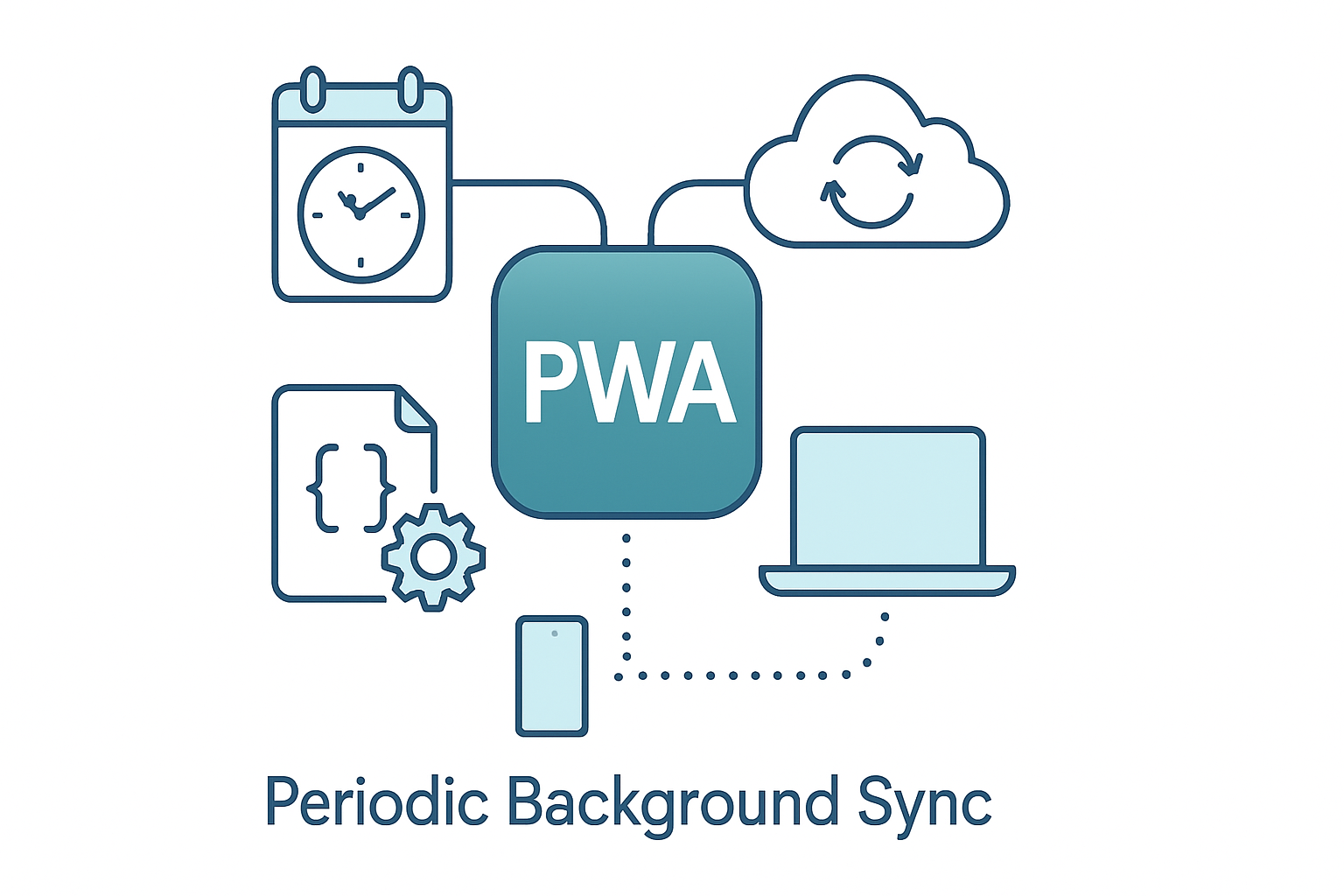
Periodic Background Sync (Periodic Sync) lets web apps schedule recurring background work in service workers - a powerful tool for keeping Progressive Web Apps fresh and reliable offline. This article explains what Periodic Sync does, how it affects engagement, performance, and data reliability, and gives practical guidance, code samples, and adoption strategies for real-world apps.

Outcome-first: by the end of this article you’ll know when and how to use the Periodic Background Sync API to keep your PWA fresh offline, what trade-offs to expect, and how to design for reliability, battery and privacy.
Why Periodic Background Sync matters - fast
You want your app to feel alive even when the user is offline. You want content to be fresh the moment they open it. You want background updates that don’t kill the battery or surprise the user. Periodic Background Sync (often shortened to Periodic Sync) is a web API that helps deliver that experience by letting service workers run scheduled, recurring tasks in the background.
In short: Periodic Sync enables recurring background fetches and maintenance in a controlled, throttled way - designed for mobile devices and offline-first apps.
What Periodic Background Sync is (and isn’t)
- What it is: an API exposed on the service worker’s registration allowing you to register named, recurring background tasks that the browser will trigger when it decides conditions (connectivity, battery, device idle, quotas) are appropriate.
- What it isn’t: a precise cron replacement. The browser controls timing and frequency to protect battery and network. You cannot force exact minute-level scheduling.
Key points:
- Registered tasks are identified by tags.
- The browser enforces quotas, throttling, and conditions.
- A user permission is required in many implementations (to protect privacy and battery).
For official background reading see the explainer and implementation guides on web.dev and MDN:
- https://web.dev/periodic-background-sync/
- https://developer.mozilla.org/en-US/docs/Web/API/PeriodicSyncManager
How Periodic Sync differs from one-off Background Sync and Push
- One-off Background Sync (sync event) runs a single retry when the browser detects connectivity - great for sending queued actions (e.g., ‘send this comment’).
- Push messages are server-initiated and require push subscriptions and optionally a push service; they’re ideal for urgent or near-real-time updates.
- Periodic Sync is client-scheduled recurring work - best for keep-alive updates, cache refreshes, analytics upload batching, and prefetching content a few times per day.
Each has its place. Periodic Sync is the tool for scheduled refreshes when the timing can be flexible and costs should be minimized.
Real-world use cases
- News apps: refresh front-page stories and thumbnails daily or hourly so users see content immediately even with flaky connectivity.
- Offline-first e-commerce: prefetch product details and prices for items in the user’s wishlist or cart so product pages open instantly.
- Messaging & collaboration: periodically sync message indexes and presence state for faster UI while offline (but combine with push for real-time delivery).
- Field data collection: sync schema and lookup tables on a schedule and batch-upload completed forms when convenient.
- Analytics & telemetry: upload batched events under favorable network/battery conditions.
Each use-case benefits from freshness, improved perceived performance, and lower friction when connectivity is poor.
Example: register a periodic sync (practical code)
Browser compatibility and permissions are important - feature-detect first and request permission where required.
// In main page
if ('serviceWorker' in navigator) {
  const reg = await navigator.serviceWorker.ready;
  if ('periodicSync' in reg) {
    // Optional: check permission
    const permission = await navigator.permissions.query({
      name: 'periodic-background-sync',
    });
    if (permission.state === 'granted') {
      try {
        // minInterval is in milliseconds - request roughly how often you'd like the task to run
        await reg.periodicSync.register('content-refresh', {
          minInterval: 24 * 60 * 60 * 1000,
        }); // once per day
        console.log('Periodic sync registered');
      } catch (err) {
        console.warn('Periodic sync registration failed:', err);
      }
    }
  }
}

// In service worker
self.addEventListener('periodicsync', event => {
  if (event.tag === 'content-refresh') {
    event.waitUntil(refreshContent());
  }
});

async function refreshContent() {
  // Fetch and update caches/databases, but be prepared to bail early
  try {
    const resp = await fetch('/api/latest');
    const json = await resp.json();
    // Update IndexedDB / Cache API as appropriate
  } catch (err) {
    // Accept failures silently - browser will retry later
  }
}
Notes:
- Always wrap work in event.waitUntil so the browser knows the lifetime of your background task.
- Keep tasks bounded in time and network usage.
Potential impact on user engagement
Positive effects:
- Perceived speed: content is ready when the user opens the app. Instant UX retains attention.
- Higher retention: users return to apps that ‘just work’ offline.
- Better onboarding: first-run experiences that prefetch onboarding assets increase completion.
Risks if misused:
- If periodic sync is overused or fetches heavy payloads, it can drain battery and eat data - damaging trust.
- Unexpected background activity without clear permission hurts perceived privacy.
Design principle: use periodic sync to improve start-up latency and reliability, not to replace user-initiated or server-push flows.
Effect on app performance and device resources
Browsers place heavy emphasis on protecting device resources. Expect:
- Quotas and throttling. Browsers limit how often a given origin can run periodic tasks.
- Opportunistic scheduling. Tasks will run only when the device is in a suitable state (charging, good network, not low on memory) depending on the browser.
- Short execution windows. Long-running tasks may be terminated.
Best practices to minimize negative performance impacts:
- Keep payloads small. Fetch only what you need.
- Use delta updates - ask the server for “since=lastSync” data.
- Coalesce background work (batch analytics, upload in one request).
- Respect the user’s data plan - detect metered connections and reduce sync frequency.
Data reliability and consistency
Periodic Sync improves reliability by proactively keeping local caches and reference data fresh, but it is not a silver bullet for consistency.
Design considerations:
- Treat periodic sync as a freshness layer: it reduces cold-start stale data but does not replace transactional sync.
- Provide robust conflict resolution for user edits (merge, last-writer-wins, operational transforms, etc.).
- Ensure offline writes are queued and retried with exponential backoff; use one-off Background Sync for guaranteed upload where necessary.
A common pattern: use Periodic Sync to refresh canonical data and one-off sync to ensure queued user changes are uploaded when connectivity returns.
Permission, privacy and transparency
Many implementations require explicit permission (or user gesture) for periodic background activity. Be transparent:
- Explain why you need periodic sync and what you’ll fetch.
- Offer fine-grained controls in your app settings (sync frequency, asset categories, only on wifi/charging).
- Respect system-level data-saver and battery-saver modes.
Consent + clear controls = higher trust and fewer uninstalls.
Testing, metrics and observability
Key metrics to collect:
- Successful periodic sync runs vs. scheduled attempts.
- Bytes transferred per sync and average cost per day.
- Freshness delta: time between content update on server and local availability.
- Battery and CPU impact signals (if accessible through telemetry).
Testing tips:
- Emulate slow and offline networks using browser devtools.
- Use device labs to observe behavior on real hardware and under battery constraints.
- Test graceful degradation - confirm your app behaves sensibly if periodic sync is unavailable.
Limitations and browser support (practical realities)
Support has historically been limited and evolving. Not every browser implements Periodic Sync the same way, and some require experimental flags or permissions. Use feature detection and progressive enhancement.
Check current compatibility before relying on it in production: https://caniuse.com/ (search for “periodic background sync”) and the official docs:
- https://web.dev/periodic-background-sync/
- https://developer.mozilla.org/en-US/docs/Web/API/PeriodicSyncManager
Implementation checklist for real-world adoption
- Feature-detect and fallback gracefully.
- Request permission only when you can explain the user benefit.
- Limit scope: register tags for specific, high-value collections (e.g., “home-feed”, “wishlist-prices”).
- Use small, incremental fetches (delta sync) and coalesce work.
- Respect battery, metered connections and system settings.
- Combine Periodic Sync with push and one-off Background Sync where appropriate.
- Offer user controls and telemetry to monitor cost and benefits.
- Test on real devices and monitor retention, perceived performance and data freshness metrics.
Pitfalls to avoid
- Treating Periodic Sync as guaranteed scheduling - it’s opportunistic and throttled.
- Fetching large assets blindly - use thumbnails, JSON diffs and partial updates.
- Ignoring user consent and data-plan preferences.
Final thoughts - the strategic opportunity
Periodic Background Sync is not a panacea, but it is a strategic tool in the offline-first toolbox. When used thoughtfully it closes the gap between online freshness and offline reliability: users see up-to-date content fast, apps feel snappy, and overall engagement climbs - without forcing constant connectivity or draining the device.
Design for constraints. Ask for permission. Keep syncs small and meaningful. Combine periodic refreshes with push and one-off sync to get the best of timeliness, reliability and efficiency.
In short: Periodic Background Sync lets web apps stay present in the background without being intrusive - a key capability for the next generation of resilient, delightful offline web experiences.
References
- web.dev - Periodic Background Sync: https://web.dev/periodic-background-sync/
- MDN - PeriodicSyncManager: https://developer.mozilla.org/en-US/docs/Web/API/PeriodicSyncManager
- Google Developers - Background sync overview: https://developers.google.com/web/updates/2019/12/background-sync