· deepdives · 7 min read
Supercharge Your Web Apps with Periodic Background Sync: Tips and Best Practices
Learn how to use the Periodic Background Sync API to keep your web app up-to-date, save bandwidth and battery, and manage user data responsibly. Practical code examples, efficiency techniques, and production-ready best practices included.
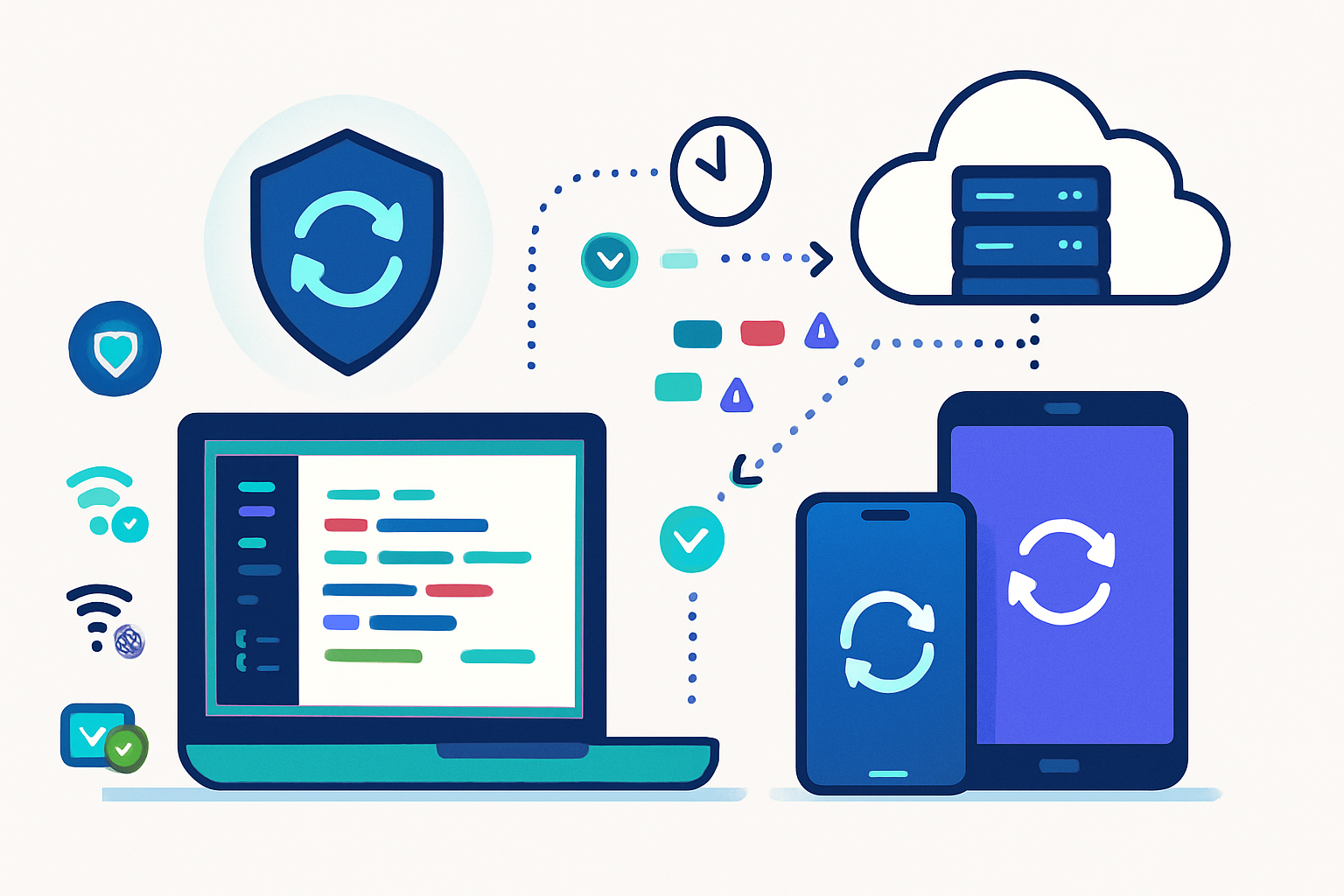
Outcome-first: by the time you finish this article you’ll be able to add a responsible Periodic Background Sync strategy to your PWA so it updates critical data reliably, minimizes battery and network impact, and preserves user privacy.
Why this matters. Keeping client-side data fresh without interrupting the user or draining resources is one of the hardest parts of building resilient web apps. Periodic Background Sync gives you a way to schedule periodic work inside a Service Worker even when the app is in the background - letting you prefetch, reconcile, and prune data with control and grace.
Read on for a compact primer, concrete code examples, and practical best practices you can adopt today.
Quick primer: what Periodic Background Sync does (and doesn’t)
- What it does: lets a Service Worker perform scheduled tasks at intervals chosen by your app, subject to user agent and device policies. Typical uses: prefetching API responses, syncing small caches, refreshing feed metadata, and pruning stale content.
- What it doesn’t do: guarantee exact timers or real-time background processing. User agents will throttle or postpone runs based on battery, network, usage patterns, and privacy. Consider Periodic Background Sync a best-effort scheduler, not a real-time cron.
Useful references
- Periodic Background Sync spec: https://wicg.github.io/periodic-background-sync/
- MDN reference: https://developer.mozilla.org/en-US/docs/Web/API/PeriodicSyncManager
- Google Developers guide: https://web.dev/periodic-background-sync/
Basic registration and service-worker handling
Outcome: register permission, request periodic sync, and handle it in the Service Worker.
In the page (main thread) - check support, request permission, then register:
// main.js
if (
  'permissions' in navigator &&
  'serviceWorker' in navigator &&
  'PeriodicSyncManager' in window
) {
  const swRegistration = await navigator.serviceWorker.ready;

  // Request permission (user agent may show a prompt)
  const p = await navigator.permissions.query({
    name: 'periodic-background-sync',
  });
  if (p.state === 'granted') {
    try {
      // tag is an identifier for this periodic task
      await swRegistration.periodicSync.register('content-update', {
        minInterval: 24 * 60 * 60 * 1000,
      });
      console.log('Periodic sync registered');
    } catch (err) {
      console.warn('Periodic sync registration failed', err);
    }
  } else {
    console.log('Periodic background sync permission not granted:', p.state);
  }
}
In the Service Worker - listen for sync events and perform safe, resumable work:
// service-worker.js
self.addEventListener('periodicsync', event => {
  if (event.tag === 'content-update') {
    event.waitUntil(handleContentUpdate());
  }
});

async function handleContentUpdate() {
  try {
    // E.g., fetch summary endpoints, validate timestamps, write to IndexedDB
    const response = await fetch('/api/content/summary', { cache: 'no-store' });
    if (!response.ok) throw new Error('Network response not ok');
    const json = await response.json();
    // Write to IndexedDB or Cache API safely
    await saveSummaryToIndexedDB(json);
    console.log('Periodic content update done');
  } catch (err) {
    console.error('Periodic update failed', err);
    // Let the UA decide about retry/backoff - don't busy-loop
  }
}
Note: user agents can ignore minInterval or enforce a higher minimum. Always code defensively.
Practical strategies for efficient syncing
Outcome: reduce data transfer, CPU, and contention while keeping UX smooth.
- Delta-sync not full-sync
- Send/ask for only changed data. Use tombstones, change vectors, or server-generated deltas.
- Use lightweight endpoints returning checksums, timestamps, or change lists instead of full payloads.
- Use conditional HTTP (ETag / If-None-Match, Last-Modified / If-Modified-Since)
- Saves bandwidth and is supported widely.
- If your backend returns 304 Not Modified, you avoid downloading large payloads.
- Prioritize what you refresh
- Refresh tiny metadata (counts, last-updated timestamps) frequently.
- Fetch big media only on demand or during charging / Wi‑Fi.
- Batch work inside the handler
- Aggregate multiple small API calls into one batch when possible to reduce TLS/HTTP overhead.
- Use a single network call that returns {updates, deletes, serverTime} instead of many small requests.
- Respect network and save-data preferences
- Read navigator.connection.effectiveType and navigator.connection.saveData.
- Skip large syncs on 2G or when save-data is enabled.
- Backoff and retry smartly
- Exponential backoff with jitter. Respect HTTP hints (Retry-After).
- Keep retry windows reasonable and bounded.
- Use resumable downloads for large assets
- If you must sync large files, use Range requests or a resume token so single interruptions don’t force restarts.
- Keep operations idempotent
- Design endpoints and local writes so repeated runs don’t corrupt state.
Managing battery, data, and quotas
- Expect the user agent to make trade-offs - design your app to do minimal work when device is low on battery.
- Prefer tiny, frequent metadata syncs rather than heavy full-syncs.
- Defer heavy ops to moments when the device is charging or on unmetered networks.
- Use Cache Storage and IndexedDB judiciously; understand browser quotas and evictions.
Privacy and user-data best practices (must-dos)
Outcome: protect your users and stay compliant.
- Explicit opt-in: obtain permission for background sync and explain what will be synced.
- Minimize data: only sync what you need. Avoid syncing PII unnecessarily.
- Local encryption: if you store sensitive data in IndexedDB, consider encrypting at rest.
- Transparency: show a settings toggle, clear description, and an easy off switch to stop background work.
- Retention: set sensible retention policies. Allow users to clear synced data.
- Use secure transport (HTTPS/TLS) and validate server certificates.
- Audit logs: store minimal logs for troubleshooting but purge old logs frequently.
Reference: consider the privacy guidance in the spec and platform docs (see links at the top).
Fallbacks and progressive enhancement
Periodic Background Sync is not available everywhere. Provide alternatives:
- Use push notifications with data payloads for server-driven updates when real-time is required and user consented.
- Use ‘sync’ (one-off background sync) to do work after a user action when the app is reopened.
- Use heuristics on page load to pick up missed updates.
- For mobile wrappers, consider OS-level background services where available.
Observability: logging, metrics, and alerts
- Log execution time, data transferred, error types, and success rate of periodic tasks.
- Track how frequently the UA actually runs your tasks and compare to requested frequency.
- Expose metrics to your backend (size, duration, battery hint) so you can tune server responses.
- Create alerts for repeated failures (authentication errors, server 5xx spikes).
Example: smart sync flow (pattern)
- Periodic handler fetches a tiny /changes endpoint that returns change tokens and small metadata.
- If changes exist, the handler fetches only the changed items (batching IDs into a single request).
- Handler stores results in IndexedDB and updates UI metadata.
- If a large asset is required, mark it for later download and defer to the next foreground session or when on Wi‑Fi/charging.
This pattern minimizes background battery and network usage while keeping the app ready.
Error handling and safety nets
- Don’t rely on background sync for critical delivery (user-visible notifications, billing events, or legal notices).
- Validate tokens and refresh them gracefully. If auth fails, stop repeating and surface an error that prompts the user to open the app.
- Use short timeouts in fetches inside the Service Worker - long-hanging requests can be killed by the UA.
Testing and production roll-out tips
- Test on real devices with varying battery and network conditions.
- Use Chrome DevTools’ Application > Background Sync (where available) to simulate events.
- Monitor usage in staged rollouts. Start with a small user cohort, collect metrics, then expand.
- Ensure your app gracefully falls back when the permission is denied or browser lacks the API.
Quick checklist before you ship
- Request and document permission with an explanation for the user
- Use conditional requests (ETag/If-None-Match)
- Respect connection.saveData and connection type
- Implement exponential backoff with jitter
- Keep operations idempotent and resumable
- Provide a clear user-facing toggle and a way to purge synced data
- Instrument metrics and error reporting
Final notes - when to use periodic background sync
Use Periodic Background Sync when you want to keep non-critical data reasonably fresh in the background with minimal user interaction. Don’t use it for strict real-time requirements or critical payments/notifications. Treat it as a power-and-privacy-aware enhancement to your sync strategy, not a replacement for server push or foreground fetches.
Periodic Background Sync is powerful when combined with good API design, conservative data policies, and careful observability. When you design for deltas, network-awareness, and user control, your app becomes faster, more reliable, and more respectful of the device and the user.
Further reading
- WICG Periodic Background Sync spec: https://wicg.github.io/periodic-background-sync/
- MDN: PeriodicSyncManager: https://developer.mozilla.org/en-US/docs/Web/API/PeriodicSyncManager
- web.dev guide: https://web.dev/periodic-background-sync/