· deepdives · 8 min read
The WebXR Revolution: How Augmented Reality is Transforming the Web
Discover how the WebXR Device API brings AR to the browser, see real-world use cases in e-commerce and education, and learn hands‑on tips and code to build fast, accessible web AR experiences.
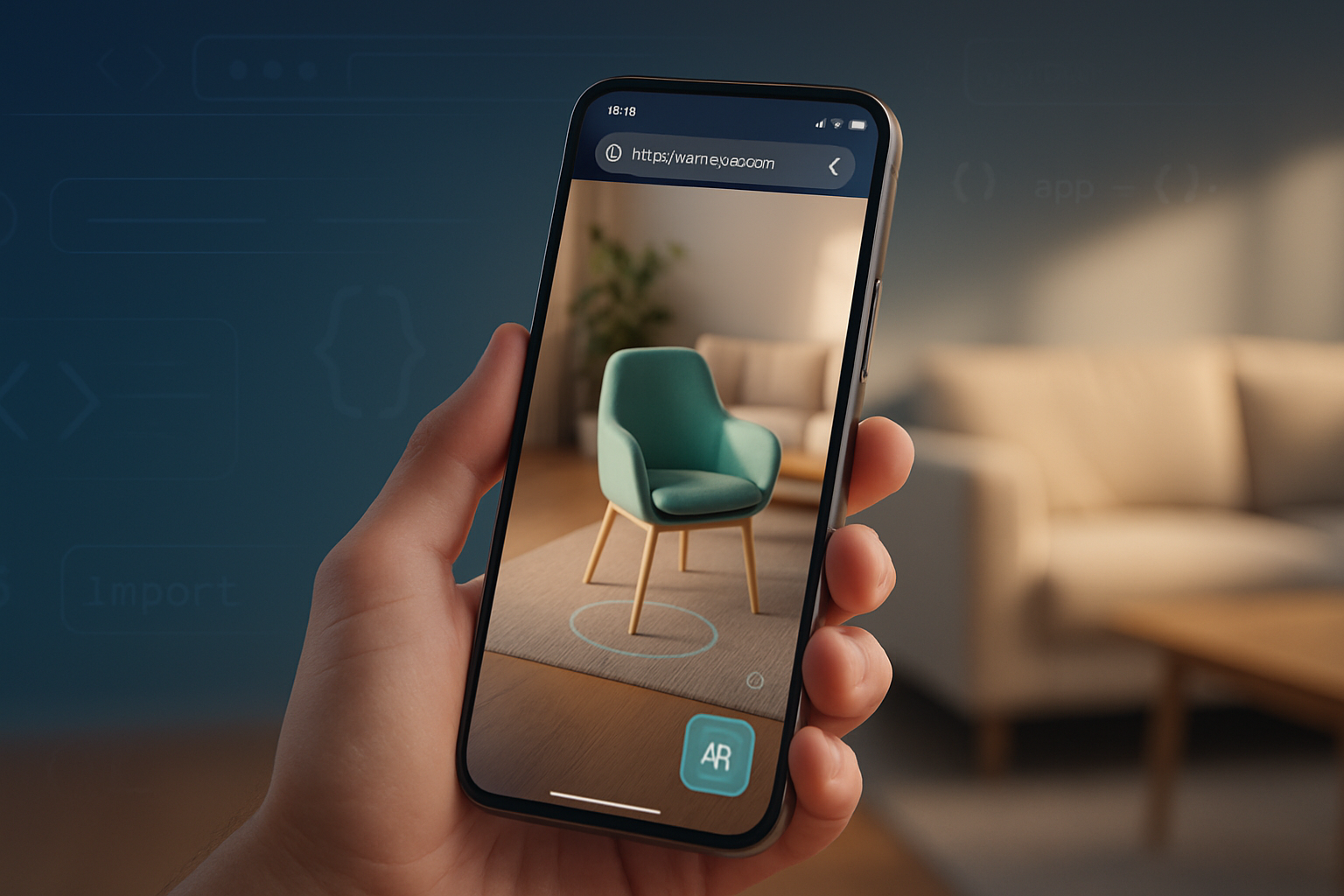
Outcome first: by the end of this article you’ll be able to pick a practical path to ship an AR feature on the web - whether it’s a “try-before-you-buy” product preview for your store, an interactive anatomy lesson for students, or a lightweight AR prototype to validate an idea.
Short. Practical. Actionable. And rooted in the API and tools that are already shipping in browsers.
Why WebXR matters right now
Augmented reality used to live behind app stores and big installs. Not anymore. WebXR brings AR to the browser - no install required, linkable, shareable, and measurable. That means lower friction for users and much lower acquisition costs for products that benefit from spatial, 3D experiences.
In a single sentence: WebXR puts AR at the same instant-access level as any web page. And that changes how you design digital experiences.
What is the WebXR Device API (briefly)
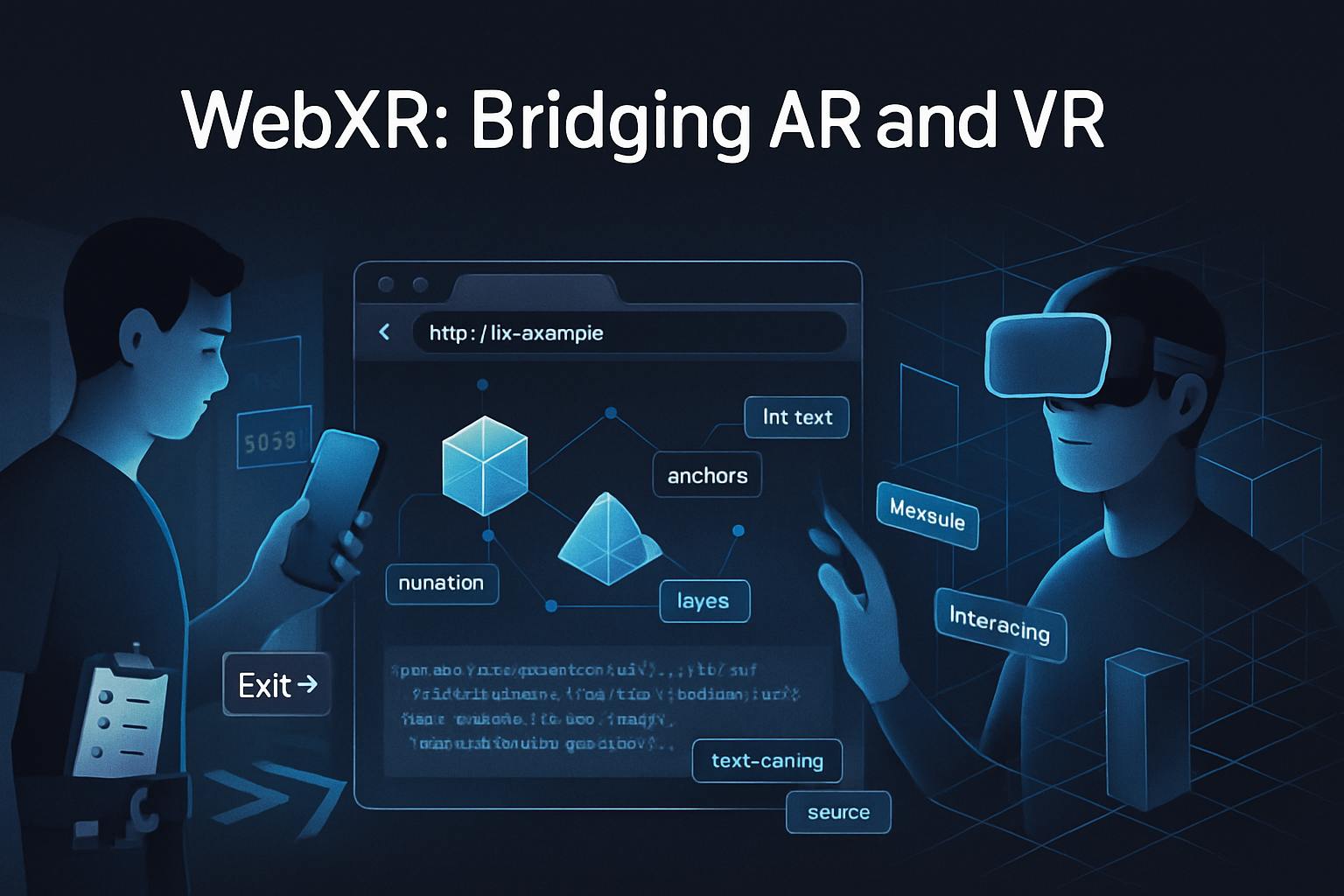
WebXR is a browser API that unifies access to VR and AR capabilities. It provides session management, frame timing, coordinate spaces, and access to AR-specific features like hit testing, anchors, light estimation, and (in newer modules) depth sensing and persistent anchors.
Key concepts you should know:
- XRSession modes: “immersive-ar”, “immersive-vr”, and “inline” - pick “immersive-ar” for device camera-based AR.
- Reference spaces: local, local-floor, viewer, and bounded-floor - they define coordinate frames for placing content.
- Hit testing: translates a screen tap or a ray into real‑world points (where you can place objects).
- Anchors: let you attach virtual content to real-world locations that the device tracks over time.
If you want the spec and deeper reference, start with the W3C WebXR spec and MDN overview:
- WebXR Device API (W3C): https://www.w3.org/TR/webxr/
- MDN WebXR Device API overview: https://developer.mozilla.org/en-US/docs/Web/API/WebXR_Device_API
Real examples and who’s already using AR on the web
You’ll see AR on the web in several forms today:
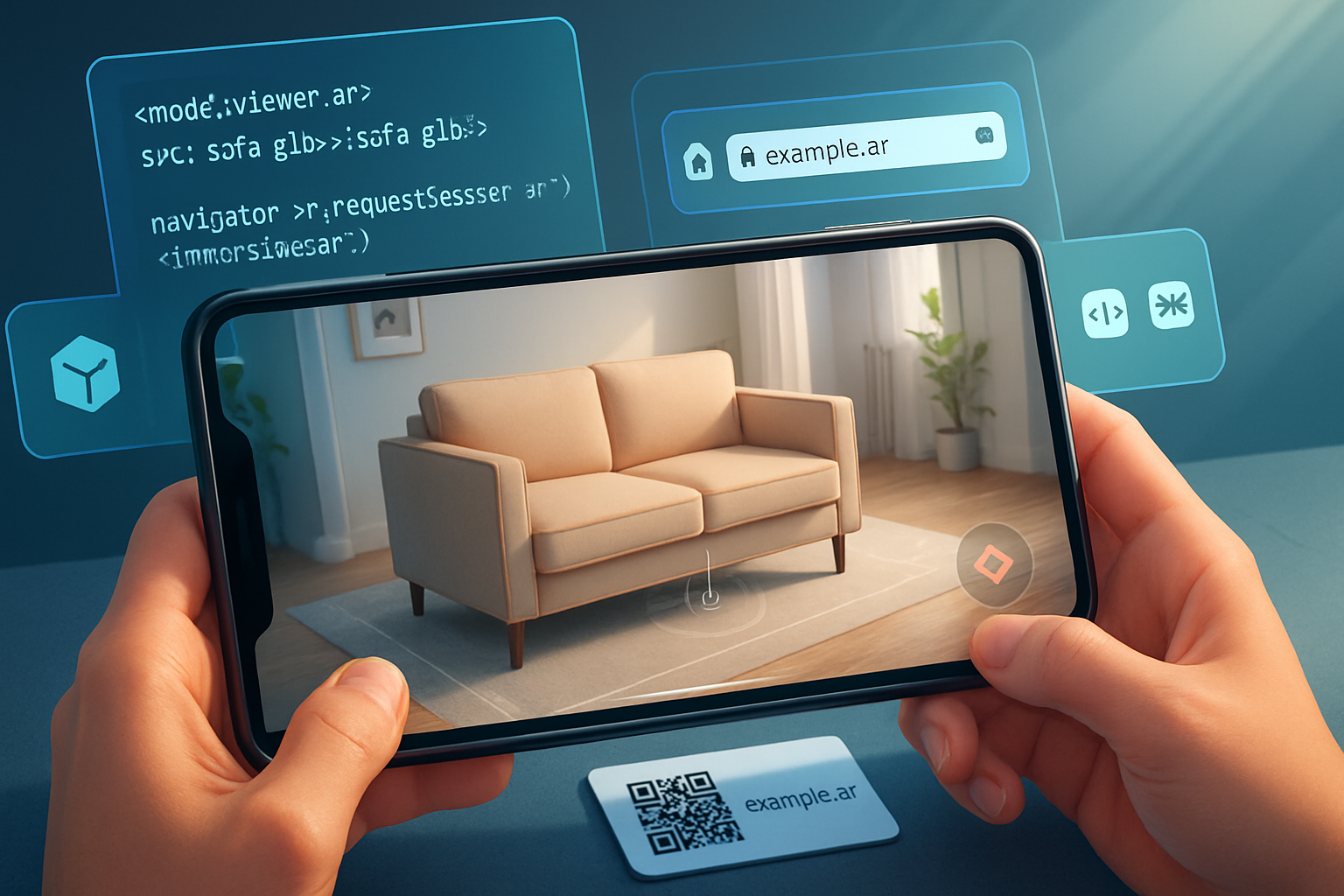
- Model-viewer: an approachable web component that adds AR (via WebXR or platform Quick Look) to product pages with a single HTML tag - heavily used by ecommerce stores to show glTF/GLB models in AR [model-viewer]. (https://modelviewer.dev/)
- Three.js / A-Frame / Babylon.js demos: full-power libraries for custom AR scenes and interactions. They power prototypes, educational visualizations, and bespoke e-commerce experiences. See the WebXR AR samples for concrete demos. (https://immersive-web.github.io/webxr-samples/)
- Sketchfab and other 3D-hosting players provide AR viewers or easy embedding of models for web AR preview. (https://sketchfab.com)
Also, big consumer expectations have been shaped by native AR experiences (IKEA Place, Amazon AR), which means web AR must be polished to compete on convenience and quality.
References and tooling:
- model-viewer: https://modelviewer.dev/
- WebXR samples: https://immersive-web.github.io/webxr-samples/
- Three.js WebXR examples: https://threejs.org/examples/?q=webxr
- A-Frame: https://aframe.io/
- Babylon.js: https://www.babylonjs.com/
How to get started - three practical approaches
Pick the right level of investment depending on your product goals.
- Fastest path: model-viewer (good for product previews)
- Use when you want AR for 3D product previews with minimal engineering overhead.
- model-viewer supports WebXR and platform AR fallbacks (Quick Look on iOS, Scene Viewer on Android) out of the box.
Example (very small):
<!-- include the script -->
<script
  type="module"
  src="https://unpkg.com/@google/model-viewer/dist/model-viewer.min.js"
></script>

<!-- show a model with AR button -->
<model-viewer
  src="/models/chair.glb"
  ios-src="/models/chair.usdz"
  ar
  ar-modes="webxr scene-viewer quick-look"
  camera-controls
></model-viewer>
(model-viewer docs: https://modelviewer.dev/)
- Custom AR scenes: Three.js + WebXR (good for interactive experiences and education)
- Use Three.js when you need full control over rendering, physics, interactions, or custom shaders.
- Three.js includes helpers for WebXR sessions and layering WebGL rendering with an XRWebGLLayer.
Minimal pattern to start an immersive AR session (simplified):
if (navigator.xr) {
  const supported = await navigator.xr.isSessionSupported('immersive-ar');
  if (supported) {
    const session = await navigator.xr.requestSession('immersive-ar', {
      requiredFeatures: ['hit-test', 'local-floor'],
    });
    // create XRWebGLLayer and start rendering frames
    // session.requestAnimationFrame(onXRFrame)
  }
}
For a complete example, see Three.js WebXR AR demos: https://threejs.org/examples/?q=webxr
- Rapid scene composition: A-Frame (good for teams with less 3D engineering)
- A-Frame provides declarative HTML-like components and has WebXR support via built-in systems and community components. It’s excellent for iterating quickly on educational content.
- Example: drop a glTF model into an A-Frame scene and enable AR.
A-Frame: https://aframe.io/
Important WebXR features to use (and why)
- Hit testing: Essential for placing items on floors and tables. Without reliable hit testing, AR feels floaty.
- Anchors / persistent anchors: Keep objects aligned as users move. Use anchors when continuity matters across frames or sessions.
- Light estimation: Helps virtual objects match the scene lighting for believability.
- Depth sensing (where available): Enables occlusion (real objects hiding virtual ones) and better placement in complex scenes. The Depth Sensing Module is still landing across devices but is a big UX upgrade.
See the relevant spec modules:
- Anchors: https://immersive-web.github.io/anchors/
- Depth Sensing: https://immersive-web.github.io/depth-sensing/
Practical developer tips - performance, UX, and shipping
- Optimize 3D assets first
- Use glTF/GLB for the web. Ship Draco-compressed meshes and KTX2/BasisU textures for smaller downloads.
- Limit texture sizes on mobile (512px often enough). Reduce draw calls; combine meshes where possible.
- Prioritize 60fps (or stable frame timing)
- AR is motion-sensitive. Jank causes nausea and distrust.
- Keep CPU work low. Offload model parsing with background threads (use glTF with binary or pre-transformed geometry when possible).
- Make placement obvious and forgiving
- Use visual affordances: reticles, shadows, and soft animations on placement. Provide a clear undo.
- Avoid perfect occlusion dependencies unless depth-sensing is available.
- Provide sensible fallbacks
- If WebXR isn’t supported, show a 3D viewer fallback, 360 spin, or a 2D image gallery.
- Detect capabilities with navigator.xr and navigator.xr.isSessionSupported.
- Think about device permissions and privacy
- Camera access and spatial data are sensitive. Ask for permissions only when needed. Explain why you need camera and motion access.
- Accessibility and discoverability
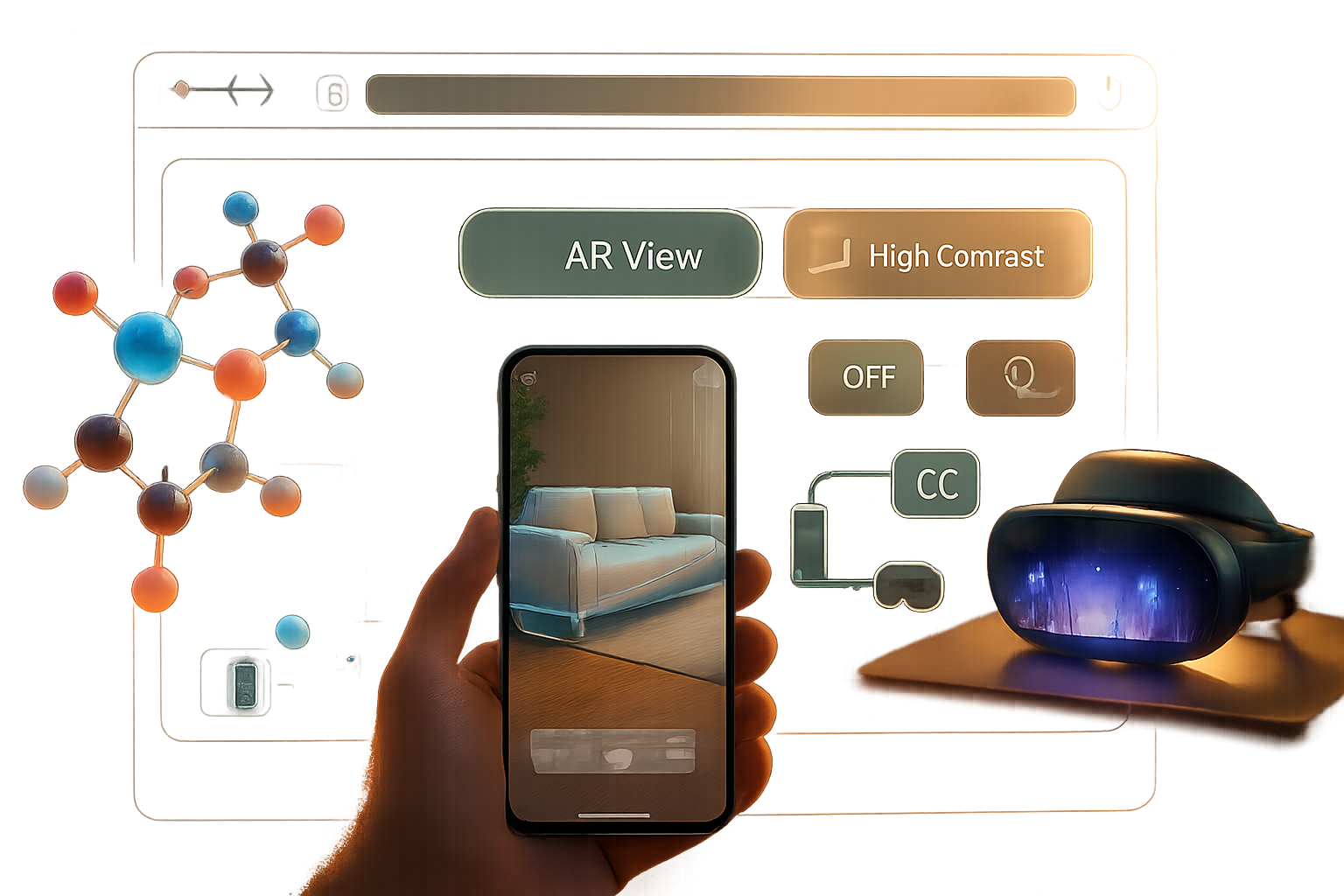
- Expose non-AR alternatives for screen readers and low-vision users. Provide direct links and copy explaining the experience.
- Analytics and metrics
- Track entry rate (click AR), time spent in AR, placements, and conversions (for ecommerce). These metrics will help you measure impact and iterate.
- Test on real devices early and often
- Emulators are limited. Test on a representative set of phones (Android WebXR-capable Chrome builds, iOS WebXR support varies; model-viewer provides Quick Look fallbacks on iOS).
Example: a simple hit-test flow (conceptual)
- Request an immersive-ar session with the hit-test feature.
- Create an XRHitTestSource (screen-based or viewer-based).
- On each XR animation frame, call frame.getHitTestResults(…) and position your reticle or model at the first result.
Simplified code sketch:
const session = await navigator.xr.requestSession('immersive-ar', {
  requiredFeatures: ['hit-test', 'local-floor'],
});
// create reference space and request hit test source (screen-based)
const refSpace = await session.requestReferenceSpace('local-floor');
const viewerRef = await session.requestReferenceSpace('viewer');
const hitTestSource = await session.requestHitTestSource({ space: viewerRef });

session.requestAnimationFrame((time, frame) => {
  const hitResults = frame.getHitTestResults(hitTestSource);
  if (hitResults.length > 0) {
    const pose = hitResults[0].getPose(refSpace);
    // place your object at pose.transform.position
  }
});
Note: The real implementation needs an XRWebGLLayer, GL context, and proper frame loop. The above is a conceptual minimum to show the flow.
Use cases: E-commerce, education, and beyond
E-commerce: let shoppers preview scale and fit. AR reduces returns and increases confidence. Use model-viewer for fast adoption or a custom Three.js scene for interactive configurators (color swaps, modular assembly, animated behaviors).
Education: place interactive 3D models (anatomy, molecules, historical artifacts) in the student’s environment. Add contextual overlays and micro-interactions to explain parts. A-Frame or Three.js + WebXR make it easy to add annotations and guided tours.
Remote collaboration and visualization: annotate physical spaces in shared AR sessions (persistent anchors and networking). Emerging APIs and libraries are making shared web AR feasible without custom apps.
Marketing and storytelling: interactive AR experiences that link from social or search. They increase dwell time and brand memorability.
Browser support and reality check
WebXR is supported in modern Chromium-based browsers on many Android devices; support on iOS has historically lagged because of platform restrictions (Apple’s Quick Look and AR Quick Look provide a path on iOS for USDZ models). Use feature detection:
- Check for navigator.xr and navigator.xr.isSessionSupported(‘immersive-ar’).
- Provide fallbacks (model-viewer, inline 3D viewers, or links to native app experience).
Resources:
- WebXR on web.dev: https://web.dev/webxr/
- API reference on MDN: https://developer.mozilla.org/en-US/docs/Web/API/WebXR_Device_API
Common pitfalls and how to avoid them
- Treat AR as more than a novelty: define a clear user goal. Is it purchase, learning, exploration? Optimize for that outcome.
- Don’t ship heavy assets without progressive loading. Lazy-load AR assets when the user taps “View in AR.” Keep initial page load small.
- Avoid forcing AR. Give users easy opt-out and clear guidance for permission prompts.
Where the platform is going
WebXR is actively evolving: anchors, persistent experiences, depth sensing, and layered rendering are maturing. Browser and hardware improvements will make occlusion, better lighting, and multi-user experiences practical on the web.
If you’re building today, design with upgrade paths: graceful degradation when advanced features aren’t present, and optional enhancement when they are.
Next steps - a short checklist for teams
- Decide scope: model preview vs fully interactive AR.
- Choose tooling: model-viewer for speed, Three.js/A-Frame for custom logic.
- Prepare glTF assets: compress and test on mobile.
- Implement feature detection and graceful fallback.
- Test on real devices and instrument AR interactions.
Final thought
WebXR isn’t a future idea - it’s a practical bridge that brings AR into the reach of every web developer and every user with a modern device and a link. Ship a simple, delightful AR interaction, measure the results, then iterate. The web’s low-friction distribution combined with AR’s spatial truth is a powerful mix. Build small, learn fast, and your product will be in the right place: in the user’s world.
References
- W3C WebXR Device API: https://www.w3.org/TR/webxr/
- MDN WebXR Device API: https://developer.mozilla.org/en-US/docs/Web/API/WebXR_Device_API
- WebXR samples and modules: https://immersive-web.github.io/webxr-samples/
- model-viewer: https://modelviewer.dev/
- Three.js WebXR examples: https://threejs.org/examples/?q=webxr
- A-Frame: https://aframe.io/