· deepdives · 7 min read
WebXR: Bridging the Gap Between Virtual Reality and Real-World Applications
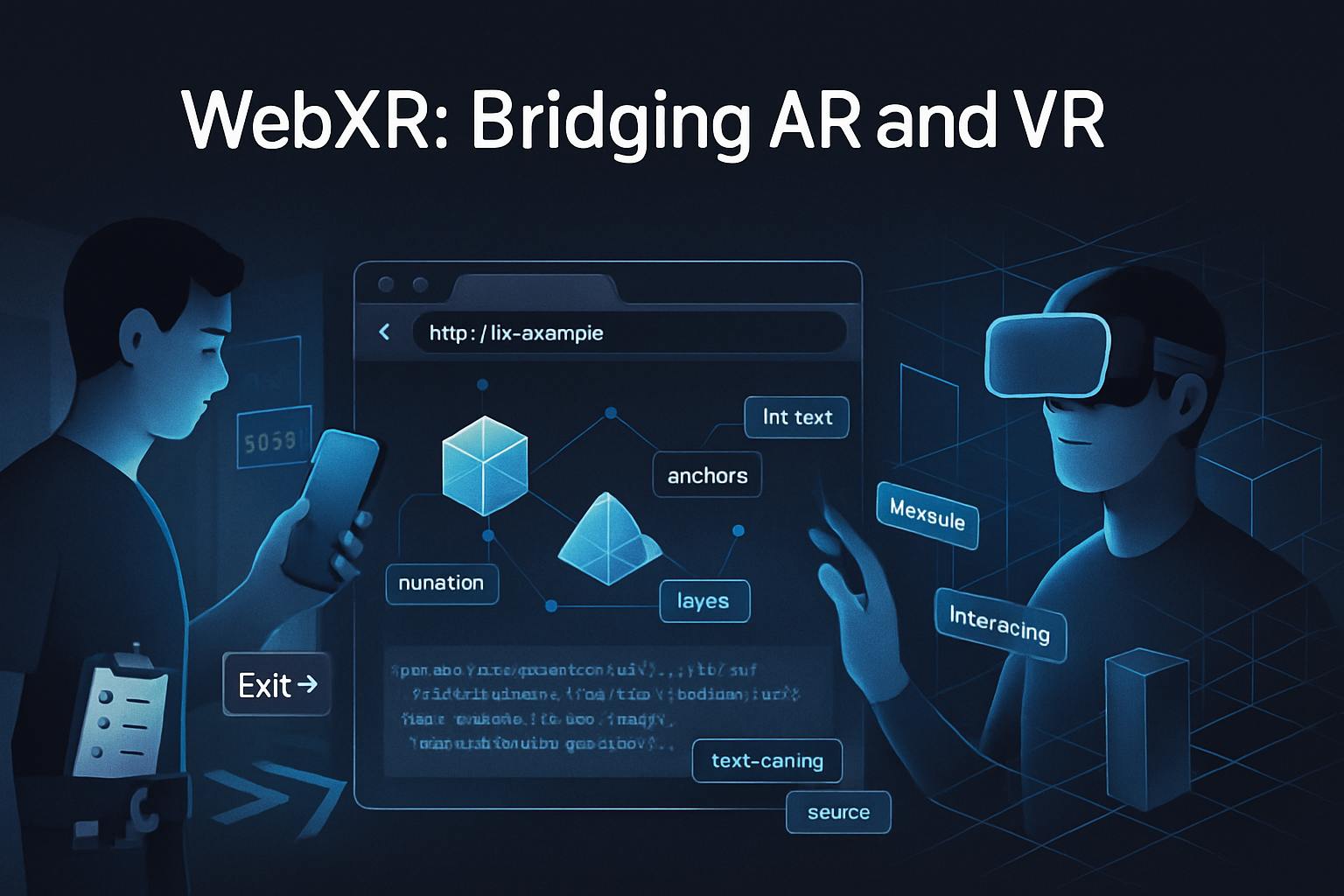
A contrarian yet practical look at why many VR apps struggle to scale compared with AR, examined through the WebXR Device API. This article explains the technical and social limits of VR, the practical advantages of AR, and how WebXR can bridge both with concrete patterns, API features, and measurable strategies.
What you’ll get from this article
You’ll come away with a clear framework for deciding when to build VR, when to build AR, and how to use the WebXR Device API to scale immersive experiences into real‑world use. You’ll also get concrete developer strategies, recommended WebXR features to use, and metrics to measure success.
Short version: VR sells wonder. AR sells utility. The web can make both practical.
The controversial premise - VR is often the wrong tool for the job
Virtual reality promises full immersion. It also isolates. It replaces reality rather than augmenting it. That replacement is spectacular for entertainment, training simulations, and therapy. But when the goal is improving everyday productivity, lowering friction, or enabling mass adoption, augmented reality often wins.
Why? Because AR preserves context. It uses devices people already carry. It augments tasks rather than asking users to stop living their lives for fifteen minutes at a time. That difference is a deal‑breaker for scale.
This article argues that many VR-first projects mistake novelty for long-term utility, and that the WebXR Device API gives us a path to practical, scalable immersive experiences that favor AR patterns where appropriate.
The hard limitations of VR (practical and social)
- Hardware adoption and cost: High-end tethered headsets and standalone headsets are still a minority compared to smartphones. Reach is smaller. Development and QA cost goes up.
- Setup and friction: Putting on a headset is a high-friction entry point. People won’t take off work or social obligations for casual tasks.
- Social visibility: VR isolates the user socially; collaboration requires remote avatars or awkward local setups.
- Motion sickness and comfort: Some users experience discomfort; session lengths are limited.
- Spatial disconnect: VR fundamentally removes the user from real-world context, which reduces utility for tasks that require awareness of surroundings.
These are not merely user preferences. They are real, measurable constraints on scale. If your goal is adoption, retention, or broad utility, VR has an uphill battle.
Why AR scales better for many real-world applications
- Device ubiquity: Modern smartphones have cameras, motion sensors, and AR toolkits (ARKit, ARCore). No new hardware purchase is required for most users.
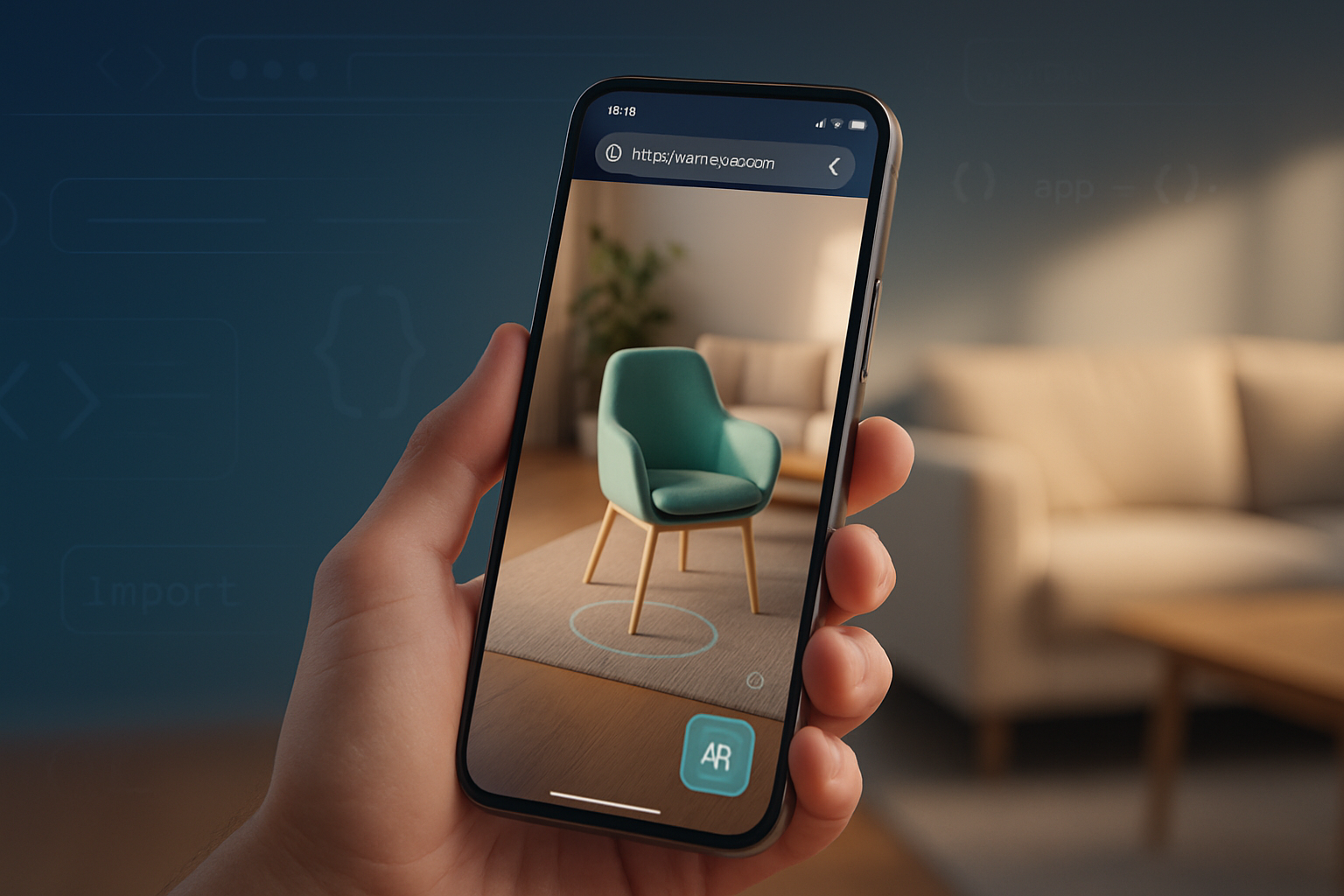
- Low friction: AR overlays sit on top of reality. Users can dip in and out quickly.
- Contextual utility: AR augments tasks - navigation, assembly, on‑site maintenance, retail try‑ons, and instruction - without removing the user from their environment.
- Social acceptance: Pointing a phone or wearing lightweight glasses is socially less alienating than putting on a full headset.
- Incremental improvement: AR can be introduced as small features within existing apps, making adoption easier for businesses.
Examples: Pokémon GO demonstrated mass adoption of AR overlays on phones. Retail AR (try‑on apps) improves conversion because it reduces purchase uncertainty.
Where VR still shines
This isn’t an anti‑VR manifesto. VR is uniquely powerful when:
- The task benefits from complete immersion (flight simulators, complex surgical training).
- You need a controlled sensory environment (therapy for phobias, pain management).
- Presence and scale are goals in themselves (virtual concerts, social VR worlds).
The decision isn’t binary. But for many enterprise and consumer tasks where context matters, AR is simply more efficient.
Enter WebXR: a practical bridge
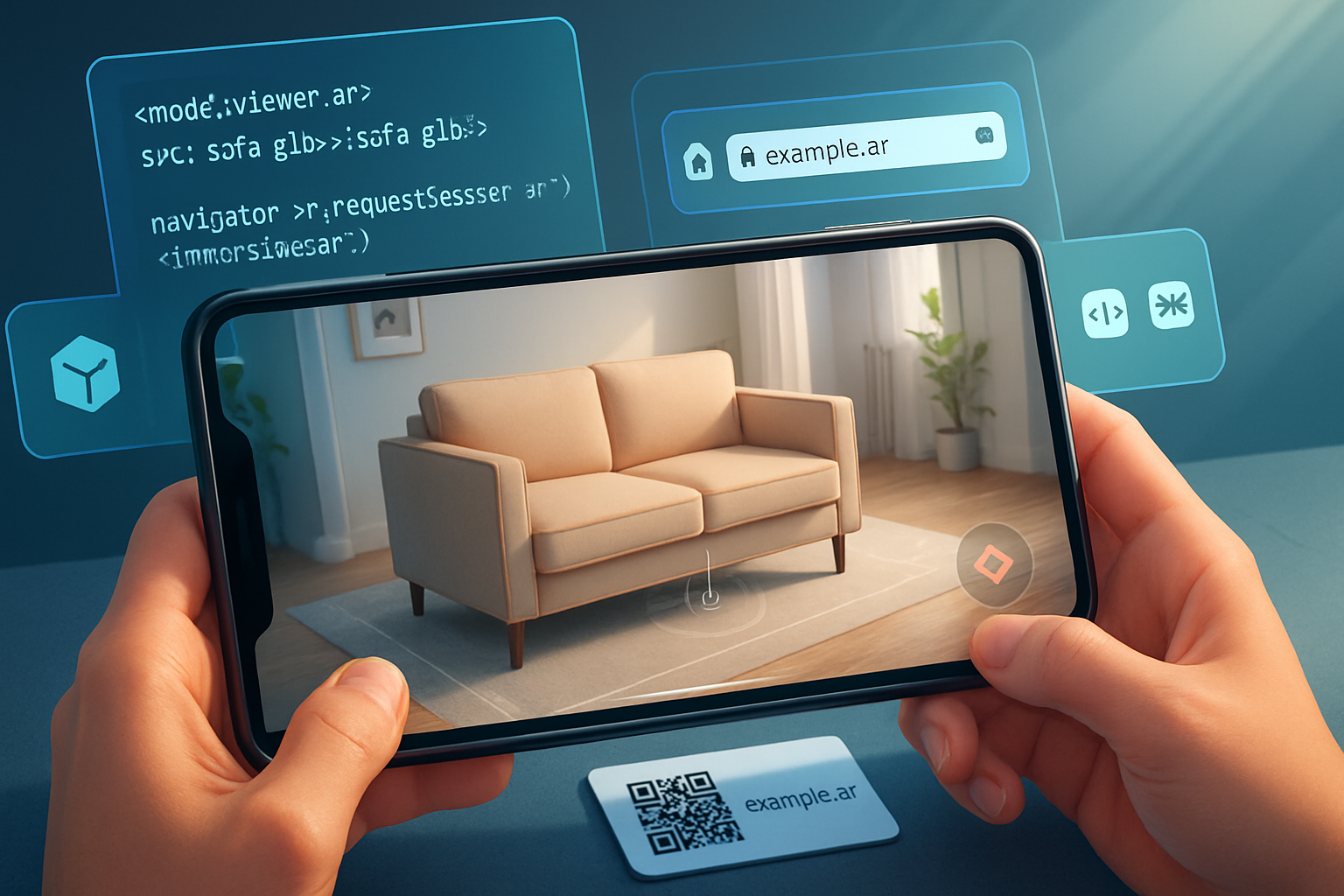
The WebXR Device API is built to support both immersive‑vr and immersive‑ar sessions in the browser, giving developers one platform to reach phones, desktops, and headsets without forcing users to install native apps. See the specification here: https://www.w3.org/TR/webxr/ and developer documentation at MDN: https://developer.mozilla.org/en-US/docs/Web/API/WebXR_Device_API
Why that matters:
- Single entry point: Share a URL. No app store friction. Lower acquisition cost.
- Progressive enhancement: Detect capabilities and enable immersive features where available, while providing fallbacks elsewhere.
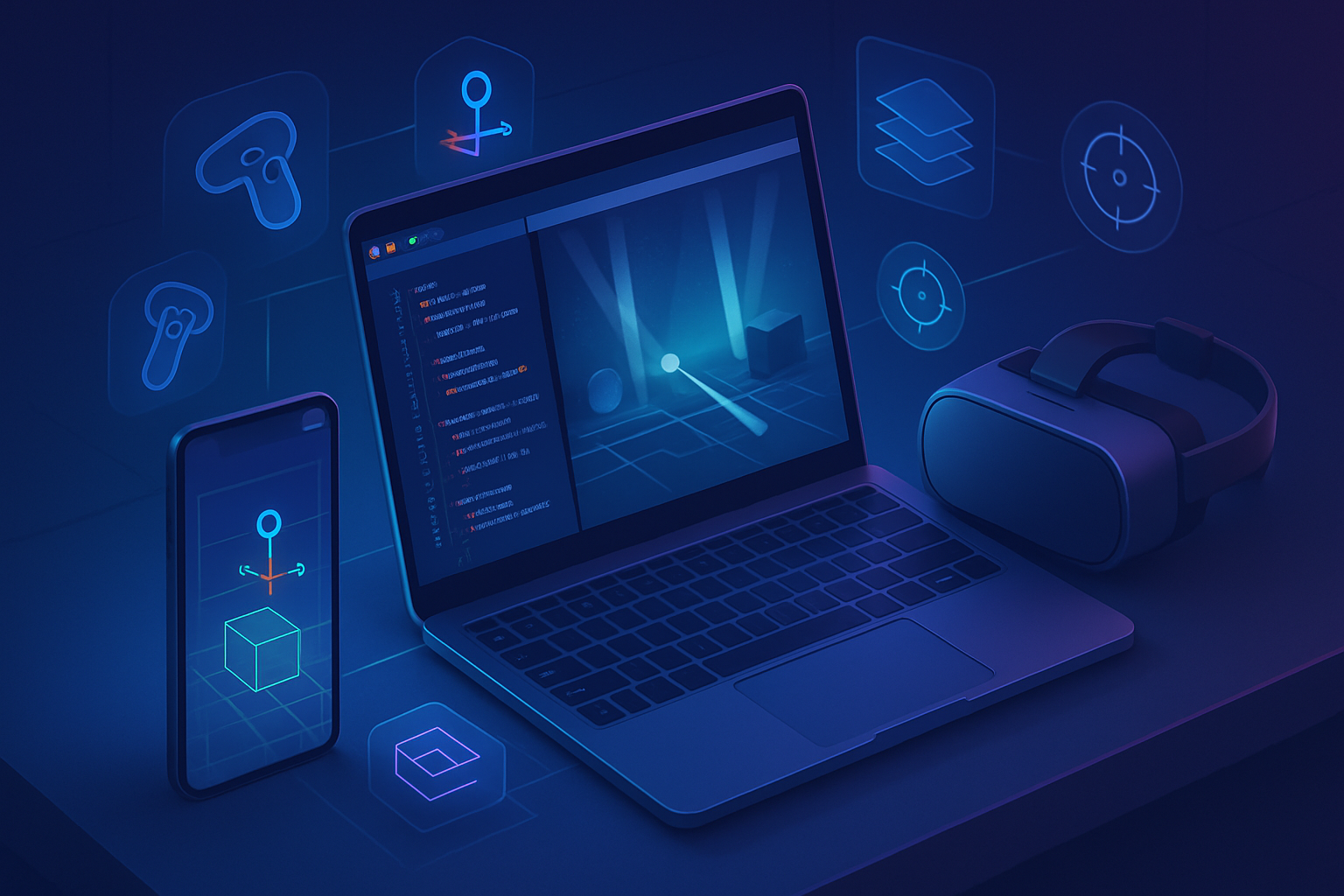
- Cross‑device affordances: The same content can run in immersive‑vr on a headset and immersive‑ar or inline on a phone.
WebXR provides modules that solve concrete AR/VR problems:
- Hit testing and plane detection (for placing content): https://immersive-web.github.io/hit-test/
- Anchors for persistent placement: https://immersive-web.github.io/anchors/
- Depth sensing for realistic occlusion and physics: https://immersive-web.github.io/depth-sensing/
- Hand input and gesture tracking: https://immersive-web.github.io/webxr-hand-input/
- Layers for compositing efficient rendering: https://immersive-web.github.io/webxr-layers/
Use these modules to build experiences that are context-aware, efficient, and portable.
Practical patterns: use WebXR to favor AR-first, VR-optional
Designing for scale means starting with the lowest common denominator and enhancing when possible. Here are patterns that work.
- Progressive enhancement
- Default to a responsive 2D web experience.
- Detect WebXR support and request an immersive‑ar session when available (fall back to inline AR or 2D on unsupported devices).
- Offer immersive‑vr only when the content gains from full immersion.
Example feature detection and session request:
if (navigator.xr) {
  const isARSupported = await navigator.xr.isSessionSupported('immersive-ar');
  const isVRSupported = await navigator.xr.isSessionSupported('immersive-vr');
  if (isARSupported) {
    const session = await navigator.xr.requestSession('immersive-ar', {
      requiredFeatures: ['hit-test', 'anchors'],
    });
    // start AR rendering
  } else if (isVRSupported) {
    const session = await navigator.xr.requestSession('immersive-vr');
    // start VR rendering
  } else {
    // fallback to 2D/Canvas/WebGL experience
  }
}- Shared content model
- Author content once (3D assets, interaction logic) and adapt placement and UI depending on device.
- Use anchors and anchors persistence for AR; use scene checkpoints for VR.
- Soft transitions
- Let users switch between AR and VR when device supports both; keep spatial references aligned so their mental model persists.
- Use visual continuity: same assets, same lighting assumptions, same coordinate systems.
- Low‑latency, low‑bandwidth streaming for heavy scenes
- For high‑fidelity VR content on low‑power devices, consider remote rendering with WebRTC or WebTransport and proxy inputs to a GPU server (edge rendering).
- For AR overlays, keep computation local where possible to avoid camera lag and privacy problems.
- Accessibility and comfort first
- Provide clear exit paths, comfort modes, seated/standing options, and motion reduction toggles.
- For AR, provide privacy cues and easy camera/microphone access control.
Technical suggestions: which WebXR features to prioritize
- Hit Test + Anchors: Enables stable placement of AR content in the environment. Essential for utility apps.
- Depth Sensing: Use depth sensing to occlude virtual objects correctly and to improve interaction accuracy.
- DOM Overlay / UI Layers: Keep a lightweight DOM over the scene for menus and onboarding instead of embedding everything in 3D.
- Hand Input & Controller Profiles: Support multiple input modalities so users on phones or controllers get natural interactions.
- WebXR Layers and WebGPU: Use Layers for efficient compositing and WebGPU for future-proof GPU performance where available.
References for these modules can be found on the Immersive Web working group pages: https://github.com/immersive-web and the individual proposals linked earlier.
Measurements that matter (how to evaluate success)
If you claim AR is more scalable than VR, prove it. Use metrics that tie to business goals:
- Acquisition cost (Do users click a link or download a heavy app?)
- Time to first value (How long before a user completes a task with AR/VR?)
- Task success rate and error rate (Do users complete the real‑world job more accurately with AR or VR?)
- Retention and repeat usage (Do users return?)
- Session length and comfort (Are sessions truncated by discomfort?)
- Performance: frame time, dropped frames, end‑to‑end latency
- Resource cost: development hours, asset production, cloud rendering expense
Collect both quantitative telemetry and qualitative feedback (video, moderated usability tests) to understand why people stop using your XR product.
Common pitfalls and how to avoid them
- Building spectacle, not utility: If your core value is novel visuals, expect novelty to fade. Design for repeatable value.
- Ignoring fallbacks: A WebXR experience that fails silently on unsupported devices loses users. Provide clear fallbacks and CTAs.
- Over‑optimizing for one device: Shallow testing across phones, desktops, and headsets will cause mismatched UX and bugs.
- Privacy blindspots: AR captures surroundings. Document data usage, offer local processing where possible, and respect permissions.
Two short case ideas (one AR-first, one VR-first)
- AR-first: On‑site repair assistant
- Use hit‑test, anchors, and depth sensing so technicians place instructions directly onto machinery.
- Low friction: launch from a shared link, overlay step‑by‑step instructions, capture photos into a ticketing system.
- Result: faster repairs, fewer returns, high ROI.
- VR-first: Hazard training simulator
- Full immersion removes real-world risk. Use VR for scenarios that require sensory isolation and controlled variables.
- Combine with WebXR when possible so trainees can access refresher modules on phones in AR mode for just-in-time instruction.
The closing argument (a practical provocation)
If your project aims for mass utility - on‑site workers, shoppers, students, clinicians - AR-first delivered via the web will almost always be the faster, cheaper, more adoptable route. Use VR when the task explicitly requires full immersion. But don’t treat VR and AR as opponents. Let WebXR mediate: design shared content, favor progressive enhancement, and measure against real business metrics.
WebXR is not a magic wand. It is a pragmatic bridge: a way to reach cameras, sensors, controllers, and headsets from a single URL-and with that single URL comes the chance to build immersive experiences that actually scale.
Make the bridge, don’t build a cul‑de‑sac.
Further reading and standards
- W3C WebXR Device API: https://www.w3.org/TR/webxr/
- MDN WebXR documentation: https://developer.mozilla.org/en-US/docs/Web/API/WebXR_Device_API
- WebXR Hit Test: https://immersive-web.github.io/hit-test/
- WebXR Anchors: https://immersive-web.github.io/anchors/
- WebXR Depth Sensing: https://immersive-web.github.io/depth-sensing/
- WebXR Hand Input: https://immersive-web.github.io/webxr-hand-input/
- WebXR Layers: https://immersive-web.github.io/webxr-layers/
- Apple ARKit: https://developer.apple.com/augmented-reality/arkit/
- Google ARCore: https://developers.google.com/ar