· deepdives · 6 min read
Beyond VR: The Hidden Potential of WebXR for Augmented Reality
WebXR is often discussed as the gateway to VR - but its AR capabilities are equally transformative. This article explains how WebXR enables powerful, install-free AR experiences on the mobile web, surveys innovative projects, gives practical examples and code, and covers implications for mobile users and developers.
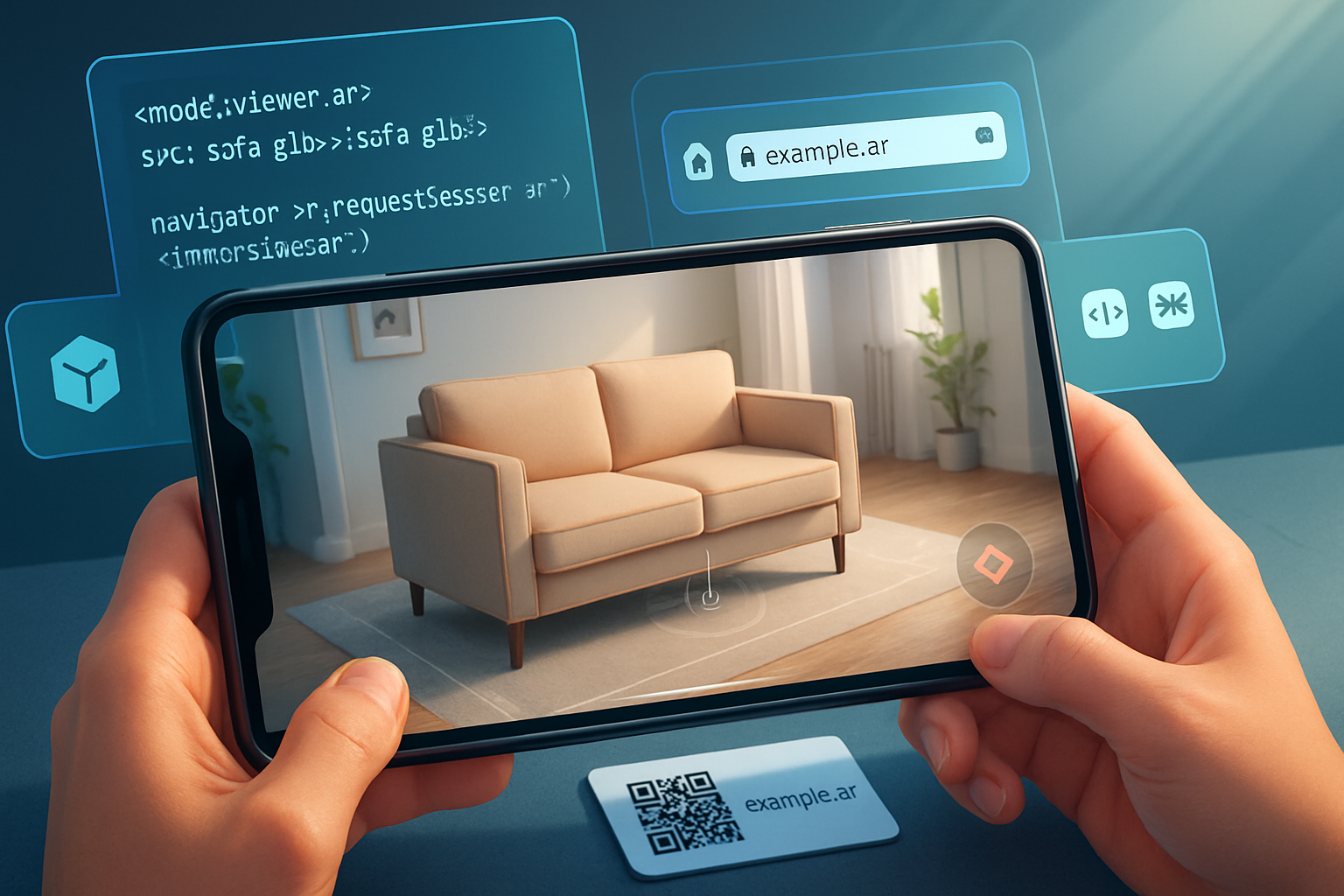
Outcome: by the end of this article you’ll understand how WebXR unlocks practical, cross-platform AR on the mobile web, see real projects using it today, and have the minimal code and patterns you need to try a simple WebXR AR prototype.
Why look past VR? Because AR is where the world is
People love to talk about VR because it feels futuristic. True. But augmented reality matters now. It’s the layer that augments the things people already use every day: phones, streets, shops. WebXR isn’t only a route to immersive VR-it’s a fast, standards-based way to deliver AR directly in the browser. That means no app install, deep links that just work, and updates that land instantly. If you want AR to reach ordinary mobile users, the web is uniquely powerful.
What WebXR brings to AR (in plain terms)
- Native-like access to sensors and camera in a standardized API. You can request an “immersive-ar” session and receive pose updates, camera images, hit tests and anchors without native SDKs.
- Progressive enhancement: detect support and fall back to simpler experiences (2D overlays, model-viewer) when necessary.
- Web distribution: share an AR experience via a URL, QR code, or social link - incredibly low friction for end users.
- Interoperability with existing web stacks: three.js, Babylon.js, model-viewer, A-Frame, and web frameworks integrate WebXR features.
For API references see the WebXR docs on MDN and the WebXR samples repo:
- WebXR Device API (MDN): https://developer.mozilla.org/en-US/docs/Web/API/WebXR_Device_API
- WebXR Samples: https://immersive-web.github.io/webxr-samples/
Practical AR examples you can ship today
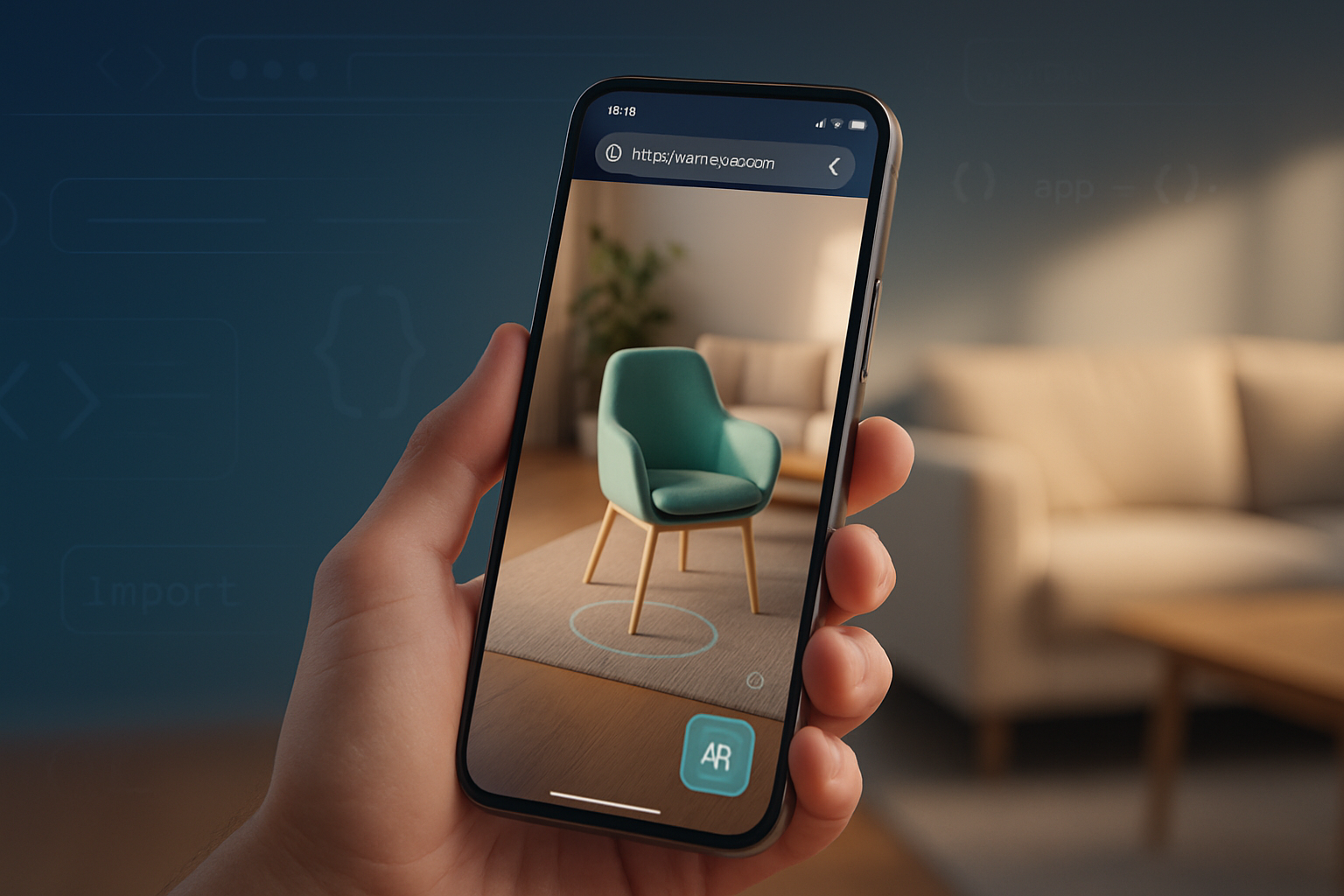
- E-commerce try-on
- Place furniture in a room, scale it to size and persist that placement with anchors so the item stays where you put it.
- Product visualization
- Tap a product card and open an AR view that spawns a photoreal model over the real world right in the browser.
- Wayfinding and outdoor overlays
- Overlay route arrows and POI labels on the live camera feed for pedestrian navigation.
- Education and training
- Anatomy overlays that follow a target (a printed marker or real-world anchor) and offer step-by-step instructions.
- Social filters and ephemeral AR
- Lightweight face filters and interactive stickers powered by web-based ML and WebXR camera feed.
These are already being built using the same WebXR building blocks: hit-testing for placing objects, anchors for persistence, and DOM overlays for UI.
Interesting projects and ecosystems worth studying
- model-viewer - a high-level web component that exposes a simple AR surface and uses platform-specific features where appropriate: https://modelviewer.dev/
- three.js WebXR examples - many reference samples for both AR and VR: https://threejs.org/examples/?q=webxr
- Babylon.js WebXR - a full-featured engine with WebXR AR helpers and input handling: https://doc.babylonjs.com/features/webxr
- AR.js - lightweight AR on the web with marker and location-based approaches (works well for lower-end devices): https://ar-js-org.github.io/AR.js-Docs/
- 8th Wall - commercial platform that accelerates WebAR use cases with broad device support and tooling (proprietary): https://www.8thwall.com/
- WebXR Samples (Google & community) - practical demos you can inspect and fork: https://immersive-web.github.io/webxr-samples/
Also look at projects like Mozilla Hubs for collaborative experiences that combine WebXR with real-time networking.
Minimal code: start an immersive AR session and place a model (concept)
Below is a concise pattern - it is not a full library. It highlights the essential steps: detect support, request an immersive-ar session, perform a hit test, and anchor a model. In production you would use three.js or Babylon.js to manage rendering, scene graph and model loading.
// 1) Detect WebXR support
if (navigator.xr && (await navigator.xr.isSessionSupported('immersive-ar'))) {
  // 2) Request a session with hit-test and optionally DOM overlay
  const session = await navigator.xr.requestSession('immersive-ar', {
    requiredFeatures: ['hit-test', 'anchors'],
    optionalFeatures: ['dom-overlay'],
    domOverlay: { root: document.body }, // if you want DOM UI overlay
  });

  // 3) Set up a WebGL layer and start the render loop (use three.js in practice)
  const gl = canvas.getContext('webgl', { xrCompatible: true });
  await gl.makeXRCompatible();
  session.updateRenderState({ baseLayer: new XRWebGLLayer(session, gl) });

  // 4) Create a hit test source tied to viewer or a space
  const viewerSpace = await session.requestReferenceSpace('viewer');
  const hitTestSource = await session.requestHitTestSource({
    space: viewerSpace,
  });

  session.requestAnimationFrame(function onXRFrame(time, frame) {
    const pose = frame.getViewerPose(localReferenceSpace);
    const hitResults = frame.getHitTestResults(hitTestSource);
    if (hitResults.length) {
      const hit = hitResults[0];
      const pose = hit.getPose(localReferenceSpace);
      // Convert pose to your engine coordinates and place or anchor a model.
    }
    session.requestAnimationFrame(onXRFrame);
  });
}
For detailed, engine-ready examples see three.js WebXR AR examples and Babylon.js WebXR docs.
UX and mobile considerations (what you must get right)
- Permissions & onboarding: camera and motion permission prompts must be clear. Explain why you need them and what benefit the user will get.
- Launch friction: use deep links and QR codes so users can open AR sessions immediately. Consider a lightweight landing page with a prominent “Open in AR” CTA.
- Performance and battery: mobile GPUs and sensors are constrained. Limit draw calls, use baked lighting or light probes instead of expensive real-time lights, and reduce texture sizes when appropriate.
- Interaction affordances: give users simple, discoverable gestures (tap to place, pinch to scale, drag to move). Use visual guides (reticles, shadows) to communicate object-grounding and depth.
- Device variability: feature-detect; not all browsers or phones expose the same WebXR features. Provide fallback: a 3D viewer, AR Quick Look on iOS via model-viewer, or a 2D product configurator.
Security, privacy and ethics
AR apps access camera and spatial data. Treat that as sensitive:
- Request the minimum features you need and explain usage. Avoid requesting anchors or persistent tracking unless necessary.
- Respect camera images: don’t stream or send frames by default. If you must transmit imagery (for remote assistance, multi-user sync), make that explicit and secure (HTTPS + user consent).
- Consider on-device ML for face filters and object recognition to minimize data exfiltration.
Limitations and real constraints today
- Fragmentation: browser and OS support for WebXR features varies. Android Chrome tends to be the most progressive, while iOS historically relied on AR Quick Look and only gradually improved native WebXR support. Use polyfills and adapt your experience.
- Occlusion and depth: accurate occlusion requires depth sensors or clever shaders. Until depth is widely available on phones, occlusion can be approximate.
- Persistence: true persistent cloud anchors and cross-device anchor sharing (AR Cloud) are still emerging as standardized, widely available services. Expect hybrid solutions right now.
Where this is going - opportunities to watch
- Depth sensors and consumer LiDAR on more phones will improve occlusion, physics and placement reliability.
- AR Cloud and shared anchors: bridging spatial maps across devices for persistent, multi-user AR anchored to the real world.
- Web-native multi-user AR: combining WebXR + WebRTC + server-synced anchors for collaborative experiences without installing apps.
- Machine learning on-device: real-time semantic segmentation (ground, sky, object classes) makes AR interactions safer and more believable.
Wrap-up: why WebXR for AR should be part of your toolkit
WebXR removes a major barrier to AR adoption: distribution. It lets you ship useful AR experiences to people who already use browsers on their phones - no app store barrier, no install required. Yes, fragmentation and device limits remain. But the web provides a unique, low-friction channel for real-world AR: commerce, education, navigation, and shared experiences. Start small. Build a simple “place and inspect” demo, measure real user behavior, and iterate. The web is the fastest way to get AR into people’s hands - and to scale it.
References
- WebXR Device API (MDN): https://developer.mozilla.org/en-US/docs/Web/API/WebXR_Device_API
- WebXR Samples: https://immersive-web.github.io/webxr-samples/
- model-viewer: https://modelviewer.dev/
- three.js WebXR examples: https://threejs.org/examples/?q=webxr
- Babylon.js WebXR: https://doc.babylonjs.com/features/webxr
- AR.js: https://ar-js-org.github.io/AR.js-Docs/
- 8th Wall: https://www.8thwall.com/