· deepdives · 6 min read
WebHID vs WebUSB: Which API Should You Choose for Your Project?
A detailed comparison of WebHID and WebUSB that explains strengths, weaknesses, typical use cases, performance/security trade-offs, code examples, and a practical decision guide so you can pick the right browser API for your hardware project.
Introduction - what you’ll get from this article
In the next 8–12 minutes you’ll know which browser USB API to pick for your project, why that choice matters, and how to implement a basic request/connect/send flow for both options. You’ll avoid bandwidth and driver headaches. You’ll ship features faster.
Why this matters
The wrong API wastes time: you might hit throughput limits, driver conflicts, or browser compatibility problems late in development. Choose right the first time and your hardware integration will be faster, safer, and easier to maintain.
Overview: what WebHID and WebUSB are, at a glance
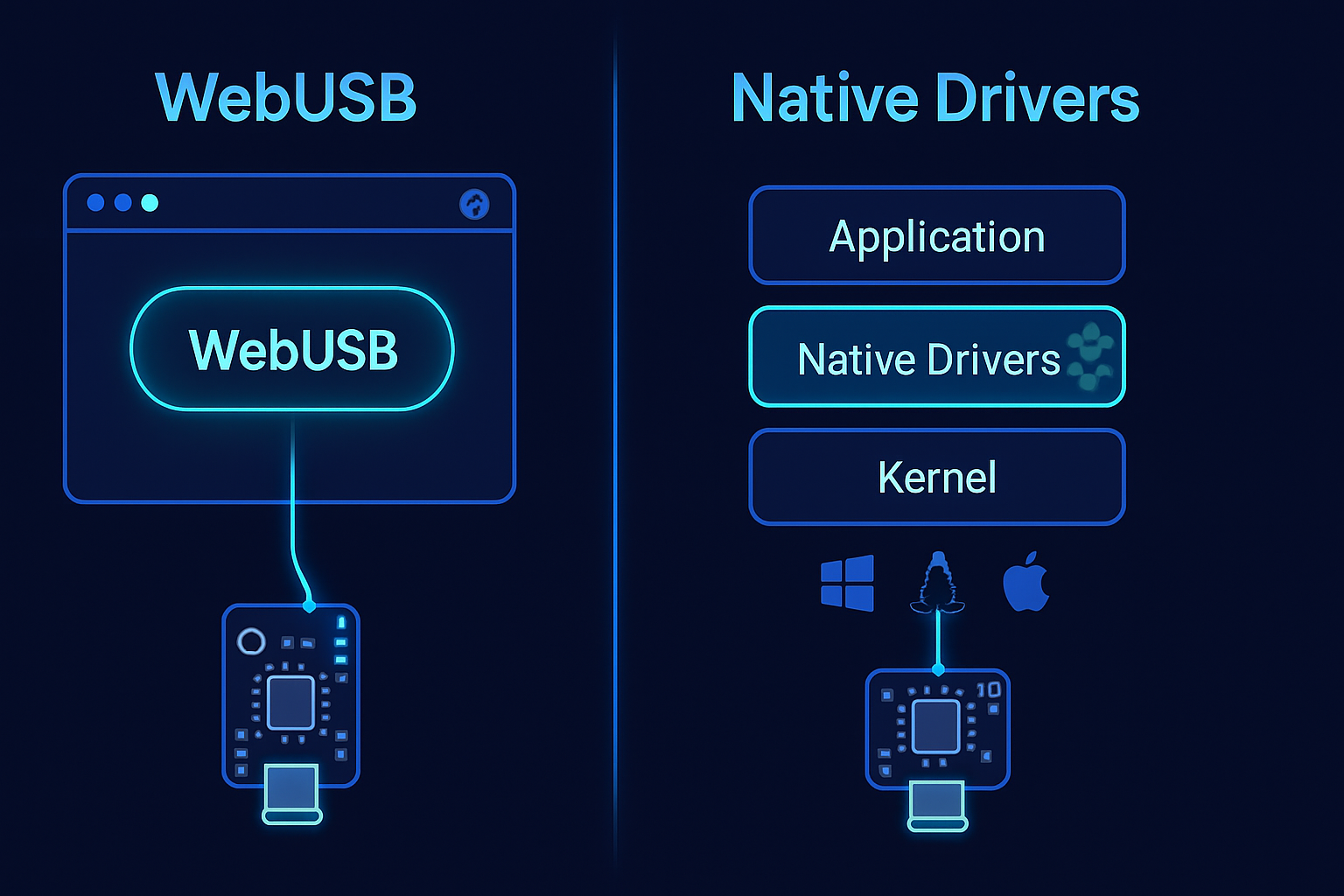
- WebHID: A browser API built for devices that follow the Human Interface Device (HID) class (keyboards, gamepads, many sensors). It exposes HID reports and report descriptors, letting JavaScript send and receive smallish structured messages.
- WebUSB: A lower-level browser API that exposes raw USB endpoints (control, bulk, interrupt, isochronous) for arbitrary USB devices. It’s intended for vendor-defined devices that need direct USB access.
Key differences in one sentence
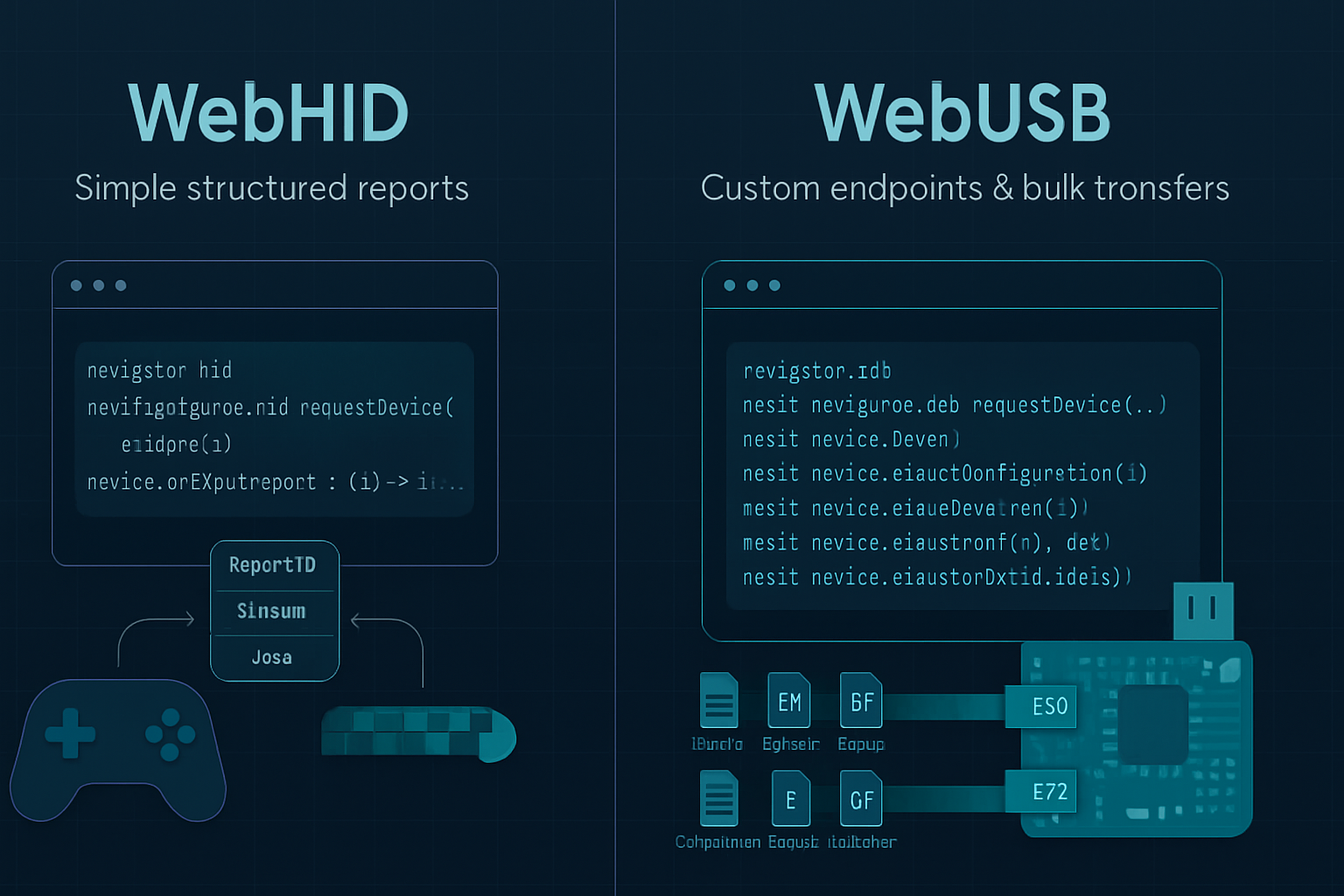
WebHID is high-level and HID-friendly (simple reports, fast startup), while WebUSB is low-level and flexible (raw endpoints, higher throughput and control).
Primary sources
- WebHID spec / explainer: https://wicg.github.io/webhid/
- WebUSB spec / explainer: https://wicg.github.io/webusb/
- MDN WebHID: https://developer.mozilla.org/en-US/docs/Web/API/WebHID_API
- MDN WebUSB: https://developer.mozilla.org/en-US/docs/Web/API/WebUSB_API
A practical comparison (capabilities, strengths, and limits)
- Device model and intended devices
- WebHID
- Intended for HID-class devices and anything that can present itself via HID reports.
- Works well for gamepads, specialized input devices, some sensors, and controllers that already use HID.
- WebUSB
- Intended for vendor-specific or class-specific devices that require raw USB endpoint access.
- Good for custom hardware protocols, firmware flashing, and high-bandwidth transfers.
- Abstraction level
- WebHID: Message/report oriented - you work with reports defined by the device’s HID descriptor. The API handles HID report framing.
- WebUSB: Endpoint/transfer oriented - you manage control transfers, bulk/interrupt/iso transfers, configurations, and interfaces yourself.
- Throughput and latency
- WebHID
- Typical HID report sizes are small (often 64 bytes or less); good for low-latency control messages and state updates.
- Not ideal for streaming large binary blobs or high-bandwidth audio/video data.
- WebUSB
- Supports bulk and isochronous endpoints for higher throughput and streaming use-cases.
- Better for firmware uploads, large data transfers, and performance-sensitive communication.
- Driver and OS behavior
- WebHID
- Many OSes expose HID devices to the system; WebHID can interact with those without replacing an OS driver.
- If the device presents as a standard HID, it’s often easier to use without additional driver installation.
- WebUSB
- May require the device to expose WinUSB (or similar) interfaces on Windows to avoid driver conflicts.
- Provides more control but sometimes needs device-side descriptor changes or driver setup in the OS.
- Permissions and security
- Both APIs require explicit user permission (via a chooser) and only allow origin-bound access to the selected device.
- Both are gated by feature-detection and require user gestures to request devices.
- WebUSB historically attracts more scrutiny because low-level USB access can be used to circumvent OS drivers; most browsers limit usage and show strong consent prompts.
- Browser support and ecosystem
- WebHID: Supported by Chromium-based browsers (Chrome, Edge) and other Chromium derivatives; limited/non-existent in Firefox and Safari as of this writing. Check up-to-date compatibility before shipping.
- WebUSB: Also best supported in Chromium-based browsers; support in other browsers remains limited and evolving.
Practical code examples
Note: Always feature-detect before using these APIs.
WebHID: request a device, open it, and send a report
// Feature detect
if (!('hid' in navigator)) {
  throw new Error('WebHID not supported in this browser.');
}

// Filters can use vendorId/productId or usagePage/usage
const devices = await navigator.hid.requestDevice({
  filters: [{ vendorId: 0x1234, productId: 0x5678 }],
});

const device = devices[0];
await device.open();

// Send a report (reportId, data as Uint8Array)
const reportId = 0x01;
await device.sendReport(reportId, new Uint8Array([0x01, 0x02, 0x03]));

// Listen for incoming reports
device.addEventListener('inputreport', event => {
  const { data, reportId } = event;
  // read data as needed
});
WebUSB: request a device, claim interface and transfer
// Feature detect
if (!('usb' in navigator)) {
  throw new Error('WebUSB not supported in this browser.');
}

const device = await navigator.usb.requestDevice({
  filters: [{ vendorId: 0x1234, productId: 0x5678 }],
});

await device.open();
if (device.configuration === null) {
  await device.selectConfiguration(1);
}

await device.claimInterface(0);

// Transfer out (endpoint number is device-dependent)
const data = new Uint8Array([0x01, 0x02, 0x03]);
await device.transferOut(1, data);

// Transfer in
const result = await device.transferIn(1, 64);
const received = new Uint8Array(result.data.buffer);
When to choose WebHID - recommended use cases
- Your device is or can present itself as an HID device (game controller, simple sensor, custom input device).
- You need a quick, low-effort integration for control/state messages and small structured packets.
- You want to reuse existing HID descriptors and avoid OS driver installations.
- Your data sizes are small (control events, status updates, button/axis values).
When to choose WebUSB - recommended use cases
- Your device implements a vendor-specific protocol or needs raw control over USB transfers.
- You need high throughput (bulk or isochronous transfers) or large file/firmware transfers.
- You need to perform control transfers or manage interfaces/configurations directly.
- You’re building something like a firmware flasher, custom USB peripheral, or device that doesn’t fit into the HID class.
Alternatives and related APIs
- Web Serial API: Great if your device exposes a USB CDC-ACM (serial) interface. Easier for classic serial-over-USB devices like many Arduinos. MDN: https://developer.mozilla.org/en-US/docs/Web/API/Serial
- WebBluetooth: Use for Bluetooth LE peripherals. Different technology stack but similar integration patterns.
Compatibility and fallback strategies
- Feature-detect and offer fallbacks. Example pattern:
- Try WebHID if the device is HID-capable.
- Else try WebUSB for vendor-specific endpoints.
- Else prompt the user to use a native app or a different browser.
- Provide clear instructions for users about browser requirements (Chromium-based) and any OS-side driver steps.
Security and privacy notes (practical)
- Always require user gesture when prompting for a device (the APIs enforce this).
- Persisting access: browsers may allow persistent permissions for a given origin, but users can revoke them.
- Be explicit in your UI about what device access is used for. Show human-readable reasons before opening the browser device chooser.
Performance tips
- For WebHID, minimize report size and use compact encodings to stay within HID limits.
- For WebUSB, choose appropriate endpoints: bulk for reliability/high-throughput, isochronous for real-time streaming (audio/video), interrupt for frequent small messages.
- Batch transfers when possible to amortize JS and USB overhead.
Decision checklist (quick)
- Does the device present as HID or can it? -> WebHID
- Do you need large file transfers, firmware flashing, or raw endpoint control? -> WebUSB
- Do you need serial/CDC? -> Consider Web Serial instead
- Is browser support (Chromium) acceptable for your users? -> Proceed. Otherwise build fallback/native solution.
Example real-world scenarios
- Gamepad or custom keyboard: WebHID. Use HID descriptors and handle report inputs.
- Firmware flasher or high-speed sensor streaming: WebUSB. Use control/bulk transfers and claim interfaces.
- Arduino over CDC serial: Web Serial is usually easier than WebUSB or WebHID unless you change the firmware.
Final recommendation - the single most useful rule
If your device naturally fits the HID model, choose WebHID for simplicity, rapid iteration, and minimal driver friction. If you need raw endpoint access, higher throughput, or full USB control - choose WebUSB. Simple rule. Big payoff.
Further reading and references
- WebHID explainer/spec: https://wicg.github.io/webhid/
- WebUSB explainer/spec: https://wicg.github.io/webusb/
- MDN WebHID API: https://developer.mozilla.org/en-US/docs/Web/API/WebHID_API
- MDN WebUSB API: https://developer.mozilla.org/en-US/docs/Web/API/WebUSB_API