· deepdives · 7 min read
Top 10 Portal API Use Cases That Will Transform Your Business
Explore ten high-impact portal API use cases - from self-service billing to partner ecosystems and IoT device management - with real-world examples, implementation notes, and links to vendor case studies and docs.
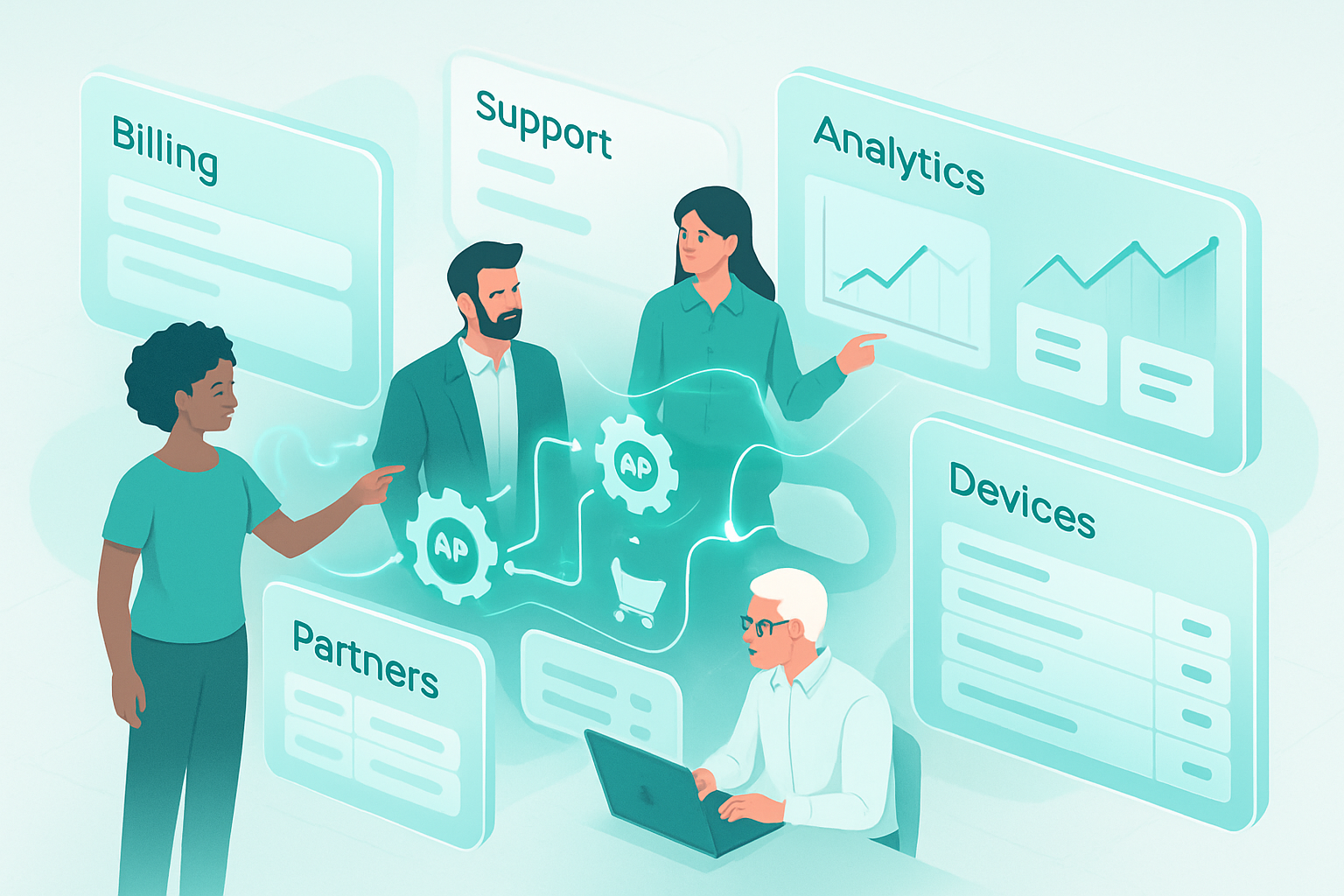
Outcome first: Build portals that reduce churn, cut support costs, speed integrations, and unlock new revenue streams. Read this and you’ll have ten concrete portal API use cases - with real vendor examples and practical implementation notes - so you can pick the ones that deliver the fastest ROI.
Start here. Then choose one to pilot this quarter.
Why portal APIs matter
Portals are the face of many digital businesses: the place customers buy, partners integrate, developers explore, and employees operate. When those portals are powered by APIs you control, they stop being static pages and become strategic platforms - extensible, automatable, and measurable. Simple stuff becomes scalable. Manual work becomes workflows. Small improvements compound into real business transformation.
Below are the top 10 portal API use cases that repeatedly deliver measurable results, each with a short implementation playbook and links to vendor docs/case studies so you can dig deeper.
1) Self‑service billing & subscription portals
What it does
Give customers full control of invoices, subscription plans, payment methods, and past transactions without calling support.
Why it transforms
Reduces billing-related tickets, speeds upgrades/downgrades, and improves cash flow through quicker payments.
Real-world examples & docs
- Stripe Customer Portal - a managed, API-driven portal for subscriptions and billing: https://stripe.com/docs/billing/subscriptions/customer-portal
- Stripe customer stories: https://stripe.com/customers
Implementation notes
- Use hosted flows when possible to reduce PCI scope and accelerate time to market.
- Expose safe actions (view invoices, update card) and protect sensitive operations via re-auth or tokenized links.
- Add webhooks to sync billing events into CRM and analytics.
KPIs to track
Ticket volume, payment success rate, average time-to-payment, churn rate.
2) Unified customer support portals (knowledge + ticketing)
What it does
A single pane where customers find help articles, open/update tickets, check incident status, and chat with agents.
Why it transforms
Improves first-contact resolution and deflects repetitive questions to self‑help resources.
Real-world examples & docs
- Zendesk Help Center & API for building custom support portals: https://developer.zendesk.com/api-reference/
- Zendesk customer stories: https://www.zendesk.com/customer/
Implementation notes
- Use search analytics to surface high-value articles in the portal.
- Combine APIs for ticket creation + user profile sync to keep CRM and support context aligned.
- Add conversational channels (chatbots) backed by the portal’s knowledgebase.
KPIs to track
Self‑service rate, ticket deflection, CSAT, time-to-resolution.
3) Partner & channel portals (co‑selling, onboarding, reporting)
What it does
Enable partners to register leads, access marketing assets, create deals, and view co‑selling reports.
Why it transforms
Turns partners into revenue multipliers with controlled access to systems and data.
Real-world examples & docs
- Salesforce Experience Cloud (partner portals and APIs): https://www.salesforce.com/products/experience-cloud/overview/
- Salesforce APIs and developer resources: https://developer.salesforce.com/
Implementation notes
- Provide role-based API keys and scoped access tokens for partners.
- Offer webhooks for lead updates and status changes so partners can build integrative workflows.
- Expose dashboards and exports for commission tracking and deal health.
KPIs to track
Partner-sourced revenue, partner onboarding time, deal conversion rate.
4) Developer portals & API documentation (public and private)
What it does
Hosts interactive documentation, SDKs, API explorers, and onboarding flows for your API consumers.
Why it transforms
Better developer experience shortens integration cycles and increases API adoption.
Real-world examples & docs
- Kong Developer Portal: https://docs.konghq.com/kong/2.8.x/developer-portal/
- ReadMe (example platform for developer portals): https://readme.com/
Implementation notes
- Provide interactive try-it-now consoles and example code in major languages.
- Automate SDK generation from OpenAPI specs and make API keys available in the portal.
- Track API key provisioning and quota usage programmatically.
KPIs to track
Time-to-first-call, developer conversion rate, API usage growth, support requests from integrators.
5) Identity & SSO portals (login, user management, device trust)
What it does
Manage user sign-up, single sign-on (SSO) configuration, MFA, and user directories for customers or partners.
Why it transforms
Simplifies access, reduces friction, and hardens security across all portals.
Real-world examples & docs
- Okta and Auth0 for identity and SSO integration: https://developer.okta.com/ and https://auth0.com/docs
- Okta customer stories: https://www.okta.com/customers/
Implementation notes
- Use standards (OIDC, SAML) and centralize authentication decisions in the portal backend.
- Offer OAuth client registration via the portal for partner apps.
- Surface audit logs and access reports in the portal for compliance.
KPIs to track
Login success rate, MFA adoption, account takeover incidents, SSO adoption.
6) E‑commerce seller & marketplace portals
What it does
Give sellers control of product catalogs, pricing, promotions, orders, and payouts.
Why it transforms
Turns marketplaces and platforms into low-friction selling machines while increasing GMV and seller retention.
Real-world examples & docs
- Shopify Admin API for building seller portals and apps: https://shopify.dev/api/admin
- Shopify enterprise success stories: https://www.shopify.com/enterprise/success-stories
Implementation notes
- Use API webhooks to sync inventory and order status in near real-time.
- Provide granular merchant dashboards for payouts and dispute handling.
- Ensure idempotent APIs for order operations to avoid duplicate charges.
KPIs to track
GMV, time-to-first-listing, seller churn, average order value.
7) Internal operations & admin portals (finance, HR, logistics)
What it does
Consolidates internal systems (ERP, HRIS, WMS) into role-based admin portals for operations teams.
Why it transforms
Reduces cross-tool context switching and surfaces process automation opportunities.
Real-world examples & docs
- Many organizations stitch systems using APIs from Workday, SAP, and custom services. Example: Workday REST APIs: https://community.workday.com/
- SAP Ariba for procurement portals: https://www.sap.com/products/ariba.html
Implementation notes
- Build robust audit trails and permission models.
- Prefer API-first integrations with idempotency and retry logic for critical operations.
- Expose admin-level bulk actions safely (with approvals and dry-run modes).
KPIs to track
Process throughput, error rates, time saved per ticket, compliance metrics.
8) Analytics & reporting portals (custom dashboards and embedded BI)
What it does
Deliver real-time dashboards, report exports, and embedded analytics to customers or internal teams.
Why it transforms
Turns data into decisions and monetizes insights when offered as part of a product tier.
Real-world examples & docs
- Looker APIs and embedding: https://cloud.google.com/looker/docs/apis
- Tableau REST API: https://help.tableau.com/current/api/rest_api/en-us/REST/rest_api.htm
Implementation notes
- Offer role-based data views and data export controls.
- Use API-driven embedding to keep analytics in your portal’s UX and to control licensing.
- Cache heavy queries and provide async exports for large datasets.
KPIs to track
Dashboard adoption, time-on-dashboard, self-service report creation, revenue from analytics add-ons.
9) IoT device management portals
What it does
Control device provisioning, firmware updates, telemetry viewing, and remote commands from a portal.
Why it transforms
Lowers operational costs, increases device uptime, and enables new services (e.g., predictive maintenance).
Real-world examples & docs
- AWS IoT developer guide: https://docs.aws.amazon.com/iot/latest/developerguide/what-is-aws-iot.html
- Particle device cloud & APIs: https://docs.particle.io/
Implementation notes
- Secure device identities and rotate device credentials regularly.
- Use event-driven architectures and webhooks for telemetry alerts.
- Provide batch operations (fleet updates) with staged rollouts and health checks.
KPIs to track
Device uptime, mean time to repair, firmware rollout success rate, support tickets per device.
10) B2B procurement & supplier portals
What it does
Allow buyers to manage catalogs, enforce contracts, place orders, and track supplier performance through APIs.
Why it transforms
Streamlines procurement cycles and reduces working capital needs by automating invoice and PO workflows.
Real-world examples & docs
- SAP Ariba procurement platform: https://www.sap.com/products/ariba.html
- Ariba and SAP case studies: https://www.sap.com/products/ariba.html#customers
Implementation notes
- Integrate PO, invoice, and ledger workflows using transactional APIs and webhook notifications.
- Provide role- and company-level access controls with approval workflows.
- Support EDI when required by large enterprise customers alongside modern REST APIs.
KPIs to track
Procurement cycle time, invoice exceptions, spend under management, supplier SLAs.
Practical engineering checklist (short)
- Authentication: Use OAuth/OIDC for portal API access and rotate credentials regularly.
- Webhooks & Events: Build an event-first integration model; consumers should be able to subscribe to important events.
- Rate limits & retries: Design for graceful degradation and idempotency.
- Data sync: Prefer real-time events over cron-based polling when possible.
- Observability: Log requests, track latency, and expose quota and usage metrics in the portal.
- Security: Enforce least privilege, encrypt sensitive fields, and surface audit logs to admins.
How to pick which use case to pilot
- Measure: Which portal action causes the most support load or friction today? Start there.
- Estimate impact: Project cost savings or revenue uplift from automation.
- Prototype: Launch a small, API‑driven workflow (often billing, lookups, or a single webhook) in 2–4 weeks.
- Iterate: Add telemetry and scale the flows that move KPIs.
Final thought
Portals are no longer just front doors. They’re programmable platforms. When you expose the right capabilities via APIs - billing, identity, data, device control, and partner workflows - you unlock new operating models and revenue channels. Start with one high-impact use case, instrument it, and you’ll see how quickly portal APIs can transform not only a product, but the economics of your business.
References
- Stripe Customer Portal Docs: https://stripe.com/docs/billing/subscriptions/customer-portal
- Stripe Customers & Case Studies: https://stripe.com/customers
- Zendesk API Reference: https://developer.zendesk.com/api-reference/
- Salesforce Experience Cloud: https://www.salesforce.com/products/experience-cloud/overview/
- Kong Developer Portal: https://docs.konghq.com/kong/2.8.x/developer-portal/
- ReadMe: https://readme.com/
- Okta Developer: https://developer.okta.com/
- Shopify Admin API: https://shopify.dev/api/admin
- Looker APIs: https://cloud.google.com/looker/docs/apis
- Tableau REST API: https://help.tableau.com/current/api/rest_api/en-us/REST/rest_api.htm
- AWS IoT Developer Guide: https://docs.aws.amazon.com/iot/latest/developerguide/what-is-aws-iot.html
- Particle Docs: https://docs.particle.io/
- SAP Ariba: https://www.sap.com/products/ariba.html