· deepdives · 6 min read
Security Concerns with Web Serial API: What Developers Must Know
Learn the real security risks of using the Web Serial API and practical steps-design, code, and process-to minimize device compromise, data leaks, and attacker persistence when talking to serial devices from the browser.
Outcome: after reading this article you’ll be able to identify the real security risks of using the Web Serial API, prioritize the highest-impact mitigations, and implement concrete changes to make browser-to-serial communications safe in production.
Why this matters. Modern browsers let web pages talk directly to serial devices (microcontrollers, modems, diagnostic tools) using the Web Serial API. That convenience is powerful. It also changes the attack surface: the browser becomes a bridge between internet content and physical devices. If you build for this surface, you must think like both a web and a device security engineer.
Quick primer: what is the Web Serial API?
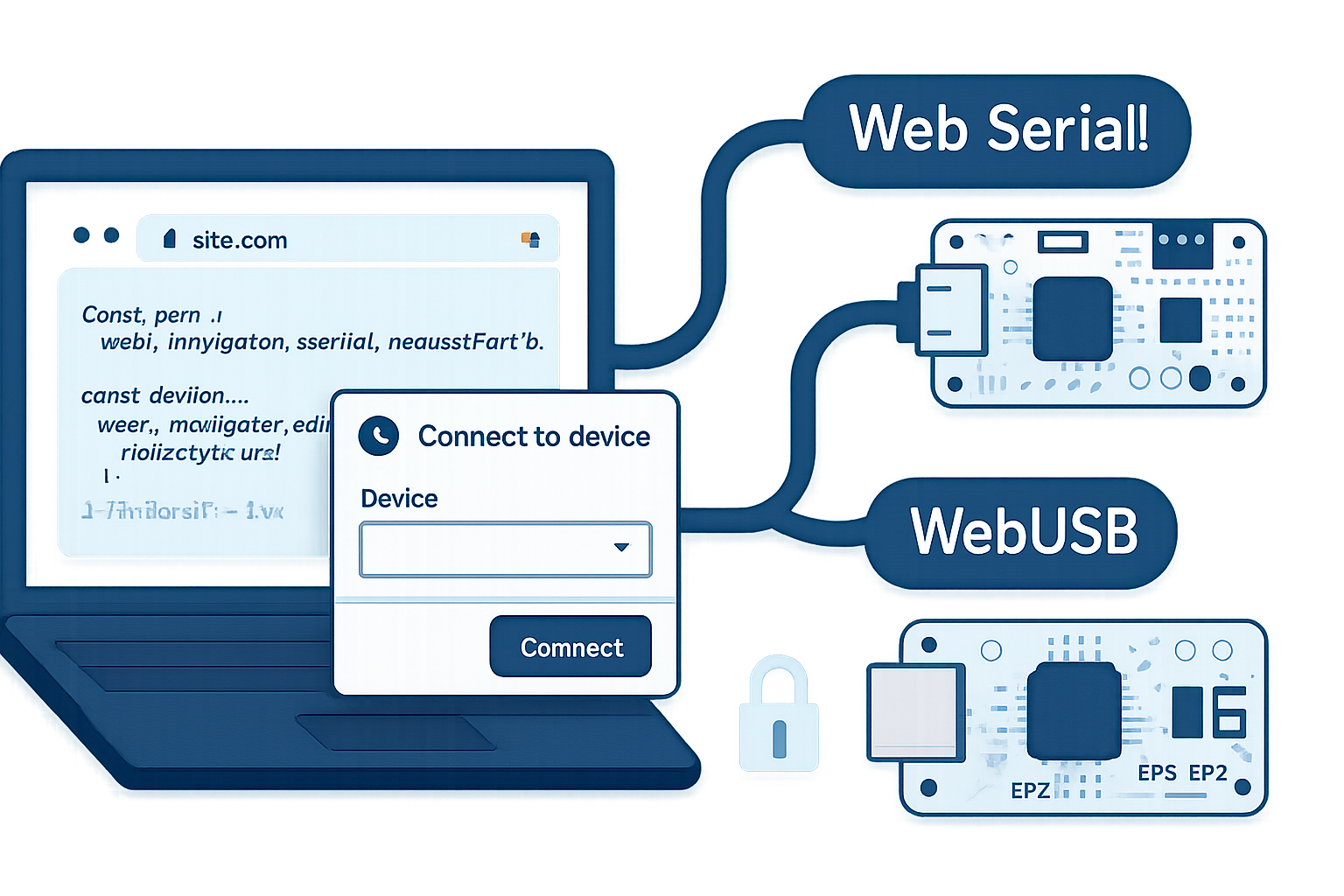
The Web Serial API exposes serial port communication to web pages running in secure contexts. It allows JavaScript to enumerate, open, read from, and write to serial ports connected to the user’s machine. See the spec and browser docs for details: the WICG spec (Web Serial) and the MDN reference are authoritative starting points.
- WICG Web Serial spec: https://wicg.github.io/serial/
- MDN: https://developer.mozilla.org/en-US/docs/Web/API/Serial
- Chrome guide: https://developer.chrome.com/articles/serial-api/
Threat model: what are we protecting against?
Define scope first. The Web Serial API introduces a bridge between web origins and devices. Relevant adversaries include:
- Malicious web pages or scripts aiming to control local hardware.
- Cross-site attackers who try to coerce a user to visit a page that abuses serial access.
- Compromised firmware on devices that attempt to pivot into the host or exfiltrate data.
- Local attackers with physical access who plug malicious USB-to-serial adapters.
Your protections should reduce unauthorized device control, data exfiltration, firmware corruption, and persistence (attacker gaining long-lived access through granted permissions).
Concrete vulnerabilities and examples
- Unauthorized access and permission persistence
- Browsers require a user gesture (requestPort) to grant access. But some browsers allow persistent grants (“always allow”), and origins can call navigator.serial.getPorts() to enumerate previously granted ports. If a user is tricked once, an attacker can regain access later.
- Device fingerprinting and privacy leakage
- Enumeration of connected serial devices can reveal device types, vendor/product IDs, or presence of health/industrial equipment - leaking sensitive metadata about the user or environment.
- Firmware flashing / device corruption
- Writing arbitrary bytes to the serial interface can corrupt device firmware or upload malicious firmware to devices that accept serial-based flashing. This can brick devices or install persistent implants.
- Protocol-level attacks and injection
- Many serial protocols are simple text/byte streams without authentication. Malicious input can trigger unexpected device behavior, buffer overflows, or privilege escalation in the device firmware.
- Man-in-the-middle via adapter firmware
- Cheap USB-to-serial adapters may contain malicious firmware that modifies data, injects commands, or intercepts credentials passed over serial.
- Denial-of-service (DOS)
- High-rate writes, malformed sequences, or indefinite open sessions can put a device into a busy or unusable state.
- Data exfiltration from host
- Some devices (especially debuggers or consoles) expose host information over serial. A web page with serial access could read and upload confidential logs or system info.
- Side-channels and timing attacks
- Observing device responses and timings can leak internal device state or secrets under certain protocols.
Mitigations - practical, prioritized steps
Below are developer-facing mitigations you can implement today in client-side code, server architecture, and developer processes.
1) Use least privilege and strict filtering
- When requesting a port, pass vendorId/productId filters so the permission dialog shows only intended devices and reduces accidental grants.
Example:
// Ask for a specific vendor device only
const filters = [{ usbVendorId: 0x2341 }]; // replace with your vendor ID
const port = await navigator.serial.requestPort({ filters });
await port.open({ baudRate: 115200 });- Avoid broad, unfiltered requests unless absolutely necessary.
2) Require explicit user gestures and clear UX
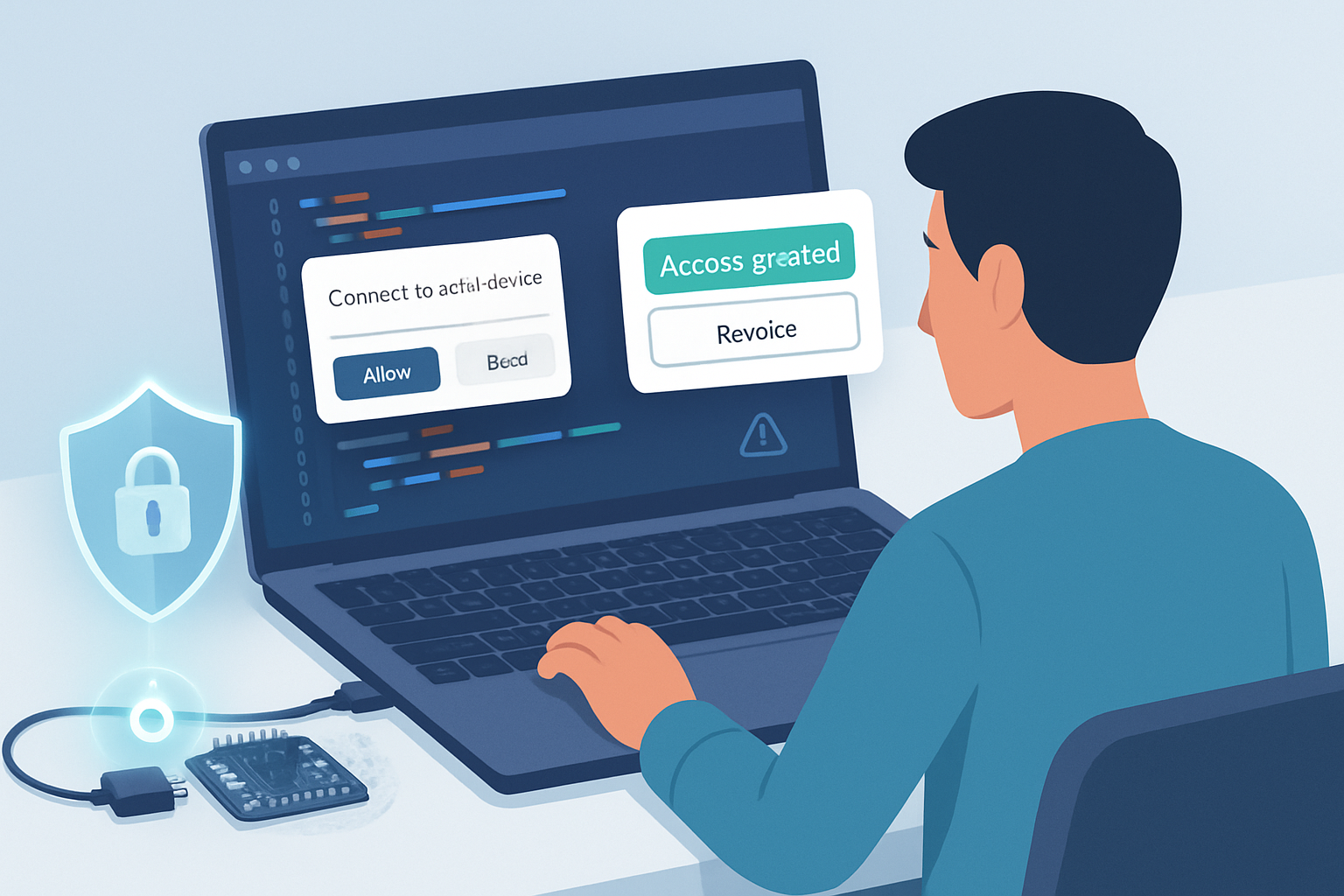
- Always request port access only in response to deliberate UI actions (clicks). Show clear prompts describing why the page needs device access and what the device will be used for.
- Provide an obvious, accessible UI to disconnect and revoke access.
3) Minimize persistent access
- Prefer single-session access. Close ports promptly, call port.close(), and avoid storing long-lived tokens representing device permissions in the app.
- If you must remember a device, store only a non-sensitive identifier and require the user to re-confirm on reconnection.
4) Validate and sanitize all device input and output
- Treat serial input as untrusted. Validate bytes and apply strict protocol parsing. Reject out-of-band or malformed messages.
- Implement size limits, timeouts, and strict state machines for protocol handling.
5) Implement authenticated, encrypted device protocols
- Device security must not rely on the browser alone. Add mutual authentication and message-level integrity or encryption between the device and the app. Options:
- Use a device secure element to hold keys.
- Implement an authenticated key-exchange (e.g., ECDH) and then symmetric authenticated encryption (e.g., AES-GCM) over the serial channel.
Note: the Web Serial API is a transport - it doesn’t provide encryption. You must add it at the application layer.
6) Protect firmware update paths
- Only accept signed firmware images on the device side. The device should verify signatures before flashing.
- Implement firmware update confirmation prompts and rollback protections.
7) Limit rate and resource use
- Implement application-side rate-limiting for writes and reads. Close the port if abnormal activity is detected.
- Throttle large transfers and include heartbeat/keepalive checks to detect stuck sessions.
8) Avoid executing untrusted scripts that access serial ports
- Serve your serial-access pages from a minimal, trusted origin. Use Content Security Policy (CSP) to prevent injection of untrusted scripts.
- Use iframes with strict sandboxing when embedding third-party content.
9) Monitor and audit
- Log serial access events (attach/detach, permissions granted, ports opened/closed). Monitor unusual patterns.
- Combine client-side telemetry with server-side anomaly detection if appropriate and privacy-compliant.
10) Educate users
- Explain the risks to end users: only plug devices from trusted sources, avoid “always allow” unless the device is trusted, and check browser prompts carefully.
Testing: how to validate your defenses
- Fuzzing: fuzz serial inputs to the device firmware and your parsing code. Look for buffer overflows, crashes, or protocol confusion.
- Static analysis and code review: validate protocol parsers, state machines, and memory usage.
- Penetration testing: attempt to grant access through social-engineering scenarios, test persistent permission abuse, and simulate malicious USB-to-serial adapters.
- Device-level security tests: verify firmware signature checks, rollback protections, and that insecure bootloaders are disabled.
Browser platform notes and limitations
- Web Serial requires secure contexts (HTTPS or localhost). This reduces network attacker risk but does not prevent local or social-engineering attacks.
- Permission UX and persistence differ across browsers. Test behavior in all target browsers. See browser docs for permission semantics: https://developer.chrome.com/articles/serial-api/
- navigator.serial.getPorts() returns ports the origin already has access to - treat its output as sensitive state.
Incident response guidance
If you detect suspicious behavior (unexpected firmware changes, unknown device control, or unexplained data exfiltration):
- Immediately close the serial connection and revoke permissions where possible.
- Instruct users to physically disconnect the device and to stop using the app.
- Collect logs for investigation and preserve device images if firmware compromise is suspected.
- Revoke any credentials or keys that may have been exposed and update device firmware to a secure version.
Checklist for safe Web Serial deployments
- Use filters in requestPort and avoid broad enumeration
- Require explicit user gestures and clear UI consent flows
- Close ports when idle and avoid persistent “always allow” patterns
- Validate and sanitize all serial input; use strict parsers
- Add application-layer authentication and encryption where possible
- Enforce signed firmware updates and rollback protections
- Rate-limit and watch for abnormal traffic
- Harden front-end (CSP, sandboxed iframes, minimal third-party scripts)
- Fuzz and pen-test both device and web components
- Log, monitor, and prepare an incident response plan
Further reading
- WICG Web Serial spec: https://wicg.github.io/serial/
- MDN Web Serial API: https://developer.mozilla.org/en-US/docs/Web/API/Serial
- Chrome Web Serial guide and security notes: https://developer.chrome.com/articles/serial-api/
- Permissions API: https://developer.mozilla.org/en-US/docs/Web/API/Permissions_API
- OWASP IoT Project & guidance (general device security): https://owasp.org/www-project-internet-of-things/
By treating the Web Serial API as a powerful but sensitive bridge and applying layered defenses-UX, code, device firmware, and operational controls-you can preserve its benefits without surrendering device or data security.