· deepdives · 8 min read
The Clipboard API and User Privacy: A Double-Edged Sword?
The Async Clipboard API makes copying and pasting in web apps seamless - but it also raises privacy and security risks. Learn how the API works, common attack vectors (clipboard sniffing, hijacking, poisoning), legal implications, and a practical checklist for developers to protect user data when using clipboard features.
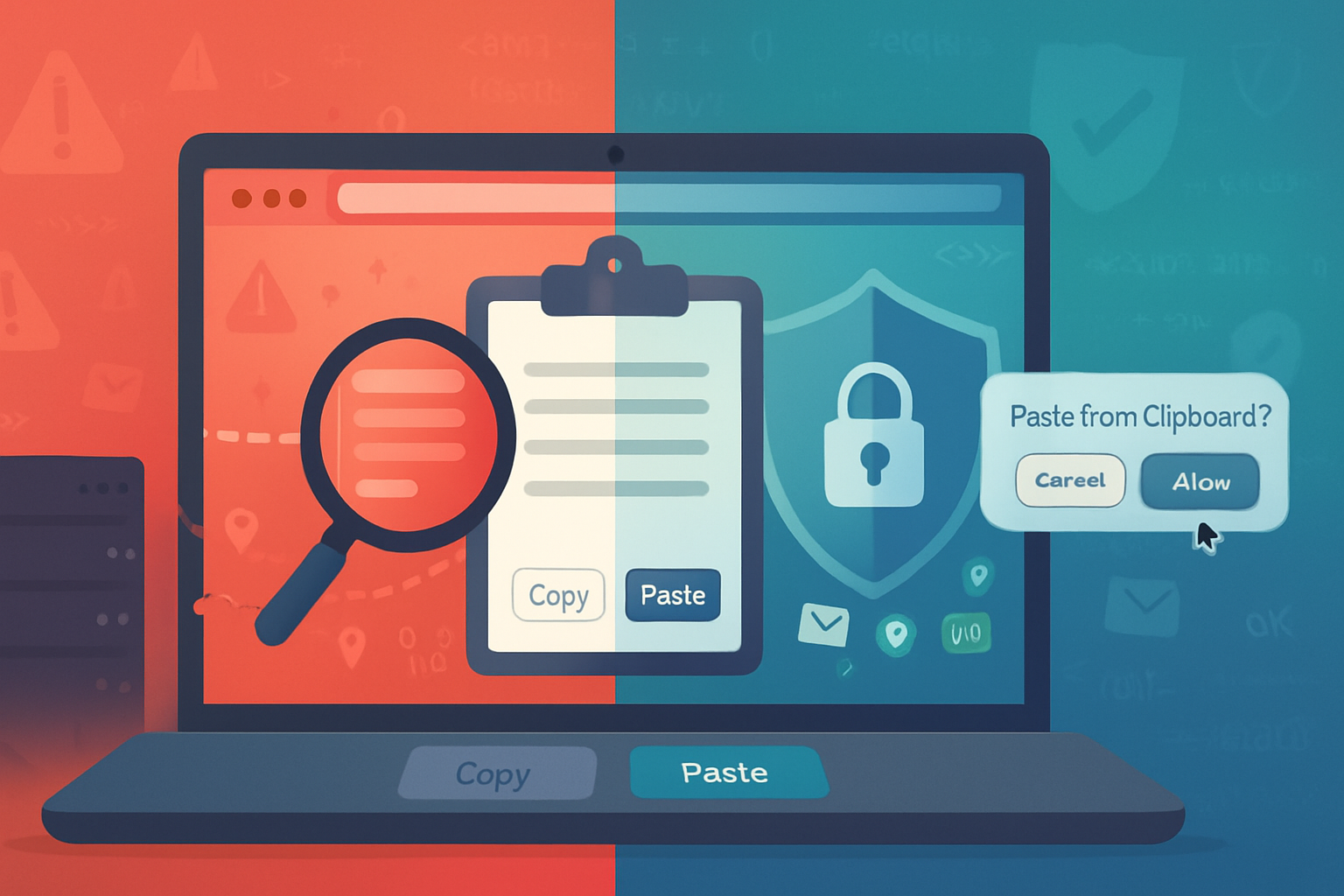
Outcome first: after reading this article you’ll understand exactly how the Async Clipboard API can leak sensitive data, what realistic attacks look like in the wild, and - most important - a practical, developer-focused checklist to mitigate those risks so you can use clipboard features safely in your applications.
Why this matters. Users routinely copy credentials, payment addresses, and personal identifiers. The clipboard is a quiet, global data channel. When a web API lets pages read and write that channel, convenience collides with privacy. This piece shows you how and what to do about it.
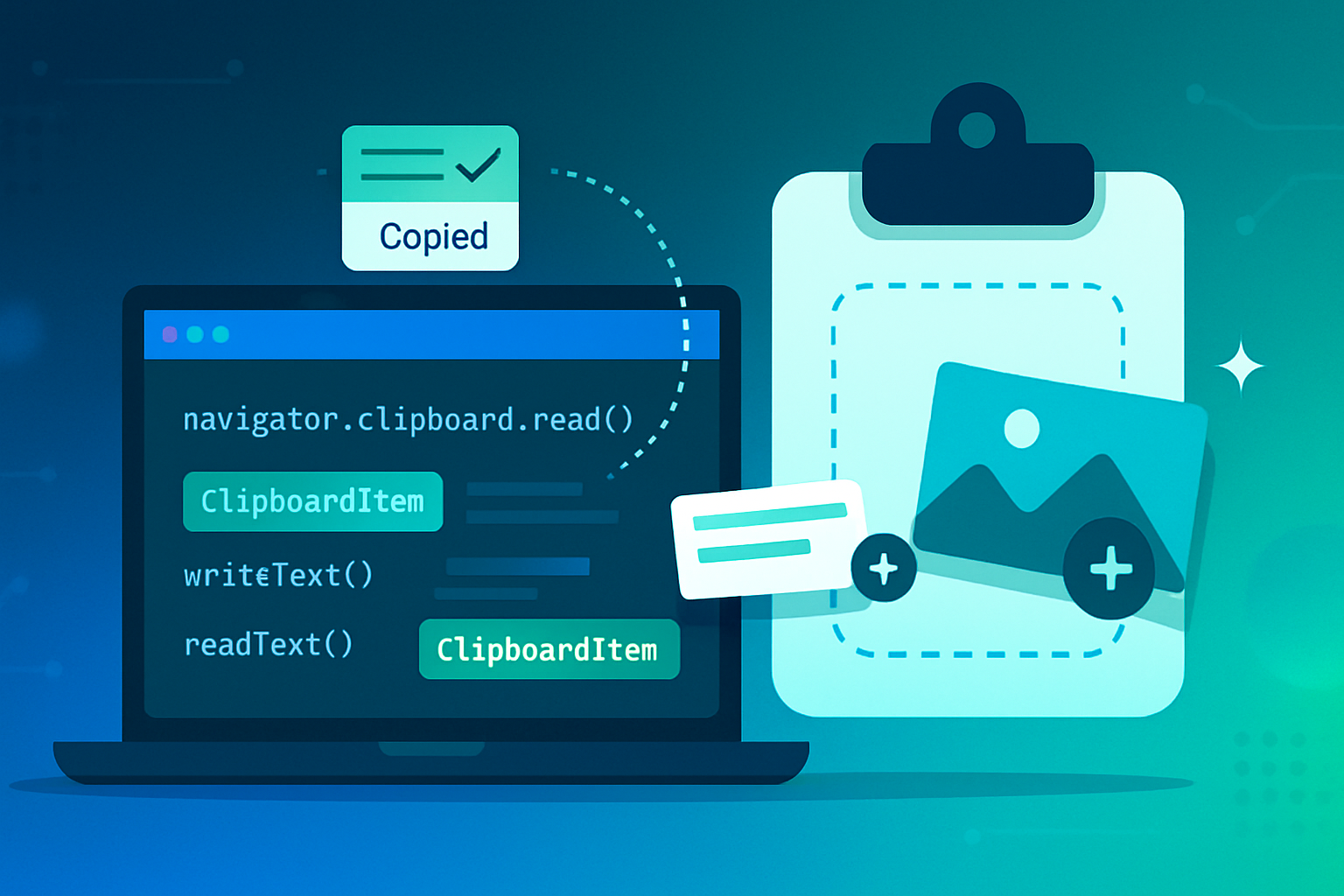
Quick primer: what the Async Clipboard API actually provides
- navigator.clipboard.readText() and navigator.clipboard.writeText(text) - read and write plain text asynchronously.
- navigator.clipboard.read() and navigator.clipboard.write() - read and write arbitrary clipboard items (images, files, HTML) via ClipboardItem objects.
- Traditional clipboard events:
copy,cut,paste- fired during user-initiated clipboard actions and exposingclipboardDatasynchronously.
See the implementation notes and compatibility on MDN: https://developer.mozilla.org/en-US/docs/Web/API/Clipboard_API and the Async Clipboard docs: https://developer.mozilla.org/en-US/docs/Web/API/Async_Clipboard_API
Important constraints (browser-dependent):
- Many browsers require a secure context (HTTPS).
- Many restrict read access to calls made during a user gesture (click, keypress), or require explicit permission (the Permissions API:
clipboard-read/clipboard-write) - but enforcement varies between browsers and can change. - Writing to the clipboard is often permitted more liberally than reading it. That asymmetry matters.
Real attack scenarios - what can go wrong
Below are realistic threats you should design for as a developer.
- Silent clipboard exfiltration
A malicious page or script reads clipboard contents during what the browser considers a user gesture (an innocuous click on the page). That clipboard content can be sent to an attacker-controlled endpoint - leaking passwords, tokens, or PII.
- Clipboard hijacking / poisoning
An attacker overwrites the clipboard with malicious content when the user intends to copy something else. Common targets:
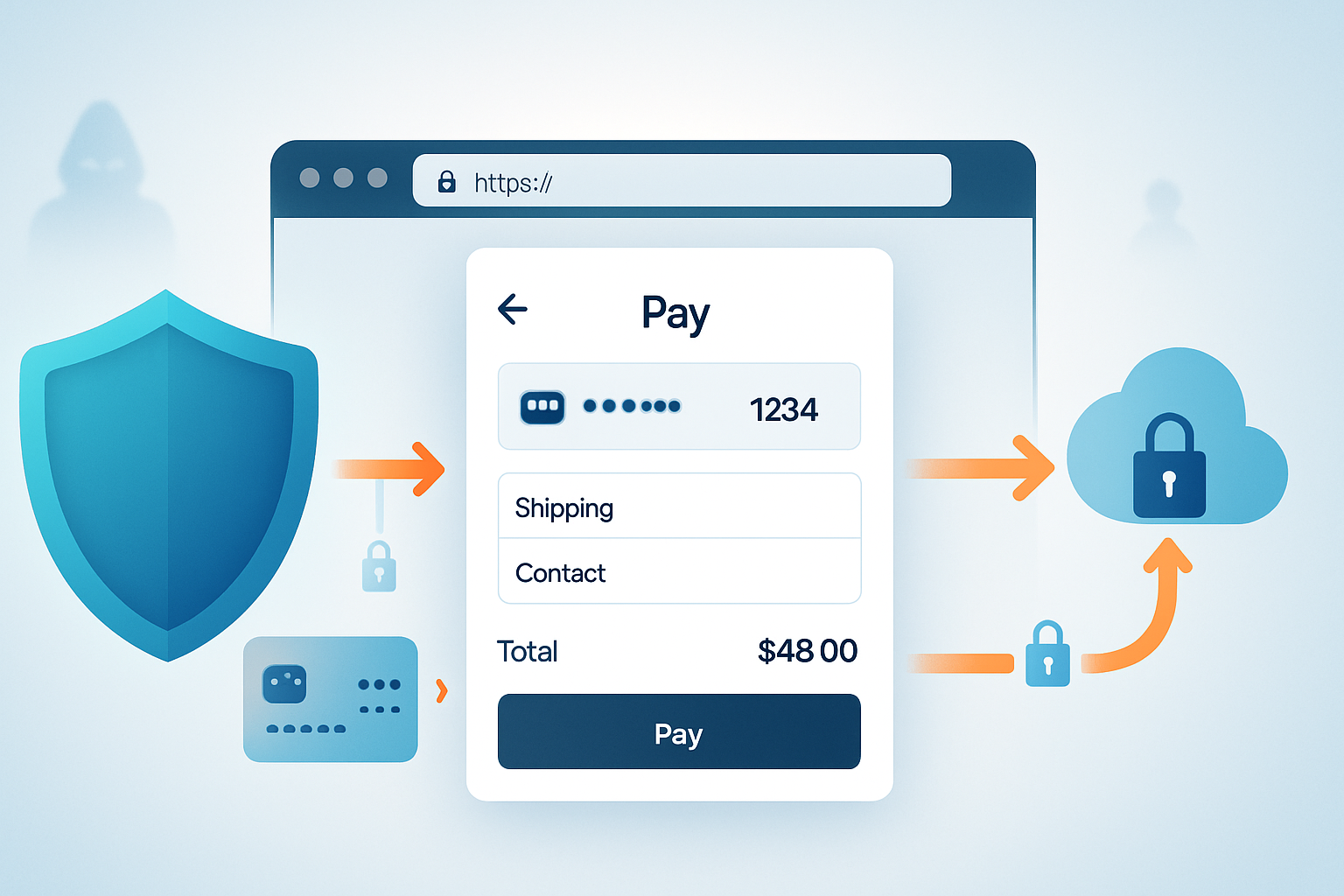
- Cryptocurrency addresses: attacker replaces a copied wallet address with their own (a frequent real-world scam).
- Payment destinations or invoice references.
- Script snippets that, when pasted into a terminal, execute unintended commands. (Example:
curl https://example.com | shreplaced with attacker-controlled payload.)
- Phishing via paste manipulation
A site can detect paste events and rewrite the content to influence user behavior or inject HTML/JS if the paste is treated as rich content. Poor handling of pasted HTML can lead to content spoofing or stored XSS.
- Passive collection in third-party frames or components
If your site embeds third-party iframes or components that have clipboard access and are triggered by click handlers you control, those frames can be an indirect route to data leakage.
- Side-channel or timing attacks
Even without continuous read access, cleverly timed reads around user gestures or interaction flows can capture useful snippets of sensitive data.
For background reading on clipboard-centric attacks see articles about clipboard hijacking and system-level protections such as Apple’s clipboard notifications in iOS 14: https://www.theverge.com/2020/6/22/21299007/ios-14-clipboard-notification-paste-security-privacy and an overview of clipboard jacking risks: https://www.kaspersky.com/resource-center/threats/what-is-clipboard-jacking
Consequences for users and organizations
- Personal exposure: leak of credentials, tokens, credit card numbers, identity documents, and payment addresses.
- Financial loss: attackers replace copied payment addresses or inject malicious transfer commands.
- Reputational and legal: accidental capture and transmission of personal data may trigger data breach reporting rules (for example under GDPR) if the leaked clipboard data is personal data.
- Compliance fines and remediation costs if clipboard-based exfiltration leads to a broader breach.
What browser and OS controls already exist (and their limits)
- Permissions and user gestures: Browsers are moving toward requiring explicit user gestures and permissions for clipboard reads, but the rules differ and evolve. See the Permissions API: https://developer.mozilla.org/en-US/docs/Web/API/Permissions_API
- OS-level notifications: iOS displays a clipboard read notification; some Android skins or privacy tools may show clipboard access. But desktop browsers often offer no visible indicator.
- Feature/Permissions policies: sites can restrict use of certain features in embedded contexts. Use a strict permissions policy for iframes.
None of these are a replacement for careful app-level design.
Developer guidance - practical, actionable rules
Treat the clipboard as a sensitive channel. Below is a prioritized checklist you can apply today.
- Only access the clipboard during explicit user intent
- Prefer using clipboard operations as direct responses to clear user actions (a click on a “Copy” button, an explicit “Paste” button). Avoid reading on arbitrary clicks or page load.
- If you need to accept pasted input, use the native paste event triggered by an explicit paste action rather than calling readText() without a clear user trigger.
- Use the Permissions API defensively
- Query permission status where supported and handle the three states (granted / prompt / denied) gracefully.
Example pattern:
async function safeReadClipboard() {
  if (!navigator.clipboard) return null; // fallback
  try {
    // Some browsers reject unsupported permission queries - wrap them
    const p = await navigator.permissions.query({ name: 'clipboard-read' });
    if (p.state === 'denied') throw new Error('Clipboard read denied');
  } catch (e) {
    // Continue - some browsers don't support querying clipboard-read
  }
  // Only call this from a user gesture
  return await navigator.clipboard.readText();
}- Minimize what you copy and store
- Do not write entire sensitive blobs into the clipboard unless the user explicitly asked for it.
- Do not log clipboard contents or send them to analytics or telemetry.
- Sanitize data going into the clipboard
- Strip HTML and potentially dangerous control characters when you write HTML-derived content.
- Validate pasted text that will be executed or interpreted (e.g., addresses, URIs, commands). Ask for confirmation for high-risk values.
- Provide paste previews and confirmations for high-risk workflows
- When pasting a crypto address, payment endpoint, or command snippet, show a preview and require an explicit confirmation step before acting.
- Display the origin of the paste (“Pasted from clipboard at 11:02 - source: user action”) and allow the user to cancel or edit.
- Avoid automatic clipboard replacement
- Never replace clipboard contents silently as part of page logic. If you must write to the clipboard, make it obvious (show a toast, require a click).
- Secure third-party content and frames
- Do not give clipboard access to untrusted iframes. Use a strict Permissions-Policy (Feature Policy) to restrict clipboard access in embedded content.
- Sanitize pasted content to prevent injection
- When handling paste events, treat input as untrusted. Strip scripts, disallowed markup, and anything that could become a vector for stored XSS or UI spoofing.
Example safe paste handling (plain text only):
document.addEventListener('paste', e => {
  // Prevent default rich paste behavior
  e.preventDefault();
  const text = (e.clipboardData || window.clipboardData).getData('text/plain');
  // sanitize or validate text here before inserting into the DOM
  insertAsPlainText(text);
});- Error handling and UX
- If a clipboard read fails (permission denied, unsupported browser), surface a clear message and provide clear alternative: an input where the user can paste manually.
- Document your behavior and get consent when necessary
- If your app will actively read or write clipboard contents as part of normal operations, make that behavior visible in your privacy policy and in-app disclosures so users know what to expect.
Example: protecting a crypto-address copy/paste flow
Problem: users copy a wallet address, paste it into your payment form, then a malicious script substitutes their address with the attacker’s address.
Mitigations:
- Use an explicit “Paste from clipboard” button that calls readText() only on user click.
- After paste, show the pasted address in a confirmation dialog with the origin and a visual fingerprint (e.g., first/last 6 chars and a hash preview). Ask the user to confirm before submitting the payment.
- Keep an edit field so the user can correct mismatches.
Compliance and data protection considerations
Clipboard content can contain personal data. If your product automatically captures or transmits clipboard data, you may be processing personal data under laws like GDPR. That triggers obligations:
- Lawful basis: You need a lawful basis for processing (consent is the safest route when you’re handling user clipboard data).
- Data minimization: Only capture what you need and retain it only as long as necessary.
- Security measures: Treat clipboard data as potentially sensitive and protect it accordingly (transport encryption, access controls).
If clipboard exposure leads to a personal data breach, you may have breach-notification obligations. Consult your legal/compliance team - clipboard interactions can be an unexpected source of reportable incidents.
Future directions and what to watch
- Browsers will continue to refine when and how clipboard access is allowed. Track browser release notes for changes to
clipboard-readandclipboard-writepolicies. - Expect more visible user indicators on desktop browsers (similar to iOS’s clipboard notifications).
- More granular permissions and per-origin history may arrive; design as if stricter rules are coming.
Quick checklist (for your code reviews)
- Clipboard reads only on explicit user gestures.
- Never log clipboard content or include it in telemetry.
- Sanitize pasted content; default to plain-text insertion.
- Ask for explicit confirmation for high-risk pastes (payments, commands).
- Use Permissions API defensively and provide graceful fallbacks.
- Restrict clipboard access for third-party frames via Permissions-Policy.
- Document clipboard behavior in privacy policy and UX disclosures.
Final thoughts
The Async Clipboard API is a powerful convenience that improves user experience - but it also opens a global, silent data channel that can be abused. The right balance is simple: default to least privilege, require clear user intent, and make clipboard operations visible and reversible. Do that, and you keep the benefits while minimizing the privacy cost. In short: treat the clipboard as toxic until the user explicitly asks to handle it.
References
- MDN - Clipboard API and Async Clipboard API: https://developer.mozilla.org/en-US/docs/Web/API/Clipboard_API
- MDN - Permissions API: https://developer.mozilla.org/en-US/docs/Web/API/Permissions_API
- The Verge - iOS 14 clipboard notification reporting (privacy context): https://www.theverge.com/2020/6/22/21299007/ios-14-clipboard-notification-paste-security-privacy
- Kaspersky - Clipboard jacking overview: https://www.kaspersky.com/resource-center/threats/what-is-clipboard-jacking