· deepdives · 7 min read
Security Concerns with the Contact Picker API: What Developers Must Know
The Contact Picker API gives web apps direct access to a user's contacts with a single chooser. That power is convenient-and risky. This article explains the security and privacy implications, concrete attack scenarios, and a practical developer checklist to minimize risks and build safer integrations.
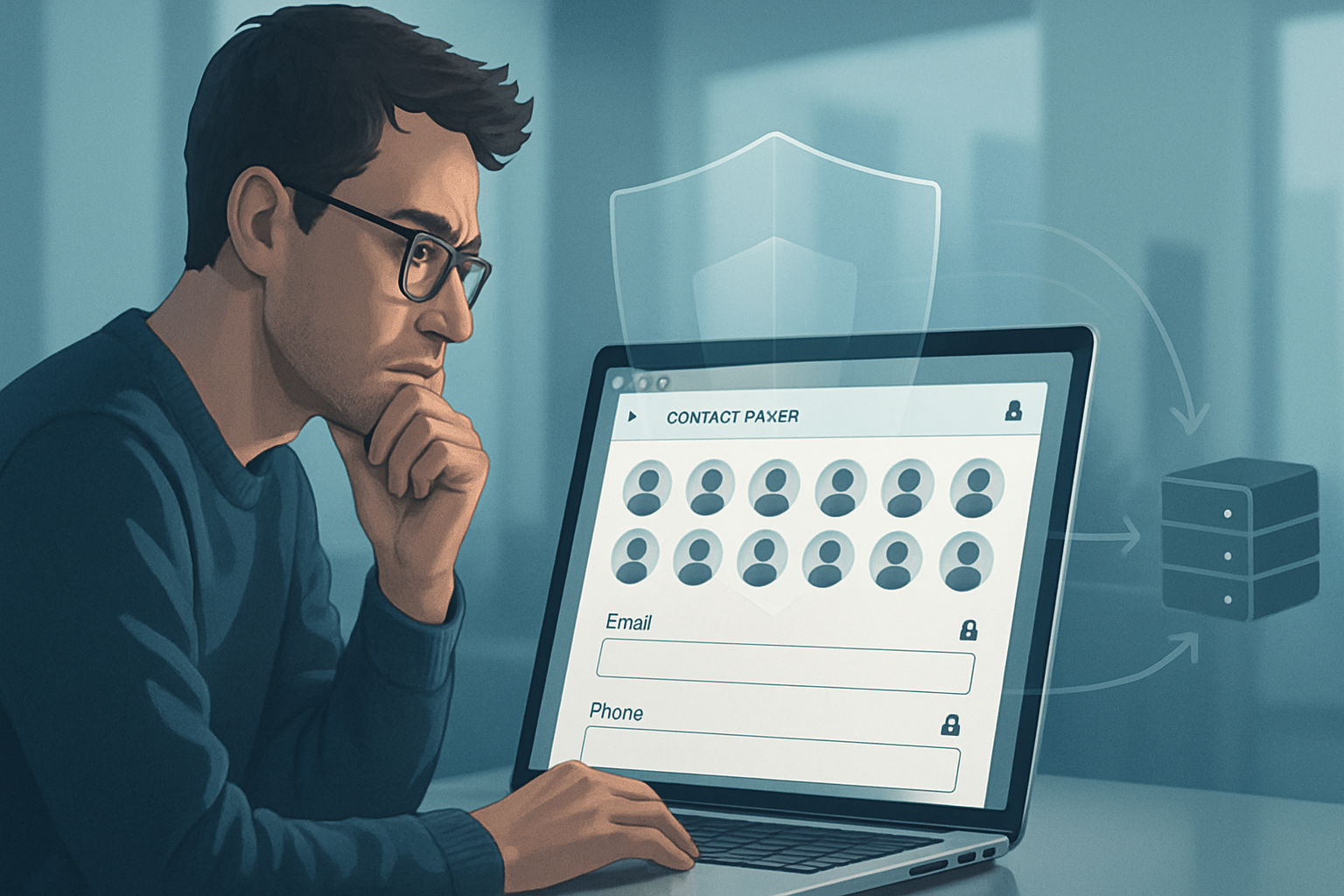
Outcome: after reading this you’ll know the concrete risks the Contact Picker API introduces and a practical, prioritized checklist you can apply today to defend your app and your users.
Why this matters (fast)
The Contact Picker API turns a multi-step copy-paste flow into a one-click action: users can grant a web page access to selected contacts (names, emails, tel numbers, addresses) via a native-like chooser. Great for UX. Dangerous if mishandled.
You can build faster workflows and fewer user errors. But you must also prevent data leaks, misuse, and regulatory exposure. This article tells you what to watch for and exactly what to do.
Quick primer: what the Contact Picker API is and how it works
- It’s a browser API that opens a native contact-selection prompt and returns only the fields the developer requests and the user selects.
- Typical call:
if ('contacts' in navigator && 'select' in navigator.contacts) {
  const props = ['name', 'email', 'tel'];
  const opts = { multiple: false };
  const contacts = await navigator.contacts.select(props, opts);
  // contacts is an array of contact-like objects
}- Only available in secure contexts (HTTPS). Browser vendors restrict it: consent is required and the chooser UI is supplied by the user agent.
Read the spec and browser docs for details: the WICG spec and MDN provide authoritative references.
- Spec: https://wicg.github.io/contact-api/
- MDN overview: https://developer.mozilla.org/en-US/docs/Web/API/Contact_Picker_API
- Background and examples: https://web.dev/contact-picker/
The fundamental security and privacy risks
Data exfiltration
A malicious or compromised page can request contacts and then send them off-site. The chooser reduces friction-users may grant access without fully appreciating consequences.
Over-privilege and broad requests
Asking for every available field (name, email, tel, address, icon) increases impact when data is misused. Broad requests also increase legal risk under data-protection laws.
Indirect identification and aggregation
Even a single field (e.g., phone number) can be linked with other datasets to identify a person. Aggregated contacts across sessions create a rich profile.
Social engineering and coercion
UI text and flows can trick users into selecting contacts they wouldn’t otherwise share. Attackers can use deceptive language to gain broader access.
Fingerprinting and probing
Repeated or clever requests (asking for different field combinations across sessions) can leak presence/absence of specific contacts and be used for fingerprinting.
UI spoofing and prompt fatigue
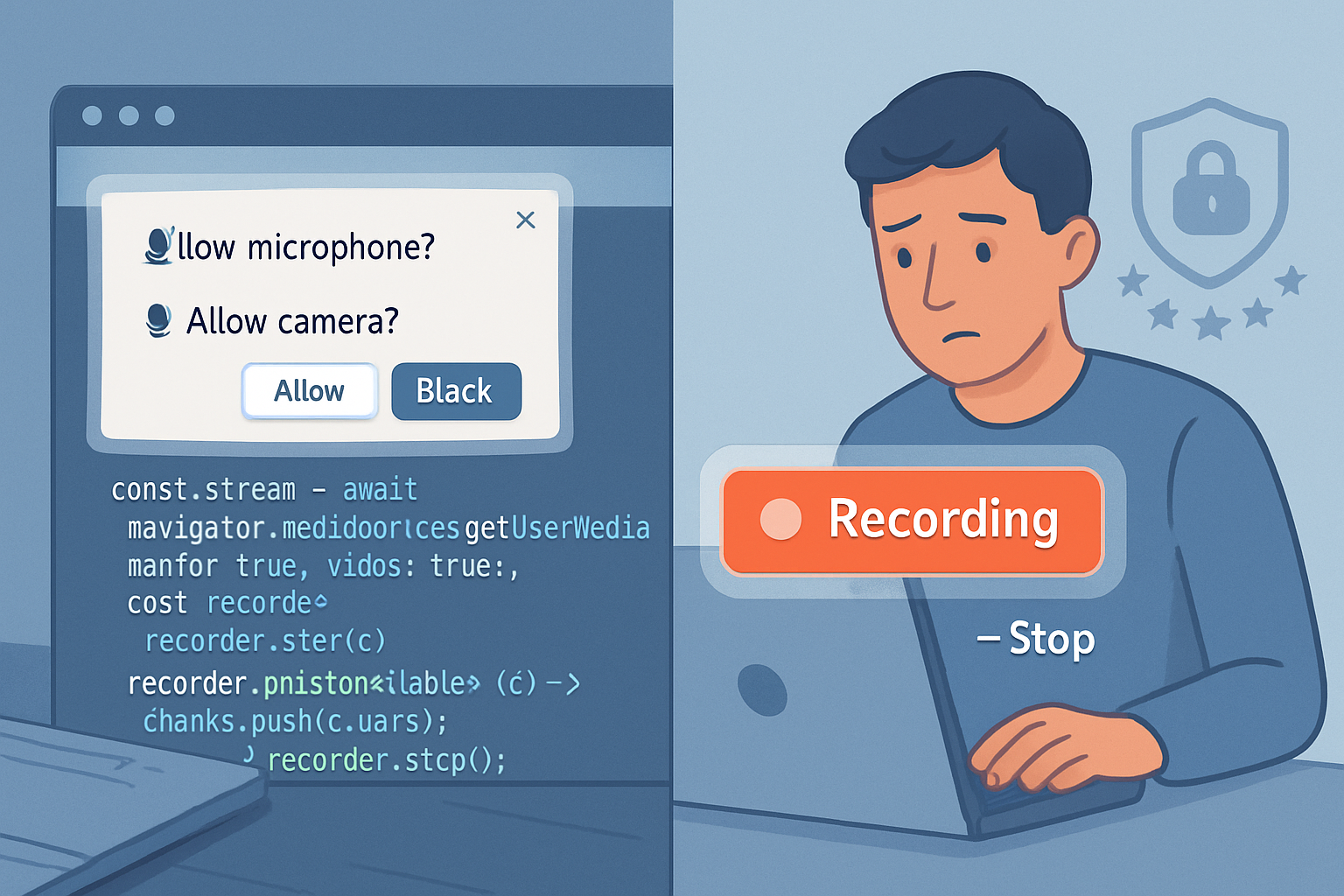
Users become blind to prompts. An attacker can provoke many prompts or place overlays to obscure the chooser, increasing the chance of accidental grants.
Backend handling mistakes
Developers that treat kontakt data as optional or ephemeral on the client may log, cache, or transmit it insecurely on the server-creating long-lived liabilities.
Regulatory and consent record issues
Contact data is often personal data under laws like GDPR. Poor consent recording, retention practices, or lack of lawful basis can create legal exposure.
Realistic attack scenarios (short, sharp examples)
Malicious site requests emails and telephones, then posts them to an attacker-controlled endpoint. Simple. Effective.
A phishing page uses urgent language: “Import emergency contacts now” - users select many contacts. The attacker harvests the list.
A third-party script on your page triggers the picker without clear context. The user grants access; your domain now has actionable PII it didn’t intend to collect.
An app requests only emails, but your server concatenates and stores them with other identifiers (device ID, session tokens). Over time, the server builds user graphs.
What browsers and standards do (and don’t) protect
Browsers enforce a user-mediated chooser and only return fields explicitly requested. They usually require secure contexts. But browsers can’t fully protect against:
- Informed consent (users still make the choice).
- Backend developer mistakes (once data reaches your servers).
- Clever probing or frequency-based fingerprinting.
See implementation notes from Chrome and the WICG Contact API for vendor specifics: https://web.dev/contact-picker/ and https://wicg.github.io/contact-api/.
Developer responsibilities - security and privacy by design
You’re the gatekeeper. The browser stops at the chooser. What happens next is on you.
Minimize requested fields
Only request what your feature strictly needs. Prefer single fields to broad sets. The fewer the fields, the smaller the blast radius.
Example: ask for only the email and nothing else.
const contacts = await navigator.contacts.select(['email'], {
  multiple: false,
});
Just-in-time explanation and explicit context
Prompt the user before calling the API. Explain why you need selected contacts, how they will be used, how long they’ll be kept, and how to revoke consent.
Short, plain-language statements work best.
Resist auto-submitting or background calls
Do not call the picker automatically on page load or in hidden iframes. Tie the call to a clear user action (click, tap) and a visible UI affordance.
Validate and sanitize the returned data
Treat contact fields as untrusted input. Normalize and validate (e.g., validate email formats, sanitize display names).
Secure transport and storage
Always use HTTPS for endpoints. Use TLS with modern ciphers. Encrypt sensitive contact data at rest and restrict access with ACLs.
Log and audit carefully
Avoid logging full contact payloads in plaintext. If you must log for debugging, redact or hash sensitive pieces and keep short retention.
Data minimization and retention policies
Keep only what you need. Document retention windows and deletion procedures. Automate deletion where possible.
Consent records and lawful basis
Store proof of consent (which domain requested what fields, timestamp, and user action) to help with compliance and incident response.
Rate limiting and anti-abuse
Prevent a single user or session from repeatedly invoking the picker and sending data off-site. Detect anomalous export patterns.
Third-party scripts and CSP
Limit third-party code. Use Content Security Policy (CSP) to restrict where data can be sent. Treat third-party script execution as an attack surface.
Implementing safe UX - patterns that work
Always show a pre-chooser modal: “We only need the contact’s email to invite them. You can choose who to share.” Then have a clearly labeled button that triggers navigator.contacts.select.
After the chooser returns, show a preview and let users confirm before data is transmitted to your servers.
Provide a revoke option in account settings that lets users remove imported contacts or disconnect the integration.
Server-side checklist (non-negotiable)
- Require authentication for any endpoint that accepts contact data.
- Validate and normalize incoming contact fields server-side.
- Reject or flag submissions with unexpected fields.
- Encrypt sensitive fields at rest. Use field-level encryption for highly sensitive attributes if necessary.
- Implement strict access controls and auditing for personnel who can view contact data.
- Provide deletion APIs and implement data retention policies.
Permissions Policy and embedding controls
If your site hosts third-party content or may be framed, use the Permissions Policy (formerly Feature-Policy) header to control which origins can use the contacts feature.
Example header:
Permissions-Policy: contacts=(self "https://trusted.example.com")This prevents other origins from calling the API when loaded inside your pages. See MDN for details: https://developer.mozilla.org/en-US/docs/Web/HTTP/Permissions_policy
Testing and monitoring
- Manual testing: simulate user flows, test edge cases (no contacts, contacts with unusual characters), and ensure UX clarity.
- Automated tests: unit tests for validation code and integration tests that mock the picker return values.
- Security testing: include contact-exfiltration scenarios in pen tests. Verify logs do not leak contact data.
- Monitoring: alert on unusual volumes of contact imports or large exports to unknown endpoints.
Compliance and legal considerations
Contact data is likely personal data. Depending on jurisdiction, you may need:
- A lawful basis (e.g., consent) under GDPR.
- Clear privacy notices and user rights (access, deletion).
- Data Protection Impact Assessments (DPIAs) if your processing is high risk.
If you need help with legal compliance, consult your privacy/legal team. A general overview of GDPR principles is here: https://gdpr.eu/
Practical, prioritized checklist (do this first)
- Audit every place your app uses the Contact Picker.
- Limit requested fields to the minimum required.
- Add explicit pre-chooser UI that explains purpose and retention.
- Ensure HTTPS, TLS, and strict CSP.
- Sanitize and validate contact data server-side.
- Encrypt data at rest; restrict access and log access events.
- Implement rate-limiting, anomaly detection, and revoke flows.
- Record consent with timestamp and requested fields.
- Pen test for exfiltration scenarios.
- Document and publish a privacy-friendly policy for users.
Closing - the bottom line
The Contact Picker API helps users. It can also amplify harm if developers treat it like any other input. Build with least privilege. Explain clearly. Store less. Log less. And assume any data you receive could be subpoenaed, leaked, or misused.
Do these things and you retain the productivity gains while minimizing real-world risk. Don’t rely on the browser chooser alone. The real responsibility starts on your server.
References
- WICG Contact Picker API spec: https://wicg.github.io/contact-api/
- MDN - Contact Picker API: https://developer.mozilla.org/en-US/docs/Web/API/Contact_Picker_API
- Web.dev - Contact Picker article and guidance: https://web.dev/contact-picker/
- Permissions Policy (MDN): https://developer.mozilla.org/en-US/docs/Web/HTTP/Permissions_policy
- GDPR overview: https://gdpr.eu/