· deepdives · 7 min read
The Privacy Debate: Using MediaStream Recording API in Modern Web Applications
An in-depth look at the privacy and ethical issues developers must consider when using the MediaStream Recording API - from consent UX to secure storage, legal requirements, and technical mitigations.
What you’ll be able to do after reading this
You’ll understand the real privacy risks of using the MediaStream Recording API and know concrete, implementable best practices to: obtain clear user consent, limit access to audio/video, safely record and store media, and document compliance for audits or regulators.
Short version: you can build recording features that respect users and regulators. And you can avoid becoming the weak link in a privacy chain.
Quick primer: how recording works in the browser
A minimal flow looks like this:
- Ask the browser for media access (getUserMedia).
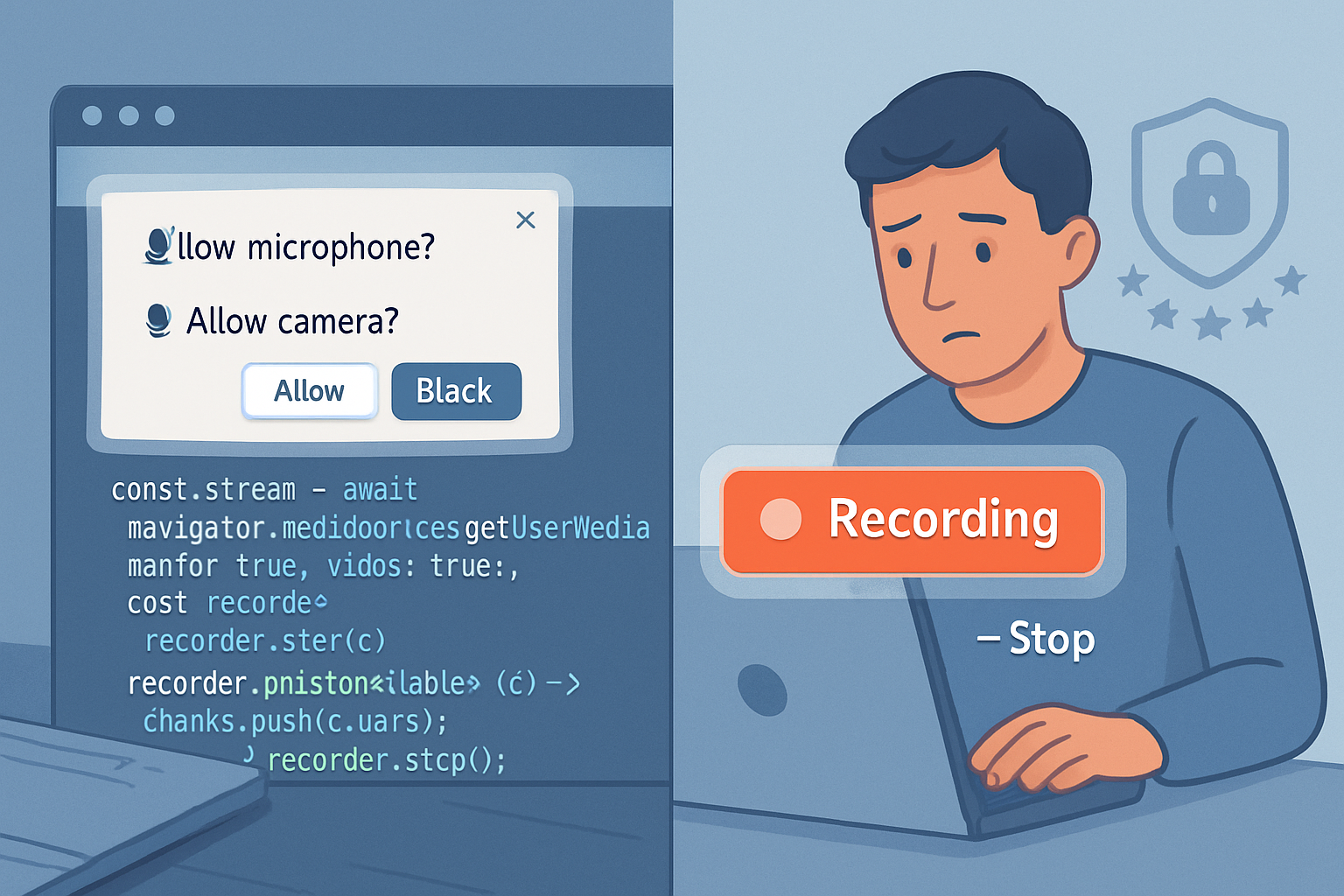
- The browser asks the user to allow or deny.
- If allowed, create a MediaRecorder that turns a MediaStream into recorded blobs.
- Store or transmit the blobs as needed.
Example (simplified):
const stream = await navigator.mediaDevices.getUserMedia({
  audio: true,
  video: true,
});
const recorder = new MediaRecorder(stream);
const chunks = [];
recorder.ondataavailable = e => chunks.push(e.data);
recorder.start();
// later
recorder.stop();
// combine chunks into a Blob and handle (save/upload)
References: the W3C Media Capture and Streams spec and MDN provide details on behaviour and browser support (W3C, MDN MediaRecorder).
Why this is a privacy and ethics debate
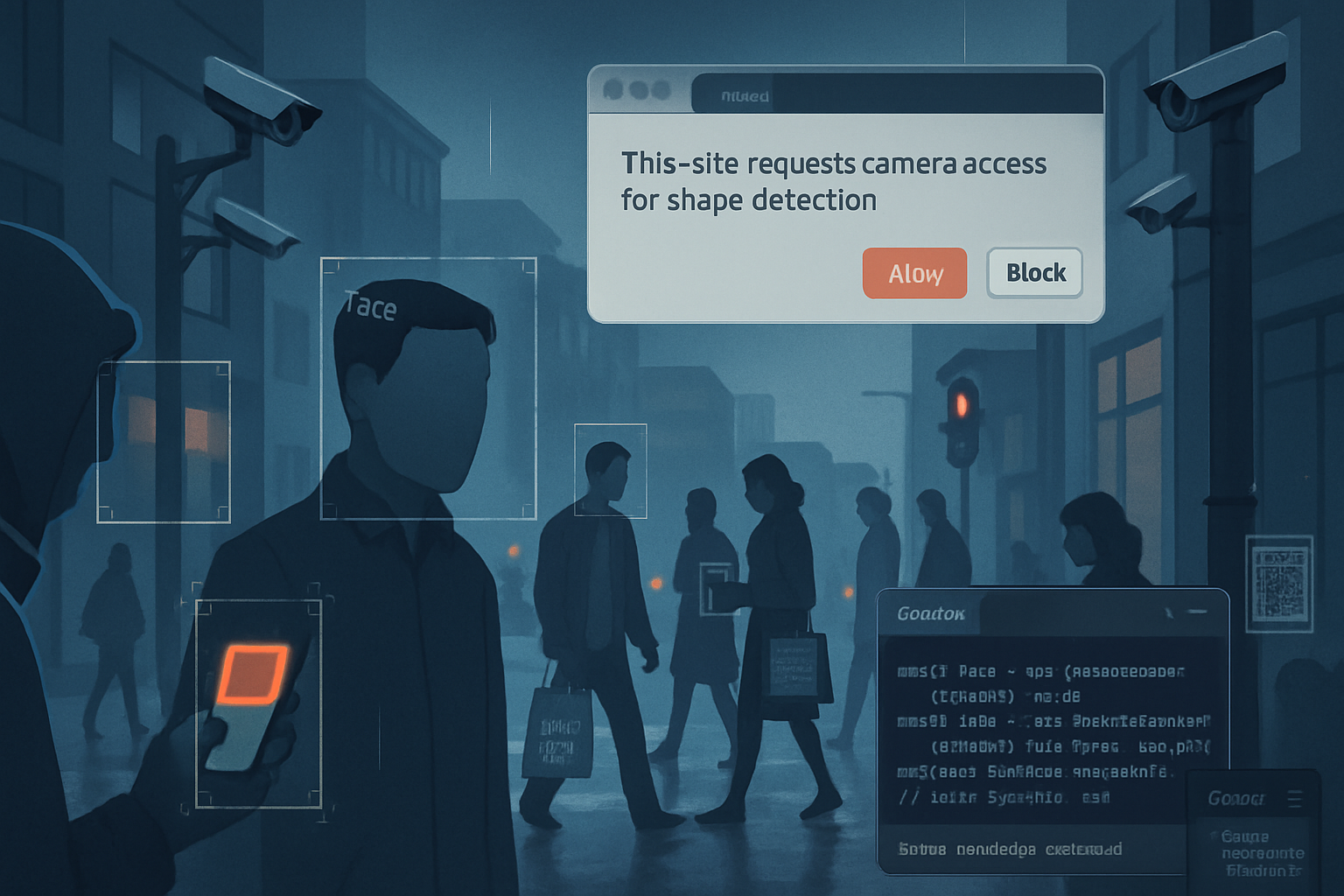
Camera and microphone access are unique: they capture intimate signals. Audio captures voices and background audio. Video reveals identity, location, other people. The cost of misuse is high.
Ethically, developers face two conflicting pressures: building useful features (e.g., customer support calls, voice notes, video messaging) and protecting users from surprise surveillance. Users often consent once, then forget. Apps can later retain recordings indefinitely. That combination leads to real harm: reputational damage, blackmail, doxxing, and chilling effects on user behaviour.
Legal landscape overview (high level)
Laws differ across jurisdictions, but a few themes recur:
- GDPR (EU): recording personal data requires a lawful basis (consent, contract, legitimate interest) and data minimisation, retention limits, and rights like access and erasure. See the regulation (GDPR full text).
- Electronic communications and interception laws: some countries require one-party or all-party consent for recordings (e.g., many U.S. states). Check local wiretapping/consent laws.
- Consumer privacy laws (CCPA, etc.): influence data subject rights and disclosure obligations.
If you process recordings from users in multiple jurisdictions, assume the strictest applicable requirements may apply. Consult counsel for compliance.
Technical privacy implications and common risks
- Permission creep: requesting unnecessary audio/video permissions when only one is needed.
- Persistent access misconceptions: some users believe granting once means always-on. Browsers may show indicators, but UX is subtle.
- Background or hidden capture: malicious or misconfigured apps could record when the UI suggests otherwise (tab hidden, minimized, overlay UI). This risk is reduced by modern browsers, but not eliminated.
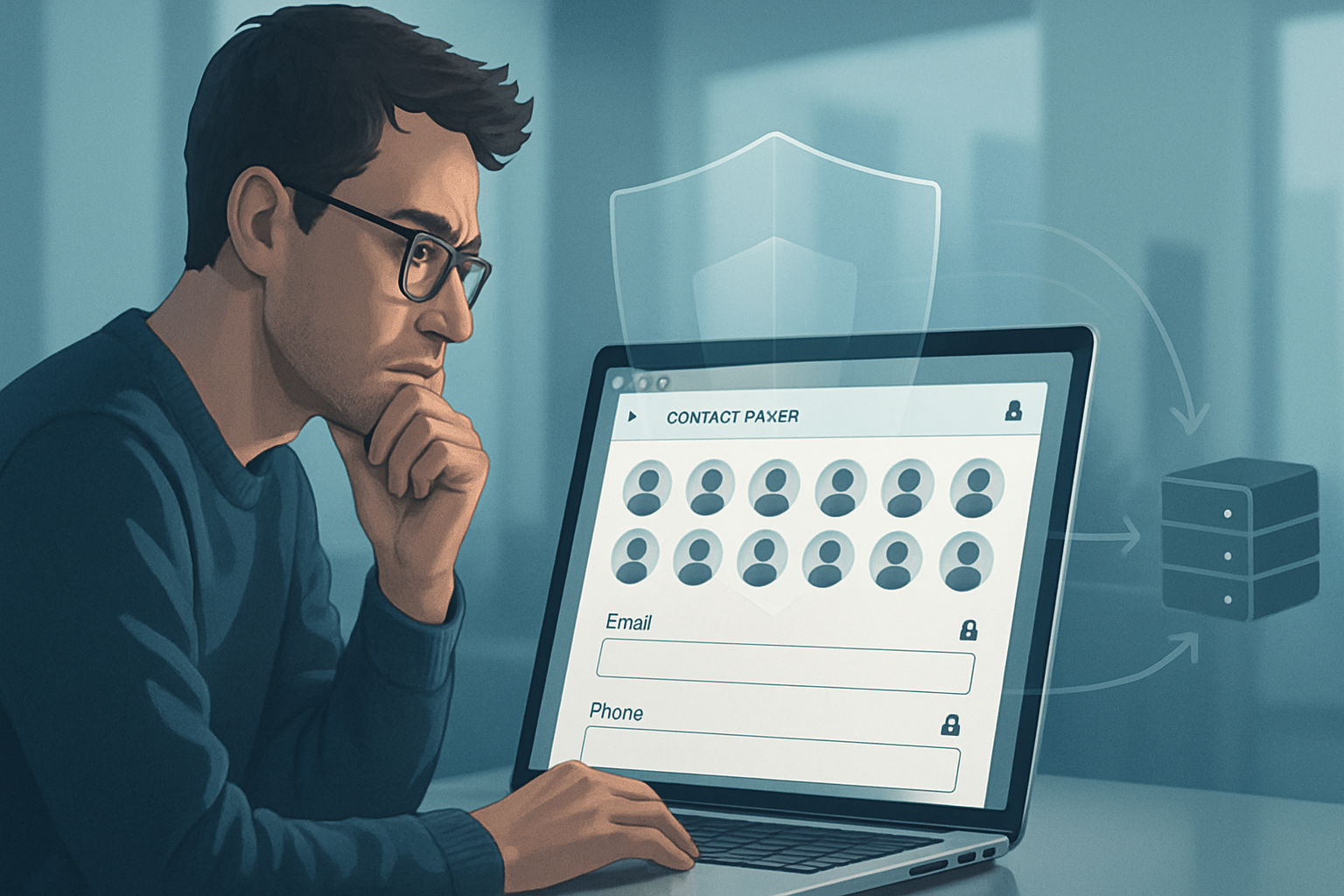
- Metadata leakage: timestamps, device IDs, geolocation inferred from background sounds or video frames.
- Server-side exposure: storing raw recordings without encryption or lax access controls invites leaks.
- Third-party libraries/services: sending blobs to analytics or transcription providers can create unintended data sharing.
- Replay/biometric risks: voice prints or face data may be used for biometric profiling, which has severe privacy implications.
Browser features that mitigate some risks:
- Device labels are hidden until permission is granted.
- Visual indicators (camera/mic icon, hardware light) in many browsers and OSes.
- The Permissions API lets you query permission status (MDN Permissions API).
But these protections are complementary, not sufficient.
Practical, developer-focused best practices
Use this checklist when you design or implement recording features.
Ask only for what you need
- Request audio OR video - not both - unless required.
- Narrow constraints (e.g., prefer audio constraints with specific sample rates if needed).
Progressive disclosure and contextual consent
- Don’t request permission on first page load. Request it only when the user takes a recorded-action (e.g., clicks “Start recording”).
- Explain why you need recording and how you’ll use the recording before invoking getUserMedia.
Make consent granular and revocable
- Provide clear toggles for microphone and camera in your UI.
- Honor immediate revocation (stop tracks, stop recorder) and clear UI states.
Visual indicators while recording
- Use an unmistakable, persistent in-app indicator (red dot + “Recording”) and optionally an audible chime when recording starts or stops.
- Respect browser/OS indicators and never obscure them.
Minimise data collection and retention
- Prefer ephemeral/local-only processing (e.g., client-side transcription) when possible.
- If you must upload, send only what’s needed and sanitize metadata.
- Publish and enforce a clear retention policy (e.g., 30 days unless explicitly saved).
Secure transport and storage
- Always use HTTPS/TLS for uploads.
- Encrypt recordings at rest (e.g., server-side encryption keys, or client-side encryption where appropriate).
- Limit who has access to raw files (least privilege) and log access.
Anonymise and pseudonymise
- Strip or limit metadata (device IDs, timestamps) unless essential.
- If you use transcripts for analytics, remove or mask personal identifiers.
Consent records and audit trails
- Store timestamped consent records (who, what, when, purpose, UI shown) for audits and dispute resolution.
Data protection by design
- Conduct a Privacy Impact Assessment (PIA/DPIA) for recording features, especially at scale.
- Document the lawful basis under GDPR and your balancing test if relying on legitimate interest.
Third-party processors
- Vet vendors (transcription, storage) for security and contractual data protection clauses.
- Prefer processors that support encryption and narrow processing scopes.
- Parental and age considerations
- Require parental consent for minors when applicable and consider avoiding recording by default on accounts flagged as children.
- Incident readiness
- Have a breach response plan addressing recorded media leaks (notification timelines, containment, remediation).
Example consent UX copy (short, user-facing)
Good consent text is concise, specific, and actionable.
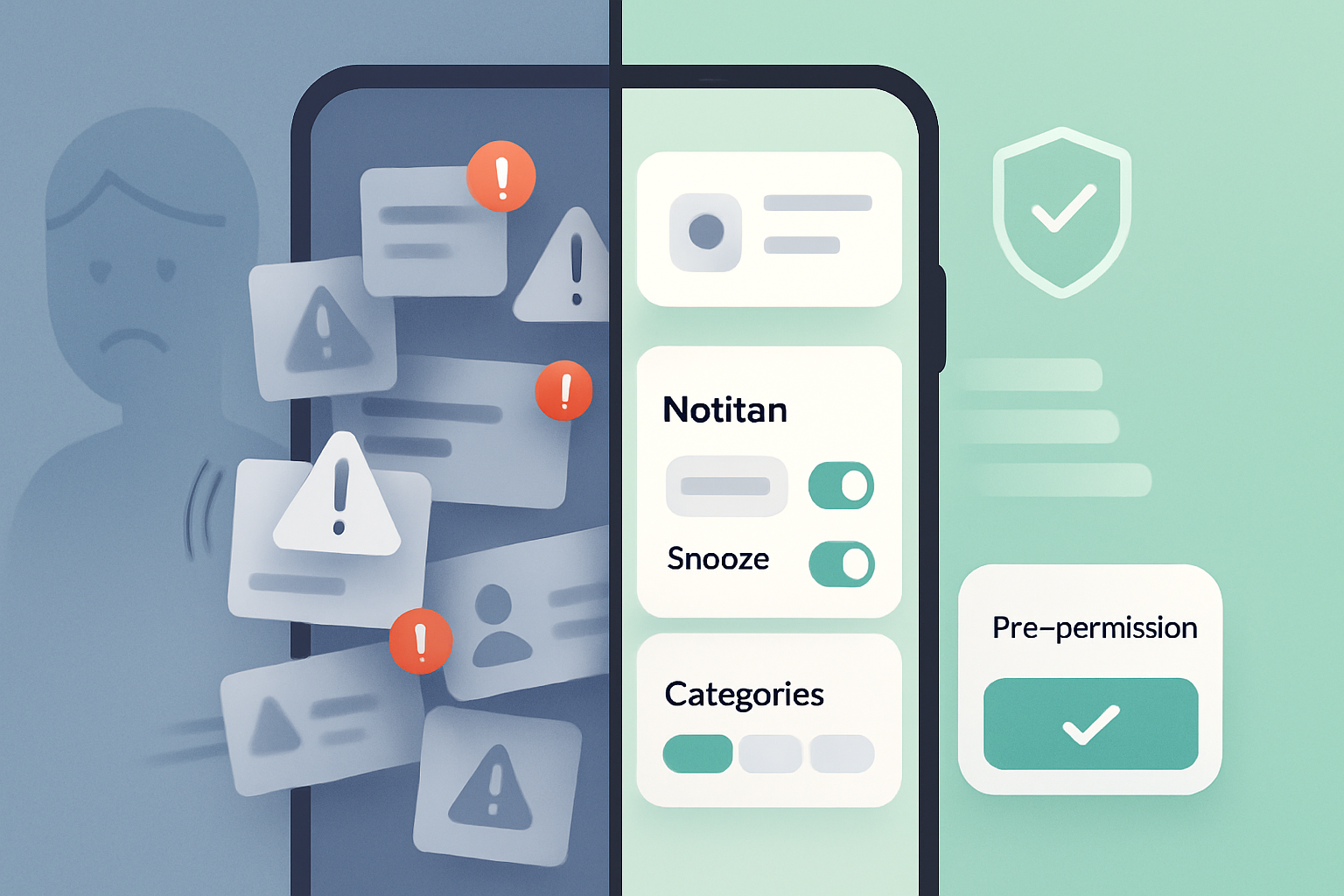
- Short prompt (pre-permission): “To record a short voice message for your support ticket, we need access to your microphone. Audio stays encrypted on our servers for 30 days unless you save it. Do you want to continue?”
- Post-permission in-app state: “Recording in progress - visible to you only. Tap Stop to end and save.”
Avoid vague language like “We may use your microphone to improve experience.” Be explicit about purpose and retention.
Implementation notes and a safer pattern
Prefer an explicit start/stop workflow and local preview before upload. Pseudocode pattern:
// 1. User clicks "Start recording" -> show explainer modal with purpose
// 2. After user confirms, call getUserMedia
const stream = await navigator.mediaDevices.getUserMedia({ audio: true });
const recorder = new MediaRecorder(stream);
const chunks = [];
recorder.ondataavailable = e => chunks.push(e.data);
recorder.start();
// show clear UI: "Recording - Stop"
// 3. On stop, give user option to preview and confirm upload
recorder.onstop = async () => {
  const blob = new Blob(chunks, { type: 'audio/webm' });
  // let user preview and then either discard or upload
};
Key points: show explainer before getUserMedia; allow preview and discard; never auto-upload without explicit consent.
Handling transcripts, analytics and biometrics
- If you convert speech to text, treat transcripts as personal data with the same safeguards.
- Avoid biometric processing (voiceprints, face recognition) unless you have an explicit, narrow purpose and legal basis. Biometric data is sensitive in many regimes.
- If using ML services, consider on-device models or ephemeral keys so the service cannot retain the raw media indefinitely.
Transparency and documentation
- Publish a short, readable privacy notice specific to recording features that covers: purpose, storage duration, who can access, how to revoke, and how to request deletion.
- Maintain internal docs of processing activities, processors, and security measures for compliance review.
Auditing and testing
- Test permission flows in all target browsers and platforms. Behavior differs: indicators, permission lifetimes, and UI vary.
- Pen-test upload endpoints and enforce file size/type checks and authentication.
- Audit logs access to recordings and conduct periodic privacy reviews.
A few hard truths
- Technical controls reduce risk, but they don’t eliminate it. Organizational policies and culture matter.
- Users sometimes consent under pressure or in dark patterns. Your product ethics must resist those patterns.
- For some use cases (secret recordings, covert surveillance), ethical and legal risks may be irredeemable. Don’t build features that encourage wrongdoing.
Useful references
- MDN Web Docs - MediaRecorder: https://developer.mozilla.org/en-US/docs/Web/API/MediaRecorder
- MDN - getUserMedia: https://developer.mozilla.org/en-US/docs/Web/API/MediaDevices/getUserMedia
- Permissions API - MDN: https://developer.mozilla.org/en-US/docs/Web/API/Permissions_API
- W3C Media Capture and Streams: https://www.w3.org/TR/mediacapture-streams/
- GDPR text: https://eur-lex.europa.eu/eli/reg/2016/679/oj
- ICO guidance on audio recording at work and surveillance: https://ico.org.uk/
Conclusion - design recording features that earn trust
Recording capabilities are powerful. They enable features people love. They also open doors to real harm.
Start with one question: why do you need to record at all? If the answer is essential, design for the least invasive implementation, be transparent, keep data short-lived, and put robust technical and organisational controls in place.
Do those things and you’ll not only reduce legal and security risk - you’ll build a product people trust.