· deepdives · 7 min read
Idle Detection API: Privacy vs. Functionality – A Double-Edged Sword
The Idle Detection API can make web apps smarter - but it also opens doors to fingerprinting, surveillance, and misuse. Learn how the API works, the real privacy risks, threat models, and concrete developer best practices to balance usefulness with user privacy.
Outcome: by the end of this article you’ll understand what the Idle Detection API actually does, why it worries privacy experts, and - most importantly - how to design responsibly so your site uses the feature only when it truly benefits the user.
What the Idle Detection API does (and why you might want it)
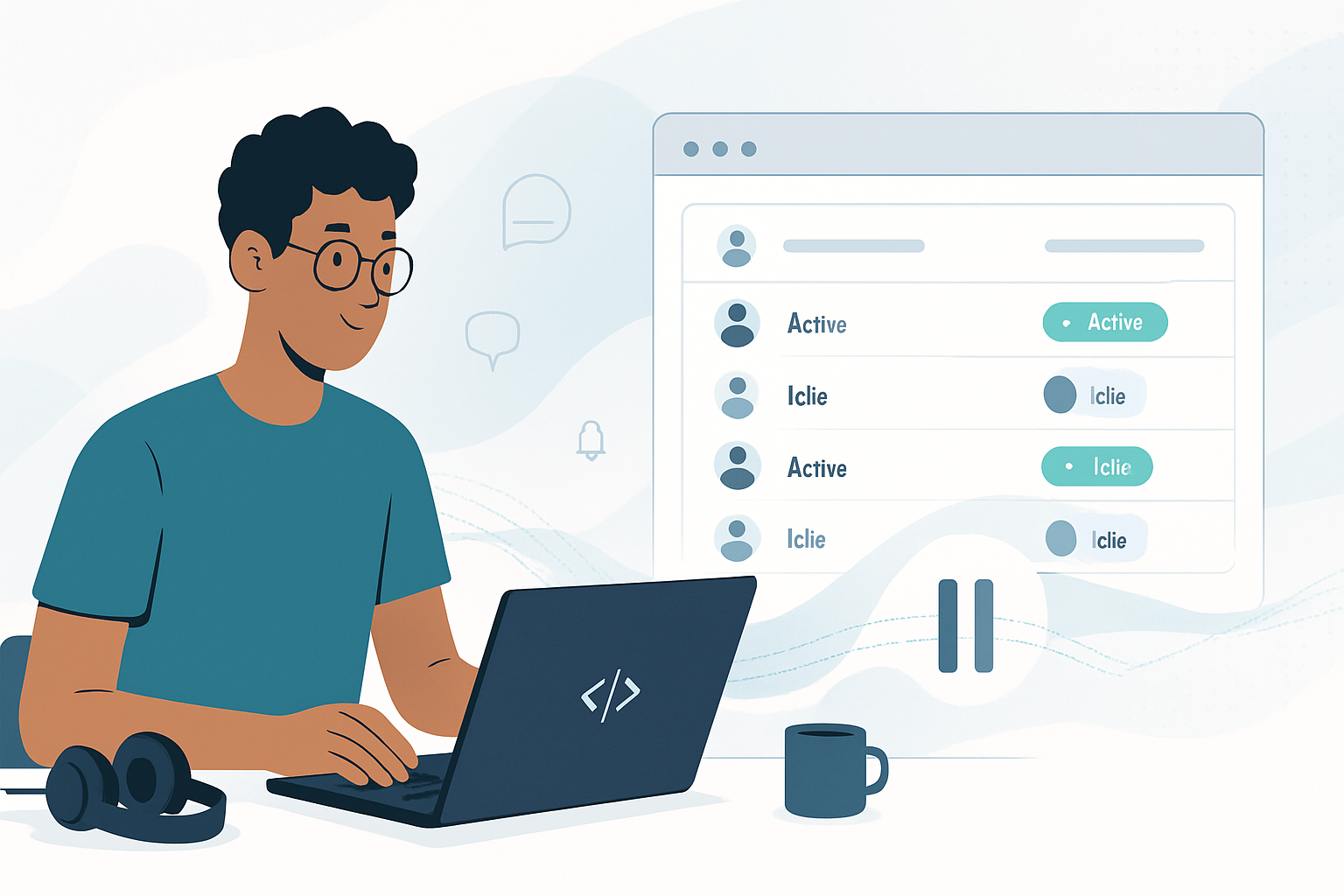
In one sentence: the Idle Detection API allows a web page to learn whether the user is currently idle (not interacting) and whether the screen is locked. That can let your app behave more politely and efficiently.
Use cases that sound great on paper:
- Pause live video or audio streams when the user is idle to save bandwidth.
- Auto-lock or hide sensitive UIs when the device is locked.
- Change sync frequency for background tasks when the user is away.
- Improve collaboration apps by showing more accurate presence information.
These are legitimate features that improve battery life, bandwidth usage, and user experience. But convenience has a cost.
Why privacy researchers raised the alarm
Short answer: the signals the Idle Detection API exposes are highly correlated with human behavior and, when combined with other data, can reveal much more than you intend.
A few concrete risks:
Fingerprinting and cross-site correlation: idle/active and screen lock events are low-entropy signals by themselves, but when combined with other browser and device attributes they increase the ability to uniquely identify or correlate a user across sites.
Continuous surveillance: unlike a single event, idle state can be read repeatedly. A site could track fine-grained patterns (work hours, sleep habits, breaks) and build long-term behavioral profiles.
Workplace abuse and coercion: employers or monitoring software could use idle signals to enforce productivity policies, pushing monitoring into the browser layer where users expect more privacy.
Hidden background monitoring: if an origin can detect idle state while running in background tabs or windows, it could silently monitor users even when their attention is elsewhere.
Security side-channels: attackers can combine idle/lock information with other side channels to infer sensitive states (for example, lock times that reveal when a user steps away from a device).
Those are not hypothetical. The pattern is classic: small innocuous signals become identifying and invasive when aggregated and correlated.
Threat models to consider
When evaluating whether to use Idle Detection, think in terms of threat models rather than abstract fear:
- Honest-but-curious site: an otherwise legitimate site collects idle signals for analytics and retains them longer than necessary.
- Malicious or compromised site: a site explicitly uses idle signals to fingerprint or track users across multiple sessions and partners.
- Third-party embed: a third-party widget (analytics, ads) on many sites could collect idle signals to build cross-site profiles.
- Organizational monitoring: corporate policies force sites to report idle state to a central monitoring service.
Each model changes how sensitive the signal becomes and what mitigations are necessary.
What the platform already does (and why it matters)
Browser vendors are aware of the risks and have tried to limit harm by putting the API behind a permission or gating it to secure contexts - but permissions are not a cure-all. Users routinely grant permissions without fully understanding implications, and permission dialogs can be abused or presented in misleading ways.
For context and implementation details see the explainer and docs:
- Idle Detection explainer (WICG): https://github.com/WICG/idle-detection
- Browser docs and API surface: https://developer.mozilla.org/en-US/docs/Web/API/Idle_Detection_API
- More on the Permissions API: https://developer.mozilla.org/en-US/docs/Web/API/Permissions_API
Refer to those when you implement, because platform behavior evolves.
Principles to balance functionality with privacy
When considering Idle Detection for your product, treat it like any high-risk sensor (microphone, camera, location). Follow these principles:
Ask “Does the user actually benefit?” - Only use idle detection for features with clear user value (saving bandwidth, protecting sensitive UI, accurate presence in collaboration).
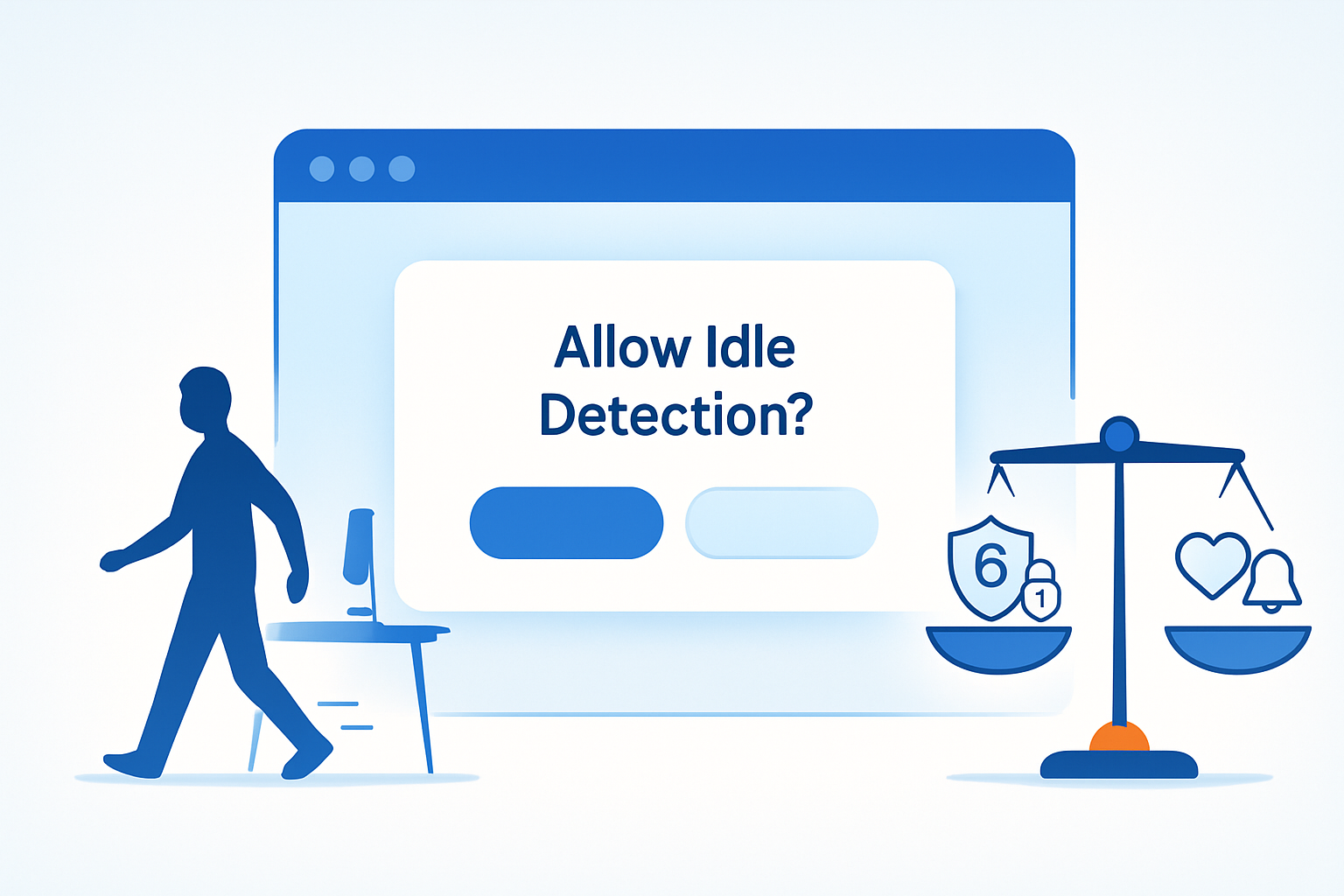
Use an explicit opt-in, not a passive permission prompt - Prefer clearly explained opt-in flows tied to first-use experiences. Explain what you detect, why, how long you keep it, and how users can turn it off.
Minimize signal fidelity and retention - Prefer coarse signals (e.g., “away” vs “active”) and avoid recording timestamps or continuous streams. Retain data for the shortest time possible; consider not persisting at all.
Keep processing local - Whenever possible, make idle decisions in the client and avoid shipping raw events to your servers. If you must send data, send aggregated or differential information.
Rate-limit and throttle readings - Avoid continuous polling. Emit events only when state changes, and debounce or rate-limit state changes to prevent fine-grained profiling.
Isolate third parties - Do not expose idle signals to third-party scripts or iframes. Treat idle state as first-party-only and document that in your privacy policy.
Provide controls and transparency - Give users an easy on/off toggle, show clear UI when idle detection is active, and list the feature in your privacy settings.
Consider legal obligations - In jurisdictions with privacy laws (GDPR, CCPA), idle-derived behavioral profiles can be personal data. Ensure lawful basis, data subject rights, and minimal data processing.
Practical developer checklist
If you decide the feature is worth it, use this checklist to reduce risk:
- Justify the user benefit in your product requirements.
- Use a clear, contextual consent dialog before enabling idle detection.
- Prefer client-only handling: avoid transmitting raw events to backend servers.
- Coarsen signals: map
idleandactiveinto a small set, avoid timestamps. - Throttle and debounce: emit state changes no more than once every N seconds/minutes.
- Audit third-party scripts and block them from receiving idle data.
- Log minimal metadata for debugging; delete logs quickly.
- Document the feature in your privacy policy and settings UI.
Alternatives and fallbacks
If your feature can be implemented without the Idle Detection API, prefer lower-risk APIs:
Page Visibility API: tells you whether the page is visible or hidden. Good for pausing media when the tab is in the background. Docs: https://developer.mozilla.org/en-US/docs/Web/API/Page_Visibility_API
User interaction heuristics: detect recent pointer, keyboard, or touch events as a proxy for activity. This avoids sensing system-level screen lock, but is often enough for UX behaviors.
Application-level heartbeats: for presence in collaborative apps you can implement heartbeat pings with sensible timeouts and keep them anonymous and aggregated server-side.
Each alternative has trade-offs; choose the least-privileged option that accomplishes your goal.
Example design pattern (high level, conceptual)
On first user flow that benefits from idle detection, show a small explainer modal: why you’d like to detect idle state, examples of benefits, and a clear accept/decline.
If the user opts in, enable a short-lived, client-only Idle Detector. Use it to pause streams and to set an in-memory “away” flag.
Do not store idle timestamps or stream them to analytics. If you must report usage, send aggregated counters (e.g., “times auto-paused: 3 in last session”) with coarse bucketing.
Provide an always-accessible toggle in the app settings and an indicator when the feature is active.
This pattern preserves the UX advantage while limiting long-term tracking.
Regulatory and ethical considerations
GDPR/CCPA: behavioral signals derived from idle/lock states may count as personal data. You may need a lawful basis and must honor deletion and access requests.
Workplace policies: If your app is used in enterprise contexts, separate tenant-level policy controls should allow admins to enable/disable idle monitoring.
Ethical design: Avoid nudges that exploit idle information to manipulate users (e.g., sending notifications timed to moments of vulnerability).
Final take: not banned - but use with restraint
The Idle Detection API can be highly useful. It can save power, bandwidth, and prevent accidental information leakage in shared environments. But it is also a potent tool for profiling and surveillance if mishandled.
If you implement it, do so with the same scrutiny you’d apply to camera or microphone access: demand explicit consent, minimize data and retention, process locally where possible, and make the feature transparent and reversible. Use it sparingly. Use it ethically. Users will trust you more when they can see and control what your app knows about their activity.
References
- WICG Idle Detection explainer: https://github.com/WICG/idle-detection
- Idle Detection API docs (MDN): https://developer.mozilla.org/en-US/docs/Web/API/Idle_Detection_API
- Permissions API (MDN): https://developer.mozilla.org/en-US/docs/Web/API/Permissions_API
- Page Visibility API (MDN): https://developer.mozilla.org/en-US/docs/Web/API/Page_Visibility_API