· deepdives · 7 min read
Push vs. Polling: Why the Push API is the Future of Real-Time Web Communication
A practical, code-backed comparison of Push API vs. polling techniques. Learn how push reduces latency, saves battery and server resources, when to choose push (and when not to), plus implementation best practices and real-world scenarios.

Outcome first: by the end of this article you’ll know whether to move your real-time features off polling and onto the Push API, how that switch will improve latency and cost at scale, and the concrete steps (with code) to implement it safely and reliably.
Why this matters now
You want faster updates, lower costs, and better battery life for your users. Polling can work for small apps, but it doesn’t scale gracefully. The Push API - powered by Service Workers and the Web Push protocol - delivers notifications reliably even when the page isn’t open. You’ll get lower network noise, fewer background wakeups, and a superior UX. Read on for the when, why, and how.
Quick definitions (so we’re aligned)
- Polling: the client repeatedly asks the server, “Anything new?” Short polling does frequent requests; long polling holds a request open until the server responds.
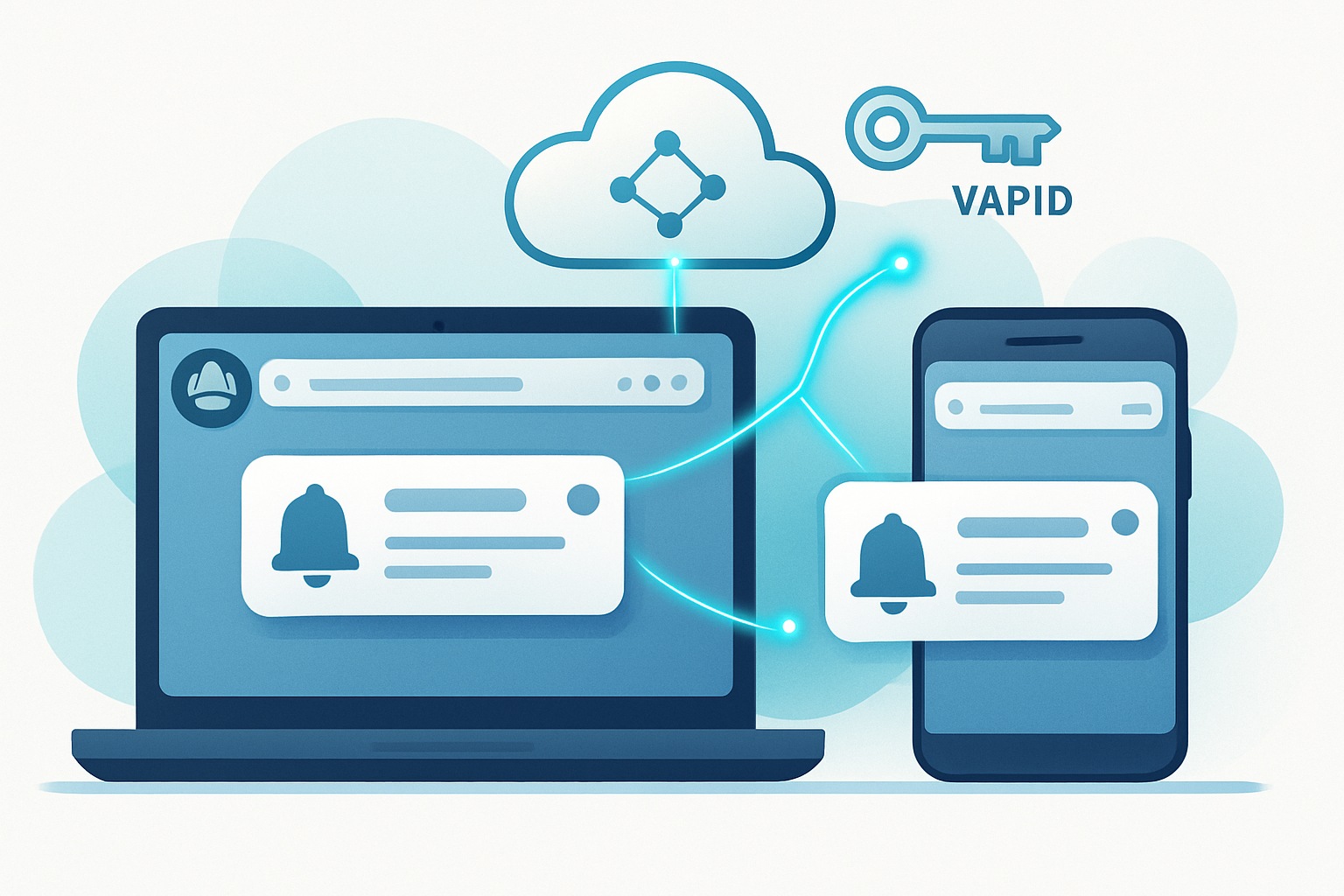
- Push API (Web Push): the server sends a message to a browser’s push service, which then wakes a Service Worker to deliver the message to the user, even if the page is closed.
For background reading see MDN’s Push API and Service Workers:
- https://developer.mozilla.org/en-US/docs/Web/API/Push_API
- https://developer.mozilla.org/en-US/docs/Web/API/Service_Worker_API
Polling at a glance: simple, but noisy
- Short polling: client requests every N seconds. Simple to implement. Inefficient network usage and battery drain as frequency increases.
- Long polling: server holds a request until new data arrives, then responds. Better latency than short polling, but each round trip still consumes resources and HTTP connection limits can bite.
When polling is reasonable:
- Low user counts or prototypes.
- When the server environment or firewall blocks push infrastructure.
- When you control both endpoints and prefer simplicity.
Costs and failure modes of polling:
- Bandwidth and CPU grow linearly with number of clients and poll interval.
- Idle polls still wake the client and the network stack (battery cost on mobile).
- Higher server thread/connection usage with many long poll connections.
Push API at a glance: event-driven, efficient
How it works (very high level):
- Client registers a Service Worker.
- Client asks permission and subscribes to the push service (subscription object).
- Server stores the subscription and sends encrypted push messages via the platform’s push service (browser vendors run those).
- Service Worker receives the push event and shows a notification or processes data.
See web.dev’s guide for using push:
Advantages vs. polling
- Network efficiency: server-initiated messages eliminate repeated “nothing new” polls.
- Battery: fewer wakeups because browsers batch push delivery and wake Service Workers only for actual events.
- Scaling: push services are built to efficiently fan-out messages, reducing your backend load.
- Offline delivery: push services queue messages for short periods so the client can receive them when they return.
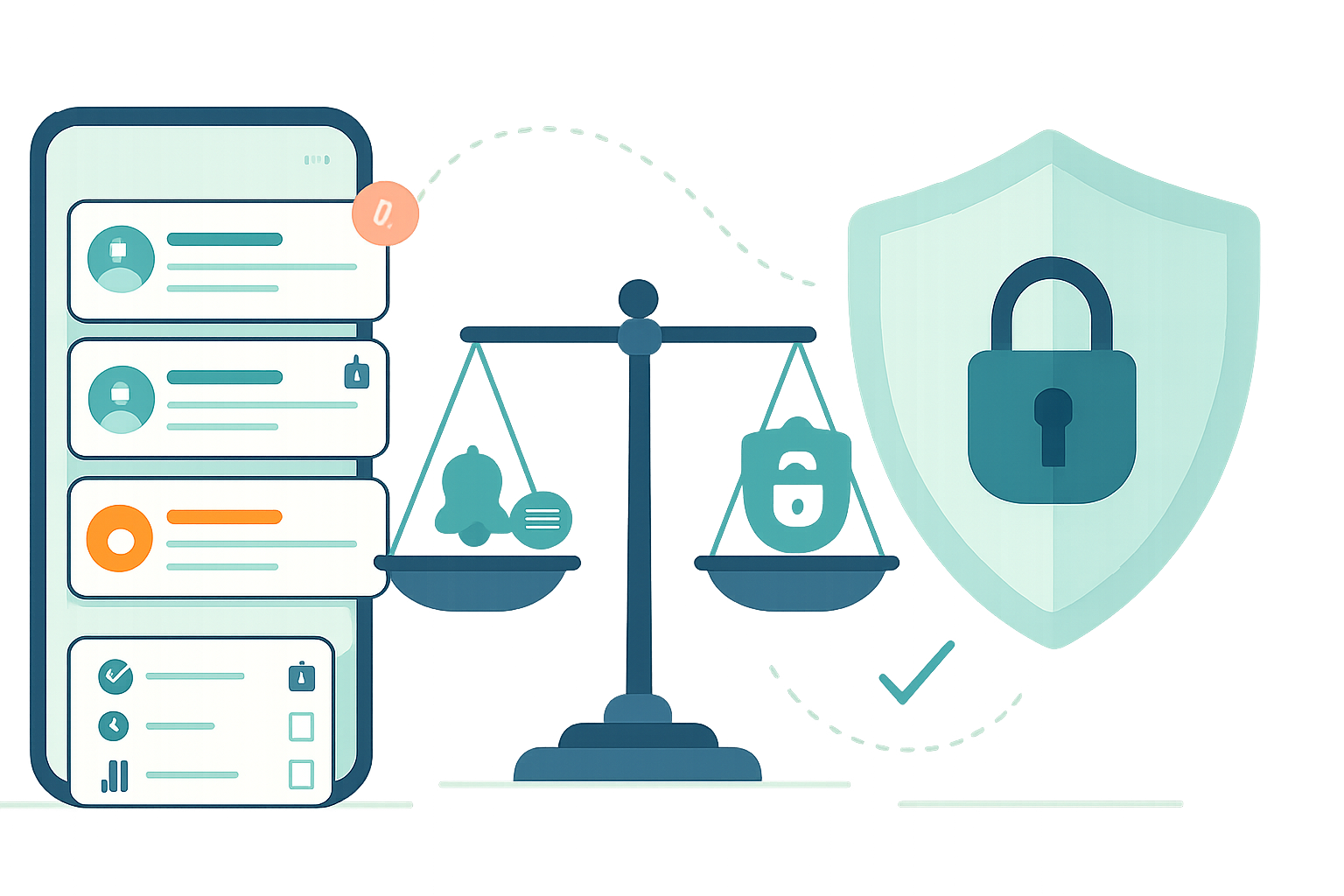
Trade-offs and constraints
- Payload size limits (typically small; plan for ~4KB or less for cross-browser compatibility).
- Requires HTTPS and user permission.
- You depend on browser push services (but these are stable and managed by vendors).
- Not designed for large continuous data streams - use WebSockets or SSE for streaming.
Concrete performance comparison (qualitative)
- Latency: Push is near-instant (server-triggered). Polling latency equals poll interval (or faster with long polling but at higher resource cost).
- Bandwidth: Polling sends frequent requests/responses; Push sends only when there is real data.
- Server CPU/Connections: Polling ties up more connections and cycles as client counts grow; Push offloads that to vendor push services.
A quick mental model: 10,000 clients polling every 10s produce 6,000 requests/minute. With push, you produce requests only when there are messages to deliver. The difference is magnified as client counts scale.
When to choose which approach
Choose Push API when:
- Events are sporadic but need immediate delivery (chat notifications, email alerts, collaborative changes, social interactions).
- You want background delivery when the page isn’t open.
- You need to minimize battery and bandwidth costs for mobile users.
Choose polling or streaming alternatives when:
- You need continuous high-frequency updates (market tickers, telemetry streams) - use WebSockets or Server-Sent Events (SSE).
- You cannot obtain user permission or HTTPS is not available.
- The environment restricts push services (very rare).
Comparison to other real-time options:
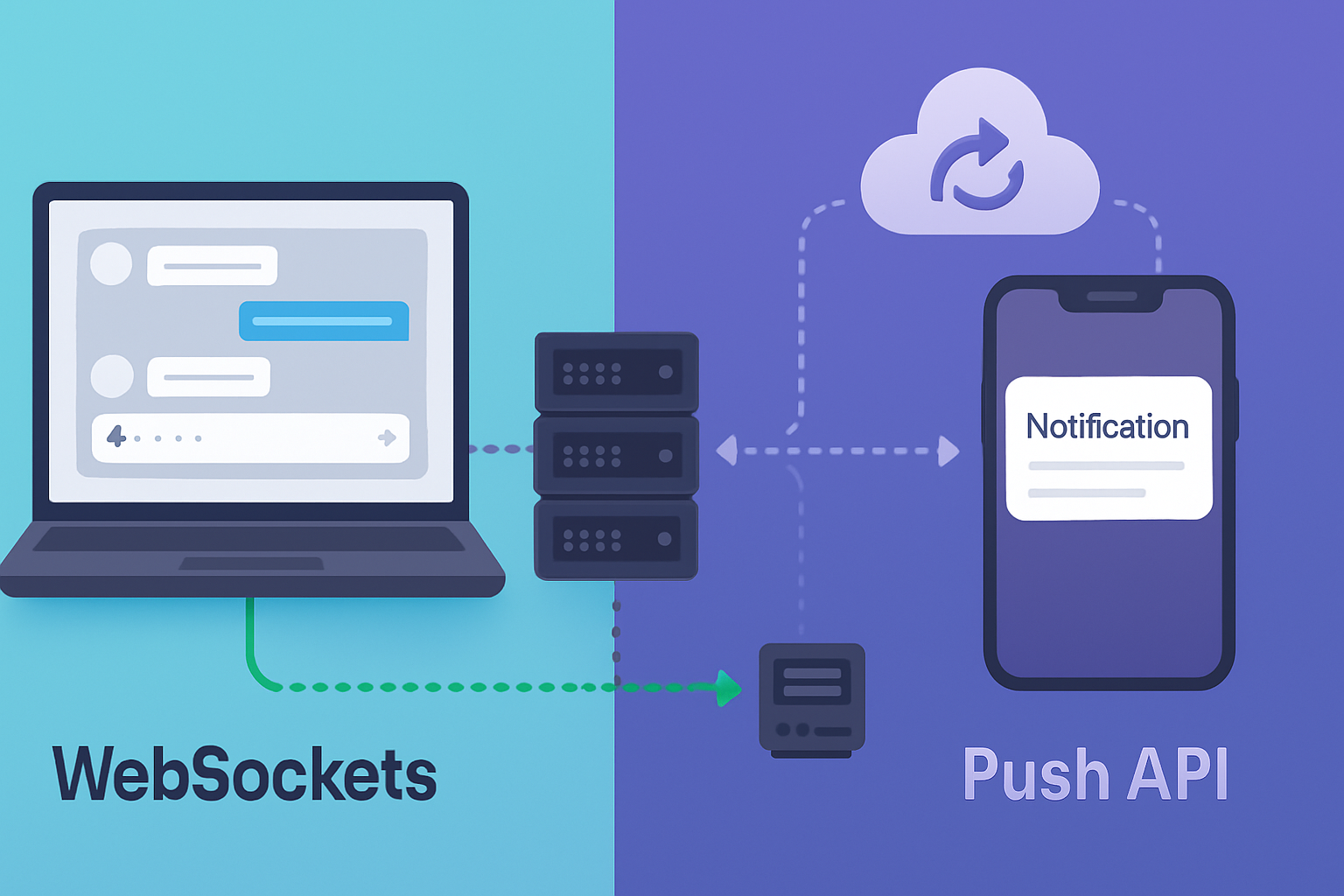
- WebSockets: full-duplex, low-latency, good for continuous bi-directional streams. Requires open connection and more client resources.
- SSE: simple one-way streaming from server to client, over HTTP. Good for live feeds but requires the page to be open.
- Push API: best for background/notification delivery and event-driven alerts.
More reading: MDN’s WebSockets and SSE pages:
- https://developer.mozilla.org/en-US/docs/Web/API/WebSockets_API
- https://developer.mozilla.org/en-US/docs/Web/API/Server-sent_events
Implementation blueprint (step-by-step)
- Register a Service Worker (client)
// main.js
if ('serviceWorker' in navigator) {
  navigator.serviceWorker
    .register('/sw.js')
    .then(() => console.log('SW registered'))
    .catch(err => console.error('SW reg failed', err));
}- Subscribe to push notifications (ask permission and get subscription)
// subscribe.js
async function subscribeUser() {
  const reg = await navigator.serviceWorker.ready;
  const permission = await Notification.requestPermission();
  if (permission !== 'granted') throw new Error('Permission denied');

  const subscription = await reg.pushManager.subscribe({
    userVisibleOnly: true,
    applicationServerKey: urlBase64ToUint8Array('<YOUR_VAPID_PUBLIC_KEY>'),
  });
  // send subscription to your server to save
  await fetch('/subscribe', {
    method: 'POST',
    body: JSON.stringify(subscription),
  });
}- Handle push in Service Worker
// sw.js
self.addEventListener('push', event => {
  const data = event.data ? event.data.json() : { title: 'New message' };
  event.waitUntil(
    self.registration.showNotification(data.title, {
      body: data.body,
      icon: data.icon,
    })
  );
});- Send push from server (Node example using web-push)
// server.js (Node)
const webpush = require('web-push');
webpush.setVapidDetails(
  'mailto:admin@example.com',
  process.env.VAPID_PUBLIC_KEY,
  process.env.VAPID_PRIVATE_KEY
);

// subscription is the object saved from the client
async function sendPush(subscription, payload) {
  try {
    await webpush.sendNotification(subscription, JSON.stringify(payload));
  } catch (err) {
    // handle stale subscriptions, logging, retries
  }
}
Note: generate VAPID keys once per project and store them securely. See the web-push library docs and web.dev for details.
Resources:
- web-push (npm): https://www.npmjs.com/package/web-push
- web.dev push guide: https://web.dev/push-notifications-overview/
Best practices and hard-earned lessons
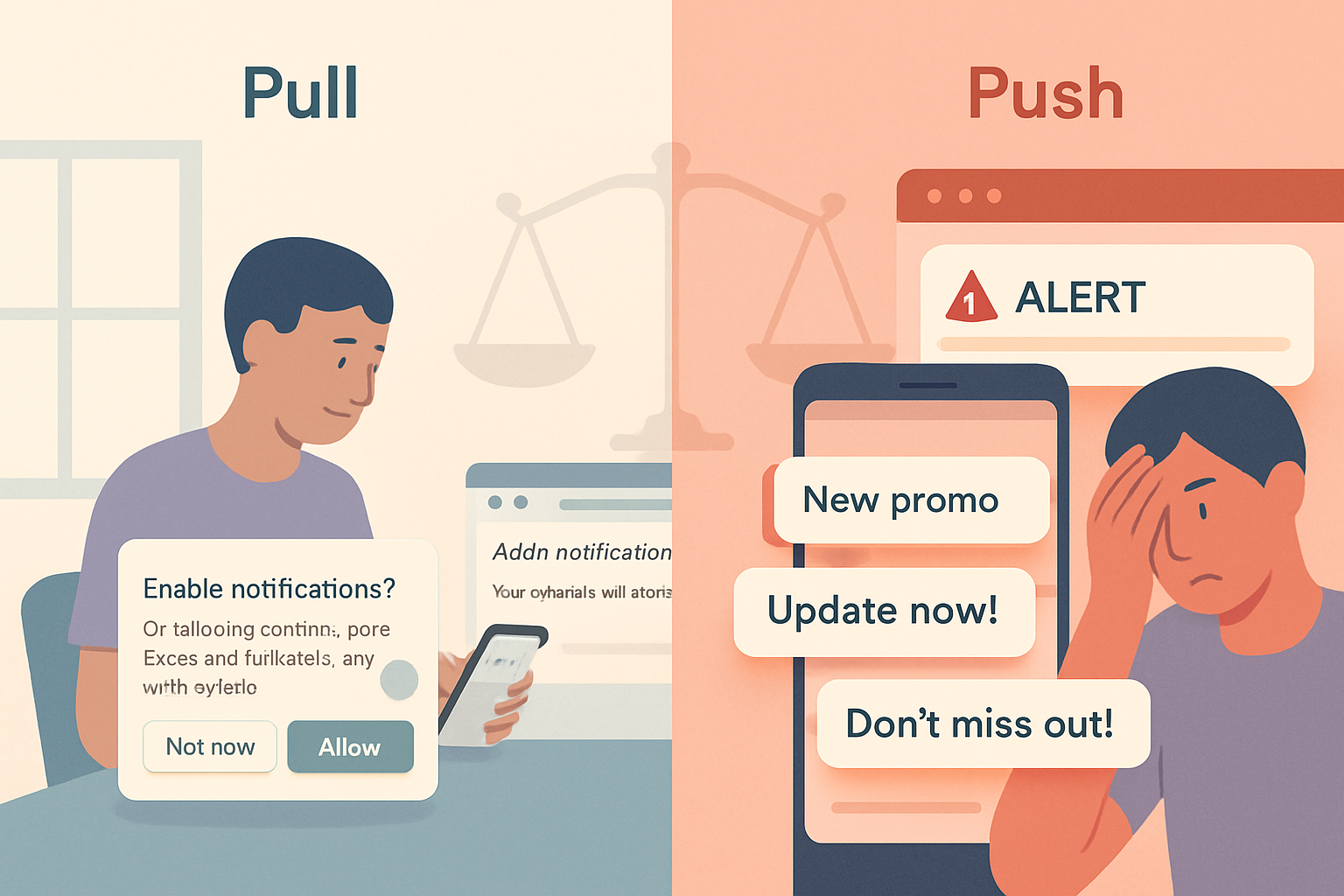
- Respect permission UX: ask when users understand value (don’t prompt on page load). Explain why you need notifications.
- Minimal payloads: treat push as a signaling mechanism that can fetch richer content after the user acts.
- TTL and collapse keys: set reasonable Time-To-Live and collapse identifiers so older messages don’t flood users.
- Handle subscription lifecycle: monitor for 410/404 responses and delete stale subscriptions.
- Batching: when many users should receive the same update, group sends or use vendor multicast features where available.
- Backoff and retry: implement exponential backoff on transient failures, and track deliverability metrics.
- Security: use VAPID for application identification and always use encrypted payloads.
- Privacy & consent: store only what you need, provide unsubscribe flows, comply with GDPR/CCPA as applicable.
Real-life scenarios and architectures
- Chat app: Use Push API for background notifications and WebSocket for open-tab live chat. When tab is closed, push wakes the user for incoming messages.
- Collaborative document editor: Use WebSocket for real-time collaboration while document is open. Use Push API for alerts when a collaborator requests attention.
- News or social feed: Push for breaking news and critical alerts; use on-page fetches when user opens feed.
- IoT devices: Push can signal a device’s web dashboard to fetch updates; use MQTT or other protocols for device-to-cloud streaming.
Architecture tip: combine technologies. Use WebSockets for high-frequency, bi-directional data; use Push for background or infrequent event notifications. There is no single silver bullet; pick the right tool for each job.
Expert consensus (short)
Industry resources from browser vendors and developer guides favor push for background notifications and signaling while recommending WebSockets or SSE for streaming. See these authoritative references:
- web.dev Push Notifications Overview: https://web.dev/push-notifications-overview/
- MDN Push API and Service Workers: https://developer.mozilla.org/en-US/docs/Web/API/Push_API
Checklist before you roll out Push to production
- HTTPS enforced
- VAPID keys generated and stored securely
- UX for permission request designed and tested
- Subscription storage and cleanup implemented
- Payload size and TTL policies set
- Metrics for delivery, failures, and open rates
- Fallbacks for clients that don’t support Push
Final recommendation
If your app sends event-driven alerts, needs background delivery, or must scale to many clients without excessive server load - migrate from polling to the Push API. Use Push as the signaling layer and pair it with WebSockets or SSE for continuous streams. The result: lower bandwidth, fewer wakeups on mobile, and a better user experience.
Push is not a panacea. But for notifications and server-initiated events, it’s far superior to polling. Move the needle. Let events come to your users - don’t make them ask for updates.
References
- MDN Push API: https://developer.mozilla.org/en-US/docs/Web/API/Push_API
- MDN Service Workers: https://developer.mozilla.org/en-US/docs/Web/API/Service_Worker_API
- web.dev Push Notifications Overview: https://web.dev/push-notifications-overview/
- web-push (npm): https://www.npmjs.com/package/web-push