· deepdives · 7 min read
The Ethical Implications of Notifications: Balancing User Engagement and Privacy
Notifications can increase engagement - and erode trust. This article explains the ethical tensions of using the Notifications API, legal and UX constraints, and practical strategies for designing notification systems that respect privacy while meeting product goals.
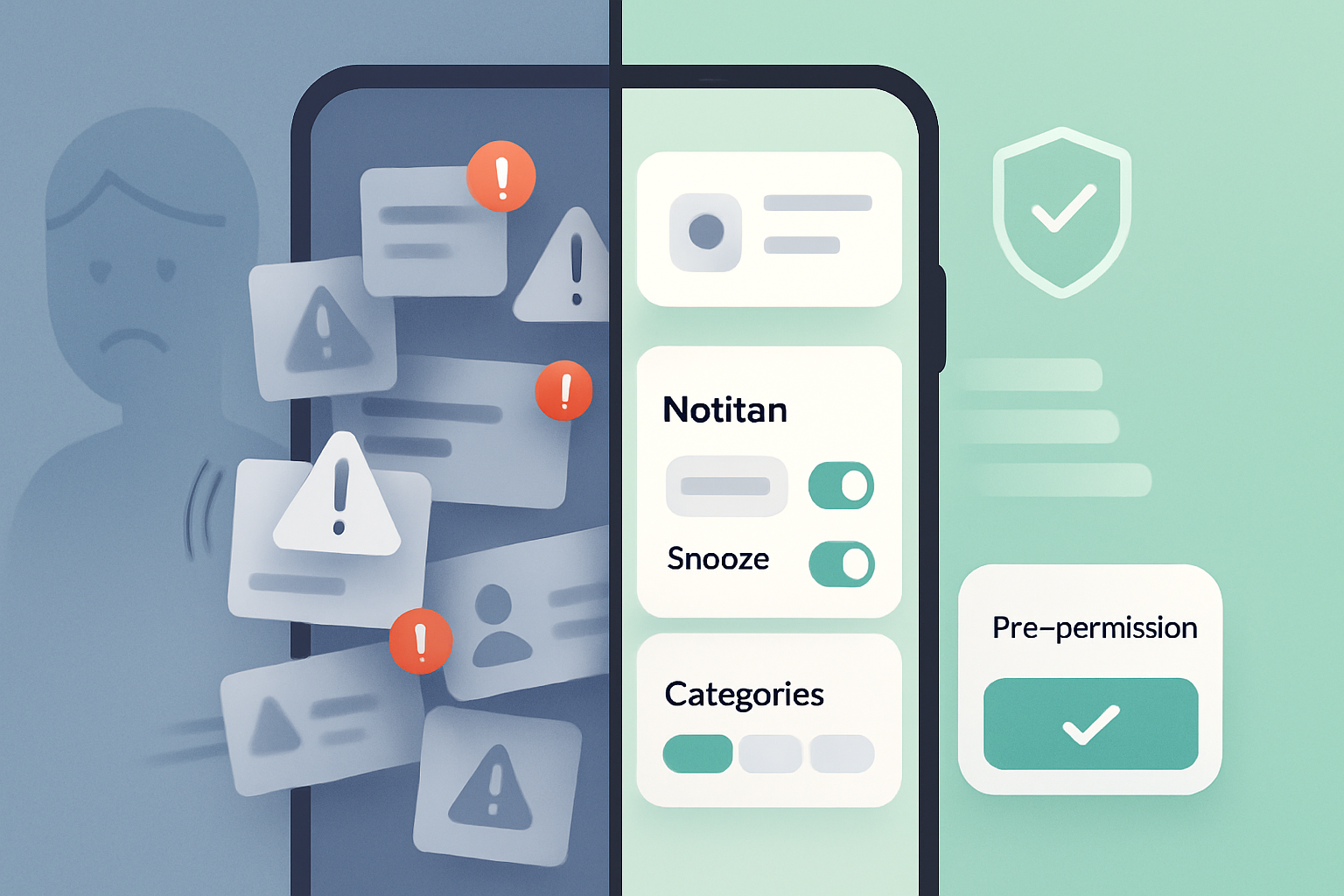
Outcome first: read this and you’ll leave with a clear playbook for using the Notifications API that grows engagement without sacrificing users’ privacy or trust. You’ll learn legal guardrails, UX patterns that reduce friction and fatigue, concrete code examples for progressive permission, and sample copy and metrics to measure ethically.
Why this matters now
Notifications are powerful. They re‑engage users, surface time‑sensitive value, and drive retention. They are also intrusive. Poorly designed notification systems create fatigue, cause users to disable notifications, and - worse - erode trust when data practices are opaque or intrusive.
This is not about technology alone. It’s about ethics, UX and regulation converging. Get the balance right and you have engaged, loyal users. Get it wrong and you’ll lose their attention - and possibly face regulatory or reputational fallout.
The ethical tension: engagement vs. privacy
- Engagement is immediate. Notifications lead to more opens and faster user actions. Short term gains are real.
- Privacy is long term. Trust is earned slowly and lost quickly. Privacy missteps - from ambiguous consent to leaking sensitive content in a notification - damage user relationships and invite legal risk.
Key friction points:
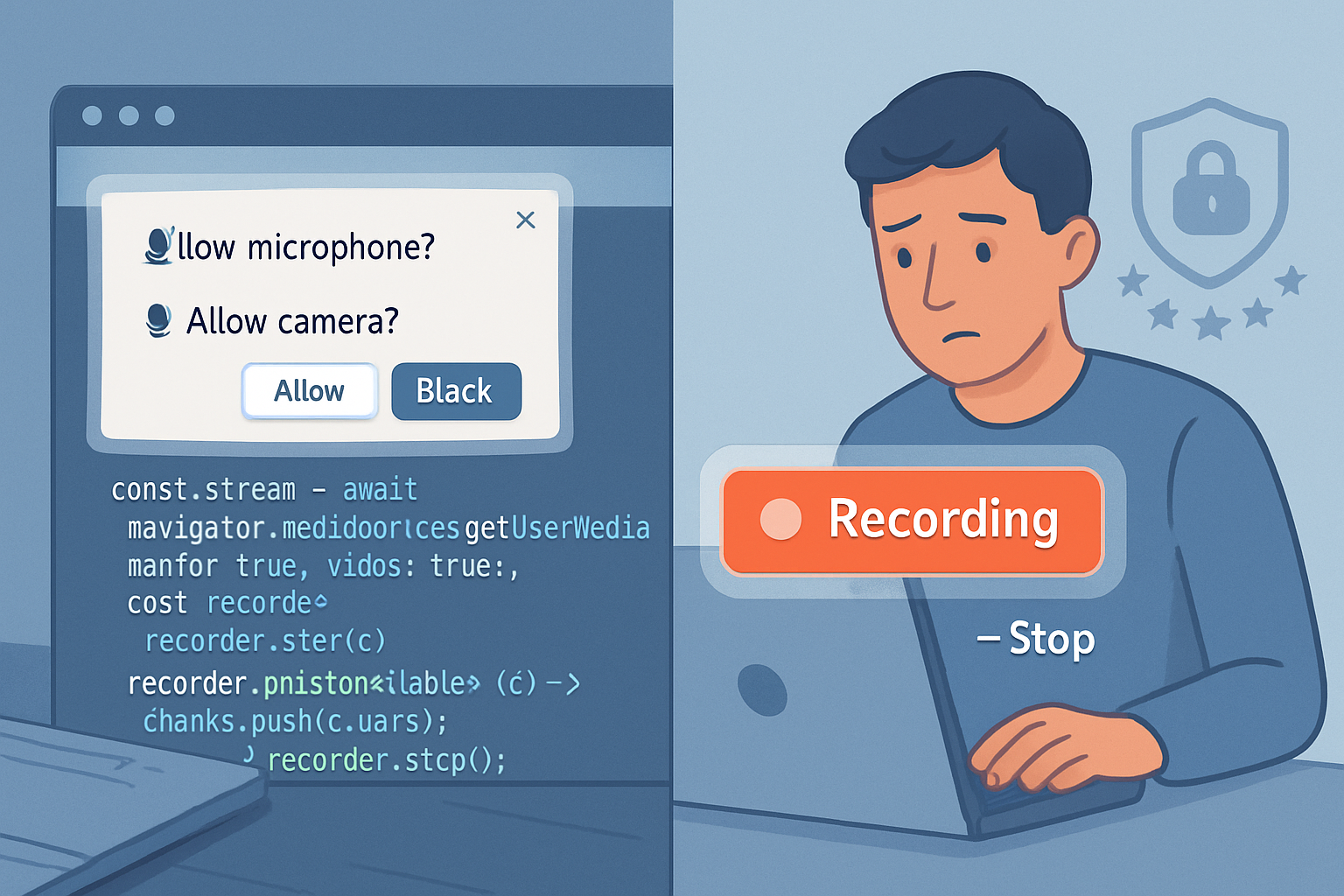
- Permission friction: Browsers require permission for notifications. Prompting too early or without context leads to blanket denial.
- Content sensitivity: Notifications often appear on locked screens where bystanders may see them.
- Tracking and profiling: Push tokens and delivery metadata can be used to profile behavior if not handled carefully.
- Regulatory constraints: Laws like the GDPR, ePrivacy directives, and local equivalents set limits on consent, purpose limitation, and data minimization.
Legal & standards landscape (short primer)
- Browser APIs and specs: The Notifications API and the Permissions API define how web apps request and handle permissions. See MDN’s Notifications API guide and the W3C spec for details: https://developer.mozilla.org/en-US/docs/Web/API/Notifications_API and https://www.w3.org/TR/notifications/
- Consent and data protection: Under frameworks like the GDPR, consent must be informed, specific and freely given. Organisations should document consent and honor withdrawal (see ICO guidance): https://ico.org.uk/for-organisations/guide-to-data-protection/guide-to-the-general-data-protection-regulation-gdpr/consent/
- Platform policies: iOS and Android have their own guidelines about notification content, priority and user controls. Respect platform DND (Do Not Disturb) and privacy guidelines.
Principles to guide ethical notification design
Adopt these five principles as non‑negotiable design constraints.
- Respect - treat attention as a scarce resource. Only notify for clear user value, not for vanity metrics.
- Transparency - tell users what, why, and how often you’ll notify. Use plain language.
- Control - provide granular preferences, easy opt‑out and temporary snooze options.
- Minimization - limit data collection and retention associated with notifications to what is strictly necessary.
- Accountability - log consent, monitor opt‑outs and complaints, and be ready to explain notification-related data flows.
Practical strategies (UX + product)
Progressive permission (just‑in‑time)
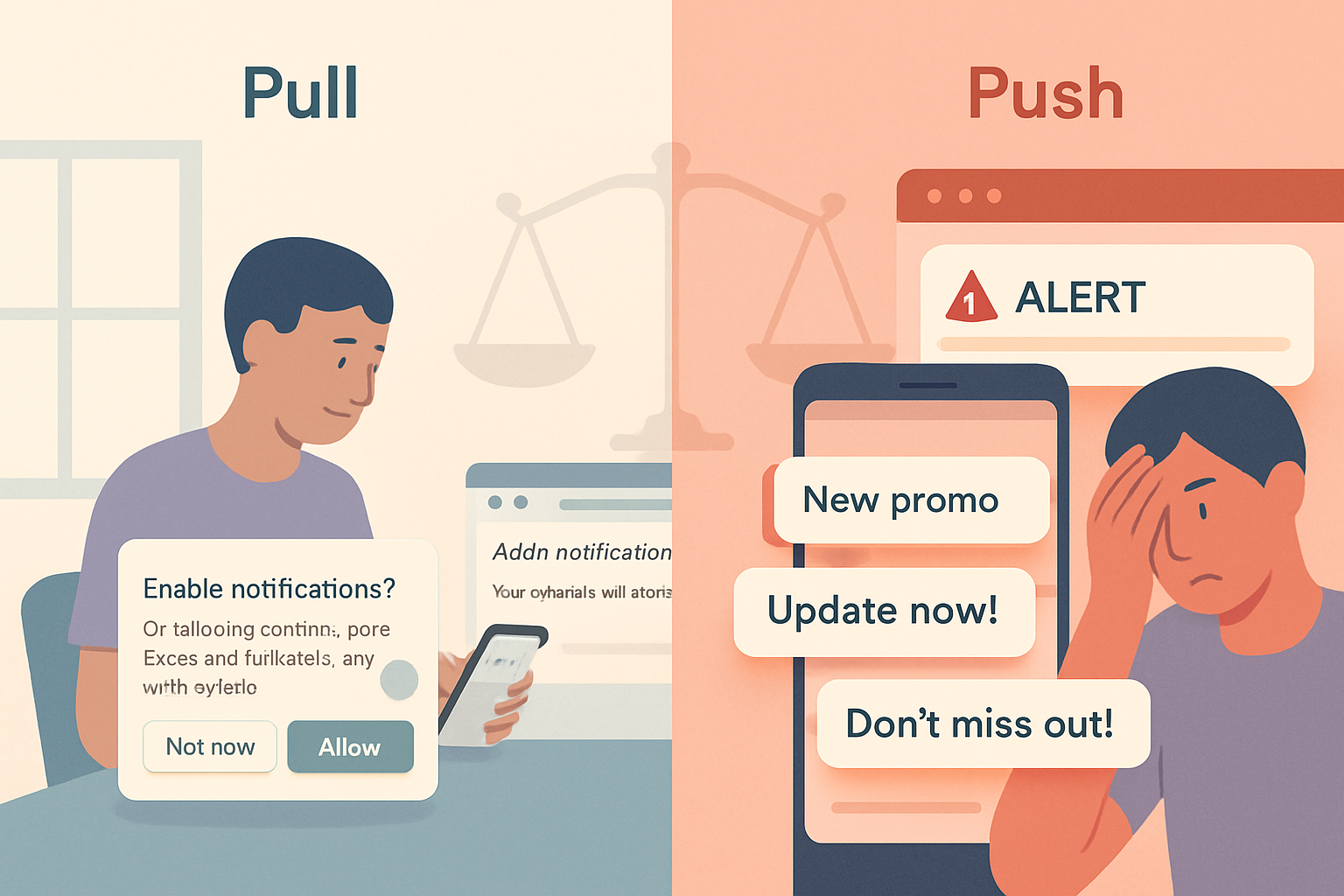
- Don’t ask for notification permission immediately on install. First show value. Then ask when the user encounters a reason to receive a notification.
- Example flow: show a lightweight in‑app explanatory card → trigger the native permission request only if the user opts in on that card.
Use a pre‑permission UX layer
- A custom modal (non‑browser) that explains benefits and frequency lets you reduce blanket denials. Keep it short. Offer an example of a notification they’ll receive.
Offer segmentation and frequency controls
- Let users choose categories (e.g., order updates, security alerts, marketing). Let them set quiet hours or maximum daily notifications.
Minimize sensitive content in notifications
- Avoid placing sensitive details (health, finance, private messages) in the notification body, especially on platforms where the lock screen shows content.
Provide frictionless opt‑out and snooze
- Allow ’snooze for 1 hour / 8 hours / 1 week’ options directly in the app and include an immediate ‘mute’ in the notification itself where supported.
Respect Do Not Disturb and system signals
- Honor platform‑level DND and silent modes. Don’t attempt to bypass them with aggressive notification priorities.
Measure ethically
- Track engagement metrics (open rates, conversion) but also track opt‑out rates, complaints and frequency per user. Tie performance to long‑term retention, not just immediate boosts.
Implementation: safe patterns with the Web Notifications API
Below is a minimal example of a progressive permission flow using the Permissions API and Notifications API. This demonstrates how to check status and only request permission after a contextual prompt.
// Check permission status
async function checkNotificationPermission() {
  if (!('Notification' in window)) return 'unsupported';

  // Optional: use Permissions API for more nuance
  if (navigator.permissions) {
    try {
      const status = await navigator.permissions.query({
        name: 'notifications',
      });
      return status.state; // 'granted', 'denied', 'prompt'
    } catch (e) {
      // fallback
    }
  }

  return Notification.permission; // 'granted', 'denied', 'default'
}

// On a user action after showing the value proposition:
async function requestNotifications() {
  const perm = await checkNotificationPermission();
  if (perm === 'granted') return true;
  if (perm === 'denied') {
    // Provide instructions to change settings if user wants
    showSettingsHelp();
    return false;
  }

  // Show your custom pre-permission UX here. If the user confirms:
  const result = await Notification.requestPermission();
  return result === 'granted';
}
Notes:
- Always call Notification.requestPermission() in response to a user gesture (click/tap) to avoid browser blocks.
- Avoid repeated requests after a denial; instead, offer guidance on how to enable notifications from settings.
Sample UX copy for pre‑permission prompt
- Headline: “Stay in the loop - only the updates you care about”
- Body: “Get order updates, security alerts, and time‑sensitive offers. We’ll never sell your push token or use notifications to profile you across services. You can change this anytime.”
- Primary CTA: “Yes - keep me updated”
- Secondary CTA: “Not now”
This kind of copy is short, benefit‑focused, and mentions a privacy reassurance without legalese.
Privacy notice - example snippet suitable for a privacy center
“We use push notifications to send you real‑time updates you opt into (for example, order status and security alerts). We only store push tokens to deliver messages and do not combine them with third‑party tracking for profiling unless you explicitly agree. You can change notification preferences or revoke consent at any time in your account settings.”
Include a link from this snippet to a fuller explanation of what data is stored (e.g., push token, timestamp, category subscriptions), retention periods, and third parties (if any).
Technical privacy safeguards
- Data minimization: store only a hashed or encrypted push token and the minimal attributes required (language, subscription categories).
- Avoid attaching persistent identifiers unrelated to delivery (e.g., full analytic device fingerprint) to push tokens.
- Use short retention windows for delivery logs. Aggregate metrics for analytics rather than logging per‑user history unless necessary for security (e.g., fraud detection).
- Protect endpoints: require server‑side authentication and rate‑limit notification APIs to prevent abuse and unwanted mass pushes.
Metrics and signals to monitor (KPIs)
- Positive signals: open rates, click‑throughs, conversion, retention lift.
- Safety signals: opt‑out rate, complaint rate (user reports and support tickets), uninstalls within 24–72 hours of enabling notifications.
- Experience signals: average notifications per user per day, number of users using quiet hours/snooze, and session length changes.
Balance short‑term lift with long‑term retention metrics. A spike in opens with rising opt‑outs or uninstalls is a red flag.
When to avoid notifications entirely
- The message provides no immediate or ongoing value (e.g., low‑value marketing blasts).
- Content is sensitive and may expose private information on lock screens.
- Your product cannot offer granular controls or clear opt‑out, which means you lack the basic ethics and UX necessary to use notifications responsibly.
Real world tradeoffs and governance
Product teams often face pressure to drive key metrics. That pressure must be balanced by governance: require an internal notification review, privacy sign‑off, and a testing period where impact on retention and complaints is carefully measured before scaling.
Create an internal policy that defines allowed notification categories, maximum frequency, consent copy standards, and who signs off on campaigns.
Closing: a compact ethical checklist
- Ask only after demonstrating value.
- Explain benefits and data practices in plain language.
- Offer granular controls and easy opt‑out.
- Minimize data linked to delivery tokens.
- Monitor both engagement and harm signals.
- Log consent and be able to honor withdrawal.
You can drive engagement with notifications. You can also protect privacy. Do both. Earn attention by earning trust - not by buying it with persistent interruptions.