· deepdives · 6 min read
Prioritized Task Scheduling API: Benefits and Drawbacks You Need to Know
A balanced, practical look at Prioritized Task Scheduling APIs: what they deliver, where they cause harm, and how to adopt them safely. Learn concrete benefits, real pitfalls (priority inversion, starvation, legacy breakage), mitigation patterns, and a migration checklist.
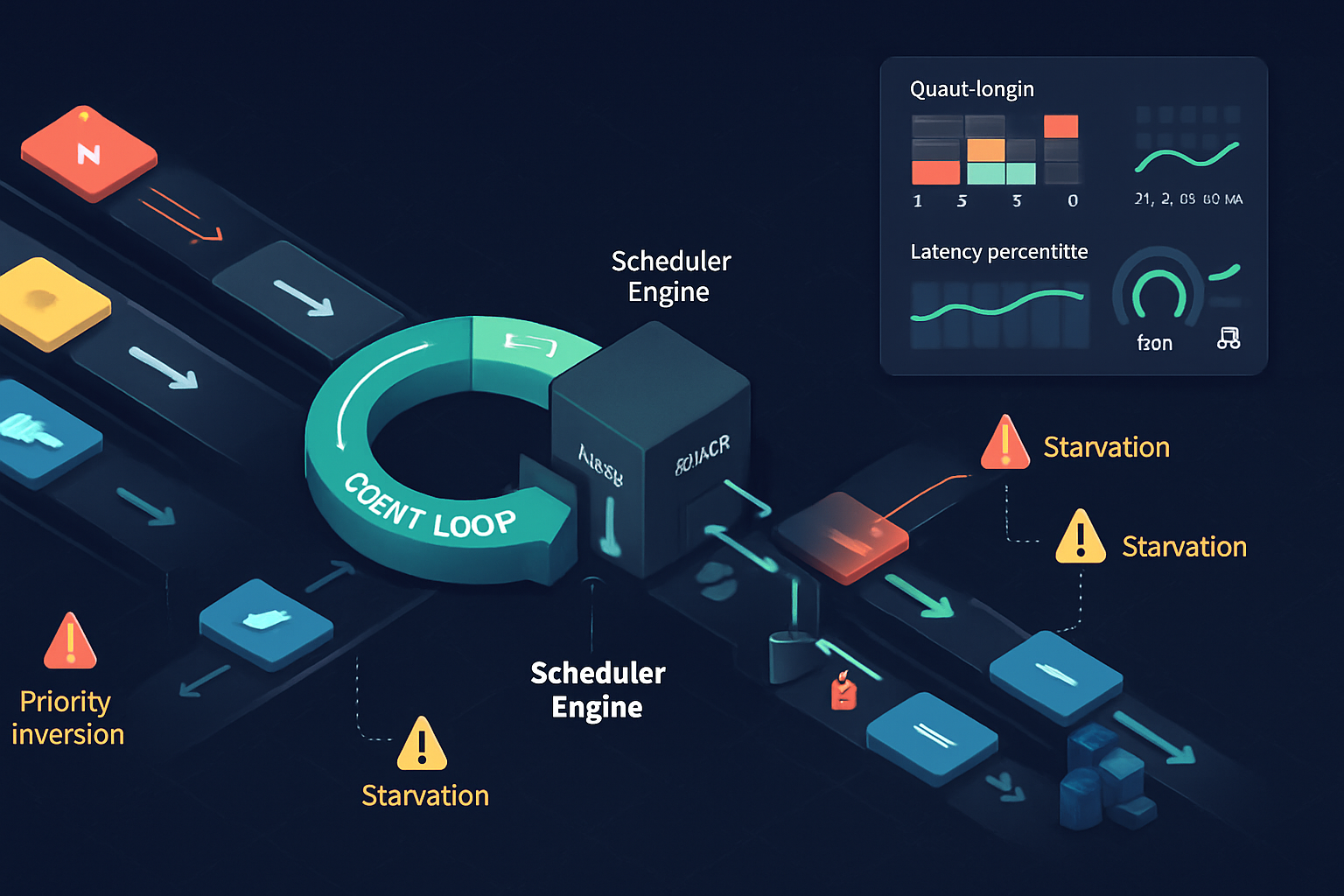
Get the result first: what adopting a Prioritized Task Scheduling API does for you
Adopt this API and your application becomes more responsive under load. Background work stops competing with user interactions. Critical jobs run sooner; low-value work yields. You get lower latency tails and a clearer map of where time is spent.
That’s the upside. The downside can be subtle and dangerous. If you mis-design priorities you’ll introduce starvation, priority inversion, livelocks, fragile tests, and surprising regressions in legacy code. This article shows both sides and gives concrete guidance to ship safely.
What is a “Prioritized Task Scheduling API”?
A Prioritized Task Scheduling API gives application code a standardized way to enqueue asynchronous work with an explicit priority (and often other constraints like deadlines or resource hints). The scheduler then orders execution based on those priorities, instead of first-come-first-served alone.
Think of it as an explicit QoS layer on top of your event loop or thread pool. It answers questions like: Should this task preempt background sync? Can this non-essential analytics job wait? Should this I/O-heavy batch be throttled when the UI is busy?
Real-world analogs and inspirations include OS process schedulers (Linux CFS), mobile job schedulers (Android JobScheduler), and emerging web proposals such as the scheduler/postTask efforts from browser working groups. For background reading see the WICG scheduler repo and the MDN notes on idle/background scheduling:
- WICG Scheduler proposal: https://github.com/WICG/scheduler
- MDN: requestIdleCallback and related ideas: https://developer.mozilla.org/en-US/docs/Web/API/Window/requestIdleCallback
Key benefits - what you gain
Improved responsiveness and reduced tail latency
- High-priority UI work gets executed sooner, shrinking the worst-case latency a user sees.
- Short tasks that impact paint or input can be promoted above long-running analytics tasks.
Better resource allocation under contention
- When CPU, I/O, or battery are constrained, priorities help direct resources where they matter most.
Cleaner separation of concerns
- Libraries and app modules can express importance declaratively instead of fighting over threads or timers.
Lower energy use on constrained devices
- Batch non-critical tasks into lower-priority windows so the device can consolidate wakeups and save power.
Predictable quality-of-service (QoS)
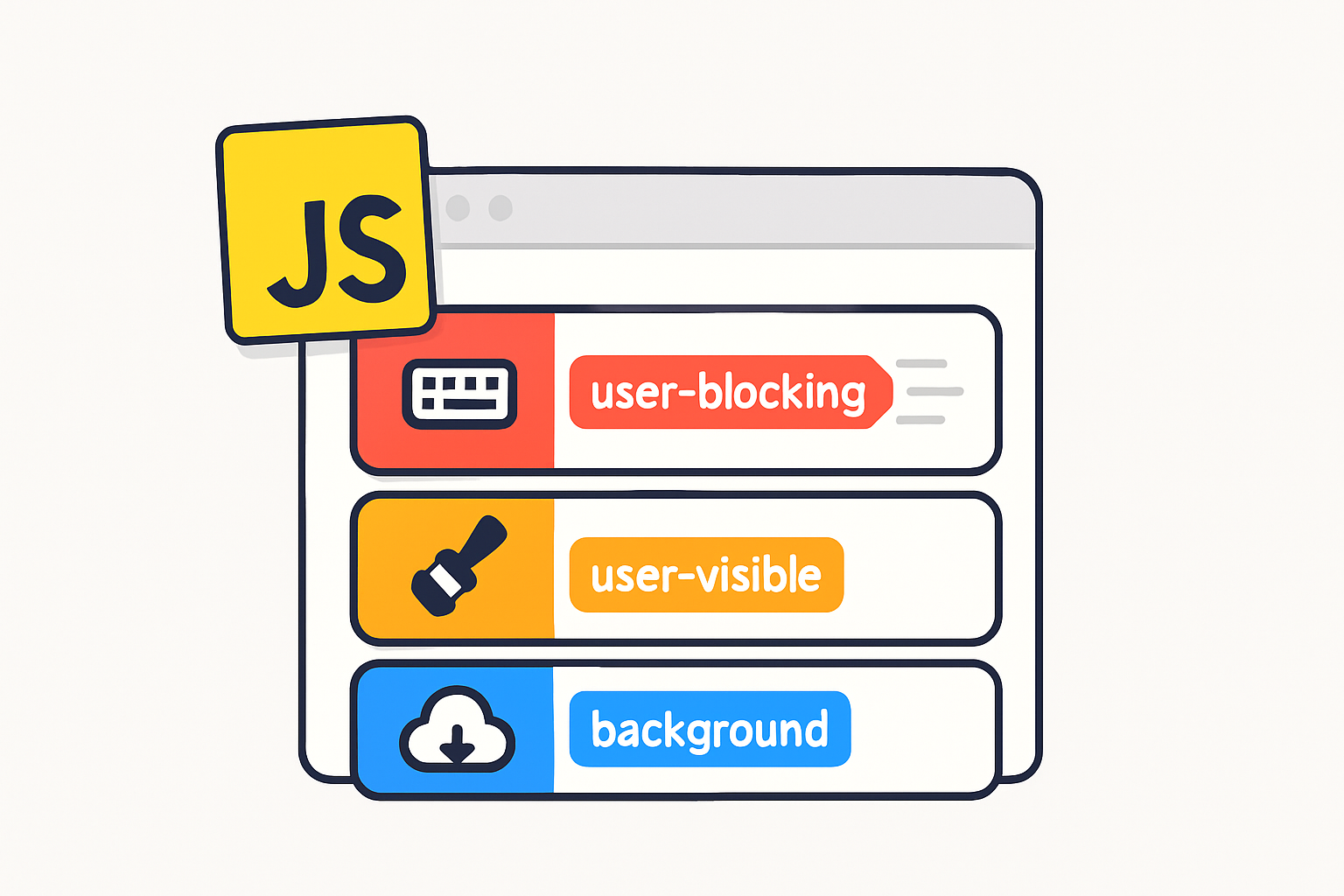
- Contracts such as “user-visible” vs “background” allow SLOs (service-level objectives) to be enforced more predictably.
Easier progressive enhancement and feature toggles
- You can gate experimental work behind low priority so it won’t disrupt production user flows.
Each benefit is pragmatic. Priorities are a tool for aligning execution with user or business value. Used well, they convert ambiguous scheduling trade-offs into explicit policy.
Realistic drawbacks and where things go wrong
Complexity and cognitive overhead
- Developers must reason about a new axis of behavior. Priorities multiply the surface area of decision-making.
Starvation of low-priority tasks
- Without aging or quotas, always-high-priority load can starve maintenance tasks (cache cleanup, telemetry uploads).
Priority inversion
- A low-priority task holding a resource needed by a high-priority task can block the latter. Classic concurrency hazard. See the concept: https://en.wikipedia.org/wiki/Priority_inversion
Non-deterministic and harder-to-test behavior
- Tests that relied on deterministic ordering can flake when a scheduler reorders tasks by priority.
Increased scheduler overhead
- Maintaining priority queues, preemption, and accounting adds CPU and memory cost. For extremely short tasks, the scheduling overhead may negate gains.
Fragility with legacy code
- Existing modules may assume FIFO ordering or timing; changing that can break invariants or surface race conditions.
Implementation and portability gaps
- Different runtimes (browsers, servers, embedded devices) may implement priorities differently; your code will behave inconsistently across platforms.
Security and timing side-channels
- Priority signals can leak high-level activity timing (e.g., when a UI starts), enabling side-channel inferences.
API surface creep and maintenance
- Exposing many knobs (priority levels, deadlines, resource hints) increases long-term maintenance burden.
Each drawback is manageable when acknowledged early, but ignoring them makes the scheduler a fragile policy-accumulator.
Concrete API sketch (pseudo-JS) and patterns
This pseudo-API shows common design choices and how to use them safely.
// scheduleTask(task, options)
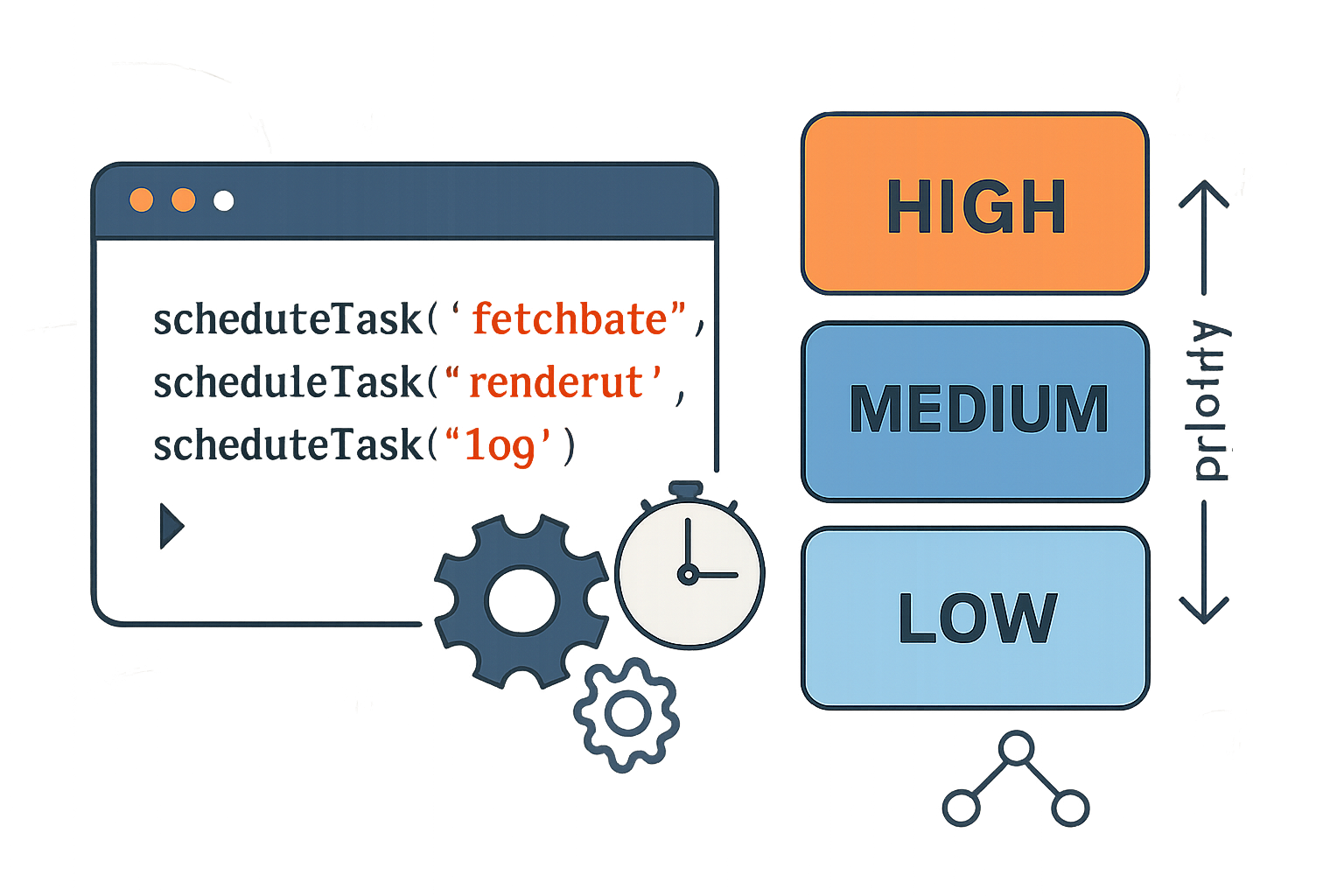
// options: { priority: 'high'|'normal'|'low', deadline: msFromNow, budgetMs }

const id = scheduler.scheduleTask(
  () => {
    // critical UI refresh
  },
  { priority: 'high', deadline: 50 }
);

scheduler.scheduleTask(
  () => {
    // telemetry upload-non-essential
  },
  { priority: 'low' }
);

// cancellation
scheduler.cancelTask(id);
Patterns to reduce risk:
- Use explicit buckets (high/normal/low) rather than unbounded numeric priorities - simpler to reason about.
- Implement aging: gradually raise the priority of tasks that wait too long.
- Time budgets: allow a long-running task to yield after a budget and re-queue at the same or lower priority.
- Cooperative yielding: for CPU-bound tasks, break work into slices and re-enqueue to let other priorities run.
Example: aging (conceptual)
function scheduleWithAging(task, options) {
  options.enqueuedAt = Date.now();
  scheduler.scheduleTask(task, options);
}

// scheduler internals: if (now - enqueuedAt > threshold) raisePriority()
Migration impact on legacy code and how to protect it
- Start with opt-in: do not change the default behavior of existing queues. Introduce priority scheduling as a new API surface.
- Provide a “legacy” priority bucket that preserves FIFO guarantees for older modules.
- Add feature flags and rollout gradually. Capture telemetry: task wait time, starvation signals, long-tail latencies.
- Run integration tests that simulate heavy load and low-priority maintenance tasks. Look for starvation and inversion.
- Document recommended priority per subsystem: UI, networking, telemetry, analytics, background sync.
A few practical protections:
- Default to conservative policies (e.g., long wait thresholds before deprioritizing).
- Add quotas for low-priority work (e.g., guarantee X ms per second to background tasks).
- When possible, use resource-based admission (if I/O is saturated, delay low-priority I/O-heavy tasks).
Implementation guidance for engineers
- Keep the scheduler as small and well-instrumented as possible. Measure first; then tune.
- Prefer coarse buckets to a fine-grained numeric range unless you have a real need for many priority levels.
- Use priority inheritance or controlled handoff to mitigate inversion when locks/resources are involved.
- Provide observability: queue lengths by priority, average wait, percentiles, number of preemptions, task requeues.
- Expose a debugging mode that logs reordering and preemption decisions for reproducible investigation.
- Balance preemption with fairness: preempt only if the high-priority task is short or latency-sensitive.
- Integrate with existing backpressure mechanisms (e.g., rate limiting, circuit breakers).
Best practices and recommended defaults
- Default buckets: high (user-visible), normal (background-but-important), low (best-effort).
- Minimum guarantees: ensure low-priority tasks get a small guaranteed slice or aging so they never starve completely.
- Time budgets: cap continuous execution per task (e.g., 16ms slices on UI thread).
- Fail-safe monotonicity: increasing priority should never make a task run later than before.
- Document semantics clearly. Make the API explicit about starvation, preemption, and ordering guarantees.
Decision checklist - should you adopt it?
Adopt a Prioritized Task Scheduling API if:
- Your app suffers from high tail latencies under realistic load.
- You must prioritize user-visible work over background maintenance.
- You can invest in instrumentation and tests to validate correctness.
Defer or avoid if:
- Your system is small and latency is already acceptable.
- You lack capacity to test for priority inversion and starvation.
- You must support platforms with inconsistent or missing scheduler primitives and you cannot emulate behavior reliably.
Final takeaways
A Prioritized Task Scheduling API can be transformative for responsiveness and resource efficiency when used deliberately. It forces you to make value judgments explicit. But it also introduces new classes of bugs and operational complexity.
Ship it with conservative defaults, strong instrumentation, and explicit migration paths for legacy code. When you treat priority as a policy that must be measured and tuned - not a silver bullet - the API becomes a powerful tool instead of a hidden hazard.
References
- WICG Scheduler proposal: https://github.com/WICG/scheduler
- MDN: requestIdleCallback: https://developer.mozilla.org/en-US/docs/Web/API/Window/requestIdleCallback
- Priority inversion: https://en.wikipedia.org/wiki/Priority_inversion
- Linux Completely Fair Scheduler (CFS): https://www.kernel.org/doc/html/latest/scheduler/sched-design-CFS.html