· deepdives · 6 min read
Top 5 Use Cases for Prioritized Task Scheduling in Modern JavaScript Applications
Discover five practical ways to use the Prioritized Task Scheduling API (scheduler.postTask) to keep your web apps responsive, speed up perceived load, and perform background work safely - with code patterns, fallbacks, and performance tips.
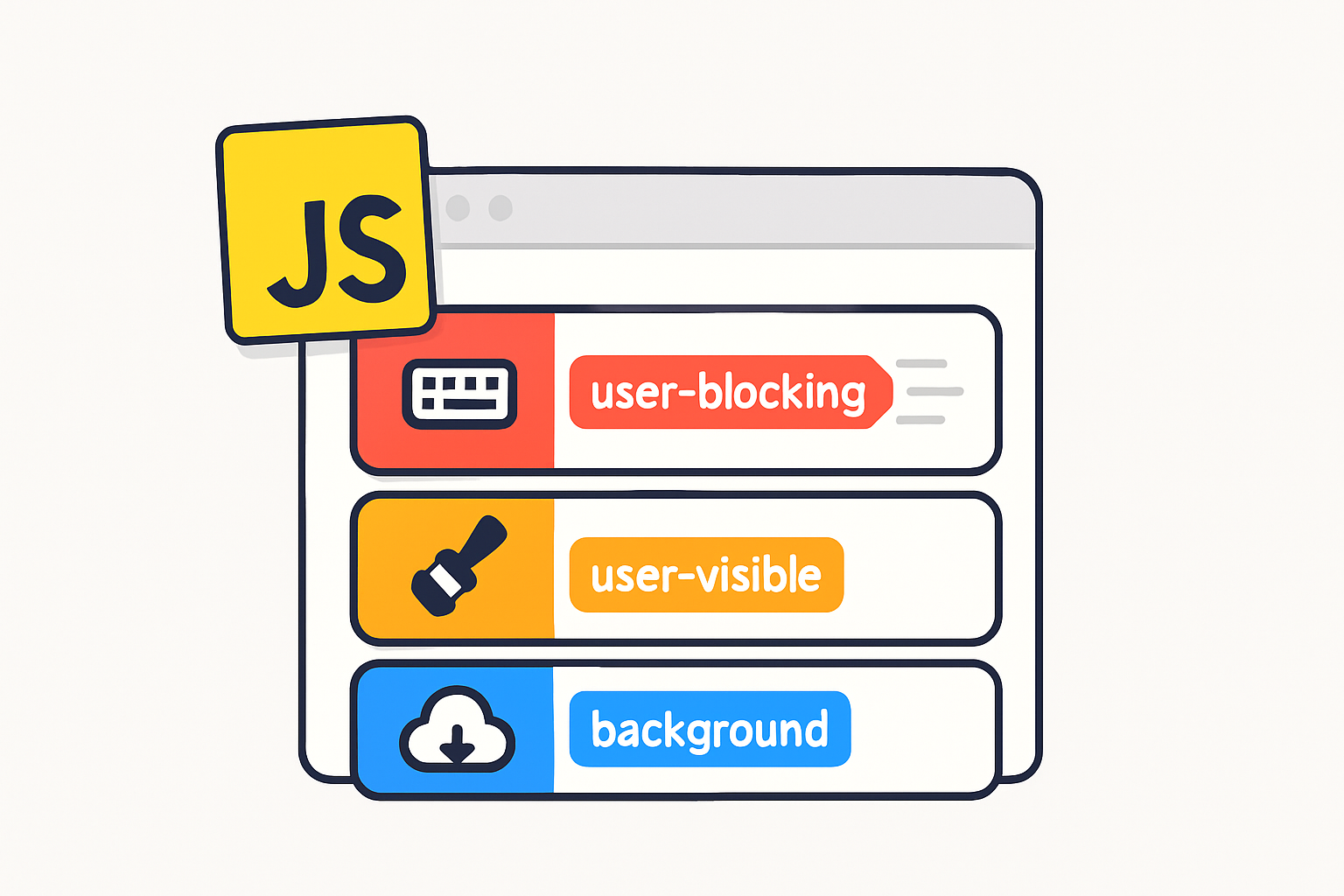
Outcome first: by the end of this article you’ll have five concrete patterns you can drop into real applications to improve responsiveness, reduce jank, and move non‑urgent work off the critical path. Read one pattern and you can instantly make input and animations smoother. Read all five and you’ll have a toolkit for prioritizing work across UI, hydration, background prefetching and workers.
Why prioritized scheduling matters - quick
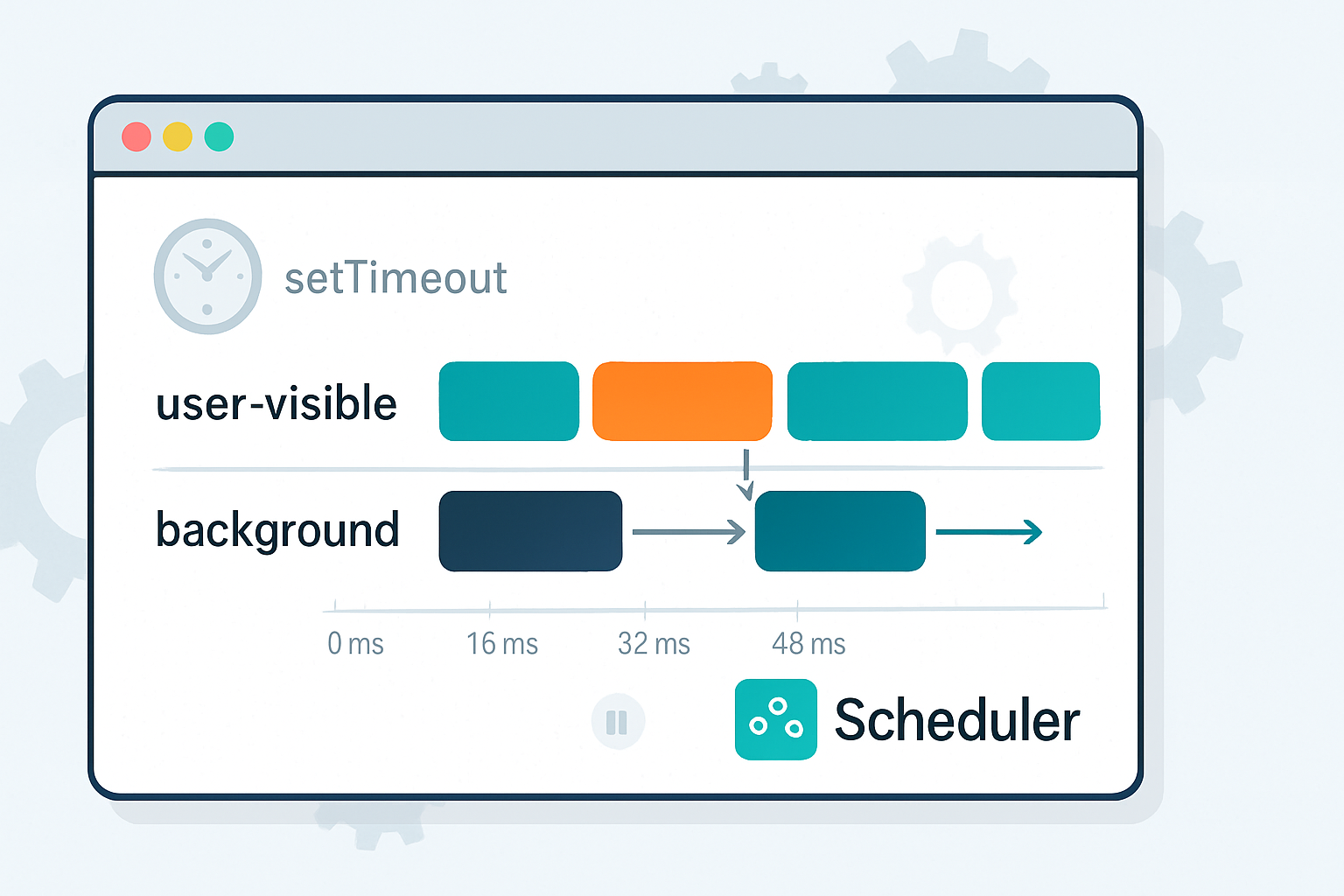
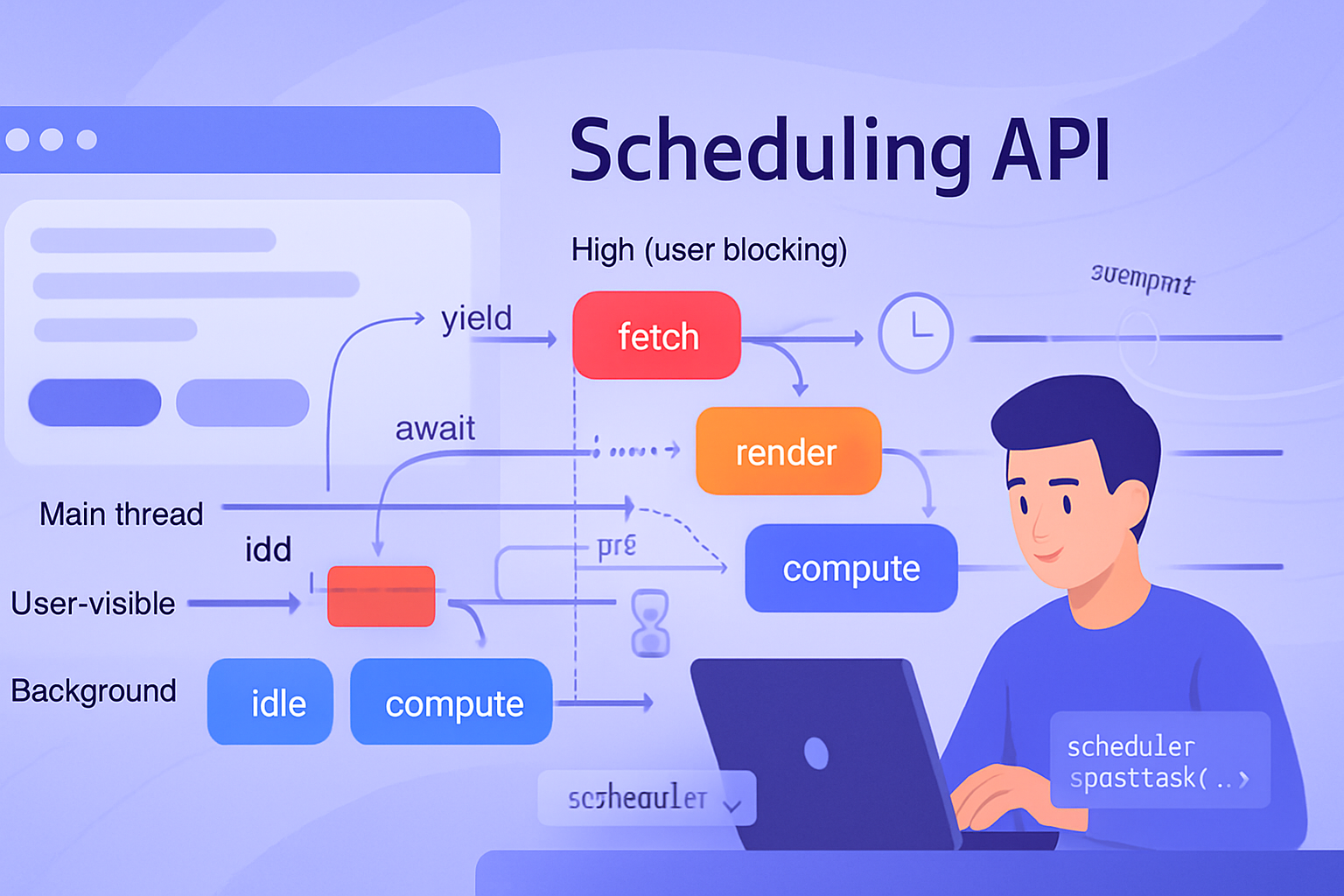
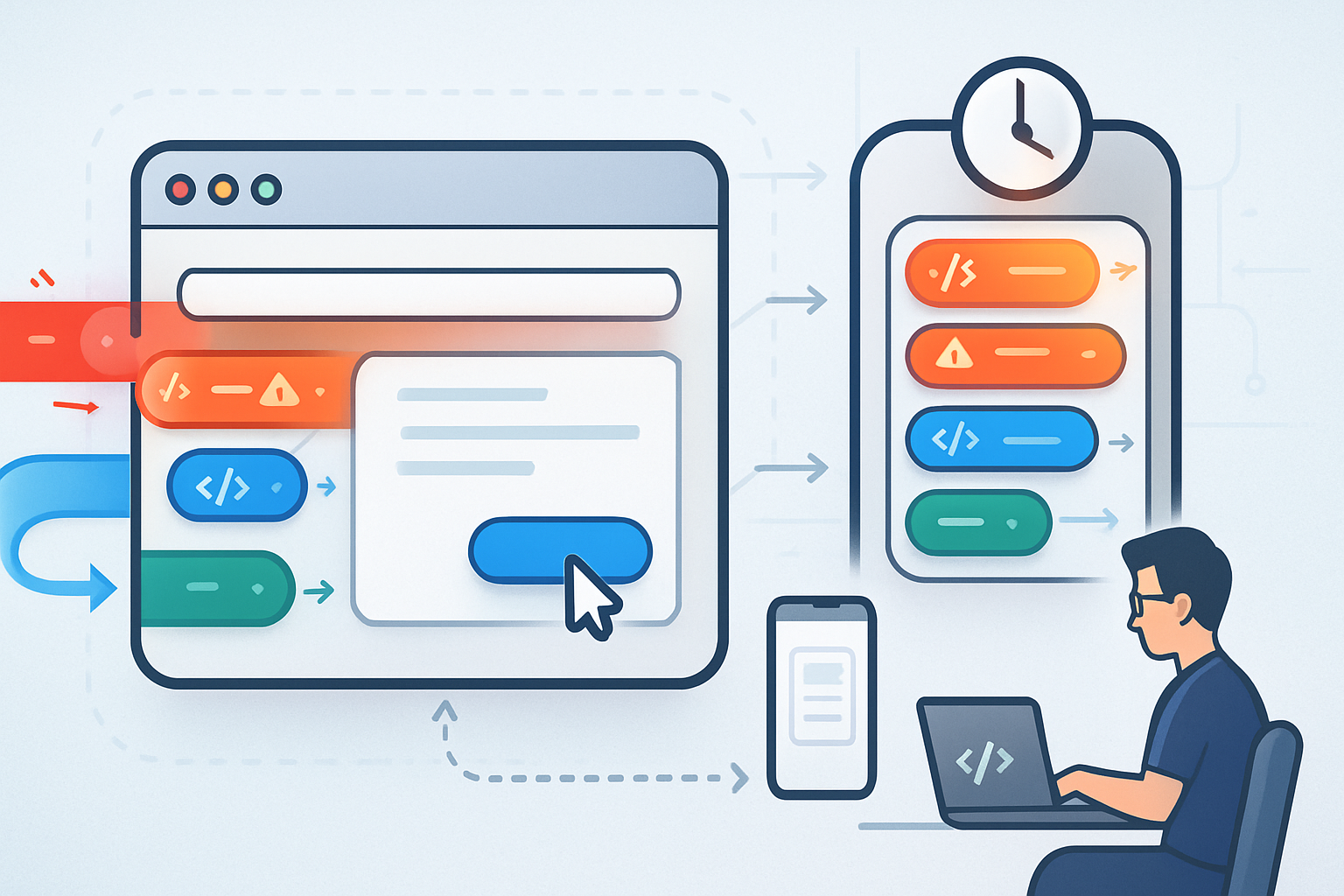
Browsers do many things at once. They render, paint, run JS, fetch data, decode images. When everything competes for CPU, the thing your user cares about right now (typing, scrolling, navigating) can lose. Prioritized Task Scheduling gives you an explicit, cooperative way to tell the browser which tasks are urgent and which are not. The result: fewer dropped frames, faster perceived load, and smoother interactions.
For practical background and implementation detail see the WICG proposal and the explainer on web.dev:
- WICG: Prioritized Task Scheduling proposal: https://github.com/WICG/prioritized-task-scheduling
- Overview and examples on web.dev: https://web.dev/scheduler-posttask/
Quick feature detection and safe helper
Always feature‑detect. Here’s a compact helper you can use as a baseline that falls back to setTimeout when the new API isn’t available.
function postTask(fn, options = {}) {
  if (
    typeof scheduler !== 'undefined' &&
    typeof scheduler.postTask === 'function'
  ) {
    return scheduler.postTask(fn, options);
  }

  // Basic fallback: run the task asynchronously.
  const id = setTimeout(fn, 0);
  return { cancel: () => clearTimeout(id) };
}
Use AbortController where supported to cancel tasks that are no longer needed.
Use case 1 - Keep input and animations snappy (user‑blocking)
Problem: typing lag, delayed button responses, or stutter during animations. When input is delayed even by tens of milliseconds users feel it.
Pattern: schedule nonessential work (analytics, low‑priority updates) at lower priority and reserve ‘user‑blocking’ priority for tasks that handle input or immediate visual updates.
Example:
// on an input handler
input.addEventListener('input', e => {
  // handle immediate UI update synchronously
  renderImmediateValue(e.target.value);

  // offload heavy work (e.g., search indexing) but mark it as background
  postTask(() => expensiveIndexUpdate(e.target.value), {
    priority: 'background',
  });
});

// when we need to run something that must not wait
postTask(() => flushCriticalDOMUpdates(), { priority: 'user-blocking' });
Why it works: you keep the main thread free for the things that make the app feel instant. The heavy work still completes - later. The UI wins.
Use case 2 - Incremental hydration and route transitions (user‑visible)
Problem: large single‑page apps can block the main thread during initial hydration or route changes, increasing first input delay and time‑to‑interactive.
Pattern: prioritize hydration and the parts of the UI visible to the user, and push nonvisible component hydration to lower priorities. Use ‘user‑visible’ for near‑term visual work and ‘background’ for offscreen content.
Example strategy:
- Hydrate the topmost route and visible components with
priority: 'user-visible'. - Hydrate secondary panels, offscreen widgets, or analytics components with
priority: 'background'.
// hydrate visible widgets first
visibleWidgets.forEach(widget => {
  postTask(() => widget.hydrate(), { priority: 'user-visible' });
});

// hydrate offscreen widgets later
offscreenWidgets.forEach(widget => {
  postTask(() => widget.hydrate(), { priority: 'background' });
});
Result: the page becomes interactive where it matters first. Perceived performance improves even if total work remains the same.
Use case 3 - Background prefetching, decoding, and non‑urgent I/O (background)
Problem: prefetches, image decoding, or indexing can compete with critical work and cause jank if scheduled at the wrong time.
Pattern: schedule prefetches, lazy image decodes, and maintenance tasks at ‘background’ priority so they run only when they don’t interfere with more important tasks.
Examples:
// decode a large image later
postTask(() => image.decode(), { priority: 'background' });

// prefetch a route's data in the background
postTask(
  async () => {
    const r = await fetch('/api/next-route');
    cache.put('/api/next-route', await r.clone().json());
  },
  { priority: 'background' }
);
Tip: Combine background tasks into batches so you avoid many tiny jobs that still create scheduling overhead.
Use case 4 - Batch analytics, telemetry, and graceful de‑duping
Problem: firing network requests for every user interaction (clicks, mouse moves, impressions) can create spikes and interfere with rendering.
Pattern: buffer events and schedule telemetry batches at background priority. Use AbortController to cancel unsent batches when the user navigates away or if newer data supersedes older data.
Example:
const buffer = [];
let flushHandle;

function queueTelemetry(evt) {
  buffer.push(evt);
  if (!flushHandle) {
    flushHandle = postTask(flushTelemetry, { priority: 'background' });
  }
}

async function flushTelemetry() {
  flushHandle = null;
  if (!buffer.length) return;
  const body = JSON.stringify(buffer.splice(0));
  try {
    await fetch('/telemetry', { method: 'POST', body });
  } catch (e) {
    // retry logic or re‑enqueue
  }
}
Result: fewer network spikes, less contention with critical UI work, and better battery/network behavior on constrained devices.
Use case 5 - Cooperative chunking inside Web Workers and heavy CPU tasks
Problem: long, monolithic computations on workers still monopolize CPU and can delay message handling or starve other tasks.
Pattern: split heavy work into prioritized chunks and schedule them inside workers; allow higher‑priority messages to interleave by using the scheduling API or simple cooperative yields.
Example approach inside a worker:
async function processLargeData(data) {
  let i = 0;
  while (i < data.length) {
    // do a chunk
    doWorkChunk(data, i, 1000);
    i += 1000;

    // yield and let scheduler run higher priority tasks
    await new Promise(resolve =>
      postTask(resolve, { priority: 'user-visible' })
    );
  }
}
If postTask is not available inside the worker, you can still split work and use setTimeout or MessageChannel to yield. The important bit is cooperative yields so the worker can handle messages and the main thread stays responsive.
Practical tips and gotchas
- Always feature‑detect and provide fallbacks. The API is not universally available yet. See feature detection example above.
- Use AbortController to cancel tasks that become irrelevant (navigation away, input superseded). This prevents wasted CPU and network requests.
- Avoid tiny tasks. Group small jobs to reduce scheduling overhead and improve throughput.
- Keep fairness in mind. Prioritization must not starve lower‑priority work indefinitely. Occasionally run long background maintenance at a moderate priority or with a timeout.
- Measure. Use performance.mark and real UX metrics (TTI, FID, input latency) to validate that your prioritization improves real user experience.
For background scheduling alternatives, remember requestIdleCallback can be used where appropriate, but it behaves differently and is not a direct substitute: https://developer.mozilla.org/en-US/docs/Web/API/Window/requestIdleCallback
When not to use it
Don’t use prioritized scheduling as a band‑aid for very large synchronous tasks. If a task is inherently long, break it into chunks or move heavy work to a worker. Prioritized scheduling helps coordination - it isn’t a replacement for chunking or offloading.
Summary - what to do next
Pick one hotspot in your app where users complain about sluggishness (input lag, slow route change, or janky animations). Apply one of the patterns above: mark the urgent work as user‑blocking or user‑visible and push everything else to background. Measure before and after.
Small changes at the scheduling level often yield outsized improvements in perceived performance. Prioritize correctly. Your users will notice.
References
- Prioritized Task Scheduling (WICG): https://github.com/WICG/prioritized-task-scheduling
- scheduler.postTask overview and examples (web.dev): https://web.dev/scheduler-posttask/
- requestIdleCallback (MDN): https://developer.mozilla.org/en-US/docs/Web/API/Window/requestIdleCallback