· deepdives · 7 min read
Beyond Simple Scheduling: Leveraging the Power of the Scheduling API for Advanced Task Management
Explore advanced patterns for using a Scheduling API to coordinate events, notifications, and complex workflows in modern web applications-complete with code examples, architecture patterns, and operational guidance.
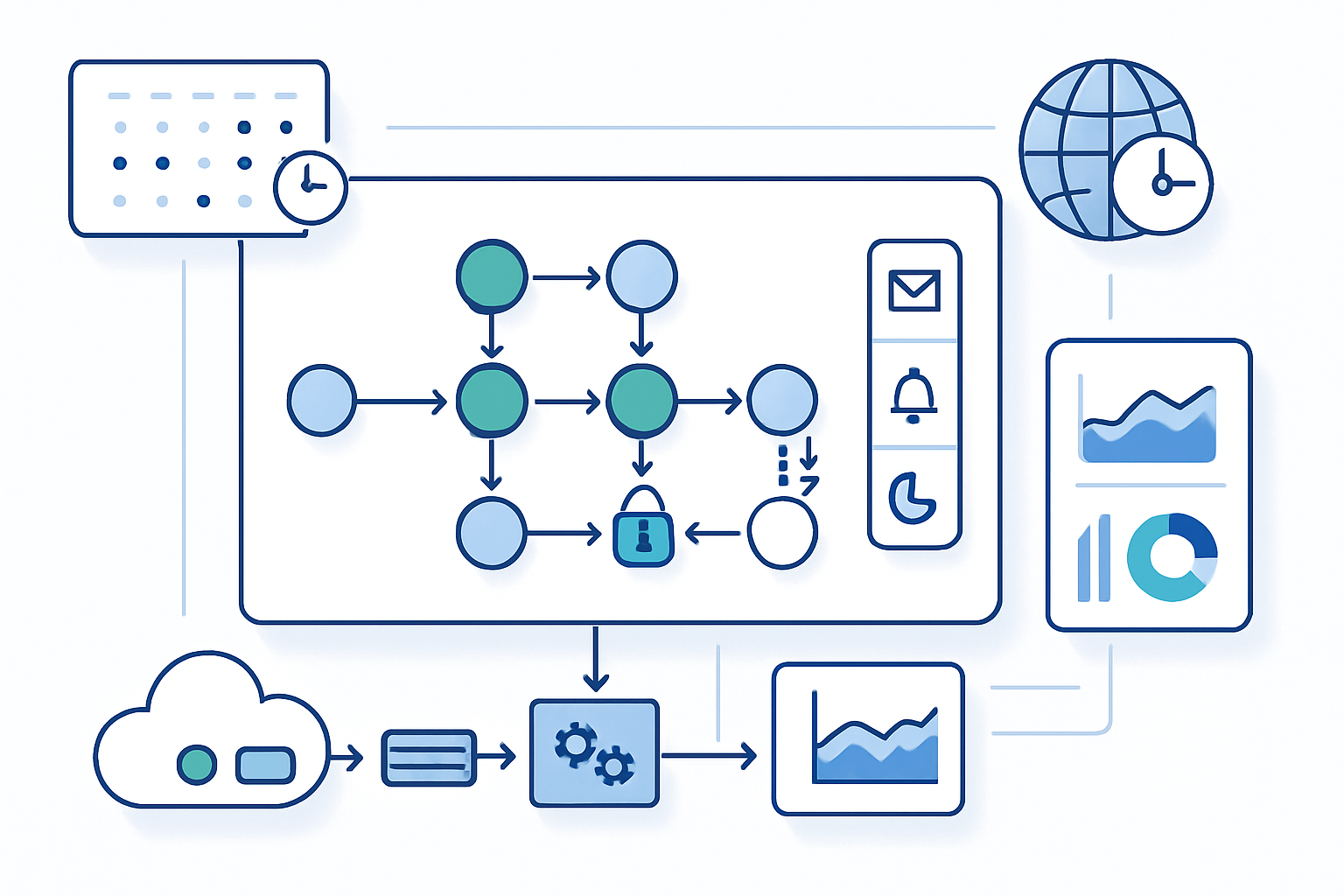
Outcome: By the end of this article you’ll be able to design and implement scheduling-driven features that do far more than fire a cron job - you will coordinate events, deliver notifications reliably, orchestrate multi-step workflows, and make scheduling resilient and observable.
Why settle for “run this at 2am” when you can: trigger a chain of compensating steps after a failed payment, schedule follow-ups that respect a user’s timezone, batch notifications to avoid spamming, and pause a workflow for human approval? Short answer: you can. Long answer: read on.
The core idea: scheduling is an orchestration primitive
Treat scheduling not as a timer, but as an orchestration primitive. In other words: a Scheduling API should be able to trigger actions, store state about those actions, and coordinate multiple actors (services, users, devices) over time. With that mindset you unlock powerful patterns:
- Event coordination: trigger many services from one point in time.
- Notifications: schedule targeted, rate-limited, and localized delivery.
- Workflows: coordinate multi-step jobs, retries, and compensation.
- Human-in-the-loop: pause and resume tasks awaiting approval.
We’ll cover architectural patterns, code examples, and operational considerations.
Key primitives every Scheduling API-backed system should provide
- Triggers - when to run (absolute time, cron, recurrence rules).
- Payload - what to run (task name, arguments, metadata).
- Idempotency - avoid duplicate side-effects.
- Retries and backoff - transient-failure strategies.
- State and visibility - track progress, errors, and logs.
- Locks & coordination - avoid double-processing in distributed systems.
- Observability - metrics, traces, and alerting.
These primitives let you build predictable, testable scheduling behaviors.
Patterns and examples
Below are concrete patterns with pragmatic implementation notes. Code samples use Node.js for familiarity, but concepts apply across platforms.
1) Recurring, calendar-aware schedules (RRULE)
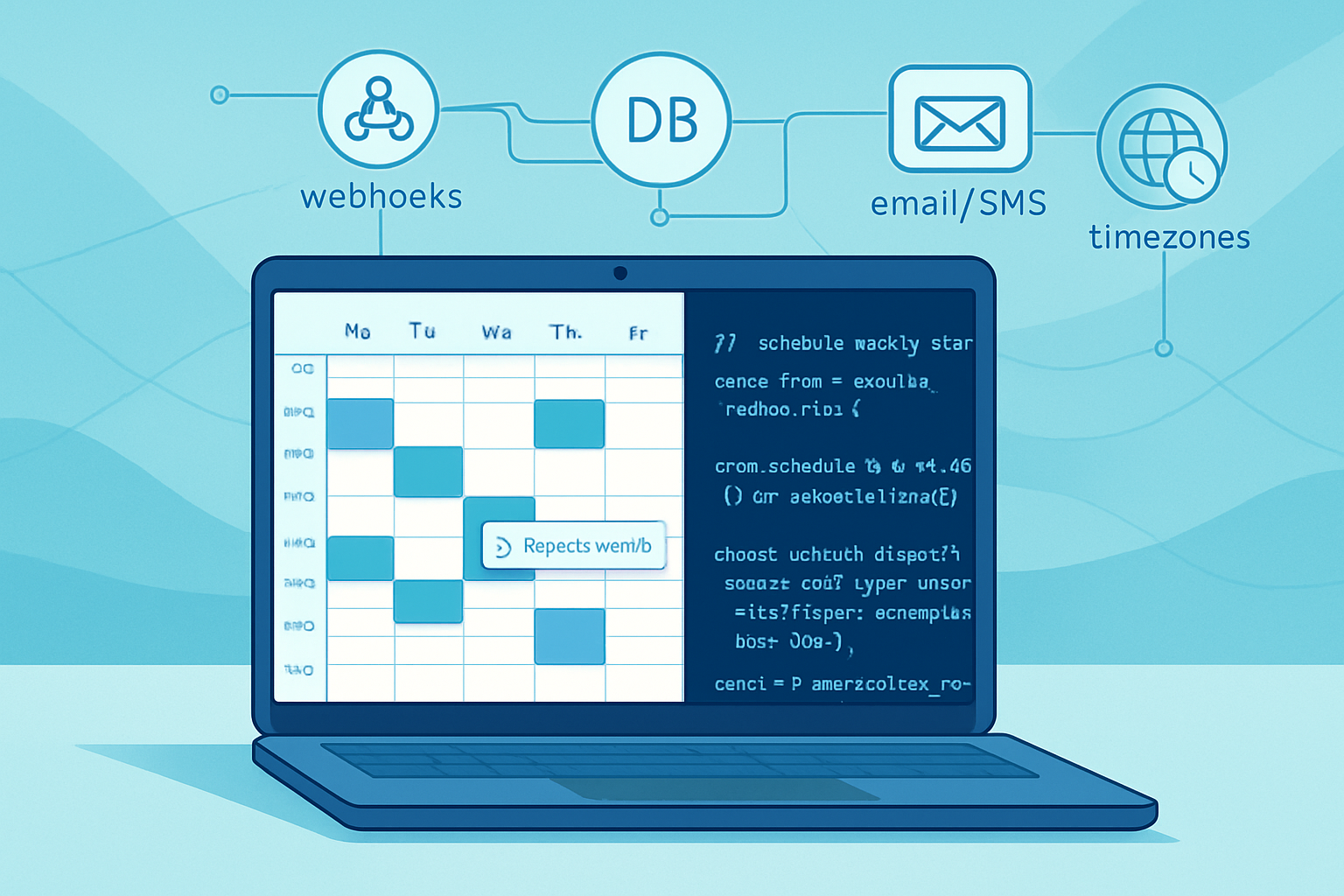
Cron covers many cases. But business calendars are richer: weekly patterns, monthly rules like “last business day”, and exceptions for holidays.
Use iCalendar RRULEs for expressive recurrence. Libraries like rrule (JavaScript) implement RFC 5545 logic.
Example: schedule a billing reminder every first Monday except public holidays.
// npm: rrule
const { RRule } = require('rrule');

const rule = new RRule({
  freq: RRule.MONTHLY,
  byweekday: [RRule.MO.nth(1)],
  dtstart: new Date(Date.UTC(2026, 0, 1)),
});

const next = rule.after(new Date());
console.log('Next reminder:', next);
Reference: RFC 5545 and rrule.js [https://github.com/jakubroztocil/rrule] and RFC: https://tools.ietf.org/html/rfc5545
Tip: store RRULE + exception dates (EXDATE) in your DB. Compute occurrences server-side and feed them into your Scheduling API as individual scheduled tasks so each occurrence is traceable and retryable.
2) Reliable delivery and rate-limited notifications
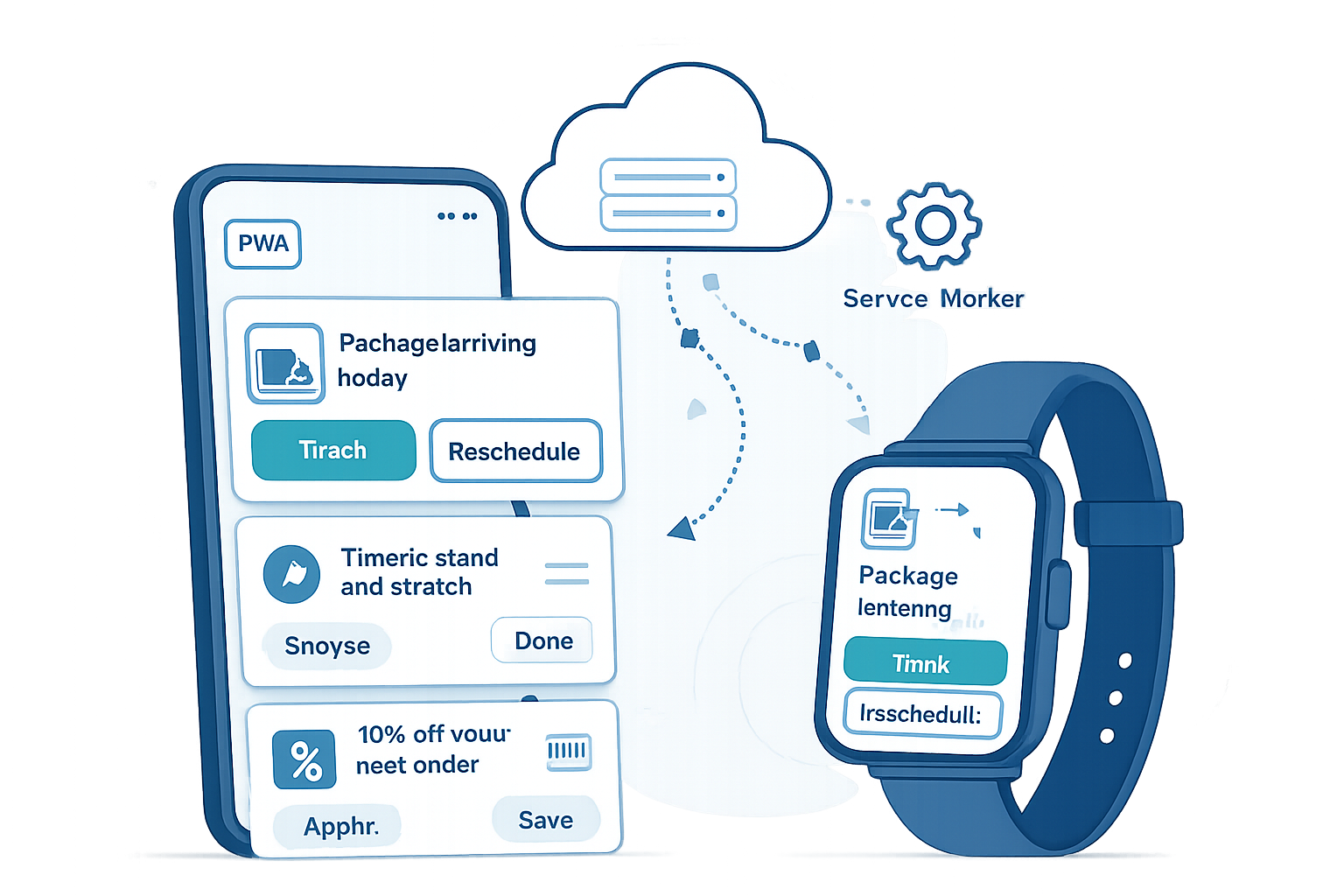
Notifications must be both timely and non-intrusive. That means batching, deduplicating, and respecting user preferences & local time.
Architecture:
- Schedule notification tasks into a task queue (e.g., BullMQ / Redis).
- Use a worker pool that respects rate limits (per-channel, per-user).
- Implement deduplication via idempotency keys.
Example: schedule a push notification with queued retries.
// Using BullMQ (Redis-backed)
const { Queue } = require('bullmq');
const notificationQueue = new Queue('notifications');

await notificationQueue.add(
  'send-push',
  {
    userId: 'user-123',
    payload: { title: 'Reminder', body: 'Your report is ready' },
  },
  {
    delay: msUntilUserLocal(9, 0, userTimezone), // deliver at 09:00 local time
    attempts: 5,
    backoff: { type: 'exponential', delay: 1000 },
  }
);
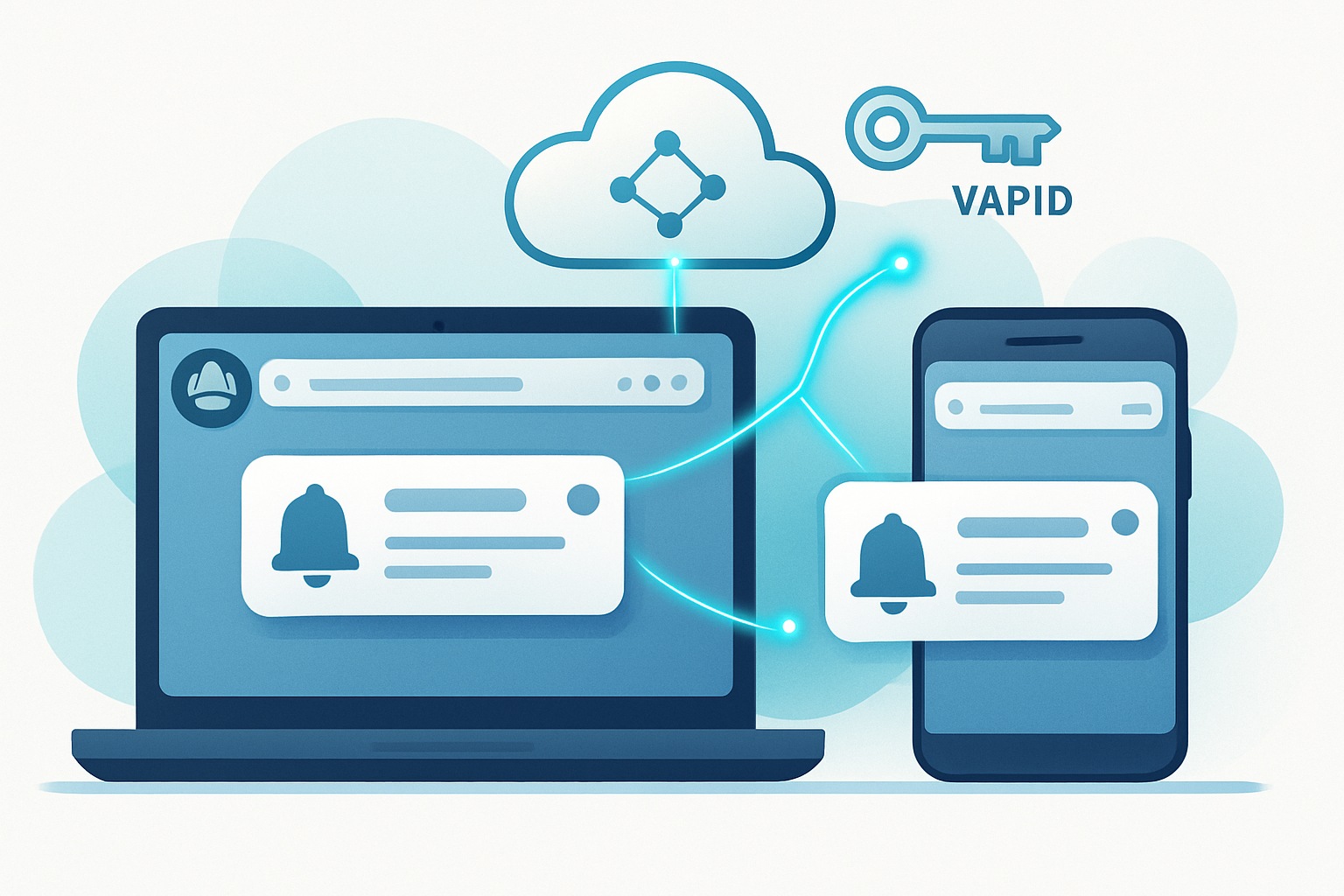
For web push delivery, see Web Push API: https://developer.mozilla.org/en-US/docs/Web/API/Push_API
Batching: group messages when sending to the same provider to reduce quota usage. Local-time deliveries: compute the scheduled timestamp in UTC based on user timezone and schedule a delayed job.
3) Workflow orchestration - beyond simple job queues
A single schedule can trigger a sequence of dependent tasks with branching logic. Two architectural approaches:
- Orchestration (central coordinator): one service (workflow engine) controls the sequence.
- Choreography (event-driven): tasks emit events; other services react.
For complex stateful workflows prefer engines like Temporal or Apache Airflow for data pipelines.
Example (Temporal-like pseudo-workflow):
// Temporal-style pseudocode (simplified)
async function invoiceWorkflow(invoiceId) {
  await schedulePayment(invoiceId); // call payments service

  if (!(await paymentSucceeded(invoiceId))) {
    await waitForHumanApproval(invoiceId, { timeoutDays: 3 });
    // if still failed, schedule retry with exponential backoff
  }

  await sendReceipt(invoiceId);
}
Temporal: https://temporal.io
Why use a workflow engine? It gives durable timers, stable retries, long-running state, and deterministic replays - features hard to build correctly on top of ad-hoc queues.
4) Human-in-the-loop and approval pauses
Scheduling often needs pauses where human action is required. Implement this with a durable state machine:
- Schedule a task that moves to “pending-approval” state.
- Persist the workflow state and correlation id.
- When a user approves via UI, emit an event or call the Scheduling API to resume.
Store audit logs and snapshot the workflow inputs for traceability.
5) Fault tolerance: retries, dead-letter, and compensation
Design retries with purpose:
- Transient errors: retry with exponential backoff and jitter.
- Permanent errors: route to dead-letter queue (DLQ) for manual triage.
- For multi-step workflows: implement compensating actions on reversal.
Example exponential backoff config (BullMQ): attempts + backoff earlier.
Compensation: If a later step fails irrecoverably, run compensating tasks to undo earlier side-effects (refunds, revoke resources).
6) Distributed coordination: locks and leader election
When multiple worker instances could schedule the same job, use distributed locks or leader election.
- Redis Redlock for short-lived locks.
- Leader election (e.g., via ZooKeeper, etcd, or cloud-provided leases) for periodic aggregation jobs.
Redlock reference: https://redis.io/docs/manual/distlock/
7) Multi-tenant & timezone handling
Timezones and daylight savings cause subtle bugs. Best practices:
- Normalize storage in UTC. Compute local-time triggers at the edges.
- Store user’s timezone and preferred delivery windows.
- When daylight changes, recompute scheduled occurrences using the RRULE or a timezone-aware library like Luxon.
Luxon: https://moment.github.io/luxon/
8) Idempotency & deduplication
Always design tasks to be idempotent. Accept duplicate delivery. Common patterns:
- Idempotency keys stored with task state.
- Use conditional updates in the DB (e.g., UPSERT with WHERE state != ‘done’).
9) Observability and SLOs
Instrument your scheduling system:
- Metrics: schedule rate, success rate, queue depth, processing latency.
- Traces: link origin event → scheduled task → workers.
- Alerts: high DLQ growth, increasing retries, or missed schedules.
Use structured logs and correlation ids so you can trace a scheduled occurrence end-to-end.
10) Testing and local development
Tests should cover timing behavior deterministically.
- Use fake timers for unit tests (sinon, jest fake timers).
- For integration tests, run a local Redis/DB and time-accelerate worker loops.
- Simulate daylight and timezone changes.
Example: end-to-end pattern - scheduled onboarding sequence
Use case: After signup, a user receives a welcome email immediately, a product tour notification in 24 hours, and a follow-up call scheduled for 7 days - but only on working days, and skipping public holidays.
Architecture sketch:
- On signup, create three scheduled occurrences in DB: immediate email job, 24-hour reminder, 7-day call job (computed as next working day using RRULE + holiday calendar).
- Push each occurrence into the Scheduling API / queue with metadata + idempotency key.
- Worker processes email/send push - respects rate-limits and batches.
- For the call job, workflow engine places a task into an agent scheduling pool and creates a human-assignment queue.
- Observability shows a single correlation id for the whole onboarding flow.
This gives traceability, the ability to pause the call step for approval, and the power to re-schedule intelligently if a user opts out.
Operational checklist before you deploy
- Idempotency keys implemented
- Retries/backoff and DLQ configured
- Timezone handling tested (including DST)
- Observability (metrics, traces, logs) set up
- Rate limits and batching policies defined
- Storage for recurrence rules and exceptions
- Distributed locks or leader election for critical jobs
- Production chaos tests for scheduler failure scenarios
When to reach for a workflow engine (and when not to)
Use a workflow engine if your flows are:
- Long-running (hours to months)
- Stateful across multiple steps
- Requiring durable timers, retries, and human pauses
Avoid heavy workflow engines for simple fire-and-forget jobs where a small queue and workers will do.
Temporal and Airflow solve different problems. Temporal fits business workflows and microservices; Airflow shines for data pipelines and batch jobs.
References: Temporal (https://temporal.io), Apache Airflow (https://airflow.apache.org/)
Closing: scheduling is the connective tissue of complex apps
Simple scheduling runs functions at a time. Advanced scheduling coordinates people, services, and systems over time. It gives you fault tolerance, observability, and the ability to express business intent (and to change it later).
Start by modeling schedules as first-class records (trigger, payload, state, correlation id). Then add retries, idempotency, timezone awareness, and observability. Automate the easy stuff, surface the hard stuff to humans, and use a workflow engine where long-lived state matters.
If you treat the Scheduling API as an orchestration primitive rather than a simple timer, your app will handle complexity gracefully, and scale with predictable behavior.