· deepdives · 8 min read
Beyond Browser Notifications: Innovative Uses of the Notifications API in Mobile Apps
Explore how the Notifications API can power more than simple alerts on mobile. Learn innovative patterns, real-world case studies, and practical code to bring richer, more contextual notifications to your mobile and PWA users.
What you’ll get from this article
You’ll learn how to use the Notifications API to build notifications that do more than beep. You’ll see concrete patterns, example code, and case studies that show how businesses use notifications to increase engagement, reduce churn, and deliver real value - not annoyance. Read on to discover practical ideas you can apply today.
Quick orientation: Notifications API and where it fits on mobile
The Notifications API is the browser-facing interface to create system notifications from web contexts (including Progressive Web Apps). On mobile, notifications arrive in two flavors:
- Native app notifications (delivered through platform push services) - full-featured, reliable, platform-integrated.
- Web / PWA notifications (Notifications API + Push API + Service Workers) - run from the browser/PWA, can appear on the lock screen and system tray, and are a powerful way to reach users without an app install.
Use both where appropriate. For PWAs, the Notifications API is your primary tool. For hybrid or native apps, you’ll likely use platform SDKs or wrappers - but the ideas here still apply.
Resources: MDN Notifications API, Web Push Overview.
Why go beyond simple alerts?
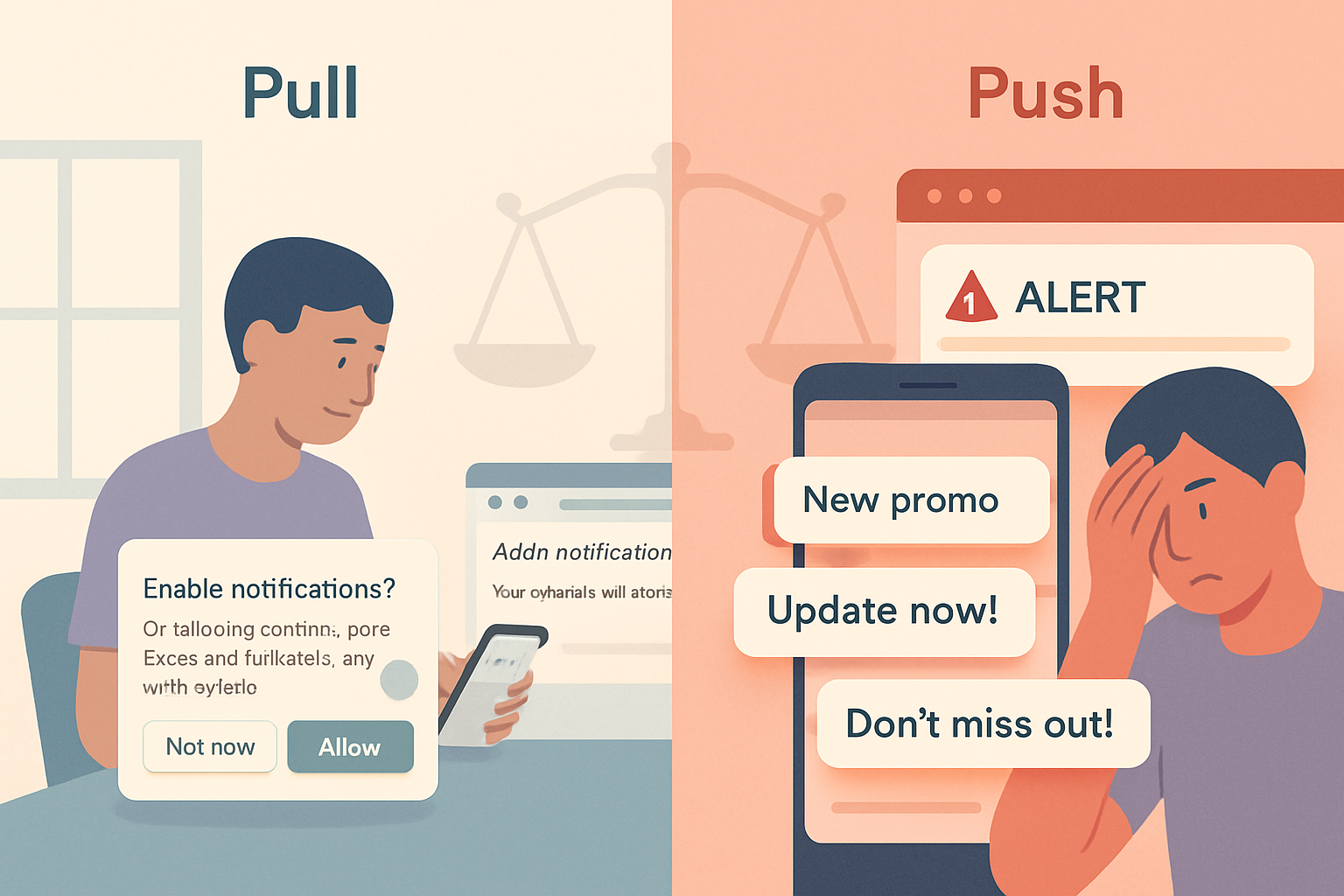
Because most users ignore generic push messages. A notification that’s contextual, actionable, and timely becomes a utility. It reduces friction and increases retention. Short-term wins include re-engagement. Long-term wins include trust and habit formation.
But it must be done right: permissions, timing, and relevance are everything.
Innovative notification patterns for mobile apps
Below are patterns that go beyond “New message” or “Sale today”. Each pattern includes a short explanation and practical considerations for mobile and PWAs.
1) Transactional micro-flows: notifications as small UIs
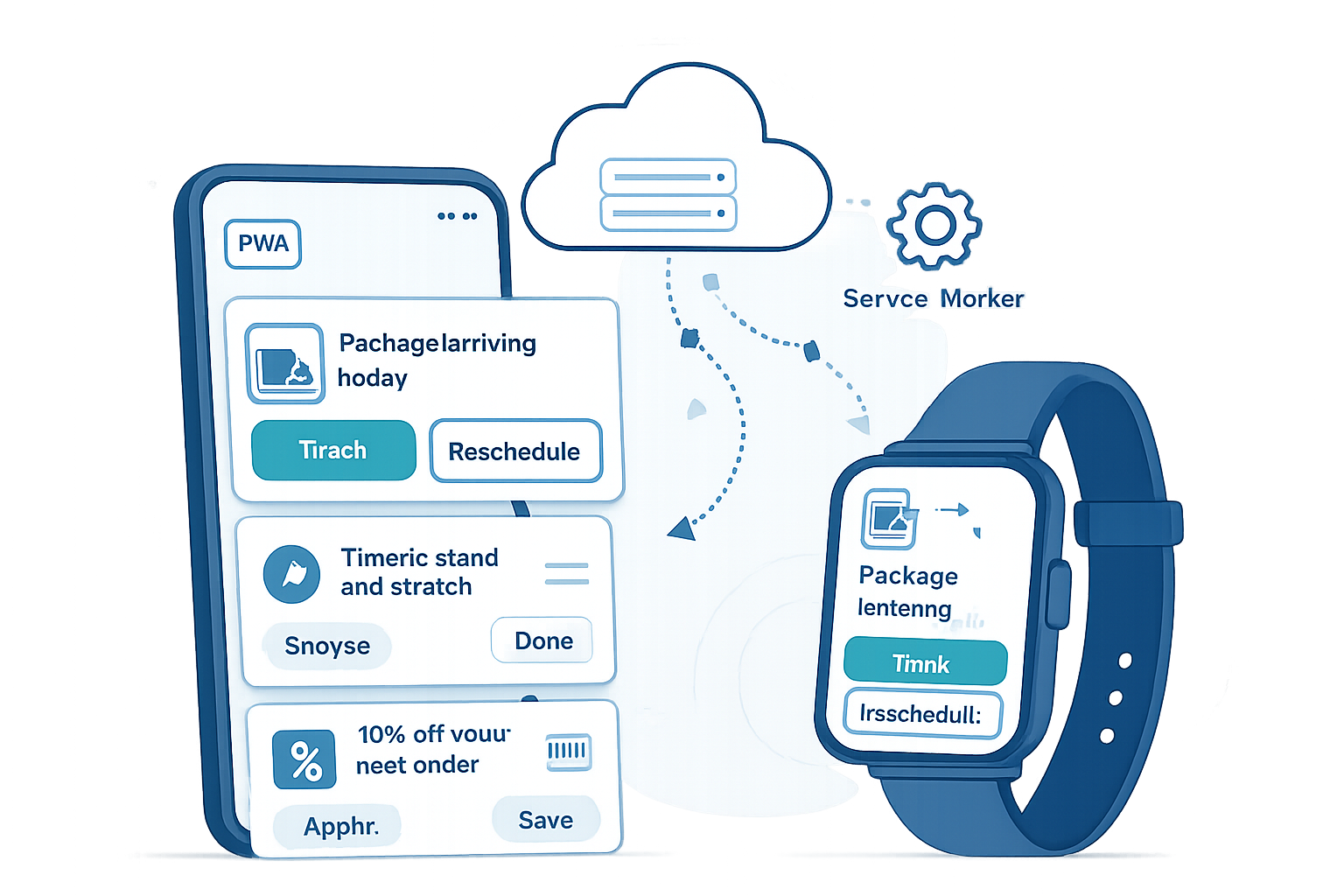
Make a notification do part of the work. Instead of just telling a user an order shipped, present actions to track, reschedule, or message support directly from the notification.
Why it works: reduces taps and cognitive load.
Considerations: use action buttons; handle action events in your service worker or native handlers; confirm destructive actions inside the app after a tap.
Example (service worker handling of action):
self.addEventListener('notificationclick', event => {
  const action = event.action;
  const data = event.notification.data || {};
  if (action === 'track') {
    clients.openWindow(`/orders/${data.orderId}/track`);
  } else if (action === 'reschedule') {
    clients.openWindow(`/orders/${data.orderId}/reschedule`);
  } else {
    clients.openWindow('/orders');
  }
  event.notification.close();
});
Reference: ServiceWorkerRegistration.showNotification on MDN.
2) Contextual reminders using sensor and location signals
Combine location, activity (if available), or calendar data to send reminders when they matter: remind a user to pick up groceries when they are near the store; trigger a medication reminder if the user is at home at the usual time.
Why it works: relevance increases conversion and perceived helpfulness.
Considerations: need explicit consent for location and background usage; prefer coarse geofencing and low-frequency checks to save battery.
3) Adaptive, multi-step re-engagement (smart sequences)
Replace spray-and-pray pushes with adaptive sequences that change based on user response: if a user ignores a first message, try a different channel (in-app, email) or a different creative (value vs. social proof).
Why it works: personalization reduces annoyance and increases effectiveness.
Metric to track: sequence conversion and opt-out rates.
4) Quiet-mode & predictive scheduling
Analyze when each user engages with notifications and schedule future notifications to match their preferred windows. Respect quiet hours and provide a user-facing quiet-mode override.
Why it works: reduces opt-outs and improves open rates.
Tech note: use server-side ML or a simple heuristic (time-of-last-open bucket) to schedule pushes. For PWAs, scheduled push arrivals can be approximated by server scheduling; experimental Notification Triggers API can schedule local notifications in some browsers.
See: Notification Triggers (experimental).
5) Atomic digest & offline catch-up
For users who don’t want frequent interruptions, offer a single daily or hourly digest notification that summarizes activity (3 top items) and links into the app. It’s a concession that keeps users informed without flooding them.
Why it works: reduces cognitive load and prevents notification fatigue.
6) Rich media and live-updating notifications
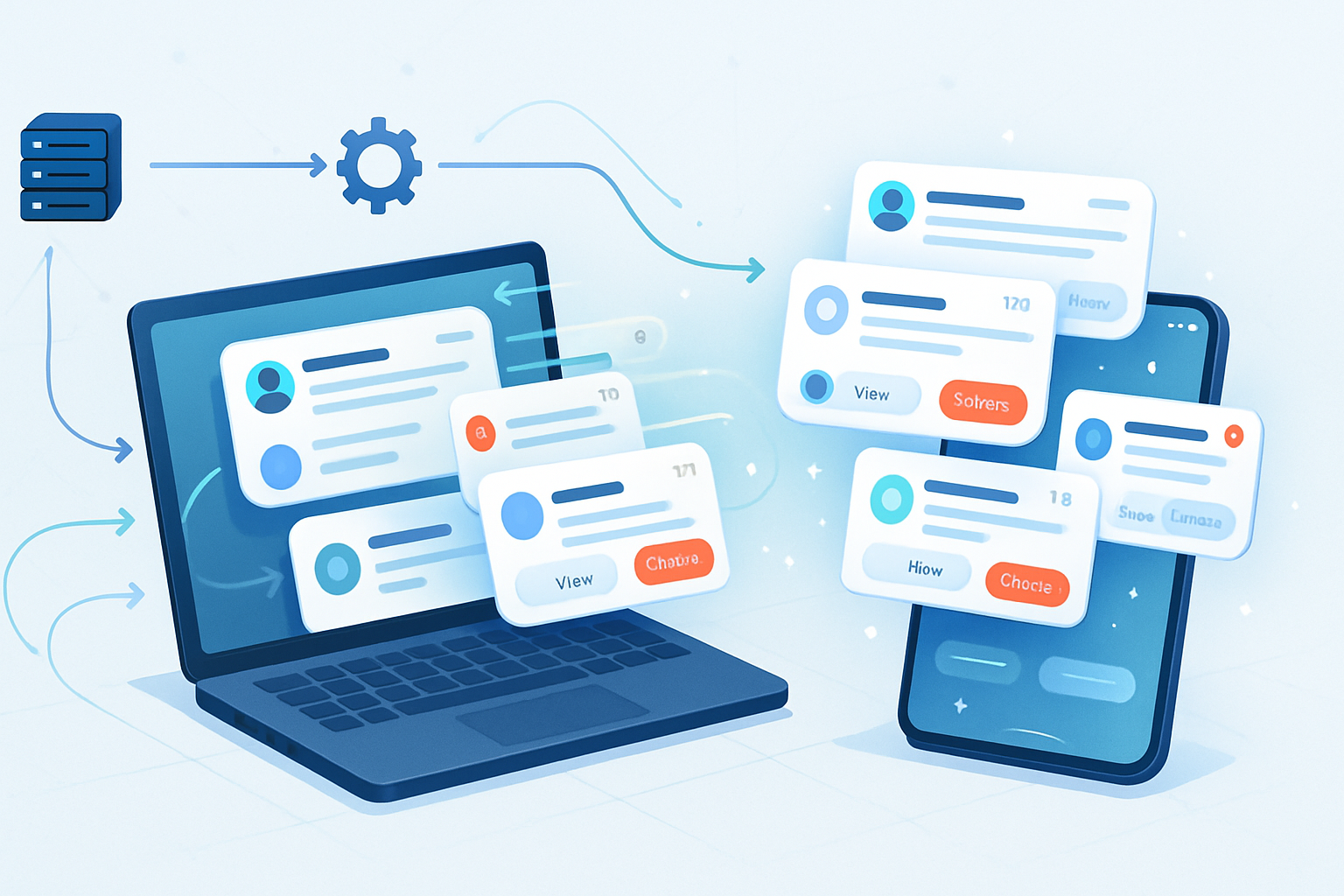
Include images, progress indicators, or even live updates (e.g., delivery ETA countdown). Rich notifications attract attention and convey more information at a glance.
For web notifications you can use images and icons in the options. For native apps you can use media-rich templates, inline reply inputs, and follow-up notifications for live updates.
Example showNotification with image:
registration.showNotification('Your order is on the way', {
  body: 'Arrives in ~20 minutes',
  icon: '/icons/icon-192.png',
  image: '/images/delivery-truck.png',
  data: { orderId: '1234' },
  actions: [
    { action: 'track', title: 'Track' },
    { action: 'contact', title: 'Contact driver' },
  ],
});
7) Cross-device continuity and handoff
Enable actions on one device to affect the experience on another. Example: tap a notification on mobile to transfer a media session to a TV, or dismiss a notification on desktop to clear it on mobile.
Why it works: smooths transitions and reduces redundant interruptions.
Implementation: maintain server-side notification state and device associations; use silent background pushes for sync.
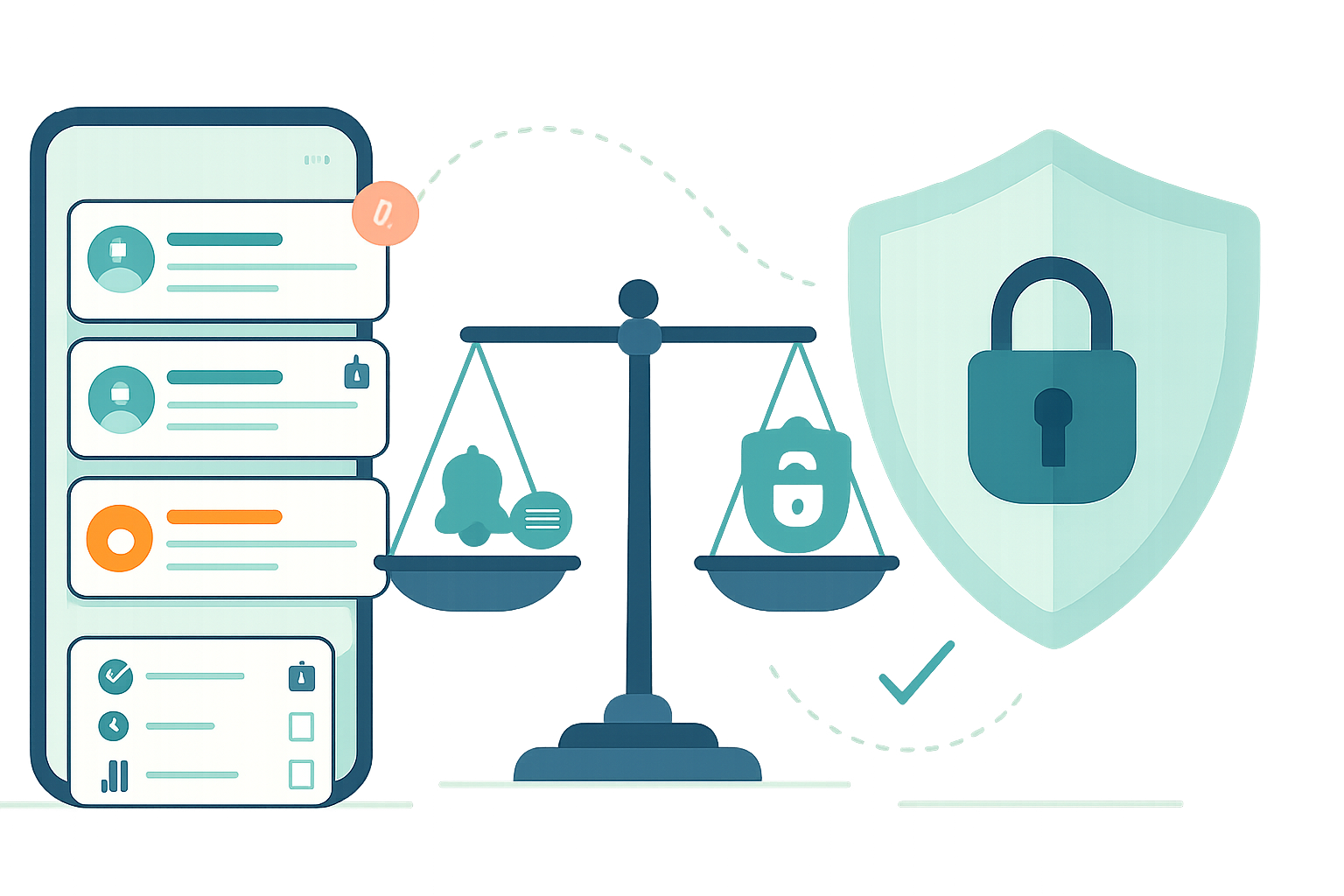
8) Privacy-preserving previews and content controls
Allow users to choose how much content appears in notifications (full preview, partial, or private). This is especially important for messaging, finance, and healthcare apps.
Why it works: increases trust and reduces uninstalls.
Implementation: store preference on server and vary the notification payload accordingly.
9) Gamified micro-rewards and contextual incentives
Use notifications to deliver small rewards at moments of high readiness - a discount when a user is actively shopping, or an XP boost when they open a lesson after a reminder. Keep rewards small and meaningful.
Why it works: positive reinforcement increases retention.
Ethics: avoid manipulative designs. Be transparent about incentives.
Case studies - patterns implemented in the wild (anonymized & practical)
These case studies summarize plausible, privacy-conscious implementations inspired by common industry patterns. They focus on outcomes and architecture rather than proprietary details.
Case study A - PWA retail loyalty (“StoreFront”)
Problem: users installed the PWA but rarely returned after the first month.
Solution:
- Use Push API + Service Worker to deliver personalized offers when users are near physical stores.
- Notifications include image, short coupon code, and an action to add the coupon to the in-app wallet.
- On tap, open the PWA to a lightweight coupon view with an NFC/QR option.
Results: higher walk-in conversion for users who received location-triggered offers versus generic push. Opt-out rates remained low because messages were targeted and sporadic.
Implementation notes: geofencing was implemented on the server using the last-known coarse location from the app; offers were batched to never exceed two messages per week.
Case study B - Health reminders for adherence (“MediTrack”)
Problem: medication non-adherence among users with chronic conditions.
Solution:
- Provide configurable medication reminders using scheduled local notifications (native) and server-triggered pushes for critical reminders.
- Notifications include an inline “I took it” action so users can mark adherence without opening the app.
- Weekly digest summarizes adherence and suggests next steps.
Results: measurable increase in reported adherence among active users; patients appreciated the privacy controls for notification content.
Ethical note: all reminders required explicit opt-in and clear consent for health data use.
Case study C - On-demand delivery (“FastRide”)
Problem: riders and drivers needed real-time, low-friction status updates.
Solution:
- Transactional notifications with track/reschedule actions, plus live ETA updates.
- For PWAs, fallback to polling when push support is limited.
- Silent pushes used to update background state for quick response on tap.
Results: fewer support inquiries and faster completion times; drivers and riders preferred action buttons to opening the app.
Technical deep-dive: implementing a robust PWA notification flow
- Request permission with context - explain value before the browser prompt.
async function requestNotifications() {
  // Show in-app explainer modal that sets expectations
  const permission = await Notification.requestPermission();
  return permission === 'granted';
}- Subscribe to push and send subscription to your server
Follow the Web Push protocol; store the subscription and user preferences.
- Use Service Worker to show notifications on push events
self.addEventListener('push', event => {
  const payload = event.data ? event.data.json() : {};
  const options = {
    body: payload.body,
    icon: payload.icon,
    image: payload.image,
    data: payload.data,
    actions: payload.actions || [],
  };
  event.waitUntil(self.registration.showNotification(payload.title, options));
});
Handle clicks and actions in the Service Worker (see earlier example).
Respect permission state and back off if users snooze or opt-out.
References: Web Push overview and best practices, MDN showNotification.
Best practices and UX rules
- Explain value before asking for permission - users are more likely to grant access when they understand the benefit.
- Keep frequency low and relevant - fewer, more useful notifications outperform many shallow ones.
- Provide granular controls - let users choose digest vs. instant, or what categories they want.
- Surface an easy opt-out and respect it immediately.
- Use analytics: open rate, action rate, conversion rate, and opt-out rate per notification campaign.
- Avoid overuse of sound/vibration - preserve contextual appropriateness.
- Test fallbacks: not all browsers or devices support every feature (e.g., action buttons behavior varies).
Privacy, compliance, and accessibility
- Get clear consent for sensitive categories (health, finance).
- Do not include sensitive content in notification bodies unless the user explicitly opts in for previews.
- Ensure actions are accessible (label actions, support keyboard input where relevant).
- Store minimal data in notification payloads; prefer server-side lookups when possible.
Limitations and platform quirks
- Delivery is not guaranteed. Mobile platforms and browsers may throttle or batch pushes to conserve battery.
- Action behavior differs between platforms and browsers; test on target devices.
- Some advanced features are experimental (e.g., Notification Triggers API for scheduled local notifications in browsers). See Notification Triggers (web.dev).
Measuring success
Track these KPIs:
- Open rate and action-click rate.
- Conversion downstream (e.g., checkout completion, appointment attendance).
- Opt-out/unsubscribe rate.
- Time-to-action after notification arrival.
Use A/B testing to iterate on content, timing, and frequency.
Final checklist before shipping
- Clear permission explanation UI.
- Server-side handling for subscription lifecycle.
- Action handlers in the Service Worker and server.
- Privacy-safe payloads and user controls.
- Metrics instrumentation and experiment plan.
- Device/browser compatibility tests.
Conclusion
Notifications can be useful, delightful, and respected - when they’re designed as part of the experience rather than as a blunt instrument. Use the Notifications API and complementary tools to create contextual, actionable, and privacy-respecting experiences that solve real problems for users. Do that, and notifications stop being interruptions and start being valuable features.