· deepdives · 7 min read
The Controversial Ethics of Notifications: Balancing User Experience and Attention Economy with the Badging API
Explore the ethical trade-offs of using the Badging API to capture user attention. Learn practical, principled guidelines and implementation patterns that keep notifications helpful - not harmful.
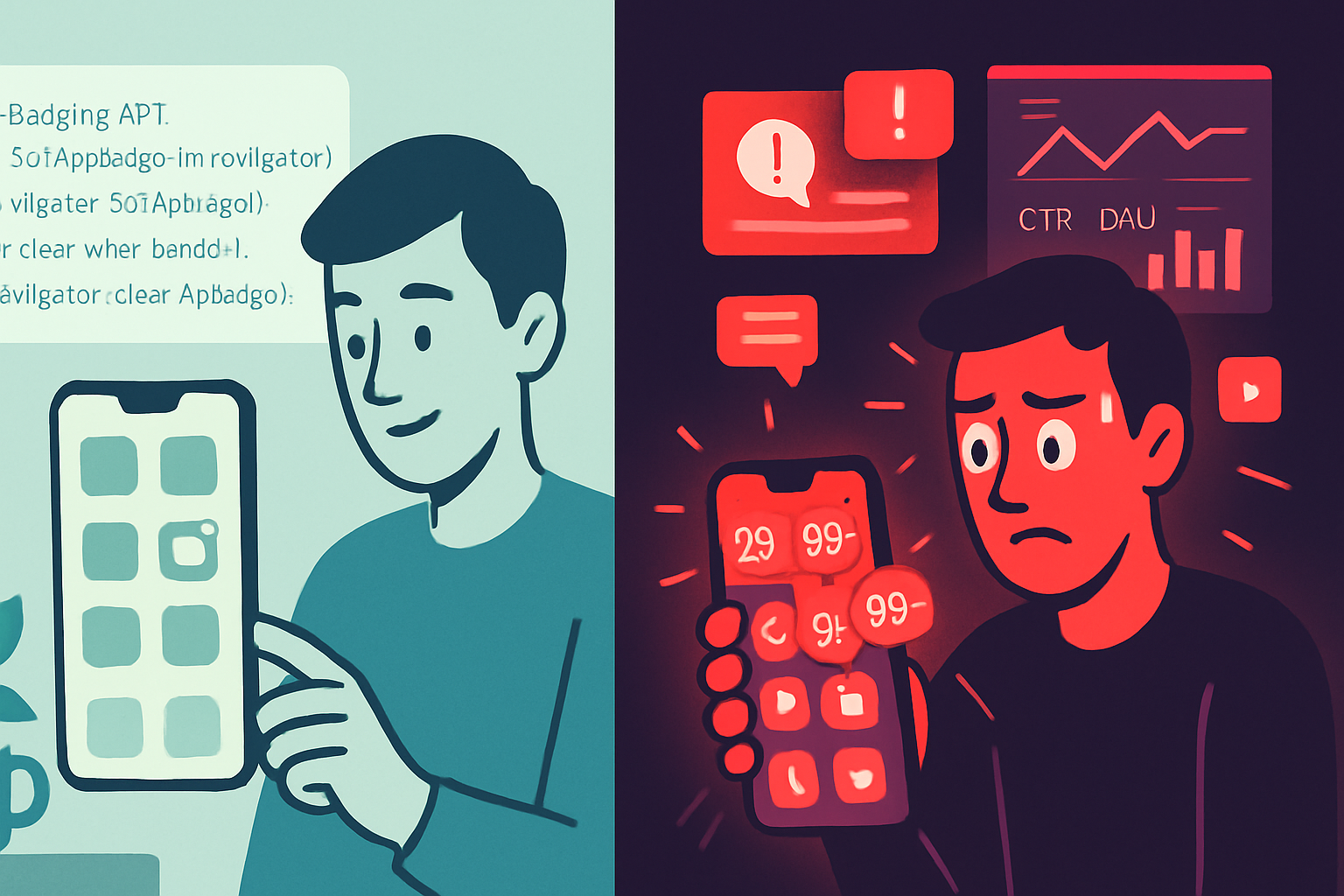
Outcome: By the end of this article you’ll know how to use the Badging API responsibly - delivering helpful, attention-respecting notifications while avoiding manipulative patterns that exploit the attention economy.
Why this matters - and fast
Badges are small. Their effect is not. A tiny red dot can change behavior, create urgency, and coax users back into your product. Used well, badges are a useful navigational cue. Used badly, they become a psychological lever in the attention economy: a persistent annoyance engineered to capture focus and time.
This piece helps you weigh both sides. You’ll get the ethical framework, platform and legal context, practical implementation patterns, and an actionable checklist for responsible use.
What the Badging API is (quick primer)
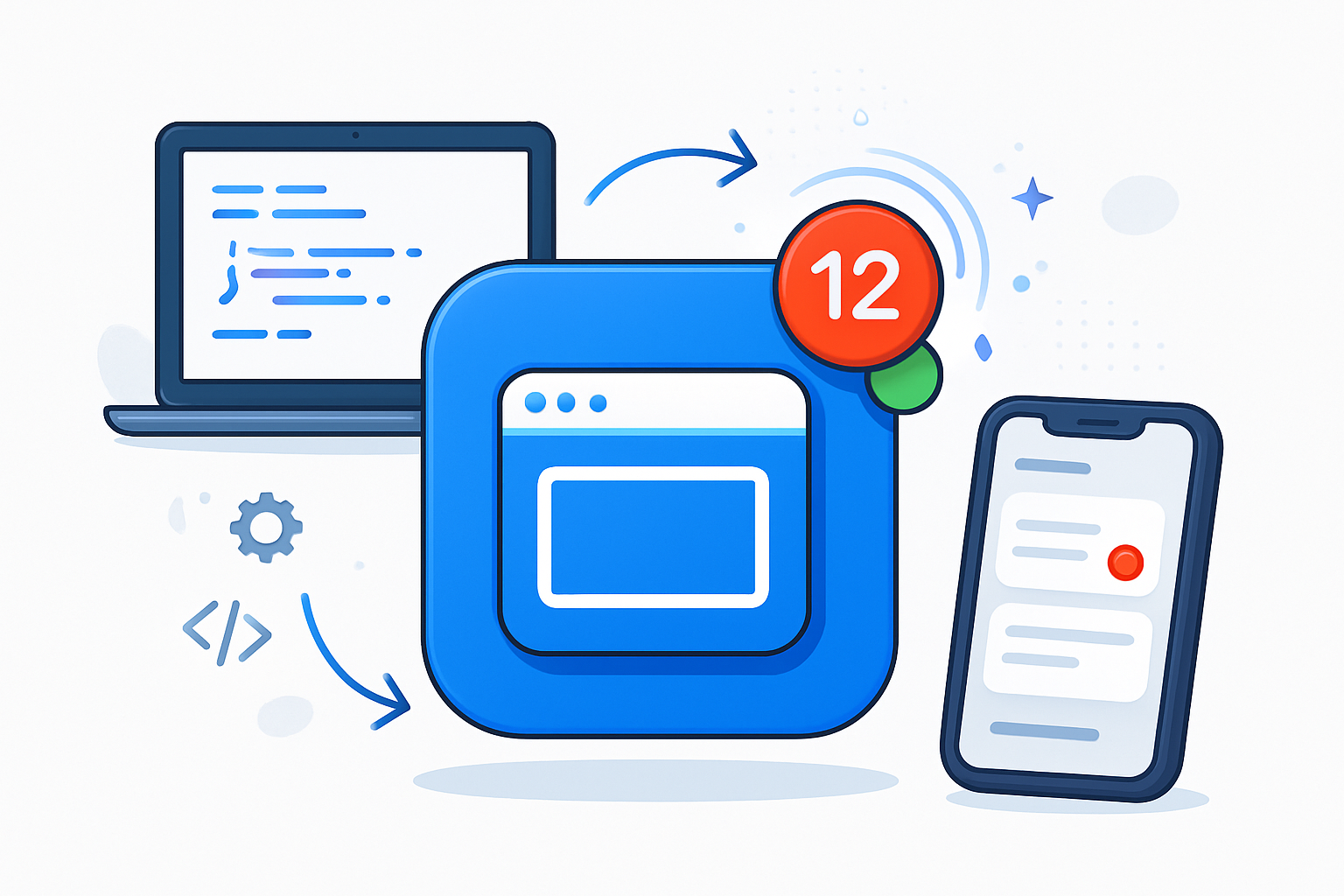
The Badging API provides a simple interface for showing a badge on an app icon for installed web apps (and in some contexts, in browsers). Typical calls look like:
// feature detect
if ('setAppBadge' in navigator) {
  // show numeric badge
  await navigator.setAppBadge(3);
  // clear
  await navigator.clearAppBadge();
}
For details and browser support, see the MDN and web.dev overviews. MDN: Badging API and web.dev: Badging API.
The ethical stakes: attention is a scarce human resource
We live in an attention economy. Platforms compete to seize and monetize users’ attention. Badges are a low-friction, high-signal lever in that competition. The ethical questions are straightforward but profound:
- Are badges helping users complete tasks they care about? Or are they priming anxiety and compulsive return?
- Do badges respect consent and meaningful control? Or do they persist beyond the user’s preferences?
- Who benefits: the user, or the business metrics that rely on increased visits and time-on-site?
For background on how product design can harvest attention, see the Center for Humane Technology and the broader literature on the attention economy: Center for Humane Technology and Attention economy - Wikipedia.
Real harms and slippery slopes
Badges can cause concrete harms when misused:
- Increased anxiety and FOMO (fear of missing out). A flashing badge communicates urgency, even when none exists.
- Habit-formation and compulsive behavior. Badging can create repeated, low-friction loops that pull users away from other tasks.
- Degraded trust. If badges repeatedly signal unimportant or manipulative prompts, users learn to ignore notifications or uninstall the app.
- Disproportionate impact on vulnerable users. People with attention disorders, anxiety, or limited time budgets are more affected.
Nielsen Norman Group and others have documented how poorly-designed notifications degrade UX and trust. See Nielsen Norman Group on notifications.
Platform and legal guardrails
A few practical constraints matter:
- Platform guidelines. Mobile platforms and app stores have Human Interface Guidelines and policies that mention notification and badge behavior. For example, Apple documents badge use in their interface guidance and expects respectful notification practices: Apple Human Interface Guidelines - Notifications & Badges.
- Browser support and permissions. The Badging API is available in some browsers and contexts only; always feature-detect and provide fallbacks.
- Privacy and consent laws. While badges are not typically direct personal data collection, related notification behaviors (push subscriptions, behavioral triggers) can intersect with GDPR/ePrivacy requirements. Refer to EU guidance: GDPR.eu.
These constraints don’t replace ethics; they set a baseline.
Design principles for ethical badging
Adopt these principles before you add a single badge call to your codebase.
- Value-first: Ensure the badge communicates an action or state that the user benefits from. If the badge doesn’t help the user, don’t show it.
- Explicit control: Provide settings to disable badges and make the state discoverable. Don’t hide the control under multiple menus.
- Granular consent: Ask for permission or preferences in context. Let users pick categories (e.g., messages, urgent alerts, promotional items).
- Least-powerful presentation: Prefer non-intrusive cues first. Use badges only when the information can’t be delivered more appropriately in-line.
- Clarity and accuracy: Badges should reflect truthful, up-to-date status. Avoid vague counts that inflate urgency.
- Rate limits and decay: Remove badges automatically when they no longer apply and avoid persistent red badges for stale items.
- Respect do-not-disturb: If an OS-level DND mode is active, mirror that behavior.
These principles mirror humane design ideas from the Center for Humane Technology and UX research: Center for Humane Technology and Nielsen Norman Group: Notifications.
Practical implementation patterns
Below are patterns you can adopt immediately.
- Progressive enhancement and fallback
Always detect support and provide a fallback in the UI:
async function updateBadge(count) {
  if ('setAppBadge' in navigator) {
    if (count > 0) await navigator.setAppBadge(count);
    else await navigator.clearAppBadge();
  } else {
    // fallback: update in-app indicator or document.title
    document.querySelector('#inAppBadge').textContent =
      count > 0 ? String(count) : '';
  }
}- User-controlled preference flow
Expose badge controls in a clear preference center. Prompt for a simple category-level opt-in rather than forcing a global decision. Example UX: “Show badges for new messages? [Yes] [No]” with an explanation.
- Contextual triggers (only when appropriate)
Tie badges to clear, user-facing state: unread direct messages, active multi-step tasks requiring attention, or time-sensitive confirmations. Avoid badges for generalized promotional content.
- Graceful expiration and reconciliation
If you count unread items, reconcile badge counts when the user interacts. If a badge becomes stale, clear or downgrade it automatically after a reasonable period.
- Telemetry and guardrails
Instrument these signals and monitor them:
- Opt-out rate for badges
- Correlation with uninstalls or churn
- Support complaints mentioning notifications or badges
- Time-to-first-action after a badge shows
If you see negative outcomes (rising opt-outs, increased complaints), rollback or adjust.
Example ethical checklist before deploying badging
- Does this badge solve a user problem? (Yes / No)
- Is there a less attention-hungry UI alternative? (Yes / No)
- Is user consent obtained and adjustable? (Yes / No)
- Are counts accurate and clearly explained? (Yes / No)
- Is there a decay rule or expiry? (Yes / No)
- Do telemetry signals exist to detect harm? (Yes / No)
- Have you run an experiment and reviewed negative signals? (Yes / No)
If any answer is No, hold deployment and revisit design.
Measuring and iterating ethically
Run small, monitored experiments - not broad rollouts - when you introduce badging. A/B test with explicit KPIs and guardrail metrics. Stop the test early if harm appears. Measure both product metrics and wellbeing signals: time-in-app alone is not a moral or UX KPI.
In addition to quantitative telemetry, collect qualitative feedback: short in-app surveys after a badge-driven visit; user interviews focused on perceived urgency and usefulness.
Dark patterns to avoid (and how to spot them)
- Artificial scarcity or countdowns tied to badges. If it’s not real scarcity, don’t fake it.
- Repeated badges that only represent marketing. Promotional badges increase churn in the long run.
- Hiding disable controls or making opt-out difficult. That’s a classic dark pattern.
If your growth team celebrates a metric that relies on persistent, anxiety-inducing badges, pause and re-evaluate the ethical cost.
Governance: who decides in your org?
This isn’t just a design problem. It’s a cross-functional decision:
- Product managers should define the user benefit and success metrics.
- Designers should propose the least-attention solution and build controls.
- Engineers implement safe defaults and clear telemetry.
- Legal & privacy should vet consent language and data flows.
- Ethics or oversight committees (where available) should sign off on high-impact uses.
Create a lightweight checklist review for any product-level decision to add new notification or badging behavior.
Quick reference: code-safe pattern
- Feature detect
- Enforce minimum interval between badge changes (debounce)
- Sync badge state on foreground and on visibility changes
- Respect user settings and OS DND
const DEBOUNCE_MS = 5000; // example
let lastSet = 0;
async function safeSetAppBadge(count) {
  if (!('setAppBadge' in navigator)) return;
  const now = Date.now();
  if (now - lastSet < DEBOUNCE_MS) return; // simple guard
  lastSet = now;
  if (count > 0) await navigator.setAppBadge(count);
  else await navigator.clearAppBadge();
}
Final thoughts - the stronger point
Badges are a design-level decision with ethical weight. They are small in pixels and large in consequence. When you design them to respect user attention - offering clear value, granular control, and measurable guardrails - you build trust and long-term engagement. When you weaponize badges to extract attention, you win short-term metrics at the cost of human well-being and future trust.
You can implement badges that genuinely help people. Or you can tune them to exploit attention. The choice is yours. Make it intentionally.
References
- MDN - Badging API: https://developer.mozilla.org/en-US/docs/Web/API/Badging_API
- web.dev - Badging API: https://web.dev/badging-api/
- Center for Humane Technology: https://www.humanetech.com/
- Nielsen Norman Group - Notifications: https://www.nngroup.com/articles/notifications/
- GDPR guidance: https://gdpr.eu/
- Attention economy: https://en.wikipedia.org/wiki/Attention_economy