· deepdives · 8 min read
Demystifying the Badging API: Enhancing User Engagement Through Interactive Notifications
A practical guide to the Badging API: what it is, when and how to use it, implementation patterns (including service worker integration), fallbacks (favicon/title badges), and UX best practices to boost engagement and retention.
Why badges matter for engagement
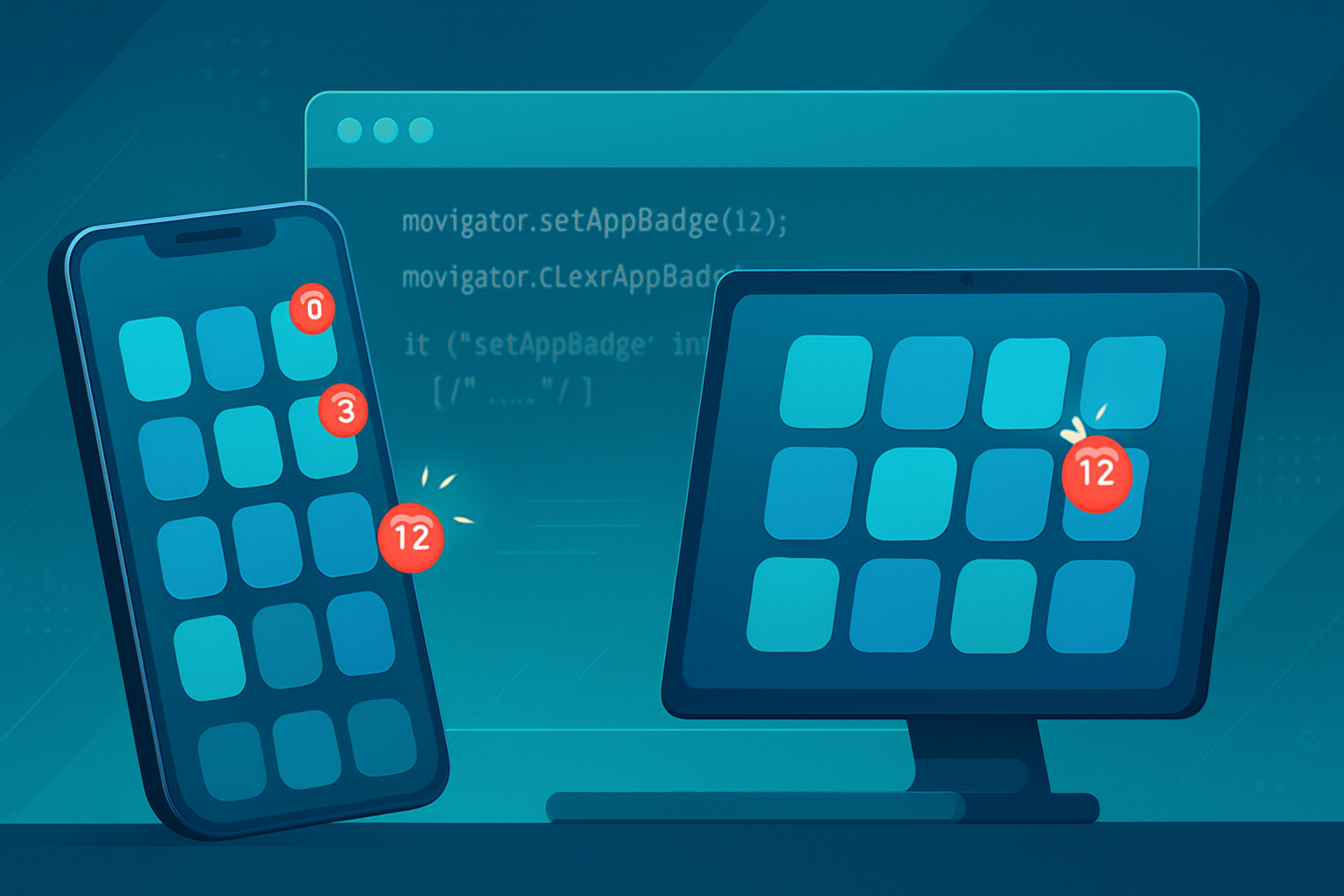
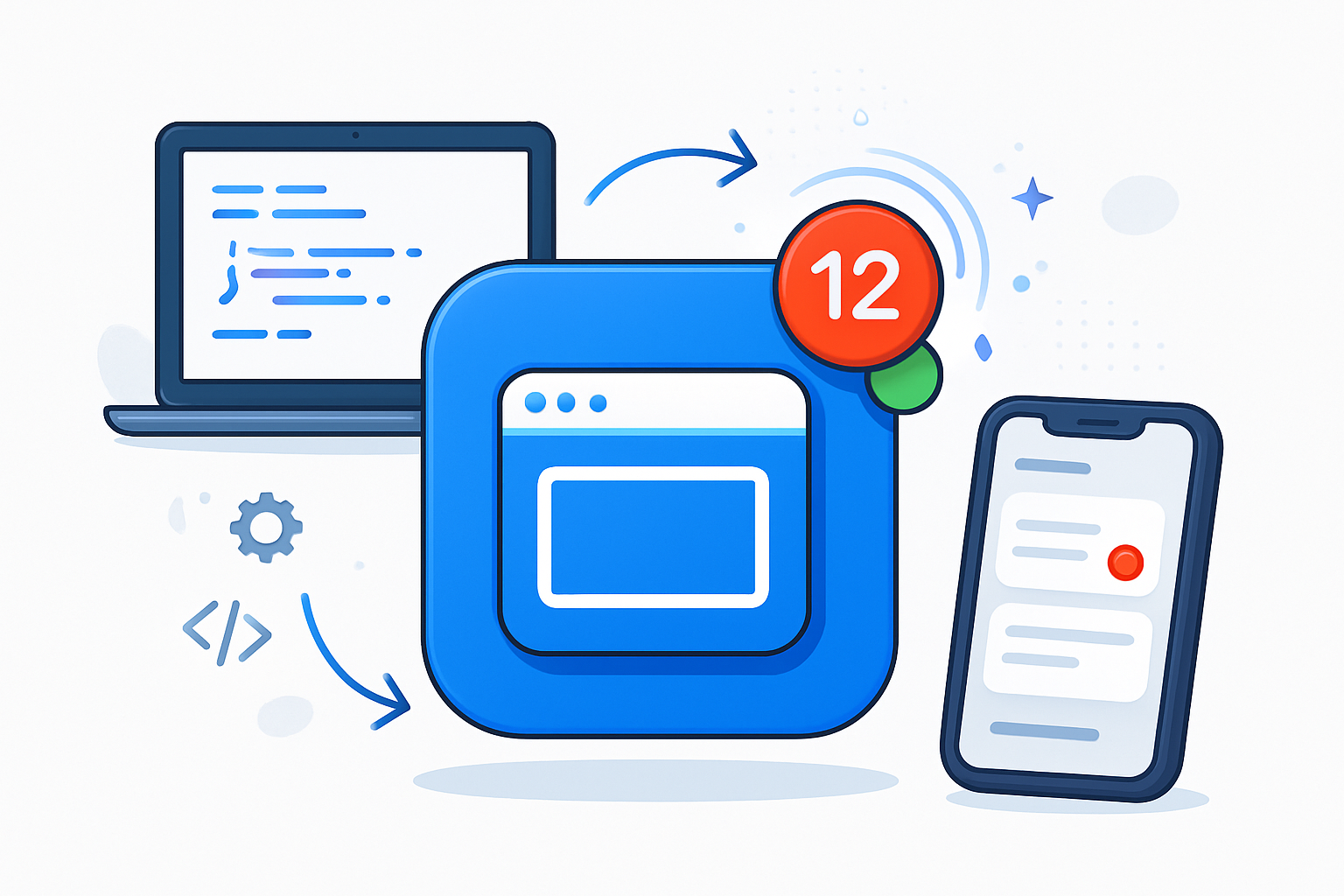
Badges are a compact, visual way to communicate that something needs the user’s attention - a new message, an update, or a time-sensitive alert. On mobile and desktop apps, they’re a proven driver of re-engagement and retention. The Badging API brings a similar capability to web applications (especially Progressive Web Apps), allowing an app to place a small numeric or presence badge on the app icon or taskbar entry.
This post walks through how the Badging API works, implementation patterns (including a service worker integration for push-driven badges), graceful fallbacks for unsupported platforms, and UX considerations so you can responsibly use badges without annoying users.
What the Badging API is (and what it isn’t)
- The Badging API provides a way for a web app to set or clear an application-level badge. Typical operations are setting a numeric badge (unread count) or a simple dot/presence badge.
- Primary surface: app icon / taskbar / shelf for installed PWAs, and in some environments OS-level UI.
- It is not a replacement for push notifications - it’s a complementary signal used to indicate unobtrusively that there is something new.
Important constraints:
- Feature availability varies by platform and browser. On Chromium-based browsers (and when the app is installed as a PWA in supported OSes), you’ll see the best support. Use feature detection and graceful fallbacks.
- No explicit user permission is required for the Badging API itself, but it requires a secure context (HTTPS) and may behave differently for installed vs non-installed contexts.
References: MDN, web.dev, and Browser compatibility tables are linked in the References section below.
Core API: the basics
The two primary calls are:
- navigator.setAppBadge([number]) - sets a numeric badge (or presence if called with no args or a value of undefined)
- navigator.clearAppBadge() - clears any badge
Feature-detect before calling and handle exceptions (the API can throw in edge cases):
async function setBadge(count) {
  if ('setAppBadge' in navigator && 'clearAppBadge' in navigator) {
    try {
      if (typeof count === 'number' && count > 0) {
        await navigator.setAppBadge(count);
      } else {
        // presence badge (dot) when no count is supplied
        await navigator.setAppBadge();
      }
    } catch (err) {
      console.warn('Badge not set:', err);
    }
  } else {
    // fallback handled elsewhere
  }
}

async function clearBadge() {
  if ('clearAppBadge' in navigator) {
    try {
      await navigator.clearAppBadge();
    } catch (err) {
      console.warn('Badge not cleared:', err);
    }
  } else {
    // fallback handled elsewhere
  }
}
Note: In a Service Worker you generally call self.registration.setAppBadge(count) or self.registration.clearAppBadge() (feature-detect registration.setAppBadge).
Integrating badges with push notifications (service worker pattern)
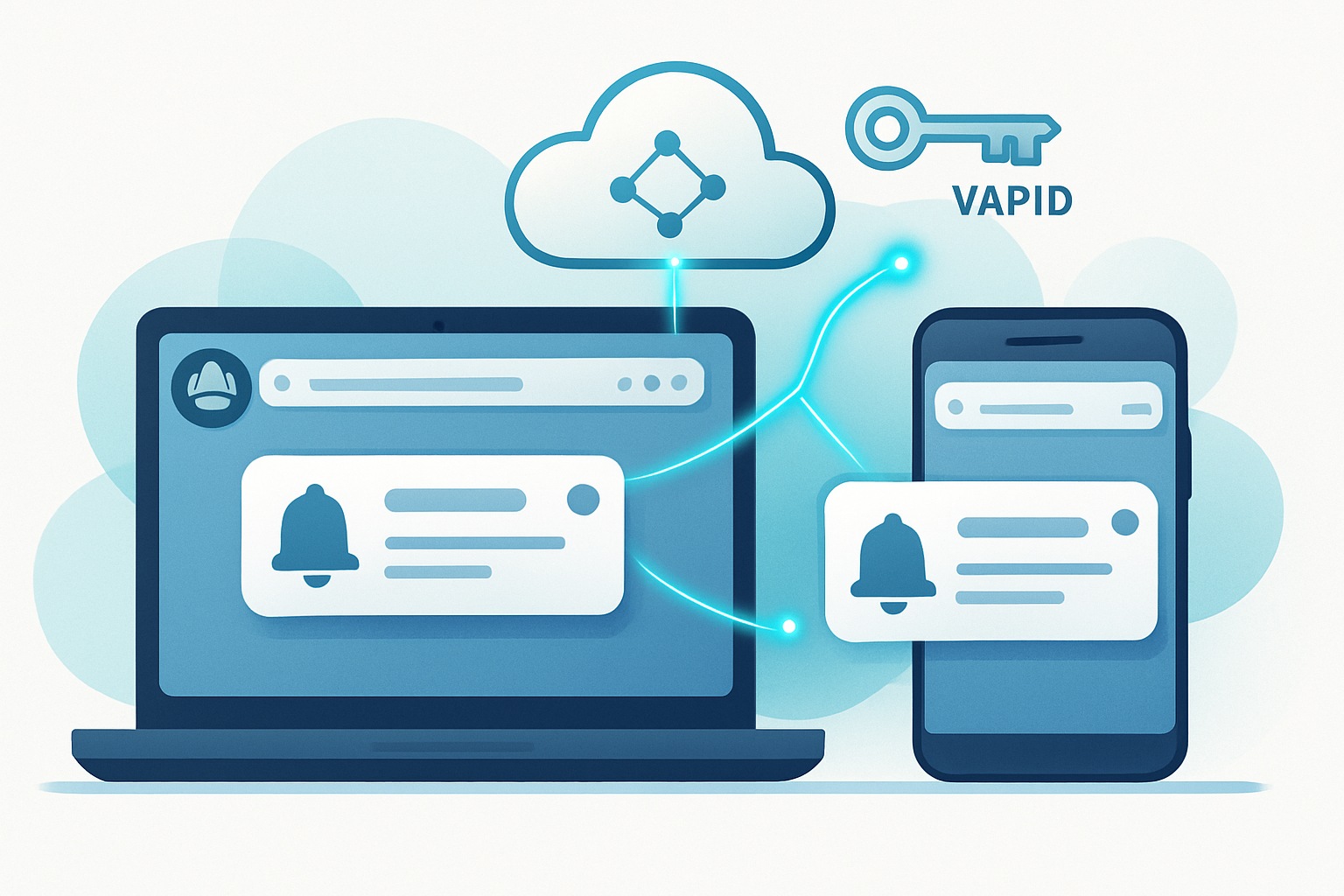
A common pattern is: when the server pushes a new notification, the service worker both shows a notification and updates the application badge to reflect the new unread count. Here’s an example sketch inside a service worker:
// service-worker.js
self.addEventListener('push', event => {
  // Extract payload (depends on your push payload shape)
  const data = event.data
    ? event.data.json()
    : { title: 'New item', unreadDelta: 1 };

  // Update server-backed or local unread count. This example assumes
  // you maintain the authoritative unread count on the server and the
  // push payload includes it, but you can also increment a local counter.
  const unread = data.unreadCount || null; // prefer server-sent authoritative count

  const showNotificationPromise = self.registration.showNotification(
    data.title,
    {
      body: data.body,
      tag: data.tag,
      // ...other options
    }
  );

  // If the platform supports setAppBadge on the registration, update it.
  let badgePromise = Promise.resolve();
  if (typeof self.registration.setAppBadge === 'function') {
    badgePromise = self.registration
      .setAppBadge(unread || undefined)
      .catch(err => {
        // Not fatal: badge may not be supported or allowed.
        console.warn('Failed to set badge in SW:', err);
      });
  }

  // Ensure SW stays alive until both tasks are done
  event.waitUntil(Promise.all([showNotificationPromise, badgePromise]));
});
Key notes:
- Prefer authoritative unread counts from the server when possible to avoid divergence across devices.
- When a user opens the app or reads messages, clear or update the badge in both the page and the service worker to keep counts in sync.
Cross-window synchronization and state management
When users have multiple tabs or windows open, you need to keep the unread count consistent across them. Use one of these approaches:
- BroadcastChannel API - ideal for modern browsers. Open a channel like
new BroadcastChannel('badge')and post updates. - Storage events - fallback for older browsers: writing to localStorage will fire
storageevents in other tabs. - Server-based authoritative counts - every tab fetches the latest unread count on visibility change or periodically.
Example using BroadcastChannel:
const bc = new BroadcastChannel('badge-channel');

bc.onmessage = e => {
  // e.data = { unread: number }
  updateLocalBadge(e.data.unread);
};

async function updateLocalBadge(newCount) {
  // Update page UI
  renderInPageBadge(newCount);

  // Update the platform badge if supported
  if ('setAppBadge' in navigator) {
    try {
      if (newCount > 0) await navigator.setAppBadge(newCount);
      else await navigator.clearAppBadge();
    } catch (err) {
      console.warn('Badging failed', err);
    }
  } else {
    // fallback
    updateFaviconBadge(newCount);
  }
}

// When we receive a push event or user reads messages, broadcast:
bc.postMessage({ unread: 0 });
Fallbacks (for unsupported browsers / contexts)
Because support is incomplete, provide non-breaking fallbacks. Popular fallbacks include:
- Document title badge: prefix the page title with
(3)or●to signal an unread count. - Favicon badge: generate a favicon on the fly with a red circle and number drawn on a canvas, and swap the
link[rel="icon"]element. - In-page visual badge: always show an accessible badge inside your app (this is the most reliable and accessible option).
Fallback example: document title
function setTitleBadge(count) {
  const base = 'MyApp';
  document.title = count > 0 ? `(${count}) ${base}` : base;
}
Fallback example: dynamic favicon badge
This approach loads your existing favicon image, draws it onto a canvas, draws a small red circle with a number, and sets it as the page favicon.
function updateFaviconBadge(count) {
  const favicon = document.querySelector("link[rel~='icon']");
  const img = new Image();
  img.crossOrigin = 'anonymous';
  img.src = (favicon && favicon.href) || '/favicon.ico';

  img.onload = () => {
    const canvas = document.createElement('canvas');
    const size = 64; // higher than 32 for sharpness
    canvas.width = canvas.height = size;
    const ctx = canvas.getContext('2d');

    // draw base favicon
    ctx.drawImage(img, 0, 0, size, size);

    if (count > 0) {
      // draw red circle
      ctx.beginPath();
      ctx.arc(size - 14, 14, 12, 0, 2 * Math.PI);
      ctx.fillStyle = '#d32f2f';
      ctx.fill();

      // number
      ctx.font = 'bold 22px sans-serif';
      ctx.fillStyle = 'white';
      ctx.textAlign = 'center';
      ctx.textBaseline = 'middle';
      const display = count > 99 ? '99+' : String(count);
      ctx.fillText(display, size - 14, 14);
    }

    // set new favicon
    const newFavicon = canvas.toDataURL('image/png');
    let link = document.querySelector("link[rel~='icon']");
    if (!link) {
      link = document.createElement('link');
      link.rel = 'icon';
      document.head.appendChild(link);
    }
    link.href = newFavicon;
  };

  img.onerror = () => {
    // can't load original favicon; skip
  };
}
Keep in mind favicon updates are not guaranteed to show in all browsers (some aggressively cache favicons).
Progressive enhancement & resilience checklist
- Feature-detect and wrap all badge calls in try/catch.
- Keep a single source of truth for unread counts (server or a well-synchronized local store).
- When the app becomes visible or user interacts, clear/refresh the badge to avoid stale counts.
- Provide accessible in-page indicators (aria-live regions) so screen reader users get parity.
- Respect user expectations: avoid rapidly changing counts or deceptive badges.
UX considerations - use badges responsibly
- Only show badges for meaningful events (new messages, critical alerts). Don’t badge for low-value updates.
- Keep numeric badges honest - a wrong, inflated unread number erodes trust.
- When converting a presence badge (a dot) to a numeric badge, ensure the transition is clear to the user.
- Avoid showing sensitive information in badge counts where others might see it on a shared device.
- Consider letting users configure which events generate badges.
Accessibility tips:
- When the badge count changes, update an off-screen aria-live region describing the change so assistive tech can announce it.
- Ensure any in-page badges have meaningful titles/labels.
Measuring impact
To understand whether badges help engagement and retention:
- Track conversion events: click-throughs from badge impressions to the open/read action.
- A/B test with and without badges, or different badge strategies (dot vs numeric) to measure retention lift.
- Monitor any negative signals (higher bounce or opt-out rates) that may indicate annoyance.
Debugging & testing
- Feature detection: test the presence of
navigator.setAppBadgeorregistration.setAppBadgein the console. - Use the browser’s Application/Service Worker inspector to verify service worker logic and push handling.
- Test across platforms - badges may only appear in installed PWAs or specific OS/browser combinations.
- When testing favicon fallbacks, clear browser caches and do hard reloads because favicons are aggressively cached.
Example: end-to-end flow (high-level)
- Server creates an event (new message) and increments unread on the server.
- Server sends a push with payload { unreadCount: N }.
- Service worker receives push, shows a notification, and sets the platform badge via
self.registration.setAppBadge(N). - Client tabs receive a BroadcastChannel message or storage event, update UI and call
navigator.setAppBadge(N)if available, otherwise fall back to favicon/title. - User opens the app and reads messages; the client marks messages read on the server and clears the badge everywhere (server updates -> push/refresh -> badge cleared).
Final thoughts
The Badging API is a simple but powerful tool to increase visibility for important updates. When combined with thoughtful UX, server-driven counts, service worker push integration, and robust fallbacks, badges can be a lightweight, respectful way to bring users back into your app.
Remember: Always test across platforms and honor user expectations. Badging is most effective when it communicates a clear, honest reason for users to engage.
References
- MDN - Badging API: https://developer.mozilla.org/en-US/docs/Web/API/Badging_API
- web.dev - Badging API explainer and examples: https://web.dev/badging-api/
- Can I Use - Badging API support: https://caniuse.com/mdn-api_badging_api
- WICG Badging API (spec/repo): https://github.com/WICG/badging-api