· deepdives · 6 min read
The Future of Web Apps: Why Background Fetch API is a Game-Changer
Background Fetch lifts long-running downloads out of the page lifecycle and into the service worker, enabling reliable, resumable, and user-friendly background transfers. Learn how it works, where it shines, pitfalls to watch for, and practical tips to adopt it safely today.
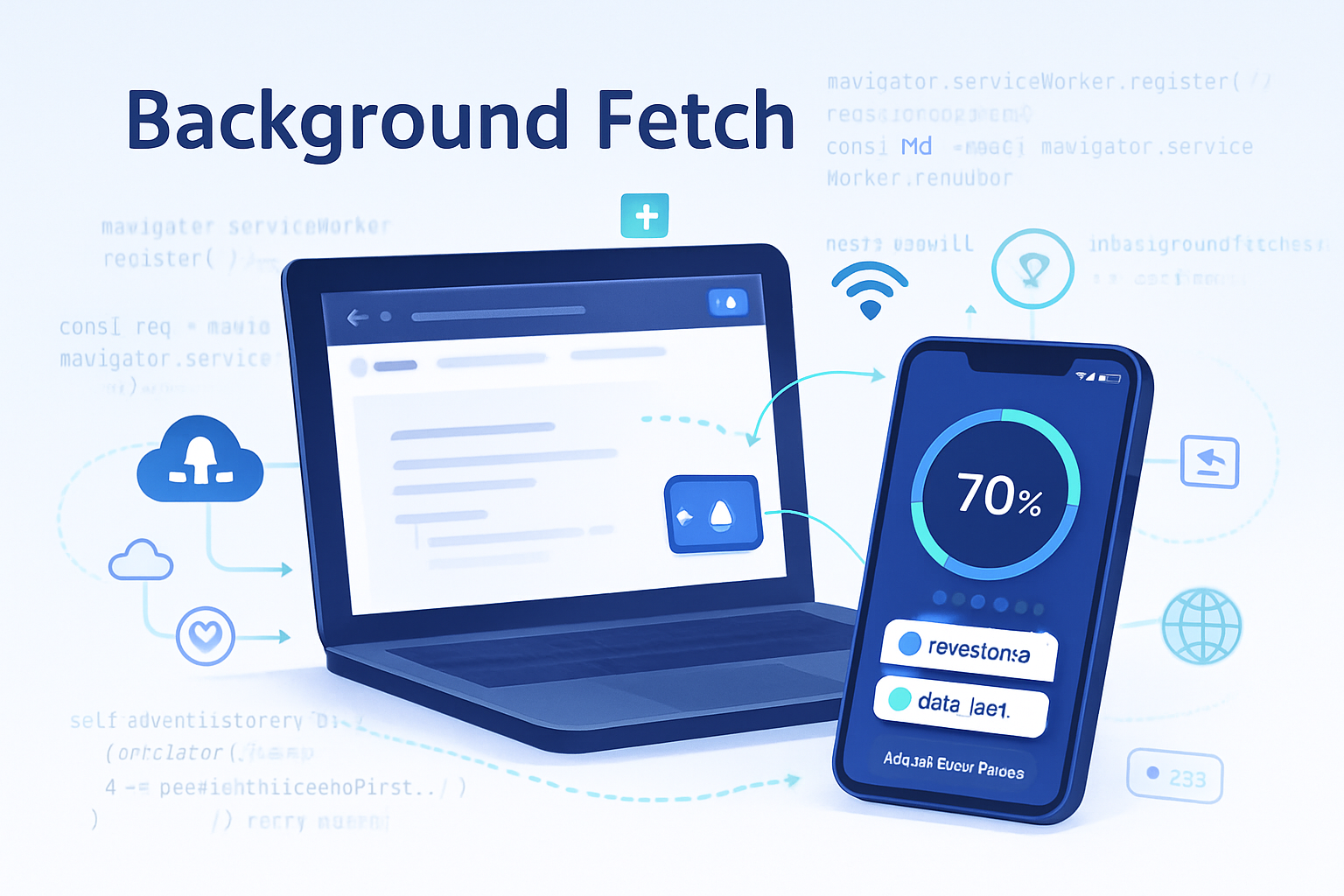
Outcome-first: after reading this you’ll understand why Background Fetch can finally let your web app do big, resilient downloads without blocking the UI - and how to start using it in production-ready ways.
Why this matters right now. Mobile networks are flaky. Users expect apps to continue working while they browse or lock their phone. Large assets - videos, offline maps, datasets - shouldn’t be a fragile operation tied to a single browser tab. Background Fetch moves heavy downloads into a resilient, service-worker-managed domain so downloads can continue, survive navigation, and provide consistent UX.
What the Background Fetch API is
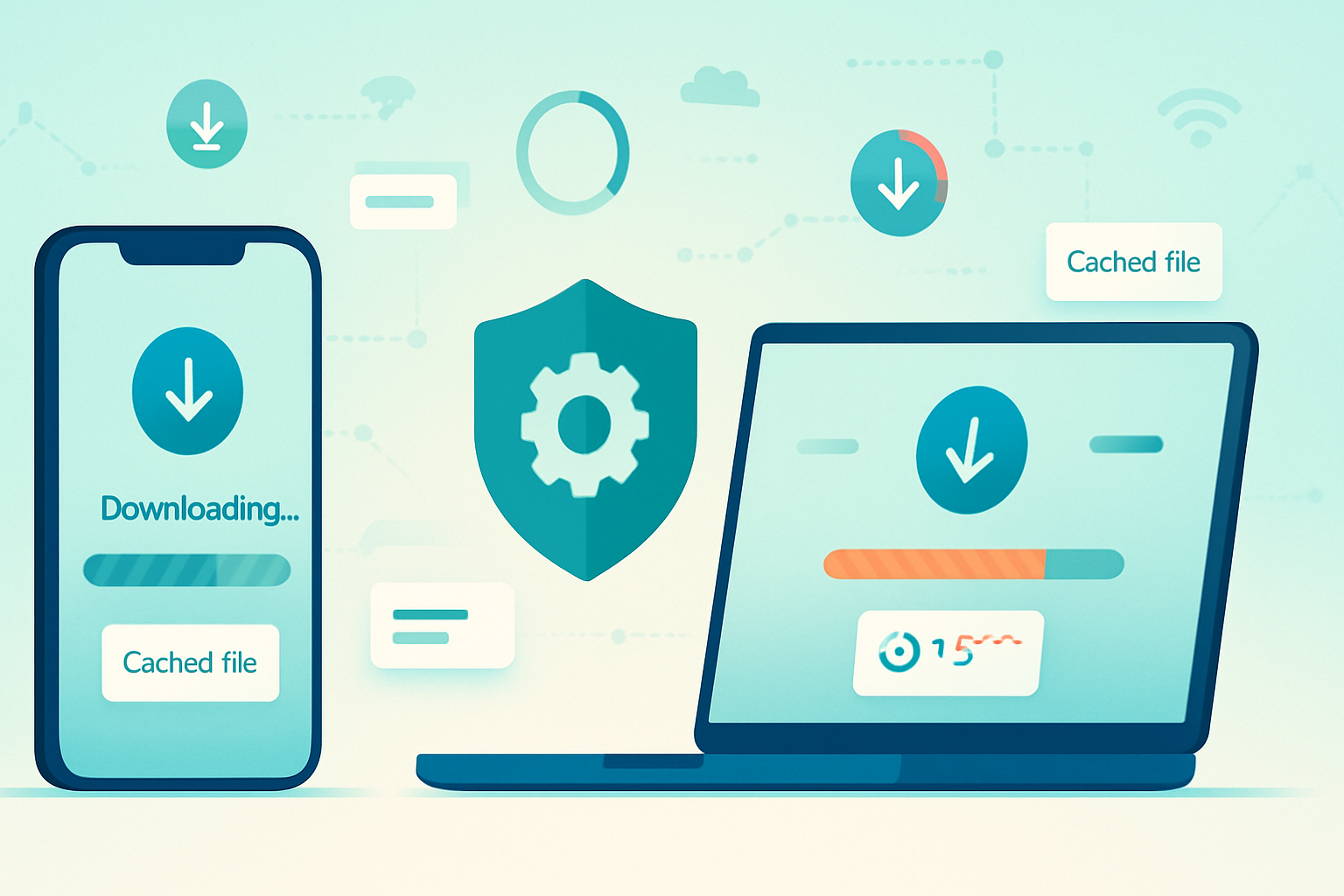
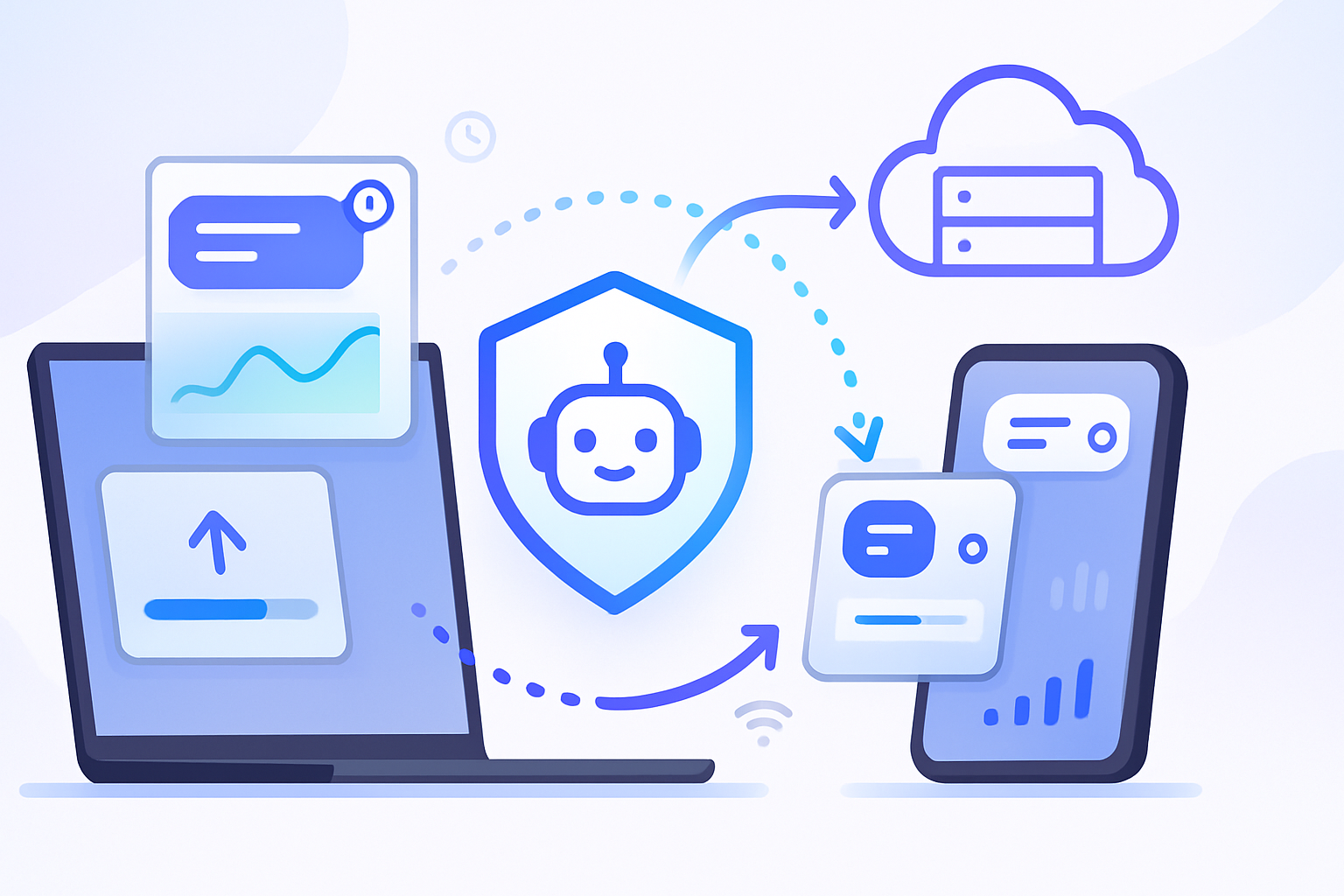
The Background Fetch API lets a service worker manage long-running fetch operations outside the lifetime of a single page. The browser takes responsibility for downloading the resources, presenting a persistent UI (progress/status), and dispatching lifecycle events back to your service worker when things succeed, fail, or when the user interacts with the background transfer.
Key outcomes you get with it:
- Reliable downloads that continue when the page is closed or the device locks.
- Browser-provided UI and progress reporting (platform-dependent).
- A service-worker event model for clean handling of success/failure and storing downloaded content.
For the spec and reference docs see the WICG spec and MDN:
- WICG Background Fetch spec: https://wicg.github.io/background-fetch/
- MDN Background Fetch API: https://developer.mozilla.org/en-US/docs/Web/API/Background_Fetch_API
Quick example (conceptual)
Start a background fetch from a page (requires a registered service worker):
// From the controlled page
const swRegistration = await navigator.serviceWorker.ready;
if ('backgroundFetch' in swRegistration) {
  await swRegistration.backgroundFetch.fetch(
    'large-download',
    ['/assets/video.mp4'],
    {
      title: 'Downloading video',
      icons: [{ sizes: '96x96', src: '/icons/video.png', type: 'image/png' }],
      downloadTotal: 50 * 1024 * 1024, // optional hint in bytes
    }
  );
} else {
  // Fallback: use regular fetch/streams or show a prompt
}
Handle lifecycle events in the service worker:
self.addEventListener('backgroundfetchsuccess', event => {
  // event.registration references BackgroundFetchRegistration
  event.waitUntil(
    (async () => {
      const bgReg = event.registration;
      // Get all records and access the Response objects
      const records = await bgReg.matchAll();

      for (const record of records) {
        // responseReady resolves to a Response you can cache/store
        const response = await record.responseReady;
        const cache = await caches.open('bg-fetch-cache');
        // Use a request URL or custom key to store
        await cache.put(record.request, response);
      }

      // Update browser-provided UI if supported
      await bgReg.updateUI({ title: 'Download complete' });
    })()
  );
});

self.addEventListener('backgroundfetchfail', event => {
  // Handle failure, cleanup, metrics
});

self.addEventListener('backgroundfetchclick', event => {
  // User clicked the UI - open the app or show details
  event.waitUntil(clients.openWindow('/downloads'));
});
(These snippets are conceptual; check the latest platform docs for exact method names and behavior.)
Why Background Fetch changes the UX/Performance game
- Resilience: The browser will continue downloads even after the initiating tab is closed or the device locks, giving users a seamless experience.
- Non-blocking UI: Large transfers no longer have to be implemented with fragile in-page logic that can be interrupted by navigation.
- Better battery and connectivity handling: Browsers can coalesce or schedule transfers more intelligently than ad-hoc in-page scripts.
- OS-like user expectations: Browser-provided progress and a system-level feel for large downloads increases user trust.
Put simply: Background Fetch lets web apps behave more like native apps when it comes to heavy offline work.
Real-world use cases
- Downloading videos, audio bundles, or ebooks for offline playback.
- Pre-caching large dataset tiles (maps, GIS) for offline navigation.
- App installers and large asset bundles for PWAs.
- Deferred content syncs when the user is on Wi‑Fi and on charger.
Note: Background Fetch is primarily designed for downloads. If you need robust background uploads, look at other strategies (background sync patterns, resumable uploads with chunking and server support).
Implementation tips and best practices
Progressive enhancement and feature detection
- Always detect availability: the API is not universally supported. Provide robust fallbacks (fetch with streams, resumable Range requests, or instruct users to keep the page open).
Use server-friendly resumability
- Support HTTP Range requests and proper Content-Length/Accept-Ranges headers so a transfer can be resumed from the server if interrupted.
- Provide Idempotent endpoints or unique content URLs. Prefer static content or content with stable ETags.
Combine with Cache API / IndexedDB
- Store downloaded blobs in the Cache API or IndexedDB for efficient retrieval.
- Keep small metadata (progress, IDs) in IndexedDB so you can surface status in your UI across reloads.
Validate integrity
- Ship content hashes (SHA256) in metadata and verify after download to protect users against corruption.
Optimize user experience
- Provide clear titles and icons with the background fetch so browser UI is meaningful.
- Avoid surprising the user with large data usage; be explicit about size and conditions (Wi‑Fi only vs cellular).
Telemetry and analytics
- Track events: start, success, failure, abort. Use server-side logs as a fallback since the service worker lifecycle can be short.
Handle partial support gracefully
- If Background Fetch isn’t available, fall back to an in-page download flow that uses streaming fetch and exposes progress in your app.
Respect user privacy and storage quotas
- Be transparent about stored content and give users an easy way to remove downloads.
- Consider persistent storage (Storage API) when you need to avoid eviction but ask for persistent permission appropriately.
Potential pitfalls and limitations
- Browser support is limited. As of mid-2024, Background Fetch is implemented in Chromium-based browsers more than in Firefox or Safari; always check current compatibility: https://developer.mozilla.org/en-US/docs/Web/API/Background_Fetch_API#browser_compatibility
- Not a general-purpose background task scheduler. Background Fetch is specifically for transfer tasks; it does not replace more general background processing APIs.
- Server requirements. To gain resumability and robust behavior you need server support for Range requests and correct cache headers.
- Quota and storage. Large downloads consume user device storage and can be subject to quota/eviction rules.
- UX expectations differ by platform. Browser-provided UI is controlled by the UA - it may be minimal on some platforms and more robust on others.
- Privacy and user consent. Downloads that consume large data should be explicitly confirmed by the user and constrained by network conditions.
Alternatives and adjacent APIs
- Background Sync / Periodic Background Sync - for retrying failed network requests and periodic syncs: https://developer.mozilla.org/en-US/docs/Web/API/Background_Sync_API
- Fetch with streams and service workers - for in-page progressive loading or manual chunk handling.
- Native-like packaging (Electron, native apps) - for when strict control over background transfers is required.
Where the platform is headed
Browser vendors are iterating on background capabilities because PWAs need reliable offline-first features to compete with native apps. Expect:
- Broader vendor adoption if the use cases and security model stabilize.
- Tighter integration with storage persistence APIs so big downloads are less likely to be evicted.
- Improvements to developer ergonomics - better debugging tools, clearer lifecycle guarantees, richer UI hooks.
For up-to-date guidance and progress check the Chromium team’s background fetch coverage and the WICG repo linked earlier: https://developer.chrome.com/articles/background-fetch/
Final checklist before shipping
- Feature detect and provide clear fallbacks.
- Ensure server-side support for Range and consistent content headers.
- Store metadata in IndexedDB and final assets in the Cache API or persistent storage.
- Provide explicit user consent for large downloads and an easy delete flow.
- Instrument starts/failures/successes for real analytics.
Background Fetch doesn’t just fix a technical problem. It raises the bar for what web apps can promise users: robust, native-like downloads that don’t break when the tab closes. Start experimenting now, but design for progressive enhancement - because the API’s payoff is greatest when you combine it with good server support, transparent UX, and careful fallbacks.
References
- WICG Background Fetch spec: https://wicg.github.io/background-fetch/
- MDN Background Fetch API: https://developer.mozilla.org/en-US/docs/Web/API/Background_Fetch_API
- Chrome Developers article: https://developer.chrome.com/articles/background-fetch/