· deepdives · 6 min read
The Future of Web Applications: Why the Background Sync API Is a Game Changer
Background Sync gives web apps the power to reliably complete network work when connectivity returns. Learn how it improves engagement, performance, and reliability, what to watch out for, and how to adopt it responsibly.
Introduction - what you’ll get out of this article
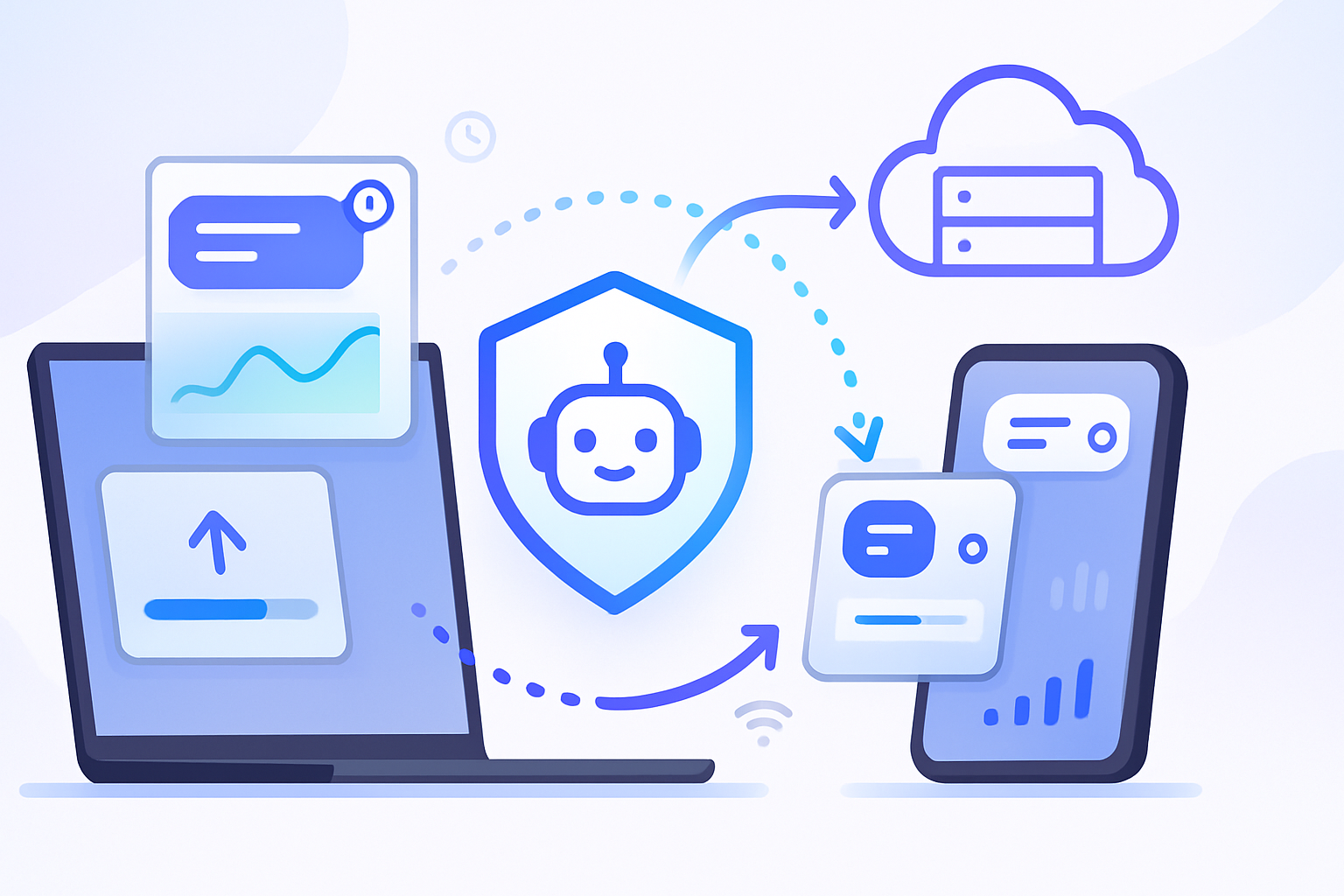
Imagine a web app that always finishes what the user started - even if the connection drops. Imagine uploads that complete later, analytics that don’t vanish, and a smoother offline-first experience that rivals native apps. That’s what the Background Sync API helps you build. Read on and you’ll learn when to use it, how it works, best practices, measurable benefits, and the controversies you must navigate.
Why background sync matters - outcome first
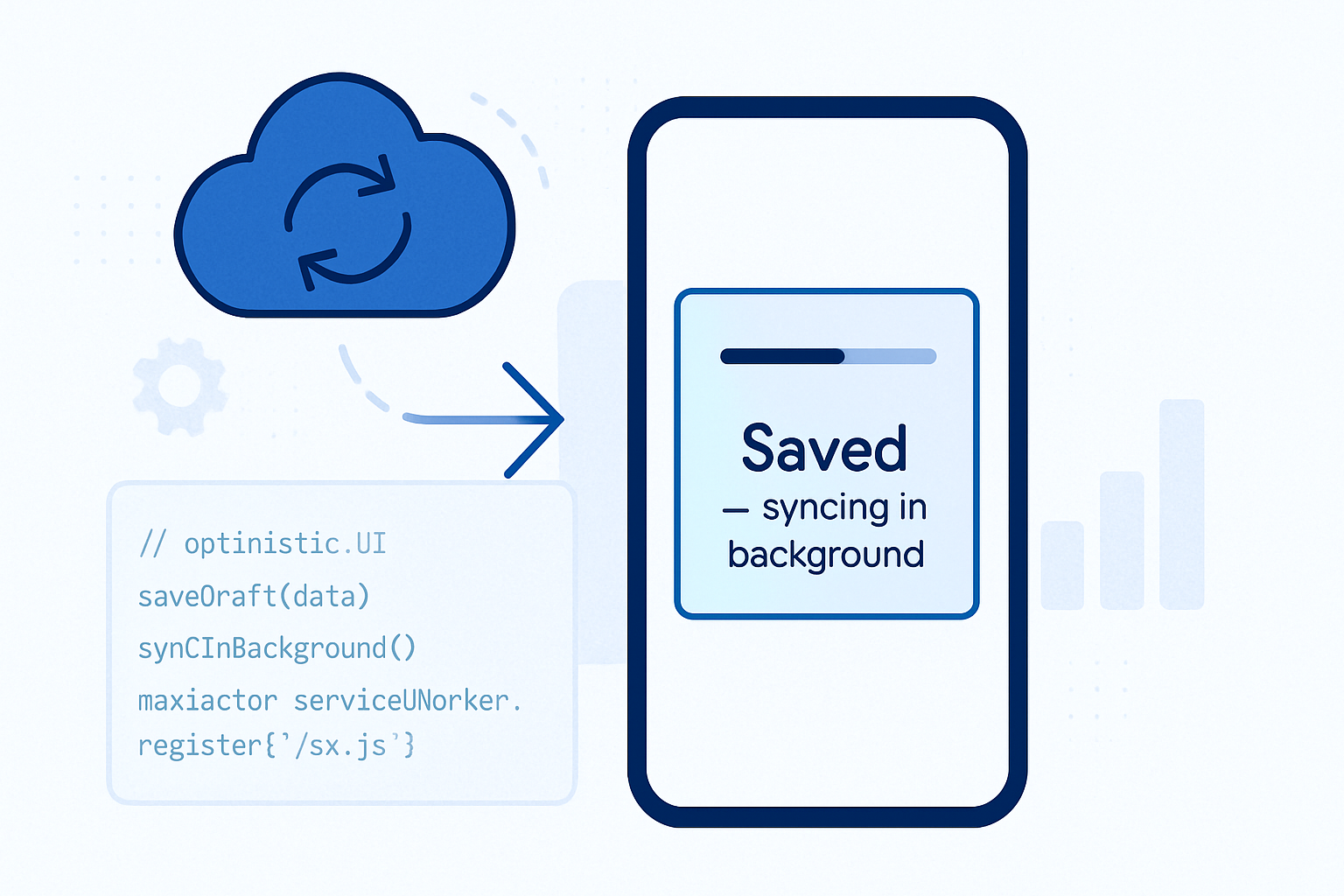
Users expect actions to stick. They expect messages to send, forms to submit, images to upload. But networks are flaky. Background Sync bridges that gap by allowing your service worker to complete network tasks after the user’s connection returns - even when the page is closed. The result: higher task completion rates, reduced user frustration, and stronger long-term engagement.
What the Background Sync APIs are (two flavors)
- One-off Background Sync (Sync): register a single one-time job that runs when connectivity is available. Good for finishing a send/upload or retrying a failed request.
- Periodic Background Sync: schedule recurring sync tasks (e.g., update cached content daily). This is more like a background updater and usually uses a permission model.
Both work with service workers and decouple user actions from immediate network availability.
How it actually works (high level)
- Your app detects a need to finish work (e.g., failed POST).
- It registers a sync with the service worker (tag + optional options).
- When the browser deems the device online and resources available, it wakes the service worker and fires the sync event.
- The service worker performs the network work and resolves; if it fails, it can re-schedule.
Code quick-start (one-off sync)
// In the page
navigator.serviceWorker.ready.then(reg => reg.sync.register('outbox-sync'));

// In service-worker.js
self.addEventListener('sync', event => {
  if (event.tag === 'outbox-sync') {
    event.waitUntil(processOutbox());
  }
});

async function processOutbox() {
  const items = await readOutboxFromIDB();
  // send items in batches, mark as sent
}
Periodic background sync (example)
// Requesting periodic sync from a page
navigator.serviceWorker.ready.then(async reg => {
  const status = await navigator.permissions.query({
    name: 'periodic-background-sync',
  });
  if (status.state === 'granted') {
    await reg.periodicSync.register('content-refresh', {
      minInterval: 24 * 60 * 60 * 1000,
    });
  }
});

// In the service worker
self.addEventListener('periodicsync', event => {
  if (event.tag === 'content-refresh') {
    event.waitUntil(updateContentCache());
  }
});
Real-world use cases
- Reliable message sending: queue chat messages or comments for later delivery.
- Offline-first content updates: refresh cached articles overnight so users get fresh content when they open the app.
- Analytics and telemetry: send usage pings reliably, improving data quality.
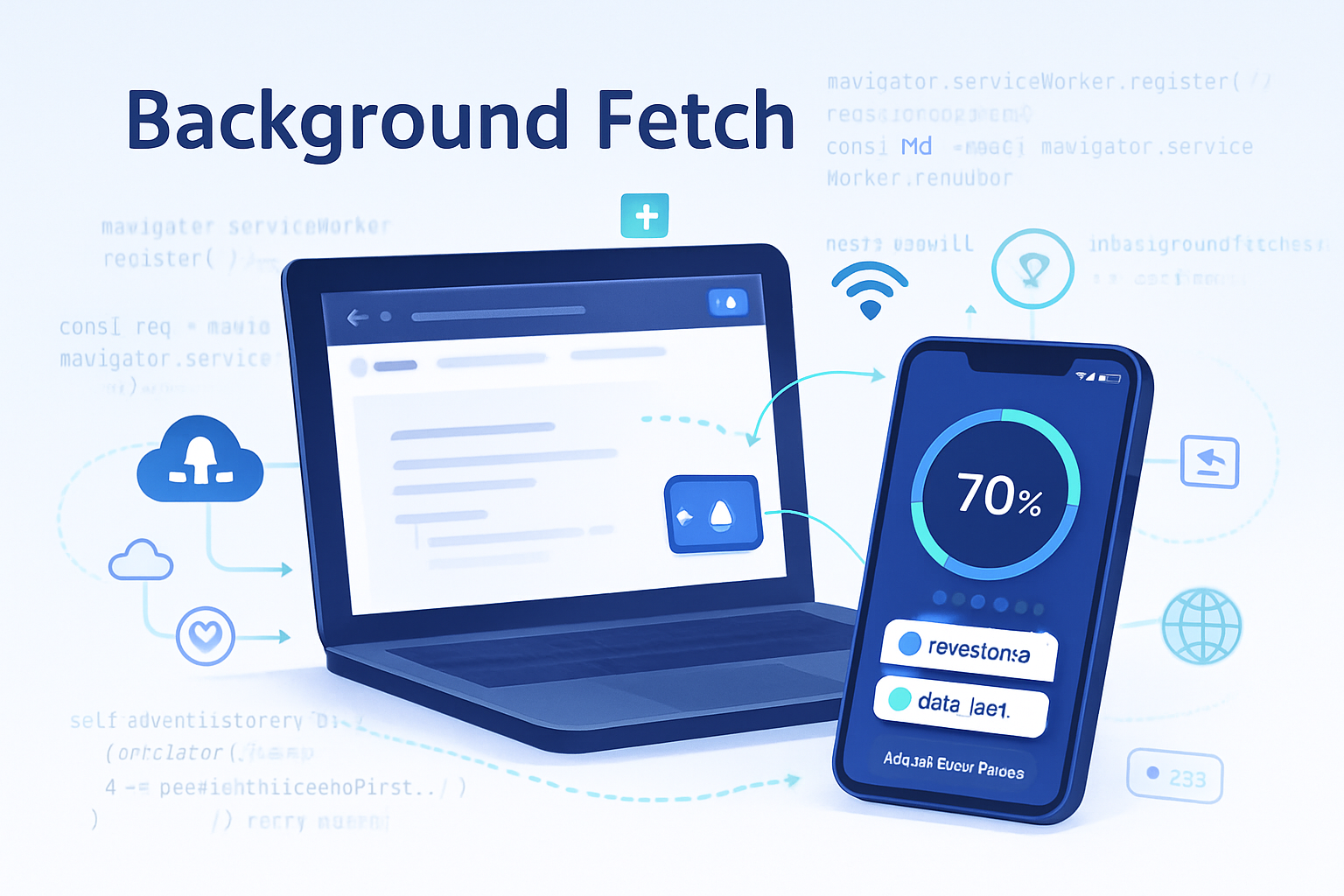
- Large-file workflows: coordinate with Background Fetch for long uploads that should continue outside the page lifecycle.
- Syncing state: reconcile local edits with server state when online.
Performance and engagement benefits
- Higher completion rates: actions initiated by users are less likely to be lost due to transient connectivity.
- Smoother perceived performance: you don’t block UI while waiting for network; tasks complete in background.
- Reduced retry traffic spikes: batching and intelligent scheduling reduce server load and network churn.
- Better retention: fewer failed operations mean fewer frustrated users and more returning visitors.
Implementation patterns and best practices
- Make work idempotent. A sync task can run more than once. Design safe retries.
- Batch small writes to reduce network overhead.
- Use exponential backoff for repeated failures.
- Respect power and data constraints: keep payloads small and avoid waking devices too often.
- Provide user control: let users disable background updates in settings.
- Graceful fallbacks: when Background Sync isn’t available, fall back to immediate retries or an in-page queue.
- Observe permission models: periodic sync may require permission. Check and handle permission states.
Measuring success
Track these metrics to prove value:
- Task completion rate (queued vs completed).
- Time-to-completion distribution for queued tasks.
- Battery/network usage impact.
- User engagement/retention changes after rollout.
- Server load patterns (are batch uploads reducing spikes?).
Browser support and ecosystem status
Support varies across browsers and across the two flavors of the API. Chromium-based browsers have made the most progress with one-off sync; periodic sync is more limited and often gated behind permission or origin trials. You can find up-to-date compatibility details at MDN and feature trackers such as Can I Use.
- MDN Background Sync overview: https://developer.mozilla.org/en-US/docs/Web/API/Background_Sync_API
- Periodic Background Sync spec: https://wicg.github.io/periodic-background-sync/
- Compatibility and coverage: https://caniuse.com/?search=background%20sync
- Workbox background sync tooling: https://developers.google.com/web/tools/workbox/modules/workbox-background-sync
Controversies and risks - why it’s not a free win
Background sync looks magical. But with power comes responsibility. Here are the biggest points of debate:
- Battery & resource usage: background work can drain battery if misused. Browsers mitigate this by scheduling based on heuristics, but aggressive background tasks can still be problematic.
- Privacy & tracking: because background tasks can run while users aren’t actively engaging, poorly designed telemetry or tracking could exploit background sync to gather data. This raises privacy concerns unless apps are transparent and respectful.
- Permission model and UX: one-off sync historically didn’t require explicit permission, which made it easy to use but concerned privacy-focused stakeholders. Periodic sync tends to use permissions, but inconsistent models across browsers create complexity.
- Platform fragmentation: uneven support forces developers to implement fallbacks and increases testing surface.
- Abuse vectors: malicious or poorly-behaved apps could schedule heavy background work. Browsers must and do throttle, but the risk shapes platform policy decisions.
Alternatives and complementary APIs
- Background Fetch API - for large downloads/uploads and long-running transfers: https://developer.mozilla.org/en-US/docs/Web/API/Background_Fetch_API
- Web Push - to wake an app in response to a server trigger and then start work via the service worker.
- Polling + Network Information API - for basic scenarios where background sync isn’t available.
- Server-side retries and idempotent endpoints - never rely solely on client-side repair; make servers robust.
When not to use Background Sync
- Real-time needs: if a user expects immediate confirmation (e.g., payment gateway), don’t defer crucial flows.
- Large synchronous uploads that must complete during the session - use alternatives like Background Fetch or a clear in-UI status flow.
- Privacy-sensitive telemetry that users haven’t consented to - get explicit permission.
Rollout checklist for teams
- Audit tasks that benefit from background completion.
- Prototype with one-off sync for queued user actions.
- Add instrumentation for completion and resource metrics.
- Implement fallbacks and feature detection.
- Observe battery/network impact in staged rollouts.
- Document privacy impacts and obtain necessary consent for telemetry.
- Consider periodic sync only where updates produce clear user value and when permission models are acceptable.
Closing thought - why this changes the web
Background Sync isn’t just another API. It shifts a fundamental constraint: network unreliability. By allowing web apps to finish work after connectivity returns, it narrows one of the largest gaps between web and native experiences. But it’s a tool that must be used thoughtfully - built with idempotence, respect for device resources, and transparency about privacy. Used well, it makes web apps practically reliable. Used poorly, it invites battery drain and mistrust.
The long-term win is simple: web apps that reliably do what users expect will be chosen more often. Background Sync helps deliver that promise.
References
- MDN - Background Sync API: https://developer.mozilla.org/en-US/docs/Web/API/Background_Sync_API
- WICG - Periodic Background Sync: https://wicg.github.io/periodic-background-sync/
- Workbox - Background Sync module: https://developers.google.com/web/tools/workbox/modules/workbox-background-sync
- Can I Use - Background Sync compatibility: https://caniuse.com/?search=background%20sync