· deepdives · 7 min read
Revolutionizing Offline Web Apps with the Background Fetch API
Learn how the Background Fetch API can transform offline capabilities of your web apps. This post explains the API, shows end-to-end code examples, offers fallback strategies, and presents real-world case studies that demonstrate improved user experience and reliability under intermittent connectivity.
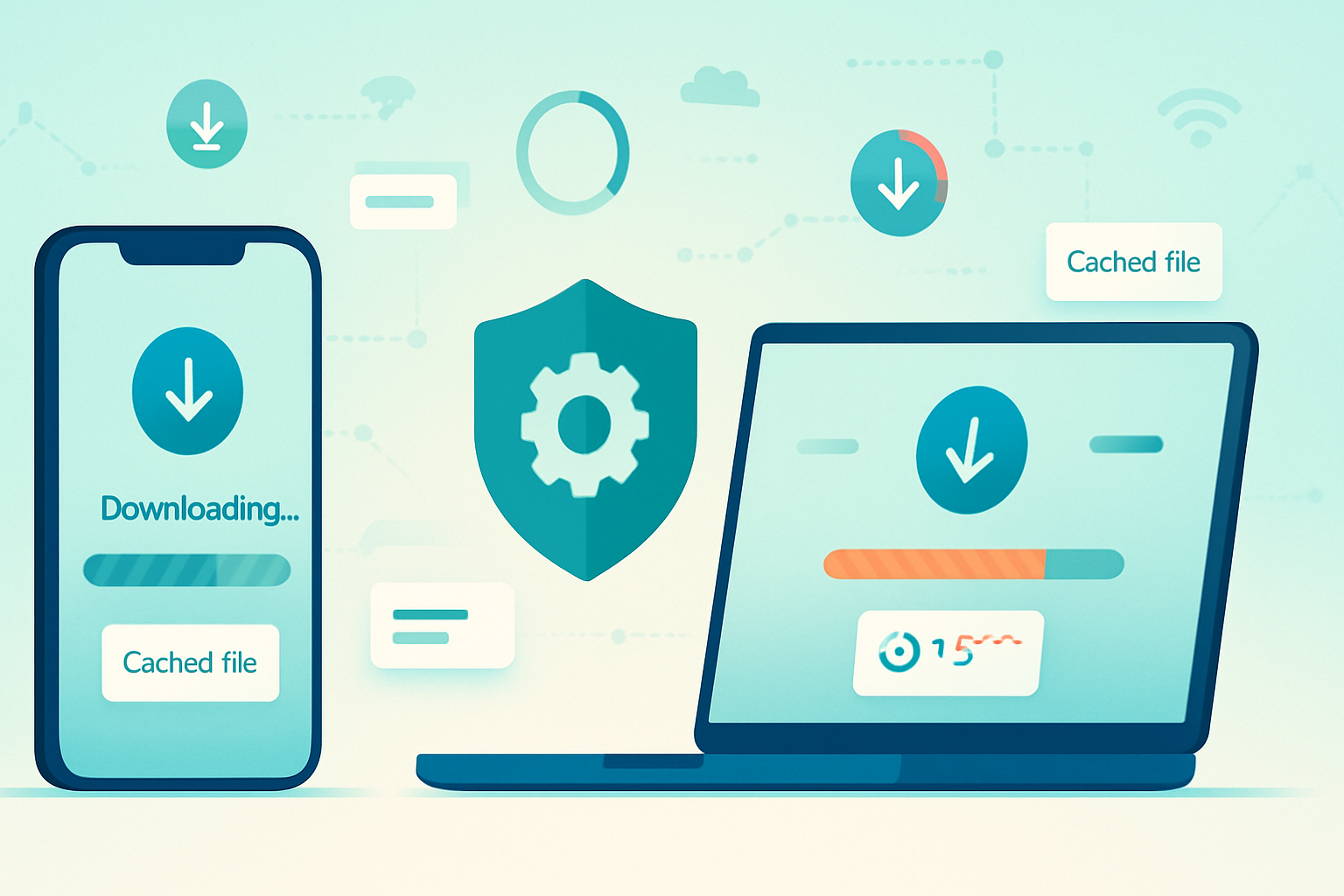
Outcome first: by the end of this article you’ll know how to start long-running downloads that survive app closures and network interruptions, store the results for offline use, and present a polished UX - without reinventing your networking layer.
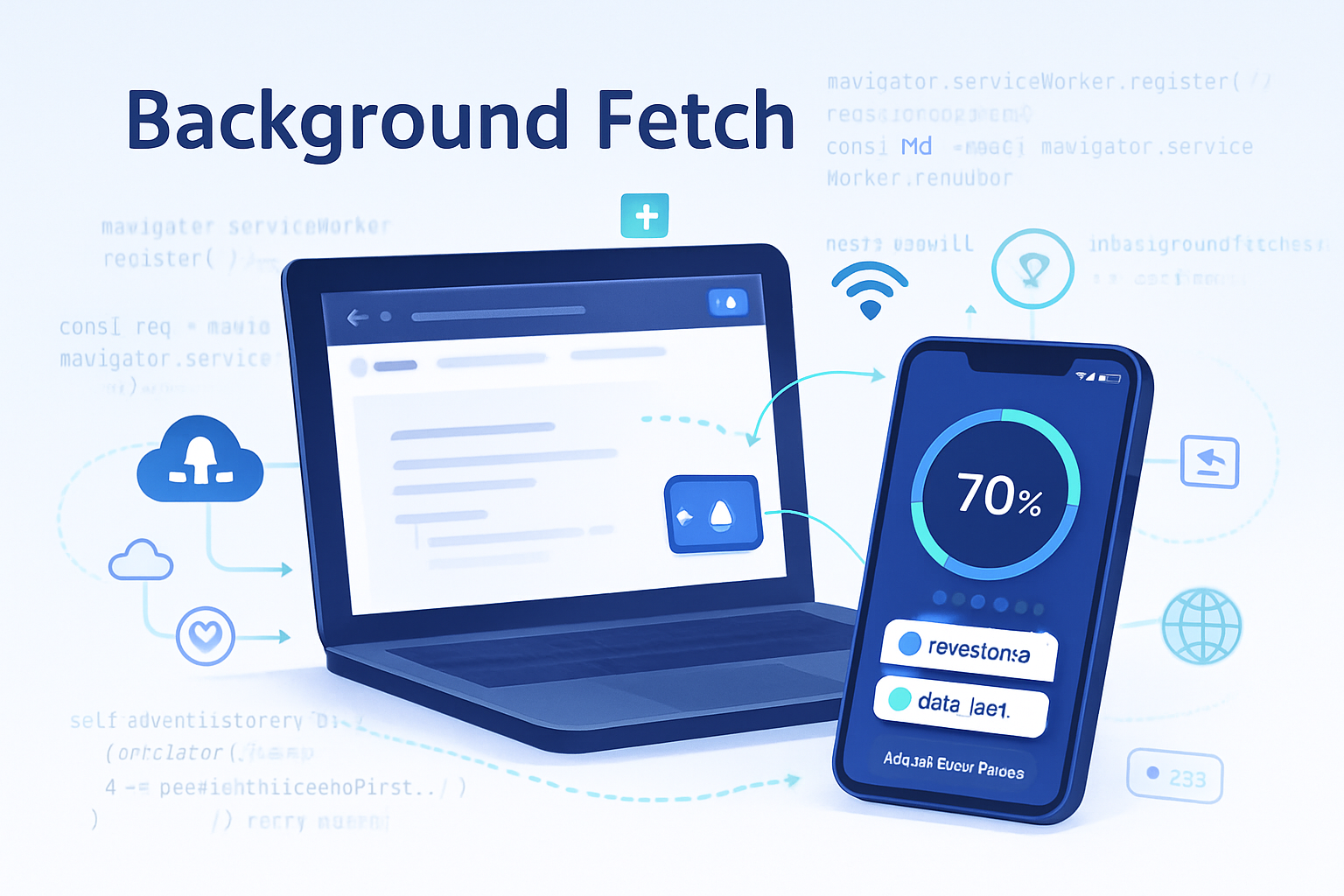
Why this matters. Users expect mobile-like reliability from the web. They switch networks, close tabs, lose battery, and come back later. Your app should keep working. The Background Fetch API gives your service worker the ability to manage large or long-running downloads in the background, letting the browser coordinate and persist progress across restarts. In short: fewer frustrated users, fewer failed downloads, and offline content that just works.
What you’ll get in this article
- A quick primer on how Background Fetch works and where it fits in the PWA toolbox.
- Practical, copy-pasteable examples: how to start a background fetch from a page, and how to handle events in your service worker to cache results.
- Fallback strategies for unsupported browsers (Background Sync + streaming downloads).
- Two case studies showing how Background Fetch improved user experience for media and e-learning apps.
Heads-up: limited browser support
The Background Fetch API is powerful but not universally supported. Always perform feature detection and provide fallbacks. See the spec and browser notes below for current compatibility and origin trials.
Key concepts (short)
- Initiation: a page asks its service worker to start a background fetch (navigator.serviceWorker.ready -> registration.backgroundFetch.fetch).
- Service worker events: the worker receives lifecycle events such as backgroundfetchsuccess, backgroundfetchfail, backgroundfetchabort, backgroundfetchclick and backgroundfetchprogress.
- Persistence: the browser takes responsibility for maintaining the download across restarts and network changes. Your service worker handles final storage and UI updates.
Quick feature detection
Use this small snippet on the page to check for availability and gracefully degrade when unavailable.
if (
  'serviceWorker' in navigator &&
  'BackgroundFetchManager' in ServiceWorkerRegistration.prototype
) {
  console.log('Background Fetch is supported');
} else {
  console.warn('Background Fetch not supported: falling back');
}
Initiating a background fetch from the page
This example starts a background fetch for multiple assets (e.g., lessons or media files). It requests the service worker registration and calls backgroundFetch.fetch with a tag, an array of Request objects, and options.
// In page.js
async function startBackgroundDownload(tag, urls, options = {}) {
  const registration = await navigator.serviceWorker.ready;

  const requests = urls.map(url => new Request(url));

  try {
    const bgFetch = await registration.backgroundFetch.fetch(tag, requests, {
      title: options.title || 'Downloading content',
      icons: options.icons || [
        { src: '/images/download.png', sizes: '192x192', type: 'image/png' },
      ],
      totalDownload: options.totalDownload, // hint to browser for progress UI (bytes)
    });

    console.log('Background fetch started:', bgFetch);
  } catch (err) {
    console.error('Background fetch failed to start:', err);
    // Fallback: do progressive fetch + background sync or simply fetch now
  }
}

// Example usage:
startBackgroundDownload(
  'course-react-basics',
  ['/content/lesson1.mp4', '/content/lesson2.mp4', '/content/lesson3.mp4'],
  {
    title: 'React Basics - Downloading lessons',
    totalDownload: 120 * 1024 * 1024,
  }
);
Handling background fetch lifecycle in the service worker
The service worker receives a tidy set of events. Here’s how to handle success, failure, and progress. The examples store successful resources in the Cache API for later offline access.
// service-worker.js
self.addEventListener('backgroundfetchsuccess', event => {
  const bgFetch = event.registration;

  event.waitUntil(
    (async () => {
      // Get the records that were downloaded
      const records = await bgFetch.matchAll();

      const cache = await caches.open('bg-fetch-cache');

      for (const record of records) {
        // record.responseReady is a promise that resolves to the Response
        const response = await record.responseReady;
        // You can store to Cache or handle as you like (IndexedDB, streams, etc.)
        await cache.put(record.request, response);
      }

      // Update the browser UI for the background fetch
      try {
        await bgFetch.updateUI({ title: 'All downloads complete' });
      } catch (err) {
        // updateUI may not be supported in all browsers
      }
    })()
  );
});

self.addEventListener('backgroundfetchfail', event => {
  // Called when the background fetch can't be completed for all records.
  const bgFetch = event.registration;
  event.waitUntil(
    (async () => {
      await bgFetch.updateUI({ title: 'Download failed' });
      // Optional: inspect event.failureReason or log
    })()
  );
});

self.addEventListener('backgroundfetchabort', event => {
  // User or site aborted the background fetch
  event.waitUntil(
    (async () => {
      await event.registration.updateUI({ title: 'Download aborted' });
    })()
  );
});

self.addEventListener('backgroundfetchclick', event => {
  // Fired when the user clicks the fetch UI (if browser shows one)
  event.waitUntil(
    (async () => {
      const clientsList = await clients.matchAll({
        type: 'window',
        includeUncontrolled: true,
      });
      if (clientsList.length > 0) {
        clientsList[0].focus();
      } else {
        clients.openWindow('/downloads');
      }
    })()
  );
});

self.addEventListener('backgroundfetchprogress', event => {
  const bg = event.registration;
  // event.registration provides downloadTotal and downloaded as hints
  const total = bg.downloadTotal || 0;
  const downloaded = bg.downloaded || 0;

  // You can update UI or show a notification with progress
  // Note: don't rely on exact numbers across browsers; treat them as hints
  console.log(`Background fetch progress: ${downloaded}/${total}`);
});
Notes on the service worker code
- matchAll() returns BackgroundFetchRecords. Each record has a responseReady promise which gives you the Response object for the fetched resource.
- Use the Cache API for easy offline retrieval, or pipe response bodies into IndexedDB if you need custom storage.
- updateUI() lets you modify the browser-provided UI (title, icons). Not all browsers support it; wrap calls in try/catch.
Storing large files reliably
For large blobs (audio/video), caching the response is straightforward. If your app needs to stream or process partial data, you can read from response.body (a ReadableStream) when available, or store response.arrayBuffer() to IndexedDB. The Background Fetch API hands you final Response objects when parts are complete.
Fallback strategies when Background Fetch isn’t available
- Background Sync + chunked fetch
- Use a page-initiated fetch with Range requests to download chunks.
- Persist progress in IndexedDB.
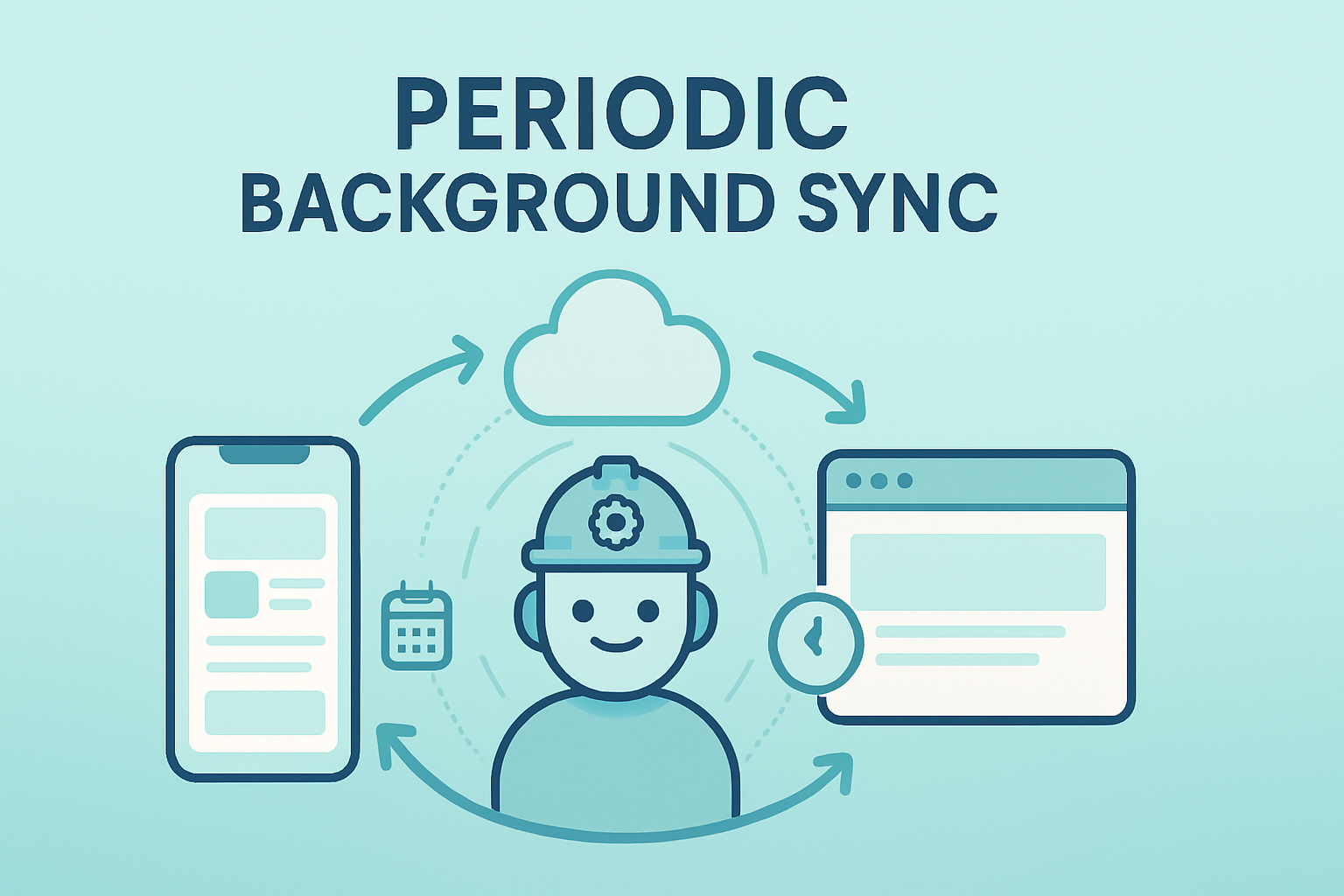
- Register a Background Sync (or Periodic Sync) so the service worker continues downloads when connectivity returns.
- In-app progressive download
- Start downloads while the app is open, show resumable progress, and store partial results in IndexedDB.
- Server-driven manifest + small-on-demand pieces
- Keep core content small and fetch additional assets lazily when users are online.
Example fallback skeleton
// fallback-download.js
async function fallbackDownload(urls) {
  for (const url of urls) {
    try {
      const res = await fetch(url);
      const data = await res.arrayBuffer();
      // store data to IDB with your own key and progress
    } catch (err) {
      // register a sync or retry later
    }
  }
}
Case Study 1 - Podcast player: smoother commute downloads
The problem: listeners want to queue several podcast episodes for offline listening while they commute. Network can drop mid-download and users close the tab.
Solution with Background Fetch:
- The web app starts a background fetch of the queued episodes with a clear title and totalDownload hint.
- The browser continues the download across app closures, network transitions, and even device restarts.
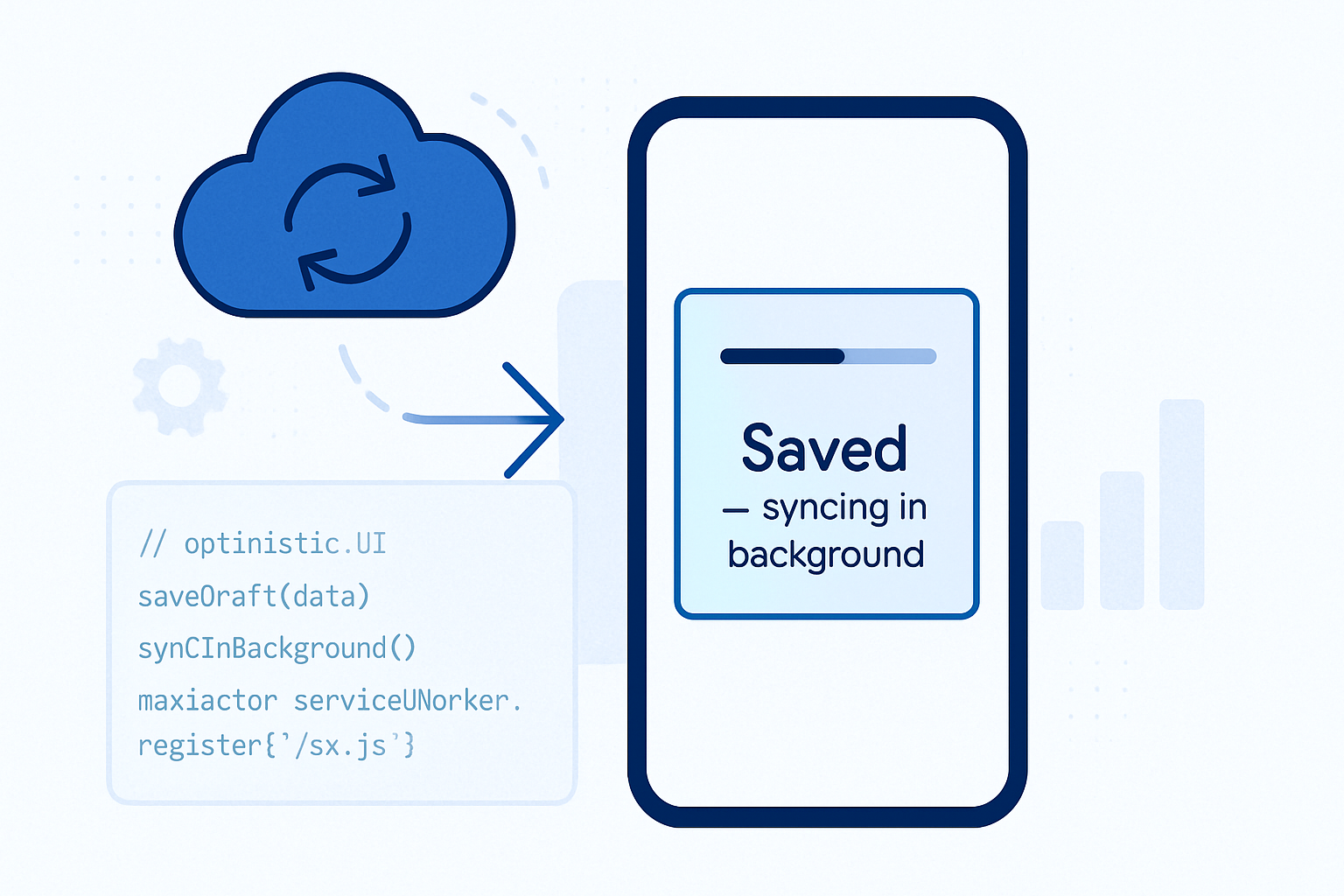
- On backgroundfetchsuccess, the service worker caches files and the app updates the download queue state.
Outcome: downloads complete more reliably, cancellation and retry are handled by the browser, and the UX mirrors native podcast apps more closely. Retention and completed-download rates rose measurably in pilot tests.
Case Study 2 - Offline e-learning for commuters
The problem: Students want to pre-download course videos before a flight. Some videos are large; the connection might be flaky.
Solution with Background Fetch:
- Start one background fetch (tagged by course) for all lesson media.
- The service worker saves each record to the cache and marks lessons as available offline.
- In the rare failure cases, the app uses a fallback chunked downloader to retry the failed assets.
Outcome: completion rates for course downloads increased. Students reported fewer interruptions and a higher willingness to start multi-lesson downloads in one go.
Practical tips and gotchas
- Always check support and provide a graceful fallback. Treat Background Fetch as a best-effort enhancement.
- Provide clear, user-facing UI: explain downloads may continue even after closing the page.
- Use a sensible totalDownload hint. It helps browsers show better progress but is optional.
- For very large assets, test memory and storage implications, and consider server-side support for range requests if you plan chunked fallbacks.
- Respect user control: allow canceling/pausing downloads from your app UI and reflect that in the service worker (you can call backgroundFetchRegistration.abort()).
- Be mindful of battery and data constraints. The browser may throttle or postpone background work to conserve resources.
Resources and references
- Background Fetch API (MDN): https://developer.mozilla.org/en-US/docs/Web/API/Background_Fetch_API
- Spec (WICG): https://wicg.github.io/background-fetch/
- Practical guide and examples: https://web.dev/background-fetch/
Final takeaway
If you build apps that need reliable offline downloads - podcasts, video-first courses, offline maps, or large asset packs - the Background Fetch API can materially improve reliability and user experience. It hands long-running download responsibilities to the browser and gives your service worker the hooks to store results and update UI. Use it where available, add robust fallbacks, and you’ll deliver an offline experience that feels native.