· tips · 4 min read
When Numbers Become Strings: The Quirks of Type Coercion
A deep dive into JavaScript's type coercion: why 1 + '2' becomes '12', why [] + 1 yields '1', and how hidden ToPrimitive rules reshape values. Learn clear rules, real examples, and safe practices to avoid bugs.
![A deep dive into JavaScript's type coercion: why 1 + '2' becomes '12', why [] + 1 yields '1', and how hidden ToPrimitive rules reshape values. Learn clear rules, real examples, and safe practices to avoid bugs.](/_astro/when-numbers-become-strings-type-coercion.DvlGm_9p.webp)
Outcome: After reading this you’ll be able to recognize when JavaScript silently turns numbers into strings, reproduce the surprising cases, and prevent bugs with clear, explicit conversions.
Why should you care? Because a tiny implicit conversion can silently change logic, break calculations, and turn a simple concatenation into a production bug. Read on and you’ll stop guessing and start controlling coercion.
The simple rule - when + means concatenation
The plus operator (+) in JavaScript does two different things: numeric addition and string concatenation. Which it chooses depends on the operand types and how they are coerced to primitives.
- If either operand is a string (or becomes a string during coercion), + performs string concatenation.
- Otherwise it attempts numeric addition.
That explains the classic example:
1 + '2'; // "12"  - string concatenation
'5' + 3; // "53"  - string concatenation
1 + 2; // 3      - numeric addition
But the real surprises come when non-primitive values (objects, arrays) get coerced first.
ToPrimitive: the hidden conversion step
When an operand is an object, JavaScript tries to convert it to a primitive via the internal operation ToPrimitive. The object provides two hooks: valueOf() and toString(). The order depends on the “hint” (numeric or string) that the operator requests.
For +, if either side is already a string, the other side is converted with a string hint; otherwise + uses the default/numeric behavior which usually prefers numeric conversion but still can fall back to string conversion for arrays/objects.
Examples:
[] +
  (1)[// Explanation: [].toString() -> "" (empty string), then "" + "1" -> "1" // "1"

  1] +
  (2)[ // "12"
    // [1].toString() -> "1", then "1" + "2" -> "12"

    (1, 2)
  ] +
  [3, 4](
    // "1,2" + "3,4" -> "1,23,4"

    {}
  ) +
  1(
    // might behave unexpectedly in console due to parsing as block; safer:
    { valueOf: () => 5 }
  ) +
  3; // 8 - uses valueOf() for numeric coercion
Note: the ({}) + 1 snippet can be interpreted as a block by the parser when entered in some consoles; wrap the object in parentheses to force expression parsing.
Weird but common pitfalls
- Empty arrays become empty strings
[] + []    // ""  (empty string)
[] + 1 // "1"- Arrays with elements become joined strings
[1, 2] + 3; // "1,23" because [1,2].toString() -> "1,2"- Objects with custom valueOf/toString
const o = {
  valueOf() {
    return 10;
  },
  toString() {
    return 'ten';
  },
};
o + 5; // 15  - valueOf used for numeric coercion
String(o); // "ten" - toString used for string coercion- null and undefined
null + 5; // 5   (null -> 0 for numeric)
undefined + 5; // NaN (undefined -> NaN for numeric)
String(null); // "null"
String(undefined); // "undefined"- Boolean conversions
true + 2; // 3  (true -> 1)
'true' + 2; // "true2"
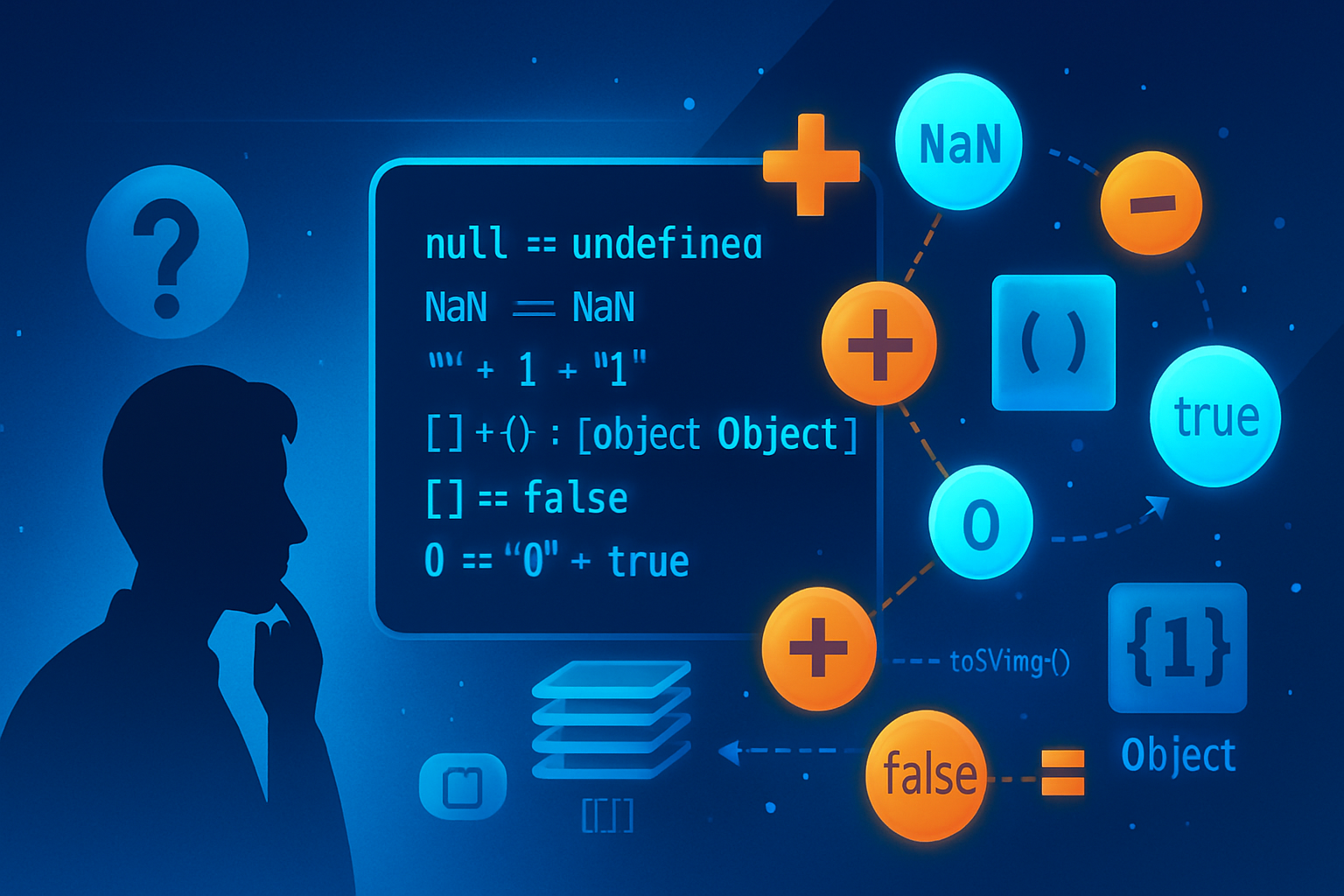
Equality: when ‘5’ == 5 is true
The abstract equality operator (==) also coerces types. Because of that:
'5' == 5; // true
0 == false; // true
null == undefined; // true
Use the strict equality operator (===) to avoid coercion surprises:
'5' === 5; // falseReference: ECMAScript specification and MDN explain the algorithm in detail: https://developer.mozilla.org/en-US/docs/Web/JavaScript/Reference/Operators/Equality
Tools to control coercion
Be explicit. The fewer surprises, the fewer bugs.
- Convert to number explicitly:
Number(),parseInt()/parseFloat(), or the unary+. - Convert to string explicitly:
String()or.toString()(watch for null/undefined). - Use template literals for deliberate string interpolation.
Examples:
Number('42') + // 42
  '42'; // 42 (unary plus)
String(
  42
) // "42"
`${42}`; // "42" (string interpolation)
But be careful with parseInt and radixes:
parseInt('08'); // 8 (modern engines parse decimal correctly, but supply radix to be safe)
parseInt('08', 10); // 8
Practical recommendations (rules you can apply today)
- Prefer strict equality (===) over loose (==).
- When using +, ensure both operands are the type you expect.
- If you want addition: convert both to Number explicitly.
- If you want concatenation: convert both to String explicitly (or use template literals).
- When working with objects/arrays that might be concatenated, call
.join()or.toString()yourself so the behavior is explicit. - Use TypeScript or runtime checks if type confusion is a real risk in your codebase.
- Avoid relying on implicit coercion for important calculations.
Debugging tips
- Log types as well as values:
const x = [] + 1;
console.log(x, typeof x); // "1" "string"- Reproduce in small snippets: strip surrounding code until you see the coercion.
- Inspect objects’
valueOf/toStringif they behave oddly.
Summary - what to remember
- The + operator can be addition or concatenation. Strings win.
- Objects and arrays are coerced via ToPrimitive (valueOf/toString). Arrays often become comma-joined strings.
- Use explicit conversions (Number, String, unary +, template literals) and strict equality to avoid silent, hard-to-find bugs.
Further reading:
- MDN: ToPrimitive and Abstract Operations - https://developer.mozilla.org/en-US/docs/Web/JavaScript/Reference/Global_Objects/Symbol/toPrimitive
- MDN: Type conversion - https://developer.mozilla.org/en-US/docs/Web/JavaScript/Reference/Global_Objects/Number
- MDN: Equality comparisons and sameness - https://developer.mozilla.org/en-US/docs/Web/JavaScript/Equality_comparisons_and_sameness