· tips · 6 min read
The Quirky World of JavaScript Type Coercion
Explore the surprising outcomes caused by JavaScript's automatic type conversions. Learn the core rules, step through bizarre examples (like [] == ![] or null >= 0), and pick up practical rules to avoid bugs.
![Explore the surprising outcomes caused by JavaScript's automatic type conversions. Learn the core rules, step through bizarre examples (like [] == ![] or null >= 0), and pick up practical rules to avoid bugs.](/_astro/quirky-world-javascript-type-coercion.DM8HmiRm.webp)
Outcome first: by the end of this post you’ll be able to predict - and intentionally avoid - the most confusing JavaScript coercion traps. You’ll understand why [] == ![] can be true, why null >= 0 behaves differently from null == 0, and what rules the engine applies when it silently converts your values.
Why this matters (quick)
Coercion is everywhere in JavaScript. It powers convenient shorthand (like adding numbers stored as strings), but it also produces subtle bugs when different types meet. If you can read the conversion rules you can both exploit them intentionally and avoid the ambiguous cases that create maintenance nightmares.
The core ideas (the engine’s cheat-sheet)
JavaScript uses a small set of abstract operations when converting values. These are the concepts you need to hold in your head:
- ToPrimitive: convert an object to a primitive by calling
valueOf()ortoString()in a specific order. See the spec: ToPrimitive. - ToNumber: how values become numbers (e.g.
'' -> 0,' \t\n' -> 0,'123' -> 123,true -> 1,false -> 0,null -> 0,undefined -> NaN). - ToString: how values become strings (objects use
toString()/valueOf()results). - ToBoolean: which values are truthy/falsy (
false,0,-0,0n,"",null,undefined,NaNare falsy; everything else is truthy).
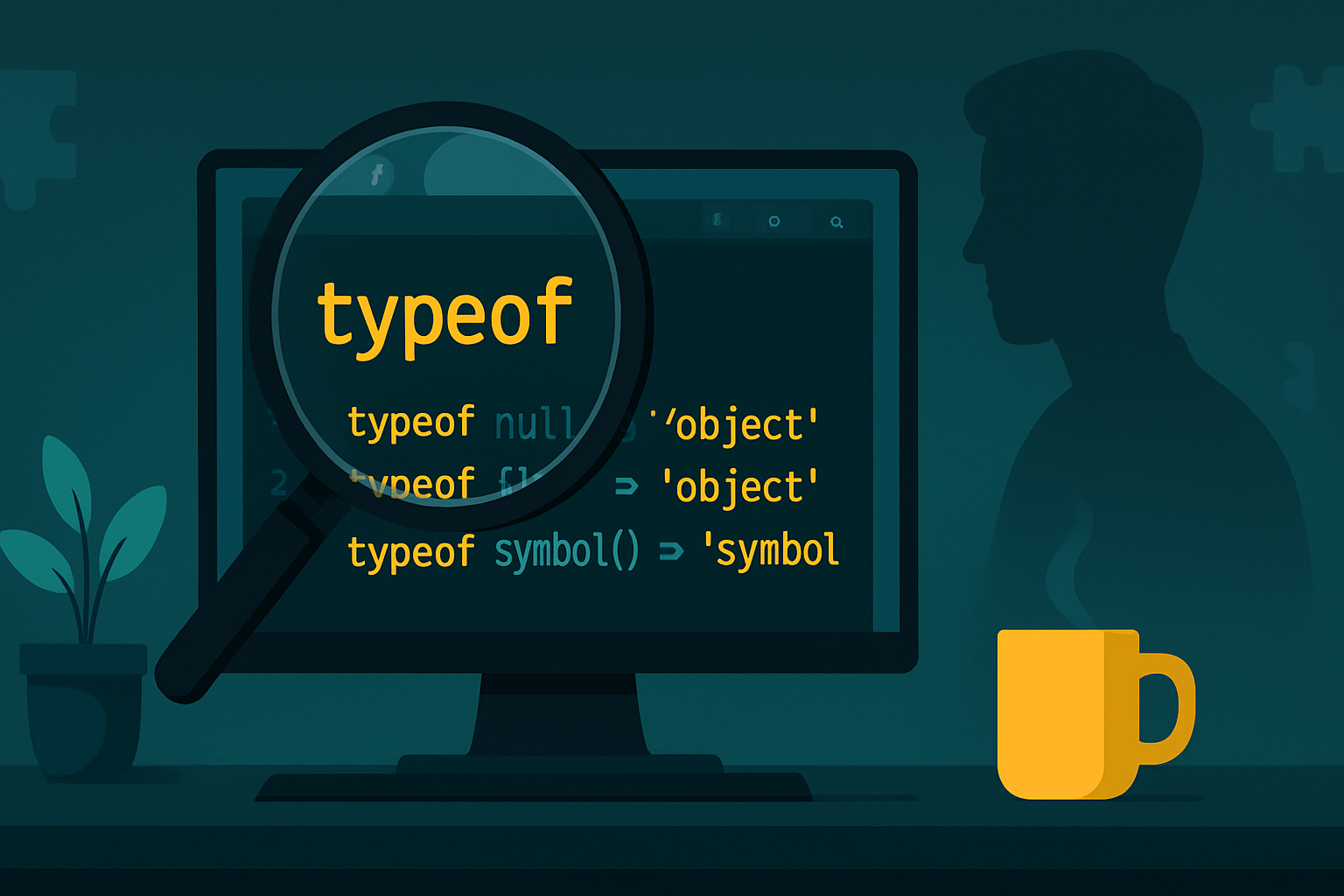
Good MDN reference pages: Type coercion, Abstract equality comparison, and typeof quirks.
Quick, high-value rules (so you don’t get surprised)
- Use
===(strict equality) when you want no coercion.==performs type conversion and follows complex rules. null == undefinedis true. Butnull == 0is false.nullonly equalsundefinedunder==.NaN !== NaN. UseNumber.isNaN()to reliably detect numeric NaN; the globalisNaN()first coerces its argument to number.- Objects are converted to primitives via
ToPrimitive. That means[]becomes''(an empty string) in many contexts and{}becomes'[object Object]'unless you override methods. - The
+operator concatenates if either operand is a string; otherwise it adds numerically.
Walk-through examples and why they behave that way
Each example shows what the engine does step-by-step.
1) The classic: 0 == false vs 0 === false
0 == false   // true
0 === false  // false
Why: == converts false to number 0 and compares numbers. === does no conversion and different types are not equal.
2) null and undefined are special
null == undefined   // true
null === undefined  // false
null == 0           // false
null >= 0           // true
null > 0            // false
Why those last two lines differ: the relational operators (<, >, <=, >=) convert null to number 0 before comparing, so null >= 0 becomes 0 >= 0 → true. But null == 0 is false because == does not coerce null to number for equality: it only considers null equal to undefined.
See the spec and MDN for the abstract equality and relational algorithms: abstract equality comparison.
3) Strange object and array concatenation
Use parentheses to avoid parser ambiguity when testing these in a REPL.
([] + [])          // ""              (empty string)
([] + {})          // "[object Object]"
({} + [])          // "[object Object]"  (use parentheses to be safe: ({}+[]))
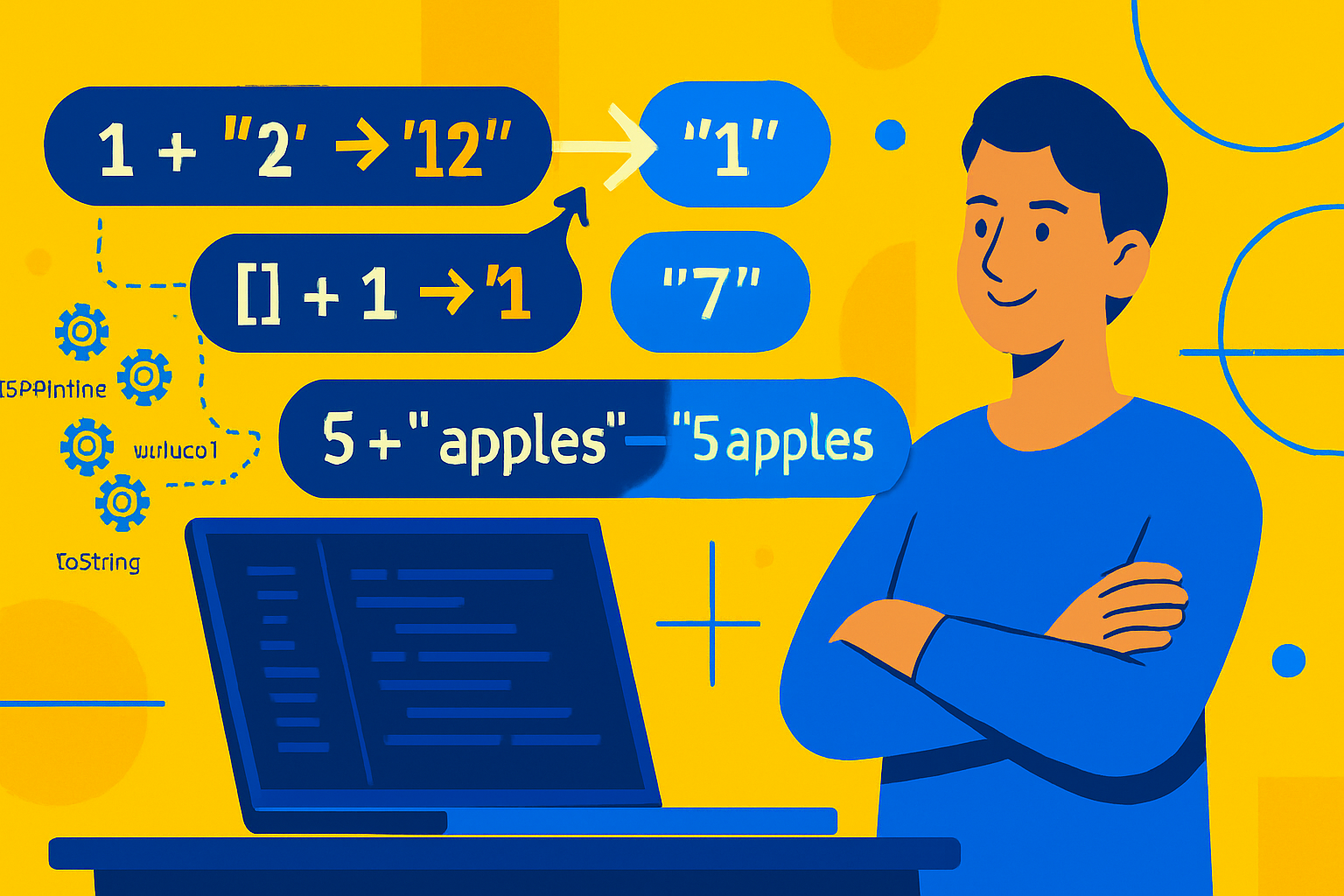
Why: [] when converted to primitive usually becomes '' (its toString() returns ''). {} to primitive becomes '[object Object]'. When + sees a string on one side it concatenates.
4) [] == ![] - a canonical puzzler
[] == ![] // trueStep-by-step:
![]→falsebecause[]is truthy, so logical not yieldsfalse.- Now we have
[] == false. ==with an object and boolean converts the boolean to a number first:false→0.- The object
[]is converted to primitive''then to number:''→0. - Compare numbers:
0 == 0→true.
This shows a chain of conversions: object → primitive → number. If you can’t predict that chain quickly, prefer strict equality or explicit conversion.
5) "\t\n" == 0
"\t\n" == 0 // trueWhy: when converting the whitespace-only string to a number, JavaScript treats it as 0. So the comparison becomes 0 == 0.
6) Arithmetic vs string concatenation
'' + 1 + 0    // "10"
1 + 0 + ''    // "1"
'5' - 1       // 4  (because `-` forces numeric conversion)
'5' + 1       // "51" (string concatenation)
Note: + is left-associative and will perform string concatenation if either operand becomes a string during the left-to-right evaluation.
7) NaN is its own white whale
NaN == NaN        // false
isNaN('foo')      // true  (global isNaN coerces string to number, NaN)
Number.isNaN('foo') // false (Number.isNaN does not coerce; only true for actual NaN)
Guidance: prefer Number.isNaN() when you want to check a numeric NaN value precisely. See Number.isNaN.
8) Custom objects control coercion
You control how an object turns into a primitive by defining valueOf() and/or toString():
const x = {
  valueOf() {
    return 3;
  },
  toString() {
    return '9';
  },
};

x + 1; // 4   (ToPrimitive prefers valueOf result when it yields a primitive for numeric hints)
String(x); // '9'  (toString is used when producing a string)
Use this to implement controlled numeric or string behavior on objects.
Practical rules to keep your code predictable
- Use
===and!==for equality unless you deliberately want==coercion. - Convert explicitly when needed:
Number(x),String(x),Boolean(x),BigInt(x). - Use
Object.is(a, b)when you need to treatNaNas equal to itself and distinguish-0vs+0appropriately. - Prefer
Number.isNaN()to detect NaN reliably. - Avoid relying on object-to-primitive conversions unless you control the object’s methods.
Common real-world bug patterns
- Checking for empty values with
if (!value) {}will treat0as falsy - sometimes undesirable. - Using
==in conditional logic withnull/undefinedcan accidentally allow missing values: prefer explicit checks. - Implicit concatenation with
+in templates or logging can quietly turn numbers into strings.
A short checklist when you see weird behavior
- Which operator is used? (
==vs===,+vs-, relational) - Are the operands objects or primitives? Objects invoke
ToPrimitive. - Which abstract operation will the engine apply? (ToNumber, ToString, ToBoolean)
- Would an explicit conversion (
Number(...),String(...)) make intent clear?
Final takeaway
JavaScript’s coercion is regular, not mystical - but it follows rules that are different from many other languages. When you understand those rules you can both read the engine’s decisions and avoid the traps that make code brittle. Favor explicit conversions and strict equality in production, and use coercion intentionally when it simplifies logic and you control the types.
References
- MDN: Type coercion
- MDN: Abstract equality comparison (==)
- MDN: Number.isNaN()
- ECMAScript spec: ToPrimitive