· tips · 7 min read
Debunking Myths: The Truth About the Garbage Collector and Memory Leaks in JavaScript
Learn how JavaScript's garbage collector actually works, why it doesn't save you from all memory leaks, common leakage patterns, and practical tools and fixes to find and eliminate leaks in browser and Node.js apps.
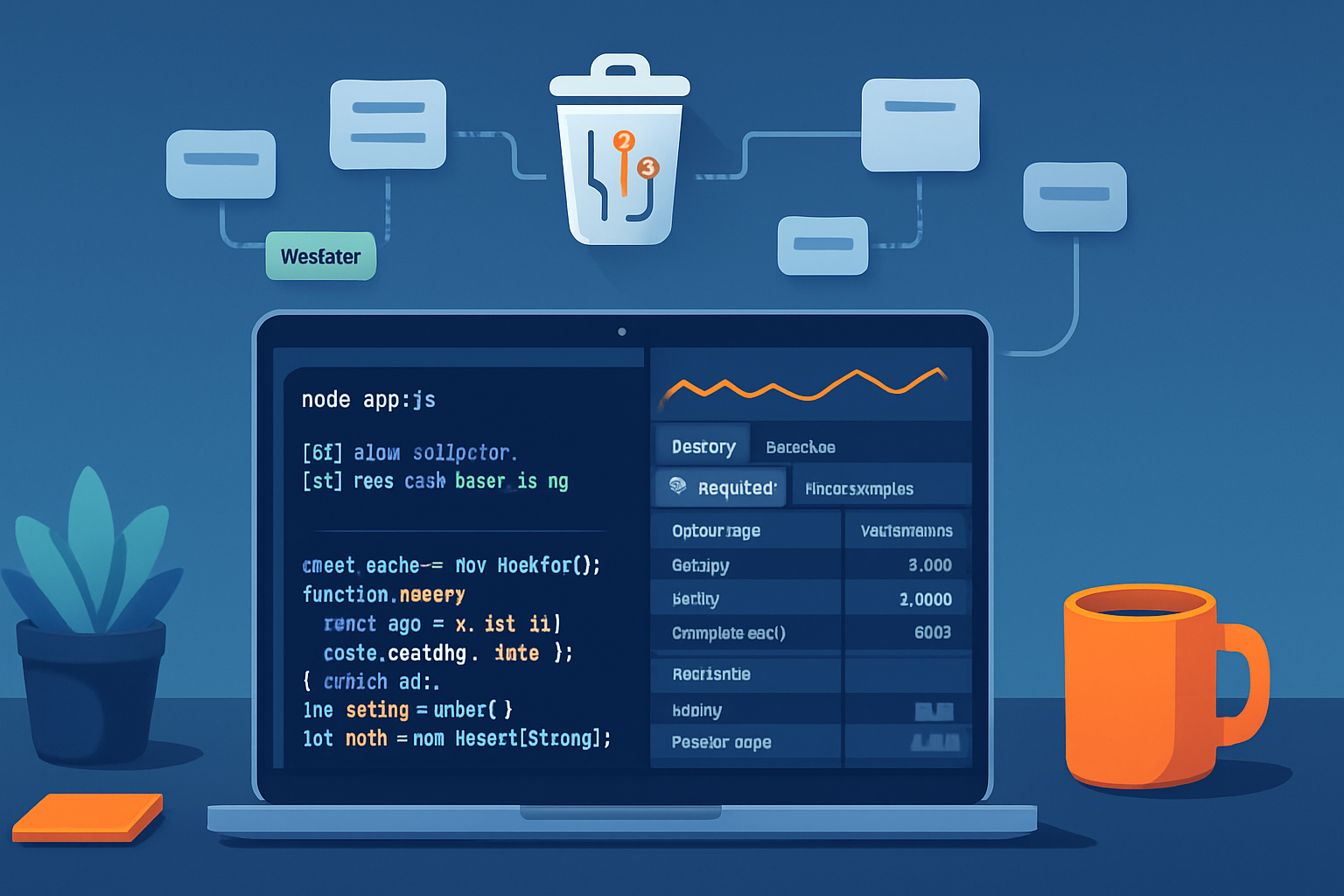
Outcome first: by the end of this article you’ll be able to spot real memory leaks, understand why the JavaScript garbage collector doesn’t magically fix every problem, and apply practical fixes (code examples included) so your app stops growing its memory footprint over time.
The myth vs. the reality - quick preview
Myth: “JavaScript has a garbage collector, so I don’t have to worry about memory leaks.”
Reality: the garbage collector (GC) reclaims unreachable memory, but it can’t fix code that permanently keeps references to objects you no longer need. In short: GC helps - but it isn’t a substitute for correct reference management, sensible caching, and cleaning up resources.
Let’s dive into how GC works at a high level, why many common beliefs about it are wrong, and then walk through real leak patterns and practical fixes.
How the JavaScript garbage collector actually works (high level)
- JavaScript engines (V8, SpiderMonkey, JavaScriptCore) generally use a mark-and-sweep collector with generational and incremental improvements. They do not rely on simple reference counting for lifetime management.
- Mark-and-sweep: the runtime starts from a set of roots (global objects, stack frames, closures) and marks everything reachable. Any unmarked object is considered unreachable and can be reclaimed.
- Generational GC: most objects die young. Engines partition objects into “young” and “old” generations and collect the young generation more frequently to optimize throughput.
- Incremental and concurrent GC: large heaps are collected in small slices so the application isn’t paused for too long.
- Compaction: sometimes the GC will compact memory to reduce fragmentation, but compaction timing is not under your direct control.
References: the V8 and Chrome teams explain these ideas in practical terms: https://v8.dev/blog and https://developer.chrome.com/docs/devtools/memory/
Important consequences
- Cyclic references are not a problem for mark-and-sweep GC. Objects that reference each other but are unreachable from roots will be collected. That debunks the common idea that cycles always leak (that was a problem with reference-counting collectors).
- GC is non-deterministic. You can’t predict exactly when memory will be reclaimed. You can trigger GC in debugging environments, but in production the engine decides when to run.
Common myths and the truth behind them
Myth: “GC will free any memory that my program isn’t using anymore.” Truth: GC frees only unreachable objects. If your code holds a reference (explicitly or implicitly), the object remains reachable.
Myth: “Closures always cause memory leaks.” Truth: Closures hold references to the variables they capture. They can cause leaks when long-lived closures hold large objects that aren’t needed anymore. But closures are not inherently leaking; misuse is.
Myth: “Cyclic references cause leaks in JavaScript.” Truth: Not with mark-and-sweep GC. Cycles that are unreachable from roots are collected.
Myth: “If memory grows gradually, it must be the GC’s fault.” Truth: Gradual growth usually means something in your code keeps references alive (caches, DOM references, listeners, timers), preventing GC from reclaiming memory.
Real-world leak patterns you should watch for (with examples)
- Forgotten timers and intervals
Problem: setInterval or repeatedly scheduled timers reference closures that keep large data alive.
Leaky example:
// app.js
const heavyData = { bigArray: new Array(10_000_000).fill('*') };
setInterval(() => {
  // closure keeps heavyData alive as long as the interval exists
  console.log(heavyData.bigArray.length);
}, 1000);
Fix: clear the timer when you no longer need it, or use setTimeout for one-off scheduling.
const id = setInterval(...);
// later
clearInterval(id);- Detached DOM nodes and forgotten event listeners (browser)
Problem: remove a node from the DOM but keep references to it (or its event handlers) in JS, which prevents collection.
Leaky pattern:
const container = document.getElementById('container');
function onClick() {
  /* references outer state */
}
const el = document.createElement('div');
el.addEventListener('click', onClick);
container.appendChild(el);
// later
container.removeChild(el); // el is detached but still strongly referenced by the event listener closure
Fixes:
- Remove event listeners before dropping references to DOM nodes: el.removeEventListener(‘click’, onClick).
- Use WeakMap/WeakRef for caches keyed by DOM nodes so removing the node from the DOM can allow GC to reclaim it.
- Global references and accidental singletons
Problem: storing things on global scope or long-lived objects (window, module-level caches) keeps them alive.
Fix: avoid adding nonessential global state. If you must cache, use bounded caches (LRU) or WeakMap/WeakRef when keys are objects you don’t control.
- Unbounded collections (Maps, Sets, arrays)
Problem: you push items into an array or Map and never remove them.
Fix: use size limits, eviction policies, or WeakMap when keys are objects that may be collected.
- Misusing third-party libraries
Problem: many leaks are caused indirectly by libraries holding references-long-running subscriptions, event buses, or caching layers.
Fix: read the library docs for lifecycle hooks, unsubscribe when components unmount, and prefer libraries that expose cleanup APIs.
Tools and techniques to find leaks (browser and Node.js)
Browser (Chrome DevTools)
- Heap snapshots: take two snapshots (before and after a flow), compare retained sizes and count growth. See: https://developer.chrome.com/docs/devtools/memory/
- Allocation instrumentation / timeline: record allocations over time to see when memory grows.
- “Containment” and “retainers” trees show why an object isn’t being collected.
- Force GC in DevTools (Collect garbage) to ignore transient objects during snapshot comparison.
Node.js
- Run with —inspect and use Chrome DevTools or other profilers: https://nodejs.org/en/docs/guides/debugging-getting-started/
- Use heap snapshots (Chrome DevTools) or heapdump modules to analyze retained memory.
- Use —expose-gc in development to call global.gc() to force mark-and-sweep (only for debugging).
- Tools: clinic.js (clinic doctor/clinic flame), heapdump, 0x for CPU but memory focused tools exist as well.
Low-level strategies
- Reproduce a workload and take snapshots at meaningful intervals.
- Compare snapshots and look for objects that keep growing or retain a large retained size.
- Look for detached DOM nodes in containment trees when debugging browser leaks.
Useful references: Chrome DevTools memory docs https://developer.chrome.com/docs/devtools/memory/ and V8 blog and guides at https://v8.dev/blog
Practical fixes and code patterns that reduce leaks
- Use WeakMap and WeakRef where appropriate
- WeakMap keys are weak: if there are no other strong references to the key object, the entry can be removed and the value becomes collectible. This is great for associating metadata with DOM nodes or objects you don’t want to hold alive.
const metadata = new WeakMap();
function attachMeta(el, meta) {
  metadata.set(el, meta);
}
// when 'el' disappears elsewhere, the WeakMap entry doesn't keep it alive- WeakRef and FinalizationRegistry (modern JS) allow advanced patterns but must be used carefully. FinalizationRegistry lets you register a callback to run when an object is garbage collected. It is not a replacement for explicit cleanup.
Docs: https://developer.mozilla.org/en-US/docs/Web/JavaScript/Reference/Global_Objects/WeakRef and https://developer.mozilla.org/en-US/docs/Web/JavaScript/Reference/Global_Objects/FinalizationRegistry
- Always unsubscribe and remove listeners
- Remove event listeners, cancel timers, and unsubscribe from observables when components unmount or features are destroyed.
- Limit cache sizes and prefer bounded data structures
- Use an LRU cache for data you fetch repeatedly. Don’t let arrays or maps grow without bounds.
- Avoid accidental globals
- In browsers, avoid attaching things to window. In Node, avoid module-scoped long-lived large objects unless intended.
- Watch closure scope
- Be mindful of what data your closure captures. Capture only what is needed; avoid creating closures that hold onto large objects when they are expected to outlive their usefulness.
Example: breaking a closure-based leak
Leak:
function createWorker(data) {
  return function tick() {
    // holds reference to `data`
    doSomething(data);
  };
}
const worker = createWorker(largeData);
setInterval(worker, 1000);
// largeData will never be collected while the interval exists
Fix: release the reference when done.
clearInterval(id);
// or
worker = null; // and ensure the timer is cleared so there's no reference from the JS engine
When GC decisions bite: fragmentation, generational heuristics, and tuning
- Generational GC optimizes for short-lived objects; allocating many long-lived objects rapidly can push memory into the old generation and increase pause times.
- Fragmentation can make the process look like “memory is leaking” because the process RSS keeps growing even if available heap is fragmented; compaction isn’t always immediate.
- In Node.js you can tune V8 flags (e.g., —max-old-space-size) but this is a mitigation, not a fix to leaking logic.
Checklist: a practical debugging workflow
- Reproduce the problem consistently with a workload (user journey, test script).
- Take an initial heap snapshot and a second one after the problematic operation. (Browser: DevTools. Node: —inspect + DevTools.)
- Compare snapshots: look for object types and number increases.
- Inspect retainers for the top-grown objects to find what holds them alive.
- Investigate code paths and add explicit cleanup (removeEventListener, clearInterval, unsubscribe).
- Re-test and re-snapshot to confirm the retained set disappears.
Final thoughts - the strongest truth
Garbage collection is powerful, but it only reclaims what you make unreachable. The common, costly mistake is trusting GC as a safety net and letting references accumulate silently. Track ownership of resources: set lifecycles, unsubscribe, bound caches, and use weak references where the language provides them. Do that, and the GC will do what it does best - quietly and reliably reclaim memory when your code lets it.
References
- Chrome DevTools Memory tools: https://developer.chrome.com/docs/devtools/memory/
- V8 engine blog and guides: https://v8.dev/blog
- MDN: WeakRef: https://developer.mozilla.org/en-US/docs/Web/JavaScript/Reference/Global_Objects/WeakRef
- MDN: FinalizationRegistry: https://developer.mozilla.org/en-US/docs/Web/JavaScript/Reference/Global_Objects/FinalizationRegistry
- Google Web Fundamentals - Memory: https://developers.google.com/web/fundamentals/performance/memory