· deepdives · 7 min read
The Future of User Interaction: How the Contact Picker API Revolutionizes Mobile Apps
Learn how the Contact Picker API simplifies contact selection in mobile apps, improves privacy, speeds development, and what its future could bring - from richer fields to privacy-preserving cross-device contact sharing.
Introduction - what you’ll get from this article
Imagine adding contacts to your app with a single tap. No copy-paste. No exporting vCards. No asking users to retype phone numbers. Faster flows. Fewer errors. Happier users.
This article shows how the Contact Picker API makes that possible for web and hybrid mobile apps, explains how it works, examines privacy and security trade-offs, gives concrete code and integration examples, and outlines where the API is likely to go next so you can plan your app strategy today.
What the Contact Picker API actually is
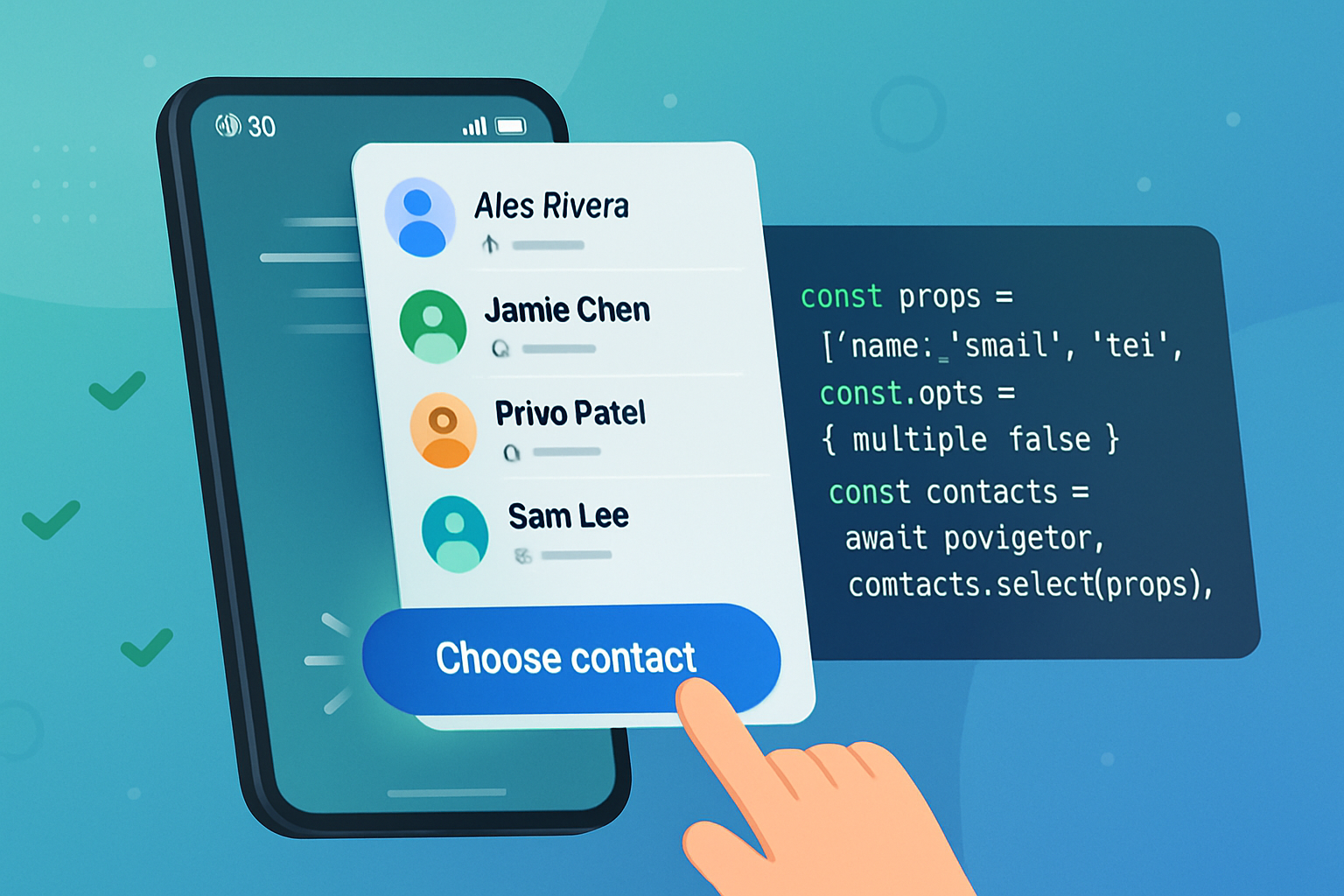
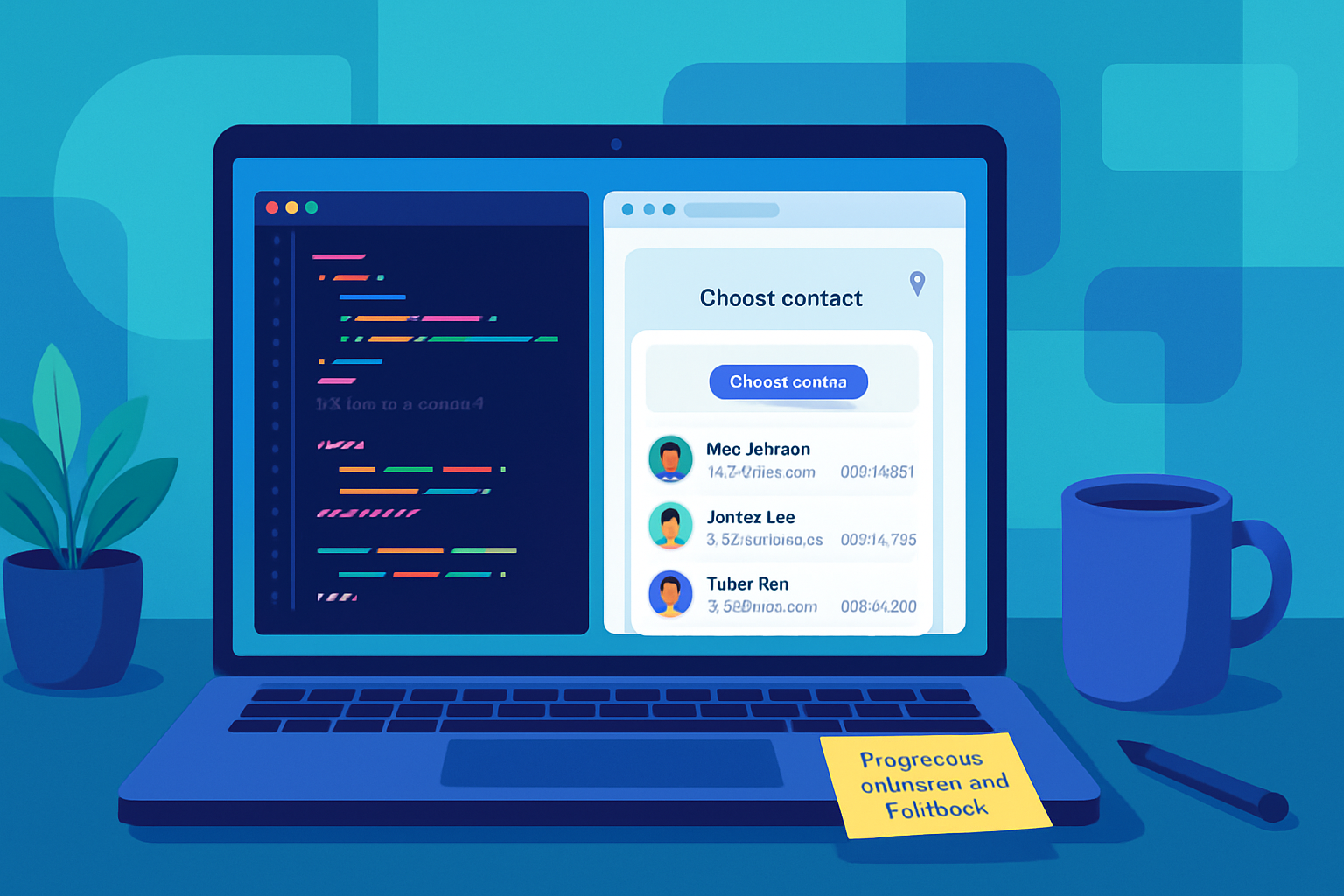
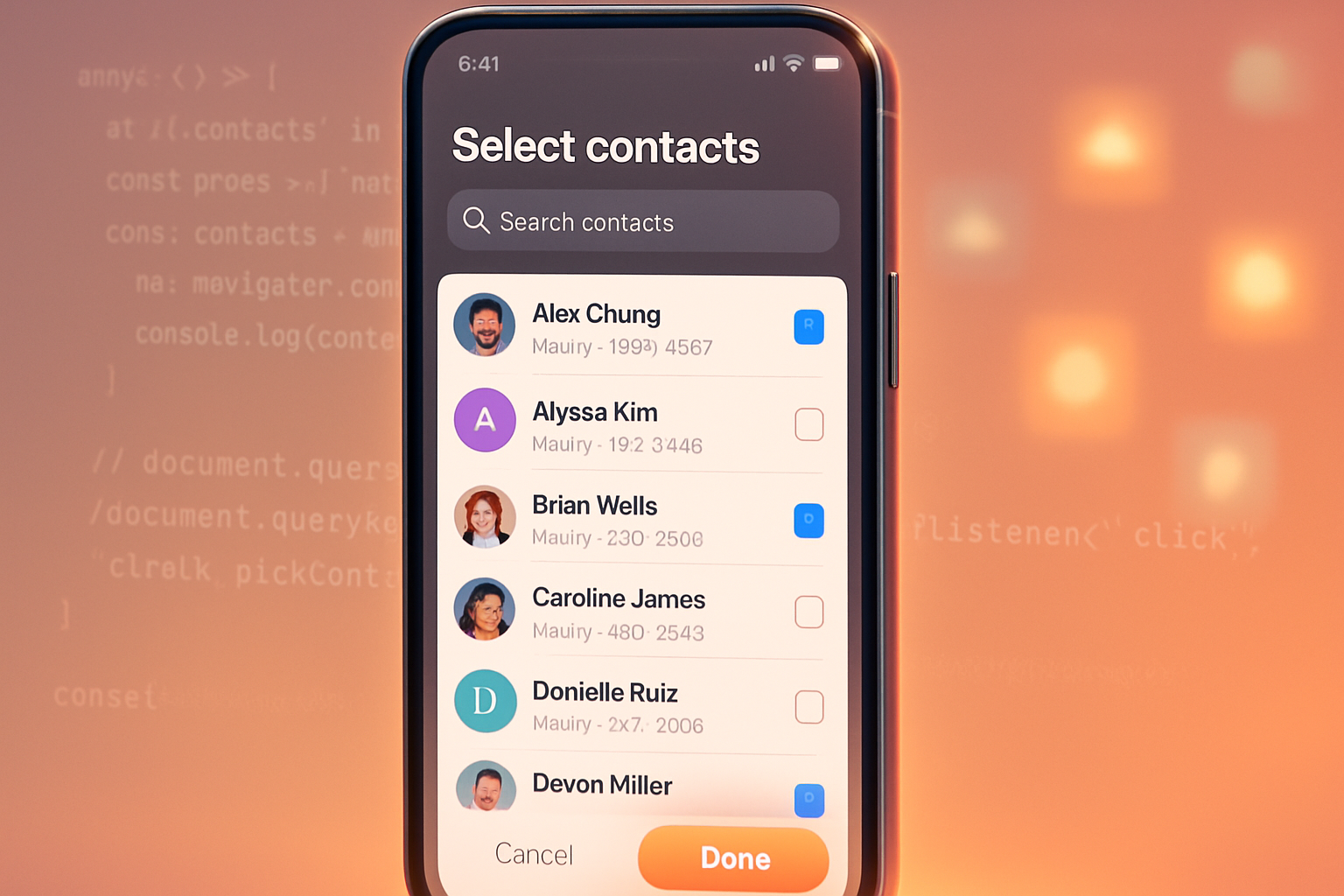
The Contact Picker API is a user-mediated web API that lets a website or PWA prompt the user to select one or more contacts from the device’s native contacts store and return only the fields the site needs (for example, name and phone number). The selection is performed by the user; the website never gets blanket access to the address book.
Key characteristics
- User-mediated: selection happens via a system dialog; the user chooses which contact(s) to share.
- Field-limited: your app requests specific fields (name, email, tel, address, icon) and receives only those requested values.
- Secure context required: it works only over HTTPS and typically requires a user gesture to open the picker.
How it works - a short code example
This is the simplest, modern usage pattern. It requests name and telephone number, and asks the user to pick up to three contacts.
// feature detect
if ('contacts' in navigator && 'ContactsManager' in window) {
  const props = ['name', 'tel'];
  const opts = { multiple: true };

  try {
    const contacts = await navigator.contacts.select(props, opts);
    // contacts is an array of objects with only the requested fields
    console.log(contacts);
  } catch (err) {
    // user aborted or feature blocked
    console.error('Contact pick failed:', err);
  }
} else {
  // fallback UI: manual input, vCard upload, or prompt to install native app
}
This pattern is intentionally simple. The browser mediates the privacy-sensitive part (showing contacts); your app receives only what the user chooses to share. For live guidance and the latest API surface, see the MDN page and spec linked below.
Current browser support and practical availability
Support has been strongest on Chromium-based browsers, particularly on Android and within Progressive Web Apps. Desktop support varies and often requires flags or is limited by platform contact store access. Always use feature detection and graceful fallback.
- MDN Web Docs: Contact Picker API - compatibility and notes: https://developer.mozilla.org/en-US/docs/Web/API/Contact_Picker_API
- Google Developers introduction and status updates: https://developer.chrome.com/blog/contact-picker-api/
Why this is a UX and developer win
- Streamlined flows
Sending an invite, adding a recipient, or composing a group message becomes a single gesture. Users don’t need to jump between apps to copy numbers or export/import vCards.
- Less friction; more conversions
Every manual step is an opportunity to drop off. Reducing friction increases task completion, conversion rates for invites and shares, and overall satisfaction.
- Consistency across form factors
On mobile the native picker UI feels familiar. PWAs using the API can feel as native as installed apps, which improves discoverability and retention.
- Faster development and fewer errors
No need to implement complex import/parsing logic. And fewer manual entries means fewer typos in phone numbers and emails.
Privacy and security: what you must know
The Contact Picker API is built around a consent-first model. But there are important caveats developers must understand.
- Limited scope: the site only receives fields it requested, and only for contacts selected by the user.
- User gesture required: the picker usually requires a user action (button click) to open, preventing silent enumeration.
- Fingerprinting risks: if misused, selection state and response patterns across sites could be combined to fingerprint users. Browser vendors have introduced heuristics and restrictions to mitigate this.
- Native vs web parity: native apps often have different permission models (e.g., runtime permission to read contacts). The web model intentionally avoids granting wholesale access.
Design and security best practices
- Always feature-detect and provide fallback input (manual entry, file uploads, or an app prompt).
- Request the minimal set of fields you need. Asking for more than necessary is both poor UX and a privacy smell.
- Use a clear UI affordance and explain why you need the contact (e.g., “Pick a contact to invite - we only need name and phone number”).
- Handle user cancellation gracefully. Don’t treat an aborted picker as an error.
- Throttle picker invocations. Don’t open the picker repeatedly in quick succession - it harms UX and may trigger anti-abuse measures.
Concrete use cases that change the game
- Messaging and calling apps: implement quick recipient selection to start chats or calls with one tap.
- Invitations and scheduling: pick attendees to prefill event invites and calendar entries.
- Payment and money-sending apps: select a payee without manual entry or QR scanning.
- Lead capture and CRM: allow users to share contact details for referrals while respecting privacy limits.
- Onboarding friction reduction: prefill profiles or emergency contact fields with a quick selection.
A sample flow: building a group invite
- User taps “Add participants.”
- App opens Contact Picker with props [‘name’, ‘tel’], multiple: true.
- User selects three contacts.
- App receives a list and renders chips for each selected contact; the user can edit or remove them.
- App sends invites via SMS or in-app messages.
This reduces a multi-step, multitype process to a single, trusted dialog, improving speed and correctness.
Limitations and developer trade-offs
- Not universal: many users are on browsers or platforms without full support. Progressive enhancement is essential.
- Field coverage is limited. Some apps need structured custom fields (company, title, custom tags) which the web Contact Picker doesn’t standardize today.
- Native integrations may still be necessary for complex scenarios like bulk export/import, synchronized address books, or enterprise directories.
Where the Contact Picker API (and contact sharing) is likely to go next
- Richer, extensible fields
Expect proposals to standardize additional contact fields or a mechanism for apps to request structured data without breaking privacy guarantees.
- Cross-device and cloud-backed pickers
As browsers and platforms converge on account-backed contacts stores, pickers could allow selecting a contact stored in the user’s cloud account and share it across devices while maintaining consent.
- Privacy-preserving discovery
Work on private discovery protocols and selective disclosure (think: attribute-based sharing) could enable apps to request “a contact who is a certified emergency contact” without revealing the full address book.
- Decentralized identities and verifiable claims
As DIDs and verifiable credentials mature, contact-like data could be enriched with attestations (verified phone number, workplace) that users can selectively share via the picker.
- Standardized consent UI and richer UX primitives
Browsers may converge on more expressive, consistent consent dialogs for contact sharing - improving user understanding and reducing spoofing risk.
- Influence on other platform APIs
The user-mediated model - no blanket access, only user-selected bits - is an attractive pattern for other sensitive APIs (calendar, photos, sensors). Expect the contact-picker pattern to inspire future permission models.
Security and policy concerns to watch
- Server-side validation: never trust user-supplied contact data blindly. Normalize and validate before sending messages or creating accounts.
- Anti-abuse: rate-limit invites and verify flows for sensitive actions like money transfer.
- Privacy controls: provide clear settings and logs so users can see what they’ve shared and revoke if needed.
Resources and references
- MDN Web Docs - Contact Picker API: https://developer.mozilla.org/en-US/docs/Web/API/Contact_Picker_API
- Google Developers - Contact Picker introduction and guidance: https://developer.chrome.com/blog/contact-picker-api/
- WICG / W3C discussion and spec work: https://w3c.github.io/contact-api/
Conclusion - what you can take action on now
If you’re building mobile-first web experiences or PWAs, add Contact Picker support behind feature detection today. It reduces friction, enhances perceived nativity, and delivers measurable UX improvements. Plan for fallbacks, follow privacy best practices, and monitor spec changes - because the direction is clear: user-mediated, minimal-sharing APIs like the Contact Picker will shape how apps request sensitive data in the years ahead.
Start small: a single “Pick contact” button on critical flows and measure completion rates. Then expand carefully, with privacy and user clarity at the center. The Contact Picker API doesn’t just simplify an interaction - it signals a future where users control what is shared, and apps design around that control. That future is already here; adopt it deliberately.