· deepdives · 6 min read
Security vs. Usability: Navigating the Ethical Dilemmas of Credential Management in Web Development
Explore the trade-offs between convenience and safety when using the Credential Management API. Learn the ethical risks, real-world controversies, and concrete best practices developers can adopt to protect users without sacrificing usability.
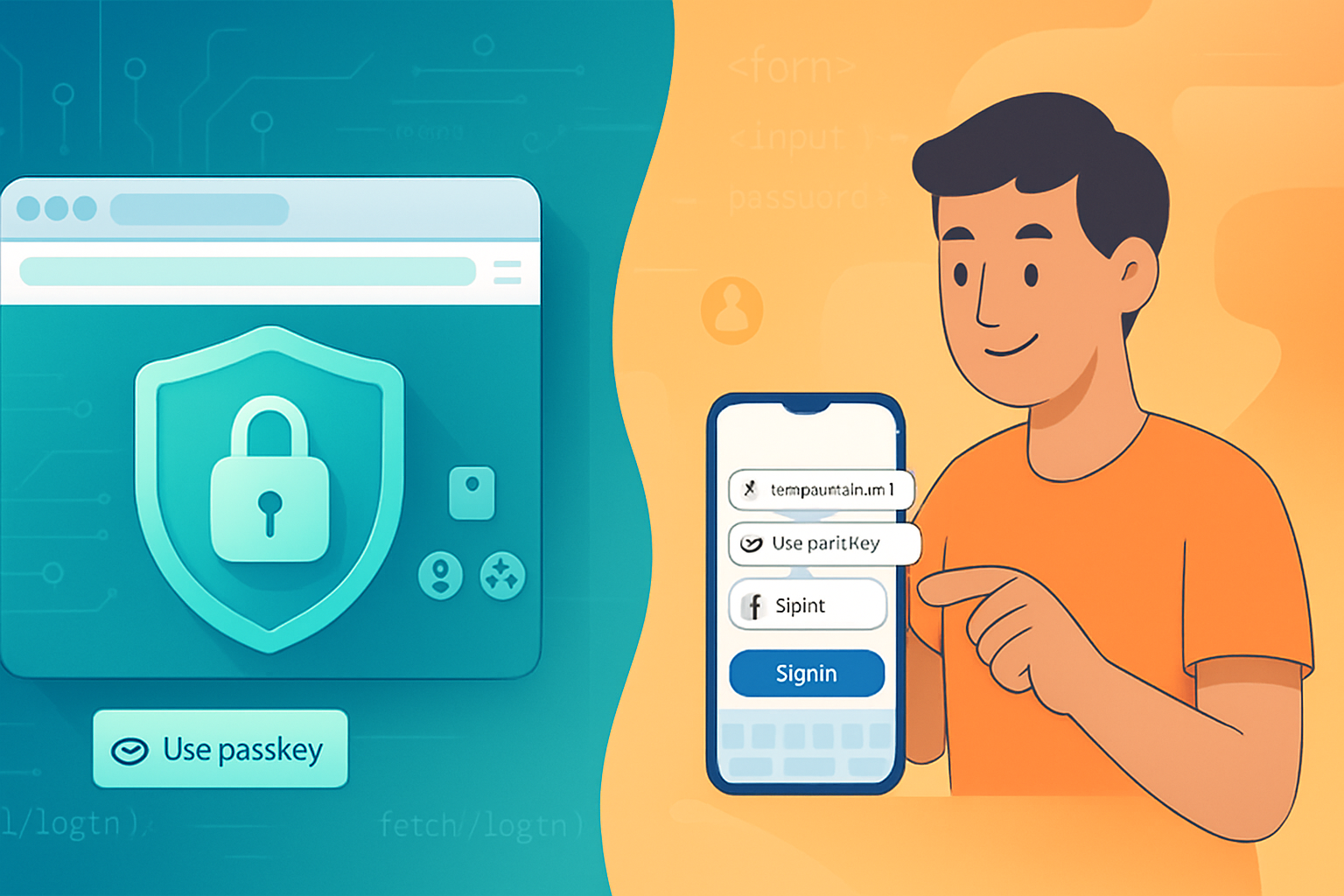
Outcome first: implement credential flows that make signing in effortless for legitimate users, while stopping silent leaks, account enumeration, and misuse on shared devices.
You will walk away with clear, practical rules you can apply today - and an ethical framework to guide future decisions.
Why this matters now
Passwords are painful. Users hate typing them. Developers want fewer login drop-offs. Modern browsers provide tools - like the Credential Management API - to bridge security and convenience. But those tools can also create privacy and ethical problems if misused. The tension isn’t abstract. It’s practical. It affects real users, their privacy, and trust in your product.
What the Credential Management API is (briefly)
The Credential Management API gives web apps programmatic access to credentials stored by the browser or platform. It includes:
- PasswordCredential for classic username/password flows.
- FederatedCredential for OAuth/Federated sign-in providers.
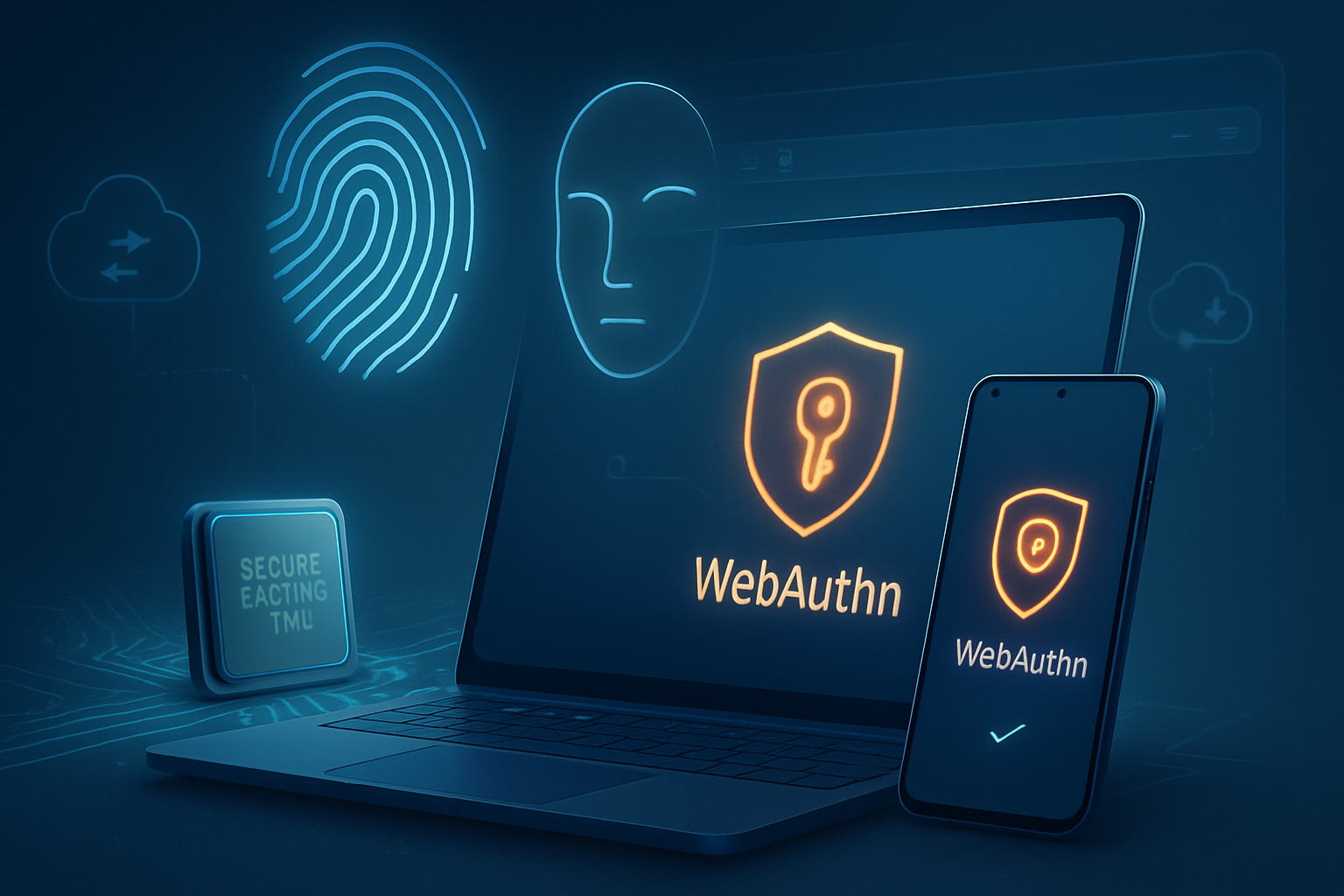
- PublicKeyCredential for WebAuthn (passwordless / strong authentication).
See the specification and explainer on the web for implementation details: W3C Credential Management API. For practical guidance and examples, the browser docs at MDN - Credential Management API and Google’s web.dev guide are good starting points.
The ethical dilemmas - what can go wrong
Below are the main tension points where usability-driven convenience can create security or privacy harms.
- Silent sign-in and surprise behavior
Auto-signing-in users increases conversion. It also signs people in on shared or public devices when they don’t expect it. People can lose track of which account they’re using, exposing personal information to others.
- Account enumeration and fingerprinting
Improper use of credential APIs can be abused to learn whether a user has an account on a service (account discovery), or as another signal in browser fingerprinting. Combined with other signals, this erodes privacy.
- Leaking federated metadata
Federated credentials can reveal which identity provider a user relies on. If this metadata is exposed to parties that shouldn’t see it, it becomes a privacy leak.
- Overreach in storage and retention
Storing more attributes than necessary (phone numbers, profile data) or retaining credentials longer than required increases the damage surface when breaches occur. This conflicts with data minimization principles in privacy laws like the GDPR.
- UX that masks consent
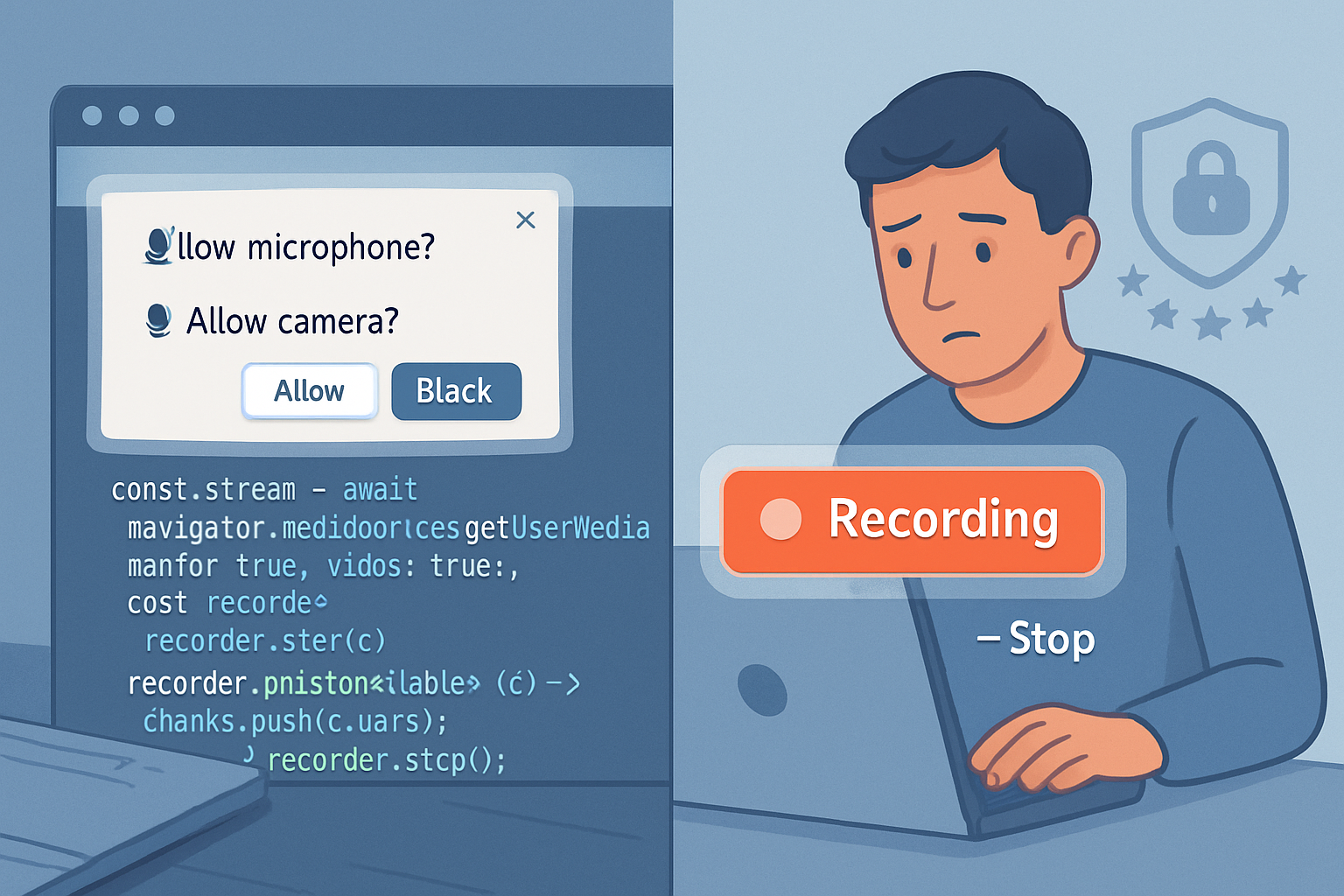
If credential flows are triggered without clear user consent or are confusing, users effectively lose agency over their identity data. Ethical design requires informed choice.
Real controversies and underlying concerns
- Privacy advocates have raised concerns that automatic credential APIs could be used to probe whether a browser holds login data for a site, enabling account enumeration or tracking.
- Developers launched auto sign-in features that produced confusing UX on shared devices, leading to account mix-ups.
These controversies are not hypothetical; they have driven browser vendors to add mediation controls and encouraged developers to rethink defaults. You can read more about how browsers approach these trade-offs in the web.dev credential management documentation.
Security-first, usability-aware best practices (actionable)
Follow these rules to balance convenience and protection.
- Always require HTTPS
Never expose credential APIs over insecure origins. Credential flows must be restricted to TLS-protected contexts to prevent network-level interception.
- Favor explicit user gestures for sensitive actions
Make auto sign-in opt-in. Require a user interaction (click, explicit consent) before performing silent credential retrieval. Use mediation strategies like:
// Request credential but avoid silent automatic sign-ins
const cred = await navigator.credentials.get({
  password: true,
  mediation: 'optional', // or 'required' behind an explicit action
});- Use the right mediation level
- mediation: ‘silent’ - can be risky; use only when you’ve verified device ownership and user intent.
- mediation: ‘optional’ or ‘required’ - gives you safer, more deterministic UX.
- Implement clear, visible UI for credential actions
When the browser offers to save or autofill credentials, add a clear in-app confirmation. Tell users what will be stored, where it will be used, and whether the device is treated as private or shared.
- Respect public/shared devices
Provide a “Remember me on this device” toggle and default it to off for potentially shared devices. Detect device contexts conservatively (e.g., ephemeral sessions) and avoid persistent storage by default.
- Minimize data stored with credentials
Store only the identifiers needed for sign-in (e.g., username or stable account ID). Do not attach unnecessary PII or profile attributes to credential objects. This reduces exposure in the event of a leak and aligns with GDPR data minimization.
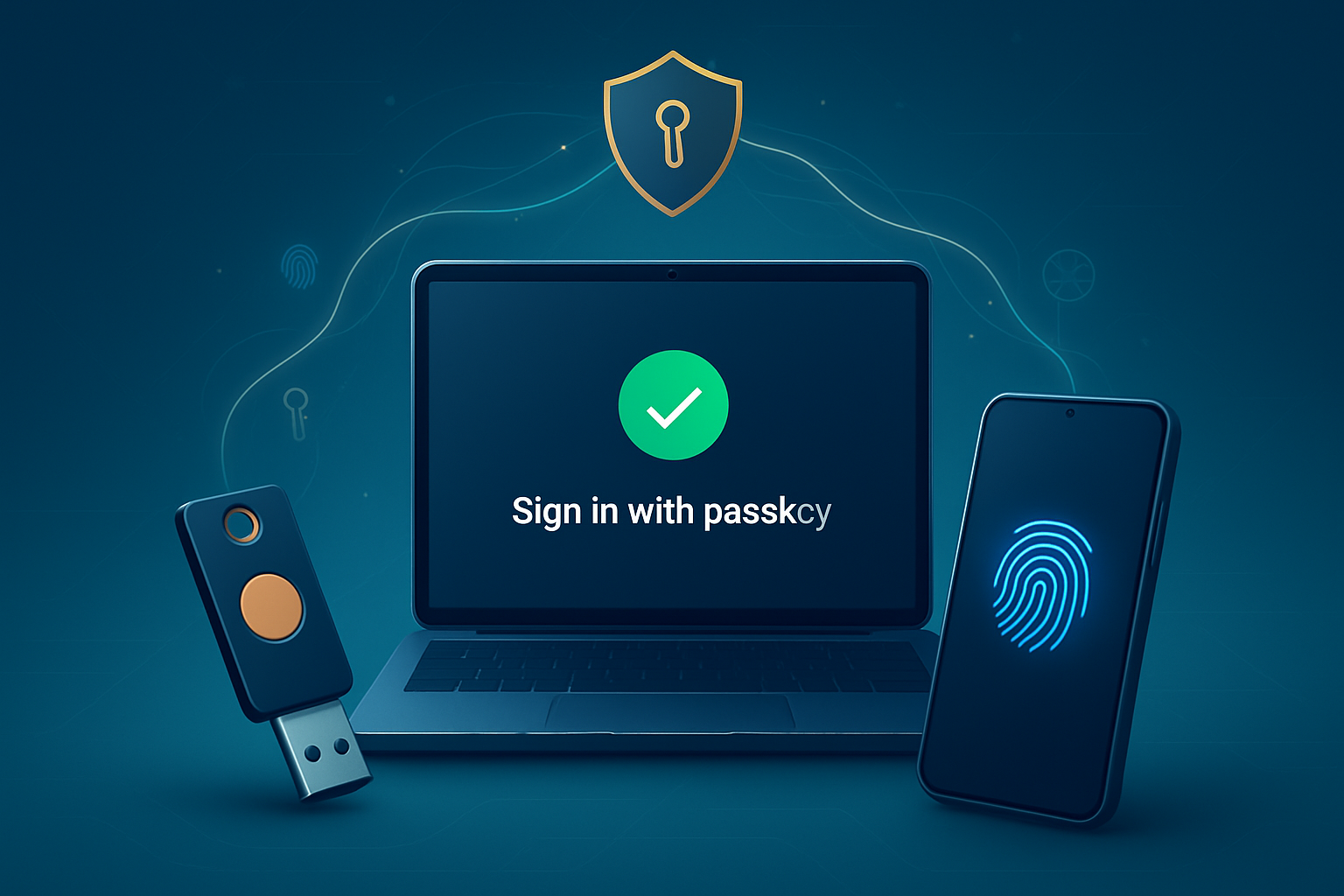
- Prefer modern, phishing-resistant auth (WebAuthn) where possible
PublicKeyCredential (WebAuthn) is stronger against phishing and replay attacks. Move towards passwordless or multi-factor models. See NIST guidance in SP 800-63B for recommendations about authentication strength.
- Secure server-side handling
Credential APIs simplify client-side flows, but server-side security still matters. Use salted, memory-hard password hashing (e.g., Argon2), rate-limit authentication endpoints, and detect/mitigate account takeover attempts. OWASP’s Authentication Cheat Sheet is a practical resource.
- Protect against account enumeration
Avoid responses or timing differences that reveal whether an account exists. Where you need to give account existence signals (e.g., password reset flows), add anti-enumeration mitigations like CAPTCHAs, rate limits, and generic responses.
- Log, monitor, and offer easy revocation
Keep audit trails for credential-related actions. Provide users an easy way to revoke all active sessions or stored credentials tied to their account.
Example: Safe credential retrieval pattern
This pattern shows a conservative approach: require explicit user action and fall back gracefully.
async function trySignInFromStore() {
  // Called from a user gesture, e.g., click "Sign me in"
  try {
    const cred = await navigator.credentials.get({
      password: true,
      mediation: 'required', // don't allow silent retrieval
    });

    if (!cred) return; // nothing stored

    // Send only the minimum necessary to the server
    const payload = {
      id: cred.id,
      type: cred.type,
      // Do not add extra profile fields here
    };

    // Securely exchange credential with server for authentication
    await fetch('/auth/credential-signin', {
      method: 'POST',
      headers: { 'Content-Type': 'application/json' },
      credentials: 'include',
      body: JSON.stringify(payload),
    });
  } catch (err) {
    console.error('Credential retrieval failed', err);
    // Fall back to conventional login flow
  }
}
UX & policy: how to be ethically responsible
- Transparency first. Explicitly state what will be stored and why in your privacy policy and when the user triggers credential storage.
- Consent and control. Let users opt out and remove stored credentials easily. Provide account management pages to review active sessions and devices.
- Defaults matter. Default to conservative behaviors (no silent sign-in, no long retention) and relax only when users explicitly opt in.
- Accessibility. Ensure any prompts or dialogs are accessible to screen readers and assistive tech.
When to avoid the Credential Management API
There are cases where the API adds risk without meaningful benefit:
- Public kiosk or shared devices where user controls are weak.
- Highly sensitive applications (medical, legal) where extra confirmation or dedicated authentication flows are required.
- Environments subject to strict data residency or logging rules that complicate credential storage semantics.
In those cases, fall back to well-designed manual login forms combined with 2FA/WebAuthn.
Checklist for developers (quick)
- Serve all auth flows over HTTPS.
- Require user gesture for credential retrieval or use conservative mediation.
- Minimize data stored with credentials.
- Add clear UI explaining storage and make it revocable.
- Rate-limit auth endpoints and mitigate account enumeration.
- Prefer WebAuthn when possible.
- Audit and monitor credential-related events.
- Align with privacy regulations (GDPR) and document retention policies.
Final thoughts - ethics is not an obstacle to good UX
Security and usability pull in different directions. But they are not inherently opposed. Thoughtful defaults, clear consent, and conservative use of automated features let you deliver convenience without sacrificing user safety or privacy. Build for the real person behind the login. Make actions visible. Let users decide when convenience is worth the trade-off. Do that, and trust - not friction - becomes your product’s differentiator.