· deepdives · 7 min read
WebAuthn vs. Passwords: The Future of Secure Login
A practical, in-depth comparison of traditional password-based authentication and WebAuthn (passkeys). Learn how WebAuthn mitigates common password risks, the technical foundations, real-world adoption challenges, and a step-by-step migration playbook for teams ready to go passwordless.
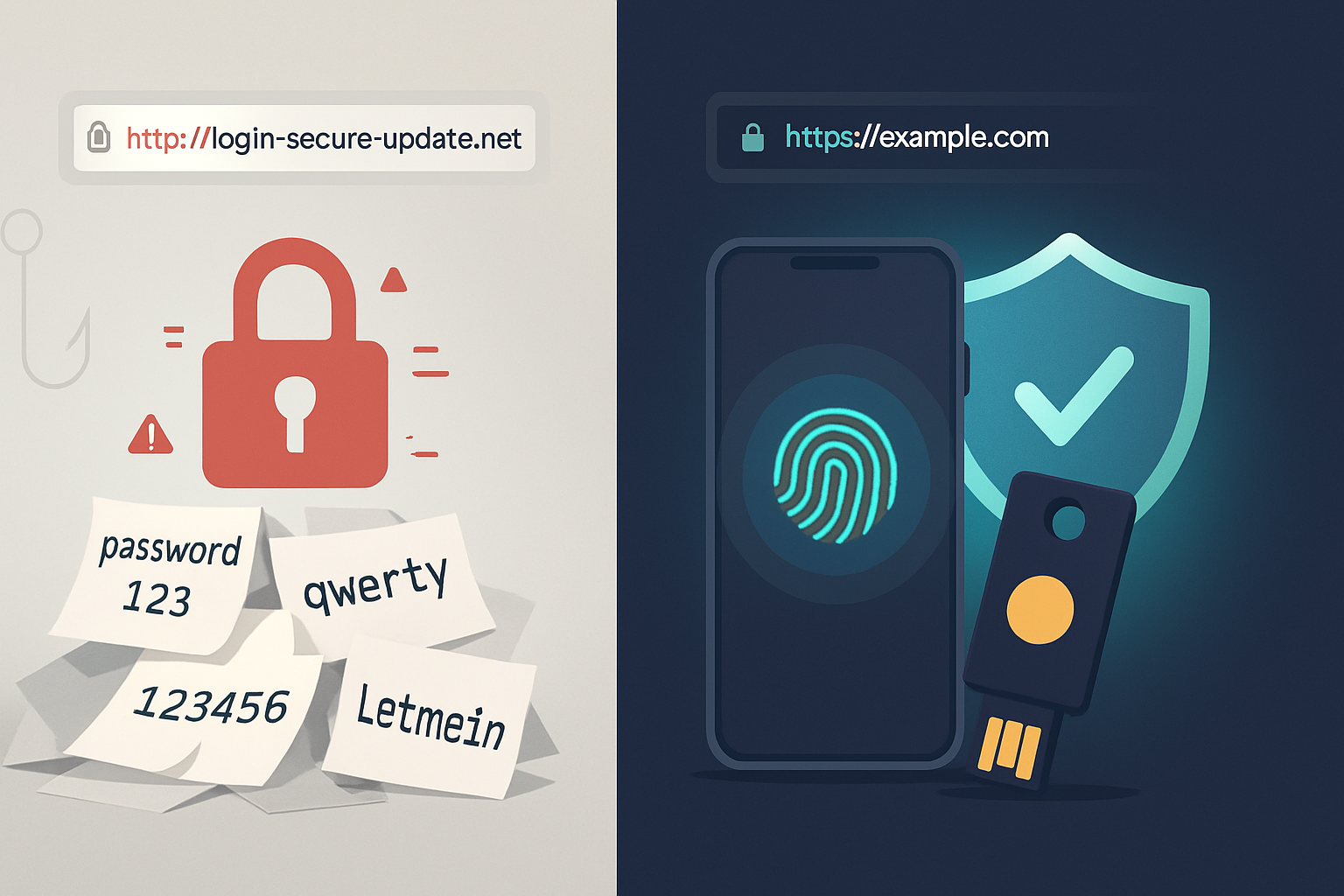
Outcome: By the end of this article you’ll understand why WebAuthn (passkeys) is the strongest widely available replacement for passwords, what problems it solves, what problems remain, and how to plan a pragmatic migration for web and mobile services.
Why this matters - fast
Passwords are a single point of failure. They leak, they get reused, and they invite phishing, credential stuffing, and ransomware. Move past passwords and you remove the root cause of most account takeovers. WebAuthn delivers strong cryptographic, phishing-resistant authentication that’s ready for mainstream use today. Read on to learn how it works and how to adopt it without breaking your users.
Quick definitions (so we share the same language)
- Passwords: shared secrets (something you know) stored server-side (often hashed). Vulnerable to theft, reuse, and phishing.
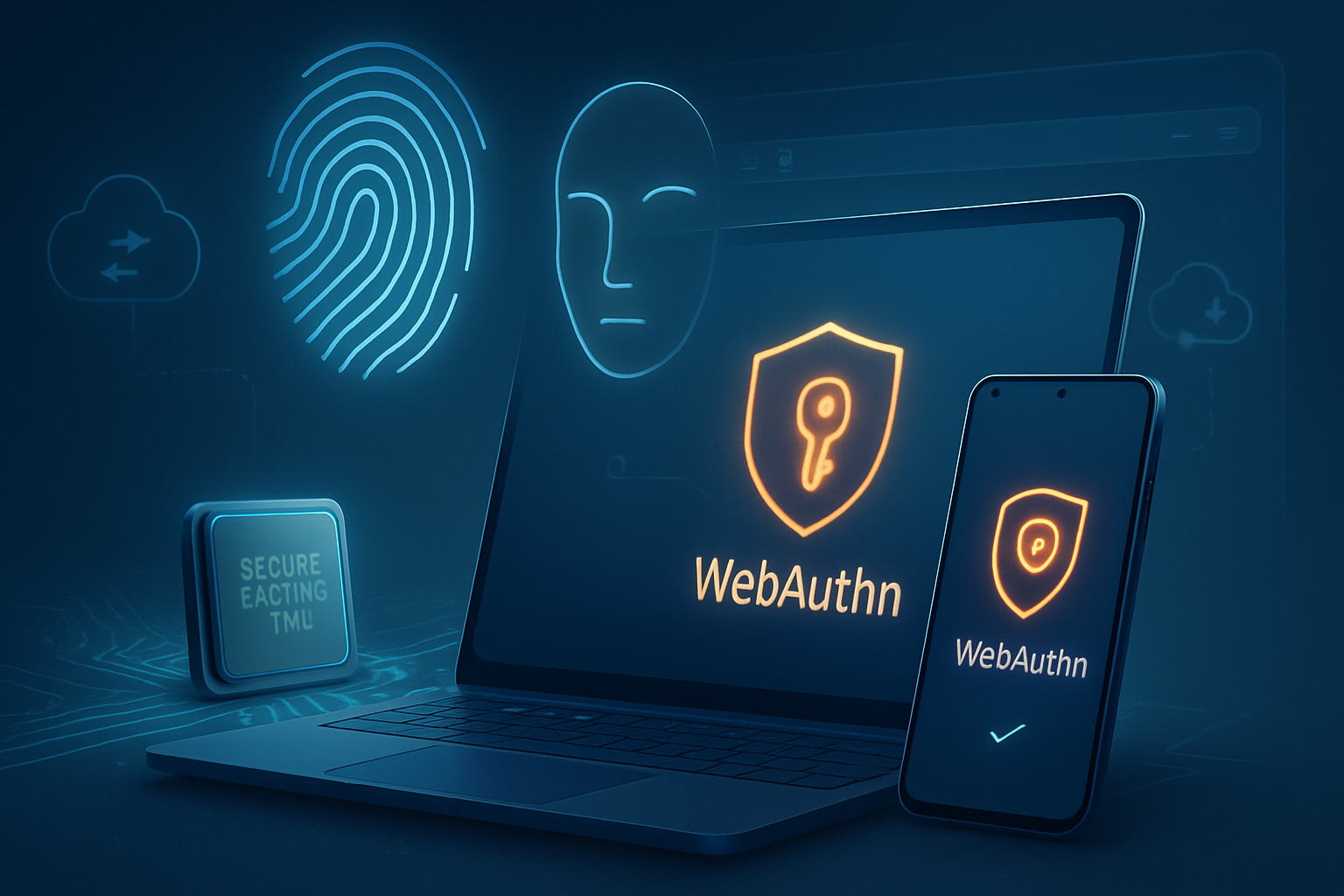
- WebAuthn / FIDO2 / Passkeys: standards that use public-key cryptography for authentication. The server stores a public key; the user’s authenticator (device or external security key) holds the private key.
- Authenticator types: platform authenticators (built into phones/laptops - e.g., Touch ID, Windows Hello) and roaming authenticators (external USB/NFC/Bluetooth keys like YubiKey).
The password problem - concise but unsparing
Passwords fail for technical and human reasons:
- Phishing: Users can be tricked into entering credentials on fake sites. Passwords give attackers immediate control.
- Reuse: Most people reuse passwords across sites. One breach becomes many account takeovers.
- Server-side breaches: Even hashed passwords can be cracked using weak hashes, poor salts, or fast GPUs.
- Credential stuffing and automated attacks: Stolen credential lists are tried at scale.
- Poor usability: Complex password rules, resets, and lockouts frustrate users and increase support costs.
These weaknesses are not theoretical. Large-scale breaches and automated attacks repeatedly exploit them (Verizon DBIR and OWASP analyses document this). Passwords are simply brittle when you need both security and usability.
What WebAuthn changes - the core advantages
- Phishing resistance
WebAuthn ties authentication to the specific origin (the exact domain). The authenticator will cryptographically sign a challenge only if the origin matches what it expects. A phisher cannot trick the authenticator into signing for the real site - no shared secret for the attacker to capture.
- No shared secrets on the server
Servers store public keys, not reusable secrets. A database breach cannot directly produce account takeover credentials. That eliminates the central high-value target that passwords create.
- Strong cryptography by default
Modern authenticators use secure hardware or platform-backed key stores and well-vetted algorithms. This raises the bar dramatically compared to hashed passwords.
- Better user experience potential
Biometrics and local PINs enable fast, user-friendly sign-in flows. Devices already have these mechanisms; WebAuthn standardizes their use for web authentication.
- Flexibility and recovery options
WebAuthn supports multiple credentials per account (so you can register a backup device or a roaming key). Attestation allows enterprise policies to verify authenticator characteristics if needed.
How WebAuthn works - a concise technical walkthrough
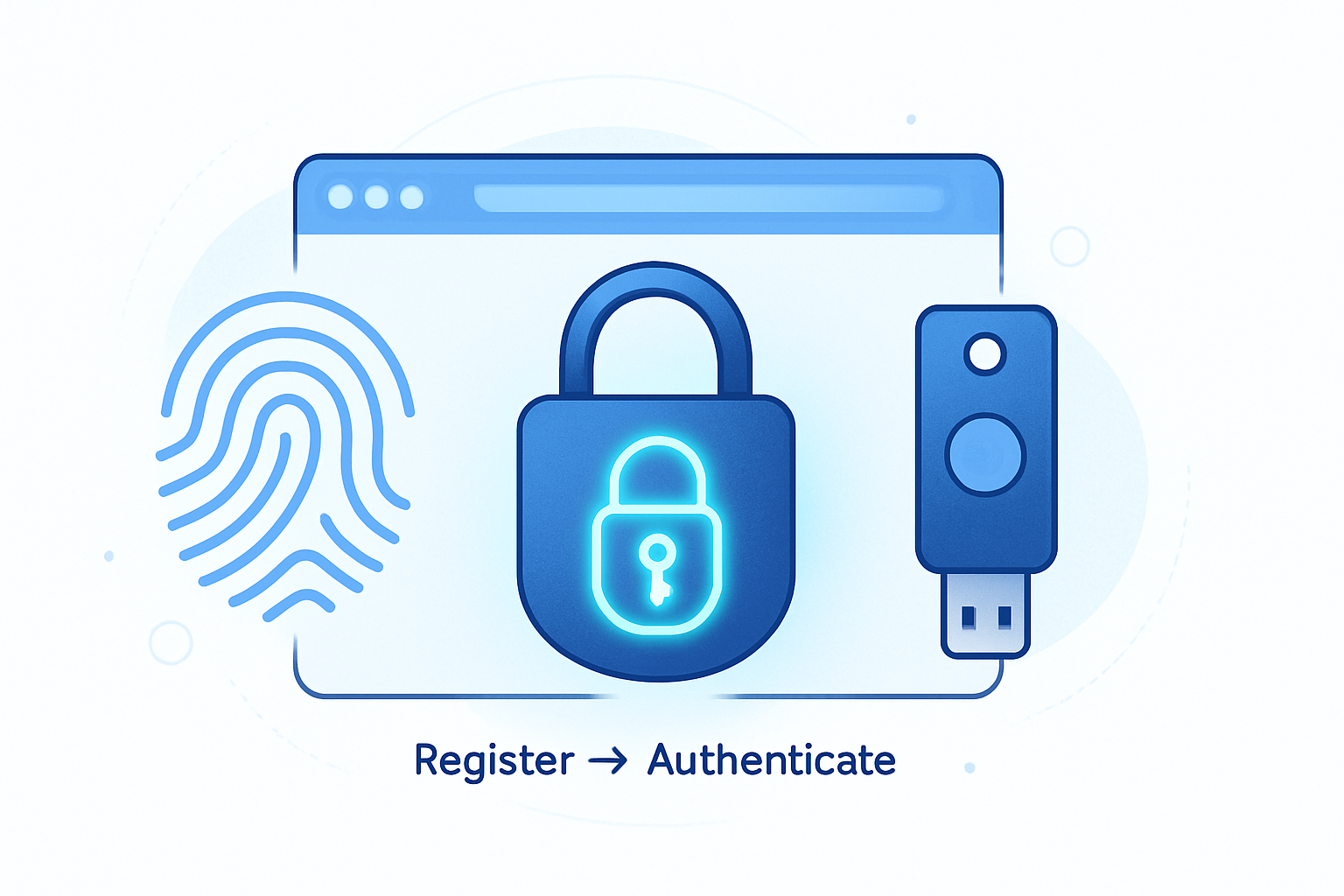
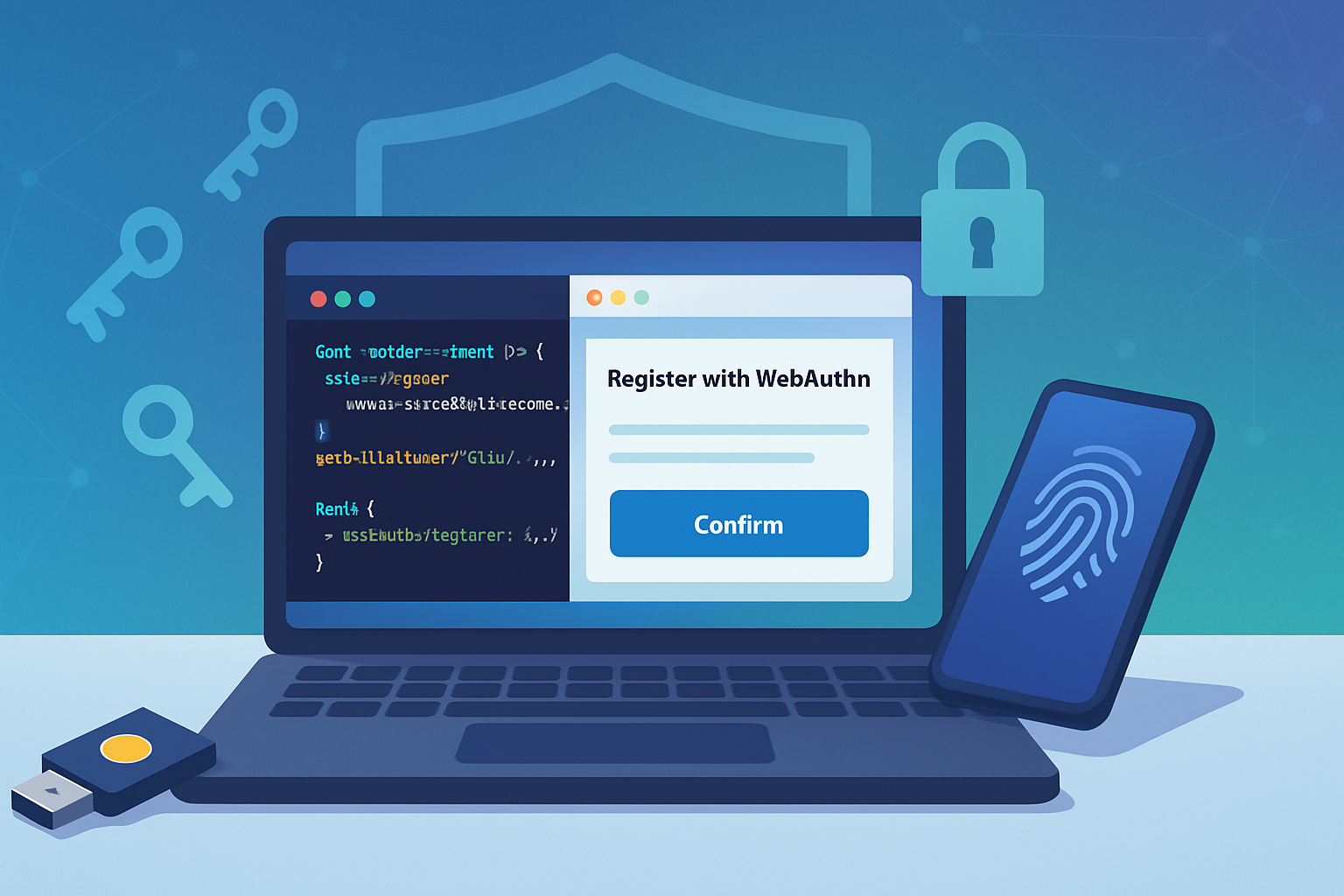
- Registration (creating credentials)
- The server generates a challenge and sends an attestation options object to the client.
- The browser asks the authenticator to create a key pair scoped to the requested origin.
- The authenticator creates a private/public key pair and returns the public key and attestation data to the server.
- The server stores the public key and metadata (credential ID, sign count, optionally attestation info).
- Authentication (assertion)
- The server sends a challenge and a list of allowed credentials.
- The authenticator verifies the origin and user presence/verification (user gesture or biometric/PIN), signs the challenge with the private key, and returns an assertion.
- The server verifies the signature using the stored public key and checks the sign count to detect cloned authenticators.
For detailed spec-level reading see the W3C WebAuthn spec and FIDO Alliance materials:
- W3C WebAuthn: https://www.w3.org/TR/webauthn/
- FIDO Alliance: https://fidoalliance.org/
Real-world security properties and limitations
What WebAuthn prevents
- Phishing and man-in-the-middle credential capture.
- Credential reuse across sites.
- Server-side theft resulting in directly usable credentials.
What WebAuthn doesn’t magically fix
- Compromised clients: If a user’s device is fully compromised (rooted/jailbroken or controlled by malware), the attacker may be able to abuse the authenticator or intercept interactions.
- Account recovery weaknesses: Poor recovery flows (email/SMS reset) can be targeted if not hardened to the same level as primary authentication.
- Usability edge cases: Users who lose all registered authenticators need robust, secure recovery paths.
Adoption hurdles - practical and organizational
- Device and browser support
- Major modern browsers and platforms support WebAuthn. But older browsers or devices may not. Enterprises with legacy endpoints must plan fallback flows.
- Migration and user experience
- Immediate full cutover risks locking out users. You need a staged approach: add WebAuthn as optional second factor, then promote to primary, while retaining a secure recovery method.
- Account recovery and backup
- Recovery remains the hardest problem. Options include:
- Allow multiple registered authenticators (recommended).
- Trusted out-of-band recovery (in-person verification, identity proofing, or hardware-based backups).
- Time-limited delegated recovery flows guarded by high-assurance checks.
- Attestation and privacy concerns
- Attestation can reveal device model or vendor. While useful for enterprise policy, it raises privacy issues. Use selective attestation when necessary and document policies.
- Enterprise integration and lifecycle management
- Organizations must decide how to manage device onboarding, lost keys, key rotation, and auditing for compliance requirements.
- Cost and training
- Buying security keys and training support staff/users costs time and money. But total cost of ownership often decreases long-term due to fewer helpdesk resets and breaches.
Industry-specific considerations
- Banking & Finance: Strong demand for non-phishable, high assurance authentication. Regulators will favor cryptographic MFA; careful attestation and recovery policies required.
- Healthcare: Privacy and accessibility concerns mean fallback and recovery must be conservative and auditable.
- Consumer Web Apps: Fast conversion and frictionless UX favor platform authenticators (passkeys) and progressive rollouts.
- Enterprise SSO: WebAuthn integrates with SSO providers and can replace passwords for workforce sign-in, but device management and lost device workflows need planning.
Implementation roadmap: from pilot to production
- Evaluate readiness
- Inventory user devices, browsers, and platforms.
- Identify high-risk flows and target them first (admin accounts, financial transactions).
- Pilot (low-risk group)
- Enable WebAuthn as an optional second factor for a small user group.
- Collect metrics: success rate, device types, recovery incidents, helpdesk load.
- Harden recovery and backup
- Require registering at least two authenticators for accounts where possible.
- Build a secure recovery workflow (identity-proofing, in-person verification, or hardware escrow where appropriate).
- Progressive rollout
- Promote WebAuthn to primary authentication for users with registered authenticators.
- Keep robust, monitored fallback for users without WebAuthn-capable devices.
- Enforce and educate
- Encourage users to register multiple authenticators and explain the benefits.
- Provide clear troubleshooting guidance and self-service options for lost keys.
- Monitor and iterate
- Track authentication success, failures, and incidents.
- Adjust policies: attestation requirements, allowed authenticator types, and required backups.
Practical code and integration notes (high level)
- Use the browser WebAuthn APIs via a well-tested library. The flow requires server-generated challenges and careful verification of signatures and sign counts.
- Libraries and examples:
- Mozilla MDN WebAuthn guide: https://developer.mozilla.org/en-US/docs/Web/API/Web_Authentication_API
- FIDO sample code and resources: https://fidoalliance.org/specs/
- Keep transport of challenge data over TLS. Always validate origin and rely on established crypto primitives provided by the platform.
FAQs - short answers to common questions
Q: Is WebAuthn completely phishing-proof?
A: For the vast majority of phishing attacks, yes - because the authenticator will not sign for the wrong origin. However, if a user’s device is fully compromised, an attacker may have other means.
Q: Can users without modern devices still access my site?
A: Yes. During transition, maintain secure fallback methods (OTP, SMS only as last resort, or password + MFA). Plan to encourage upgrades rather than force them.
Q: How do I handle users who lose their phone and their hardware key?
A: Design recovery flows that include identity proofing, multiple registered authenticators, and administrative procedures that balance security with user experience.
Checklist: What to do next (for product/engineering leaders)
- Run a device/browser compatibility audit.
- Pilot WebAuthn as a second factor for high-risk users.
- Implement multi-authenticator support and documented recovery procedures.
- Integrate monitoring and alerting for failed authentications and suspicious activity.
- Train support staff and prepare UX copy to educate users.
The bottom line - short and decisive
Passwords were never built for the scale and sophistication of today’s threats. WebAuthn brings native cryptographic protections, strong phishing resistance, and a path to friction-reducing passwordless experiences. Adoption is not zero-cost and requires careful recovery, policy, and legacy handling - but for any service that values security, user trust, and reduced support overhead, WebAuthn is the logical next step.
References and further reading
- W3C WebAuthn specification: https://www.w3.org/TR/webauthn/
- FIDO Alliance: https://fidoalliance.org/
- MDN Web Docs - Web Authentication API: https://developer.mozilla.org/en-US/docs/Web/API/Web_Authentication_API
- OWASP Authentication Cheat Sheet: https://cheatsheetseries.owasp.org/cheatsheets/Authentication_Cheat_Sheet.html
- NIST SP 800-63B (Digital Identity Guidelines - Authentication and Lifecycle Management): https://pages.nist.gov/800-63-3/sp800-63b.html