· deepdives · 7 min read
The Future of Security: Why WebAuthn is Reshaping the Authentication Landscape
WebAuthn and FIDO2 are accelerating passwordless, phishing-resistant authentication. This article explains how they work, why they reduce identity theft, real-world case studies, deployment strategies, and practical trade-offs for organizations moving beyond passwords.
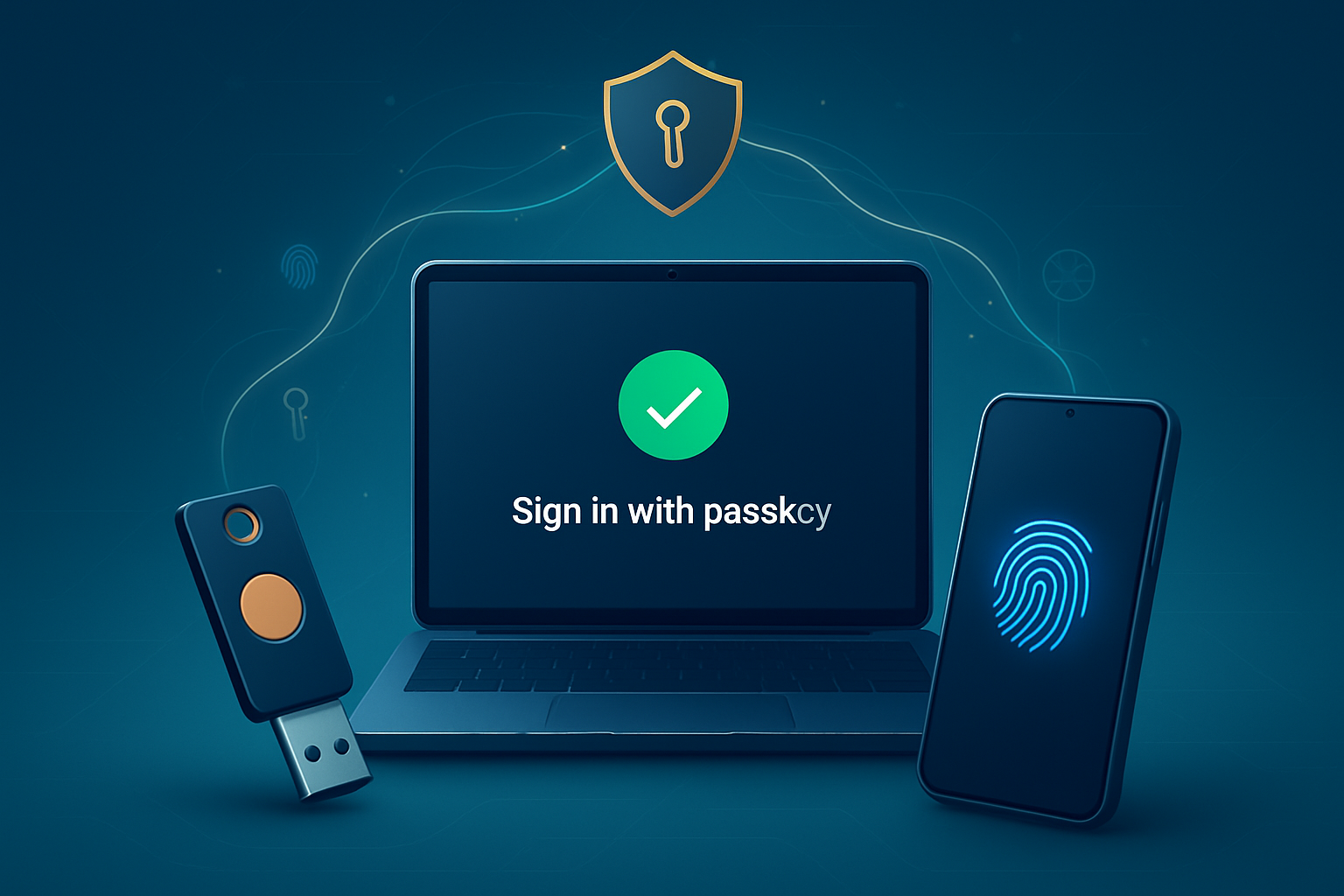
Outcome first: if you adopt WebAuthn correctly, you can give users strong, phishing-resistant login that removes passwords from the weakest link in your security chain - and at the same time simplify the user experience.
You will learn what WebAuthn actually does, why it’s different from classic 2FA, how major companies are using it today, and how to plan a safe rollout that reduces identity theft and phishing across your user base.
What is WebAuthn (in plain language)
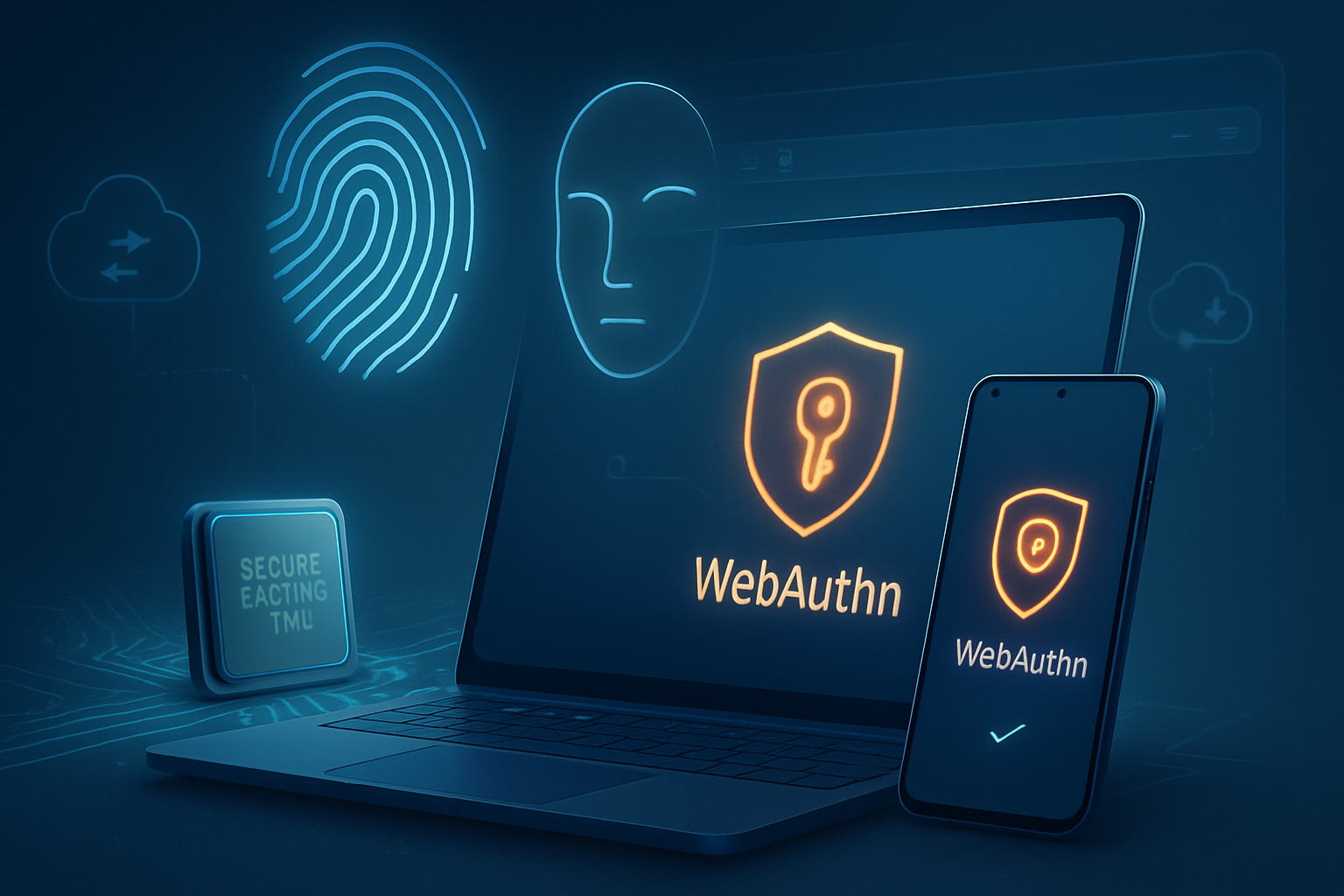
WebAuthn is a modern web API and standard that lets websites authenticate users by using public-key cryptography instead of passwords. It is part of the FIDO2 family of standards and is maintained by the W3C and the FIDO Alliance.
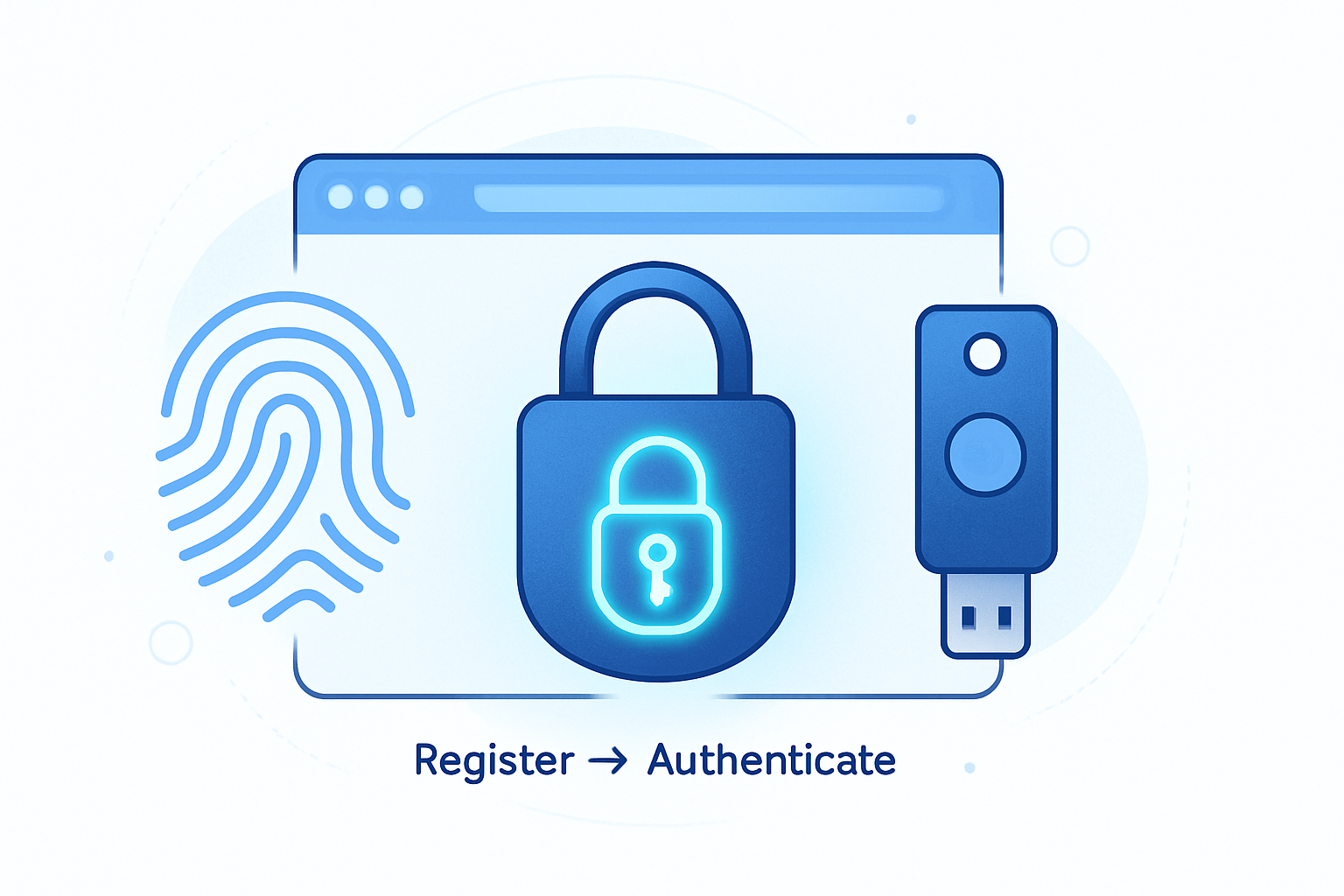
- At registration, the browser or authenticator generates a public/private key pair. The private key stays on the authenticator (hardware token, Secure Enclave, TPM, etc.). The public key is sent to the site.
- At login, the site issues a challenge. The authenticator signs it with the private key and the site verifies the signature with the stored public key.
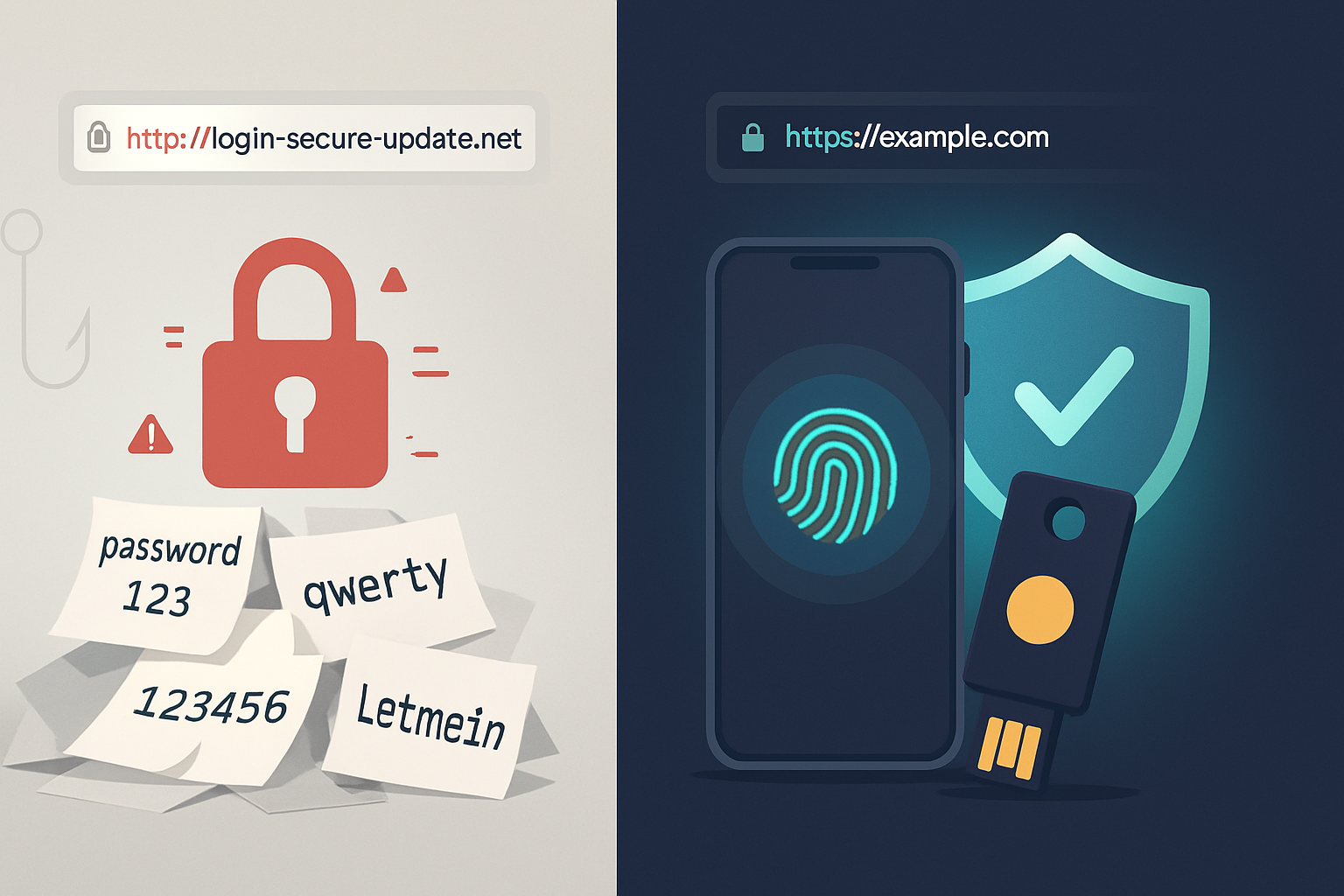
Because the signature is bound to the site’s origin and the private key never leaves the authenticator, WebAuthn is fundamentally resistant to phishing, credential replay, and many forms of credential stuffing.
Learn more: the W3C Web Authentication spec and MDN docs explain the API and security model in detail: https://www.w3.org/TR/webauthn/ and https://developer.mozilla.org/docs/Web/API/Web_Authentication_API
Why WebAuthn changes the threat model
Passwords are secrets that can be copied, reused, guessed, or phished. WebAuthn replaces secrets with cryptographic keys that are:
- Non-exportable: private keys stay in the authenticator.
- Origin-bound: authentication is tied to the legitimate site origin (prevents phishing domains from capturing credentials).
- Phishing-resistant: signing requires explicit user presence/verification and is valid only for the legitimate relying party.
The result: attackers who trick users into visiting a fake site can’t force the authenticator to sign for the real site’s origin. That alone collapses a large portion of successful account takeovers.
See FIDO Alliance technical explanation: https://fidoalliance.org
Types of authenticators and passkeys
- Platform authenticators: built into the device (Touch ID, Windows Hello, Android fingerprint/Face Unlock). They provide a seamless, device-native experience.
- Roaming (or external) authenticators: USB/NFC/Bluetooth security keys like YubiKeys. They are portable across devices and often used for high-security scenarios.
- Passkeys: user-friendly credentials (derived from WebAuthn/FIDO) with multi-device sync (e.g., iCloud Keychain or platform password managers). They make cross-device passwordless login practical.
FIDO’s passkey initiative standardizes a user-friendly model for storing and syncing WebAuthn credentials across devices: https://fidoalliance.org/passkeys/
Real-world security impact - what the data says
Large-scale deployments and studies consistently find that strong cryptographic authenticators greatly reduce phishing and account takeover attacks. For example:
- Google and other tech companies have shown that hardware-based security keys effectively eliminate phishing-based account takeovers for enrolled users (see Google’s security blog and FIDO case studies).
- Enterprise deployments leveraging FIDO2 and platform authentication show measurable reductions in support costs (fewer password resets) and lower fraud.
References and reading:
- W3C WebAuthn spec: https://www.w3.org/TR/webauthn/
- FIDO Alliance overview: https://fidoalliance.org
- MDN WebAuthn introduction: https://developer.mozilla.org/docs/Web/API/Web_Authentication_API
Case studies: companies using WebAuthn successfully
Microsoft - enterprise passwordless with FIDO2 and Windows Hello
Microsoft has pushed passwordless for both consumer and enterprise scenarios. Azure Active Directory supports FIDO2 security keys and Windows Hello as passwordless authentication methods for enterprise logins. Microsoft cites improvements in security posture and user satisfaction when enterprises adopt passwordless options.
- Microsoft docs: https://learn.microsoft.com/azure/active-directory/authentication/howto-azure-ad-passwordless-fido2
Why it matters: integrating platform authenticators like Windows Hello reduces reliance on SMS, passwords, and one-time codes, making corporate accounts far harder to phish.
Google - security keys and passkeys for employees and users
Google was an early adopter of hardware security keys for employee protection and has continued to expand support for WebAuthn and passkeys across its platforms. Google’s internal programs demonstrated that security keys are one of the most effective protections against phishing-based account takeover.
- Google security blog and passkeys overview: https://www.google.com and FIDO Alliance resources
Why it matters: Google’s experience shows that even large organizations can scale strong authentication and realize real reduction in successful attacks.
GitHub - WebAuthn for developer accounts
GitHub supports WebAuthn authenticators for account security and two-factor authentication. For developers - who often have access to critical repositories and pipelines - using WebAuthn-based keys reduces the risk of compromised developer accounts leading to broader supply-chain or code-base attacks.
- GitHub docs: https://docs.github.com/en/authentication/keeping-your-account-and-data-secure/about-authentication-using-webauthn
Why it matters: protecting high-privilege accounts with hardware or platform keys is a best practice that reduces blowback from stolen credentials.
(Other vendors and services such as Dropbox, Yubico, and major identity providers have public resources documenting their FIDO/WebAuthn support and customer stories.)
User experience: easier, faster, and less cognitive load
Passwords are a usability tax: complex rules, rotation policies, and reset flows frustrate users and drive insecure workarounds. WebAuthn simplifies this:
- Passwordless flows reduce friction: unlocking with biometrics or a single tap on a security key is faster than typing and remembering passwords.
- Reduced support costs: fewer password resets, fewer help desk tickets.
- Clear user signals: authenticators commonly require user presence/verification (touch, PIN, or biometric), which users understand and control.
Passkeys extend this by allowing credential syncing across devices so users can sign in on a new device without a password.
Practical deployment advice - how to roll out WebAuthn safely
- Start with a pilot: choose a subset of users (admins, security-savvy employees, or a willing customer cohort).
- Offer progressive enhancement: keep passwords as a fallback while enabling WebAuthn as the primary option.
- Support both platform and roaming authenticators: some users will prefer biometric built-in options, others will use a YubiKey or similar.
- Plan recovery flows carefully: account recovery is the trickiest part. Design secure, audited fallback mechanisms (secondary authenticators, verified support channels, device-based recovery tokens), and require strong verification for recovery operations.
- Monitor metrics: track authentication success rates, phishing incidence, password reset tickets, and user drop-off.
- Educate users: short guides and onboarding flows reduce confusion and increase enrollment.
Technical steps (very high level):
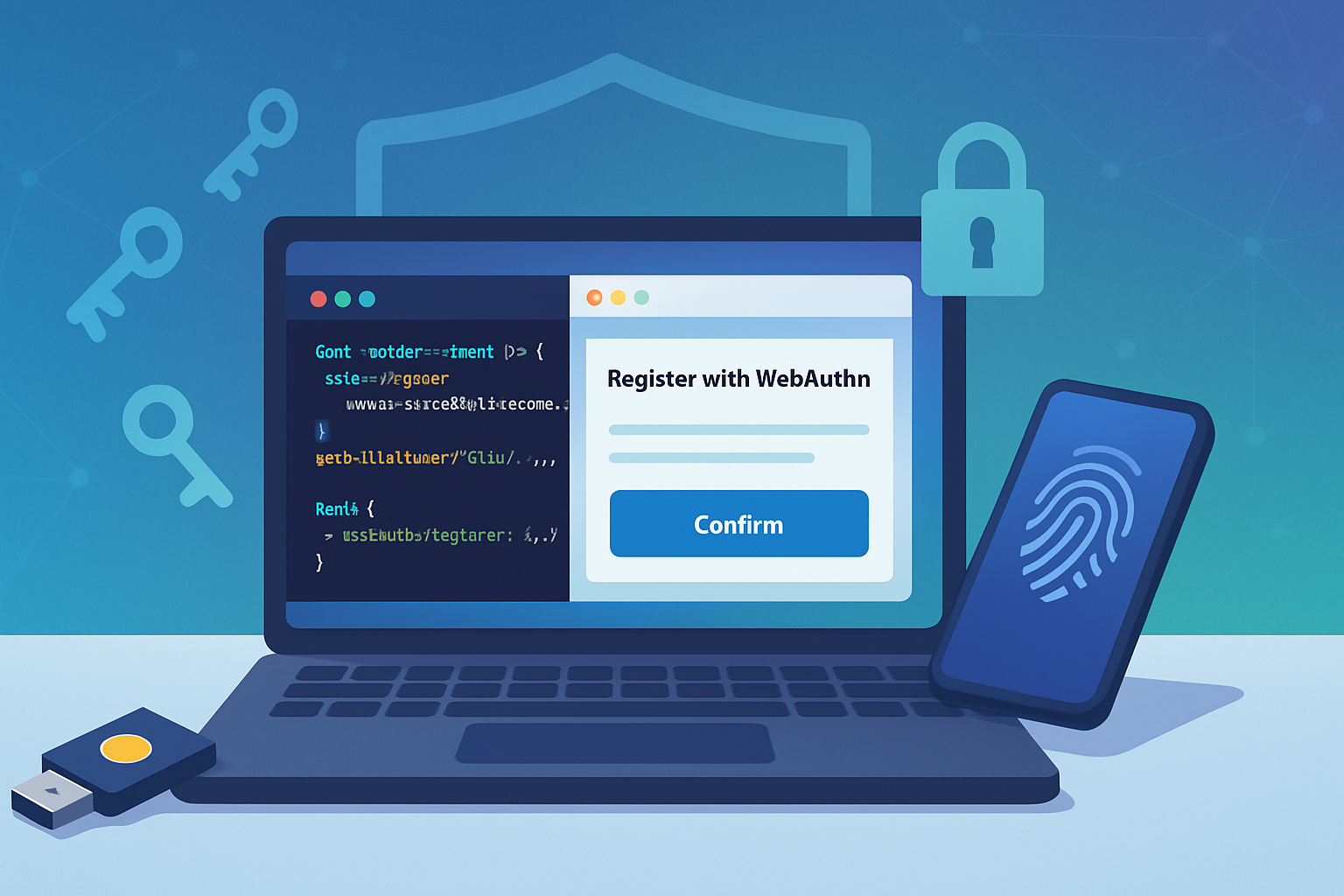
- Implement registration via navigator.credentials.create() (WebAuthn create).
- Store and index the public key with the user account securely on the server.
- Authenticate via navigator.credentials.get() (WebAuthn get), verifying the signature server-side.
Example (simplified) client-side call:
// Registration (simplified)
const cred = await navigator.credentials.create({
  publicKey: {
    /* challenge, rp, user, pubKeyCredParams, etc. */
  },
});
// Send attestation to server for verification and store public key
Server-side verification requires validating signatures, counter values, and attestation statements per the spec.
See MDN and W3C spec for complete patterns: https://developer.mozilla.org/docs/Web/API/Web_Authentication_API and https://www.w3.org/TR/webauthn/
Trade-offs and common challenges
- Device availability: not all users own modern devices or security keys. Offer roaming keys and platform options.
- Account recovery complexity: if a user loses all authenticators, safe recovery without reintroducing phishing risk is hard. Multi-factor recovery mechanisms and prudent policies are essential.
- Legacy integrations: older systems and SSO configurations may need adaptation.
- Attestation and privacy: some attestation formats reveal device vendor information. Choose attestation options that balance trust and user privacy.
- User training and support: initially some users will need help enrolling and understanding passkeys.
Measuring success: KPIs to watch
- Reduction in password resets and helpdesk tickets.
- Decline in successful phishing/account takeover incidents.
- Enrollment rate for WebAuthn/Passkeys among active users.
- Authentication success rates (first-time and returning users).
- Time-to-authenticate and user satisfaction scores.
The near-term future: passkeys, cross-device, and broader adoption
Passkeys - WebAuthn credentials that sync across devices - are the next practical milestone. They pair the security of FIDO-backed keys with the convenience of cross-device usability. Apple, Google, and Microsoft have added passkey support to their platforms and password managers, which will accelerate mainstream adoption.
As platform support and browser compatibility mature, expect a shift: passwords will remain for legacy flows for some time, but primary authentication for users and employees will increasingly rely on WebAuthn-based, phishing-resistant mechanisms.
Bottom line
WebAuthn shifts authentication from shared secrets to device-bound cryptographic attestations. The result is a significant reduction in phishing and credential theft risk, improved user experience, and lower operational costs. Transitioning takes planning - especially for recovery and user onboarding - but the security and usability dividends are compelling.
If your goal is to reduce account takeovers and streamline login without compromising security, WebAuthn is the technology to prioritize in your next identity roadmap.
References
- W3C Web Authentication (WebAuthn) spec: https://www.w3.org/TR/webauthn/
- MDN Web Authentication API: https://developer.mozilla.org/docs/Web/API/Web_Authentication_API
- FIDO Alliance - WebAuthn and passkeys: https://fidoalliance.org
- Microsoft: Azure AD Passwordless with FIDO2: https://learn.microsoft.com/azure/active-directory/authentication/howto-azure-ad-passwordless-fido2
- GitHub: WebAuthn and authenticator docs: https://docs.github.com/en/authentication/keeping-your-account-and-data-secure/about-authentication-using-webauthn