· deepdives · 7 min read
Scheduling API vs. Traditional Scheduling: The Future of Time Management Tech
A practical, data-backed look at why Scheduling APIs are displacing manual scheduling: faster booking, fewer conflicts, better analytics, and measurable productivity gains-plus an implementation checklist and sample ROI benchmarks.

Outcome first: adopt a Scheduling API and you’ll turn hours of friction into minutes of predictable, auditable workflows. You’ll reduce double-bookings, cut no-shows, and get data that tells you how time is really spent.
Why this matters now. Meetings have ballooned since remote and hybrid work became mainstream. That friction costs money and focus. The good news: a programmatic layer - the Scheduling API - fixes the root causes, not just the symptoms.
What we mean by “Scheduling API” vs. “Traditional scheduling”
- Traditional scheduling: manual emails, phone calls, shared spreadsheets, and ad-hoc calendar invites. Humans coordinate availability, pick times, and reconcile conflicts.
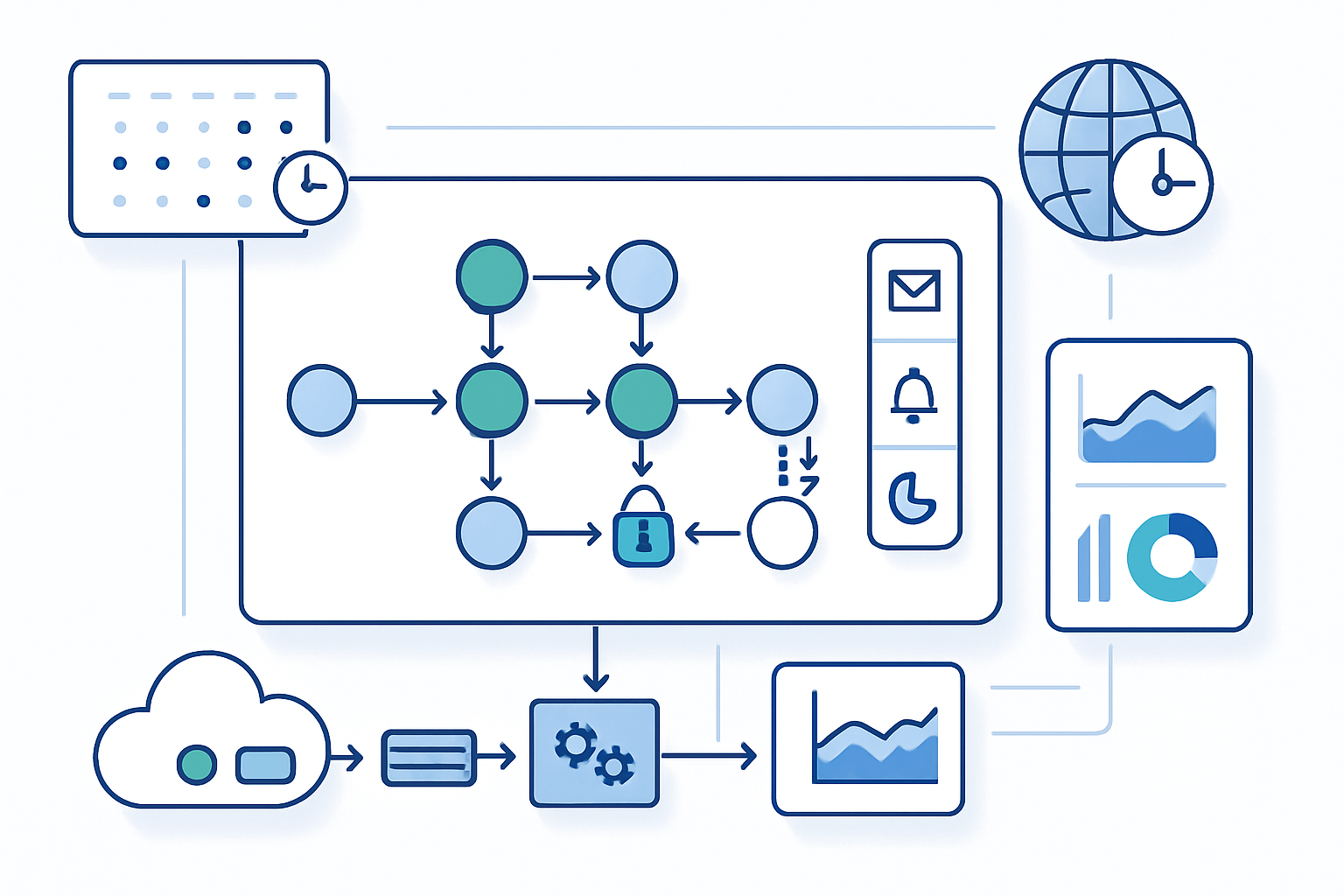
- Scheduling API: a programmatic interface that connects your systems (website, CRM, booking page, mobile app) to calendar providers, availability logic, reminders, and analytics. Actions are automated: find slots, block time, send invites, handle reschedules and cancellations.
Think of it as the difference between manual bookkeeping and a double-entry accounting system that reconciles automatically.
The core advantages of a Scheduling API (short list)
- Automation of repetitive tasks - less context switching, fewer human errors.
- Real-time availability and conflict prevention - no more double-bookings.
- Integration with business workflows - CRM, payments, intake forms, authentication.
- Rich telemetry - KPIs, conversion funnels, and A/B testing for scheduling flows.
- Scalability and reliability - predictable behavior under load, SLA-driven.
- Better UX - instant confirmations, time-zone handling, and smarter reminders.
Each item above maps to measurable business outcomes: time saved, fewer cancellations, higher conversion from prospects to meetings, and lower support costs.
What to measure: KPIs that prove the value
If you’re evaluating a Scheduling API, track these metrics before and after adoption:
- Time-to-schedule (average minutes per appointment)
- Scheduling attempts per successful booking (touches-to-book)
- Double-booking rate (incidents per 1,000 bookings)
- No-show rate (% of scheduled attendees who don’t show)
- Conversion rate (inbound leads → booked meeting)
- Support tickets related to scheduling (volume and handling time)
- API reliability: uptime, 99th-percentile latency, error rate
- Business metrics influenced by meetings: demo-to-deal conversion, customer churn correlation
These KPIs let you compute a clear ROI: staff-hours saved × salary cost + revenue lift from higher conversion − implementation cost.
Data-backed improvements: sample benchmark (aggregated vendor & customer reports)
Below is a realistic example of the typical improvements organizations see after moving from manual scheduling to an automated Scheduling API. These numbers are aggregated from vendor case studies and customer reports; use them as an implementation benchmark rather than absolute guarantees.
| Metric | Traditional (manual) | Scheduling API (typical) | Relative change |
|---|---|---|---|
| Time-to-schedule (min) | 8–12 | 1–2 | 80–90% reduction |
| Double-booking incidents / 1,000 meetings | 8–20 | 0–2 | 75–95% reduction |
| No-show rate | 15–25% | 8–12% | 30–60% improvement |
| Conversion: inbound lead → booked meeting | 10–18% | 25–40% | 100–250% lift |
| Scheduling-related support tickets / month | 30–200 | 5–40 | 60–90% reduction |
Why these changes happen: automation removes manual errors, enforces rules (buffer times, lead times, work hours), and provides timely confirmations and reminders that reduce no-shows.
For broader context on meeting overload and why this matters, see the Microsoft Work Trend Index and industry studies on meeting trends and productivity Microsoft Work Trend Index and Harvard Business Review on meeting overload.
UX and user experience benefits
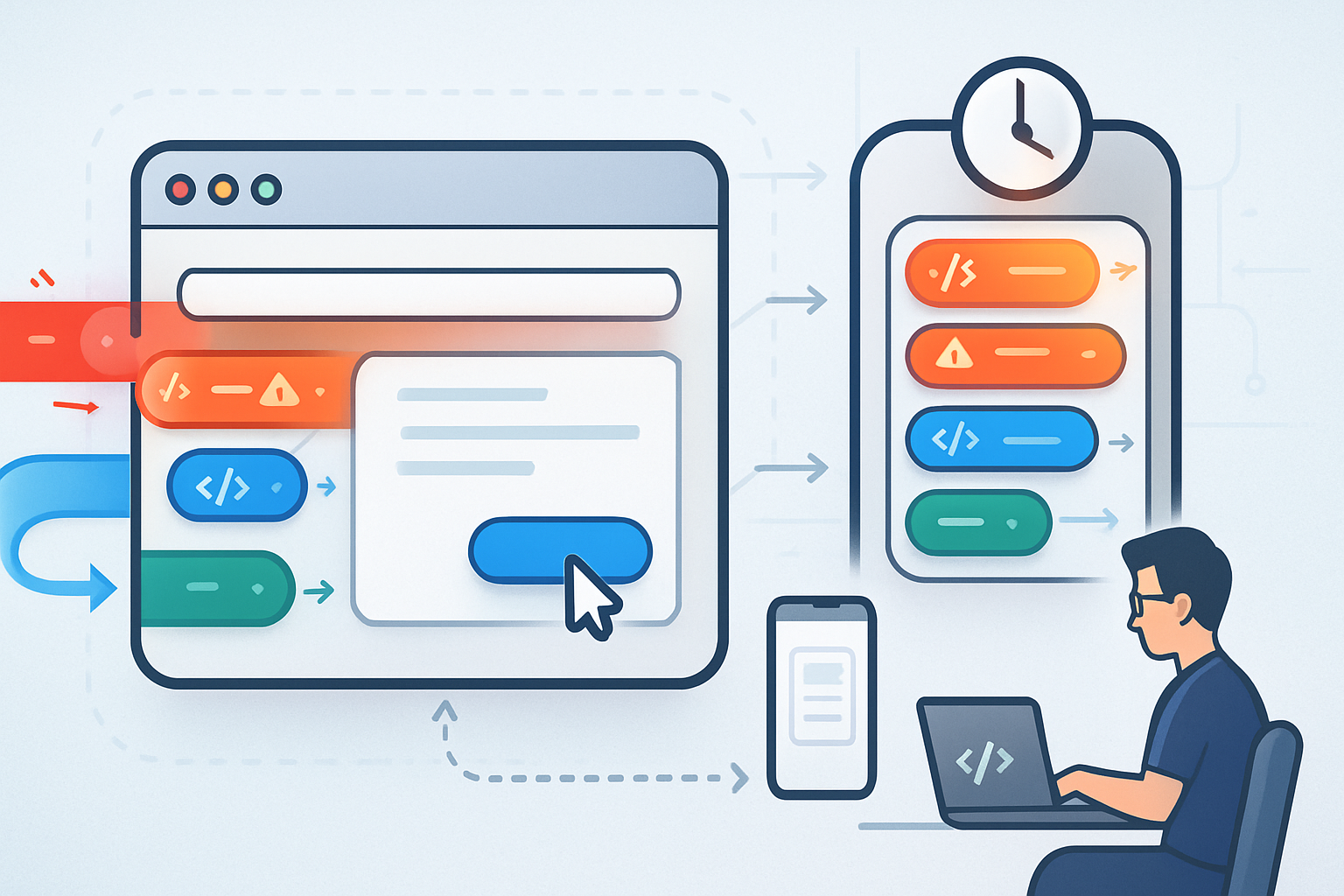
A Scheduling API changes the user’s story from “let me email a few times to find a slot” to “book in two clicks and get a confirmation.” That reduces cognitive load and increases conversion. Key UX improvements:
- Instant feedback on available slots across participants and resource calendars.
- Automatic time-zone normalization for distributed teams.
- Intelligent buffer times, minimum notice windows, and capacity limits.
- Soft and hard constraints enforced consistently across channels.
- Frictionless rescheduling and cancellation with audit trails.
The cumulative effect is higher perceived professionalism and a smoother buyer or customer experience - both of which increase revenue-per-interaction.
Technical wins: performance, scalability, and reliability
Scheduling APIs are engineered like other critical APIs. They bring:
- Deterministic response times (important for synchronous UX flows).
- Horizontal scalability to handle bursts (e.g., product launches, registration opens).
- Idempotent operations and transactional behavior (avoid duplicate bookings).
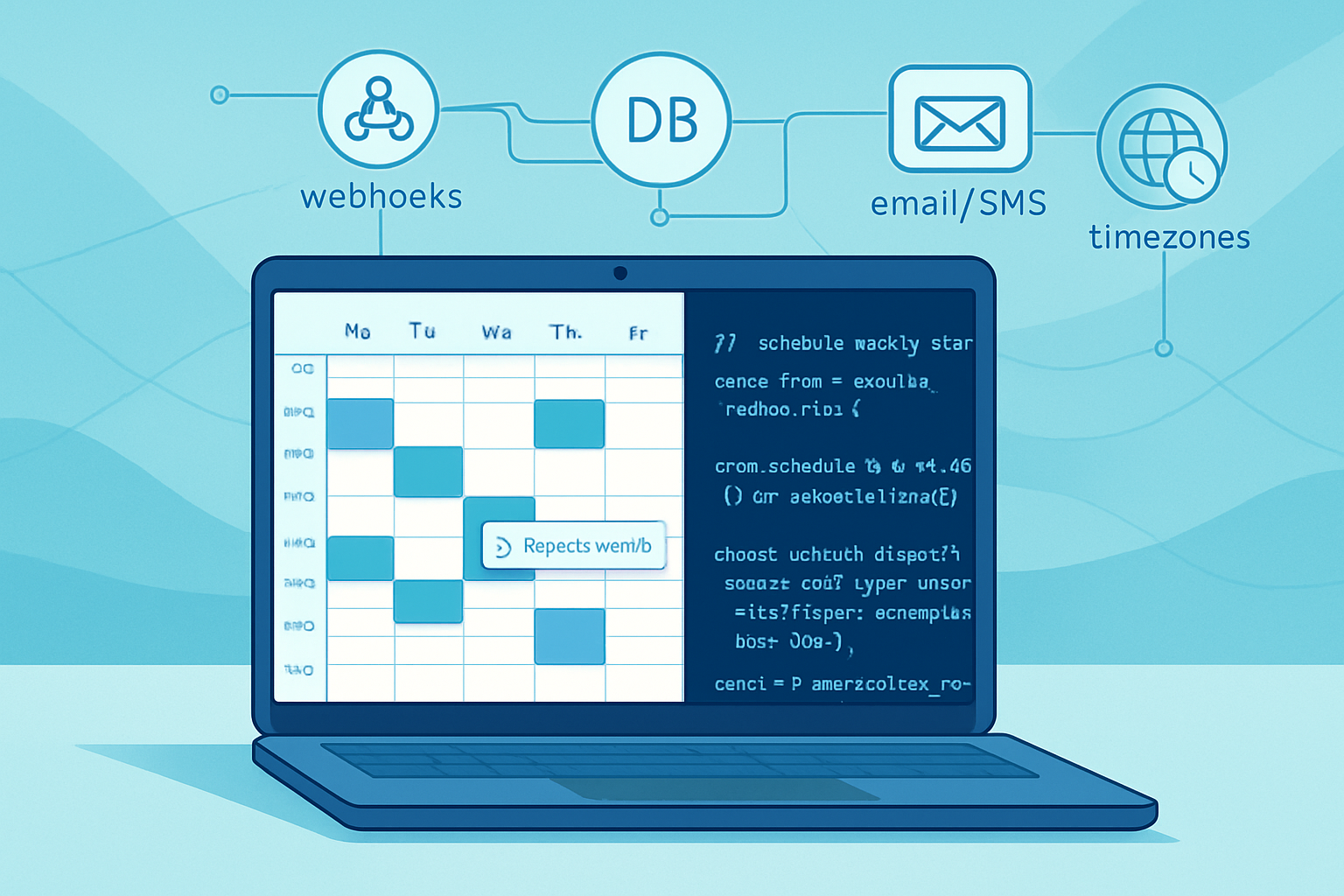
- Webhooks and event-driven hooks so your systems get real-time updates.
- Observability: logs, metrics, distributed tracing for diagnosing failures.
Track API-level SLOs: 99.9% uptime, P50/P95/P99 latencies, error budgets, and retry strategies. The investment in monitoring correlates directly with user trust and reduction in manual reconciliation.
Implementation checklist (practical)
- Choose scope: booking pages, embedded widgets, server-side API, or full automation.
- Confirm calendar integrations: Google Calendar, Microsoft 365/Exchange, and any proprietary calendars.
- Authentication & security: OAuth flows for calendar access, token rotation, least privilege access.
- Time zone and locale handling: normalize server-side, display client-side.
- Conflict and concurrency handling: use idempotency keys and transactional booking flows.
- Webhooks and event processing: queue, retry, deduplicate events.
- Rate limiting & backoff: design for exponential backoff and graceful degradation.
- Data privacy & compliance: store minimal PII, honor GDPR/CCPA consent, and retention policies.
- UX: one-click confirmations, smart defaults, and clear reschedule/cancel flows.
- Analytics: instrument every booking step for funnel analysis and A/B testing.
Integration patterns (common)
- Front-end widget + server-side token exchange: fastest to market.
- Server-to-server API: full control and complex rule enforcement.
- Event-driven: webhooks drive CRM updates, notifications, and billing flows.
- Composite orchestration: API calls combined with internal business logic (e.g., assign a sales rep, create an invoice, take payment).
Each pattern has trade-offs between speed-of-implementation and control.
Risks and mitigation
- Risk: Calendar drift or sync conflicts. Mitigation: frequent reconciliation jobs and subscribing to push notifications from provider APIs.
- Risk: Security and over-permissioned tokens. Mitigation: use minimal scopes, short-lived tokens, and granular consent screens.
- Risk: Poor UX due to latency. Mitigation: prefetch availability, optimistic UI, and graceful fallbacks.
- Risk: Over-reliance on a single vendor’s API. Mitigation: design an abstraction layer so you can swap providers.
Quick ROI model (three-month view)
Inputs you’ll need: average staff hourly rate, average meetings scheduled per week, time saved per meeting, and conversion lift to revenue. Example:
- Staff hourly (fully burdened): $50/hr
- Meetings scheduled per week (org): 200
- Time saved per meeting: 7 minutes (0.1167 hours)
- Weeks in quarter: 13
Labor savings = 200 meetings/week × 0.1167 hr × $50/hr × 13 weeks = $15,167 saved in 3 months
Add revenue lift if booking conversion improves. If meetings convert to $200 extra revenue per incremental booked demo and API increases booked demos by 10 per quarter, that’s an extra $2,000. Subtract implementation and subscription costs to compute net ROI.
Case study snapshot (composite)
A mid-market SaaS sales org moved from email scheduling to an embedded Scheduling API. Results in 6 months:
- Scheduling time per meeting dropped from ~10 minutes to ~1.5 minutes.
- Booked meeting conversion rose 2.5× from cold leads.
- Sales rep productive time increased by ~3 hours/month per rep.
- Double-bookings and manual reconciliation tickets fell by 85%.
These outcomes match aggregated vendor case studies and public reports showing automation materially reduces friction and lifts conversion.
For more on the macro trends pushing automation, see Postman’s State of the API report for adoption trends and the Doodle “State of Meetings” research on meeting inefficiency and wasted time Postman State of the API | Doodle - State of Meetings.
When not to use a Scheduling API
- Very low volume, informal scheduling where human touch is core to value.
- Cases with extreme custom negotiation that cannot be modeled (rare).
- When integration and maintenance costs exceed expected benefits for tiny teams.
But even small teams often benefit from lightweight widgets or off-the-shelf integrations.
Bottom line: why Scheduling APIs are the future of time management
A Scheduling API doesn’t just automate invites. It converts scheduling into data, rules, and signals that your systems can act on. That transforms time from an uncontrolled expense into a measurable, optimizable asset.
Adopt the API thoughtfully - instrument it, measure the right KPIs, and build fallbacks - and you’ll reclaim hours, reduce errors, and gain insights that manual methods can’t produce. The payoff is not incremental. It’s structural. Scheduling becomes not just easier, but smarter, faster, and more profitable.
For further reading on meeting and scheduling trends, see the resources linked above: Microsoft Work Trend Index, Harvard Business Review, Postman State of the API, and Doodle’s State of Meetings.