· tips · 5 min read
Unlocking the Mysteries of the typeof Operator: JavaScript Demystified
A deep, practical guide to JavaScript's typeof operator: what it tells you, where it lies, its surprising results (like typeof null === 'object'), and robust patterns to reliably detect types in real-world code.
Why typeof matters
Type checks are everywhere in JavaScript: runtime feature detection, guarding code paths, input validation, logging, or branching behavior. The typeof operator is the most lightweight, built-in tool for checking the type of a value. But it has quirks and historical oddities that cause confusion - and bugs - if you’re not careful.
This post will explain exactly what typeof does, why some of its results seem surprising, and how to combine it with other techniques to get reliable type information.
The basics: how typeof works
typeof is an operator that returns a string describing the high-level type category of a value. Example:
typeof 42; // "number"
typeof 'hello'; // "string"
typeof true; // "boolean"
typeof undefined; // "undefined"
typeof Symbol(); // "symbol"       // ES6+
typeof 10n; // "bigint"       // ES2020+
typeof function () {}; // "function"
typeof {}; // "object"
Notes:
- For primitive values (
number,string,boolean,symbol,bigint,undefined)typeofreturns the expected primitive type name. - Functions return the string
"function"(technically a callable object but singled out bytypeof). - Most other non-primitive values return
"object".
Reference: MDN’s typeof documentation is a great starting point: https://developer.mozilla.org/en-US/docs/Web/JavaScript/Reference/Operators/typeof
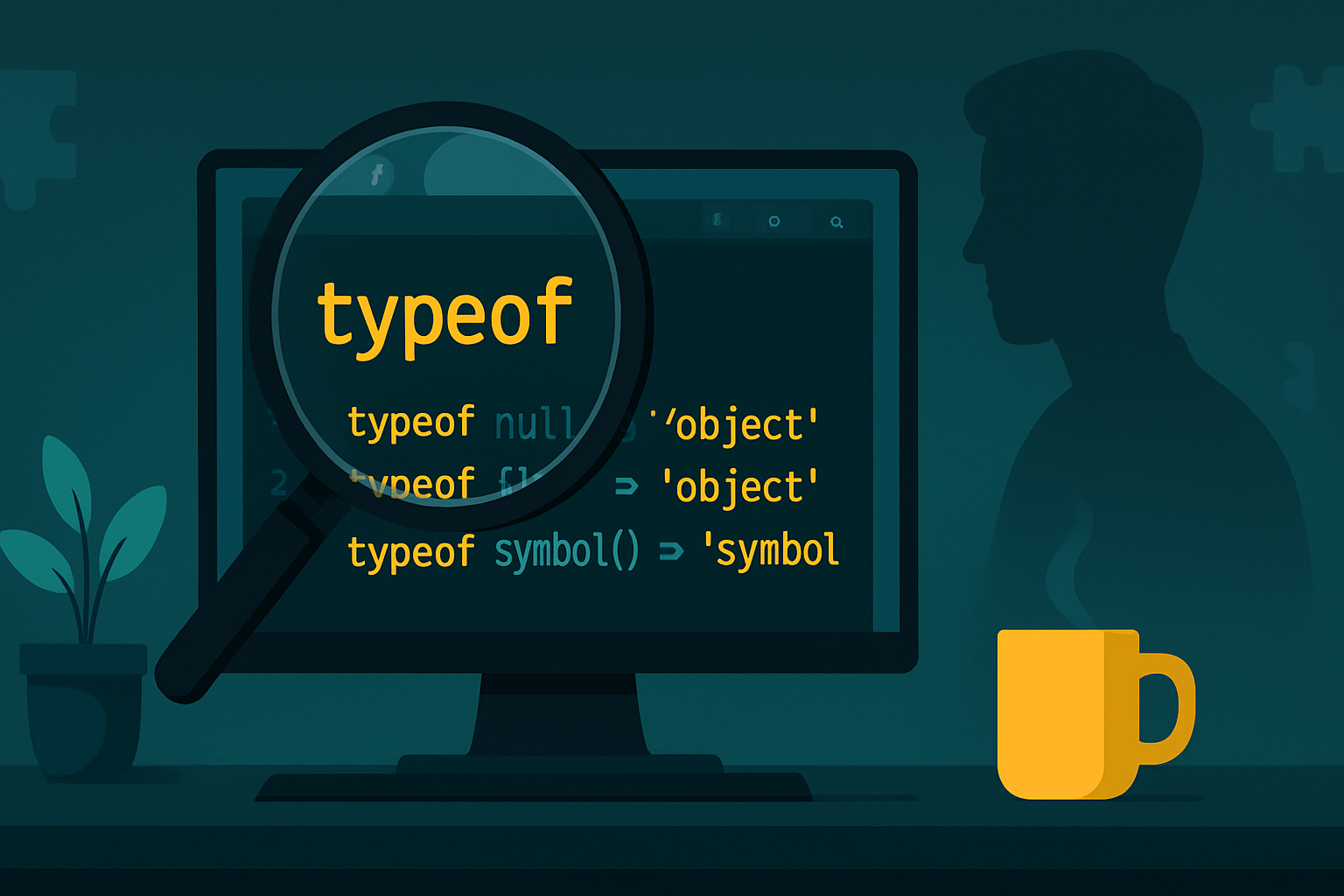
The famous gotcha: typeof null === ‘object’
One of the most notorious surprises is:
typeof null; // "object"This is a historical quirk that dates back to the original implementation of JavaScript: null was represented with a type tag that made the operator return "object". That behavior was never changed due to backward compatibility. The ECMAScript spec keeps this behavior for compatibility reasons.
Implication: never rely on typeof alone to check for null. Instead:
value === null;
// or
value == null; // checks for null or undefined (if you actually need both)
MDN: https://developer.mozilla.org/en-US/docs/Web/JavaScript/Reference/Operators/typeof#null
Arrays, Dates, RegExps and other objects
typeof classifies arrays, dates and regexps as "object":
typeof []; // "object"
typeof new Date(); // "object"
typeof /a/; // "object"
To distinguish these types reliably use:
Array.isArray(value)for arraysvalue instanceof Datefor dates (may fail across realms/iframes)value instanceof RegExpfor regexpsObject.prototype.toString.call(value)for a robust signature
Example using Object.prototype.toString.call:
Object.prototype.toString.call([]); // "[object Array]"
Object.prototype.toString.call(new Date()); // "[object Date]"
Object.prototype.toString.call(null); // "[object Null]"
This is the basis for a reliable getType helper (see below).
MDN on Object.prototype.toString: https://developer.mozilla.org/en-US/docs/Web/JavaScript/Reference/Global_Objects/Object/toString
Functions and callable objects
typeof returns "function" for normal functions, arrow functions, generator functions, async functions, and even class declarations (classes are special functions):
typeof (() => {}); // "function"
typeof function* () {}; // "function"
typeof async function () {}; // "function"
typeof class MyClass {}; // "function"
This makes typeof useful for checking whether a value is callable.
Wrapper objects vs primitives
JavaScript also has wrapper objects like new Number(1) and new String('x'):
typeof 1; // "number"
typeof new Number(1); // "object"
typeof 'a'; // "string"
typeof new String('a'); // "object"
Prefer primitives over wrapper objects. If you must detect wrappers, typeof helps show the distinction.
Undeclared variables and safety
A useful property of typeof is that it does not throw for undeclared identifiers. Consider browser feature detection:
// If 'SomeGlobal' is not declared at all, this won't throw
if (typeof SomeGlobal !== 'undefined') {
  // safe to reference SomeGlobal now
}
If you try to directly reference an undeclared variable you’ll get a ReferenceError; typeof avoids that.
More surprising results and edge cases
typeof NaN->"number"NaNis a numeric value andtypeoftreats it asnumber.
typeof Infinity->"number"typeof /a/->"object"(regexps are objects)- Typed arrays (e.g.
new Int8Array()) are"object" - Host objects (e.g. some DOM objects) might behave slightly differently across environments - prefer feature detection.
Also: older environments won’t know symbol or bigint. Feature-detect before using:
if (typeof Symbol !== 'undefined') {
  // safe to use symbols
}
A reliable getType helper
If you need more precise, human-friendly type strings across all built-in types, here’s a small utility that combines typeof and Object.prototype.toString:
function getType(value) {
  // quick primitive handling
  const t = typeof value;
  if (t !== 'object') return t; // covers 'undefined', 'string', 'number', 'boolean', 'function', 'symbol', 'bigint'
  if (value === null) return 'null';

  // For objects, use Object.prototype.toString
  const tag = Object.prototype.toString.call(value); // e.g. "[object Array]"
  return tag.slice(8, -1).toLowerCase(); // "array", "date", "regexp", "object" etc.
}

// Examples
getType(1); // "number"
getType(null); // "null"
getType([]); // "array"
getType(new Date()); // "date"
getType(/a/); // "regexp"
getType(function () {}); // "function"
This helper gives you a consistent, descriptive type name that handles the null quirk and disambiguates arrays, dates, and more.
Best practices and checklist
- Use
typeoffor quick primitive checks and safe feature detection (e.g.typeof Symbol !== 'undefined'). - Don’t use
typeofalone to test fornull- usevalue === null. - Use
Array.isArray(value)to detect arrays instead oftypeof. - Use
Object.prototype.toString.call(value)(or thegetTypehelper above) for robust type detection when precise classification matters. - Prefer primitives over wrapper objects (
new Number,new String) - they confuse bothtypeofand equality checks. - For checking callable values,
typeof value === 'function'is fine. - For
NaNdetection useNumber.isNaN(value)(orNumber.isFinitefor finite numbers) rather thantypeof.
Quick examples:
// Good
if (typeof x === 'string') {
  /* primitive string */
}
if (Array.isArray(arr)) {
  /* array */
}
if (value === null) {
  /* null */
}
if (typeof maybeFn === 'function') {
  maybeFn();
}

// Avoid
if (typeof x === 'object' && x) {
  /* ambiguous: could be array, date, null was excluded by x truthiness */
}
When you should not use typeof
- To distinguish between objects like arrays vs objects vs dates -
typeofis too coarse. - To check for
null- it lies. - For cross-realm (iframes, workers) checks using
instanceof-instanceofcan fail; preferObject.prototype.toString.callthere.
Summary
typeof is a compact, fast operator that works well for many everyday checks: primitives, function detection, and safe feature detection for undeclared globals. However, it is intentionally coarse for objects and has a well-known historical quirk (typeof null === 'object'). For robust, precise type detection use Array.isArray, instanceof (when appropriate), and Object.prototype.toString.call (or a small getType helper) to complement typeof.
Further reading
- MDN: typeof operator - https://developer.mozilla.org/en-US/docs/Web/JavaScript/Reference/Operators/typeof
- MDN: Object.prototype.toString - https://developer.mozilla.org/en-US/docs/Web/JavaScript/Reference/Global_Objects/Object/toString
- MDN: Array.isArray - https://developer.mozilla.org/en-US/docs/Web/JavaScript/Reference/Global_Objects/Array/isArray