· deepdives · 7 min read
Beyond setTimeout: How the DOM Scheduling API Elevates Asynchronous JavaScript
setTimeout and friends get the job done - sometimes. When you need predictable, prioritized, and cooperative scheduling for complex UI and background work, the DOM Scheduling API (Task Scheduling API) provides a modern, more efficient toolset. This article explains the limits of traditional timers, how the Scheduling API changes the game, practical patterns, fallbacks, and real-world guidance for adoption.
What you’ll be able to do after reading this
You’ll understand why setTimeout often fails to produce smooth, dependable async behavior in real apps. You’ll know when and how to use the DOM Scheduling (Task Scheduling) API to: schedule prioritized tasks, break work into cooperative chunks, minimize jank, and gracefully fall back for browsers that don’t implement the new API.
You’ll walk away ready to refactor expensive work into friendly tasks that play well with the browser - instead of fighting it.
The problem: setTimeout is blunt - and that costs you
setTimeout is simple. It schedules a callback after at least N milliseconds. But simplicity comes with limits:
- Coarse and unpredictable timing. setTimeout provides a minimum delay, not a guarantee. The browser or OS may clamp timers, especially on background tabs or when power-saving policies are active.
- No priority. Every timer looks the same to the browser. You can’t mark a task as critical UI work or purely background work.
- No awareness of rendering & input deadlines. Timers can run at inopportune moments and cause frame drops or input latency.
- Hard to cancel or coordinate cleanly across many tasks. Complex cancellation and backpressure logic quickly becomes messy.
- Blocking is still possible. Large synchronous work scheduled via many timers will still block the main thread and cause jank.
In short: setTimeout is a blunt instrument for nuanced scheduling problems.
Quick primer: where asynchronous callbacks run in the browser
Understanding the event loop helps you see why scheduling matters.
- Microtasks (Promise callbacks, queueMicrotask) run immediately after the current task, before painting.
- Macrotasks (setTimeout, setInterval, I/O callbacks) run afterwards and are coarser.
- rAF (requestAnimationFrame) runs once per frame before painting - good for DOM reads/writes tied to animation.
- requestIdleCallback (where supported) gives you time when the browser is idle, but it lacks priority semantics and has spotty cross-browser support.
You can combine these to build patterns, but coordinating priorities, deadlines, and cancelation remains cumbersome.
Meet the DOM Scheduling (Task Scheduling) API
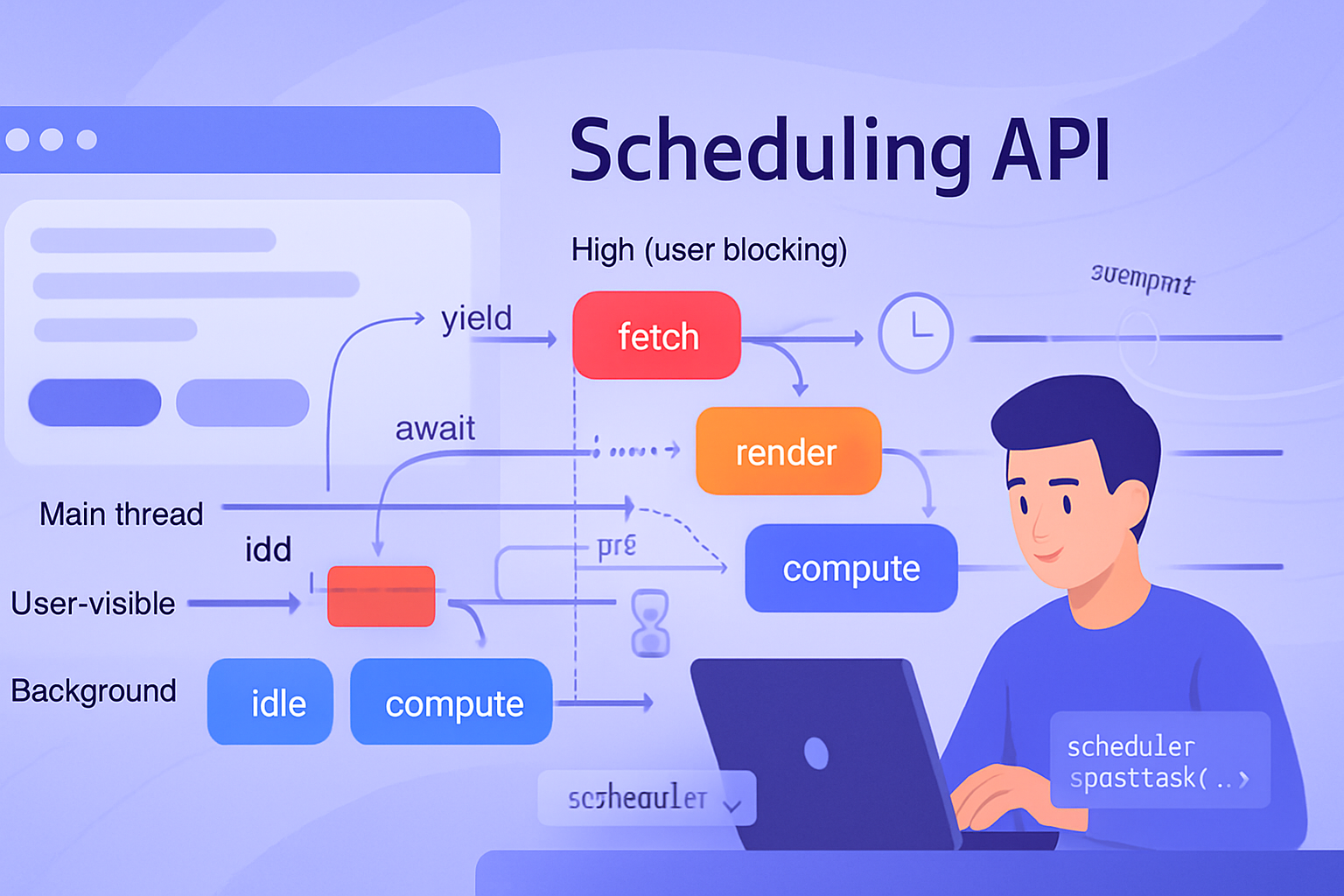
The Task Scheduling API - often surfaced as the global scheduler object (e.g. scheduler.postTask) - is a newer approach that gives the browser more information so it can schedule work more intelligently.
Key capabilities it brings:
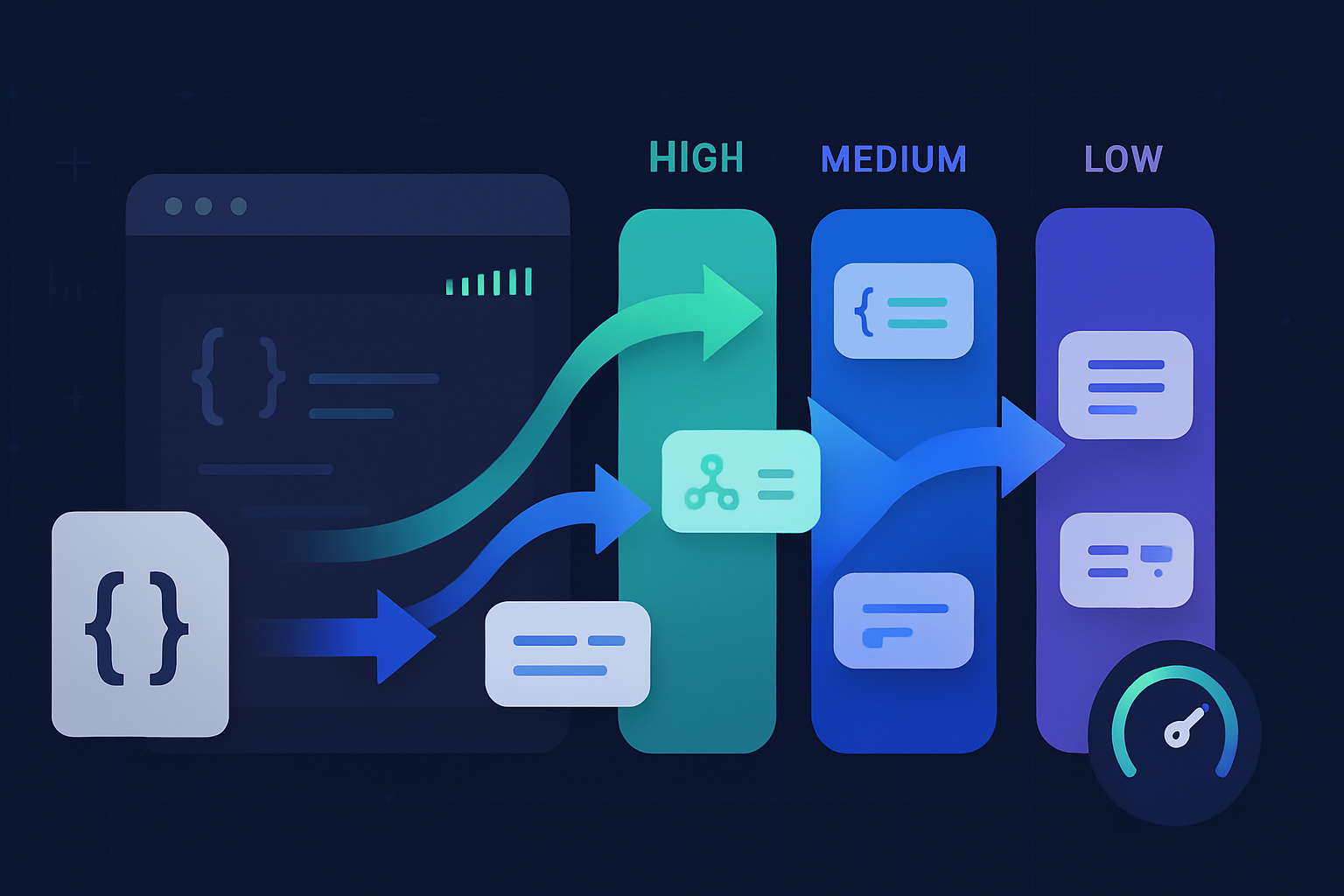
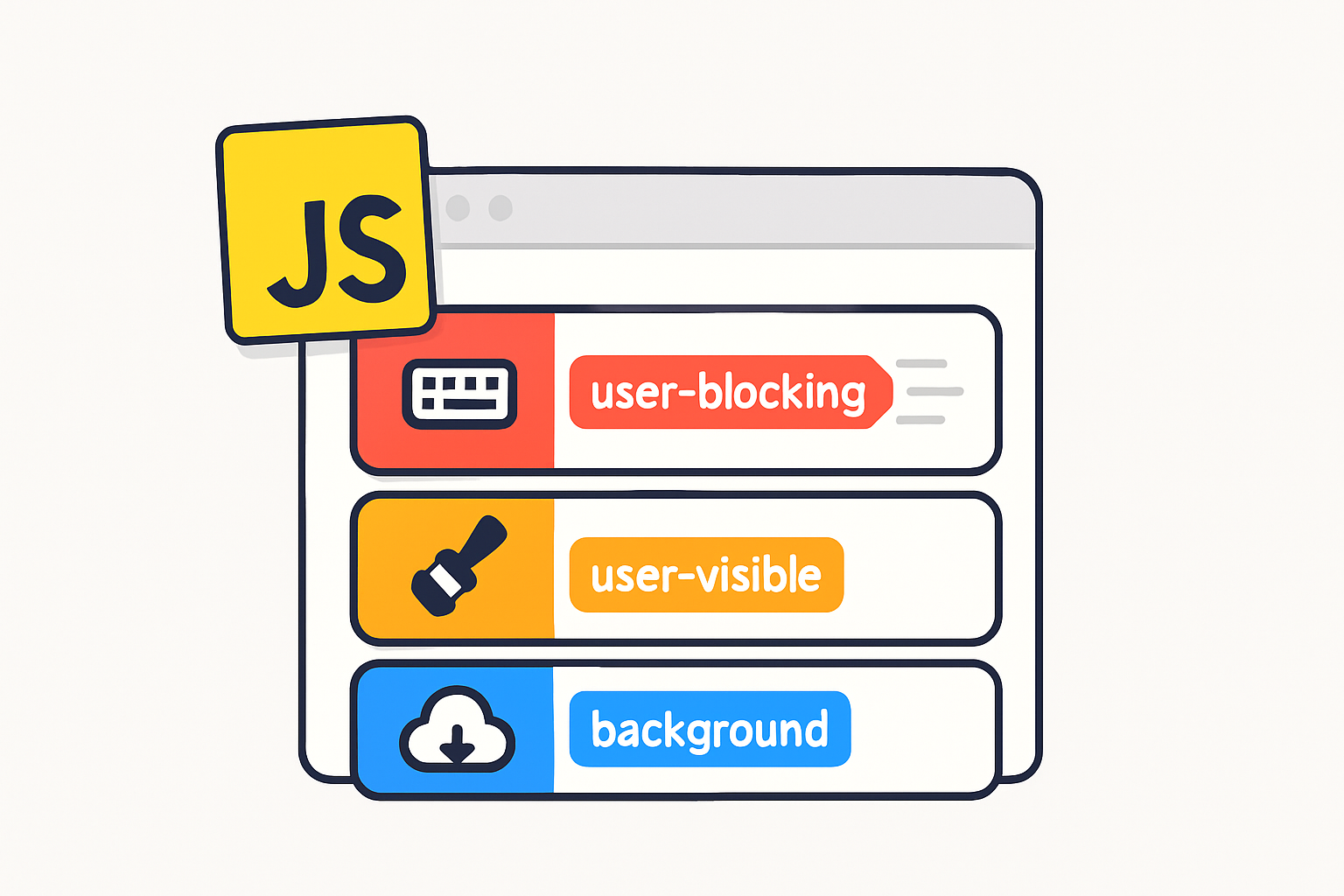
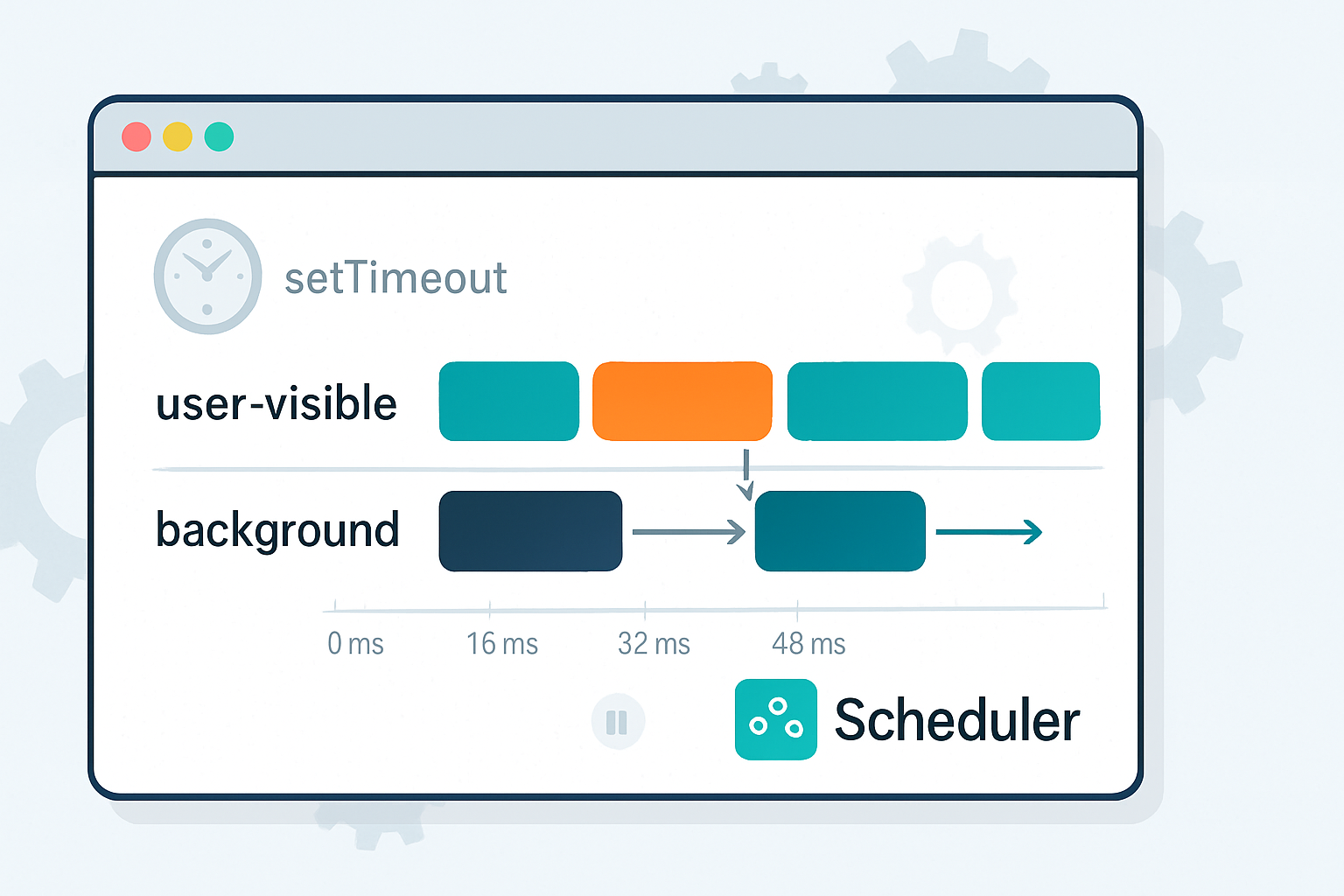
- Explicit priorities so the browser can schedule urgent work ahead of background work.
- Optional delay or deadline hints to express when work should run.
- Cooperative yielding patterns so long-running tasks can split themselves into smaller chunks.
- Integration points for cancellation (AbortController-style signals) and for specifying a task’s nature.
Resources:
- Chrome developer explainer: https://developer.chrome.com/articles/task-scheduling/
- WICG Scheduling APIs spec: https://wicg.github.io/scheduling-apis/
Note: this API is experimental in some browsers. Treat it as progressive enhancement: use it where available, and fallback gracefully elsewhere.
Why the Scheduling API is better (concrete advantages)
- Priority-aware scheduling: mark UI-critical work as high priority and let background analytics be lower priority.
- Cooperative chunking: instead of hogging the main thread for 200ms, you can slice work and yield, keeping frames responsive.
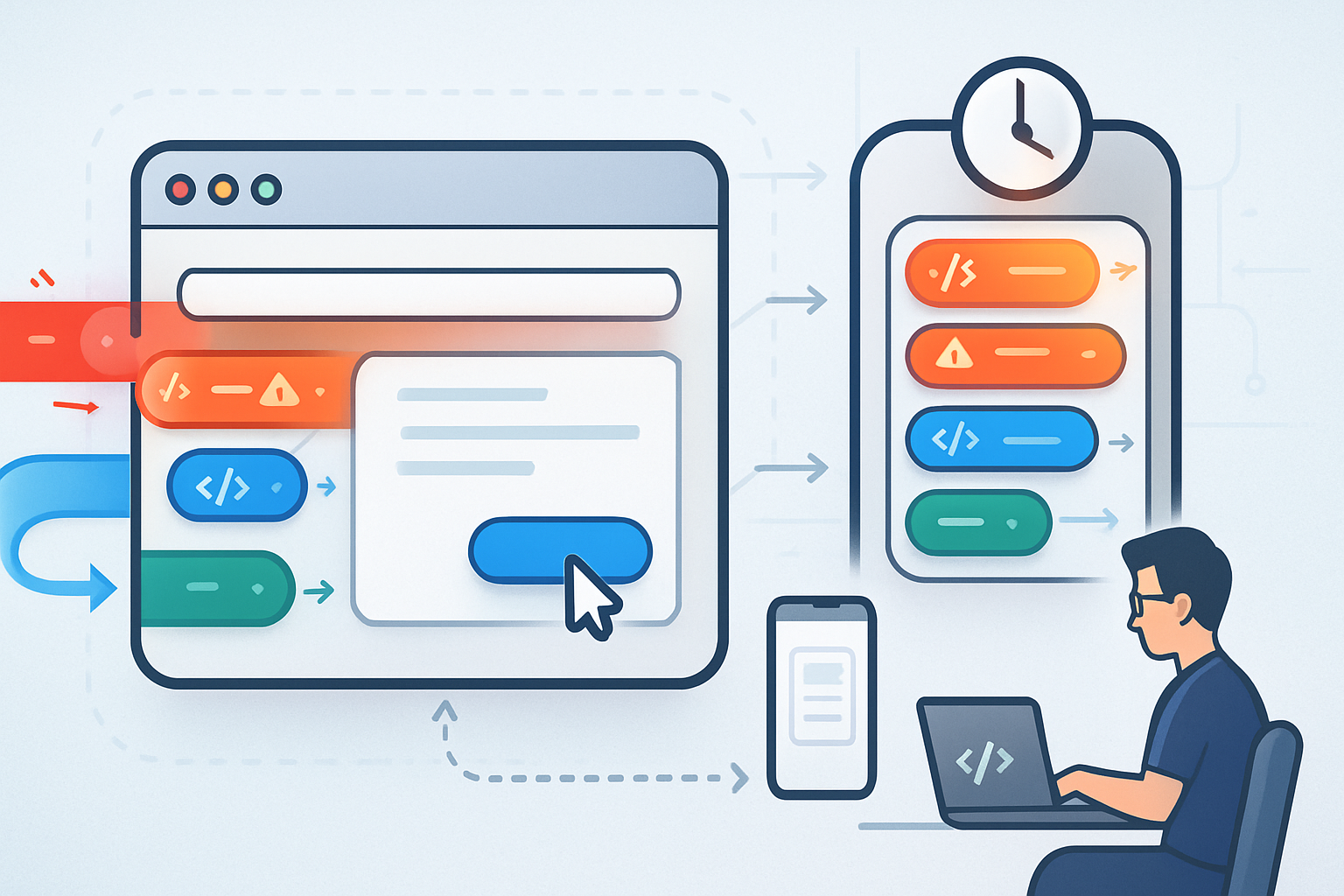
- Browser-friendly: by exposing intent (priority/delay/deadline), the scheduler can avoid running expensive non-urgent tasks during input or animation.
- Cleaner cancellation: pass an AbortSignal so the scheduler can drop tasks that are no longer needed.
All of this lets the browser coordinate global device resources (battery, responsiveness) with app-level needs.
Practical patterns and examples
Below are patterns you can adopt today. Each example checks for the API and falls back to a viable alternative.
1) Basic prioritized task
Use a high-priority task for immediate UI updates, and a low-priority task for background work.
if ('scheduler' in window && typeof scheduler.postTask === 'function') {
  // High priority (user-visible) work
  scheduler.postTask(
    () => {
      // Do short UI work
      updateCriticalUI();
    },
    { priority: 'user-visible' }
  );

  // Background analytics
  scheduler.postTask(
    () => {
      sendTelemetryBatch();
    },
    { priority: 'background' }
  );
} else {
  // Fallback: best-effort using setTimeout
  setTimeout(updateCriticalUI, 0);
  setTimeout(sendTelemetryBatch, 1000);
}
Notes:
- The scheduler gives the browser a way to run UI work sooner than background tasks. The fallback uses delayed setTimeout for less urgent work.
2) Chunking long work (cooperative yielding)
Break a big job (e.g., processing a large array) into slices and schedule each slice so the main thread can handle input and frames between chunks.
async function processLargeArray(items) {
  let i = 0;
  const chunkSize = 200; // tune for your app

  function doChunk() {
    const end = Math.min(i + chunkSize, items.length);
    for (; i < end; i++) {
      processItem(items[i]);
    }
    if (i < items.length) {
      // Yield and schedule the next chunk
      if ('scheduler' in window && typeof scheduler.postTask === 'function') {
        scheduler.postTask(doChunk, { priority: 'user-visible' });
      } else if ('requestIdleCallback' in window) {
        requestIdleCallback(doChunk);
      } else {
        setTimeout(doChunk, 0);
      }
    }
  }

  doChunk();
}
Why this helps: each chunk is short and schedulable, so frames and input handlers have a chance to run between chunks.
3) Cancellation with AbortController
Tie task lifetime to an AbortController so you can cancel queued work if the user navigates away or the data changes.
const controller = new AbortController();
// Cancel later with controller.abort();

if ('scheduler' in window && typeof scheduler.postTask === 'function') {
  scheduler.postTask(
    () => {
      if (controller.signal.aborted) return;
      doWork();
    },
    { priority: 'user-visible', signal: controller.signal }
  );
} else {
  const id = setTimeout(() => {
    if (!controller.signal.aborted) doWork();
  }, 0);
  controller.signal.addEventListener('abort', () => clearTimeout(id));
}
This pattern avoids wasted CPU and network work for tasks that are no longer relevant.
Fallback approaches (practical fallbacks you can rely on today)
If the Scheduling API isn’t available, combine these tools:
- requestAnimationFrame - for frame-tied visual updates.
- requestIdleCallback - where available, for opportunistic background work.
- MessageChannel or setTimeout(0) - for queued (macrotask) work.
- Web Worker - for CPU-intensive work you can run off the main thread.
Example fallback strategy: prefer scheduler.postTask; if not present, use requestIdleCallback for background tasks and rAF for frame-tied tasks; as a last resort, use setTimeout.
When to use the Scheduling API - and when not to
Use it when:
- You have mixed-priority work (UI vs background telemetry) and want the browser to choose order.
- You need to chunk long tasks cooperatively to avoid jank.
- You want cleaner cancellation via AbortSignal.
Don’t use it when:
- You need hard real-time timing guarantees (setTimeout is also not exact - use more robust timing systems if required).
- The work is already isolated in a Web Worker (workers already move work off the main thread).
Migration checklist: moving from setTimeout to scheduler.postTask
- Identify long-running or background tasks that cause jank.
- Replace monolithic setTimeout-bound work with chunked tasks.
- Add priority hints where the task’s urgency is clear.
- Wire up AbortController signals for cancellation.
- Provide sensible fallbacks for unsupported browsers.
- Measure - compare frame rate, input latency, and CPU usage.
Compatibility and progressive enhancement
The Task Scheduling API is still rolling out across engines. Use feature detection and graceful fallbacks; avoid hard dependencies.
- Check for availability with
if ('scheduler' in window && typeof scheduler.postTask === 'function'). - Provide sensible alternative scheduling (rAF/requestIdleCallback/setTimeout) when unavailable.
See the spec and Chrome explainer for up-to-date compatibility notes:
- Spec: https://wicg.github.io/scheduling-apis/
- Chrome explainer: https://developer.chrome.com/articles/task-scheduling/
Real-world tips and gotchas
- Don’t use tiny chunkSizes just to avoid writing async code - context switches add overhead. Measure and tune.
- Priorities are hints. The browser still coordinates global device constraints; don’t assume absolute ordering.
- Keep each scheduled callback short. Even with priorities, long synchronous callbacks will block the main thread.
- If your work is CPU-bound and can be done off-thread, prefer a Web Worker.
Conclusion - what changes when you adopt the Scheduling API
You stop begging the platform to schedule you politely and start telling it what you need. You gain greater clarity about intent (this is interactive, that is background), cooperative yielding for long tasks, and cleaner cancelation semantics. The result: fewer frame drops, better perceived performance, and simpler coordination code in complex apps.
Adopt the Scheduling API where available, fall back gracefully, and measure. When used correctly, this API is the difference between fighting the browser and working with it - which, ultimately, is how you ship a smoother user experience.
Further reading
- Chrome: Task Scheduling API explainer - https://developer.chrome.com/articles/task-scheduling/
- WICG: Scheduling APIs spec - https://wicg.github.io/scheduling-apis/
- MDN: requestIdleCallback - https://developer.mozilla.org/en-US/docs/Web/API/Window/requestIdleCallback