· deepdives · 6 min read
Permissions API vs. Legacy Permission Models: What You Need to Know
A practical comparison of the modern Permissions API and older, API-specific permission models. Learn differences, code patterns, UX best practices, browser support caveats, and a migration checklist to modernize how your web app asks for and reacts to permissions.
Outcome first: after reading this piece you’ll be able to design a permission flow that feels consistent, predictable, and respectful - while avoiding common pitfalls that break user experience.
Web apps request access to cameras, microphones, location and other sensitive features all the time. Old approaches left developers juggling API-specific quirks, scattered prompts, and surprise-denied users. The Permissions API tries to fix that by giving you a unified way to inspect permission state and react to changes. You’ll learn when to use it, what it can and can’t do, and how to combine it with legacy behaviors to build better UX.
Quick overview - the core difference
- Legacy permission model: each web feature exposes its own way to request or report permission. Examples: calling
navigator.mediaDevices.getUserMedia()triggers a camera/microphone prompt;Notification.requestPermission()requests notification permission;navigator.geolocation.getCurrentPosition()triggers a geolocation prompt. There was no single interface to ask “what’s the state?” reliably. - Permissions API: provides a central query surface -
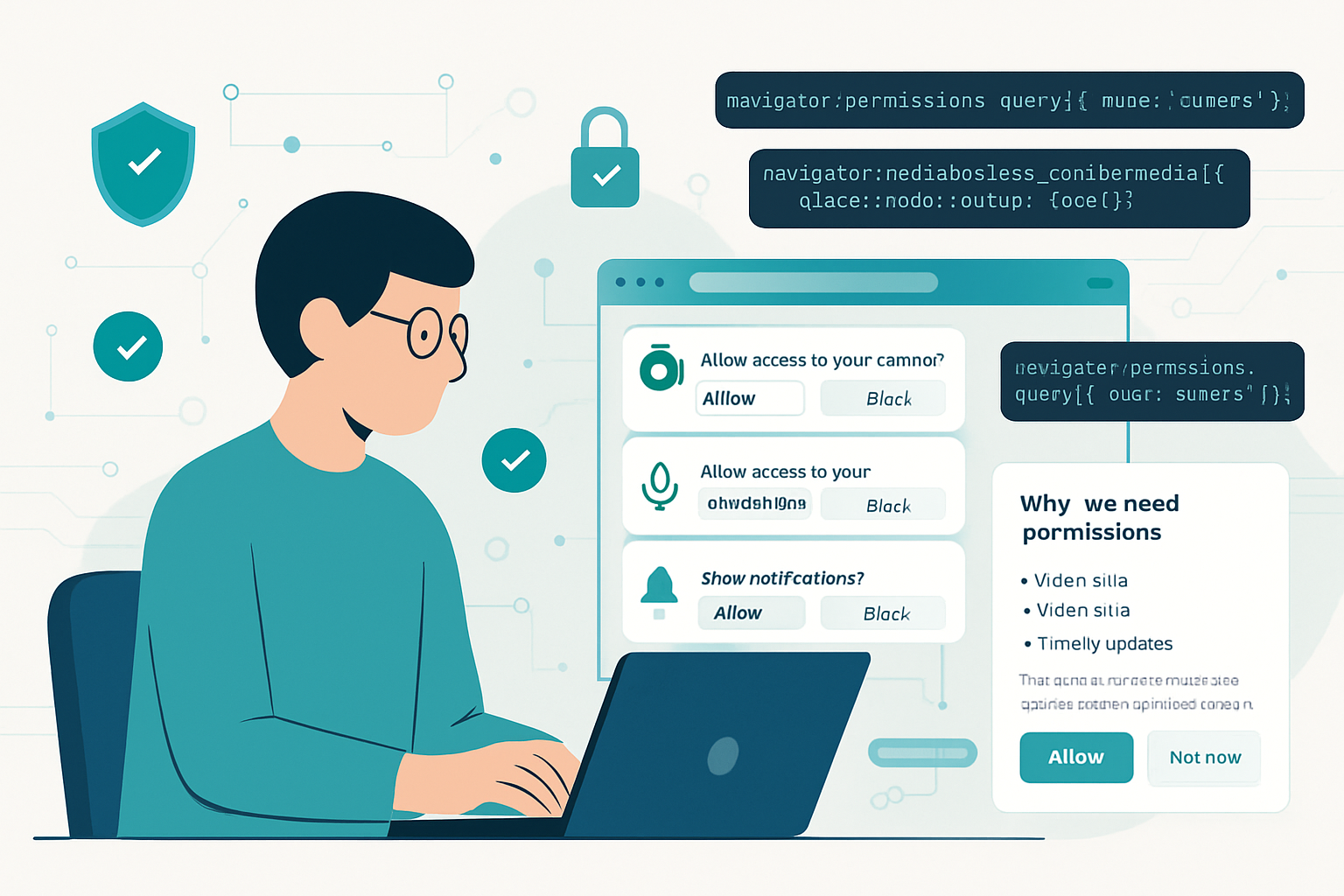
navigator.permissions.query()- that lets you check a permission’s current state ('granted','denied','prompt') and subscribe to changes viaPermissionStatus.onchange. It standardizes checks and enables more graceful flows.
In short: legacy APIs request and sometimes expose a status; Permissions API lets you inspect and observe status consistently. But it doesn’t replace the APIs that request access.
How legacy permission models behaved (the pain points)
- Inconsistency: each API had its own property or method (
Notification.permission, trying to usegetUserMedia, etc.). The developer had to know each API’s idioms. - Prompt on call: most APIs show a browser prompt only when the feature is requested. That can surprise users when a prompt appears out of context.
- No eventing: many older APIs didn’t let you subscribe to permission changes; you often had to reattempt or reload to detect a change.
- Poor UX patterns: apps often requested everything up front, causing prompt fatigue and lower conversion.
These resulted in broken flows: users dismissed prompts, or granted permissions without context, or denied them and were stuck because the app didn’t detect changes.
What the Permissions API gives you (advantages)
- Centralized querying: call
navigator.permissions.query({ name: 'geolocation' })to learn the current state before you request the feature. See MDN: Permissions API. - Reactive updates: the returned
PermissionStatusobject emitsonchangeevents when the user updates privacy settings or when permission state changes. - Better UX: because you can query first, you can present a contextual explanation, then request the permission, instead of surprising the user.
- Cleaner logic: you can handle ‘granted’, ‘denied’ and ‘prompt’ cases in one place and provide tailored UI for each.
Limitations and important caveats
- query() doesn’t prompt. Important: the Permissions API is primarily informational. It doesn’t replace
getUserMedia()orNotification.requestPermission()- you’ll still need to call the specific API to actually request access. - Browser support is mixed. Not every permission name is supported in every browser. Check compatibility before relying on a particular permission descriptor. See MDN: browser compatibility for Permissions API.
- Not all permissions are queryable or exposed consistently. Support for names like
camera,microphone,clipboard-read,clipboard-write,persistent-storage, etc., varies across engines. - Privacy considerations. Early implementations allowed sites to enumerate permission status in ways that could leak information. Browsers have tightened behavior over time; still, be mindful that permissions are privacy-sensitive.
Practical patterns - code examples
- Check then request (best-practice flow)
async function requestCamera() {
  if (!navigator.permissions || !navigator.mediaDevices) {
    // Fallback: directly attempt to getUserMedia
    return navigator.mediaDevices.getUserMedia({ video: true });
  }

  try {
    const status = await navigator.permissions.query({ name: 'camera' });

    if (status.state === 'granted') {
      // Already allowed
      return navigator.mediaDevices.getUserMedia({ video: true });
    }

    if (status.state === 'denied') {
      // Show instructions to change settings - don't call getUserMedia
      showSettingsHelp();
      throw new Error('Camera permission denied');
    }

    // state === 'prompt' - show a contextual UI explaining why we need the camera
    const allow = await showConsentDialog(
      'We need your camera to let you video chat.'
    );
    if (!allow) throw new Error('User declined pre-prompt');

    // Now actually trigger the browser prompt
    return navigator.mediaDevices.getUserMedia({ video: true });
  } catch (err) {
    console.error('Camera request failed', err);
    throw err;
  }
}- Listening to permission changes
async function watchMicrophone() {
  if (!navigator.permissions) return;

  try {
    const status = await navigator.permissions.query({ name: 'microphone' });
    status.onchange = () => {
      console.log('Microphone permission changed to', status.state);
      updateMicrophoneUI(status.state);
    };
  } catch (err) {
    console.warn('Permissions API not available for microphone', err);
  }
}- Notifications - a mixed example
Notification.permissionstill returns'granted'|'denied'|'default'andNotification.requestPermission()triggers the prompt.- You can query with
navigator.permissions.query({ name: 'notifications' })to observe state before request, but the final request still usesNotification.requestPermission().
Reference: MDN: Notification.requestPermission
UX best practices when requesting permissions
- Request on demand: ask when the user initiates the action that requires the permission.
- Explain why: show a short, contextual rationale before the browser prompt. Users who understand the reason are more likely to allow.
- Avoid one-shot bulk requests: don’t ask for multiple unrelated permissions at first load.
- Handle denied gracefully: detect
deniedand provide a path to recover - show settings instructions or offer degraded functionality. - Use change listeners: subscribe to
PermissionStatus.onchangeto update UI if the user changes settings in browser preferences.
These patterns increase conversions and reduce frustrated users.
Browser support and fallback strategies
- Check feature detection: always guard calls with
if (navigator.permissions)and test support for particular descriptors. - Fallback to attempt-and-recover: if Permissions API is unavailable, your fallback should be: attempt the feature, catch errors, and then guide the user. For example, call
getUserMedia()and handle the permission-denied exception. - Keep using API-specific properties when needed. For instance,
Notification.permissionremains useful.
See MDN’s compatibility notes for details: MDN: Permissions API.
Migration checklist - move incrementally
- Audit: list all permissions your site requests and where you request them.
- Replace surprise prompts: if you currently trigger prompts on page load, change to on-demand requests with a friendly pre-prompt UI.
- Add queries: when supported, use
navigator.permissions.query()to check status and show tailored UI. - Add listeners: use
PermissionStatus.onchangeto keep your UI in sync. - Test wide: verify behavior on major browsers and on mobile. Document fallbacks.
When you should not rely solely on Permissions API
- If you must guarantee a prompt will appear immediately whenever you check status - don’t expect query to trigger a prompt.
- If your app targets older browsers or Safari versions without full support; you still need robust fallbacks.
- If you depend on a permission name that has limited vendor support.
Final takeaways
The Permissions API is not a silver bullet. It’s a tool that centralizes and standardizes permission status checks and eventing - and when used correctly it lets you craft humane, context-aware permission flows. But you still call the feature-specific APIs to actually request access, and you must code defensively for varying browser support.
Designing your permission UX around the Permissions API will make your app feel less intrusive and more trustworthy. That quiet, predictable experience - where users understand why you need access and can act intentionally - is the real win.