· deepdives · 7 min read
Building a Peer-to-Peer Video Chat Application with WebRTC: A Step-by-Step Guide
Learn how to build a one-to-one peer-to-peer video chat application using WebRTC, Node.js (Socket.io) for signaling, and React for the front end. This step-by-step guide includes runnable code, configuration tips, testing advice, and next-step improvements.
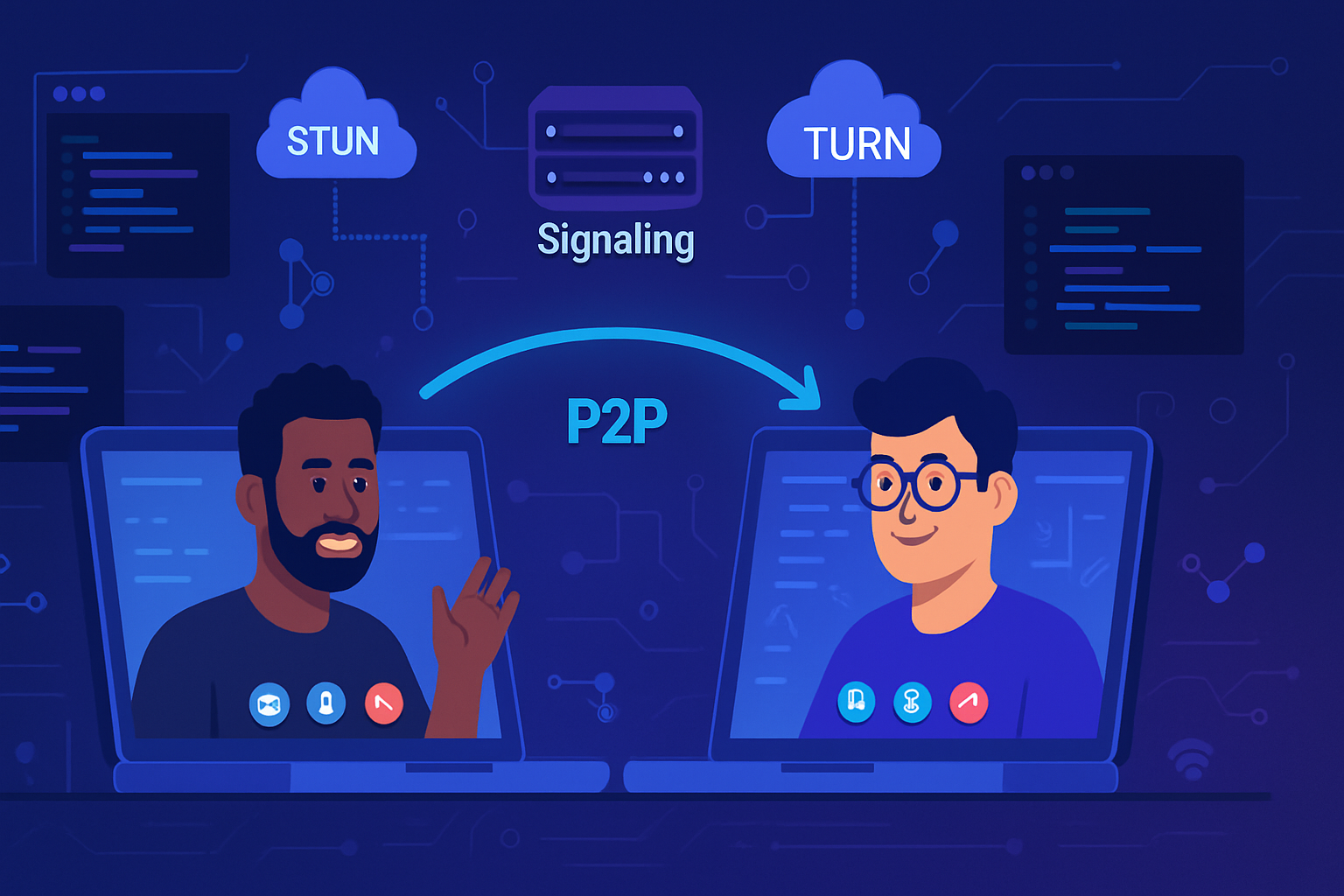
What you’ll build - and why it matters
You will build a one-to-one peer-to-peer video chat app that works in modern browsers. By the end you’ll understand how to capture media, establish a direct WebRTC connection, exchange SDP and ICE candidates via a lightweight signaling server, and handle common real-world issues like NAT traversal and fallback TURN servers.
Short. Practical. Actionable. That’s the goal.
High-level architecture
- Browser A and Browser B both capture local audio/video using getUserMedia.
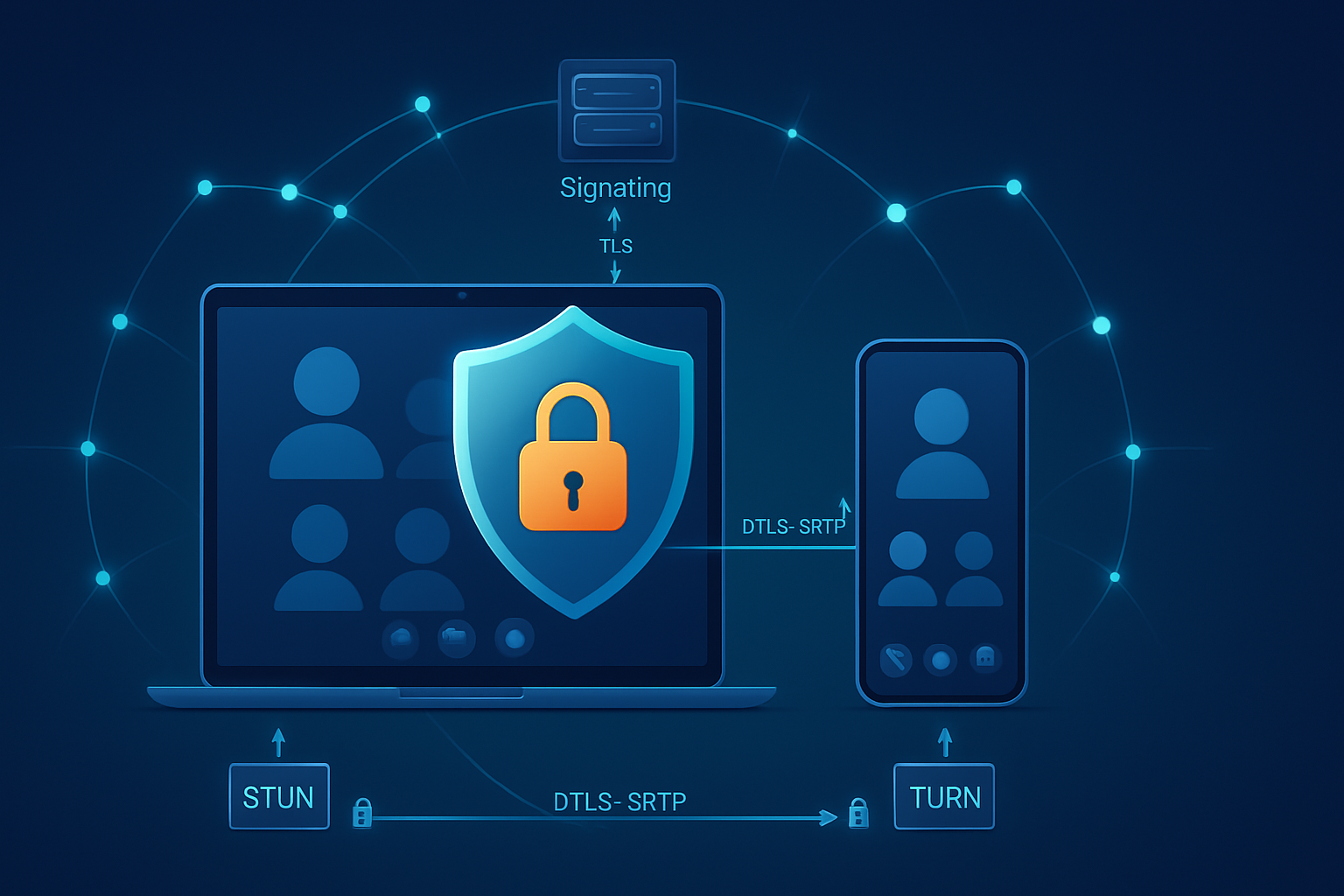
- Each browser creates an RTCPeerConnection and exchanges SDP offers/answers and ICE candidates to negotiate a direct connection.
- A small signaling server (we’ll build one with Node.js + Socket.io) handles the exchange of signaling messages; it does not relay media.
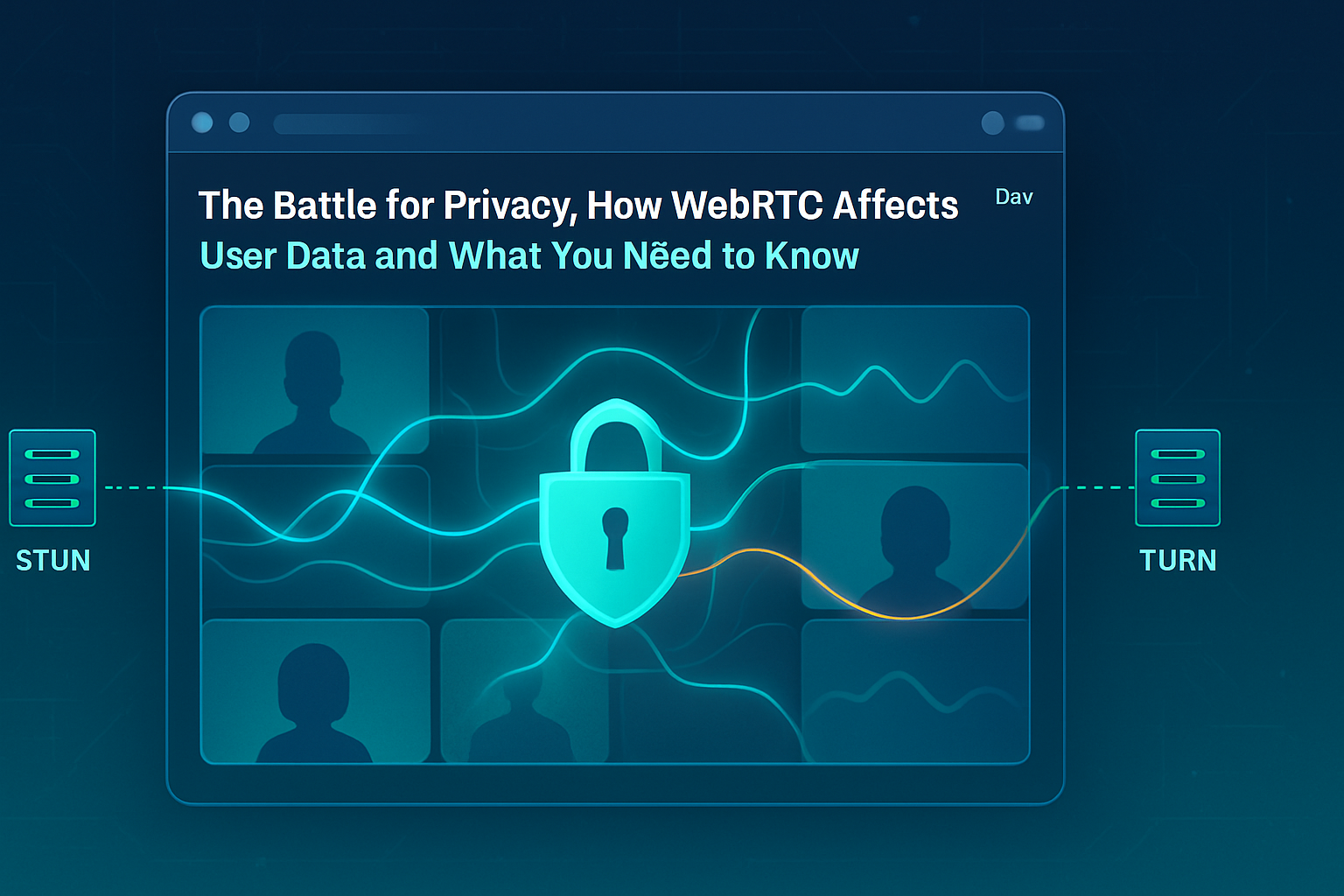
- STUN (and, when necessary, TURN) servers are used to discover public-facing addresses and relay media when direct P2P fails.
Reference docs: WebRTC overview, getUserMedia on MDN.
Prerequisites
- Node.js 16+ (or modern LTS)
- npm or yarn
- Basic knowledge of JavaScript and React
- For development: use localhost (HTTP on localhost is allowed for getUserMedia); production requires HTTPS
Step 1 - Create the signaling server (Node.js + Socket.io)
The signaling server only passes messages between clients. It does not process or persist media streams.
Create a directory webrtc-signal and add server.js:
// server.js
const express = require('express');
const http = require('http');
const { Server } = require('socket.io');

const app = express();
const server = http.createServer(app);
const io = new Server(server, {
  cors: { origin: '*' },
});

// Very simple room model: first client to join a room is peer A, next is peer B.
io.on('connection', socket => {
  console.log('Client connected:', socket.id);

  socket.on('join', room => {
    socket.join(room);
    const clients = io.sockets.adapter.rooms.get(room) || new Set();
    console.log(`Room ${room} size:`, clients.size);
    socket.to(room).emit('peer-joined');
  });

  socket.on('signal', ({ room, data }) => {
    // Broadcast the signaling data to other participants in the room
    socket.to(room).emit('signal', data);
  });

  socket.on('disconnecting', () => {
    const rooms = socket.rooms;
    rooms.forEach(room => socket.to(room).emit('peer-left'));
  });

  socket.on('disconnect', () => console.log('Client disconnected:', socket.id));
});

const PORT = process.env.PORT || 3000;
server.listen(PORT, () =>
  console.log(`Signaling server running on port ${PORT}`)
);
Install dependencies and run:
npm init -y
npm install express socket.io
node server.js
This server supports two participants per room and relays messages using the signal event. You can extend it to add authentication, persistence, or multi-party rooms.
Step 2 - Client: React application (single-file example)
Create a React app (create-react-app or Vite). Below is a minimal App.jsx that connects to the signaling server and establishes a P2P video connection.
// App.jsx
import React, { useRef, useEffect, useState } from 'react';
import io from 'socket.io-client';

const SIGNAL_SERVER_URL = 'http://localhost:3000';
const STUN_SERVERS = [{ urls: 'stun:stun.l.google.com:19302' }];

export default function App() {
  const localVideoRef = useRef(null);
  const remoteVideoRef = useRef(null);
  const pcRef = useRef(null);
  const socketRef = useRef(null);
  const localStreamRef = useRef(null);
  const roomRef = useRef('default-room');
  const [joined, setJoined] = useState(false);

  useEffect(() => {
    socketRef.current = io(SIGNAL_SERVER_URL);

    socketRef.current.on('connect', () =>
      console.log('Connected to signaling server')
    );

    socketRef.current.on('peer-joined', async () => {
      // If another peer joins, create offer
      console.log('Peer joined - creating offer');
      await createOffer();
    });

    socketRef.current.on('signal', async data => {
      if (!pcRef.current) await preparePeerConnection();

      if (data.type === 'offer') {
        console.log('Received offer');
        await pcRef.current.setRemoteDescription(
          new RTCSessionDescription(data)
        );
        const answer = await pcRef.current.createAnswer();
        await pcRef.current.setLocalDescription(answer);
        socketRef.current.emit('signal', {
          room: roomRef.current,
          data: pcRef.current.localDescription,
        });
      } else if (data.type === 'answer') {
        console.log('Received answer');
        await pcRef.current.setRemoteDescription(
          new RTCSessionDescription(data)
        );
      } else if (data.type === 'ice-candidate') {
        // Add remote ICE candidate
        try {
          await pcRef.current.addIceCandidate(data.candidate);
        } catch (e) {
          console.error('Error adding remote ICE candidate', e);
        }
      }
    });

    socketRef.current.on('peer-left', () => {
      console.log('Peer left');
      cleanupPeerConnection();
    });

    return () => {
      socketRef.current.disconnect();
      cleanupLocalStream();
      cleanupPeerConnection();
    };
    // eslint-disable-next-line react-hooks/exhaustive-deps
  }, []);

  async function startLocalStream() {
    try {
      const stream = await navigator.mediaDevices.getUserMedia({
        video: true,
        audio: true,
      });
      localStreamRef.current = stream;
      if (localVideoRef.current) localVideoRef.current.srcObject = stream;
    } catch (err) {
      console.error('Could not get user media:', err);
      alert('Unable to access camera or microphone.');
    }
  }

  function cleanupLocalStream() {
    if (localStreamRef.current) {
      localStreamRef.current.getTracks().forEach(t => t.stop());
      localStreamRef.current = null;
    }
  }

  function cleanupPeerConnection() {
    if (pcRef.current) {
      pcRef.current.close();
      pcRef.current = null;
    }
    if (remoteVideoRef.current) remoteVideoRef.current.srcObject = null;
    setJoined(false);
  }

  async function preparePeerConnection() {
    pcRef.current = new RTCPeerConnection({ iceServers: STUN_SERVERS });

    // Send any ICE candidates to the remote peer
    pcRef.current.onicecandidate = event => {
      if (event.candidate) {
        socketRef.current.emit('signal', {
          room: roomRef.current,
          data: { type: 'ice-candidate', candidate: event.candidate },
        });
      }
    };

    // When remote tracks arrive, put them on the remote video element
    pcRef.current.ontrack = event => {
      console.log('Remote track received');
      if (remoteVideoRef.current)
        remoteVideoRef.current.srcObject = event.streams[0];
    };

    // Add local tracks to peer connection
    if (!localStreamRef.current) await startLocalStream();
    localStreamRef.current
      .getTracks()
      .forEach(track => pcRef.current.addTrack(track, localStreamRef.current));

    setJoined(true);

    return pcRef.current;
  }

  async function createOffer() {
    await preparePeerConnection();
    const offer = await pcRef.current.createOffer();
    await pcRef.current.setLocalDescription(offer);
    socketRef.current.emit('signal', {
      room: roomRef.current,
      data: pcRef.current.localDescription,
    });
  }

  async function joinRoom() {
    await startLocalStream();
    socketRef.current.emit('join', roomRef.current);
  }

  async function leaveRoom() {
    socketRef.current.emit('leave');
    cleanupPeerConnection();
    cleanupLocalStream();
  }

  return (
    <div style={{ padding: 20 }}>
      <h2>Peer-to-Peer Video Chat</h2>
      <div style={{ display: 'flex', gap: 10 }}>
        <video
          ref={localVideoRef}
          autoPlay
          muted
          playsInline
          style={{ width: 320, height: 240, background: '#000' }}
        />
        <video
          ref={remoteVideoRef}
          autoPlay
          playsInline
          style={{ width: 320, height: 240, background: '#000' }}
        />
      </div>

      <div style={{ marginTop: 12 }}>
        <button onClick={joinRoom} disabled={joined}>
          Join
        </button>
        <button onClick={leaveRoom} disabled={!joined}>
          Leave
        </button>
      </div>
    </div>
  );
}
Install client deps:
npm install react react-dom socket.io-clientNotes about the client code:
- We use a STUN server only (
stun:stun.l.google.com:19302). That’s fine for many P2P cases where NAT traversal works. - The client creates an offer when another peer joins.
- ICE candidates are sent via the
signalevent encapsulated astype: 'ice-candidate'. - We add local tracks with
addTrackand listen forontrackto render remote streams.
Optional: Add a DataChannel (for chat or file metadata)
To exchange text messages or small data outside the media path, create a data channel on the offerer:
// On offerer side, before creating offer
const dc = pcRef.current.createDataChannel('chat');
dc.onopen = () => console.log('DataChannel open');
dc.onmessage = e => console.log('DataChannel msg', e.data);

// On answerer side, receive channel
pcRef.current.ondatachannel = event => {
  const dc = event.channel;
  dc.onmessage = e => console.log('Received message', e.data);
};
TURN servers - when STUN isn’t enough
If two peers cannot connect due to symmetric NATs or restrictive networks, you need a TURN server to relay media. You can:
- Run your own TURN using coturn.
- Use a paid TURN service (e.g., Twilio NAT traversal or other providers).
Add TURN servers in the RTCPeerConnection config:
const config = {
  iceServers: [
    { urls: 'stun:stun.l.google.com:19302' },
    {
      urls: 'turn:turn.yourserver.com:3478',
      username: 'user',
      credential: 'pass',
    },
  ],
};
new RTCPeerConnection(config);
Security and deployment notes
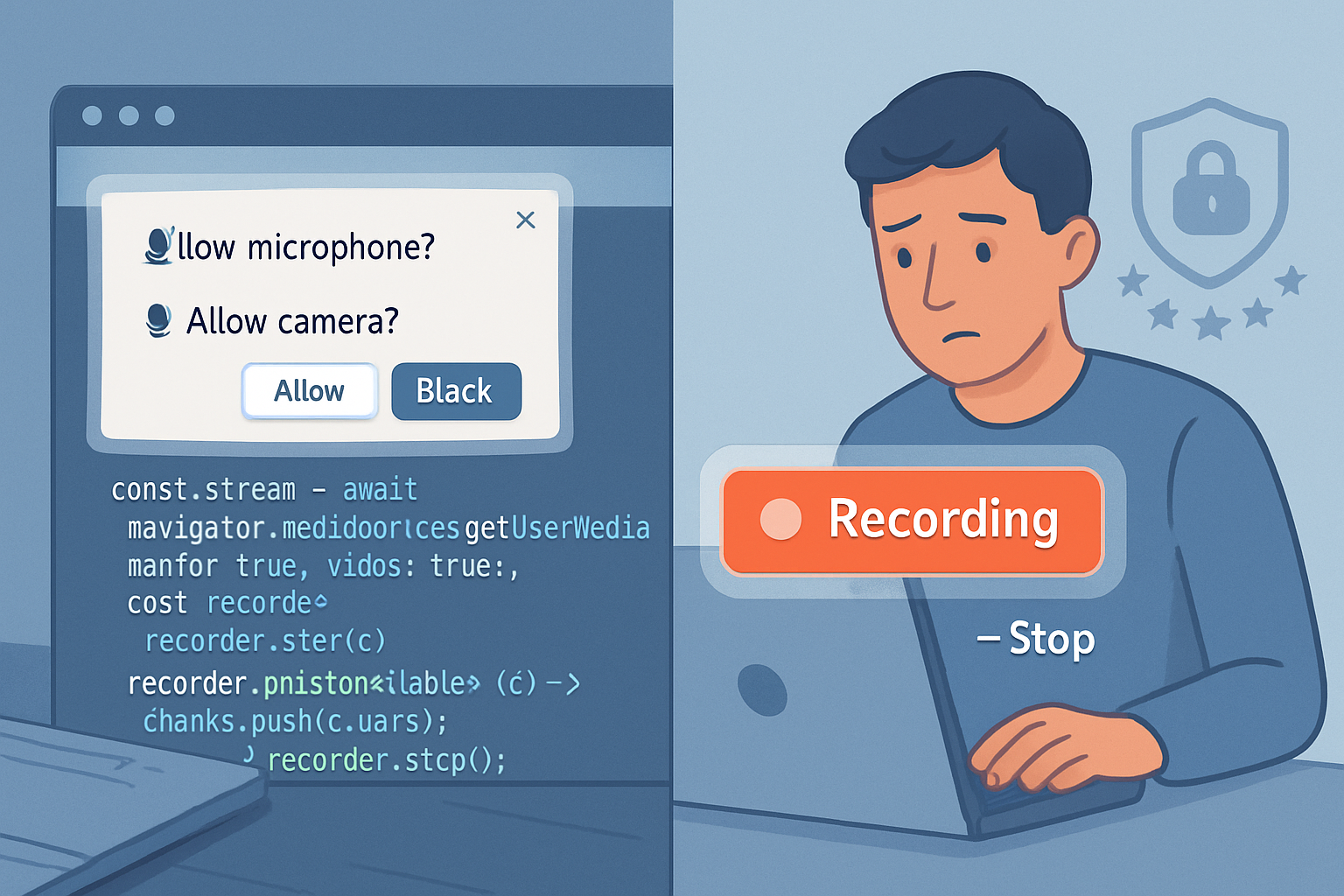
- getUserMedia requires HTTPS in production. localhost is allowed over HTTP for dev.
- Use TLS for your signaling server in production (Socket.io over WSS).
- Protect rooms with authentication or random room tokens to prevent uninvited joins.
- For scalability and group calls, a pure mesh topology (everyone connected to everyone) doesn’t scale beyond a few peers. For many participants use an SFU (Selective Forwarding Unit) like Jitsi Videobridge or Janus.
Debugging tips
- Open chrome://webrtc-internals to inspect peer connection stats and SDP.
- Inspect ICE agent logs and candidate pairs in chrome://webrtc-internals.
- Use getStats() on RTCPeerConnection for bitrate, packet loss, and latency information.
Improvements and next steps
- Add UI for room names, participants list, and mute/disable camera.
- Implement TURN server or integrate a commercial TURN provider for robust connectivity in the wild.
- Add screen sharing with navigator.mediaDevices.getDisplayMedia.
- Record streams server-side or client-side (MediaRecorder API).
- Replace simple signaling with authenticated WebSocket flow and store session metadata.
Quick troubleshooting checklist
- No camera/mic: check browser permissions and device access.
- No remote video: verify SDP flow and that both peers exchanged all ICE candidates.
- Connection works on LAN but not across networks: add a TURN server.
Where to learn more
- WebRTC.org - Official resource: https://webrtc.org
- MDN Web Docs - getUserMedia and RTCPeerConnection: https://developer.mozilla.org
- Socket.io docs: https://socket.io/docs
- coturn project: https://github.com/coturn/coturn
Recap - what you now have
You now have a clear blueprint and working example for a one-to-one peer-to-peer video chat using WebRTC plus a lightweight signaling server. You can run this locally, iterate on the UI, and add TURN servers and features to make it production-ready.
Build it. Test it. Iterate. And when direct P2P fails, a TURN server will save the call.