· deepdives · 8 min read
Common Pitfalls When Using the Permissions API: Avoid These Mistakes
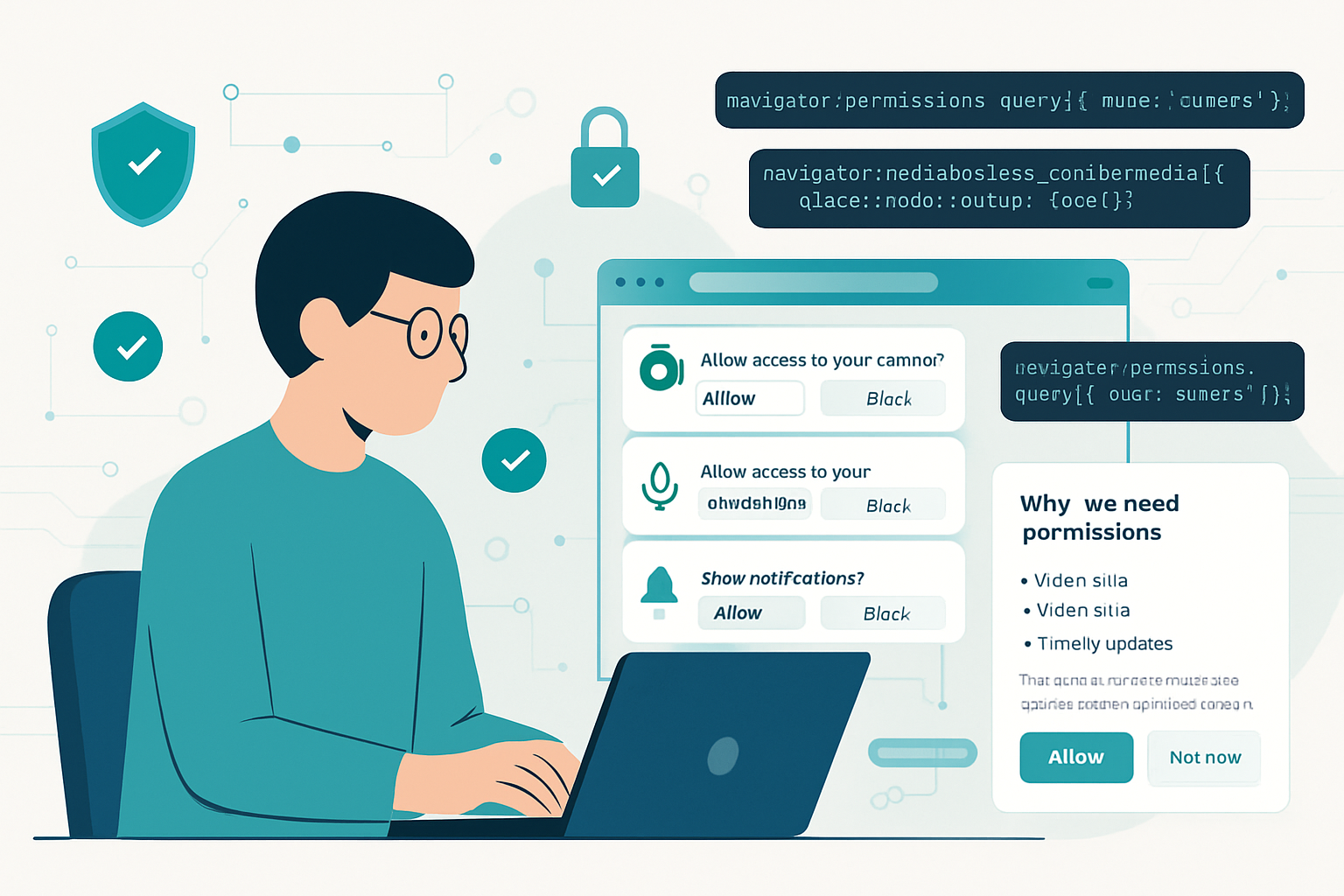
A practical guide to the most common mistakes developers make with the browser Permissions API - why they happen, how to fix them, and best practices to build robust, user-friendly permission flows.

Outcome first: if you read this post you will stop breaking permission flows, reduce unexpected prompts, and give users a smoother, more privacy-respecting experience. You’ll come away with reliable patterns to check permissions, show context, request access correctly, and gracefully degrade when the browser doesn’t cooperate.
Why this matters (quick)
Permissions shape first impressions. A poorly timed or incorrect permission prompt reflects badly on your product - users deny access, abandon flows, or mistrust your app. The Permissions API promises to make permission status checks easy. But it also comes with traps. This post walks through the most common pitfalls, concrete fixes, and clear code patterns you can copy.
Quick primer: what the Permissions API is - and what it isn’t
- The Permissions API (navigator.permissions) lets you query the current permission state for a given permission name.
- It returns a PermissionStatus object with a
stateofgranted,denied, orprompt, and emitsonchangeevents when state changes. - It is not a request API. You cannot use it to prompt the user; you must call the browser’s request methods (e.g.,
getUserMedia(),Notification.requestPermission(),getCurrentPosition()).
For the spec and details see the MDN and W3C docs:
- Permissions API overview: https://developer.mozilla.org/en-US/docs/Web/API/Permissions_API
- navigator.permissions.query: https://developer.mozilla.org/en-US/docs/Web/API/Permissions/query
Pitfall 1 - Assuming navigator.permissions is always available
Problem: You call navigator.permissions.query(...) without feature-detecting. In older browsers, or some mobile browsers, navigator.permissions is undefined, causing runtime errors.
Why it happens: The API is implemented unevenly across browsers and permission names vary.
Fix:
- Feature-detect before calling.
- Provide a fallback flow that still attempts to request the permission when needed.
Example pattern:
async function safeQueryPerm(descriptor) {
  if (!('permissions' in navigator)) return null;
  try {
    return await navigator.permissions.query(descriptor);
  } catch (err) {
    // Some browsers throw for unsupported permission names
    return null;
  }
}
Guideline: never assume the API exists - always design for graceful degradation.
Pitfall 2 - Using Permissions API to request permissions
Problem: Developers try to use permissions.query() as the prompt/request mechanism. They expect query to trigger the browser prompt; it doesn’t.
Why it happens: query() only reports state. To request access you must call the appropriate API.
Correct approach (Notifications example):
// Wrong: navigator.permissions.query({ name: 'notifications' }) -> does not prompt
// Right:
if ('Notification' in window) {
  // Optional: check Notification.permission for a quick sync check
  // Then request if appropriate
  const result = await Notification.requestPermission();
  // result is 'granted'|'denied'|'default'
}
Always call the specific request method for that permission: getUserMedia for camera/microphone, getCurrentPosition for geolocation, Notification.requestPermission() for notifications, etc.
Pitfall 3 - Treating the Permissions API as a single source of truth
Problem: You call permissions.query({name: 'notifications'}) and assume the returned state is canonical.
Why it happens: Different APIs sometimes have their own status (e.g., Notification.permission) and the browser may return prompt even when a separate API says granted or vice versa. Some permission names are not implemented or return unpredictable values.
Fix:
- For certain permissions prefer the feature-specific API when it provides a canonical source (e.g.,
Notification.permission). - Use Permissions API as a hint, not gospel. Always handle the actual request result and errors.
Example:
// For notifications, prefer the Notification API status
const notifStatus = Notification.permission; // 'default' | 'denied' | 'granted'
// Use that plus a safe check with navigator.permissions if available
Pitfall 4 - Not handling permissionStatus.onchange
Problem: You query permission once at page load and never update the UI when the user changes settings (via the browser UI or external site settings).
Why it happens: Developers expect permission state to remain stable for the session.
Fix:
- Listen to
PermissionStatus.onchangeand update your UI accordingly. - Keep references to the PermissionStatus object so you can remove listeners when components unmount (prevent memory leaks).
Example:
const status = await navigator.permissions.query({ name: 'camera' });
function handleChange() {
  updateCameraButton(status.state);
}
status.onchange = handleChange;
// When cleaning up: status.onchange = null;
Pitfall 5 - Not catching exceptions or handling rejection
Problem: You call request APIs (getUserMedia, getCurrentPosition) and assume success or ignore catch blocks. On some devices requests fail for reasons not captured by permission state (hardware missing, user revoked at OS level, insecure context).
Fix:
- Always wrap request calls in try/catch and present a clear error message or fallback.
Example:
try {
  const stream = await navigator.mediaDevices.getUserMedia({ video: true });
  // proceed
} catch (err) {
  // err.name could be 'NotAllowedError', 'NotFoundError', etc.
  showFriendlyError(err);
}
Pitfall 6 - Querying unsupported permission names
Problem: You call navigator.permissions.query({ name: 'camera' }) in a browser that doesn’t implement that name - it throws.
Fix:
- Wrap
query()in try/catch. - Maintain a small whitelist of permission names you know your target browsers support.
- Use feature detection for specific features (e.g.,
navigator.mediaDevicesfor camera/mic).
Example defensive code:
async function isCameraPermissionGranted() {
  if (!('permissions' in navigator) || !('mediaDevices' in navigator))
    return null;
  try {
    const status = await navigator.permissions.query({ name: 'camera' });
    return status.state === 'granted';
  } catch (e) {
    return null; // unknown
  }
}
Pitfall 7 - Asking for permission too early (or too often)
Problem: You prompt for a sensitive permission on first load or every time - users deny or develop prompt fatigue.
Why it happens: Developers want access to features immediately.
Fix - UX best practices:
- Use progressive disclosure: explain why you need access before triggering the browser prompt.
- Request only when the user takes the action that requires the permission (e.g., tap “Take photo” then request camera). Context reduces denials.
- Avoid repeated prompts; respect user decisions and provide an in-app path to recover.
Example: show a short pre-permission modal that says what you need and why, then call the request API only if the user agrees.
Pitfall 8 - Not providing fallbacks or degraded experiences
Problem: Your app simply breaks if permission is denied.
Fix:
- Provide an alternative or informative fallback: let users upload an image instead of taking a photo; allow manual location entry if geolocation is denied.
- Surface clear instructions about how to re-enable permissions in browser settings, especially on iOS/Android where controls are deep in the OS.
Pitfall 9 - Confusing ‘prompt’ with ‘denied’
Problem: You see state === 'prompt' and treat it as denial or ignore it.
Why it happens: prompt means “the browser will ask if you request the feature” - not that the user has refused. Acting as if it’s denied prevents you from requesting the permission when the user expects it.
Fix:
- Treat
promptas “not decided”; you can show your contextual explanation and then call the request API.
Pitfall 10 - Forgetting secure contexts (HTTPS)
Problem: Some permission-requiring features only work on secure contexts (HTTPS) and navigator.permissions may behave differently when served over HTTP.
Fix:
- Serve your site over HTTPS; test behavior on http vs https to avoid surprises.
- Feature-detect and inform users if functionality is unavailable because of insecure context.
Pitfall 11 - Not respecting principle of least privilege
Problem: Asking for broad access (camera + microphone + persistent storage) at once when your feature only needs one.
Fix:
- Ask for the minimum permission required, at the moment it’s needed.
- Consider asking in stages: request one permission, then later request another only when the user needs that capability.
Pitfall 12 - Not testing across environments
Problem: You test once in your desktop Chrome and assume behavior is identical on mobile Safari, incognito mode, or older browsers.
Fix:
- Test in multiple browsers, platforms, and contexts (incognito/private browsing, embedded in iframes, mobile web views).
- Use vendor docs and testing tools (BrowserStack, Sauce Labs) and try explicit revocation flows in browser settings.
Permission-specific tips and examples
Notifications
- Use
Notification.permissionas the authoritative quick check. - Call
Notification.requestPermission()only after a clear user gesture.
Geolocation
- Use
navigator.permissions.query({name: 'geolocation'})for hints but callnavigator.geolocation.getCurrentPosition()to request. - Handle timeouts and user-denied callbacks.
Camera / Microphone
- Use
navigator.mediaDevices.getUserMedia()to request;permissions.query({ name: 'camera' })/{ name: 'microphone' }are helpful but not consistently implemented. - Always handle NotAllowedError and NotFoundError.
Clipboard
- Clipboard read/write require secure context and user gestures for certain operations.
- Use the Clipboard API’s request methods rather than relying only on
permissions.query({ name: 'clipboard-read' }).
Persistent storage
- Call
navigator.storage.persist()to request persistence;permissions.query({ name: 'persistent-storage' })may be supported but check browser docs.
References:
- MDN Permissions API: https://developer.mozilla.org/en-US/docs/Web/API/Permissions_API
- navigator.permissions.query: https://developer.mozilla.org/en-US/docs/Web/API/Permissions/query
- Notifications API: https://developer.mozilla.org/en-US/docs/Web/API/Notifications_API
- getUserMedia: https://developer.mozilla.org/en-US/docs/Web/API/MediaDevices/getUserMedia
- Geolocation API: https://developer.mozilla.org/en-US/docs/Web/API/Geolocation_API
- Clipboard API: https://developer.mozilla.org/en-US/docs/Web/API/Clipboard_API
Checklist: ship-ready permission handling
- Feature-detect
navigator.permissionsand request APIs before use. - Use the feature-specific request API (getUserMedia, getCurrentPosition, Notification.requestPermission) to prompt users.
- Provide a short, contextual explanation before prompting.
- Listen to
PermissionStatus.onchangeand update UI. - Catch and handle all errors from request calls.
- Offer graceful fallbacks for denied permissions.
- Test across browsers, mobile, incognito, and iframes.
- Ask for least privilege and request permissions at time of need.
- Document for users how to re-enable permissions if they change their minds.
Minimal robust pattern (utility you can reuse)
// High-level pattern: check -> explain -> request -> handle
async function ensurePermission({ name, requestFn, explainFn }) {
  // 1. Try to get a hint from permissions API
  let status = null;
  try {
    if ('permissions' in navigator) {
      status = await navigator.permissions.query({ name });
    }
  } catch (e) {
    status = null; // unsupported
  }

  // 2. If denied, skip the request and show recovery instructions
  if (status && status.state === 'denied') {
    showPermissionDisabledHelp(name);
    return false;
  }

  // 3. If prompt or unknown, show a short explanation then call the real request
  const ok = await explainFn(); // show your UI and return true/false
  if (!ok) return false;

  try {
    // requestFn is a function that calls the real API, e.g., () => navigator.mediaDevices.getUserMedia({...})
    const result = await requestFn();
    return !!result;
  } catch (err) {
    showFriendlyError(err);
    return false;
  }
}
Use this to centralize handling and make permission flows consistent across your app.
Final, crucial point (don’t skip this)
Permissions are about people - not flags. Technical correctness matters, but the best safeguard against denials is respect: ask only when necessary, explain clearly, and give users control and alternatives. If you do just one thing from this guide, make it this: design permission requests around user intent - detect, explain, then request. That single change will reduce denials, increase trust, and make your app resilient.