· deepdives · 6 min read
The Future of Checkout: How Payment Request API is Revolutionizing E-Commerce
Discover how the Payment Request API streamlines checkout, reduces friction, and reshapes e-commerce - with implementation guidance, best practices, browser support, and what the future holds for web payments.
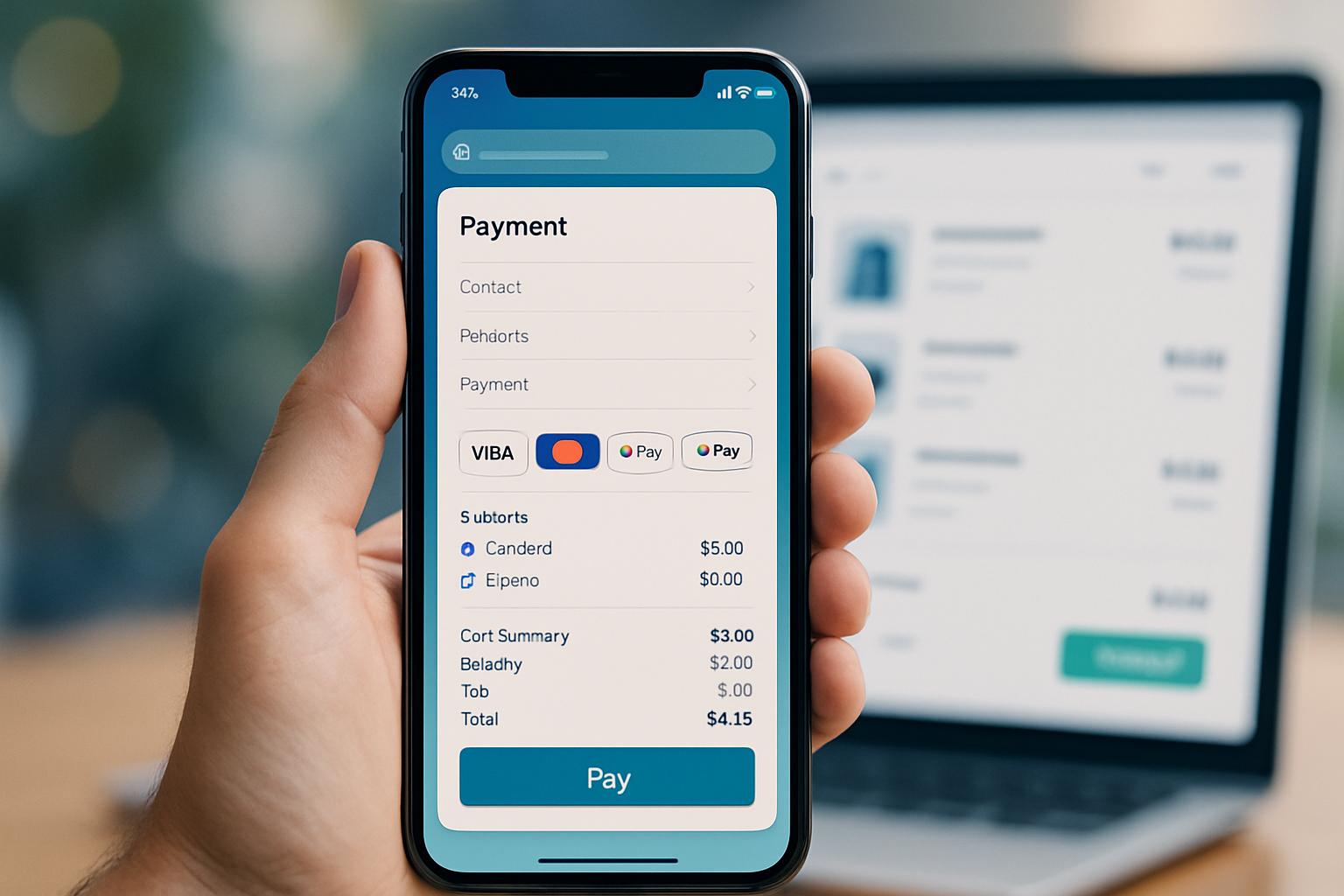
Outcome first: implement Payment Request API correctly, and you cut friction, speed up checkout, and lift conversions - often significantly. Read on and you’ll know what the API does, why it matters, how to implement it safely, what to A/B test, and where this technology is headed.
Why the Payment Request API matters - in one sentence
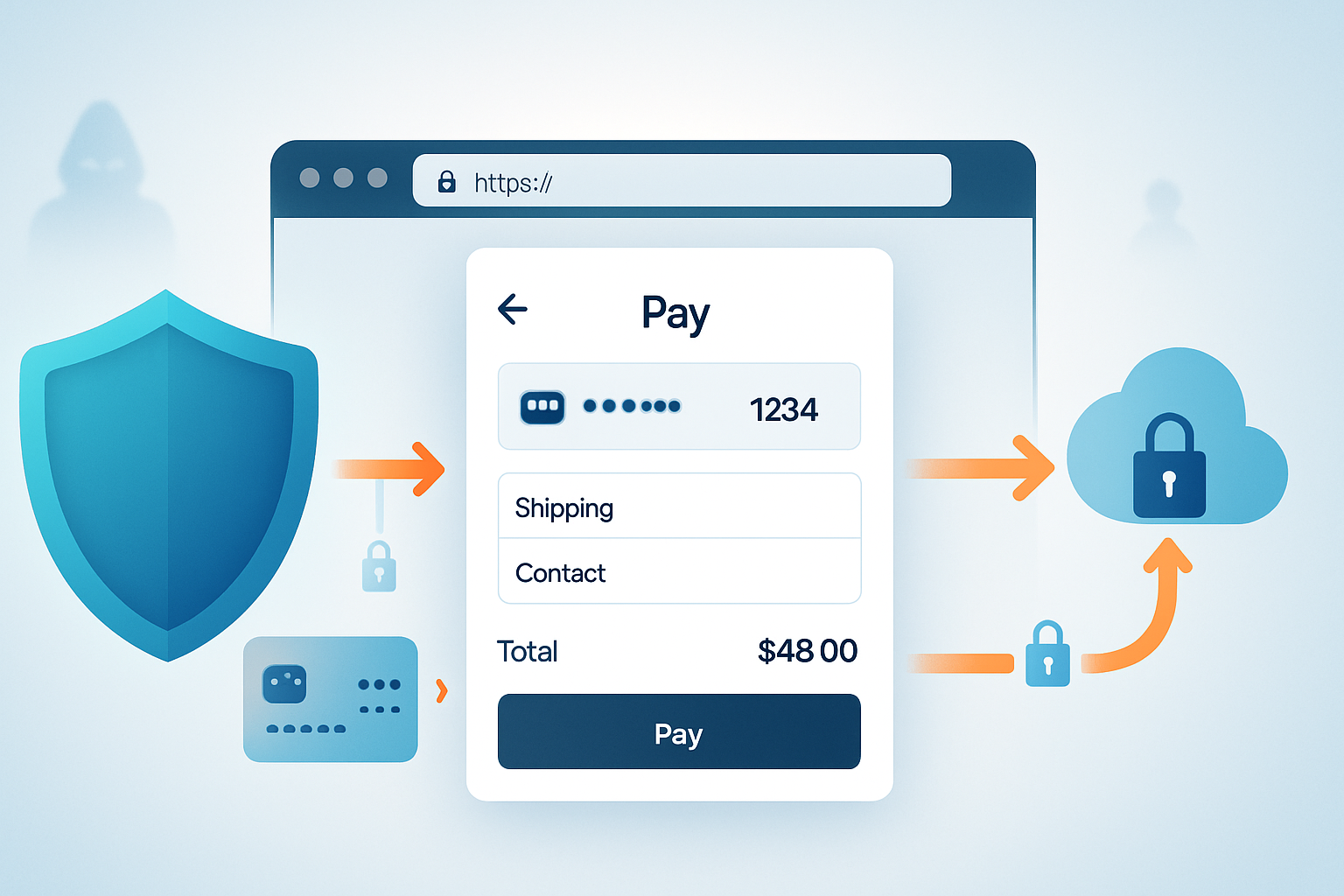
It brings the browser-native payment sheet to your checkout, letting customers pay with stored cards, platform wallets, or third-party payment apps without typing long forms.
Short. Powerful.
The big picture: what’s changing in checkout
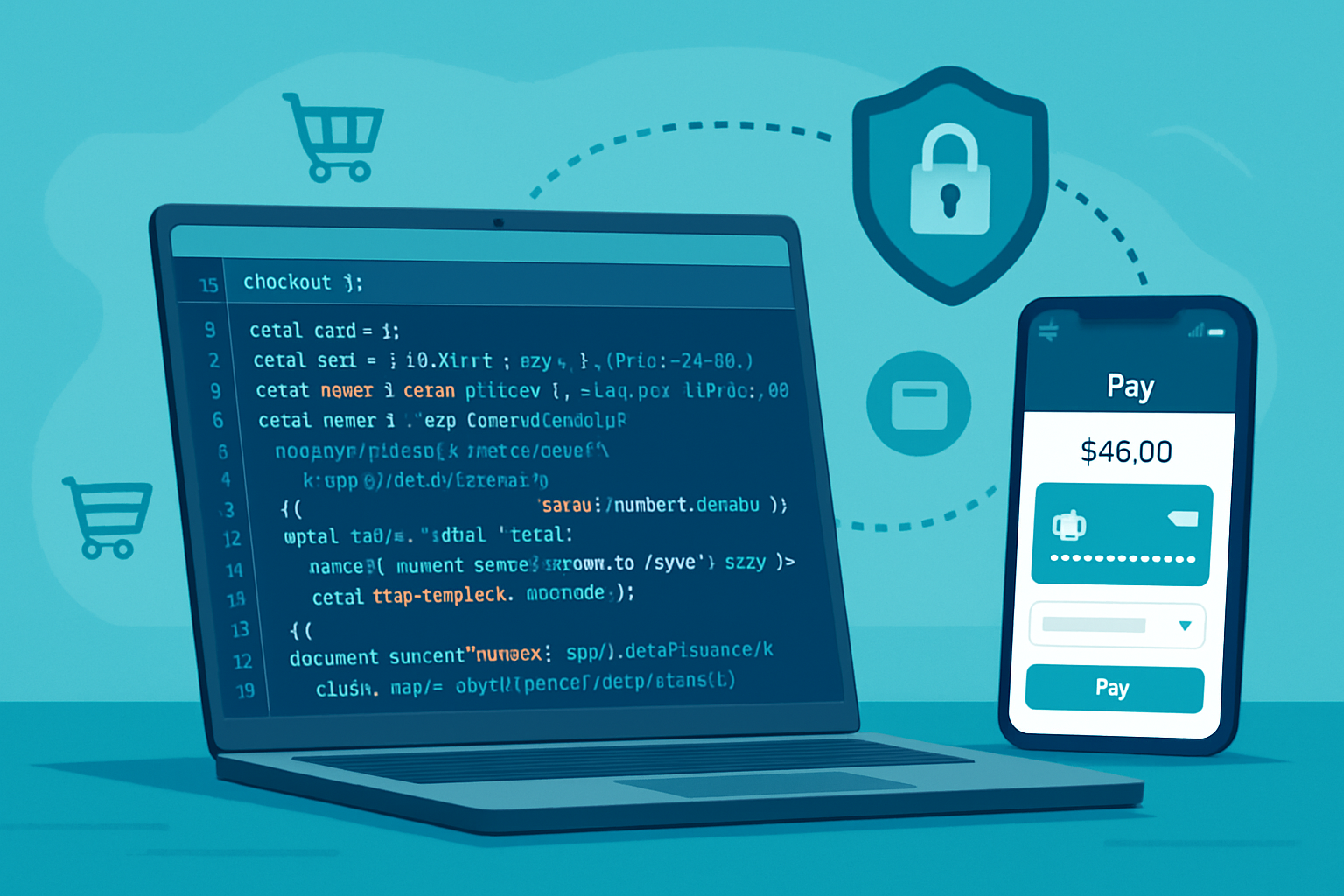
E-commerce checkout has been a battleground for conversions for years. Every extra field increases abandonment. Mobile made the problem worse. The Payment Request API changes the rules by letting browsers present a fast, consistent, and secure payment UI that can collect payment methods, shipping addresses, and contact info with minimal input.
The result: faster checkouts, fewer typing errors, fewer failed payments, and a smoother path from intent to purchase.
What the Payment Request API is (and isn’t)
- It’s a web standard defined by the W3C that provides a common JavaScript interface for requesting payment and shipping information from the user. See the spec: https://www.w3.org/TR/payment-request/
- It’s not a payment processor. It doesn’t handle authorization on its own - it collects data and hands it to your payment gateway or server for processing.
- It works with card networks, tokenized platform payments (like Google Pay or platform-held cards), and browser-based payment handlers.
For a concise developer guide, see MDN’s overview: https://developer.mozilla.org/en-US/docs/Web/API/Payment_Request
A quick example (starter code)
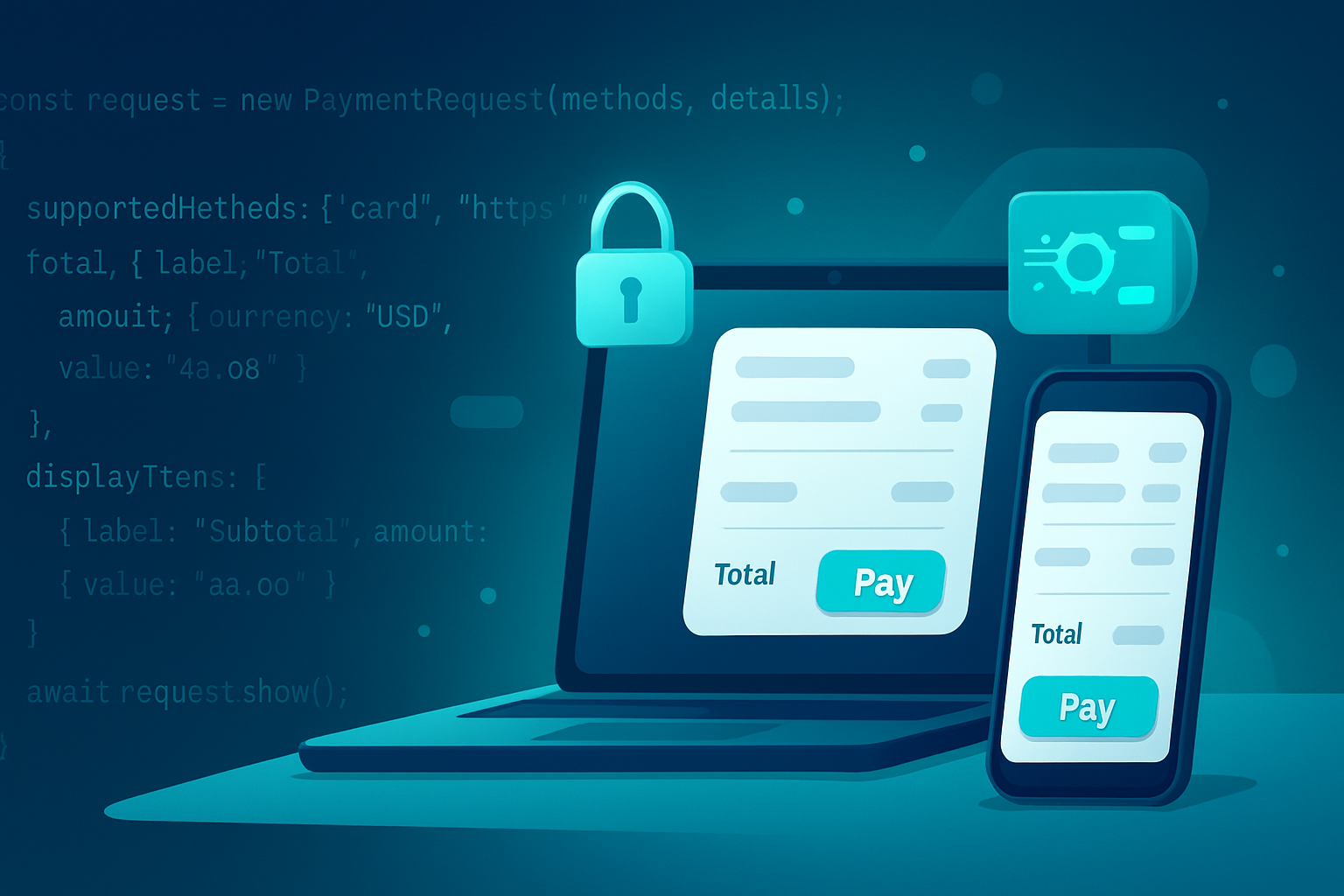
This minimal example requests a card payment and a shipping address. It shows how concise the integration can be.
if (window.PaymentRequest) {
  const supportedInstruments = [
    {
      supportedMethods: 'basic-card',
      data: { supportedNetworks: ['visa', 'mastercard', 'amex'] },
    },
  ];

  const details = {
    total: { label: 'Total', amount: { currency: 'USD', value: '19.99' } },
    shippingOptions: [
      {
        id: 'standard',
        label: 'Standard Shipping',
        amount: { currency: 'USD', value: '0.00' },
        selected: true,
      },
    ],
  };

  const options = { requestShipping: true };

  const request = new PaymentRequest(supportedInstruments, details, options);

  request
    .show()
    .then(paymentResponse => {
      // Send paymentResponse to your server to process the payment.
      return processPaymentOnServer(paymentResponse)
        .then(() => paymentResponse.complete('success'))
        .catch(() => paymentResponse.complete('fail'));
    })
    .catch(err => {
      console.error('Payment Request failed or was cancelled', err);
    });
}
Tip: keep the client-side flow thin. Validate and settle on the server where you have your gateway credentials and fraud checks.
How it improves UX and conversions
- Fewer form fields. Native autofill and stored payment methods reduce typing. Less friction equals higher completion rates.
- Consistent UI. Customers see a trusted OS or browser UI rather than a custom form.
- Faster payments. Completing a checkout can be two or three taps on mobile when platform cards and wallets are available.
Google’s developer resources and case studies show measurable lifts when sites adopt Payment Request, particularly on mobile. See examples and performance notes: https://web.dev/payment-request/
Security and privacy - built into the model
- Sensitive data collection is handled by the user agent (browser) in a secure UI, minimizing exposure to your page’s DOM.
- Payment data often comes as tokens (not raw PANs) when using platform wallets or tokenized flows. Tokens reduce PCI burden.
- Authentication requirements (like SCA under PSD2) still apply. The API can participate in flows that require additional verification, but you must design for that.
For regulatory context in the EU, review PSD2 and SCA rules: https://ec.europa.eu/info/business-economy-euro/banking-and-finance/consumer-finance-and-payments/payment-services/payment-services-directive-psd2_en
Browser support and progressive enhancement
Support is broad but not universal. Check current compatibility before rolling out as your only checkout path: https://caniuse.com/payment-request
- Chrome, Edge, Samsung Internet, and many Android browsers have strong support.
- Safari’s support has historically lagged, though Apple Pay and Safari’s own payment methods offer other ways to provide fast checkout.
- Desktop vs mobile behavior can differ: mobile often has more native wallets available.
Because support varies, adopt progressive enhancement: present the Payment Request UI where available; otherwise fall back to your existing checkout.
Payment Handler API and the broader Web Payments ecosystem
The Payment Handler API allows web-based payment apps (including PWAs) to register as handlers for payment methods. This opens the door to wallets that act like native apps but run in the browser. Learn more in the spec: https://w3c.github.io/payment-handler/
This is important because it moves the ecosystem toward interoperable wallets and payment apps rather than siloed browser-specific solutions.
Implementation best practices
- Feature-detect and gracefully fallback: always check
window.PaymentRequestand design a seamless alternative. - Pre-fill when possible: if you already have a logged-in user’s address, set it server-side or provide hints to reduce steps.
- Offer multiple supportedMethods: include ‘basic-card’ plus platform methods like ‘https://google.com/pay’ when possible.
- Use shipping options effectively: dynamically update totals with
request.updateWith()when shipping or taxes change. - Keep client-side code minimal: send the paymentResponse to your backend for processing and fraud checks.
- Localize currency, formatting, and labels.
- Measure: track time-to-complete, abandonment rate, and success rate for Payment Request vs fallback form.
Common pitfalls and how to avoid them
- Assuming all users will see the native sheet. They won’t. Implement seamless fallbacks.
- Overly custom flows. If you try to force a bespoke UX around the API you lose its simplicity and trust benefits.
- Forgetting tax/shipping recalculation. Update the payment details when shipping options change or when discounts apply.
- Ignoring authentication. If SCA or 3DS is required, make sure your backend and gateway support the needed challenge flows.
Measuring success - what to A/B test
- Checkout completion rate (primary KPI).
- Time from cart to purchase.
- Drop-off points in the UX (shipping selection, payment confirmation).
- Payment failure rate (card declines, authentication failures).
Run experiments that compare the native Payment Request flow against your best optimized form-based checkout. Devices matter: test desktop and mobile separately.
Business implications and adoption strategies
- Smaller merchants: adopt quickly to reduce friction. The integration overhead is low and the UX gains are high.
- Marketplaces: manage multiple payment paths and always route data securely to the right settlement flow.
- Enterprises: integrate Payment Request into a larger payments strategy (tokenization, fraud engines, payment orchestration) and use A/B testing at scale.
Start with high-traffic product pages or a mobile-first checkout to maximize early wins.
The future: where checkout is heading
- Web-native wallets and payment handlers will grow, letting users choose from multiple browser-registered wallets.
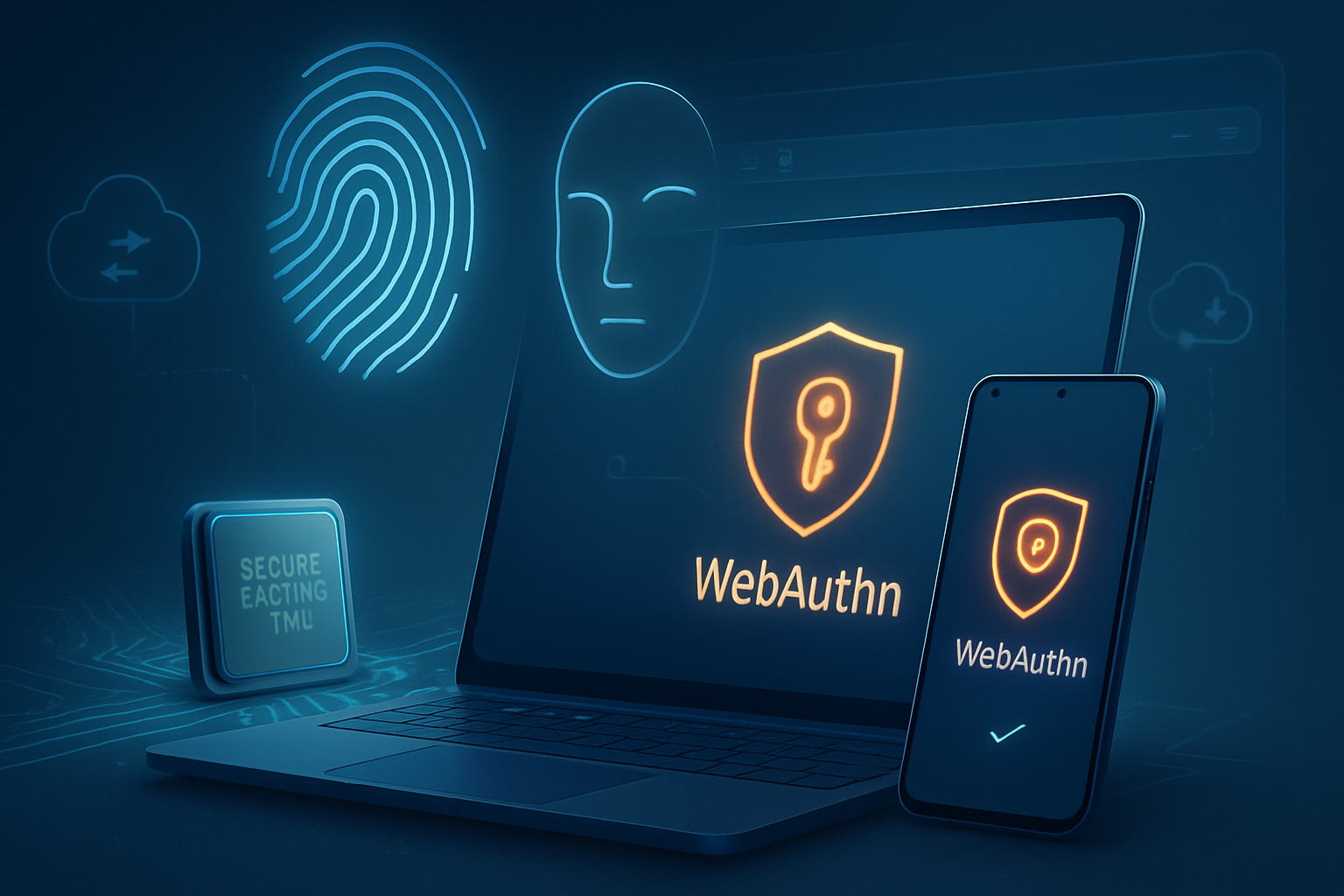
- Stronger authentication via WebAuthn/FIDO2 will pair with payments for passwordless, biometric verification. See WebAuthn: https://www.w3.org/TR/webauthn-2/
- Tokenization will continue to reduce PCI scope and speed settlement.
- Payment orchestration and intelligent routing will work with browser APIs to present the most likely-to-convert options.
- Cross-platform consistency will improve, making the web a first-class payments surface comparable to native apps.
In short: checkout will become faster, safer, and more flexible - and the browser is central to that shift.
Quick checklist to get started (actionable next steps)
- Audit your current checkout and identify mobile bottlenecks.
- Implement a basic Payment Request flow for one product or cart path.
- Add platform payment methods (Google Pay, Apple Pay where applicable) via supportedMethods.
- Implement server-side processing and handle authentication/3DS as needed.
- A/B test against your current checkout and measure conversion lift.
- Roll out progressively and monitor performance and failures.
Closing thought
The Payment Request API isn’t a silver bullet, but it’s a powerful lever: adopt it thoughtfully, pair it with solid server-side processing and authentication, and you can make checkout almost invisible - quick, safe, and designed to keep customers moving forward.
References
- W3C Payment Request spec: https://www.w3.org/TR/payment-request/
- MDN: Payment Request API: https://developer.mozilla.org/en-US/docs/Web/API/Payment_Request
- Google / web.dev: Payment Request overview and case studies: https://web.dev/payment-request/
- Can I Use: browser support for Payment Request: https://caniuse.com/payment-request
- W3C Payment Handler spec: https://w3c.github.io/payment-handler/
- PSD2 and SCA info (EU Commission): https://ec.europa.eu/info/business-economy-euro/banking-and-finance/consumer-finance-and-payments/payment-services/payment-services-directive-psd2_en