· frameworks · 7 min read
NestJS vs. Express: Unraveling the Best Use Cases for Each Framework
A practical, opinionated guide to choosing between NestJS and Express - when to favor the structure of Nest, when to keep it simple with Express, real-world examples, code snippets, performance considerations, and a controversial take on community preferences.
Outcome first: by the end of this article you’ll know exactly which framework to pick for your next Node.js backend - NestJS or Express - and why.
You will be able to match team size, product stage, and technical constraints to the framework that reduces long-term risk and increases developer velocity. Read on for pragmatic rules, clear examples, and one controversial opinion that developers quietly agree with.
Quick summary (if you want the short answer)
- Use NestJS when you need scalable, maintainable architecture for teams building medium-to-large systems, microservices, GraphQL APIs, or when you want batteries-included features like dependency injection, modules, and consistent testing patterns.
- Use Express when you want minimal overhead, fastest time to prototype, ultimate flexibility for edge cases, or tiny serverless functions where every millisecond and KB counts.
Now let’s unpack why.
How NestJS and Express relate (the basics)
Express is a minimal, unopinionated web framework for Node.js that gives you HTTP routing and middleware. It’s small and flexible - a blank canvas. See the docs for the original take: https://expressjs.com/
NestJS is an opinionated framework built on top of Node.js that can use Express or Fastify underneath. It adds an application architecture inspired by Angular (modules, controllers, dependency injection) and integrates a lot of common concerns out of the box: DI, testing patterns, microservices support, GraphQL, and more. Official docs: https://docs.nestjs.com/ and repo: https://github.com/nestjs/nest
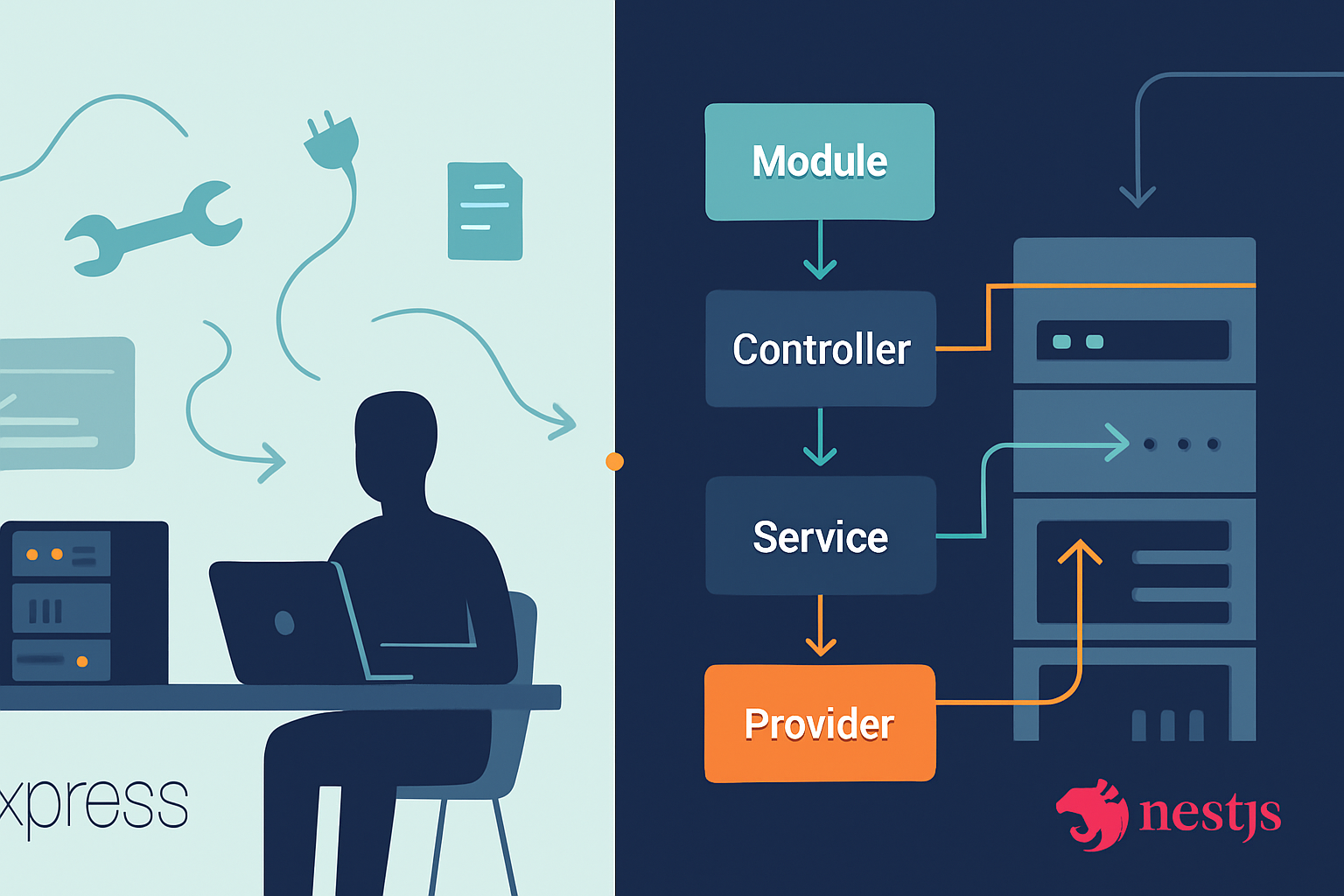
In short: Express is the building block. NestJS is an architectural layer that helps you build larger systems faster and with more consistency.
Core comparison: architecture, learning curve, and developer ergonomics
Architecture
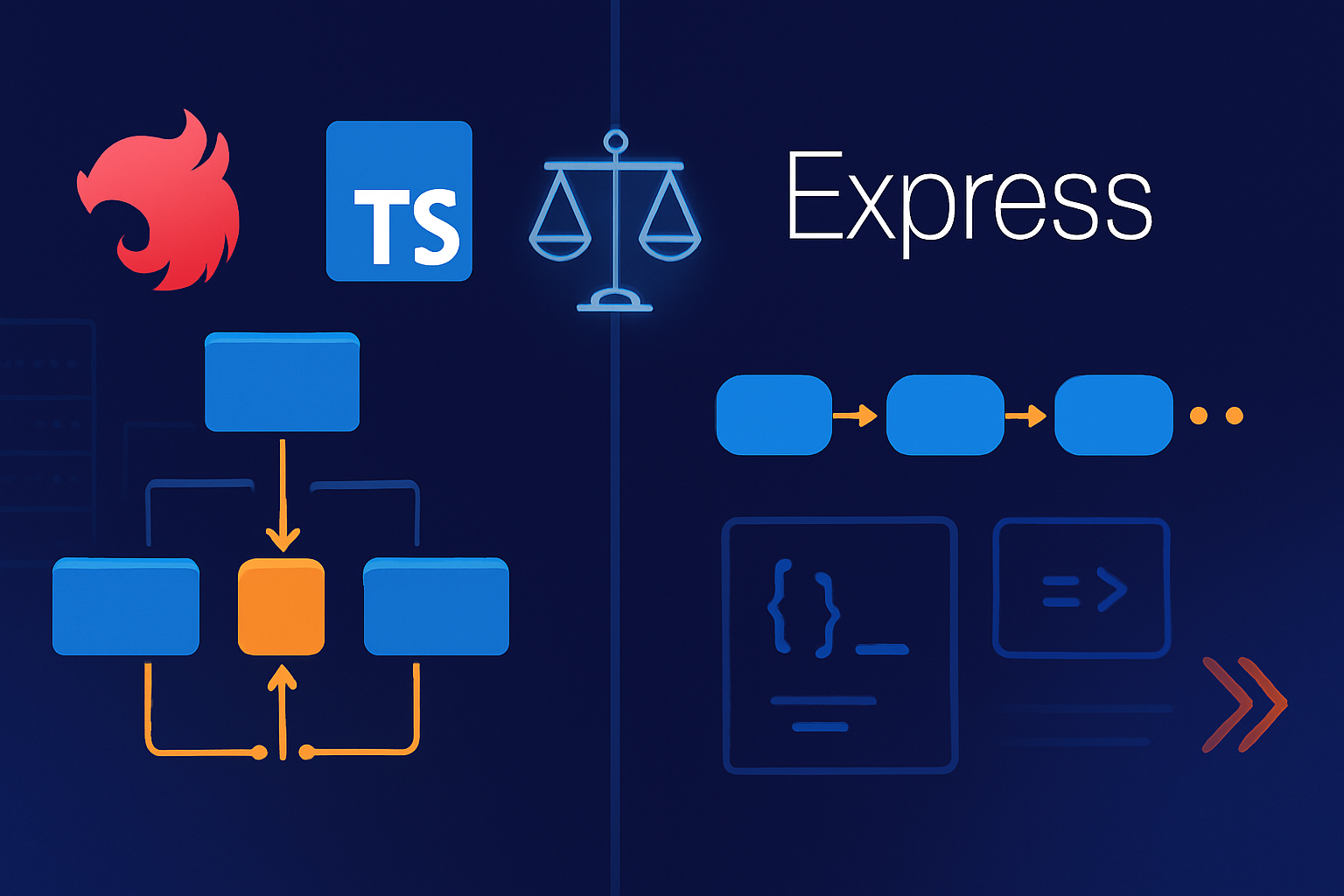
- Express: None enforced. You choose your folder structure, DI solution, and organization. This is powerful. It’s also a liability for teams that lack discipline.
- NestJS: Opinionated. Modules, controllers, providers, and decorators give you a uniform mental model. That uniformity reduces cognitive load once learned.
Learning curve
- Express: Very low. You can build an API in minutes.
- NestJS: Higher initially, especially if you haven’t used DI or decorator-driven frameworks. The payoff appears as the codebase grows.
Developer ergonomics
- Express: Freedom to use any libraries, patterns, or style. Great for prototyping and edge-case apps.
- NestJS: Built-in CLI, testing utilities, decorators, and scaffolding. Better for long-lived projects and teams.
Performance and deployment considerations
Performance is often a red herring in framework choice. Raw throughput depends mostly on the underlying HTTP layer (Express vs Fastify) and how you write code (blocking vs non-blocking). NestJS can run on Fastify and inherit its performance advantages. See general framework benchmarks: https://www.techempower.com/benchmarks/
- Express (with default Node HTTP) is fast for simple handlers.
- NestJS with Express has slight overhead due to abstraction, but it’s negligible for typical business APIs.
- NestJS with Fastify can be as fast or faster than pure Express setups and gives you structured code.
If your application is micro-optimized (low-latency, extremely high throughput) you might prefer a lightweight Fastify or bare Node implementation, but for most teams the differences are dwarfed by database latency and I/O.
Ecosystem, integrations, and batteries-included features
- Express: Massive ecosystem of middleware. Anything Node supports can be wired in.
- NestJS: Ships with first-class integrations for:
- GraphQL
- WebSockets
- Microservices (gRPC, Redis, NATS, Kafka)
- Mapped validation and serialization with class-transformer/class-validator
- Testing utilities and a CLI for code generation
If you value these integrated features and consistent patterns across them, NestJS gives you less assembly work.
Real-world examples (concrete decision-making)
Small startup building an MVP in 2 weeks
- Use Express. You need speed to prototype. Fewer abstractions means quicker iteration.
- Keep code modular, but don’t prematurely introduce architecture. Optimize later.
Growing product with multiple backend teams and shared services
- Use NestJS. Teams benefit from shared modules, consistent dependency injection, and enforced patterns. Maintenance cost goes down.
Event-driven system with microservices (Kafka/gRPC/Redis)
- Use NestJS’s microservices module. It standardizes message handling and testing across transports.
Serverless functions and tiny endpoints (Lambda, Cloud Run)
- Use Express or even plain Node handlers. Boot time and minimal framework size matter.
Public API that must support GraphQL, REST, and subscriptions
- Use NestJS. It unifies GraphQL and WebSocket support under the same architectural model.
Internal admin scripts and cron jobs
- Use lightweight Express or no framework. Simpler is better for ephemeral tooling.
Code comparison: minimal examples
Express (simple route):
const express = require('express');
const app = express();

app.get('/hello', (req, res) => {
  res.json({ hello: 'world' });
});

app.listen(3000);
NestJS (controller + module):
// hello.controller.ts
import { Controller, Get } from '@nestjs/common';

@Controller('hello')
export class HelloController {
  @Get()
  hello() {
    return { hello: 'world' };
  }
}

// app.module.ts
import { Module } from '@nestjs/common';
import { HelloController } from './hello.controller';

@Module({
  controllers: [HelloController],
})
export class AppModule {}

// main.ts
import { NestFactory } from '@nestjs/core';
import { AppModule } from './app.module';

async function bootstrap() {
  const app = await NestFactory.create(AppModule);
  await app.listen(3000);
}
bootstrap();
The Nest example is longer, but it gives you structure and testability for free.
Testing, maintainability, and onboarding
- NestJS encourages unit testing via injectable providers and clear separation of concerns. The framework’s DI makes mocking trivial.
- Express apps can be well-tested but require establishing testing patterns (DI or manual mocking) yourself.
- For teams expecting frequent onboarding, NestJS reduces variability and makes it easier to bring people up to speed.
When Express is objectively better
- Prototyping and demos where speed matters
- Very small apps or scripts
- Edge-case routing or ultra-custom pipelines where you don’t want an opinionated framework interfering
- Serverless cold-start sensitive functions where every MB and millisecond matters
When NestJS is objectively better
- Teams of 3+ developers working on the same codebase for months or years
- Microservices architecture with multiple transports
- Projects requiring consistent validation, serialization, and testing patterns
- Apps combining GraphQL, REST, WebSockets, and background workers
Migration and hybrid approaches
You don’t have to choose only one. Common strategies:
- Start with Express for the MVP. Migrate to NestJS when you hit scale or team size limits.
- Use NestJS with Fastify to get structured code and high performance.
- Encapsulate legacy Express routes behind adapters inside a NestJS application during migration.
NestJS supports adapters for Express and Fastify: https://docs.nestjs.com/faq/nest-is-just-another-express-js-wrapper
Controversial take on community preferences
Here’s the opinion many developers won’t loudly state: NestJS has become the “safe default” for Node backends in many organizations, not always for good reasons.
- It gives managers a predictable architecture to reason about. That’s valuable. But it also encourages teams to standardize before they understand the problem space.
- Many teams pick NestJS to avoid discussions about folder layout or DI. They do it to reduce architectural debates. That’s pragmatic - but it can also produce heavyweight projects for problems that never needed them.
On the other hand, Express remains beloved by purists who prize flexibility. Those purists often undervalue long-term maintainability and overvalue the elegance of small code. The result: a polarized community where the choice reflects personal taste as much as technical need.
My controversial bottom line: if you choose NestJS primarily because it’s fashionable, you’ll end up better off than if you build a large unstructured Express app. Structure buys you time. Even if it feels like overkill early on, structure prevents technical debt from compounding. That makes NestJS a safer bet for teams that plan to grow - even if the pragmatic startup who ships in a weekend should still pick Express.
Practical decision flow (two-minute checklist)
- How long will this project live? Short (< 3 months) => Express. Long => NestJS.
- Team size? Solo or 2 devs => Express. 3+ => NestJS.
- Need microservices/GraphQL/WebSockets integrated? Yes => NestJS.
- Serverless or small edge functions? Yes => Express (or plain handlers).
- Do you want enforced patterns, CLI scaffolding, and DI? Yes => NestJS.
If you answered “mixed” to many of these, prefer NestJS for maintainability - or start Express, then introduce NestJS modules gradually.
Final recommendations
- Prototype in Express. When you hit complexity, migrate to NestJS.
- For greenfield projects with expected growth and multiple developers from day one, start with NestJS and leverage its CLI, DI, and module system.
- For micro-optimized endpoints or serverless functions, keep it minimal - Express or raw Node.
Structure scales. Simplicity wins early. Choose intentionally.
References and further reading
- Express official site: https://expressjs.com/
- NestJS official docs: https://docs.nestjs.com/
- NestJS GitHub: https://github.com/nestjs/nest
- Express GitHub: https://github.com/expressjs/express
- TechEmpower Framework Benchmarks: https://www.techempower.com/benchmarks/