· frameworks · 6 min read
NestJS vs. Express: Is There a Clear Winner?
A deep comparison of NestJS and Express - their philosophies, developer experience, performance considerations, tooling, and real-world use cases - to help you pick the right framework for your next Node.js backend.
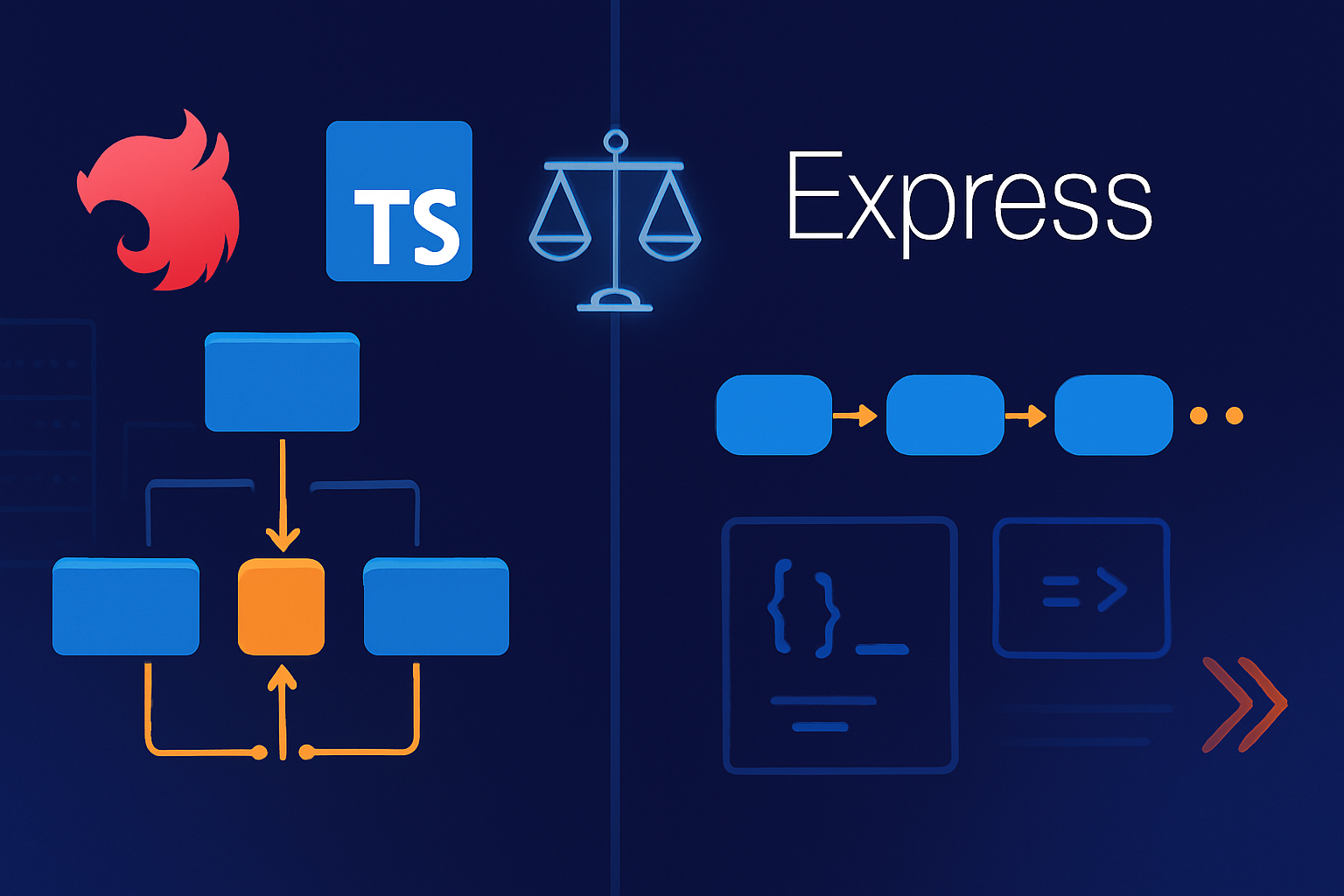
Outcome first: by the end of this article you’ll be able to decide which framework fits your project and team, and you’ll have a short checklist to make the final call.
Why this matters. Choose poorly and you’ll fight architecture debt, slow onboarding, or brittle tests. Choose well and you’ll ship features faster and scale with confidence. Read on.
Quick verdict (if you only have 30 seconds)
- For fast prototypes, tiny APIs, or when you need zero ceremony: Express wins. It’s minimal, flexible, and ubiquitous.
- For medium-to-large, long-lived, TypeScript-first applications where maintainability, modularity, and patterns matter: NestJS often wins.
No single “clear winner” exists for every project. The right choice depends on team size, longevity of the project, architectural needs, and your tolerance for structure.
Background and philosophy
- Express is a minimal, unopinionated web framework for Node.js. It gives you routing, middleware, and conventions but leaves architectural choices to you. Official site: https://expressjs.com
- NestJS is a progressive Node.js framework built on top of Express (or optionally Fastify). It brings Angular-inspired decorators, dependency injection (DI), modules, and a strong TypeScript-first approach. Docs: https://docs.nestjs.com
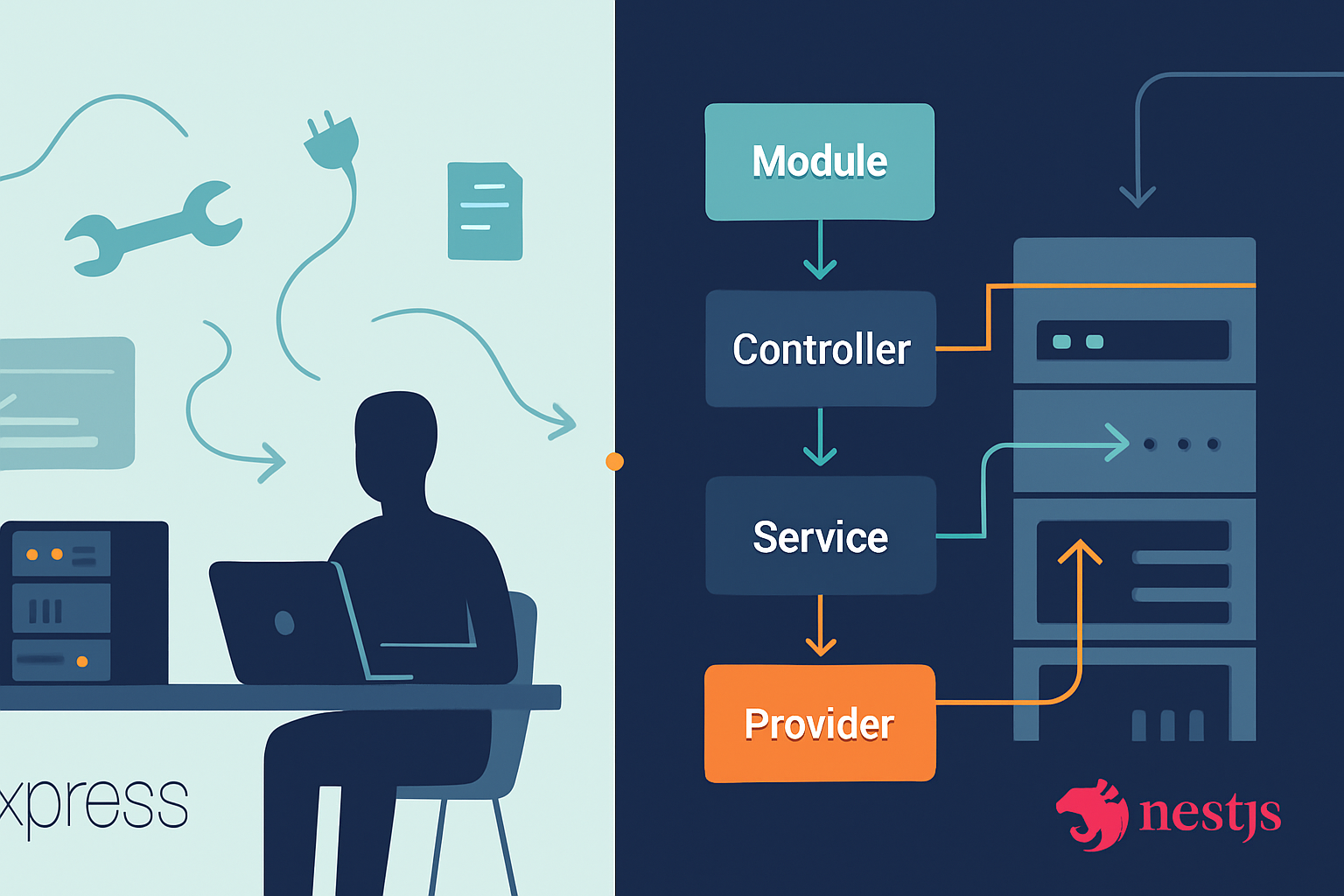
Express says: “Here are the tools, build what you want.” NestJS says: “Follow these patterns for scalable structure.” Both are valid philosophies.
Developer experience (DX)
Express:
- Very small learning barrier for JavaScript/Node developers.
- Minimal boilerplate; great for quickly wiring endpoints.
- You pick middleware and architecture - lots of freedom, but that freedom can be a burden for teams if not disciplined.
NestJS:
- Steeper initial learning curve due to DI, decorators, and module concepts.
- Strong TypeScript integration by default, with clear conventions that speed second-developer onboarding.
- Scaffolding tools (CLI) and built-in modules for GraphQL, WebSockets, microservices, and testing accelerate development.
Example: minimal Express vs minimal NestJS
Express (app.js):
const express = require('express');
const app = express();
app.get('/', (req, res) => res.send('Hello from Express'));
app.listen(3000);
NestJS (main.ts + one controller):
// main.ts
import { NestFactory } from '@nestjs/core';
import { AppModule } from './app.module';
async function bootstrap() {
  const app = await NestFactory.create(AppModule);
  await app.listen(3000);
}
bootstrap();

// app.controller.ts
import { Controller, Get } from '@nestjs/common';
@Controller()
export class AppController {
  @Get()
  get() {
    return 'Hello from NestJS';
  }
}
The NestJS version needs more files, but it yields a consistent structure as the app grows.
TypeScript and typing
- Express works with TypeScript but is JavaScript-first. You add types progressively.
- NestJS is TypeScript-first and leverages decorators and metadata to provide robust design-time guarantees.
If your team embraces TypeScript and strict typing, NestJS will give you more safety and fewer runtime surprises across a large codebase.
Architecture, modularity, and maintainability
Express:
- No enforced structure. Great for small codebases; problematic if the app grows without conventions.
- You will need to pick patterns (folder structure, DI approach, error-handling strategy) yourself.
NestJS:
- Enforces a modular architecture (Modules, Controllers, Providers). This encourages separation of concerns and testability.
- Built-in DI helps replace implementations for testing and allows easier refactors.
For teams that value consistency and long-term maintainability, NestJS reduces architecture drift.
Performance and scalability
Raw request-per-second numbers are only part of the story. Express is thin and slightly leaner out-of-the-box than NestJS because Nest adds abstraction layers. But NestJS can run on Fastify instead of Express to improve throughput and reduce overhead.
See framework benchmarks for raw throughput comparisons: https://www.techempower.com/benchmarks/ (useful but not the only metric).
Real-world guidance:
- For typical business applications, both frameworks can scale horizontally behind load balancers.
- Performance differences are rarely the main bottleneck; database, I/O, and cache design usually dominate.
Ecosystem and tooling
Express:
- Massive ecosystem - middleware, tutorials, and examples for nearly every use case.
- Mature and battle-tested across countless apps.
NestJS:
- Growing ecosystem with first-class support for GraphQL, gRPC, WebSockets, CQRS, and microservices.
- CLI and schematics speed scaffolding.
- Integrates with many Express middlewares and libraries.
If you want batteries-included patterns (GraphQL module, microservice transport layers), NestJS packages save time.
Testing and observability
- Express: test strategies are flexible (supertest, mocha/jest). You’re responsible for wiring DI or mocks.
- NestJS: testing support is in the framework. Tests can leverage DI to replace providers easily, simplifying unit/integration tests.
Observability (metrics/logging/tracing) is achievable in both; again, Nest’s structure often makes consistent instrumentation easier across teams.
Microservices and distributed systems
- Express can be used as a microservice component, but you implement transport and conventions yourself.
- NestJS includes a microservices package and plugs into different transporters (Redis, NATS, gRPC) and patterns.
If you plan a distributed system with many service types, NestJS reduces glue code.
Learning curve and team onboarding
- Express: quick start for single dev or small teams.
- NestJS: requires ramp-up time for DI, modules, and decorators. But that time pays off with scalable patterns and faster onboarding of new team members later because of consistent structure.
Estimate: small team building a short-lived MVP? Express. Larger team building a product that lasts years? NestJS.
Real-world use cases - when to pick which
Choose Express when:
- You need to prototype quickly or build a small, single-purpose API.
- The team prefers minimal abstractions and full control.
- Performance at the absolute smallest overhead matters and you don’t want the framework abstraction.
Choose NestJS when:
- You build a large, long-lived app that benefits from enforced structure.
- You want TypeScript-first guarantees and dependency injection.
- You plan to adopt GraphQL, microservices, or other complex patterns quickly using built-in modules.
Examples:
- Rapid prototype or simple webhook handler: Express.
- Enterprise public API, internal microservices, or a SaaS backend expected to scale and be maintained for years: NestJS.
Migration notes and interoperability
- NestJS runs on Express by default, so moving an existing Express middleware into Nest is usually straightforward.
- You can incrementally lift routes into Nest controllers while leaving some services in Express as separate processes or middleware.
This compatibility makes Nest a pragmatic choice when you want structure but must integrate existing Express code.
Checklist to choose (quick)
Answer these questions and pick the highest-weighted criteria:
- Team size and turnover: small & stable -> Express; large & changing -> NestJS.
- Project lifetime: days/weeks -> Express; years -> NestJS.
- TypeScript adoption: no -> Express fine; yes & strict -> NestJS.
- Need for patterns (DI, modularity, testing) out-of-the-box: yes -> NestJS.
- Need for absolute minimal overhead and total control: yes -> Express.
Cost of switching later
Switching from Express to Nest is manageable because Nest supports Express. Switching the opposite way (from Nest to Express) can be more work due to unwrapping DI and module patterns.
Practical tips for adoption
- If you choose Express in a team, adopt conventions early: folder structure, error-handling middleware, request validation, and logging standards.
- If you choose NestJS, invest time in teaching DI and module boundaries. Use its CLI to scaffold consistent modules.
Final recommendation
There is no single “clear winner” for every situation. Both frameworks are successful, battle-tested, and production-ready. Pick Express for speed, simplicity, and full control. Pick NestJS for structure, TypeScript-first safety, and built-in architectural patterns that reduce long-term maintenance cost.
If you want one final razor: for greenfield, long-lived, TypeScript-backed backends where maintainability and team velocity matter more than initial speed-to-prototype, NestJS is the safer default. It imposes discipline that scales - and for many teams that discipline becomes the winning advantage.
Further reading
- NestJS docs: https://docs.nestjs.com
- Express docs: https://expressjs.com
- TypeScript: https://www.typescriptlang.org
- TechEmpower Framework Benchmarks: https://www.techempower.com/benchmarks/