· deepdives · 8 min read
Pushing the Boundaries of Performance: Leveraging WebCodecs for Game Development
How WebCodecs can transform in-browser game streaming: architecture, performance trade-offs, benchmarks, and a working sample to encode game frames and stream them in real time.
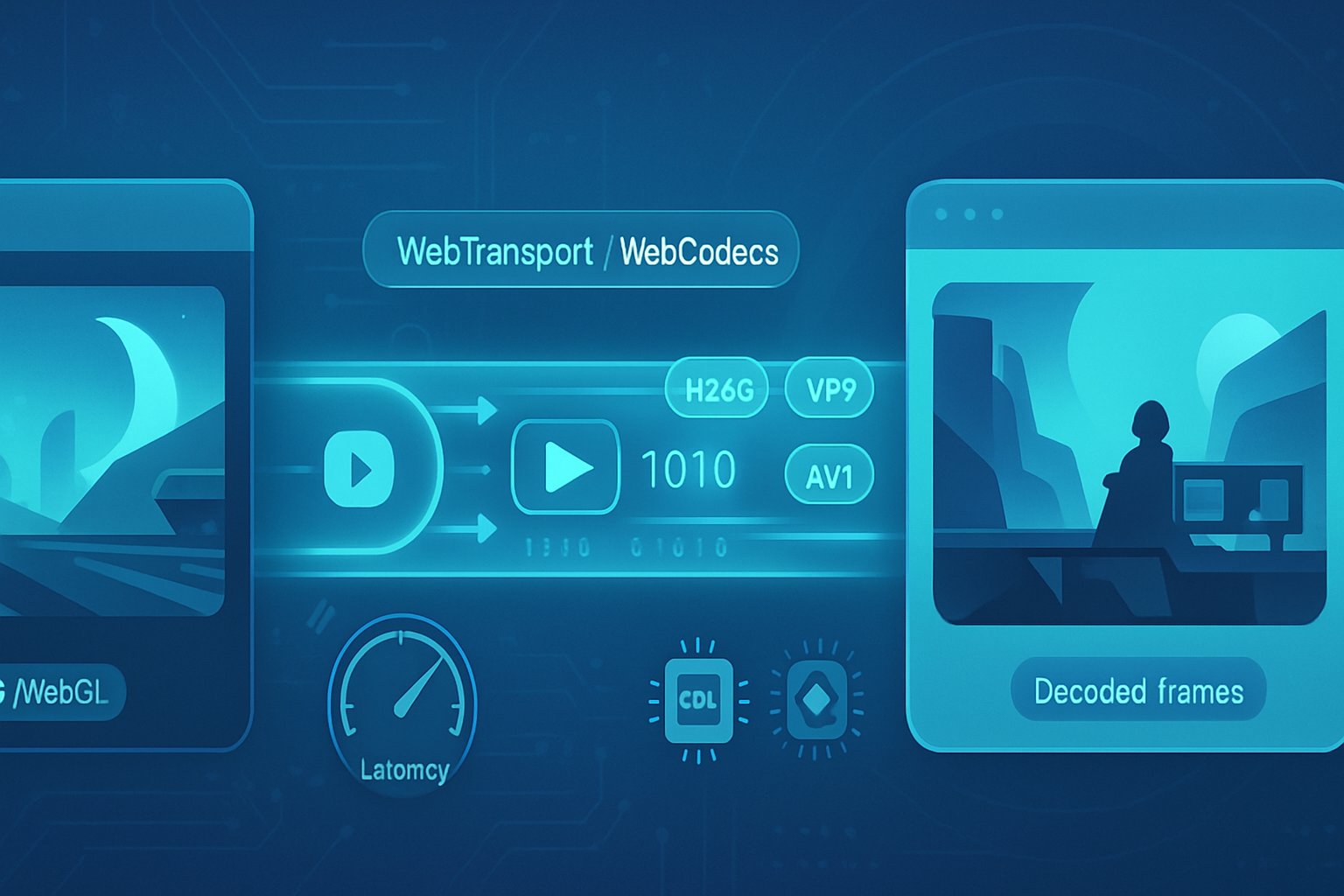
Introduction - what you’ll be able to build
You’ll learn how to capture game frames, encode them efficiently in the browser, and stream them with low latency to a remote viewer - all using the WebCodecs API. Read on and you’ll also get a practical, copy‑and‑pasteable sample that shows how to capture a Canvas frame, encode with VideoEncoder, send encoded chunks over a low‑latency transport, decode with VideoDecoder, and render on the viewer side. Build a responsive in‑browser game streaming pipeline. Fast. Low latency. Precise control.
Why WebCodecs matters for game development
- Outcome-first: WebCodecs gives you frame‑level access and hardware‑accelerated codecs without being forced into a MediaStream container or a heavyweight library. Shorter stacks. Lower latency.
- It decouples media processing from the browser’s higher‑level media primitives (MediaStream, MediaRecorder,
- For live game streaming you need three things: low encode latency, efficient transport, and fast decode/render. WebCodecs helps with the first and third - and pairs well with WebTransport or a tuned WebRTC setup for the transport layer.
Core pieces and concepts
- VideoFrame: in‑memory frame source. You can create a VideoFrame from a Canvas, ImageBitmap, or raw pixel data.
- VideoEncoder / VideoDecoder: encode frames to compressed chunks and decode chunks back to VideoFrame objects.
- EncodedVideoChunk: the binary chunk produced by the encoder (contains key/delta info, timestamp, and payload).
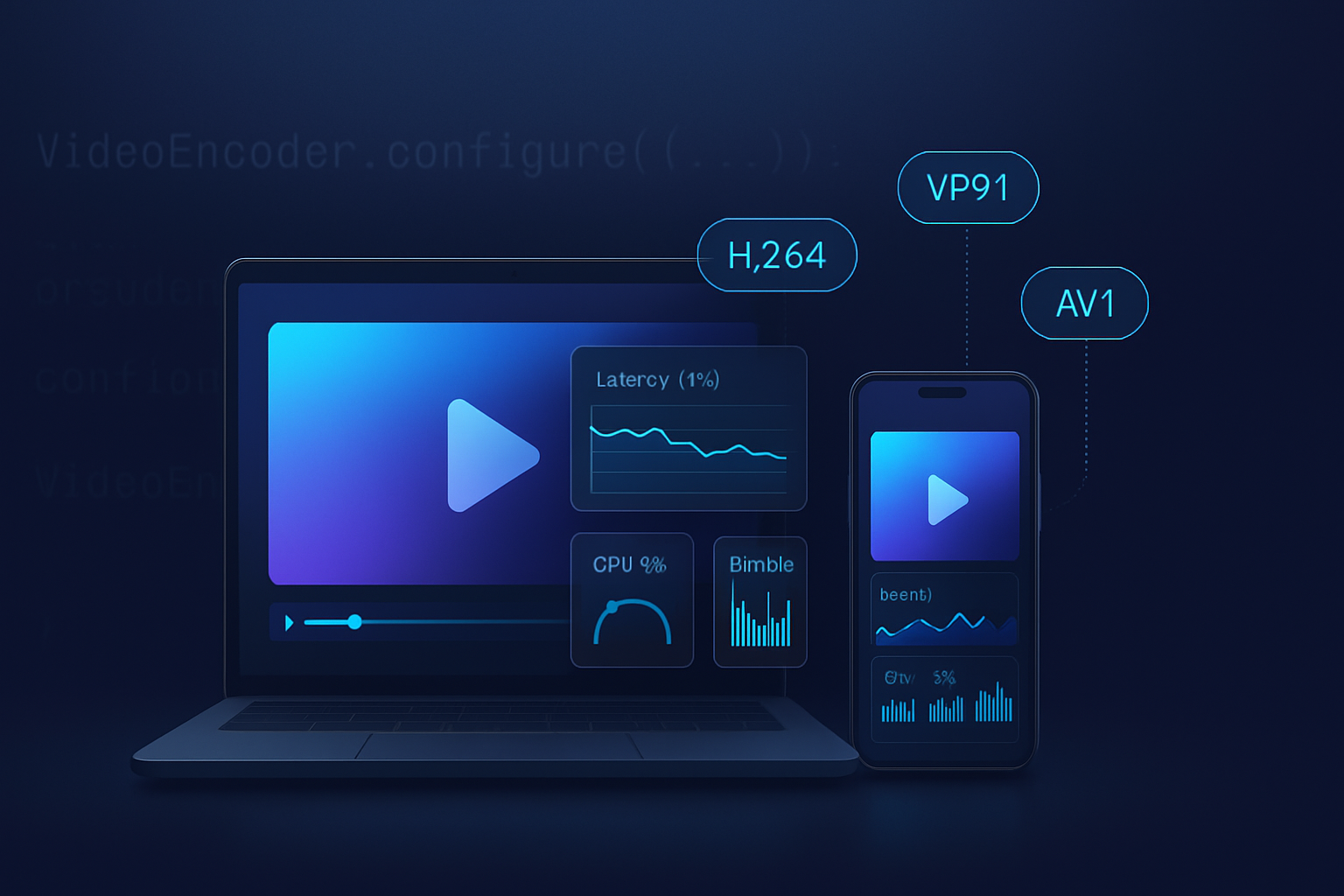
- Codecs: VP8/VP9, H.264 (avc1), AV1 (av01) - support varies by browser and hardware acceleration.
- Transport: WebTransport (datagrams / unidirectional streams) or WebRTC (RTCPeerConnection) provide low‑latency delivery.
Key advantages vs traditional approaches
- MediaRecorder / toBlob / getUserMedia
- Pros: very simple to implement.
- Cons: high buffering / chunking latency and limited codec choices and control. Not suitable for sub‑100ms streaming.
- Canvas capture + WebAssembly software codecs
- Pros: portable, no browser codec dependency.
- Cons: heavy CPU usage; high encode latency; poor battery life; no hardware acceleration.
- WebRTC (MediaStream) alone
- Pros: built‑in transport, NAT traversal, adaptive bitrate handling.
- Cons: higher-level abstraction hides encoder control and makes fine‑grained timing, bitrate, or low-latency tuning harder.
- WebCodecs + WebTransport (recommended flow)
- Pros: fine‑grained encoder control, lower framing latency, direct access to hardware decoders, and explicit transport choice. Ideal for real‑time game streaming where you want deterministic latency.
Performance characteristics (what to measure)
To evaluate any pipeline you should measure:
- Encode latency: time from capture to completion of encode callback.
- Network latency / jitter: RTT and packet loss statistics.
- Decode latency: time from receiving encoded chunk to availability of decoded VideoFrame.
- End‑to‑end latency: capture → encode → network → decode → render.
- CPU & GPU usage: per‑thread or process CPU and GPU time.
- Bandwidth and quality: bits/sec vs PSNR/SSIM or subjective quality.
Typical (approximate) tradeoffs you’ll encounter
- Hardware accelerated WebCodecs: encode latencies often in the low-single-digit milliseconds for 720p on modern hardware (when using H.264/VP9 hw encoders). Software/WebAssembly encoders: tens of milliseconds to >100ms for high resolutions.
- Bitrate vs latency: lower latency often requires smaller keyframe intervals and higher bitrate spikes for scene changes.
- Memory: buffering encoded chunks and in‑flight frames consumes memory; tune queue sizes.
References and further reading
- WebCodecs API (MDN): https://developer.mozilla.org/en-US/docs/Web/API/WebCodecs_API
- Chromium dev: WebCodecs overview: https://developer.chrome.com/blog/webcodecs/
- WebTransport intro: https://developer.chrome.com/articles/webtransport/
- WebRTC basics (MDN): https://developer.mozilla.org/en-US/docs/Web/API/WebRTC_API
A practical pipeline: capture → encode → send → receive → decode → render
High‑level flow
- Host (game) captures frames from an HTMLCanvas (or WebGL) as VideoFrame objects.
- Host encodes frames with VideoEncoder and emits EncodedVideoChunk objects.
- Host sends encoded chunks over a low‑latency transport (WebTransport datagrams or a tuned WebSocket/WebRTC datapath).
- Viewer receives chunks, wraps them in EncodedVideoChunk objects, hands them to VideoDecoder.
- Viewer gets decoded VideoFrame objects and draws them to a canvas.
Notes: you must negotiate codec and resolution ahead of time. For some codecs (H.264/AV1) you may need to send codec configuration bytes (SPS/PPS for H.264) to the decoder before urgent data.
Sample: minimal real‑time game streaming using WebCodecs + WebTransport
This sample shows the core concepts. It is intended as a starting point, not a production-ready implementation (you’ll need signaling, error handling, reconnection, congestion control, and codec SPS/PPS handling for H.264 in full deployments).
Sender (host/game) - capture and encode
// Sender: capture frames from a <canvas id="gameCanvas"> and send via WebTransport datagrams

const canvas = document.getElementById('gameCanvas');
const ctx = canvas.getContext('2d');

// example codec: H.264 baseline (change based on support)
const codec = 'avc1.42E01E'; // H.264 baseline profile

let transport; // WebTransport instance
let writer; // datagram writer (WebTransport  datagrams API)

async function setupTransport(serverUrl) {
  transport = new WebTransport(serverUrl);
  await transport.ready;
  // datagrams are written with transport.datagrams.writable
  writer = transport.datagrams.writable.getWriter();
}

const encoder = new VideoEncoder({
  output: handleEncodedChunk,
  error: e => console.error('VideoEncoder error', e),
});

encoder.configure({
  codec,
  width: canvas.width,
  height: canvas.height,
  bitrate: 3_000_000, // 3 Mbps initial
  framerate: 30,
});

function captureAndEncode() {
  // Create a VideoFrame from the canvas. For WebGL, createImageBitmap may be faster.
  const frame = new VideoFrame(canvas);
  encoder.encode(frame, { keyFrame: false });
  frame.close();
}

async function handleEncodedChunk(chunk, metadata) {
  // chunk: EncodedVideoChunk
  // We need to send the chunk's binary payload. We'll prefix a small header with timestamp and type.
  const header = new ArrayBuffer(13);
  const view = new DataView(header);
  view.setBigUint64(0, BigInt(chunk.timestamp || 0)); // 8 bytes timestamp
  view.setUint8(8, chunk.type === 'key' ? 1 : 0); // 1 byte key flag
  // 4 bytes reserved for payload length
  view.setUint32(9, chunk.byteLength);

  // Read chunk data
  const data = new Uint8Array(chunk.byteLength);
  chunk.copyTo(data);

  // Concatenate header + data
  const packet = new Uint8Array(header.byteLength + data.byteLength);
  packet.set(new Uint8Array(header), 0);
  packet.set(data, header.byteLength);

  // Send as a datagram (unreliable, low-latency)
  try {
    await writer.write(packet);
  } catch (e) {
    console.error('Failed to send datagram', e);
  }
}

// Start a capture loop at target framerate
let running = false;
function startStreaming() {
  running = true;
  const fps = 30;
  const interval = 1000 / fps;
  function loop() {
    const t0 = performance.now();
    if (!running) return;
    captureAndEncode();
    const dur = performance.now() - t0;
    setTimeout(loop, Math.max(0, interval - dur));
  }
  loop();
}

function stopStreaming() {
  running = false;
}

// Usage:
// await setupTransport('https://your.server.example/');
// startStreaming();
Receiver (viewer) - receive datagrams and decode
// Receiver: read datagrams, parse header, create EncodedVideoChunk and decode
const canvasOut = document.getElementById('viewCanvas');
const ctxOut = canvasOut.getContext('2d');

const codec = 'avc1.42E01E'; // must match sender

const decoder = new VideoDecoder({
  output: async videoFrame => {
    // Render the VideoFrame to a canvas
    // createImageBitmap is often faster than readPixels
    const bitmap = await createImageBitmap(videoFrame);
    ctxOut.drawImage(bitmap, 0, 0, canvasOut.width, canvasOut.height);
    bitmap.close();
    videoFrame.close();
  },
  error: e => console.error('VideoDecoder error', e),
});

decoder.configure({
  codec,
  codedWidth: canvasOut.width,
  codedHeight: canvasOut.height,
});

async function setupReceiver(serverUrl) {
  const transport = new WebTransport(serverUrl);
  await transport.ready;
  const reader = transport.datagrams.readable.getReader();

  while (true) {
    const { value, done } = await reader.read();
    if (done) break;
    if (!value) continue;

    // parse header
    const header = value.slice(0, 13);
    const view = new DataView(header.buffer || header);
    const timestamp = Number(view.getBigUint64(0));
    const isKey = view.getUint8(8) === 1;
    const payloadLength = view.getUint32(9);
    const payload = value.slice(13);

    // Create EncodedVideoChunk
    const chunk = new EncodedVideoChunk({
      type: isKey ? 'key' : 'delta',
      timestamp,
      data: payload,
    });

    // Feed to decoder. Optionally, monitor decode queue size.
    decoder.decode(chunk);
  }
}

// Usage:
// await setupReceiver('https://your.server.example/');
Important implementation notes & gotchas
- Header/packetization: this example uses a simple header for demonstration. In production you should include sequence numbers, timestamps in a consistent timescale, and support for fragmented frames.
- Codec config: H.264 requires SPS/PPS parameter sets (extradata). Many HW encoders emit them in band as codec config chunks. You must pass the codec configuration to the decoder (via decoder.configure or by feeding a codec config chunk) before decoding frames.
- Keyframes: force periodic keyframes for recovery after packet loss and fast seek/start. encoder.encode(frame, { keyFrame: true }) can be used to force one.
- Congestion control: WebTransport datagrams are unreliable/ unordered - combine them with a control stream for signaling and retransmissions, or implement your own FEC/ARQ if you need reliability.
- Browser support: WebCodecs and WebTransport are supported in modern Chromium‑based browsers. Always feature‑detect and fallback to WebRTC or MediaStream approaches for compatibility. See MDN and Chromium docs above.
Measuring and benchmarking tips
- Instrument encode/decode callbacks with performance.now() timestamps and correlate with packet send/receive timestamps to build a histogram of each stage.
- Measure CPU and GPU usage with browser devtools and on the host OS. Profile to find hotspots (pixel transfers, format conversions, copyTo overheads).
- Test multiple codecs and hw/sw encoders. H.264 hardware encoders tend to be faster and supported widely; AV1 promises better compression but is more expensive and has varying hardware acceleration.
- Evaluate perceived latency (human test) in addition to synthetic measurements. In games a sub‑100ms perceptual latency often feels acceptable; for cloud gaming you might want <50ms round‑trip in many genres.
Security, privacy, and production hardening
- Use TLS / secure contexts. WebTransport requires a secure origin.
- Signal and negotiate codecs securely. Prevent cross‑origin leakage of frame contents.
- Monitor memory growth (leaked VideoFrame objects, encoder/decoder backlog) and cap queue sizes.
- For multiplayer or competitive games, trust boundaries matter: don’t stream unsanitized user content to other players without consent.
When to choose WebCodecs (quick checklist)
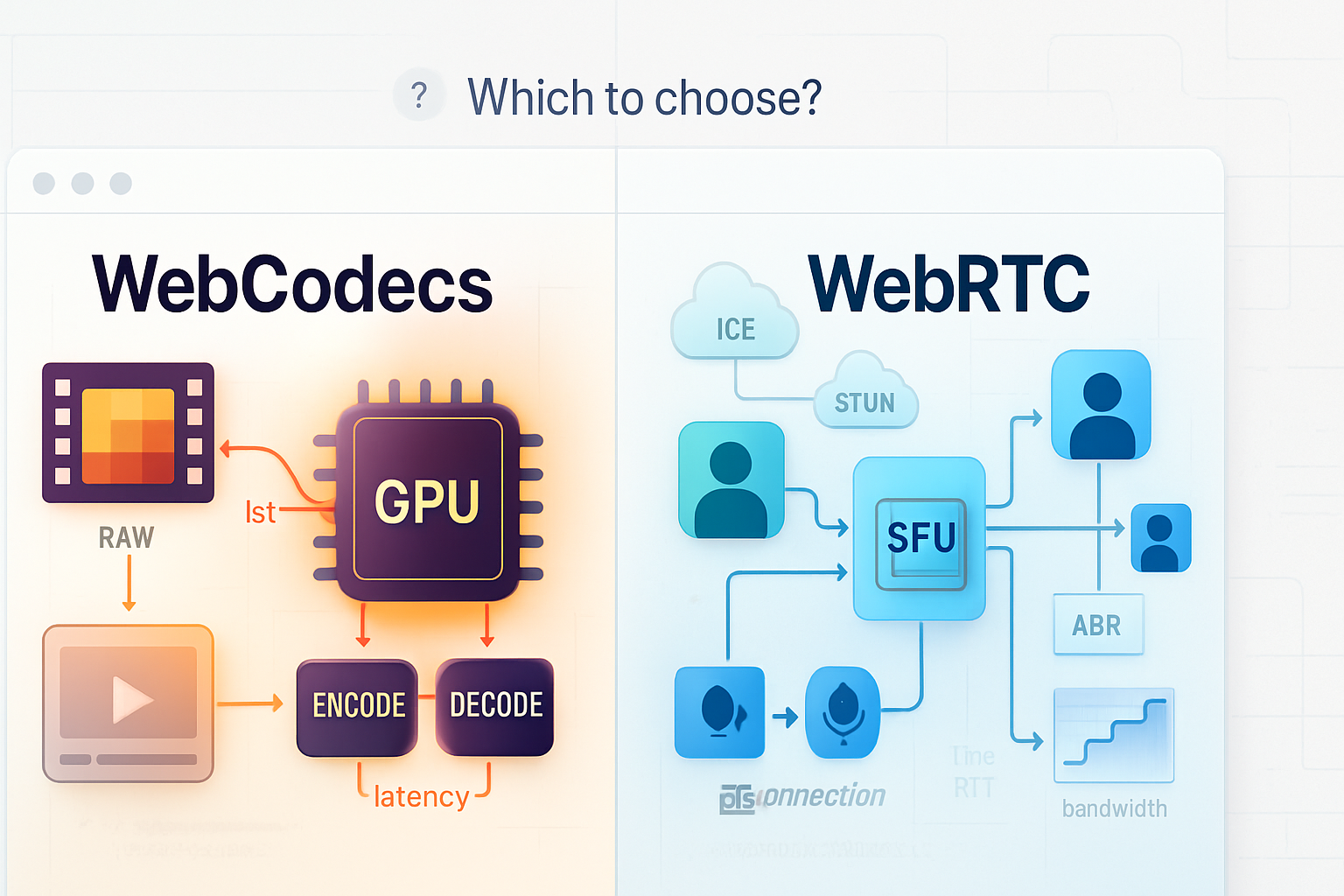
- Use WebCodecs if you need: precise frame control, low encode/decode latency, and hardware acceleration.
- Use WebTransport for the transport if you need a modern low‑latency datagram/unidirectional streams approach.
- Use WebRTC if you want built‑in NAT traversal, adaptive congestion control, and less custom transport work - but expect less fine‑grained encoding control.
Conclusion - when you should adopt this stack
WebCodecs changes the game by exposing the exact primitives needed for high‑performance, low‑latency video streaming inside the browser. If you’re building a real‑time game streaming product, a remote spectator feature, or a low‑latency multiplayer spectator mode, WebCodecs + a low‑latency transport such as WebTransport gives you the performance and control that traditional browser APIs cannot. Implement it carefully, measure end‑to‑end latency, and fall back to WebRTC for broader compatibility. The payoff is significant: tighter latency budgets, better utilization of hardware encoders/decoders, and a path to professional‑grade in‑browser game streaming.
References
- MDN WebCodecs: https://developer.mozilla.org/en-US/docs/Web/API/WebCodecs_API
- Chrome Platform Status and explainer: https://developer.chrome.com/blog/webcodecs/
- WebTransport overview: https://developer.chrome.com/articles/webtransport/
- WebRTC (MDN): https://developer.mozilla.org/en-US/docs/Web/API/WebRTC_API