· deepdives · 6 min read
The Ethics of Idle Detection: Balancing User Privacy and Engagement
A critical examination of the ethical implications of the Idle Detection API: how it can invade privacy, how to inform users transparently, and practical best practices for responsible, engagement-friendly implementations.
What you’ll get from this article
By the end of this post you’ll know how to implement the Idle Detection API (or similar inactivity detectors) in a way that preserves user privacy, complies with expectations and regulations, and still helps your product stay engaging. You’ll get concrete patterns, sample consent wording, a code snippet, and a short checklist that you can apply immediately.
Quick primer: what is the Idle Detection API?
The Idle Detection API provides a browser-level signal about whether a user appears to be idle - i.e., not actively using their device or interacting with the screen. It’s useful for features such as presence indicators, energy-saving behavior, and pausing live experiences when someone steps away.
Official resources and spec reading:
- MDN: Idle Detection API - https://developer.mozilla.org/en-US/docs/Web/API/Idle_Detection_API
- WICG explainer - https://github.com/WICG/idle-detection/blob/main/explainer.md
This capability sounds simple. It is not.
Why idle detection is ethically sensitive (short list)
- Privacy invasion: Idle signals reveal presence/absence patterns. Over time they can form a behavioral profile - waking hours, routines, and availability.
- Covert tracking risk: If used without clear consent, idle signals can turn into a persistent watch over a person’s life.
- Function creep: A legitimate product feature can slowly expand to uses users never agreed to.
- Discrimination and unfair inferences: Idle patterns correlated with disability, caregiving, or socioeconomic factors could be misused.
- Consent fatigue and coercion: If permission is required for a core feature, users may feel forced to grant access to use the service.
These are not hypothetical. The combination of a long-duration signal and a central server that stores timestamps invites profiling and third-party sharing unless carefully constrained.
Ethical design principles for Idle Detection
Design decisions should be guided by these principles:
- Purpose limitation: Ask for idle signals only for a clear, stated purpose.
- Data minimization: Collect the least possible - aggregate or boolean flags instead of raw timestamps when possible.
- Transparency & notice: Tell users what you want to do and why before requesting permission.
- Consent & control: Make permission explicit and revocable; never hide it in long terms-of-service text.
- Local-first processing: Keep sensitive signals on-device when you can.
- Short retention: If you store anything, retain it for the shortest time necessary.
- Auditability: Log decisions around idle-data use so you can review them later.
Transparently informing users: practical patterns
You must do more than display a browser permission prompt. Provide context.
- Just-in-time, contextual pre-prompt
- Show a short, plain-language explanation before the permission dialog.
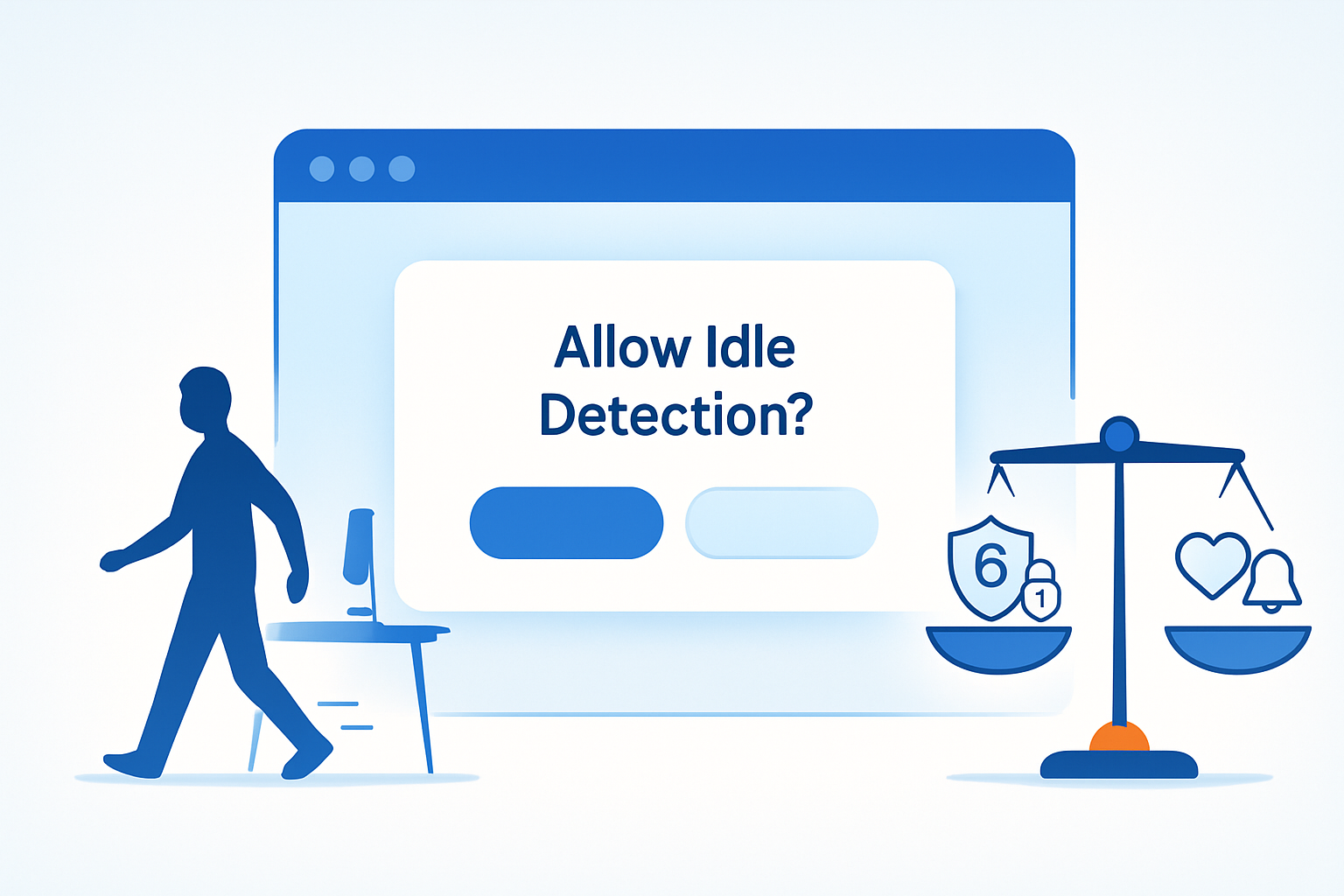
- Example: “We’d like to pause live calls when you step away to save battery and avoid missing content. Allow idle detection?”
- Explain the benefit and the data use
- Benefit first. Then what you’ll collect. Then how long you’ll keep it. Then how to turn it off.
- Use progressive disclosure
- One-sentence summary, then a “More details” link that expands or opens a policy excerpt.
- Offer alternatives
- Allow users to choose a fallback (e.g., manual pause controls) if they decline.
Sample pre-permission text (short)
“We ask to detect when you’re away so we can pause live feeds and save battery. This runs only while the tab is open, we don’t store your activity logs, and you can turn it off anytime.”
Sample privacy policy snippet (concise)
“Idle detection: We use the browser Idle Detection API to detect whether your device appears idle so we can pause real-time features and reduce battery/network use. We keep no raw idle timestamps on our servers; only aggregated session counts for feature improvement. You can disable this under Settings → Privacy.”
Implementation best practices (concrete)
Below are technical and policy steps to follow when implementing idle detection.
- Require explicit opt-in. Default = off.
- Use the Permissions API to check state and present your own pre-prompt first.
- Process signals locally whenever possible; avoid sending raw event streams to the server.
- If you must send data, minimize it: send boolean flags (e.g., sessionPaused: true) or coarse-grained aggregates rather than timestamped records.
- Limit frequency: don’t emit an event every second. Debounce and batch.
- Retention and access controls: auto-delete logs quickly and restrict access.
- Provide clear UI to view and revoke permission and to see how idle data was used.
- Document the business justification and an internal review (privacy impact assessment).
Minimal, privacy-first code pattern
This pattern checks permission, shows a pre-prompt, and starts idle detection only when the user opts in. It keeps processing local and emits only a simple state event outward.
// 1) Pre-prompt your own UI (not shown here). If user confirms:
const perm = await navigator.permissions.query({ name: 'idle-detection' });
if (perm.state === 'granted' || perm.state === 'prompt') {
  // Create detector
  const detector = new IdleDetector();

  // React locally - do NOT stream raw timestamps to server
  detector.addEventListener('change', () => {
    const { user, screen } = detector; // states like 'idle' or 'active'

    // Local UX change only: pause/resume UI or mute notifications
    if (user === 'idle' && screen === 'idle') {
      pauseLiveStreamLocally();
      // Optionally send a single aggregated event if absolutely necessary
      // sendEvent({ event: 'session_paused', sessionId });
    } else {
      resumeLiveStreamLocally();
    }
  });

  // Start with a reasonable threshold (e.g., 1–5 minutes)
  await detector.start({ threshold: 60_000 });
}
Notes:
- Keep threshold conservative. Short thresholds increase noise and potential misclassification.
- Avoid server-side real-time tracking of ‘idle’ signals tied to user IDs unless there is a clear, consented reason.
Maximizing engagement - ethically
You can still keep users engaged without compromising privacy. Here are respectful strategies:
- Design for voluntary re-engagement: send a single, contextual nudge when the user returns rather than persistent polling.
- Respect quiet hours: let users set Do-Not-Disturb windows rather than guessing from idle state.
- Use incentives, not coercion: explain the benefits of enabling idle detection (better experience, lower battery/network use).
- Personalize to the degree the user allows: allow opt-in tiers (no detection, local-only detection, detection + anonymized analytics).
- Test for frustration: measure retention and complaint rates for users who opt in vs those who opt out.
These tactics increase lasting trust. Trust increases engagement. Trust is the sustainable win.
Governance and accountability
- Maintain an internal privacy impact assessment (PIA) for idle-detection features.
- Log consent events (who opted in, when, how) but do so minimally and securely.
- Regularly audit the feature: usage, data flows, third-party access.
- Offer a simple way for users to revoke consent and see what data you have (subject access where relevant under laws like GDPR).
Relevant regulation references:
- GDPR overview - https://gdpr.eu/
- ICO guide to data protection and privacy-by-design - https://ico.org.uk/for-organisations/guide-to-data-protection/
Checklist: ethical idle detection (actionable)
- Purpose clearly documented and communicated to users
- Explicit opt-in (default off) and pre-permission explanation
- Local-first processing; minimal server-side data
- Coarse data and aggregation where possible
- Reasonable debounce/threshold to avoid noise
- Short retention and strong access controls
- UI for controls and revocation
- Privacy impact assessment and periodic audits
Final thought
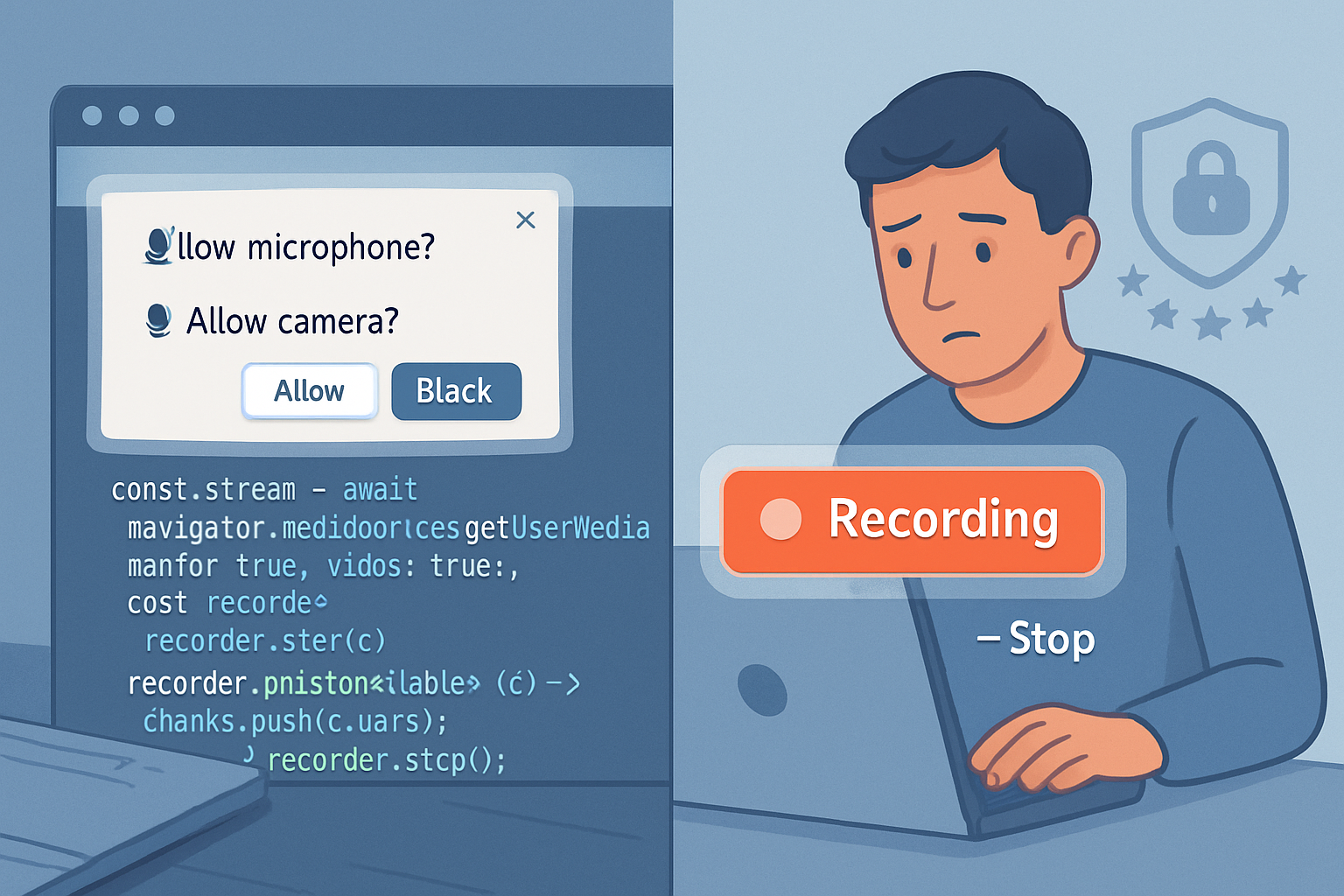
Idle detection is powerful. It helps reduce wasted bandwidth, improves media experiences, and can save battery - but only if done with respect for people. Implement idle detection like you would a microphone or camera: with clear notice, explicit consent, minimized data collection, and simple revocation. Do that, and you win not just engagement, but trust. Trust lasts. Engagement without trust often doesn’t.