· deepdives · 6 min read
The Future of Web Applications: How the File Handling API is Revolutionizing Client-Side Storage
Discover how the File Handling API-and its ecosystem like the File System Access API and OPFS-lets web apps act like native file handlers, enabling powerful local-first storage patterns while reshaping privacy and security responsibilities for developers and users.
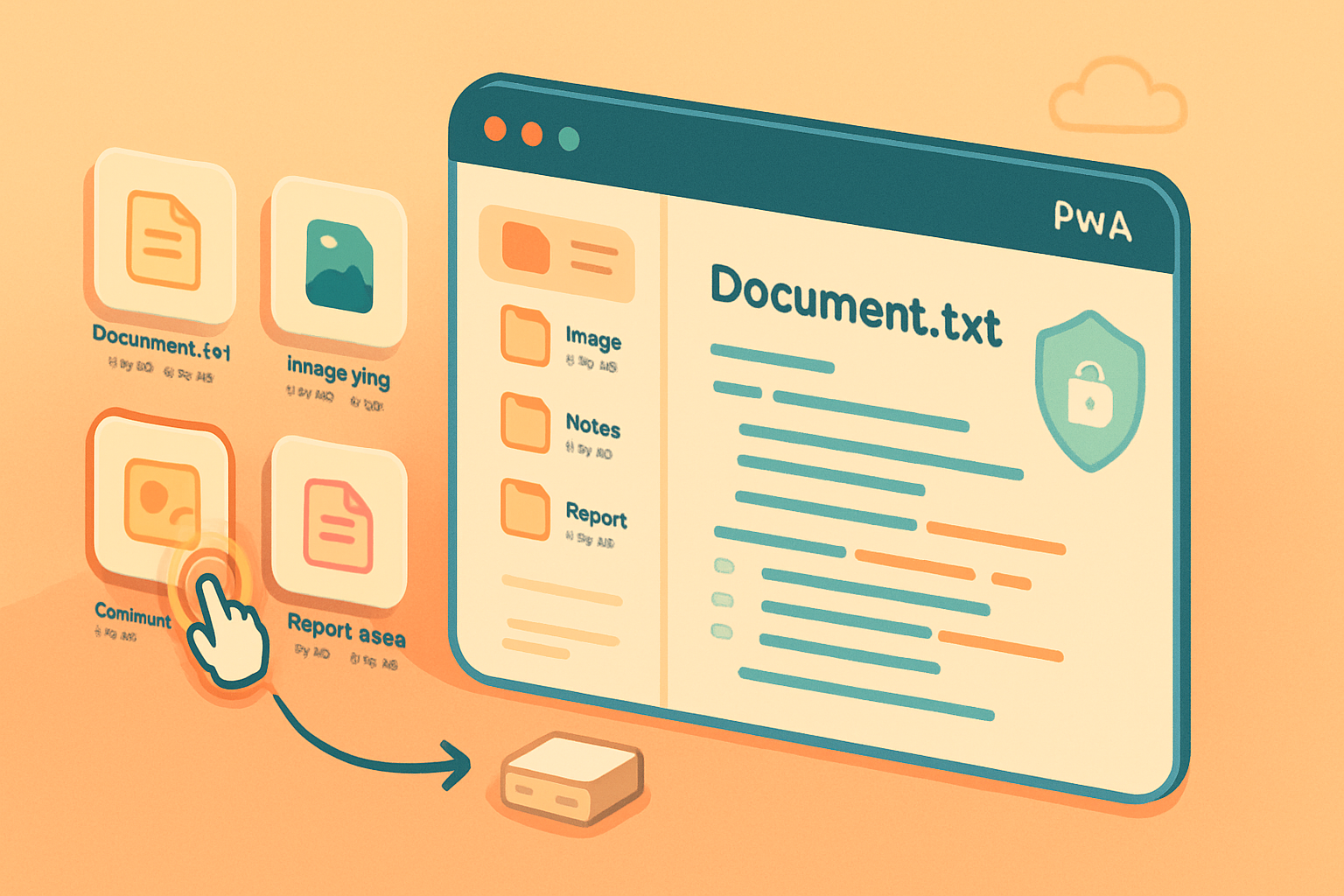
Outcome first: build web apps that open, edit, and persist real files on your users’ devices - without forcing uploads to a server. The File Handling API makes that possible. Read on and you’ll understand what the API does, how it changes client-side storage patterns, the security and privacy trade-offs, practical developer patterns, and where this technology is heading.
What the File Handling API actually does - in plain terms
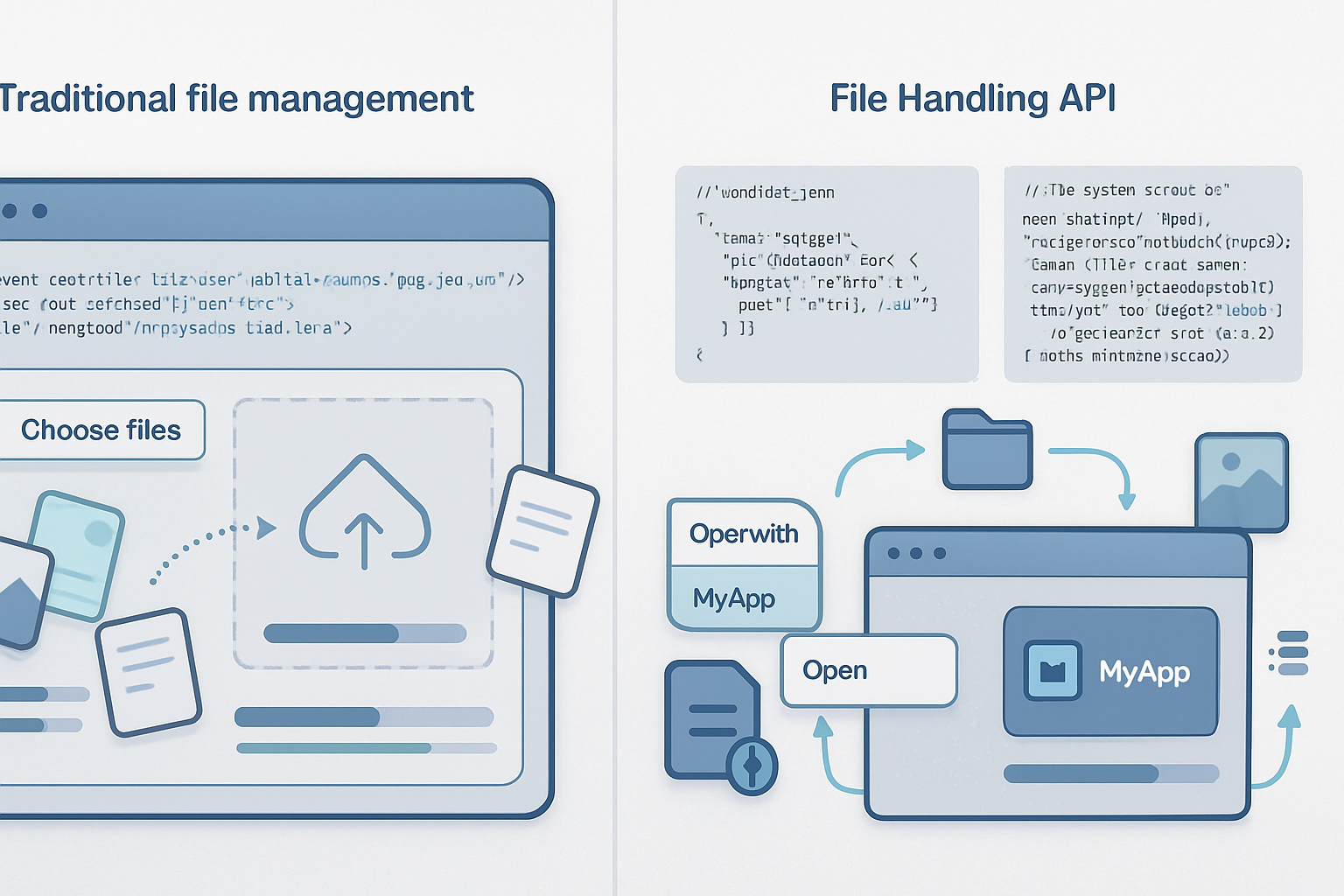
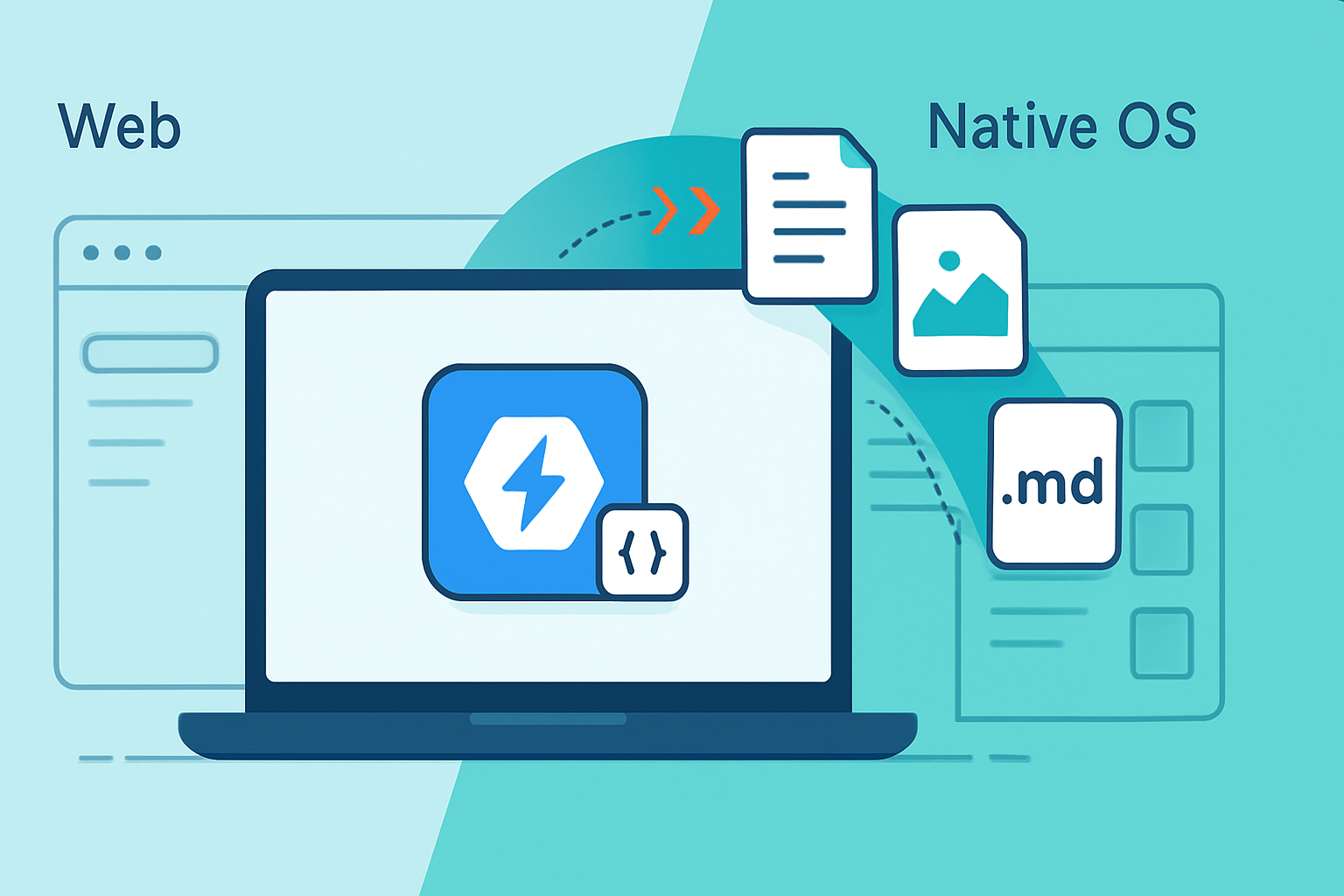
The File Handling API lets a Progressive Web App (PWA) register itself as a handler for specific file types on the host OS. When a user opens a file of that type, the OS can launch the PWA and deliver the chosen file(s) to it. In short: your web app can behave like a native editor.
This is not about grabbing arbitrary files silently. It requires:
- That the app be installed (a PWA).
- A secure context (HTTPS).
- User-driven launch or explicit consent when opening files.
Official specs and explainers: see the WICG repo and Google’s developer guides for details: https://github.com/WICG/file-handling and https://web.dev/file-handling/.
Why this matters for client-side storage
Until recently, web apps typically handled user files by uploading them to a server. That pattern still makes sense for collaboration and server-side processing, but it creates friction and privacy exposure. The File Handling API changes that in three important ways:
- Native-like file workflows. Users can double-click a file on disk and open it directly in a web app, which preserves desktop mental models.
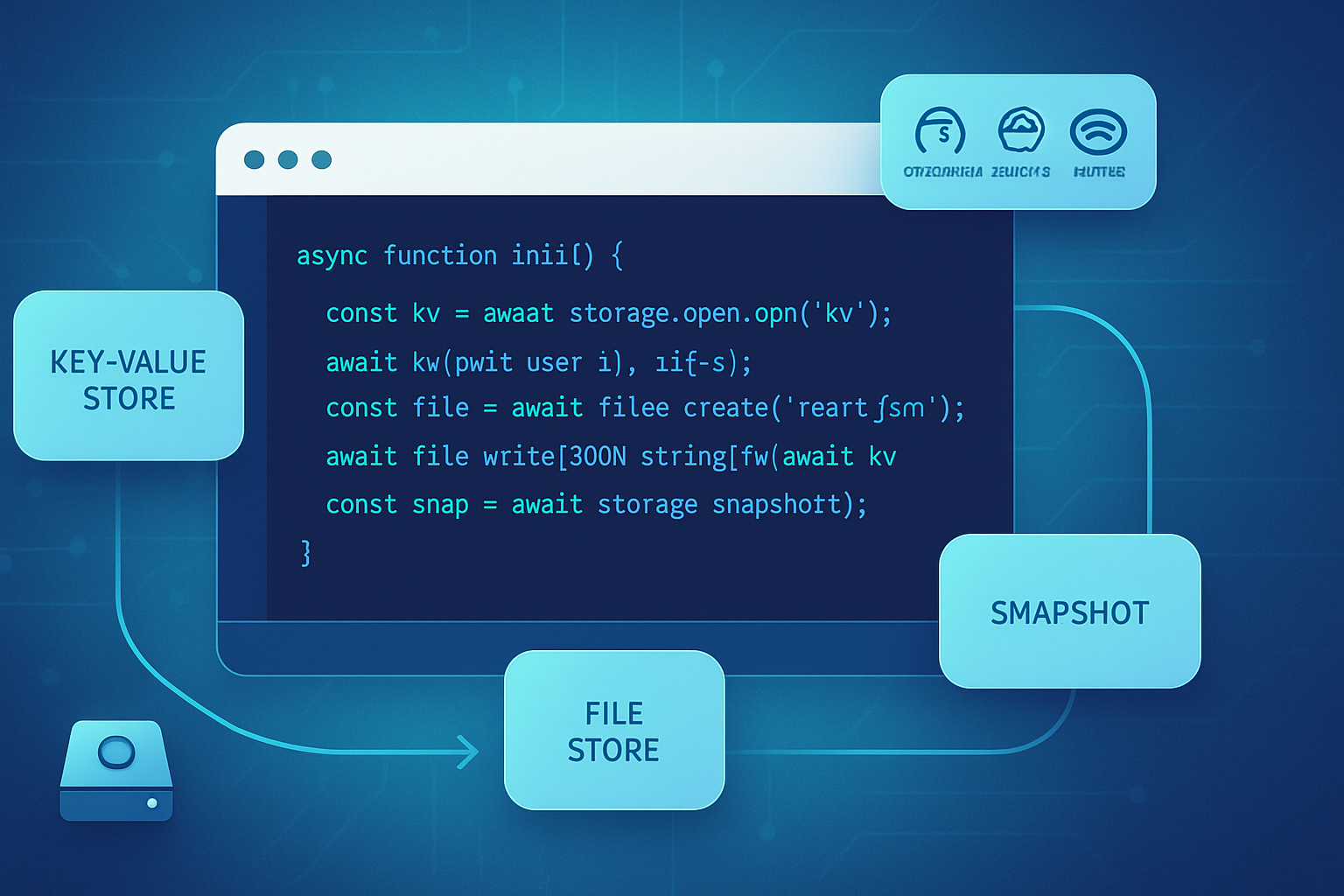
- Local-first application design. Combined with the File System Access API and OPFS (Origin Private File System), developers can read, write, and persist files locally without round-tripping to a server: fast, offline-capable, and often more private. See https://web.dev/file-system-access/ and https://developer.mozilla.org/en-US/docs/Web/API/File_System_Access_API.
- Large-file handling becomes practical. Browser-based apps can stream and modify large files on disk without keeping the whole file in memory or uploading it.
Together these capabilities enable a new class of apps: local-first editors, heavy-media tools (video/audio/image editors), data-science clients, and single-device-first apps that only sync when users choose to.
How it works - a minimal example
Add file handler info to your web app manifest so the OS knows which MIME types or extensions your PWA can open:
{
  "file_handlers": [
    {
      "action": "/",
      "name": "Open with MyEditor",
      "accept": {
        "text/plain": [".txt"],
        "application/vnd.myapp+json": [".myapp"]
      }
    }
  ]
}
When launched with files, modern browsers expose the files through the Launch Queue API. Example handler in your page JavaScript:
if ('launchQueue' in window) {
  launchQueue.setConsumer(async launchParams => {
    const files = launchParams.files ?? [];
    for (const handle of files) {
      const file = await handle.getFile();
      // Read or stream file content, show it in the editor
    }
  });
}
Resources and guidance for these APIs are documented at https://web.dev/file-handling/ and the broader file-system docs at https://web.dev/file-system-access/.
Security and privacy implications - the core responsibilities
The File Handling API gives users convenience - and shifts responsibility to developers to protect their data. Key implications:
- User consent and discoverability: launches happen because the user invoked a file (or installed the PWA and accepted its role). There is no silent access to arbitrary files by simply visiting a site.
- Ephemeral vs persistent access: file data can be delivered at launch. Persistent editing access across sessions requires the File System Access API’s file handles, which are origin-scoped and require explicit user permission.
- Local-first ≠ automatically safer: storing files on-device avoids server-side exposure, but local data can be exfiltrated by malicious scripts, other installed apps, or by a compromised device. Developers must still practice secure handling.
- Regulatory context: local storage reduces cross-border transfer surface, but if an app later syncs data to a server it may still trigger obligations under laws like the GDPR - notably around data controllers, consent, and data access and deletion rights (see https://gdpr.eu/).
Best-practice checklist for developers
- Ask for the minimum. Only register file types your app actually handles, and only request persistent handles when necessary.
- Validate input. Never trust file extension alone; check MIME types and content where possible.
- Use origin-scoped storage and the OPFS for durable local data, and avoid writing secrets in plaintext. Use the Web Crypto API for on-device encryption as appropriate (https://developer.mozilla.org/en-US/docs/Web/API/Web_Crypto_API).
- Harden execution: follow Content Security Policy (CSP) best practices, sanitize any content that could be rendered as HTML, and run risky processing inside safe sandboxes or isolated workers.
- Be transparent with users: inform them how files are stored, when and how sync happens, and provide controls to export/delete local data.
References and recommendations from browser teams echo these practices: the Chrome team and the WICG working group provide guidance and explainer material at https://developer.chrome.com/articles/file-handling/ and https://github.com/WICG/file-handling.
Developer patterns unlocked by the File Handling API
- True offline editing workflows: open, edit, and save files without network connectivity. Upload or sync only when the user wants.
- Local-first collaborative workflows: store a canonical copy locally and use optional background sync or peer-to-peer protocols for sharing.
- Specialized tooling: photo/video editors, CAD viewers, IDEs, and analytics tools that need direct file-system integration and low-latency access.
- Hybrid cloud: process sensitive parts on-device, and only send derived metadata or non-sensitive results to the cloud.
These patterns pair well with IndexedDB, OPFS for structured storage, and the File System Access API for handle-based access. See https://web.dev/file-system-access/.
Threats and mitigation - practical advice
Threat: malicious or malformed files
- Mitigation: validate and sandbox parsing. Use robust, well-tested libraries for parsing complex formats.
Threat: persistent handles abused by compromised app code
- Mitigation: minimize persistent permissions; require re-consent for high-risk operations and rotate any device-bound keys.
Threat: sync accidentally leaks data to third parties
- Mitigation: default to opt-in sync with clear UI, and document what is synced.
Threat: cross-origin or persistent fingerprinting via file metadata
- Mitigation: avoid exposing more metadata than necessary. Adopt privacy-by-design: limit telemetry and make features opt-in.
Expert perspectives (from standards and browser teams)
Standards contributors and browser engineers have emphasized a common theme: the web should be able to offer native-like file workflows, but not at the cost of user control and security. The WICG file-handling proposal and Chromium’s engineering docs stress the need for install-time visibility, user gestures for granting access, and origin-scoped handles to limit abuse (https://github.com/WICG/file-handling, https://developer.chrome.com/articles/file-handling/).
Security-focused guidance from web platform teams consistently recommends treating local-first apps as distributed systems that still need secure defaults, strong input validation, and clear user consent flows. See the Web Platform docs on file-system access and Web Crypto for concrete APIs to help build secure flows: https://web.dev/file-system-access/ and https://developer.mozilla.org/en-US/docs/Web/API/Web_Crypto_API.
Where this is headed - three likely directions
- Broader cross-browser adoption. The APIs are maturing in Chromium; broader adoption will require feature parity and security reviews across engines.
- Richer offline-first ecosystems. Expect libraries and frameworks that make local-first sync, conflict resolution, and encrypted storage easier to adopt.
- More composable hybrid apps. The boundary between local and cloud will become a design choice per user action - not a technical requirement.
Bottom line
The File Handling API is a pivotal piece in the web’s evolution toward powerful, privacy-respecting, local-first applications. It lets developers build apps that feel native, handle large files well, and keep user data on-device - but it also makes secure design non-negotiable. If you’re building for the next generation of web apps, this API is not just an option. It’s a responsibility: build for convenience, and build with privacy and security at the core.
Further reading
- File Handling explainer and examples: https://web.dev/file-handling/
- File System Access API overview: https://web.dev/file-system-access/
- WICG File Handling proposal: https://github.com/WICG/file-handling
- Chrome developer article: https://developer.chrome.com/articles/file-handling/
- Web Crypto API (for on-device encryption): https://developer.mozilla.org/en-US/docs/Web/API/Web_Crypto_API
- GDPR overview (regulatory context): https://gdpr.eu/