· deepdives · 7 min read
The File Handling API: Bridging the Gap Between Web and Native Applications
Explore how the File Handling API lets Progressive Web Apps register for and open files like native apps, enabling smoother hybrid experiences, what it can and cannot replace, and practical guidance to implement resilient file workflows.
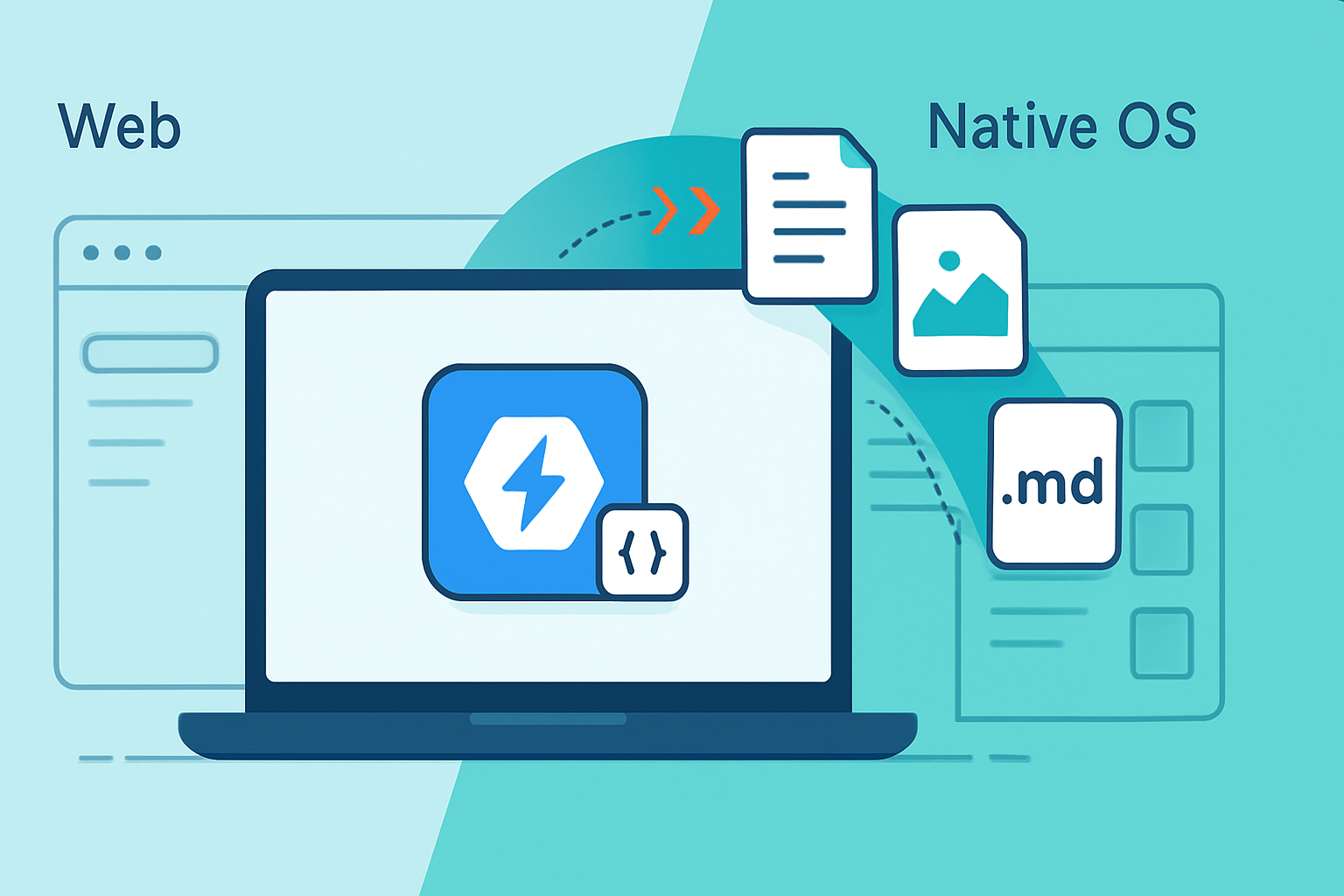
Outcome: by the end of this post you’ll know how to register a web app as a file handler, how to receive and read files when the app is launched, and how to judge whether the File Handling API can replace a native file workflow in your product.
Why this matters. Users expect apps - whether web or native - to open files directly from the OS. They expect a double-click to just work. The File Handling API gives web apps that capability. It narrows a key gap between web and native experiences. And for many use cases, that narrowing is enough.
What the File Handling API actually is (short answer)
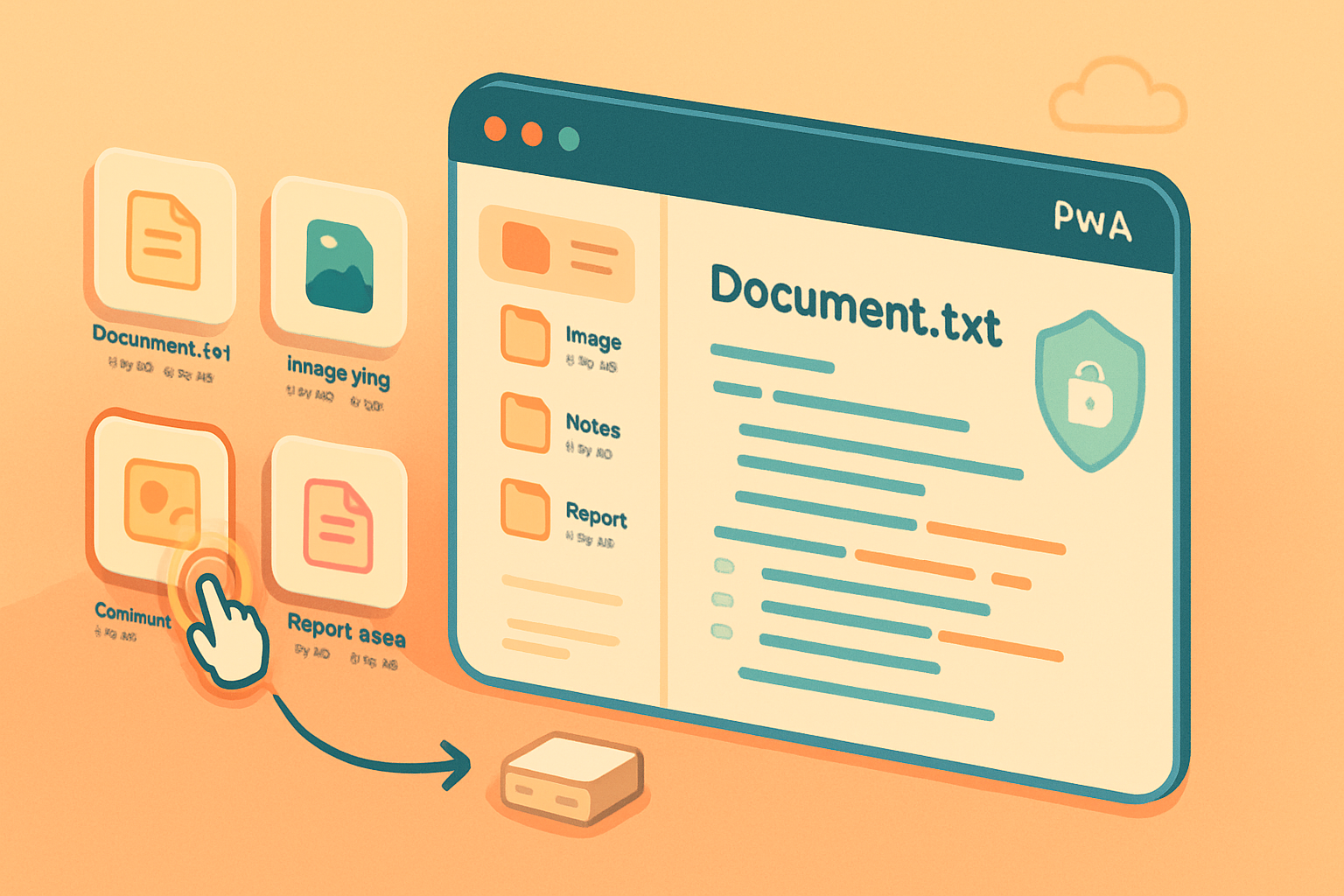
The File Handling API lets an installed web app (most commonly a PWA) declare the file types it can open through the web app manifest and receive those files when the user launches the app by opening a file. In practice that means a user can double-click a .md, .txt, .photo - whatever you declared - and your PWA can be launched with that file handed to it.
This is not magic. It’s an OS-level file association (the OS routes the file to a registered handler) combined with browser plumbing that hands file handles into your running web context.
Sources and deeper reads: the spec and implementation notes are available from the WICG and web.dev guides:
- WICG File Handling spec: https://wicg.github.io/file-handling/
- Web.dev guide: https://web.dev/file-handling/
- File System Access API (complementary API): https://developer.mozilla.org/en-US/docs/Web/API/File_System_Access_API
How it works - the pieces
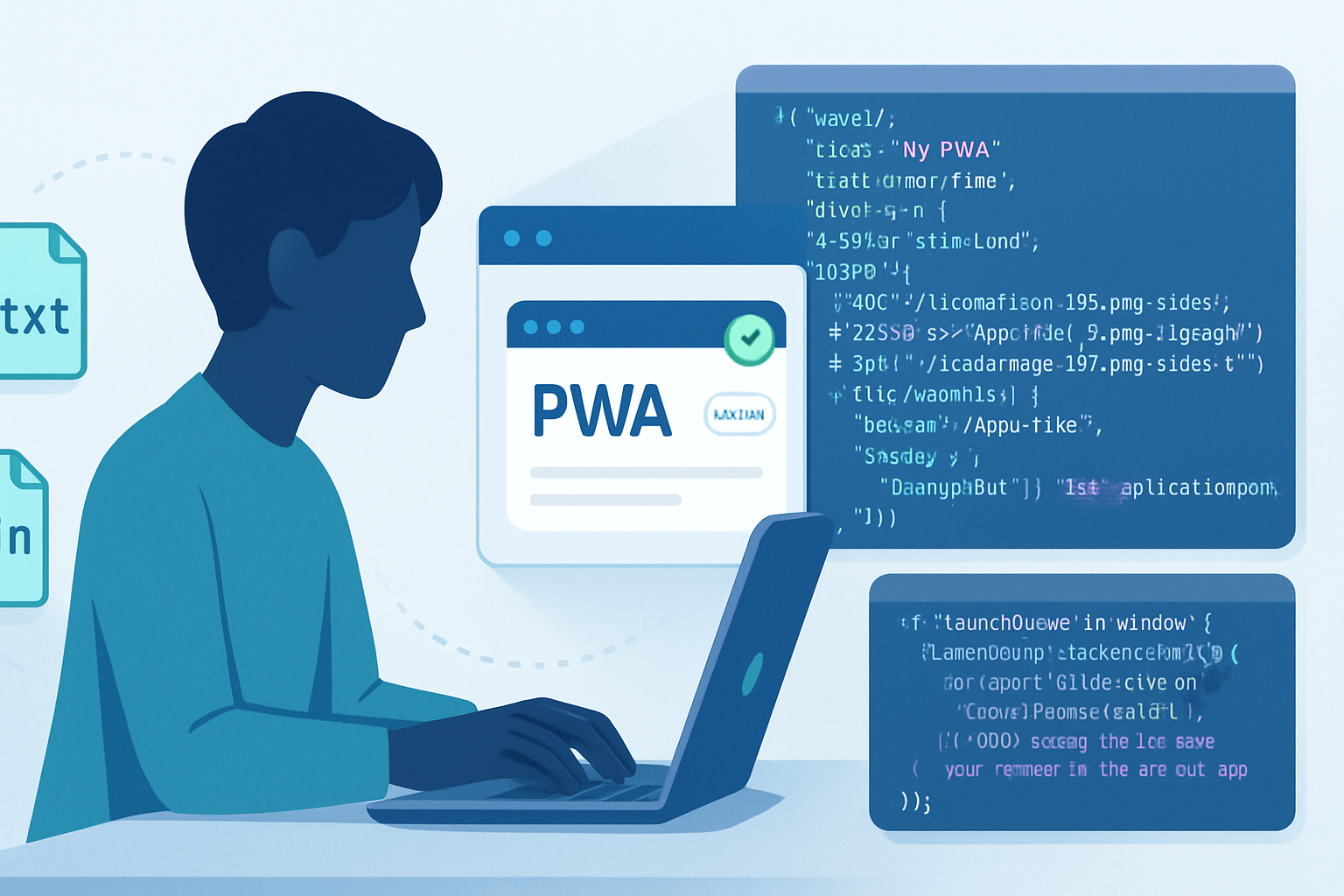
Manifest registration: You declare file types in your web app manifest using the file_handlers key. The manifest tells the browser which file extensions/MIME types your app accepts.
Installed-only: File handlers are available only to installed apps. That prevents arbitrary websites from being invoked by OS file openings.
Launch flow: When a file is opened with your app, the browser launches the app and delivers file handles through the launch queue API (launchParams). Those handles are typically FileSystemFileHandle objects that let your app read (and, where supported, write) the file.
Complementary APIs: The File System Access API is often used together with File Handling to read, write, and persist access to the files the OS gave you.
Manifest example (minimal)
Here’s a compact example of the manifest snippet that registers a PWA as a handler for .txt and .md files:
{
  "name": "NoteMaster PWA",
  "short_name": "NoteMaster",
  "start_url": "/",
  "display": "standalone",
  "file_handlers": [
    {
      "action": "/open",
      "accept": {
        "text/markdown": [".md"],
        "text/plain": [".txt"]
      }
    }
  ]
}
A few important notes:
file_handlersentries are honored only when the app is installed.- The
actionis the URL within your app that receives the launch.
Handling files in code
When the OS opens a file with your installed PWA, the browser hands file handles into your app via the launchQueue API. Minimal handling looks like this:
// run on page load
if ('launchQueue' in window) {
  window.launchQueue.setConsumer(async launchParams => {
    if (!launchParams.files || launchParams.files.length === 0) return;

    for (const fileHandle of launchParams.files) {
      // fileHandle is a FileSystemFileHandle in supporting browsers
      const file = await fileHandle.getFile(); // returns a File
      const contents = await file.text();
      // now open the file contents into your editor/view
      openDocument(file.name, contents, fileHandle);
    }
  });
}
The important bit: you get handles you can use with the File System Access API to read and, in many cases, write back to the same file (subject to user permission and platform support).
What this unlocks for hybrid apps and PWAs
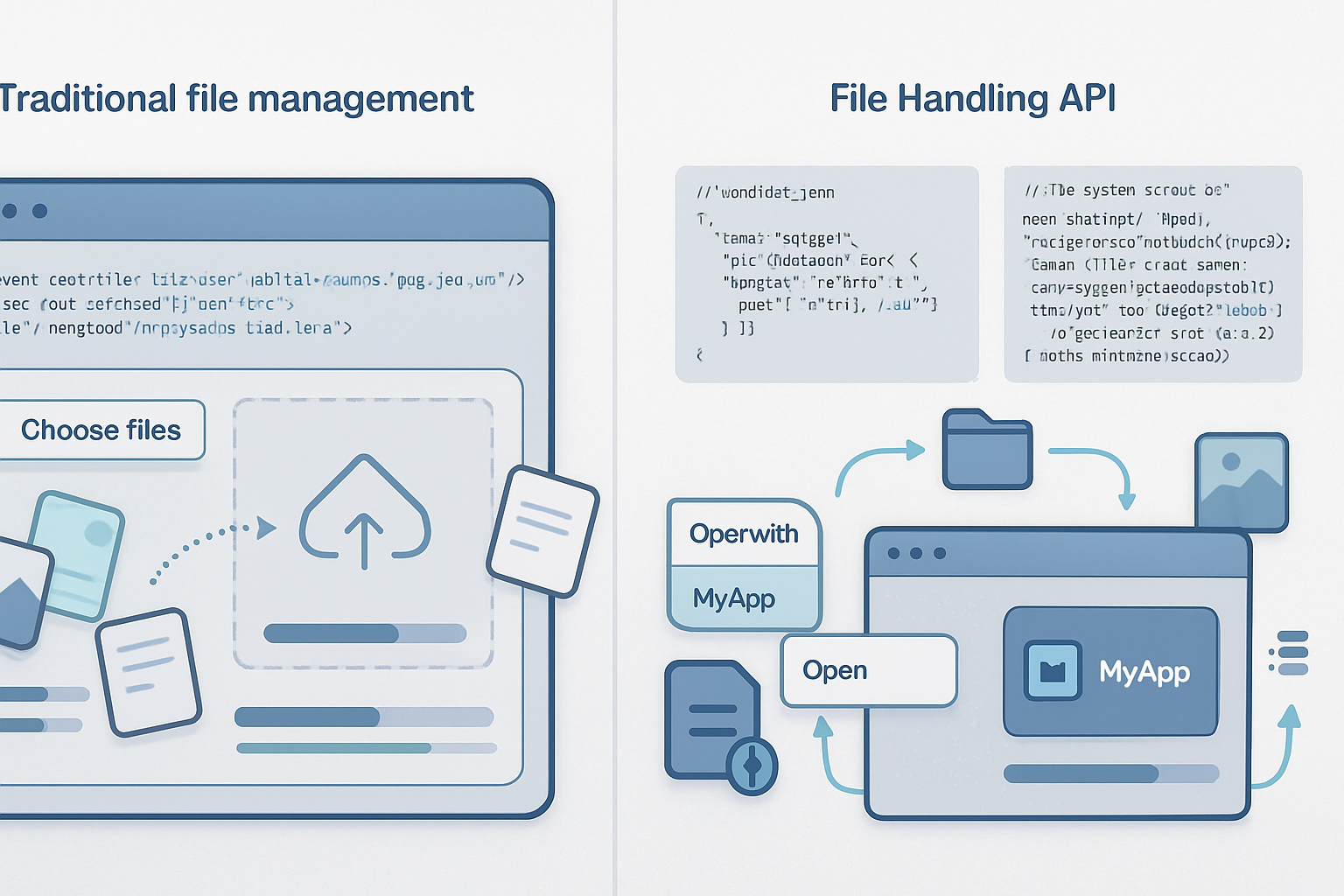
Seamless file-open UX: Users can double-click files and have your web app open them directly. That dramatically reduces friction compared with “Upload” dialogs.
Edit-in-place workflows: With File System Access support, your app can save changes back to the original file without forcing a new save-as flow.
Less dependence on wrappers: For file-centric apps - editors, image annotators, document viewers - the File Handling API reduces the need to ship an Electron or native wrapper merely to gain file associations.
Easier distribution: PWAs update from the web and can be distributed without app-store friction (depending on platform), while still integrating with the OS file model.
Important limitations and current reality
Reality check: this is powerful - but it’s not a complete replacement for native file integration yet.
Browser and platform support: As of now, the feature is primarily available in Chromium-based browsers and desktop platforms where the browser and OS cooperate. Support varies across operating systems and browser distributions. Check the latest compatibility tables before you roll out production-critical workflows.
Installed-only constraint: The app must be installed (PWA installed) to receive OS file openings. If a user opens a file and your app is not installed, the file will open in the default app or the browser without file delivery.
Security and permission model: Browsers enforce tight permissions. You get file handles, but persistent write access typically requires explicit user consent. This is good - but it changes the UX compared with native apps that assume desktop-level privileges.
Integration depth: Some advanced OS integrations still belong to native apps - advanced shell context menus, system-wide background services, deep Finder/Explorer extensions, or enterprise-managed file associations. Web apps are closing the gap, but they are not identical.
Mobile limitations: Mobile OS support is more limited. File handlers and file system access on mobile browsers vary and are often restricted.
Will the File Handling API replace native file interactions?
Short answer: not entirely, at least not today. But it will replace many common use cases.
Why it can replace native flows:
- For editors, viewers, and utilities that mostly need to open, edit, and save simple files, the File Handling API plus File System Access gives everything required.
- The maintenance and deployment benefits of web-first apps are huge. One codebase, instant updates, and the same UX across platforms is compelling.
Why native still matters:
- Deep platform features (low-level performance, privileged background processing, kernel hooks, proprietary file formats with licensed system integrations) still favor native.
- Enterprise environments and app stores sometimes require native packaging or additional entitlements.
In short: the File Handling API doesn’t render native apps obsolete. But it does let web apps cover a far greater portion of the app spectrum - especially productivity, editing, and file-based utilities - with a single, web-based implementation.
Practical guidance for developers
Progressive enhancement
- Implement file handler registration and launch handling, but build robust fallbacks: input[type=file], drag-and-drop, and server-based import flows for browsers that don’t support the API.
Use the File System Access API for editing-in-place
- If you want users to save edits back to the original file, combine file handling with File System Access. Ask for permission when needed and explain why.
Test across OSes
- File associations and user flows differ. Test installations, double-click behavior, and “open with” flows on Windows, macOS, and Linux. Expect divergence.
Be transparent about permissions
- Educate users why you need write permissions and how you will use them. Good UX prevents surprise prompts and builds trust.
Register conservatively
- Only claim file types you truly support. Mis-registered handlers reduce trust and create friction for users who expect a certain behavior when they open files.
Watch for user expectations around defaults
- Users may expect your app to become the default handler. Provide an opt-in in-app prompt or guidance, but do not force default changes.
Example use cases where File Handling shines
- Markdown editors that open .md files with a double-click and persist edits.
- Photo annotation tools that can open local images, edit them, and overwrite the original file or export new versions.
- Lightweight IDEs and text editors for developers who appreciate fast updates and cross-platform parity.
- Document viewers and converters that operate on local files without forcing upload to a server.
Security and privacy considerations
- Only request the permissions you need.
- Use the handles for purposeful, explainable operations (open, edit, save), and do not persist access beyond what the user expects unless they explicitly grant it.
- Keep file contents local when possible; if you must upload, make the data-flow obvious and secure.
Final verdict - when to adopt
If your app is file-centric, targets desktop users, and you want to reduce the overhead of native packaging, adopting the File Handling API is a high-reward move. It gives many of the conveniences users expect from native apps while keeping the advantages of web delivery.
If you need deep OS-level integration, or if your user base is predominantly on unsupported platforms, plan for a hybrid approach: progressive web features where available, native fallback where necessary.
The File Handling API does more than bridge a gap. It shifts the balance. Build with fallbacks, respect permissions, and you can deliver an experience that feels native - without leaving the web.
References
- WICG File Handling spec: https://wicg.github.io/file-handling/
- web.dev: File Handling: https://web.dev/file-handling/
- File System Access API (MDN): https://developer.mozilla.org/en-US/docs/Web/API/File_System_Access_API