· deepdives · 7 min read
Clipboard Security: A Double-Edged Sword?
The Clipboard API makes copying and pasting seamless - but it also exposes a new attack surface. Learn the risks, real-world scenarios, and concrete best practices to keep clipboard data safe in web apps and on devices.

Outcome first: read this and you will understand the concrete risks of using the Clipboard API, know practical coding patterns to reduce those risks, and be able to design user workflows that avoid leaking sensitive data.
The web clipboard is convenient. It makes copy-and-paste simple and frictionless. But convenience comes with responsibility. Misusing the Clipboard API or trusting it implicitly can leak credentials, enable injection attacks, or expose private data to third parties. This article explains how, why, and what to do about it.
How the Clipboard API works (quick primer)
- The modern Clipboard API exposes programmatic read/write access via
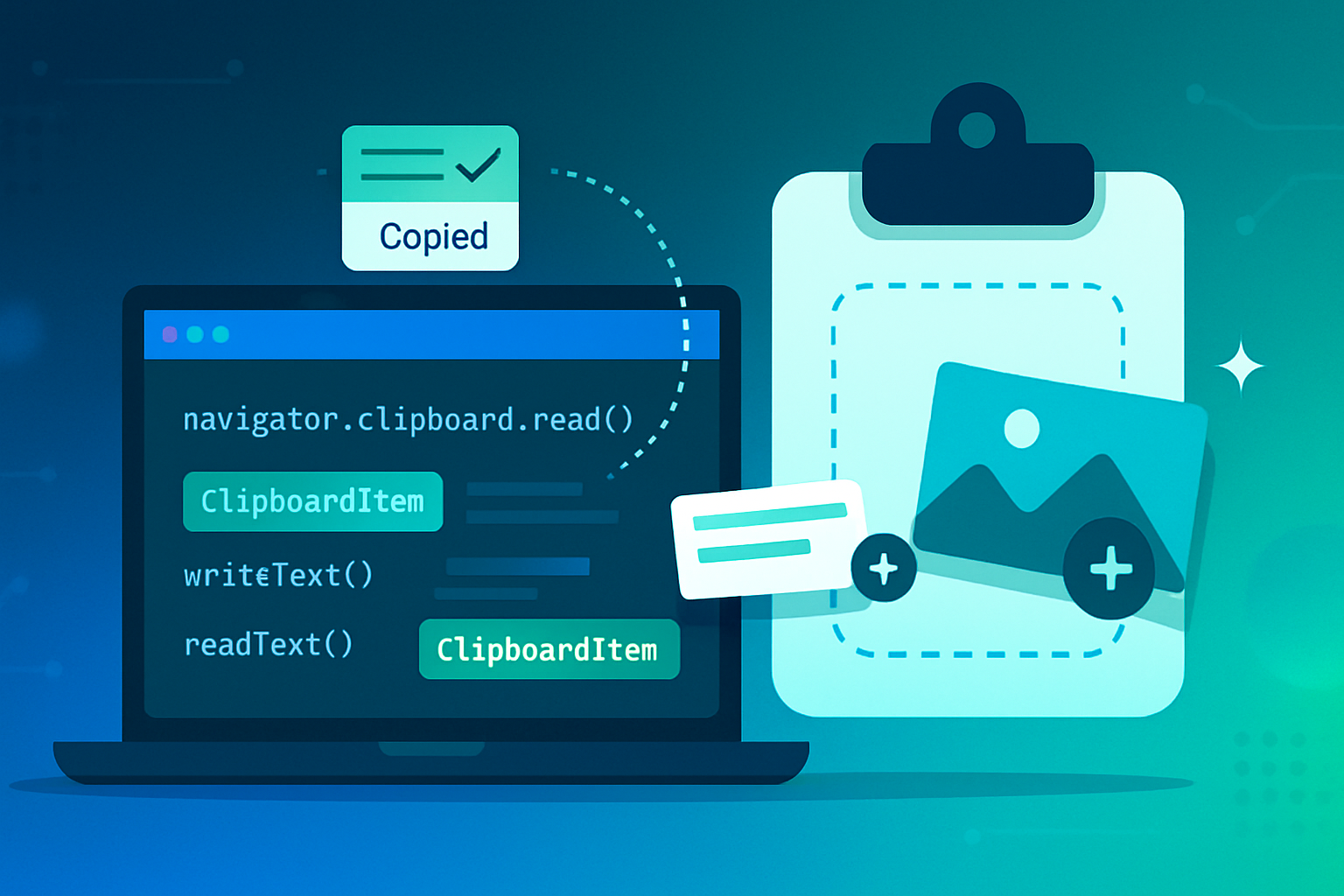
navigator.clipboard.readText(),navigator.clipboard.writeText(), and the ability to handle richer clipboard formats. See the MDN reference for details: https://developer.mozilla.org/en-US/docs/Web/API/Clipboard_API - Browsers place restrictions: most clipboard reads require a user gesture (a click or keyboard action) or explicit permission. Writes are more permissive but still restricted to secure contexts (HTTPS). See https://developer.mozilla.org/en-US/docs/Web/API/Navigator/clipboard
- Clipboard events (
copy,cut,paste) are dispatched to the page and can be observed/manipulated by scripts: https://developer.mozilla.org/en-US/docs/Web/API/ClipboardEvent
If you design a feature that copies or pastes sensitive information, you must understand these behaviors - the browser won’t automatically protect data semantics.
Threats and attack patterns
- Clipboard eavesdropping (on-device)
- On many platforms, other apps can read the system clipboard. A malicious or poorly written app can harvest tokens, OTPs, or passwords that users copied for convenience. Mobile OSes have improved notifications and restrictions, but the risk persists.
- Apple began adding clipboard access privacy notifications in iOS 14; still, the presence of many apps that can inspect the clipboard makes any sensitive-paste a possible leakage vector. See Apple’s iOS privacy overview: https://www.apple.com/newsroom/2020/06/apple-announces-privacy-updates-in-ios-14/
- Clipboard hijacking (pastejacking)
- A web page or script can overwrite clipboard contents or modify what the user pastes. Attackers can inject malicious commands or altered text that the user then pastes into terminals, chat, or payment fields. The classic “pastejacking” scenario uses script to replace clipboard content with attacker-controlled payloads while appearing benign to the user. (Historical writeups are useful background reading; for a developer-focused perspective search “pastejacking”)
- Untrusted content injection via paste
- If you accept pasted HTML (or other complex formats), a malicious page might provide content that contains scripts or HTML that later leads to XSS or content spoofing. Pasting rich content without sanitization is dangerous.
- Supply-chain/third-party script risk
- Third-party analytics/widgets with access to your page can observe clipboard events. If they log or transmit clipboard data, you may leak user data. Always assume third-party code runs with the same privileges as your own.
- Overbroad clipboard permissions
- Improperly trusting that clipboard reads or writes are harmless can lead to logic errors. For example, reading clipboard content to autofill a sensitive field without explicit user intent can expose secrets.
Real-world consequences
- Leaked API keys, session tokens, and OTPs copied from password managers or received via SMS.
- Command injection: pasting a command line that executes code on your machine.
- Cross-site or cross-application data leaks caused by third-party scripts or apps that can access the clipboard.
Browser and OS protections (what’s already in place)
- Secure contexts: the Clipboard API is generally only available on HTTPS pages. See https://developer.mozilla.org/en-US/docs/Web/Security/Secure_Contexts
- Gesture and permission gating: browsers require user gestures or explicit permissions for
clipboard.read();write()often requires only an explicit user action. Check the Permissions API for specifics: https://developer.mozilla.org/en-US/docs/Web/API/Permissions_API - Platform notifications: mobile OSes increasingly notify users when an app reads the clipboard (e.g., iOS). This makes stealthy harvesting harder but not impossible.
Despite these protections, the remaining surface area means developers should not be complacent.
Best practices for developers (practical, prioritized)
- Minimize use of the clipboard for sensitive data
- Don’t design flows that require users to copy/paste secrets (passwords, long-lived tokens). Use secure, in-app flows (e.g., OAuth redirect, in-app copy modal with clear TTL) instead.
- Use explicit user gestures
- Only read the clipboard in direct response to a deliberate user action (click or key combination). This both satisfies browser requirements and sets user expectations.
- Prefer plain-text formats and explicit conversions
- When accepting pasted content, prefer
text/plainand reject/ignore HTML or rich formats unless you explicitly need them.
- Sanitize pasted input
- Treat pasted content as untrusted. If you must accept HTML, sanitize it using a robust library like DOMPurify: https://github.com/cure53/DOMPurify
- For textual input, normalize and escape dangerous characters before inserting into the DOM.
- Validate and constrain
- Limit maximum paste length, allowed characters (e.g., no newlines for a single-line token field), and types. Reject or warn on suspicious content.
- Use ephemeral tokens rather than clipboardable secrets
- If you need to provide credentials for client use, prefer one-time or short-lived tokens and rotation, so leaked clipboard contents are less valuable.
- Restrict third-party scripts
- Avoid giving third-party libraries broad access to clipboard interactions. Use CSP, subresource integrity, and careful review to reduce risk.
- Provide UX cues and confirmations
- Tell the user when clipboard data is used. Confirm before pasting into a high-value field. Make paste a deliberate step, not an automatic one.
- Use the Permissions API to check affordances (and handle failures)
- Example flow: check permissions, then read text if allowed. Always handle exceptions and fallback gracefully.
Example code: safe read with permission check and sanitization
// Example: read clipboard text on a button click, sanitize, then insert as plain text
async function handlePasteClick() {
  try {
    // Permission check (may be denied or prompt the user)
    const perm = await navigator.permissions.query({ name: 'clipboard-read' });
    if (perm.state === 'denied') {
      alert('Clipboard access denied. Please paste manually.');
      return;
    }

    // navigator.clipboard.readText() should be called in direct response to user gesture
    const raw = await navigator.clipboard.readText();

    // Minimal normalization: trim and remove control chars you don't expect
    const normalized = raw.replace(/\p{C}/gu, '').trim();

    // Insert as plain text to avoid HTML interpretation
    document.getElementById('targetInput').value = normalized;
  } catch (err) {
    // Clipboard API unavailable or user denied; fall back to a paste box
    console.error('clipboard read failed', err);
    alert(
      'Could not read clipboard automatically. Please paste into the field manually.'
    );
  }
}
If you accept HTML or rich content, sanitize with DOMPurify before inserting into the DOM:
// Using DOMPurify (include the library securely)
const clean = DOMPurify.sanitize(rawHtml, {
  ALLOWED_TAGS: ['b', 'i', 'strong', 'em', 'a'],
});
containerElement.innerHTML = clean;
Server-side & architecture recommendations
- Never trust client-originated clipboard data as authoritative. Re-validate on the server.
- If clipboard data triggers server-side actions (e.g., an API call using pasted token), require additional verification (OTP, second factor) before accepting high-impact operations.
- Log anomalous paste behavior (frequency, size) for abuse detection, but avoid logging actual sensitive clipboard contents.
User-facing guidance (what to tell users)
- Warn users not to copy long-lived credentials to the clipboard when possible.
- Explain when your site uses the clipboard and why (transparency builds trust).
- Encourage use of built-in OS features like password auto-fill instead of manual copy-paste.
Checklist: Quick developer audit
- Do we require clipboard access for this feature? If not, remove it.
- Are reads gated behind explicit user gestures? (Yes/No)
- Do we restrict to plain text where possible? (Yes/No)
- Are pasted contents sanitized and validated? (Yes/No)
- Do we avoid storing or logging clipboard contents? (Yes/No)
- Are third-party scripts prevented from handling clipboard events? (Yes/No)
- Do we use ephemeral tokens instead of long-lived secrets? (Yes/No)
Closing: balance and responsibility
The Clipboard API is a powerful convenience. It shortens user flows and reduces friction. But that power is a double-edged sword. On-device apps, web scripts, and user habits can all turn a simple copy into a data leak or an injection vector.
Design your clipboard usage to assume the clipboard is public by default: require explicit gestures, sanitize everything, prefer ephemeral secrets, and limit the scope of third-party code. Do that, and you keep convenience without turning trust into an accident.
Further reading
- Clipboard API (MDN): https://developer.mozilla.org/en-US/docs/Web/API/Clipboard_API
- Clipboard events (MDN): https://developer.mozilla.org/en-US/docs/Web/API/ClipboardEvent
- Permissions API (MDN): https://developer.mozilla.org/en-US/docs/Web/API/Permissions_API
- DOMPurify (sanitization): https://github.com/cure53/DOMPurify
- OWASP XSS Prevention Cheat Sheet: https://cheatsheetseries.owasp.org/cheatsheets/XSS_Prevention_Cheat_Sheet.html