· deepdives · 7 min read
Beyond Battery Life: The Ethical Implications of the Screen Wake Lock API
A critical exploration of the Screen Wake Lock API that balances the UX benefits of preventing unwanted screen sleep against battery, privacy, accessibility, and ethical concerns - plus practical guidelines for responsible implementation.
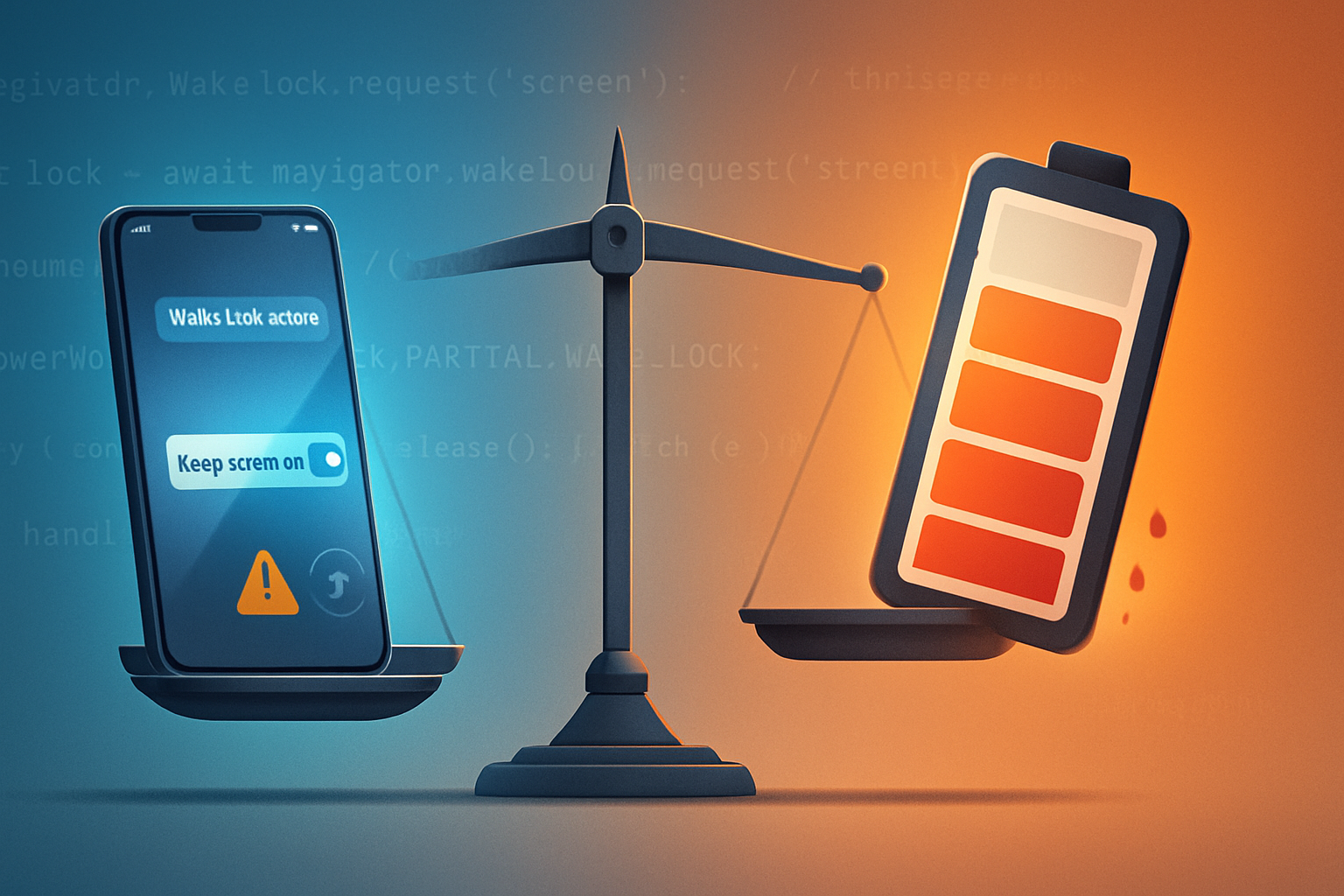
By the end of this article you’ll know how the Screen Wake Lock API can both improve real-world usability and create ethical hazards - and you’ll have a practical checklist to implement it responsibly.
The Screen Wake Lock API is small in scope but large in consequence. It can stop a device screen from sleeping, which makes apps like timers, navigation, and media players feel reliable. But when misused or hidden from users, it can shorten battery life, enable manipulative design, and widen inequities. This is not just a technical trade-off. It’s an ethical one.
What the Screen Wake Lock API does - and a simple example
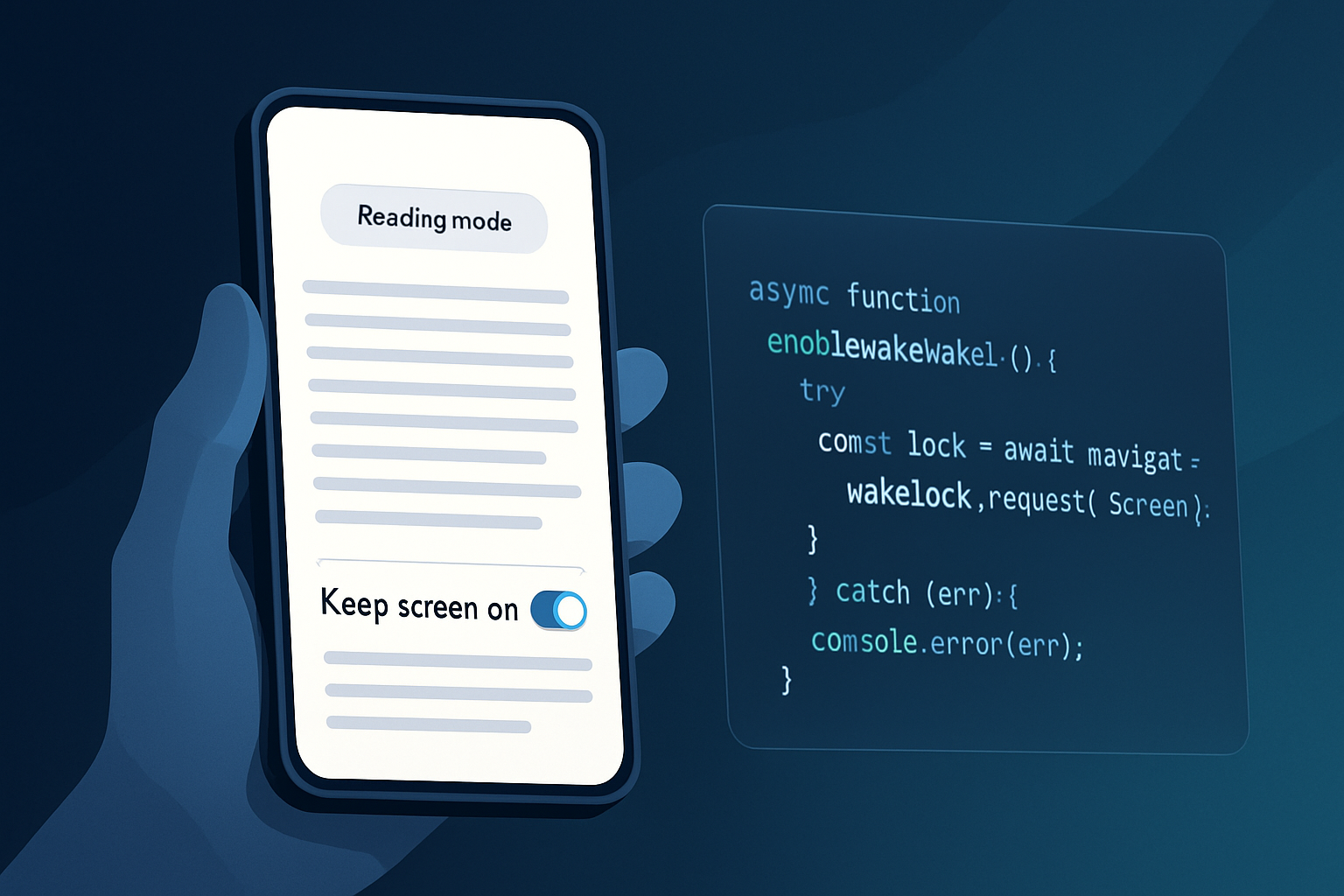
At its core the API lets a web page request that the screen stay awake. The basic pattern looks like this:
// Request a screen wake lock
let wakeLock = null;

async function requestWakeLock() {
  try {
    wakeLock = await navigator.wakeLock.request('screen');
    wakeLock.addEventListener('release', () => {
      console.log('Wake Lock was released');
    });
  } catch (err) {
    console.error(`${err.name}, ${err.message}`);
  }
}

// Release explicitly
function releaseWakeLock() {
  if (wakeLock) {
    wakeLock.release();
    wakeLock = null;
  }
}
See the implementation notes and compatibility details on MDN and the spec for more depth: MDN: Screen Wake Lock API and the W3C / WICG spec. Also read the explainer on web.dev: Screen Wake Lock API - web.dev.
Why this is an ethical issue
At first glance it’s about battery. But ethical implications radiate beyond power consumption.
- User autonomy: Does the user know their device is being kept awake? Are they given a real choice?
- Transparency and consent: Is the wake lock requested in a way users can understand and opt out of easily?
- Environmental impact: More awake screens mean more energy use across millions of sessions.
- Accessibility and inclusion: For some users, preventing screen sleep is a meaningful accessibility improvement; for others, it is unnecessary and costly.
- Dark patterns and manipulation: Kept-on screens can be used to nudge engagement or force more impressions.
- Security and privacy: Continuous activity may change expected device states and can interact with other APIs or device behavior in surprising ways.
Each of these dimensions matters in product design and governance.
Battery and environmental concerns - how big is the effect?
A single web session that prevents the screen from sleeping can increase battery consumption significantly, especially on mobile where the display is one of the largest power draws. The cumulative footprint matters. A feature that saves 30 seconds of user friction but keeps screens awake for five extra minutes will likely be a net environmental loss when scaled to millions of users.
Considerations:
- Mobile screens usually dominate energy use. Keeping a bright display on is expensive.
- Different devices and power settings produce widely varying costs, so per-session energy impact is nontrivial to estimate.
- At scale, small per-user increases multiply into measurable energy and carbon costs.
This is why app teams should evaluate real-world battery impact during QA and in production metrics, not assume the cost is negligible.
Accessibility: a strong argument in favor - with caveats
For people with certain disabilities, auto-sleeping screens break workflows: a reading assistant, a medication timer, or a captioned video for lip-reading can require the screen to remain on. In these contexts, wake locks are ethically supportive - they enable accessibility and independence.
Caveat: accessibility benefits do not justify universal, opaque use. The invocation must be targeted, consensual, and reversible.
Dark patterns, persuasion, and consent
The Wake Lock API is easy to weaponize for engagement: prevent sleeping during an ad view, keep a checkout open to pressure a user, or maintain a persistent screen to inflate time-on-site metrics. Those are classic dark-pattern behaviors that exploit platform affordances to benefit the provider at the expense of user agency and battery life.
Ethical product teams must watch for incentives that reward manipulative usage.
Privacy and security interactions
The ability to maintain an active screen can change device assumptions. For instance, it can alter the lifecycle of other features (background tasks, sensors) or surface unexpected interactions. Previously deprecated APIs like the Battery Status API were used for fingerprinting; while the wake lock is narrower, combined signals can sometimes leak behavioral patterns.
Treat the wake lock as part of a broader privacy threat model: consider how its use might combine with permissions, analytics, and other signals.
Who’s responsible? Roles and incentives
- Designers: Craft transparent UI patterns that communicate why the wake lock is needed and what the user controls.
- Developers: Implement polite defaults, timeouts, and energy-aware heuristics; expose explicit release controls.
- Product Managers: Balance metrics and incentives to avoid rewarding a misuse of wake locks for engagement or ad revenue.
- Platform teams (browsers, OS): Provide clear APIs, prompts when appropriate, and system-level indicators so users can’t be misled.
All these stakeholders should treat the API not as a convenience but as a policy decision point.
Practical recommendations and a developer checklist
Treat the Wake Lock API like a permission with ethical constraints. Below are concrete best practices for responsible use.
- Ask for consent in context. Explain why the lock is needed and how it helps.
- Default to no wake lock. Request it only when the user initiates a flow that truly requires it.
- Provide clear UI affordances to release the lock (a visible toggle, a timer, or an explicit “Keep screen awake” checkbox).
- Use timeouts and heuristics. If the user is idle for X minutes, automatically release the lock.
- Be energy-aware. Lower brightness, avoid heavy animations, and avoid wake locks on battery-savers.
- Log and expose metrics. Track average wake duration and battery impact; surface aggregated stats in dashboards.
- Provide accessibility opt-ins. Offer an accessibility setting to always allow wake locks for users who need them.
- Avoid dark patterns. Never hide the lock or tie it to monetization in a way that strips choice.
- Test across devices. Emulate different battery states and CPU profiles to understand real effects.
- Audit periodically. Review whether continued use is justified by user benefit.
Quick UI copy examples (short, user-first):
- “Keep screen on while this timer runs? This prevents your device from sleeping and may use more battery.”
- Buttons: [Keep screen on (recommended for workout)] [Allow screen to sleep]
A sample minimal consent flow
- User starts an activity that benefits from a wake lock (e.g., guided workout).
- Show a concise banner/dialog: reason + battery note + choice.
- If accepted, request the wake lock and display a persistent visual indicator (for example, an icon in the header) that can release the lock with one tap.
- Automatically release after prolonged inactivity or when the app goes backgrounded (unless the user explicitly opted into background behavior and understands the cost).
Regulation, policy and platform design suggestions
- Platforms should consider system-level indicators when a wake lock is active.
- Browsers might (optionally) surface a permission UI for prolonged wake locks or require foreground presence.
- Regulators should look for systemic misuses where wake locks are used to nudge users into monetizable behavior.
These changes would rebalance incentives away from opaque usage.
Measuring harm and benefit
To make good decisions, measure both sides:
- Benefit metrics: completion rate for the activity, user satisfaction scores, accessibility outcomes.
- Harm metrics: average additional wake time per session, battery drop per session, complaints/support tickets referencing battery or unexpected behavior.
Compare marginal benefit to marginal cost. If many users gain a necessary accessibility improvement while only a tiny fraction of sessions see battery impacts, the trade may be acceptable. If the inverse is true, rethink the design.
Final ethical framework (three questions to ask before using a wake lock)
- Is this necessary? (Is the user experience meaningfully harmed without it?)
- Is it transparent and reversible? (Can users easily see and undo the decision?)
- Does the benefit outweigh the environmental and battery cost at scale?
If you cannot answer “yes” to all three, do not proceed.
Conclusion
The Screen Wake Lock API is a powerful tool for improving real experiences - from accessible reading to reliable navigation. But power invites responsibility. Implement it with clear consent, minimal defaults, visible controls, and metrics that quantify both benefits and costs. The last thing users deserve is a feature that silently consumes their battery and their trust.
References
- MDN Web Docs - Screen Wake Lock API: https://developer.mozilla.org/en-US/docs/Web/API/Screen_Wake_Lock_API
- W3C / WICG Spec - Screen Wake Lock: https://w3c.github.io/screen-wake-lock/
- web.dev - Screen Wake Lock API explainer: https://web.dev/screen-wake-lock/
- Dark Patterns (examples and definitions): https://www.darkpatterns.org/