· deepdives · 6 min read
Beyond Alerts: Creative Uses of the Notifications API
Learn how to move past basic alerts and use the Notifications API to gamify interactions, power social features, create ambient context-aware nudges, and build delightful background experiences-while respecting permissions, accessibility, and privacy.

Outcome first: by the end of this article you’ll have a set of practical, production-ready patterns that turn notifications from blunt interruptions into delightful moments that increase engagement, clarity, and retention.
Why read this? Because notifications are always on the edge between helpful and annoying. Use them smartly and they become features users love. Use them badly and they get blocked. I’ll show concrete patterns, code snippets, UX rules, and gotchas so you can ship better notification experiences.
Quick refresher: what the Notifications API gives you
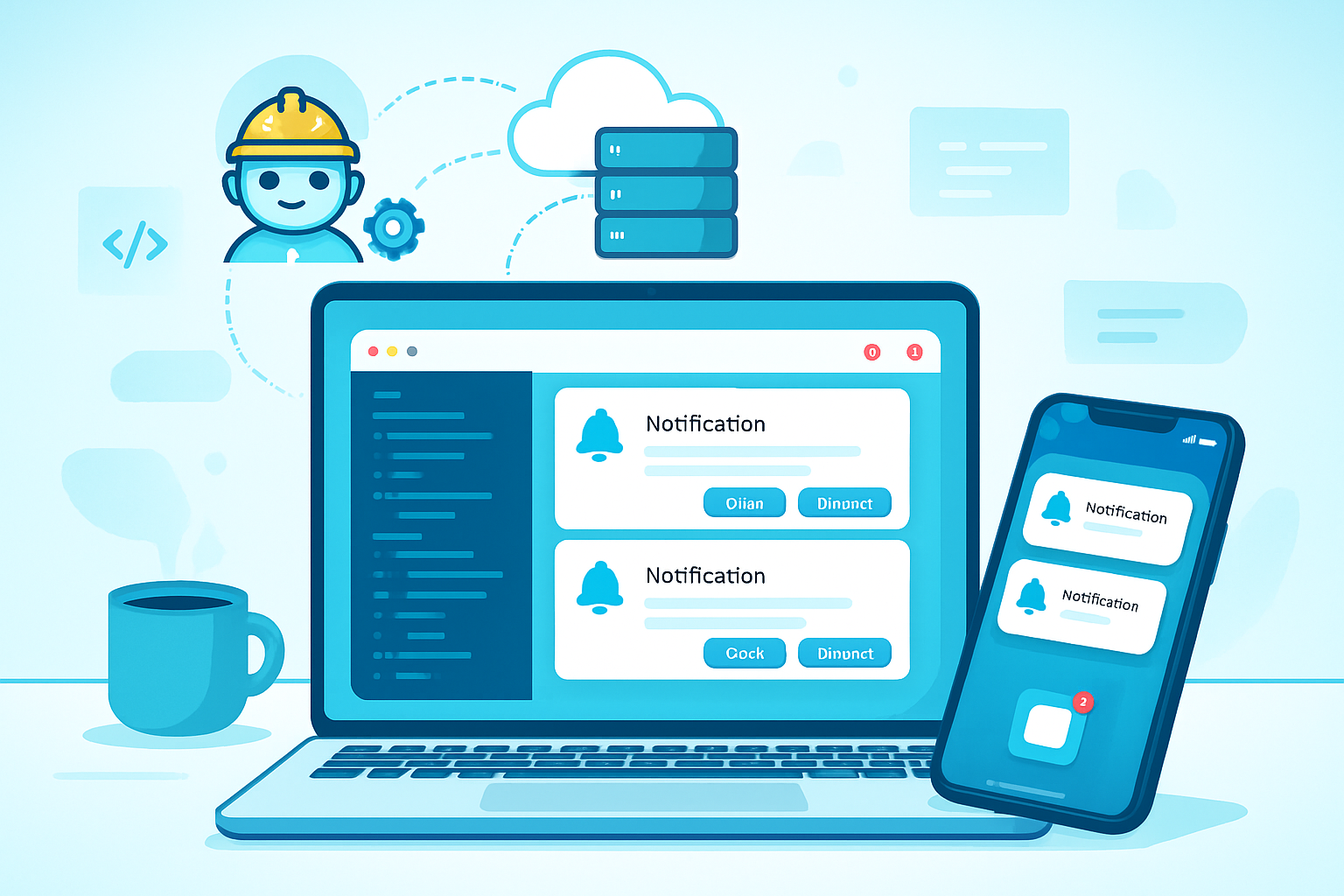
The Notifications API lets a web app display system-level notifications to the user. You can:
- Request permission from the user to show notifications.
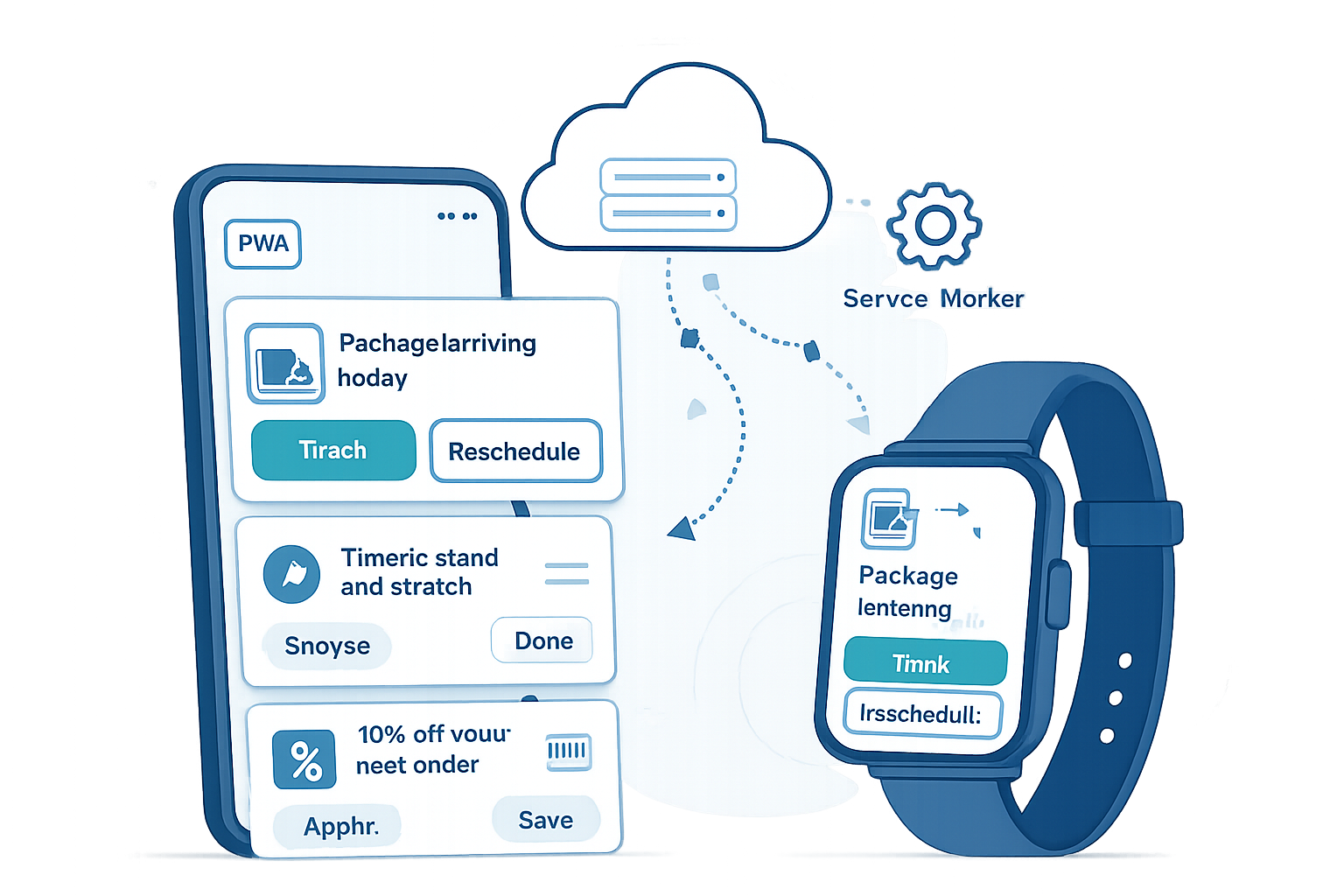
- Show notifications from the page (while open) or from a Service Worker (background/push).
- Add icons, images, badges, actions, and data to notifications.
- Respond to clicks and action-button events to drive behavior.
If you need a technical primer, see MDN’s overview for the Notifications API and Service Worker notifications:
- https://developer.mozilla.org/en-US/docs/Web/API/Notifications_API
- https://developer.mozilla.org/en-US/docs/Web/API/ServiceWorkerRegistration/showNotification
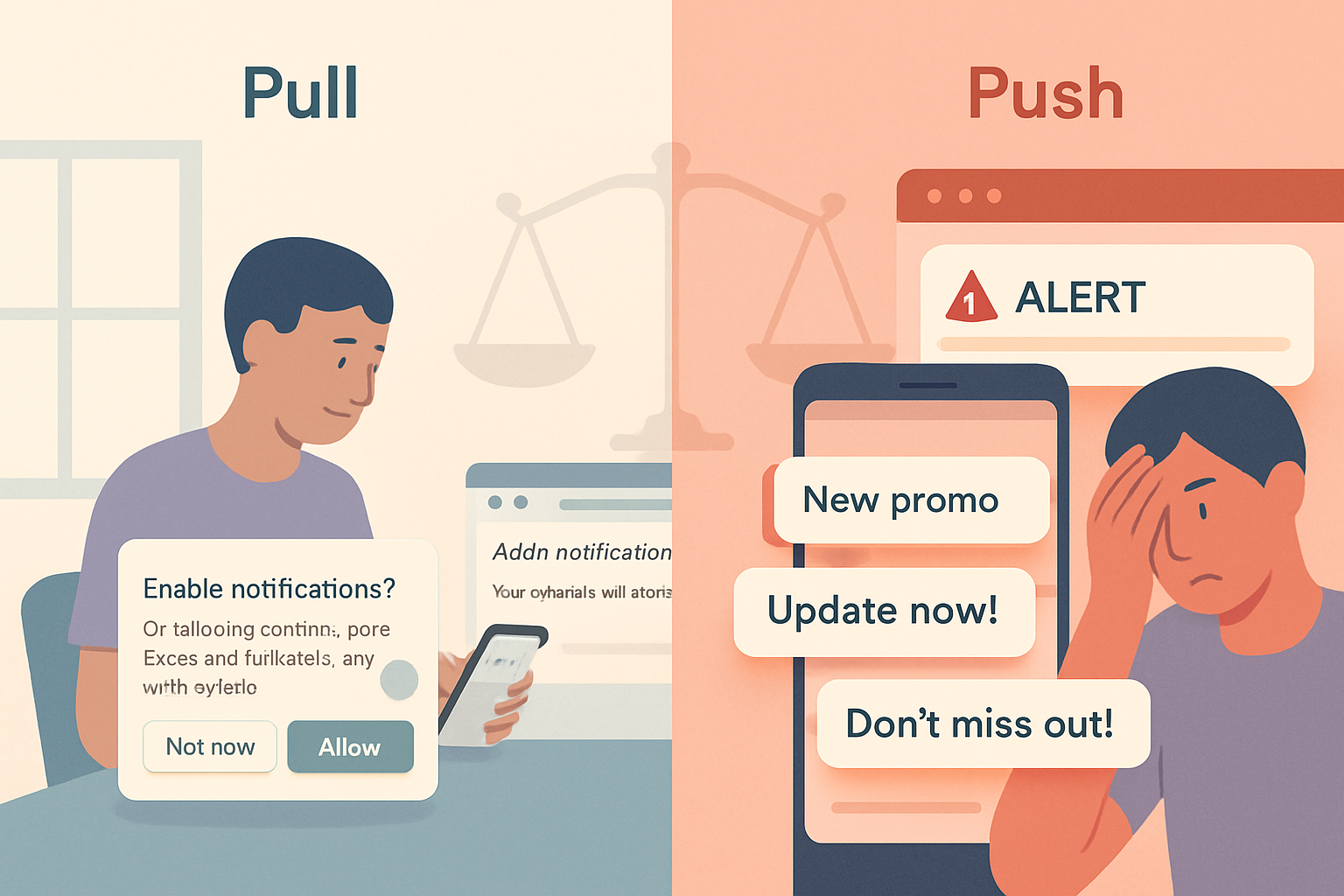
Permission: design the ask like a feature, not a popup
Bad permission prompts are the fastest route to the block list. Consider these tactics:
- Defer the native permission prompt until the user has experienced value. Ask after a relevant moment (e.g., post-purchase, after they enable a related feature).
- Use an in-app pre-prompt explaining benefit and frequency (example: “Allow game move notifications so you never miss your turn”).
- Provide granular choices in-app before requesting global permission.
Code: checking and requesting permission
if (Notification.permission === 'default') {
  // Show your friendly pre-prompt UI first
  // Then request permission when contextually appropriate
  Notification.requestPermission().then(permission => {
    if (permission === 'granted') {
      /* proceed */
    }
  });
}
Creative patterns that go beyond “you have a new message”
Here are patterns that deliver utility, delight, and social value.
1) Gamify progress and rewards
Make achievements feel tangible. Use notifications to celebrate milestones, reveal rewards, or nudge users toward streaks.
- Use a consistent visual language (badge + short copy).
- Replace or update a notification using the
tagoption to show progress (e.g., 40% → 80% complete) rather than spamming. - Include an action that leads back to the app for fast redemption.
Example: update progress by re-issuing a notification with the same tag
// from a Service Worker or page
registration.showNotification('Upload in progress', {
  body: '40% complete',
  tag: 'upload-123',
  icon: '/icons/upload.png',
});

// later
registration.showNotification('Upload in progress', {
  body: '80% complete',
  tag: 'upload-123',
  icon: '/icons/upload.png',
});
2) Build lightweight social features
Notifications can extend social presence without forcing users back into the app. Examples:
- Live reactions: send an action button for a quick emoji response; ephemeral reactions can update a centralized state.
- Read receipts or activity highlights: summarize a friend’s activity in a single digest notification.
- Invite-to-play: one-tap join buttons that deep-link into the correct game room.
Use notification actions and data to carry context.
registration.showNotification('Alex liked your post', {
  body: 'Tap to see the post or tap "❤️" to send a thanks',
  badge: '/icons/badge.png',
  actions: [
    { action: 'open', title: 'Open' },
    { action: 'thanks', title: '❤️' },
  ],
  data: { postId: 42 },
});

// in Service Worker
self.addEventListener('notificationclick', event => {
  const action = event.action;
  const postId = event.notification.data.postId;
  event.notification.close();
  if (action === 'open') {
    // focus or open the post URL
  } else if (action === 'thanks') {
    // record the quick reaction
  }
});
3) Ambient and contextual nudges
Notifications become more useful when they’re tied to context. Examples:
- Location-aware: a coupon when the user enters a store area (must respect privacy and ask for location separately).
- Calendar context: proactive reminder when travel time would make them late.
- Device context: prefer silent, badge-only notifications at night.
This requires combining the Notifications API with other platform APIs (Geolocation, Background Sync, or server-side timing logic).
4) Multi-step flows and ephemeral UI
Use a sequence of notifications to guide a short flow without forcing the user to open the app. Each notification can contain actions, and handlers can update server state.
Example: confirm → verify → reward. Use tag or unique IDs so notifications don’t clutter the tray.
5) Offline rescue and recovery
When users lose connectivity, notify them when important background operations resume (e.g., file uploads, message delivery). This helps build trust.
6) Notification as onboarding hooks
Show progressive onboarding tips via notifications that lead to small in-app demos or feature tours. Don’t overdo it. One or two high-value nudges is often enough.
Implementation patterns and tips
- Use tags to replace notifications that represent the same ongoing thing (uploads, matches, timers).
- Use
vibrateon supported devices to add tactile feedback for critical alerts, but provide user control. - Attach structured JSON to
notification.datato carry context to the click handler. - Use
requireInteraction: truefor actions that must persist until the user interacts (use sparingly). - Respect quiet hours and let users silence or schedule certain categories.
Service Worker example for push → showNotification
// sw.js
self.addEventListener('push', event => {
  const payload = event.data ? event.data.json() : { title: 'Hello' };
  const options = {
    body: payload.body,
    icon: payload.icon,
    badge: payload.badge,
    tag: payload.tag,
    data: payload.data,
    actions: payload.actions,
  };
  event.waitUntil(self.registration.showNotification(payload.title, options));
});
Handling notificationclick in the Service Worker
self.addEventListener('notificationclick', event => {
  event.notification.close();
  const { action } = event;
  const data = event.notification.data || {};

  if (action === 'open') {
    event.waitUntil(clients.openWindow(`/post/${data.postId}`));
    return;
  }

  // Default: open main app or focus existing client
  event.waitUntil(
    clients
      .matchAll({ type: 'window', includeUncontrolled: true })
      .then(windowClients => {
        for (const client of windowClients) {
          if (client.url.includes('/') && 'focus' in client)
            return client.focus();
        }
        if (clients.openWindow) return clients.openWindow('/');
      })
  );
});
Privacy, accessibility, and ethical constraints
- Avoid sending sensitive content in notifications; they may appear on lock screens.
- Provide clear unsubscribe and granular control UI for notification categories.
- Accessibility: system notifications are not always read by screen readers. Mirror critical info inside the app and expose events via accessible patterns (live regions, in-app logs).
- Rate limit: limit frequency and combine events into digests where possible.
Cross-browser considerations and progressive enhancement
- Support varies: action buttons and images are best-effort across platforms. Test on all target browsers.
- Fall back to in-app toasts if permission is denied.
- Use feature detection (e.g.,
('Notification' in window)andregistration.showNotificationon workers).
UX checklist before sending a notification
- Is this timely and contextual?
- Does it give clear, actionable value in one glance?
- Can it be delivered silently (badge) instead of a full alert?
- Is the content safe for lock-screen exposure?
- Have we asked for permission in a contextual way?
Mini case study: gamified turn reminders (pattern)
Goal: keep players engaged in a turn-based game without spamming.
Approach:
- Ask for permission only after user completes their first match.
- Use
tagto send a single persistent reminder that updates: “Your turn - 10m left” → “Your turn - 2m left”. - Offer two actions: “Move now” (deep link) and “Snooze 1h” (server-side snooze).
- When user returns to the app from the notification, mark the notification as handled to avoid duplicates.
Why this works: single persistent notification reduces clutter, actions reduce friction, and contextual timing respects user attention.
Final thoughts
Notifications are a powerful channel - when used thoughtfully they increase engagement, speed, and delight. They’re also a privilege. Protect that trust by asking at the right moment, sending only valuable content, and giving users control.
Do it right and notifications stop being interruptions and become moments of delight.