· deepdives · 8 min read
Background Fetch API vs. Service Workers: Finding the Best Fit for Your Application
A critical comparison of the Background Fetch API and Service Workers-what each is optimized for, real-world use cases, performance and battery implications, browser support, and decision guidance so you can pick the right tool for your app.
Outcome-first introduction
Start here and you’ll know exactly which technology to reach for when you need reliable background network behavior in a web app. You’ll be able to decide quickly: use Service Workers for broad offline and request interception needs, or choose Background Fetch when you must perform long-running downloads/uploads that continue when the page or browser is closed. Clear criteria. Precise trade-offs. Actionable examples.
Why this matters (short)
Progressive Web Apps and modern web experiences demand reliable background work. Sometimes you need to intercept requests, cache assets, or run offline logic. Other times you must download a large file and keep going even after the user closes your page or relaunches the browser. Choosing the wrong tool leads to flaky behavior, poor UX, and wasted engineering time.
Quick summary - the one-paragraph decision
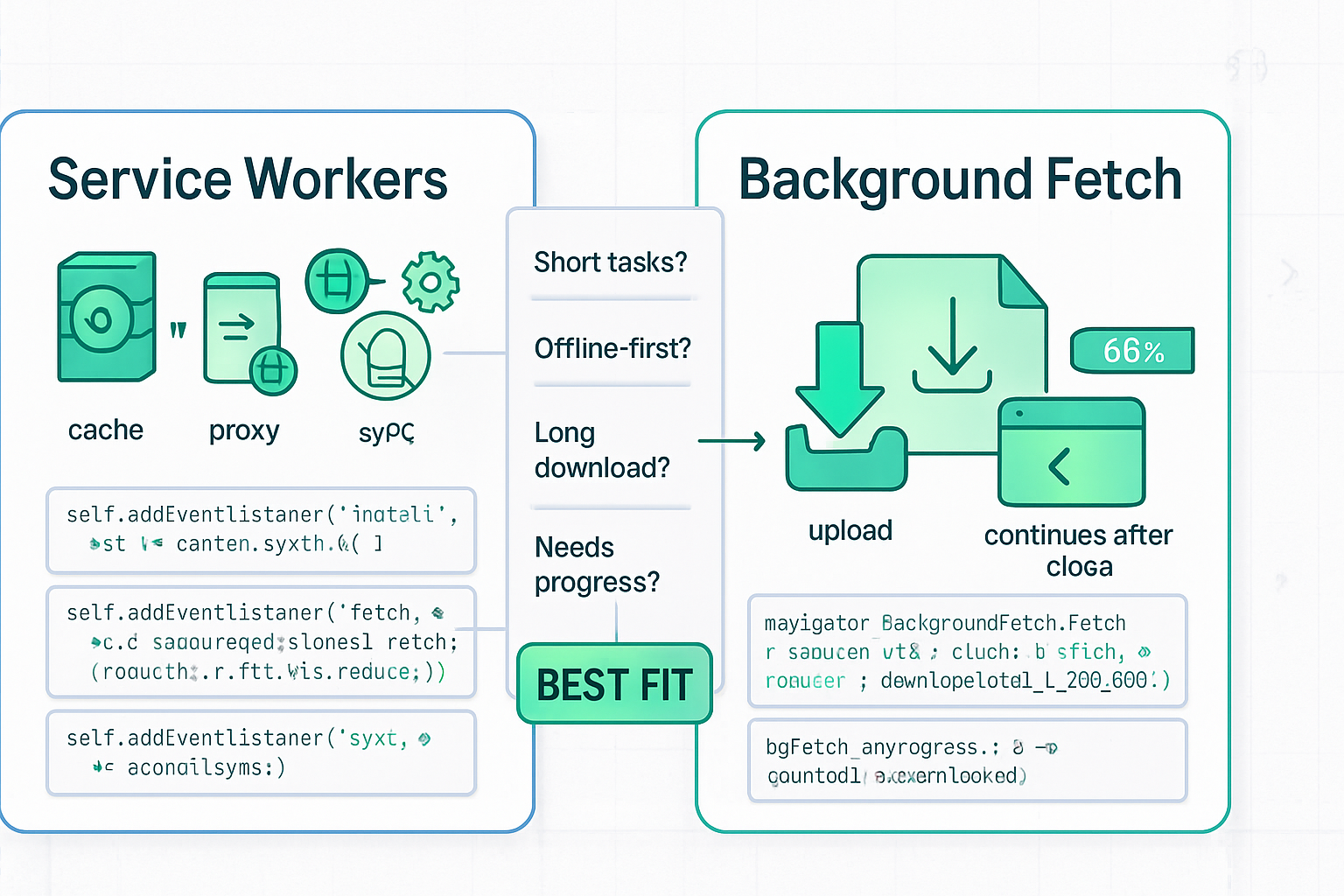
- Use Service Workers when you need offline caching, request interception, custom fetch handling, and background sync for small background tasks. They’re the fundamental building block for PWAs and are broadly supported.
- Use Background Fetch when your app needs robust, long-running downloads or uploads that must continue even if the page is closed or the browser is restarted, and you want a browser-managed UX for progress and completion.
Read on for details, code samples, and a decision checklist.
How they differ: the core concepts
Service Workers (what they are)
Service Workers are a programmable network proxy that run in a worker thread separate from the page. They can intercept fetch requests from controlled pages, manage caching strategies, respond to push messages, and perform certain background tasks (for example, Background Sync for deferred small uploads).
- Lifecycle: registration → install → activate → fetch/push/background-sync events.
- Strengths: fine-grained control over request/response handling, offline-first strategies, asset caching, low-latency request interception.
- Limitations: not guaranteed to run indefinitely. Long-running downloads initiated from a page’s fetch or via a service worker may be paused/aborted when the user closes the app or the OS reclaims network resources.
Learn more: Service Worker API on MDN.
Background Fetch (what it is)
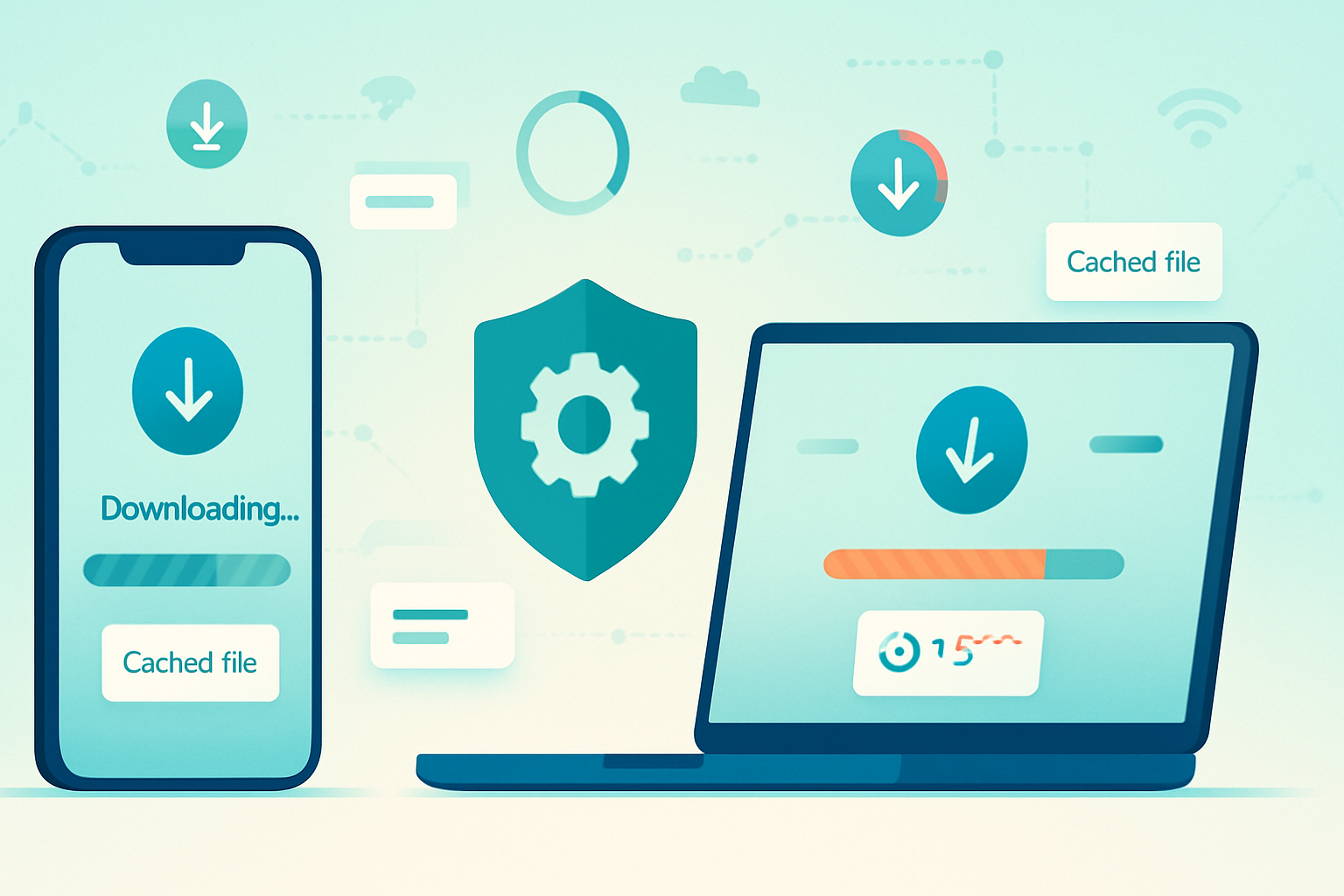
Background Fetch is a specialized API that lets a web app register a download (or upload) that the browser performs in the background with a browser-managed UI for progress and completion. It is designed for long-lived transfers that must survive page reloads, tab close, or even browser restarts. The browser surfaces progress and result to the user and wakes the service worker for lifecycle events related to that transfer.
- Main primitives: register a background fetch via
ServiceWorkerRegistration.backgroundFetch.fetch(), respond tobackgroundfetchsuccess,backgroundfetchfail, andbackgroundfetchclickevents in the service worker. - Strengths: reliability for long-running transfers, built-in progress UI, system-level scheduling/robustness.
- Limitations: limited browser support, less granular control over every network detail, browser-enforced UI and quotas.
Reference: Background Fetch on MDN and the spec at WICG Background Fetch. Also see the explainer on web.dev.
Typical use cases
When to pick Service Workers
- Offline-first applications where you intercept requests and serve cached responses.
- Asset caching (app shell) and smart cache strategies (cache-first, stale-while-revalidate, network-first).
- Handling small background tasks or retrying failed requests with Background Sync (e.g., failed form submissions, message posting).
- Custom responses to fetch events, generating dynamic responses in the worker.
When to pick Background Fetch
- Large file downloads (video, offline content packs, large image archives) that should continue even if the user closes the page.
- Long uploads that need to survive page close or network disruptions and be resumed by the browser.
- When you want the UA to present a consistent progress/completion UI to the user without implementing your own persistent UI.
Mixed scenarios
- Use a Service Worker as the coordination layer and trigger Background Fetch for the heavy transfer. Background Fetch lifecycle events arrive at the service worker, so both often work together.
Code snapshots (minimal examples)
Service Worker: simple fetch handler for caching
self.addEventListener('install', event => {
  event.waitUntil(
    caches.open('app-v1').then(cache => cache.addAll(['/','/app.js','/styles.css']))
  );
});

self.addEventListener('fetch', event => {
  // network-first for API, cache-first for static
  if (event.request.url.includes('/api/')) {
    event.respondWith(
      fetch(event.request).catch(() => caches.match(event.request))
    );
  } else {
    event.respondWith(caches.match(event.request).then(r => r || fetch(event.request)));
  }
});
Registering a Background Fetch from a page
navigator.serviceWorker.ready.then(async registration => {
  try {
    const bgFetch = await registration.backgroundFetch.fetch('big-files', ['/video1.mp4', '/video2.mp4'], {
      title: 'Downloading offline videos',
      icons: [{sizes: '192x192', src: '/icon.png', type: 'image/png'}]
    });
    console.log('Background fetch registered:', bgFetch);
  } catch (err) {
    console.error('Background fetch failed to register', err);
  }
});
Service Worker: reacting to Background Fetch events
self.addEventListener('backgroundfetchsuccess', event => {
  event.waitUntil((async function() {
    const bgFetch = event.registration;
    // read the records and store them in IndexedDB or cache
    const records = await bgFetch.matchAll();
    for (const record of records) {
      const response = await record.responseReady;
      // persist response to cache or storage
      const cache = await caches.open('bg-fetch-cache');
      await cache.put(record.request, response);
    }
    // Optionally show a notification
    self.registration.showNotification('Downloads complete');
  })());
});
Notes: these are compact examples to illustrate the mechanics. Exact methods and behaviours depend on the browser and API availability.
Performance, battery and resource implications
Background activity affects battery and data usage. Browsers manage background operations to protect battery life and user experience. Key implications:
- Resource scheduling: Background Fetch transfers are scheduled and throttled by the UA. That means your transfers are more reliable but you have less immediate control over timing.
- Battery: long continuous transfers increase battery use. The browser may delay or pause transfers to preserve power.
- Network fairness: browsers may limit background throughput to avoid starving foreground apps.
- Storage & quotas: large fetched resources consume storage (cache or internal storage). Be mindful of quota and eviction policies.
Design for graceful degradation: prefer resumable transfers, avoid assuming immediate completion, and provide user feedback that an operation is queued or deferred.
Browser support and practical limitations
- Service Workers: broad support across modern browsers (desktop and mobile) and a core part of PWAs. See MDN Service Worker.
- Background Fetch: limited adoption. As of this article, support is available in some Chromium-based browsers but not universally (notably missing or limited on many iOS browsers and some non-Chromium engines). Check current status before shipping a dependency on it. See the Background Fetch MDN and WICG spec.
Because support is fragmented, you must feature-detect and provide fallbacks. For example:
if ('backgroundFetch' in registration) {
  // use Background Fetch
} else {
  // fallback: use service worker + fetch + show in-app progress, or Background Sync
}
Also verify user-permission and UA-specific behaviors. Some platforms require the app to be installed (a PWA) or grant notification permissions for the browser to show progress UI.
Security, privacy and UX concerns
- User-visible UI: Background Fetch typically surfaces progress/notifications via the browser. This protects users from silent heavy network usage.
- Permissions: the browser may require or use notification permissions. Do not assume silent downloads are allowed.
- Privacy: large transfers can contain sensitive data. Use HTTPS and consider encrypting at rest if saving to persistent storage.
- Quotas: browsers may limit how much persistent storage a site can consume.
Always inform the user when scheduling big downloads and offer controls to pause/cancel.
Decision checklist - which to pick?
Use Background Fetch if:
- You need downloads/uploads that must continue after the page is closed or browser is restarted.
- You want the browser to manage progress UI and resumability.
- The content is large and reliability across lifecycle events is more important than low-level control.
Use Service Workers if:
- You need offline-available assets, custom request interception, or fine-grained fetch control.
- You’re implementing cache strategies, response composition, or background sync for small queued actions.
- You need the broadest cross-browser support.
Fallback strategy: prefer progressive enhancement. Try to register Background Fetch when available; otherwise fall back to a service-worker-managed approach, showing in-app progress and using the Cache API or IndexedDB for storage. Use Background Sync where you only need to retry small tasks when connectivity returns.
Best practices and testing tips
- Feature-detect and provide graceful fallbacks.
- Avoid assuming exact timing; design for queuing and resumption.
- Keep user informed: show status, allow cancelling, and explain storage impact.
- Store large results carefully - favor streaming to cache or chunked persistence if supported.
- Monitor failures and retries: implement exponential backoff for retries if you manage retries yourself.
- Test on real devices and on supported browsers. Use Chromium-based browsers (where Background Fetch is available) for validating the Background Fetch lifecycle; use DevTools’ Application panel to inspect service worker registrations, caches, and background fetch entries.
Conclusion - the practical takeaway
Service Workers give you broad control and form the foundation of offline-first web apps. They are the right tool for request interception, caching strategies, and small background tasks. Background Fetch solves a narrower but important problem: reliable, long-lived transfers that survive page or browser restarts and present a consistent, browser-managed UX.
If you need general offline support and broad compatibility, choose Service Workers. If you need resilient, long-running downloads/uploads and the browser-provided UX, choose Background Fetch - but guard it with fallbacks because support is not universal. Use Service Workers + Background Fetch together when you want both control and reliability. That combination gives you the best of both worlds.
References
- Background Fetch API - MDN: https://developer.mozilla.org/en-US/docs/Web/API/Background_Fetch_API
- Background Fetch - WICG spec: https://wicg.github.io/background-fetch/
- Background Fetch explainer - web.dev: https://web.dev/background-fetch/
- Service Worker API - MDN: https://developer.mozilla.org/en-US/docs/Web/API/Service_Worker_API
- Background Sync API - MDN: https://developer.mozilla.org/en-US/docs/Web/API/Background_Sync_API