· deepdives · 8 min read
Going Beyond Basics: Advanced Use Cases of the File Handling API
Explore advanced patterns for building collaborative editors, data-visualization apps, and offline-first experiences with the File Handling API (and File System Access API). Learn practical code patterns, conflict-resolution strategies, streaming techniques and best practices to use file-backed workflows in production PWAs.
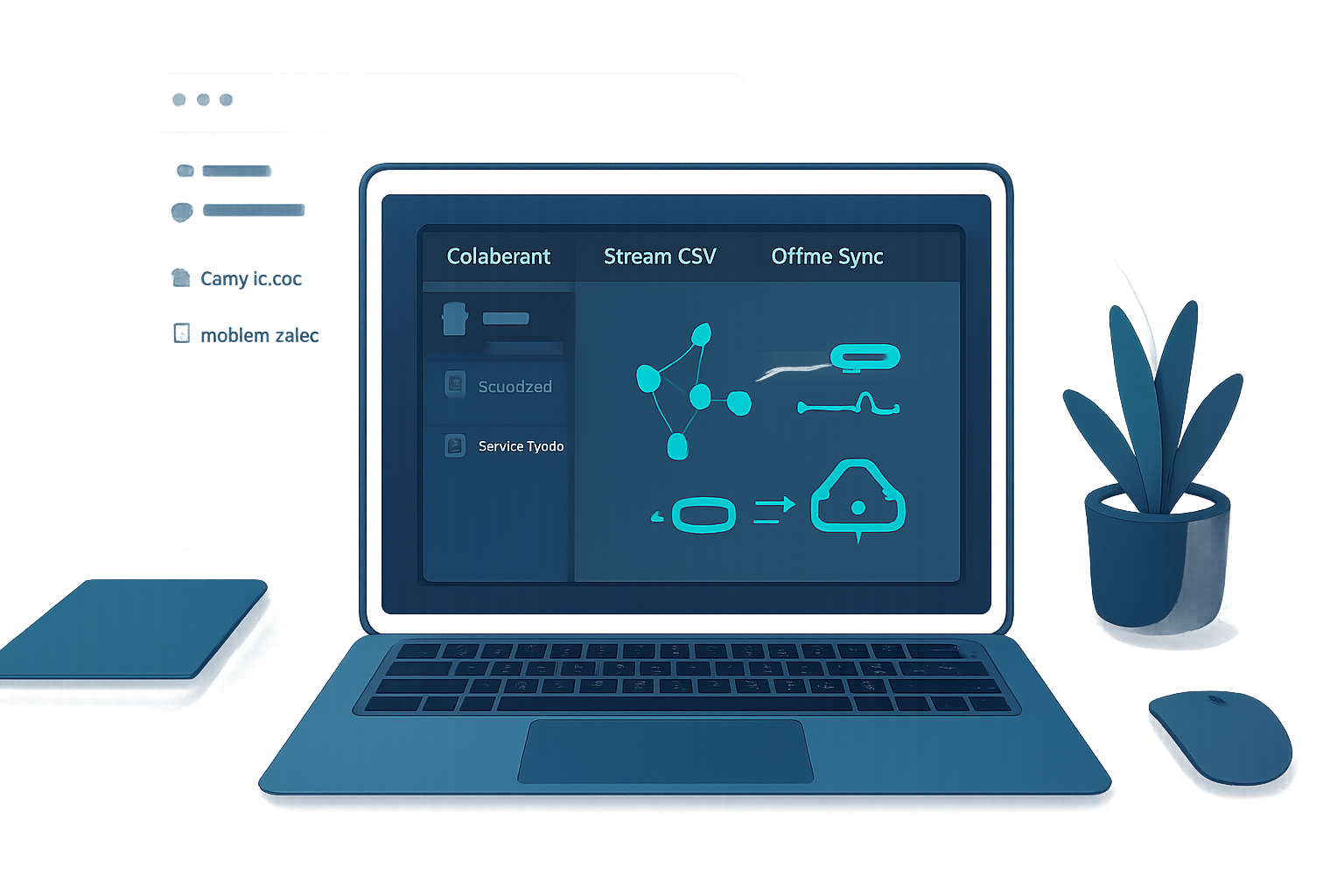
Outcome first: by the end of this article you’ll know how to build file-backed PWAs that open native files, save back reliably, stream massive datasets into charts, and support offline-first collaborative editing with robust conflict handling.
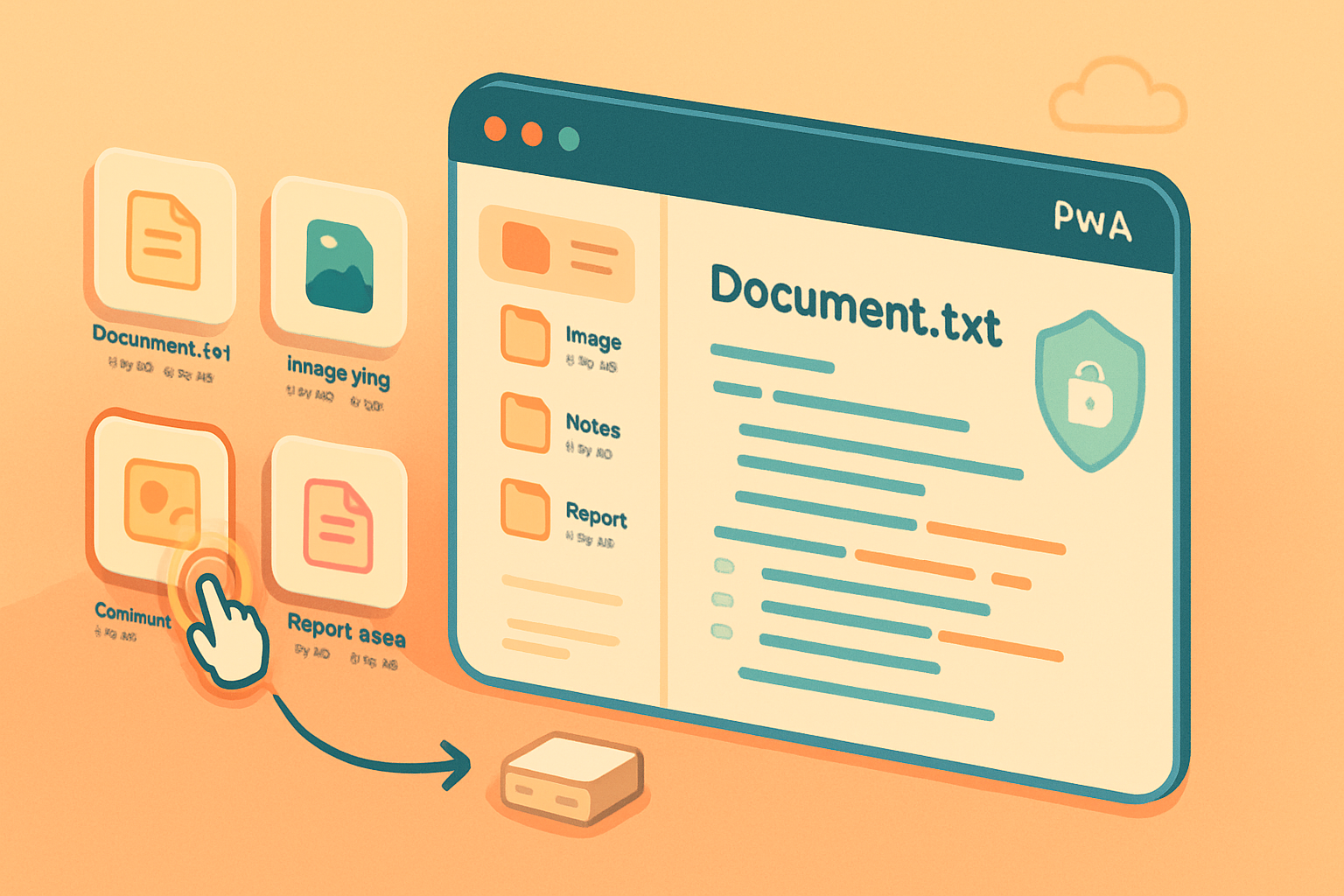
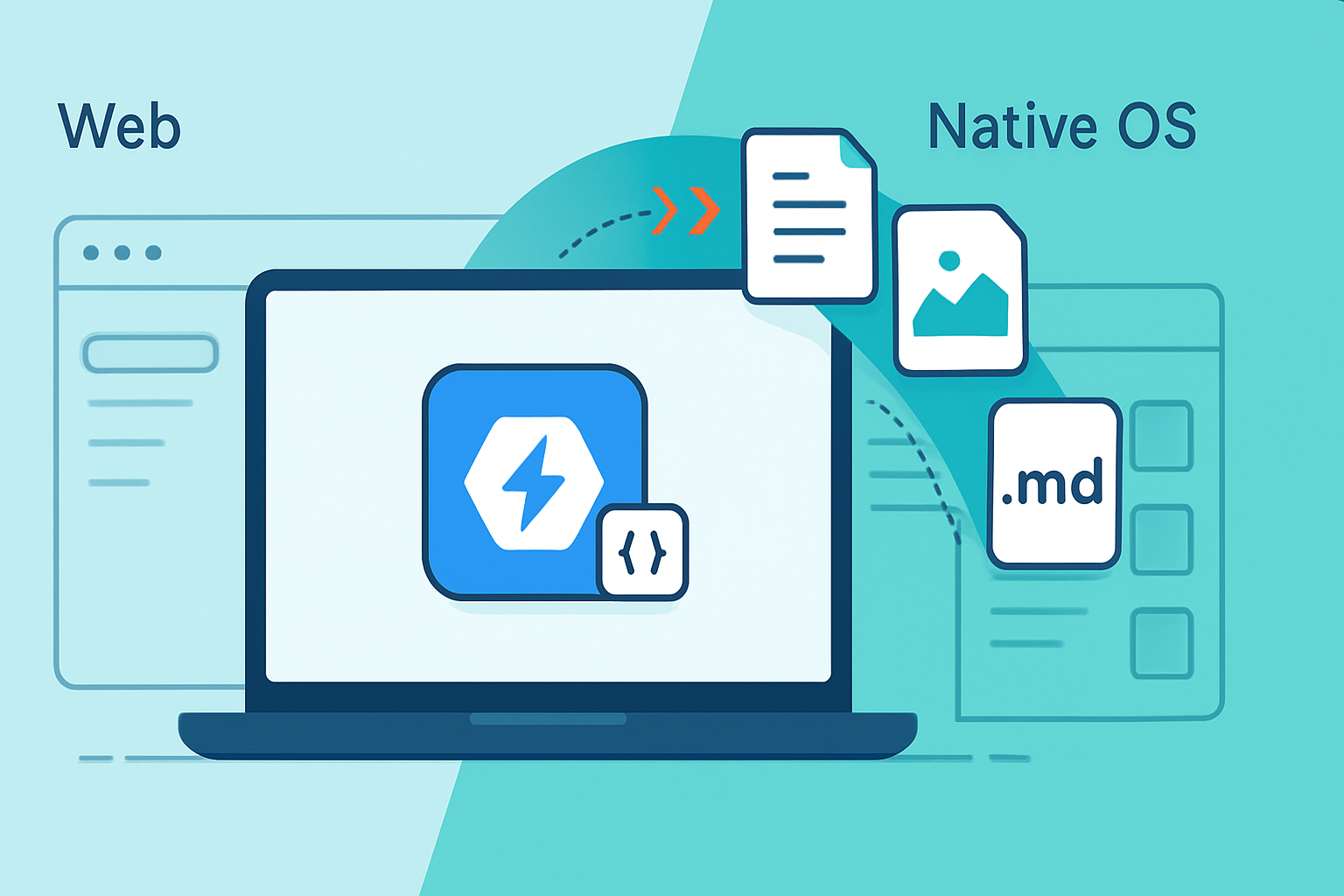
Why this matters. Users expect web apps to behave like native apps: double-click a .docx, open it in your editor, edit while offline, and sync back. The File Handling API (together with the File System Access API) lets your installed web app integrate with the OS file model. But the basic examples only show simple open/save flows. Here we go deeper - real patterns and gotchas for production.
Quick recap: the APIs you’ll combine
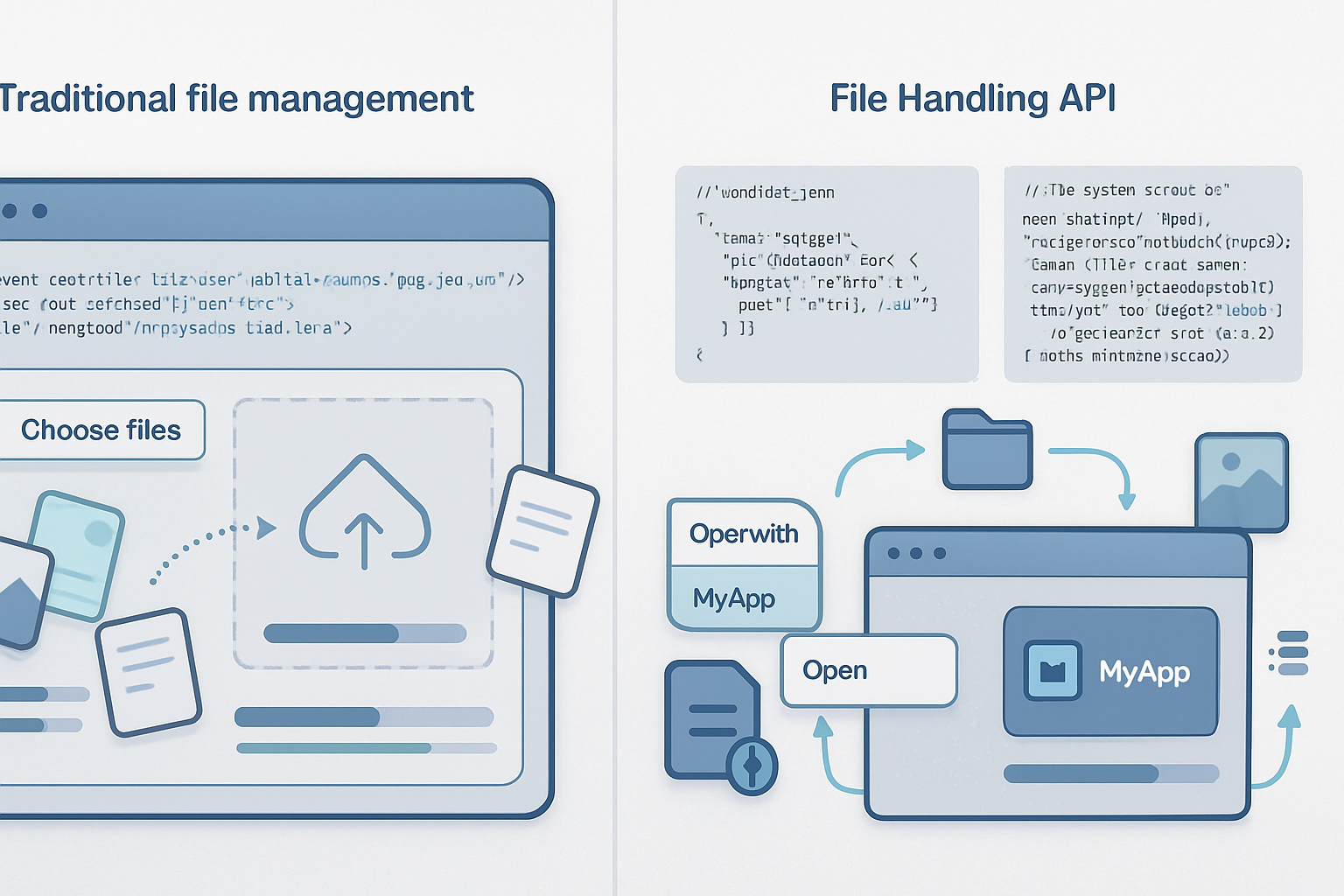
- File Handling API: register your PWA as a handler for file types in the web manifest so the operating system can launch your app with file arguments. See the spec and guide: https://web.dev/file-handling/ and https://wicg.github.io/manifest-incubations/file_handlers/.
- File System Access API: read, stream, write, and persist handles to files and directories. See docs: https://developer.mozilla.org/en-US/docs/Web/API/File_System_Access_API and https://web.dev/file-system-access/.
These two together let your app be launched with files, hold persistent access to them, and save changes back to the user’s filesystem.
1) Collaborative editing apps - file-backed real-time editors
What you can achieve: open a local document, collaborate in real time with others (CRDT or OT), keep an authoritative local file on disk, and save merged changes atomically - even after offline edits.
Key challenges:
- Real-time merging of concurrent edits.
- Reliable persistence back to the filesystem with conflict detection.
- Minimizing data loss when multiple agents edit.
Pattern overview:
- Receive file handles when the app is launched (via the File Handling API) or have the user pick one with showOpenFilePicker().
- Load file contents into a CRDT (e.g., Yjs or Automerge) and put the real-time engine on a WebSocket or WebRTC channel.
- Persist CRDT state locally (IndexedDB) frequently to support immediate reload.
- When the user chooses save (or on periodic autosave), write merged content back to the file handle using atomic writes.
- Detect concurrent external edits by checking file metadata and perform automated or user-driven merges.
Code sketch: receiving file handles and wiring them to a CRDT engine
// Receive files when the app is launched (if registered as a file handler)
navigator.launchQueue?.setConsumer(async launchParams => {
  const files = launchParams.files || []; // some browsers expose files this way
  for (const handle of files) {
    // handle is a FileSystemFileHandle
    await openFileHandleInEditor(handle);
  }
});

async function openFileHandleInEditor(handle) {
  const file = await handle.getFile();
  const text = await file.text();
  // initialize CRDT with text (Yjs/Automerge)
  initCRDTFromText(handle, text);
  // persist the handle for later automatic saves
  await saveHandleToIndexedDB(handle);
}
Atomic save + optimistic concurrency check
async function saveBackToFile(handle, getMergedText) {
  // Read file metadata before writing
  const onDisk = await handle.getFile();
  const diskLastModified = onDisk.lastModified;

  // Build the merged text from CRDT
  const newText = getMergedText();

  // Optional: if lastModified changed since we loaded, prompt user or attempt merge
  if (diskLastModified > knownLocalVersionTimestamp) {
    // conflict: merge or ask user
    await resolveConflict(handle, newText);
    return;
  }

  // Atomic write
  const writable = await handle.createWritable();
  await writable.write(newText);
  await writable.close();

  // Update local metadata state
  knownLocalVersionTimestamp = (await handle.getFile()).lastModified;
}
Notes and best practices:
- Use CRDT libraries like Yjs (https://yjs.dev/) or Automerge (https://automerge.org/) to avoid complex OT logic.
- Persist CRDT snapshots to IndexedDB frequently to support offline recovery.
- Prefer atomic writes via createWritable() and close(), which minimizes risk of partial files.
- Implement conflict resolution UI when external modifications are detected.
2) Data visualization tools - streaming and partial reads for massive files
What you can achieve: load multi-gigabyte logs or CSVs from the user’s disk and visualize them progressively with minimal memory usage.
Key challenges:
- Avoid loading entire file in memory.
- Parse and render progressively so the UI is responsive.
- Support seeking inside the file and partial re-parses.
Patterns and techniques:
- Use the File object’s streaming capabilities (File.prototype.stream()) and TextDecoderStream for incremental parsing.
- Use File.prototype.slice() to read windows of bytes when the dataset is binary or when you want to jump quickly to a region.
- Offload parsing to Web Workers so UI stays smooth.
Progressive CSV parsing example
async function streamCsvToChart(file, onRow) {
  const stream = file.stream().pipeThrough(new TextDecoderStream());
  const reader = stream.getReader();
  let buffer = '';

  while (true) {
    const { value: chunk, done } = await reader.read();
    if (done) break;
    buffer += chunk;

    let newlineIndex;
    while ((newlineIndex = buffer.indexOf('\n')) >= 0) {
      const row = buffer.slice(0, newlineIndex);
      buffer = buffer.slice(newlineIndex + 1);
      onRow(parseCsvRow(row));
    }
  }

  if (buffer.length) onRow(parseCsvRow(buffer));
}
Seeking and sampling large files
// Load 10 MB chunk at offset
async function loadChunk(handle, offsetBytes, lengthBytes) {
  const file = await handle.getFile();
  const chunk = file.slice(offsetBytes, offsetBytes + lengthBytes);
  return await chunk.text();
}
Visualization tips:
- Build progressive UI: show first N rows, then append as parsing continues.
- Use downsampling for charts to avoid plotting millions of points.
- Keep heavy parsing in Workers and use Transferable objects for binary buffers.
3) Offline-first applications - persist file handles and sync later
What you can achieve: allow users to open and edit files offline, queue writes, and sync them back to disk when the device is online - without forcing the user to re-pick everything.
Important building blocks:
- File handles are structured-cloneable and can be stored in IndexedDB for later use (subject to the browser’s permission model). Save them only after the user grants permission.
- Use a local cache (IndexedDB) as the authoritative working copy while offline.
- When online, re-acquire permission and reconcile local cache with the on-disk file before writing.
Offline-first flow summary:
- User opens a file and grants access - persist the FileSystemFileHandle to IndexedDB.
- All edits apply to local state (IndexedDB/CRDT); changes are visible immediately.
- On reconnect or when the user wants to sync, re-check the file’s lastModified timestamp, merge as needed, and write back using createWritable().
Example: persisting a handle and writing when online
// Save handle
await saveHandleToIndexedDB(handleKey, fileHandle);

// Later, when online:
const handle = await readHandleFromIndexedDB(handleKey);
const permission = await handle.queryPermission({ mode: 'readwrite' });
if (permission !== 'granted') {
  const request = await handle.requestPermission({ mode: 'readwrite' });
  if (request !== 'granted') throw new Error('User denied access');
}
// Merge and write
await saveBackToFile(handle, () => getLocallyMergedContent());
Notes:
- Browsers may revoke stored handle access if the user clears site data or revokes permissions. Always handle permission failures gracefully.
- Service workers cannot access file handles; writes must occur in a document context. Use service workers only for network sync, not for direct file writes.
Advanced patterns and best practices
- Manifest registration: include file_handlers in your manifest so OS launches deliver files to your app.
"file_handlers": [
  {
    "action": "/open",
    "accept": {
      "text/csv": [".csv"],
      "application/vnd.myapp.document": [".mydoc"]
    }
  }
]- Multi-file sessions: handle arrays of file handles (images + metadata, or multi-file projects).
- Atomic writes: always use createWritable() and close(); avoid manual blob replace patterns that can leave files in partial states.
- Versioning: when appropriate, write versioned backups (file.ext.v1, .v2) or embed version metadata in the file header so your app can auto-merge.
- Conflict detection: track on-disk lastModified and file size. If they change since you last read, prompt the user or attempt a three-way merge using saved snapshot + on-disk + in-memory.
- Performance: stream parsing, use Workers, use slice() for targeted reads, and avoid keeping entire large files as strings.
- Security/permissions: ask for the least privilege (read-only if you only need to preview), and explain to users why access is required. Check permission with handle.queryPermission() before risky operations.
Limitations and platform considerations
- Browser support: the File Handling and File System Access APIs are currently best supported in Chromium-based browsers (desktop and some Android builds). Always feature-detect and provide graceful fallbacks. See compatibility notes: https://developer.mozilla.org/en-US/docs/Web/API/File_System_Access_API#browser_compatibility.
- Service workers: they can’t open file handles; writes must be made in a window context, which affects background sync design.
- Permissions persistence: handles stored in IndexedDB can be invalidated by browser cleanup or user actions. Re-request permissions where necessary.
- UX assumptions: desktop OS file integrations behave differently from mobile; test across platforms.
Testing, fallbacks and progressive enhancement
- Provide a fallback file input ( ) for browsers that don’t support file handlers.
- Mock file handles and streams in unit tests using in-memory Blobs and File objects.
- Use progressive enhancement: if navigator.launchQueue and showOpenFilePicker exist, enable file-handling features; otherwise expose import/export UI.
Closing: Where to start
Pick one production scenario and prototype it:
- For collaborative editors: wire a small CRDT + file open/save flow and test conflict resolution.
- For visualizers: stream a 1GB sample file into your parser and measure memory/latency.
- For offline-first apps: persist a file handle to IndexedDB and rebuild the full offline-edit → online-sync loop.
APIs and docs referenced in this article:
- File Handling guide (web.dev): https://web.dev/file-handling/
- File System Access API (MDN): https://developer.mozilla.org/en-US/docs/Web/API/File_System_Access_API
- File System Access tutorial (web.dev): https://web.dev/file-system-access/
- Manifest file_handlers incubations: https://wicg.github.io/manifest-incubations/file_handlers/
- Collaborative CRDTs: Yjs (https://yjs.dev/), Automerge (https://automerge.org/)
This is advanced space - small decisions (atomic writes, conflict strategy, where you persist state) determine whether you build a delightful native-like experience or a fragile one. Start with streaming and atomic writes, add CRDTs for collaboration, and treat permissions and offline persistence as first-class citizens.